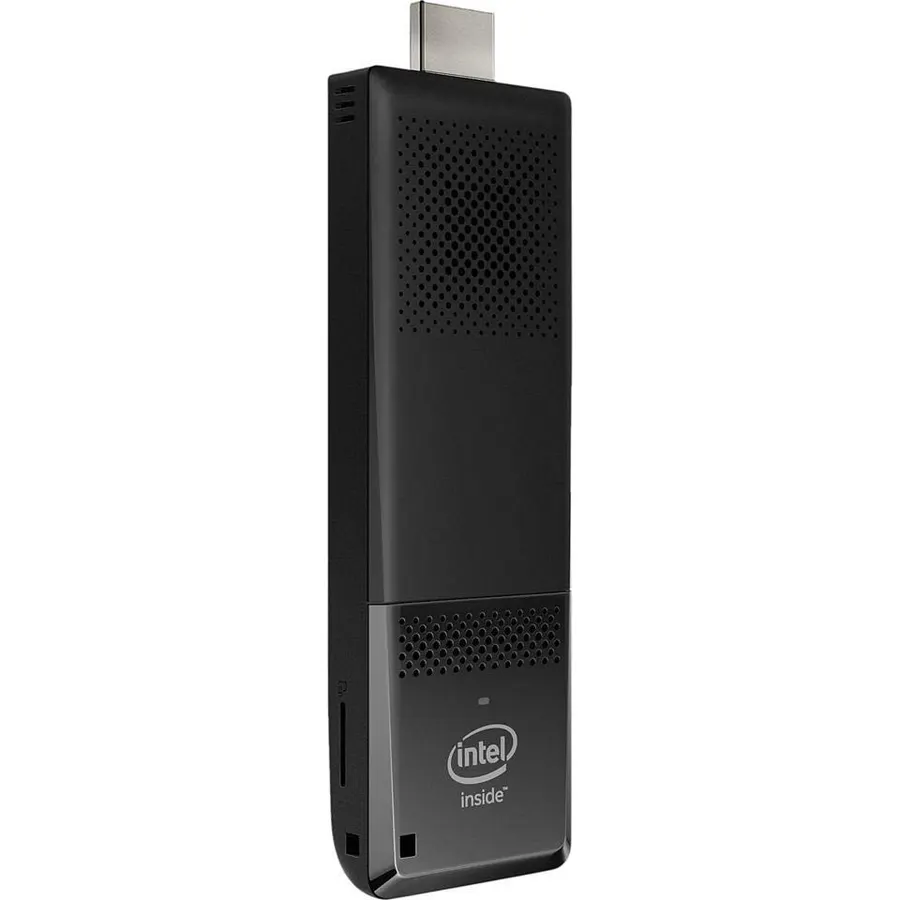
Quick answer The Intel Compute Stick CS125 Computer scores 8.2/10 with us. Amazon owners rate it 4.1 out of 5 across 983 reviews, below the 4.6 average of the 8 cpu processors we track. It was listed at $375.00 on Amazon when we last checked in September 2026. Key facts: operating system Windows 10, hard disk description SSD, hardware interface USB.
A new way to plug into home entertainment, the Intel Compute Stick lets you transform any HDMI display into a full computer. Loaded with Windows 10 and ready to go out-of-the-box, the newly redesigned Intel Compute Stick has a quad-core Intel Atom x5 processor for the performance, quality, and value you expect from Intel.
Do Best Deal is a participant in the Amazon Services LLC Associates Program. As an Amazon Associate we earn from qualifying purchases. If you buy through links on this site we may earn a commission, at no extra cost to you. Learn more.
Product information
24 specifications
Operating System
Windows 10
Specific Uses For Product
Everyday Use
Personal Computer Design Type
Stick PC
Color
Black
Additional Features
Microphone
Hard Disk Description
SSD
Hardware Interface
USB
Item Dimensions
4.44 x 1.49 x 0.47 inches
Item Weight
0.06 kg
Specification Met
No
Video Output Interface
HDMI
Hard Disk Interface
Solid State
Style Name
Minimalist
Cooling Method
Air
Power Plug Type
Type A - 2 pin (North American)
Total Expansion Slots Quantity
1
Video Output
HDMI
Graphics Description
Integrated
Graphics Coprocessor
Intel HD Graphics
Graphics Card Ram
2 GB
Graphics Ram Type
DDR DRAM
Graphics Card Interface
Integrated
Processor Series
Intel Atom
Processor Speed
1.44 GHz
Pros & cons
What we like
Quad-Core Intel Atom x5-Z8300 Processor
Windows 10 (32-bit)
Intel HD graphics
2 GB DDR3L 1600 MHz soldered down single-channel memory
Is the Intel Compute Stick CS125 Computer worth buying?
Owners are lukewarm on it, so compare the alternatives before buying. We score the Intel Compute Stick CS125 Computer 8.2 out of 10. Amazon owners rate it 4.1 out of 5 across 983 reviews, below the 4.6 average of the 8 cpu processors we track.
How much does the Intel Compute Stick CS125 Computer cost?
It was listed at $375.00 on Amazon when we last checked in September 2026. That is close to the $380.00 median for cpu processors in our catalog. Amazon prices change daily, so use the price button on this page to see the current figure.
What are the key specs of the Intel Compute Stick CS125 Computer?
Operating System: Windows 10; Hard Disk Description: SSD; Hardware Interface: USB; Video Output Interface: HDMI; Hard Disk Interface: Solid State; Graphics Description: Integrated. All 24 specifications are in the product information table on this page.
What are good alternatives to the Intel Compute Stick CS125 Computer?
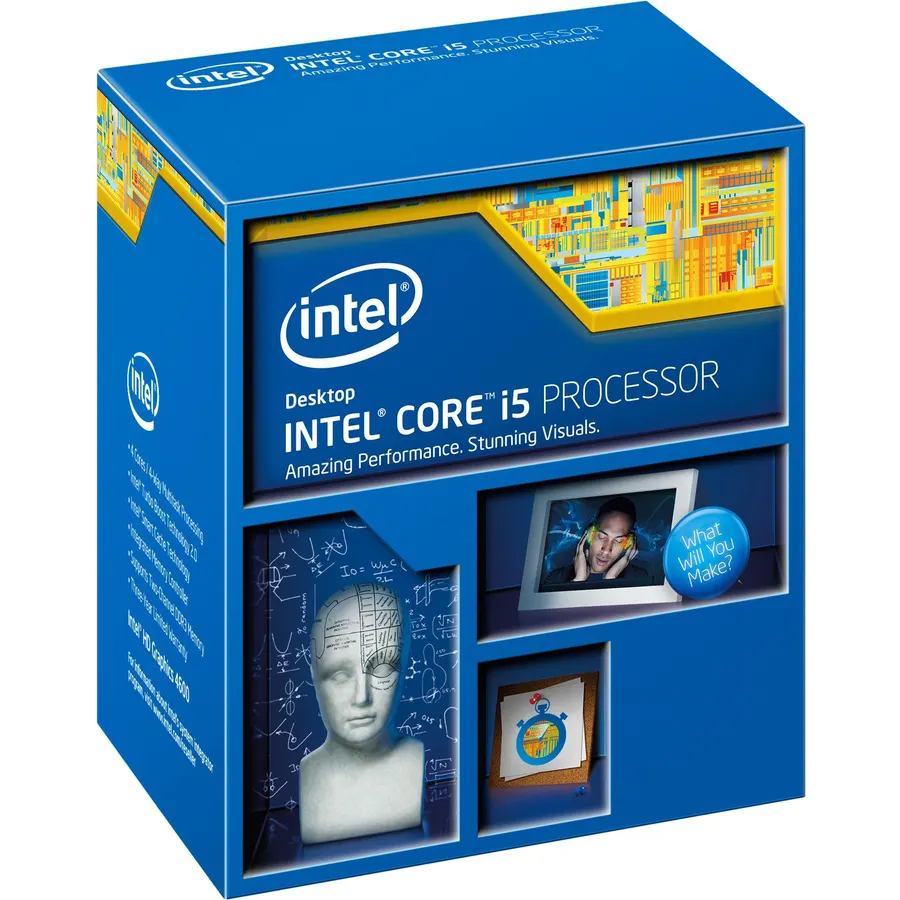
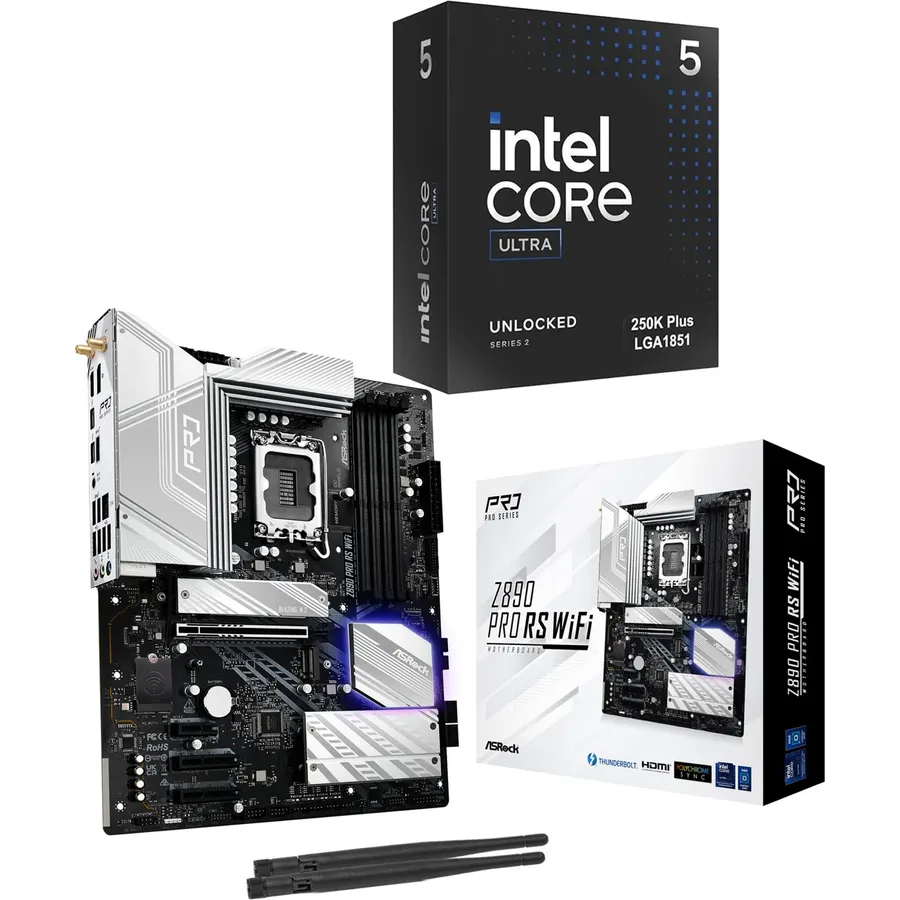
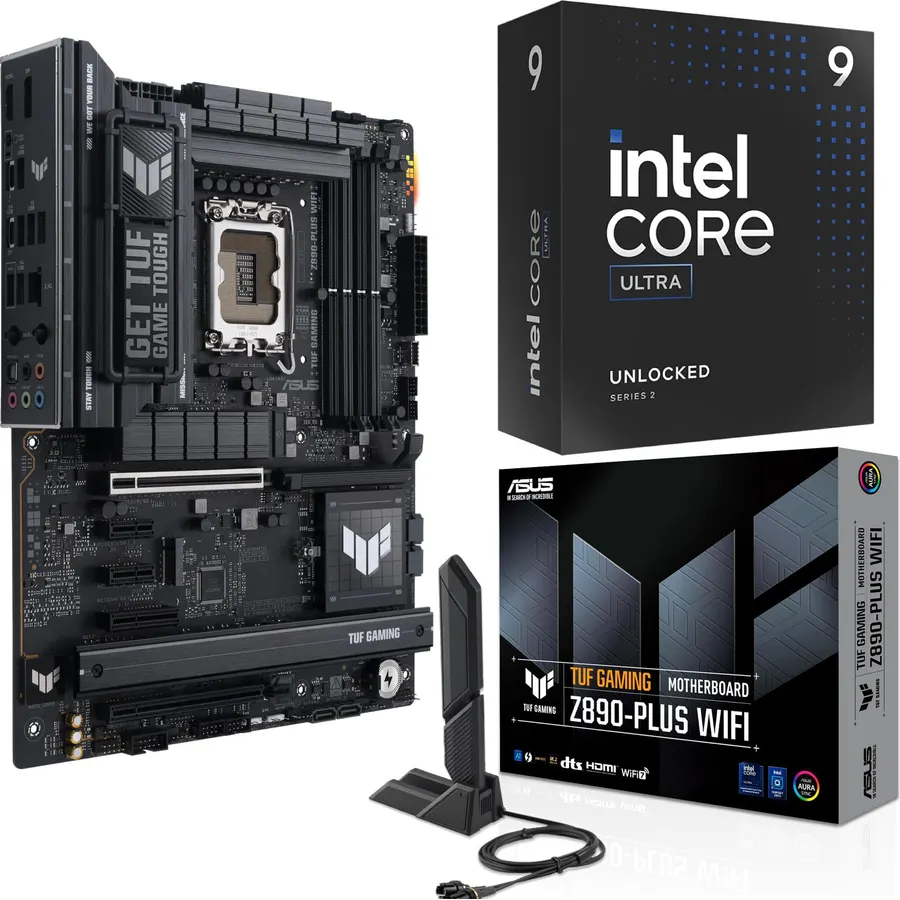
Similar, well-rated cpu processors in our catalog: Intel® Core™ Ultra 9 Processor 285K 24 cores (9.2/10, 4.6 stars from 794 owners); Intel Core i5 i5-4570 3.20 GHz Processor (8.8/10, 4.4 stars from 15 owners); AMD Ryzen™ 5 9600X 6-Core (9.8/10, 4.9 stars from 4,074 owners).
Breakdown from the 10 most helpful reviews we imported.
D
David C. Bittner
Verified purchaseJanuary 10, 2017
Fantastic! don't spend $1500 on a new laptop.
This thing is amazing! Out of the box I had no problem at all. First before I powered it up I plugged in a GOOD Logitech USB/Keyboard combination dongle into one of the USB ports on the side... Not sure if it was the 2.0 port or 3.0 port but I don't actually care it's just a keyboard and I'm not planning on plugging anything else in. I used the little HDMI dongle to plug it into my projector mounted on my ceiling. I had to use the included dongle extension because I already had an HDMI cable plugged into HDMI1 plug on my projector and there was not enough clearance to plug this in also... if I
M
MPTyler
Verified purchaseApril 22, 2016
Great product, but not perfect.
At the Amazon price this is a remarkable TV streaming engine, but not without some significant caveats. I deducted one star for the following 3 issues that should have been corrected before the device was released for manufacturing:--USB 3.0. Using this port poses real problems. Many USB 3.0 devices when directly connected cause the WiFi system to completely stop working, as if some WiFi on/off switch had been switched to off. The system does recognize the USB 3.0 device that is plugged in to the port, there's just no WiFi. When the device is removed from the port, WiFi returns automatically a
N
njmalevoice
Verified purchaseFebruary 19, 2018
Returning first stick; keeping the second...
FIRST stick packaged up and to be returned - only had it for like a week and used it only couple times. I guess I got a bad defective one; it kept rebooting and restarting by itself with error messages such as KERNEL_SECURITY_CHECK_FAILURE, DPC_WATCHDOG_VIOLATION, DRIVER_IRQL_NOT_LESS_OR_EQUAL, etc. I only added an air mouse during the beginning set-up process and downloaded Chrome browser to stream Fox 5 NY, etc. Nothing else I did to change anything that would cause itself to randomly reboot... What made it worse was that it rebooted couple times during Window updates and I could not fully i
J
Joseph Pruss
Verified purchaseMarch 10, 2016
Best SmartTV Stick available today!
Note: This review is for the NEW IMPROVED 2016 Intel Compute Stick.You might want to avoid last year's model after reading their reviews.I have been using android Tablet , phones and TV Sticks for years. As an early adopter of the TV Stick hardware platform for viewing streaming media on my HDTV, I have enjoyed the evolution of the android platform as well as the frustrations of not getting all of my streaming content to display properly with android. I even like the Google Chromecast but it has difficulty with XBMC, now KODI, and connecting in a hotel. Then along comes the Microsoft Surface l
I
Ike Lane
Verified purchaseJuly 18, 2017
Not worth fooling with.
I'm not sure how people could have purchased this and enjoyed using it. When you buy something like this you understand it isn't going to be a super computer, its enough to get by and do basic tasks.However, you also expect it to be able to perform better than a late 90s/early 2000s machine. It turned on right out of the box and had a beautiful background picture with great resolution on a 39" TV. I was able to get it to go to websites including YouTube and act like a basic computer, for about an hour. Then came the update.It prompted an automatic update so I said sure. I'm not exaggerating wh
S
Super Bob
Verified purchaseFebruary 28, 2017
Better than the Micca for traveling.
Got this a few days ago and I think it is great. I bought it to play movies from my Seagate 4 TB hard drive. I had a Micca, which I also loved, but the limit for that is a 2 TB hard drive and I have a lot of stuff to watch when I travel. Using the Windows media players I am able to watch most video from the hard drive, but some videos have a tendency to pause every few seconds. The workaround is to drag the video file to the stick and watch it from there. Transfer speed from the Seagate 4 TB drive to the stick is very quick so this is only a minor inconvenience. I'll probably be buying one of
D
Desiree
Verified purchaseJune 18, 2016
I should have researched this product more before I purchased...
A few things to consider before you buy this lovely little stick are as follows.Do you want to spend the time to update all the drivers and bios before you can really use it?Do you want to deal with the constant crashing/rebooting that occurs if you don't spend the time to update all the drivers/bios before you use it?Do you enjoy having little to no disk space?Are you using this device for portability or as a main machine?I didn't realize the issues the CS125 has when it ships...I found these out first hand. randomly browsing the web and reading the news...Crash/RebootWatching Hulu streaming
A
Amazon Customer
Verified purchaseSeptember 1, 2016
these are pretty great devices
For $129, these are pretty great devices. I've used them in several scenarios, usually small 20" touch screens mounted on a wall to save on workspace clutter and equipment costs for the most basic of tasks.Pros:Favorable price (compared to full blown PC, which is overkill for most generic tasks done in an enterprise environment)Size is great for multiple reasons... reimaging a bunch, tossing them into a box and shipping them out to a remote office is easier than even the smallest of form factors, including NUC's. Cheaper shipping costs too!This wouldn't be possible in a Microsoft environment i
Customer reviews are shown as published on Amazon and are not written by Do Best Deal.
More pc parts we compared
Alternatives to the Intel Compute Stick CS125 Computer