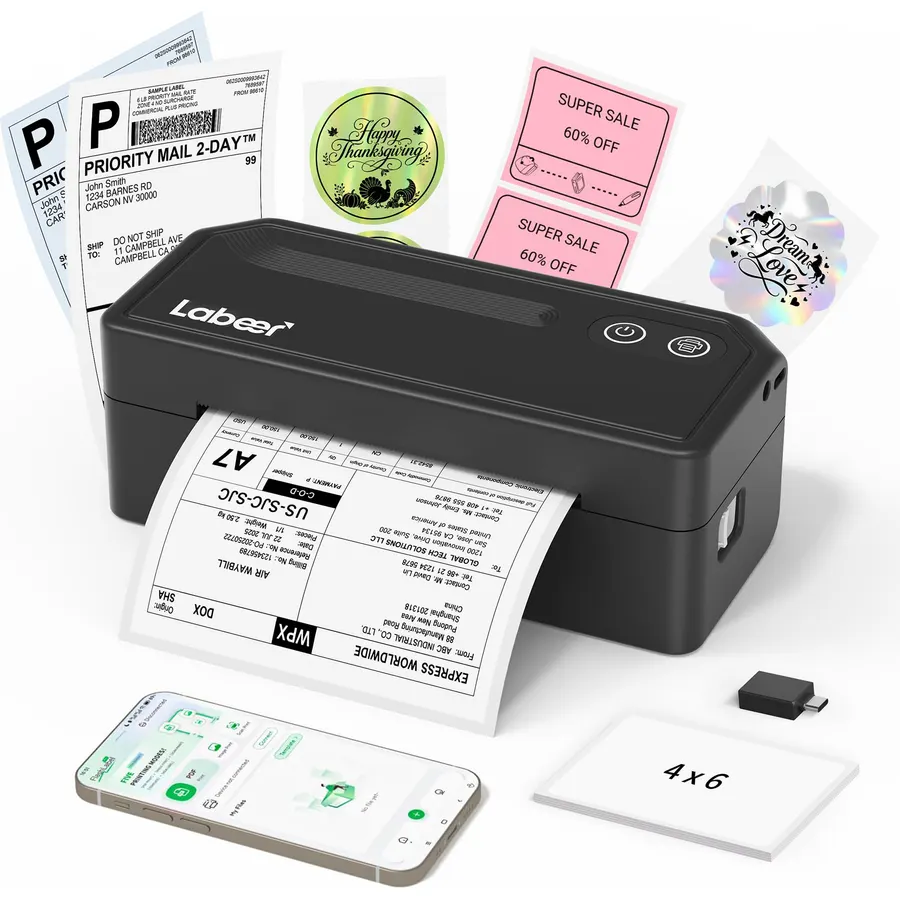
【Smart PDF Printing】For Amazon, Etsy, Shopify and eBay sellers who print orders while packing, download the shipping label as a PDF and prin
Resolution203 x 203 dpiMaximum Sheet Capacity50Printer Connectivity TypeBluetooth, USBHardware InterfaceUSBTotal Usb Ports1
About this item
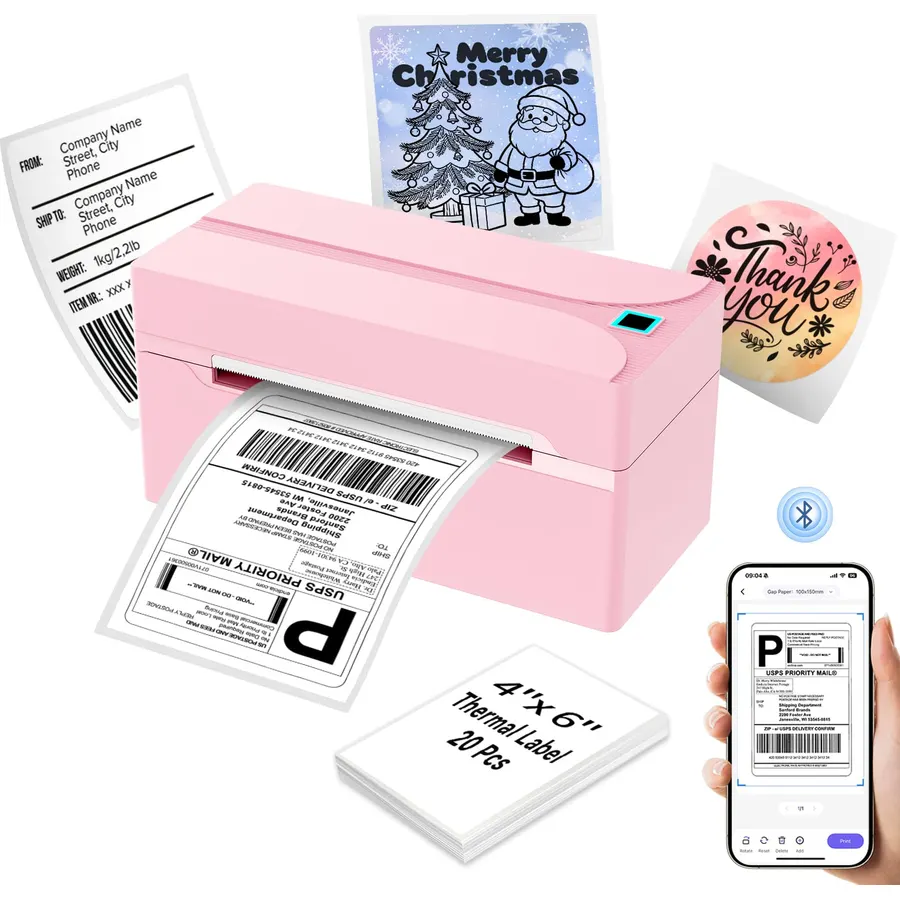
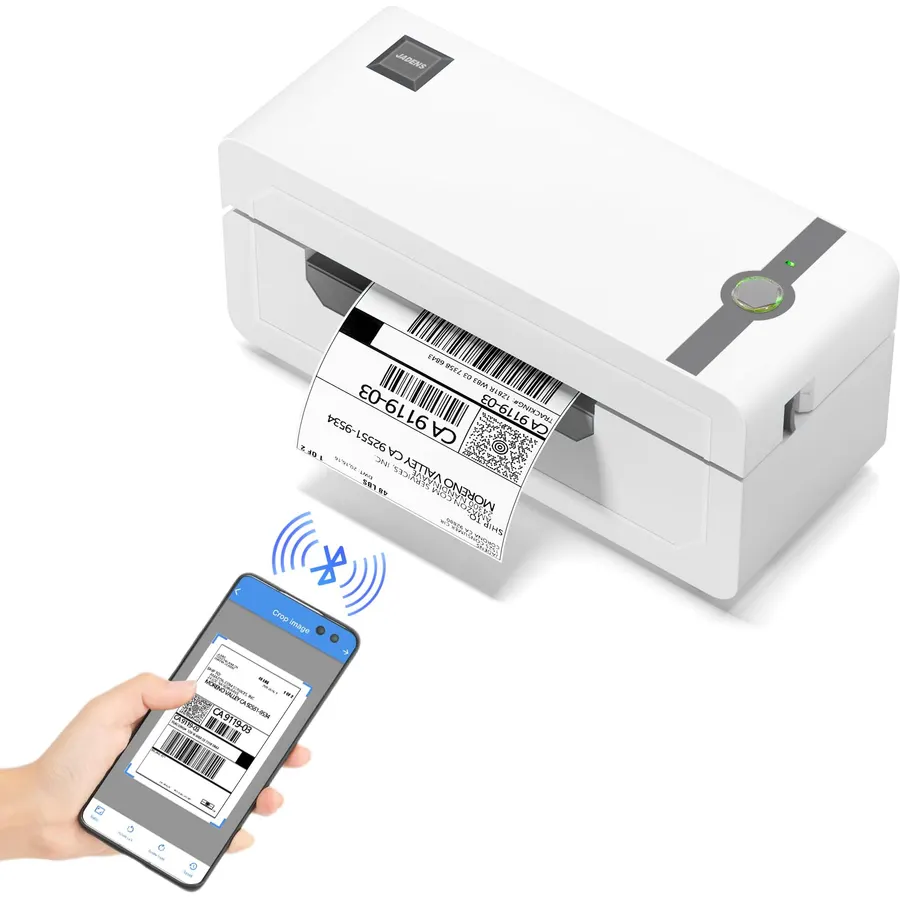
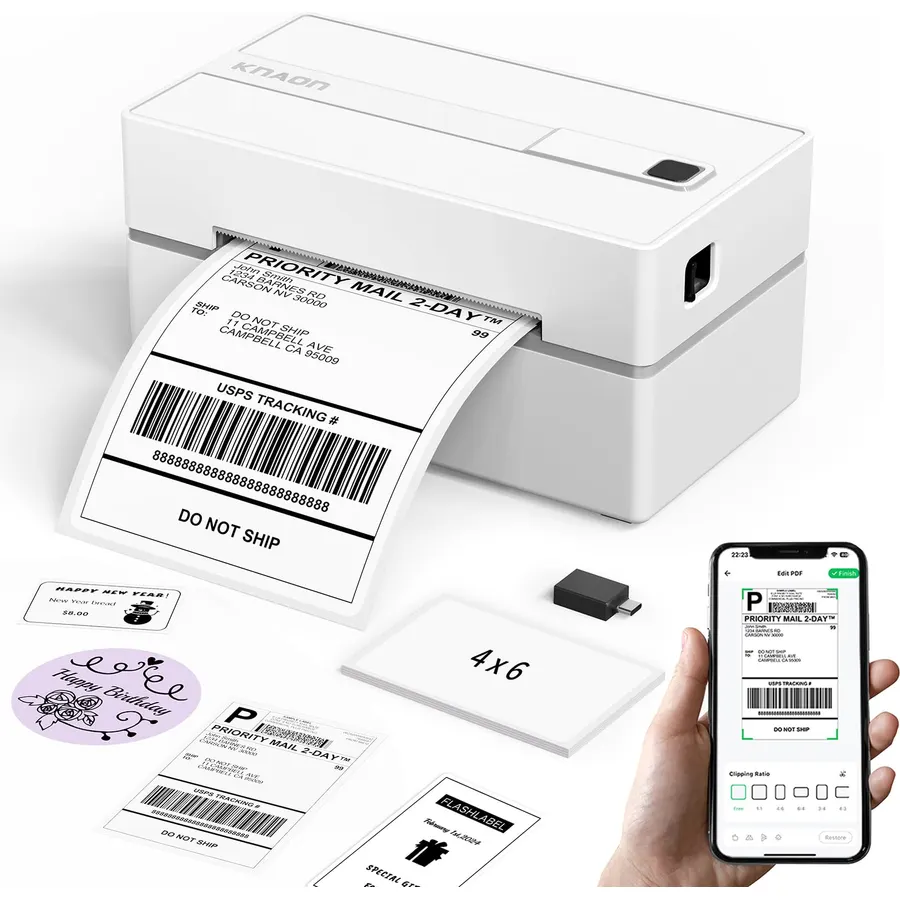
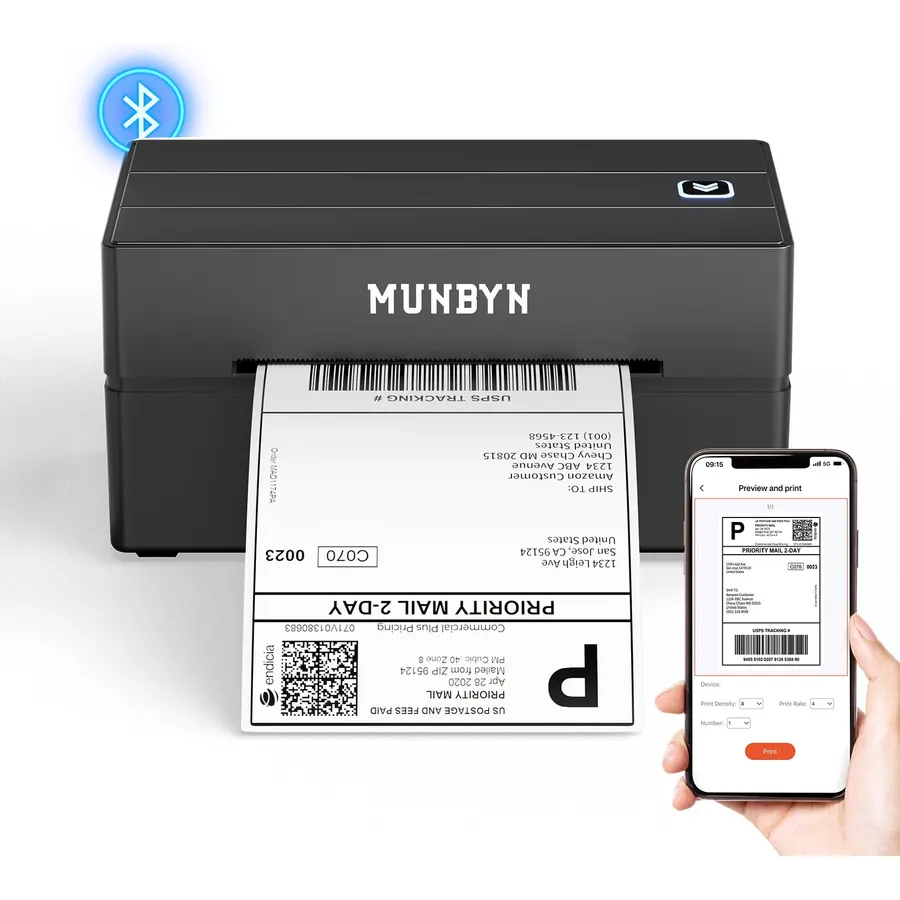
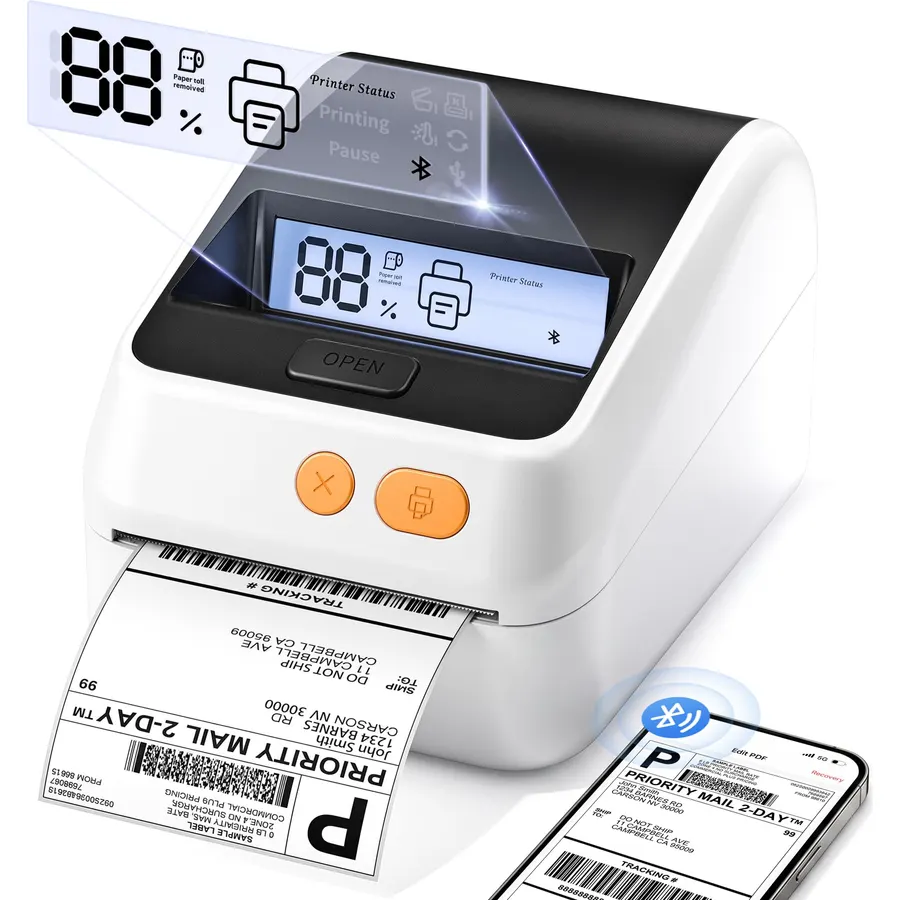
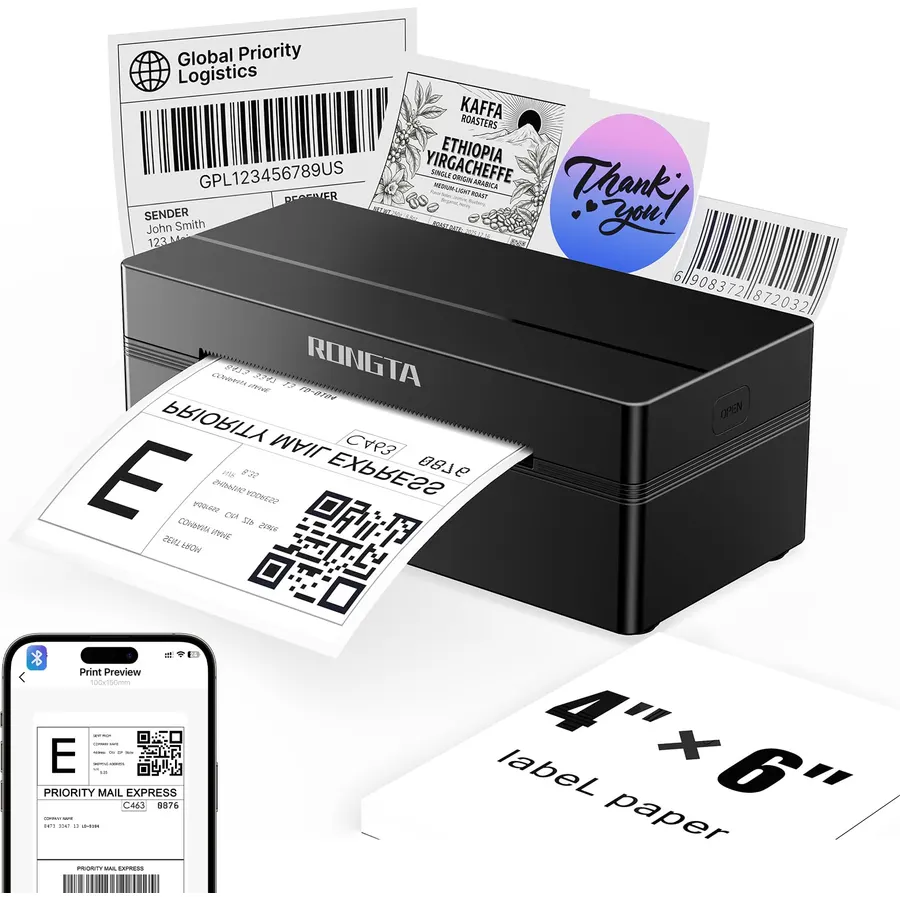
【Smart PDF Printing】For Amazon, Etsy, Shopify and eBay sellers who print orders while packing, download the shipping label as a PDF and print it directly from an iPhone or Android phone through the FlashLabel Pro app. The app automatically identifies the label area and removes unwanted white margins, with crop and rotate tools to quickly prepare shipping, return and address labels
【4x6 Shipping Label Printing】For delivery workers, shipping staff and online sellers who prepare packages throughout the day, this 4x6 label printer handles standard US 4x6 shipping labels as well as compatible PDF return labels and address labels. The 203 DPI thermal printer delivers clear, scannable results without ink, toner or ribbons at your packing desk, home office or shipping station.
【203 DPI Direct Thermal Printing】For warehouse employees, inventory teams and retail staff who print barcode labels, product labels and inventory tags, this Bluetooth thermal label printer produces clear, scannable results without ink, toner or ribbons. Use it to label storage bins, shelves, products and packages while keeping routine labeling tasks simple and efficient.
【Multiple Label Sizes】For retail employees, small business owners and manufacturing teams who use different labels for products, inventory, parts and packages, this thermal label printer supports labels from 1.57" to 4.41" wide, including 4x6, 4x4, 4x2 and 2x1 sizes, plus custom-size labels. Compatible with roll and fanfold thermal printer labels, it gives you flexibility for different labeling tasks.
【Bluetooth Wireless Printing & Auto Calibration】For warehouse workers, shipping teams and small businesses that print labels throughout the day, connect your Windows PC directly via Bluetooth for wireless printing, or use the FlashLabel Pro app to print from iPhone and Android devices. Automatic label gap detection and calibration help keep labels properly aligned, while paper-out and jam detection, pause/resume and print-job cancellation make repeated printing easier and more efficient.
【Wide Device Compatibility】For office workers, craft sellers and home users who need to print labels from different devices, this Bluetooth label printer supports Windows via USB or Bluetooth, macOS, ChromeOS and Linux via USB, and iPhone and Android devices via Bluetooth through the FlashLabel Pro app.
【Smart PDF Printing】For Amazon, Etsy, Shopify and eBay sellers who print orders while packing, download the shipping label as a PDF and prin
Ranked #99 in Printers · 4 things we like
Quick answer The Labeer Bluetooth Thermal Shipping Label Printer scores 8.2/10 with us. Amazon owners rate it 4.1 out of 5 across 393 reviews, below the 4.3 average of the 11 label printers we track. It was listed at $39.99 on Amazon when we last checked in September 2026. Key facts: resolution 203 x 203 dpi, maximum sheet capacity 50, printer connectivity type Bluetooth, USB.
【Smart PDF Printing】For Amazon, Etsy, Shopify and eBay sellers who print orders while packing, download the shipping label as a PDF and print it directly from an iPhone or Android phone through the FlashLabel Pro app. The app automatically identifies the label area and removes unwanted white margins, with crop and rotate tools to quickly prepare shipping, return and address labels 【4x6 Shipping Label Printing】For delivery workers, shipping staff and online sellers who prepare packages throughout the day, this 4x6 label printer handles standard US 4x6 shipping labels as well as compatible PDF return labels and address labels. The 203 DPI thermal printer delivers clear, scannable results without ink, toner or ribbons at your packing desk, home office or shipping station.
【203 DPI Direct Thermal Printing】For warehouse employees, inventory teams and retail staff who print barcode labels, pro
Do Best Deal is a participant in the Amazon Services LLC Associates Program. As an Amazon Associate we earn from qualifying purchases. If you buy through links on this site we may earn a commission, at no extra cost to you. Learn more.
Product information
24 specifications
Printer Type
Thermal
Other Special Features of the Product
4×6 Shipping Label Printing, Barcode & Inventory Label Printing, Bluetooth Wireless Printing, Inkless Direct Thermal Pri
Printer Output Type
Monochrome
Item Weight
450 g
Item Dimensions D x W x H
7.2"D x 2.64"W x 3.15"H
Print media
Thermal Paper
Scanner Type
Sheetfed
Maximum Copy Speed Black and White
2340 pages_per_minute
Compatible Devices
Laptops, PC, Smartphones, Tablets
Warranty Type
Limited
Ink Color
black
Additional Printer Functions
Print Only
Number of Trays
1
Resolution
203 x 203 dpi
Maximum Media Size
4x6 inches
Maximum Sheet Capacity
50
Paper Size
4×6,4×4,4×2,2×1 inches
Printer Connectivity Type
Bluetooth, USB
Hardware Interface
USB
Total Usb Ports
1
Brand
Labeer
Model Name
Y43BT
Model Number
Y43
Built-In Media
1 USB cable, Labels, Power Cord, USB Cable
Pros & cons
What we like
【Smart PDF Printing】For Amazon, Etsy, Shopify and eBay sellers who print orders while packing, download the shipping label as a PDF and print it directly from an iPhone or Android phone through the FlashLabel Pro app. The app automatically identifies the label area and removes unwanted white margins, with crop and rotate tools to quickly prepare shipping, return and address labels
【4x6 Shipping Label Printing】For delivery workers, shipping staff and online sellers who prepare packages throughout the day, this 4x6 label printer handles standard US 4x6 shipping labels as well as compatible PDF return labels and address labels. The 203 DPI thermal printer delivers clear, scannable results without ink, toner or ribbons at your packing desk, home office or shipping station.
【203 DPI Direct Thermal Printing】For warehouse employees, inventory teams and retail staff who print barcode labels, product labels and inventory tags, this Bluetooth thermal label printer produces clear, scannable results without ink, toner or ribbons. Use it to label storage bins, shelves, products and packages while keeping routine labeling tasks simple and efficient.
【Multiple Label Sizes】For retail employees, small business owners and manufacturing teams who use different labels for products, inventory, parts and packages, this thermal label printer supports labels from 1.57" to 4.41" wide, including 4x6, 4x4, 4x2 and 2x1 sizes, plus custom-size labels. Compatible with roll and fanfold thermal printer labels, it gives you flexibility for different labeling tasks.
What could be better
Labeer Bluetooth Thermal Shipping Label Printer: questions & answers
Is the Labeer Bluetooth Thermal Shipping Label Printer worth buying?
Yes, for most buyers it is a safe choice. We score the Labeer Bluetooth Thermal Shipping Label Printer 8.2 out of 10. Amazon owners rate it 4.1 out of 5 across 393 reviews, below the 4.3 average of the 11 label printers we track.
How much does the Labeer Bluetooth Thermal Shipping Label Printer cost?
It was listed at $39.99 on Amazon when we last checked in September 2026. That is cheaper than the $49.99 median for label printers in our catalog. Amazon prices change daily, so use the price button on this page to see the current figure.
What options does the Labeer Bluetooth Thermal Shipping Label Printer come in?
Amazon lists 4 options. Color: Cyan, Green, Black, White. Pick an option on this page and the button opens exactly that model.
What are the key specs of the Labeer Bluetooth Thermal Shipping Label Printer?
Resolution: 203 x 203 dpi; Maximum Sheet Capacity: 50; Printer Connectivity Type: Bluetooth, USB; Hardware Interface: USB; Total Usb Ports: 1. All 24 specifications are in the product information table on this page.
What are good alternatives to the Labeer Bluetooth Thermal Shipping Label Printer?
Similar, well-rated label printers in our catalog: JADENS Bluetooth Thermal Label Printer (8.8/10, 4.4 stars from 9,434 owners); MUNBYN Bluetooth Thermal Label Printer (8.8/10, 4.4 stars from 3,343 owners); Rongta Bluetooth Shipping Label Printer (8.0/10, 4.0 stars from 1,142 owners).
Breakdown from the 8 most helpful reviews we imported.
M
M&M
Verified purchaseAugust 10, 2026
Small Business Must
Getting this Labeer Bluetooth thermal label printer up and running was an absolute breeze. Straight out of the box, the setup took only a few minutes to connect to my phone and computer. The companion app paired seamlessly over Bluetooth, and I was ready to start printing shipping labels without having to wrestle with complicated drivers or tedious network configurations.When it comes to performance, this little machine flies. Labels feed through smoothly and print almost instantaneously, which makes batching multiple orders far less of a chore. Despite the high speed, there is no sacrifice in
A
Alvin tan
Verified purchaseSeptember 1, 2026
Makes Shipping So Much Easier
I’ve been using this label printer for my packages, and it has honestly made shipping so much easier for me. I used to print labels on regular paper, cut them out, and tape them onto every package, so this saves me a lot of time and hassle.Setting it up was pretty easy, and I love being able to print labels right from my phone using Bluetooth. The labels come out clear and fast, and not having to worry about buying ink or toner is a huge plus.It’s also small enough that it doesn’t take up much room on my desk. If you sell online or ship packages regularly, this is definitely a useful little pr
B
Bacon
Verified purchaseAugust 21, 2026
Excellent Shipping Label Printer
I’m very happy with this printer. Setup was easy, printing is fast, and the labels come out clear and sharp. I use it for shipping labels regularly, and it has been reliable and saves me a lot of time compared with using a regular printer.I also like that there’s no ink or toner to replace. The printer is compact, doesn’t take up much desk space, and handles labels smoothly without constant adjustments. Definitely a great choice if you ship packages frequently or run a small online business. Highly recommended!
T
TAO
Verified purchaseAugust 22, 2026
Super simple to set up and use, with patience
This machine is a total game-changer for me! I had never even heard of them until just a month ago. I purchased it mainly to print shipping labels for my eBay, Vinted, and Depop sales, and I love it so far. I found it fairly intuitive to set up, and I was cranking out my first usable shipping labels within 15 minutes of unpacking it.Yes it can be a little finicky at first - I wasted 4-5 labels just to "dial in" the the sweet spot for the sliding paper holders, for example - but after reading many reviews knew what to expect and adjusted those expectations accordingly. For example, many complai
R
Rosemary
Verified purchaseAugust 17, 2026
How to print your labels with this great little printer!
This a nice little printer for my eBay shipping labels but it took me a minute to figure it out. I couldn’t find anything in the reviews about HOW to get my labels to the printer so I’m going to walk you through it. Hopefully it will help someone else.When you buy your shipping label on eBay, it gives you an option to print label or save label. Choose the save label and save to files. You will need the printer app and have to go through it to print your label. Open the app, and you will need to have the printer turned on and the Bluetooth connected. If it’s not connected, click the disconnecte
K
K
Verified purchaseAugust 31, 2026
Easy to use
This thermal label printer is super compact, sleek, and hardly takes up any desk space. The Bluetooth connection is fast and stable, making it incredibly easy to print shipping labels right from my phone. Even without ink or toner, the print quality is sharp and barcodes scan effortlessly every time. It operates quietly and prints out labels very fast, which has speed up my packaging routine significantly. The App is also easy to use.
D
Dramgrizek
Verified purchaseSeptember 20, 2026
Decent printer, but Bluetooth setup is frustrating
Decent printer, but Bluetooth setup is frustratingThe printer itself is a decent size, light weight, feels durable, and I really like that it can adjust to different label sizes. However, getting it set up has been much more frustrating than I expected.I still haven't been able to get it to connect to my phone via Bluetooth, despite trying to troubleshoot it. I'm usually fairly tech-savvy, so I'm surprised by how difficult this has been. I ended up connecting it to my PC via USB just to be able to use it.The default print settings also didn't produce clean labels for me. I had to change the pr
A
Annabelle Motley
Verified purchaseSeptember 7, 2026
Easy to Use and Perfect for Shipping Labels
I’m really happy with this Bluetooth thermal shipping label printer. It has made preparing packages much faster and more convenient. The setup was straightforward, and connecting it wirelessly to my devices was simple. I like that it works with both my phone and computer, so I can print labels directly without having to deal with extra cables.The 4x6 labels come out clear and easy to read, with sharp text and barcodes. The printing speed is also impressive, especially when I have multiple packages to prepare. Since it uses thermal printing, I don’t have to worry about buying ink or toner, whic
Customer reviews are shown as published on Amazon and are not written by Do Best Deal.
More printers we compared
Alternatives to the Labeer Bluetooth Thermal Shipping Label Printer