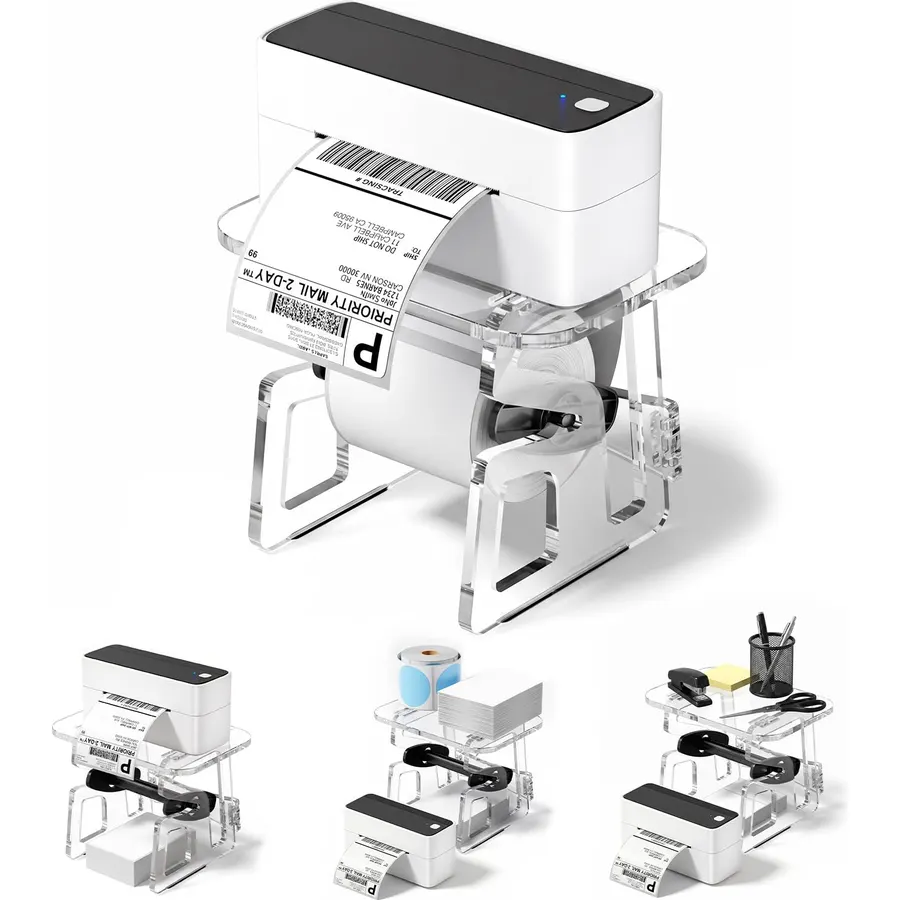
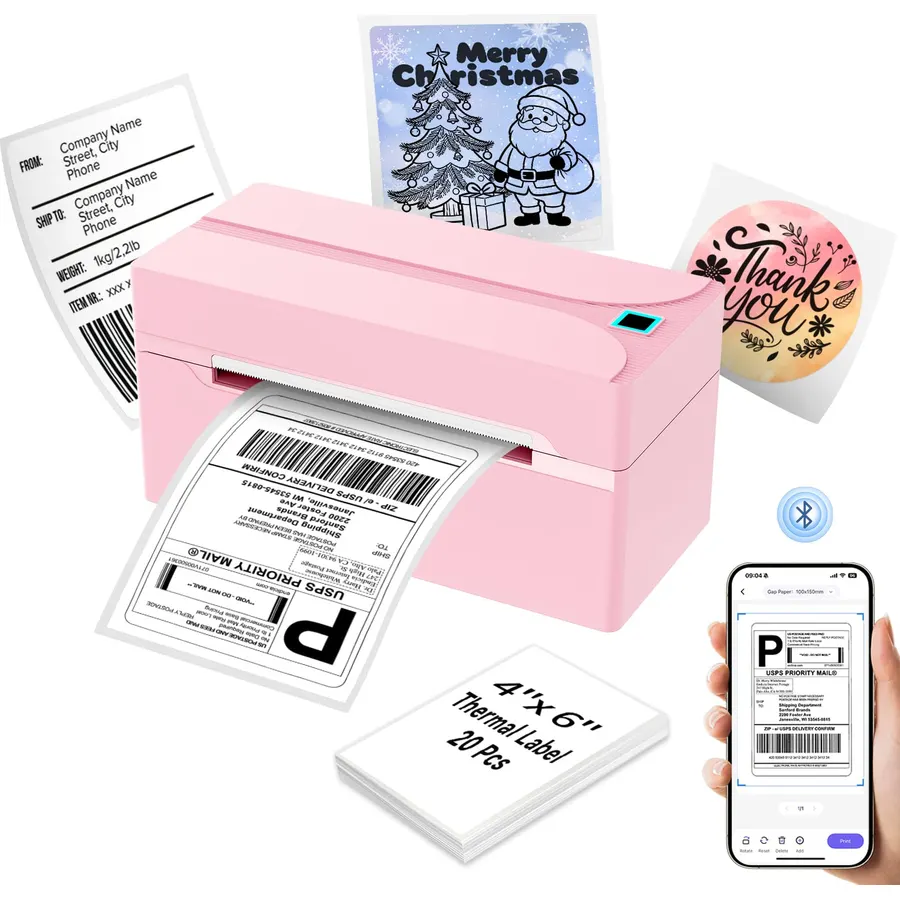
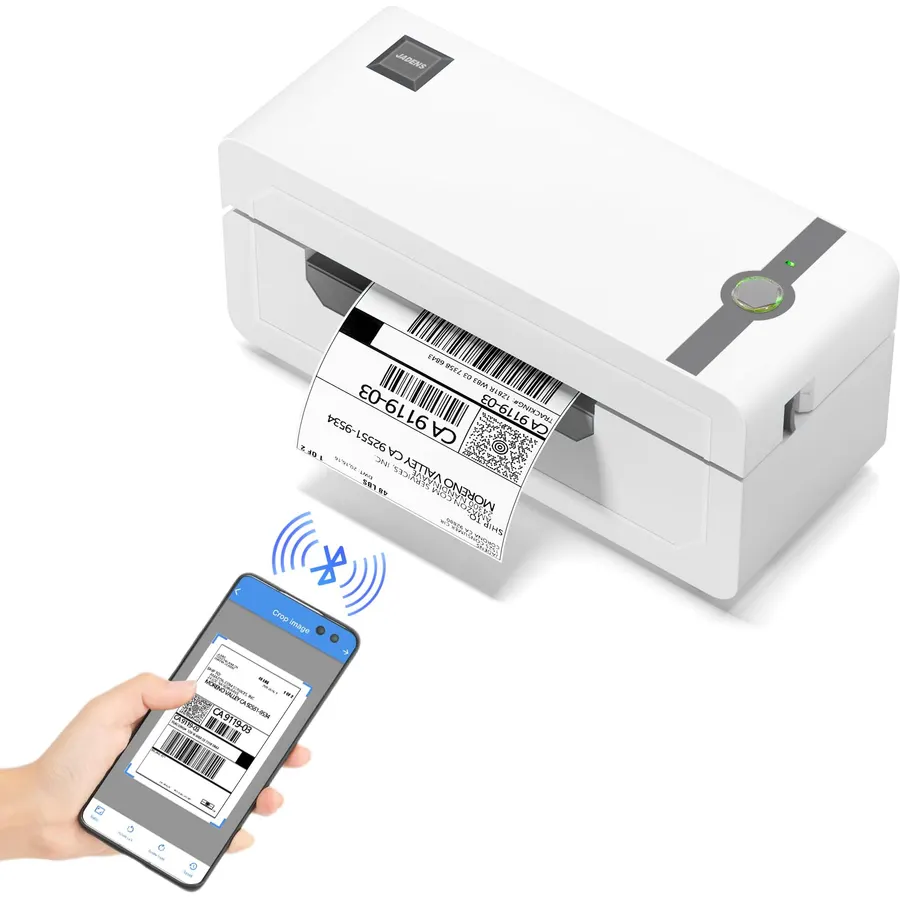
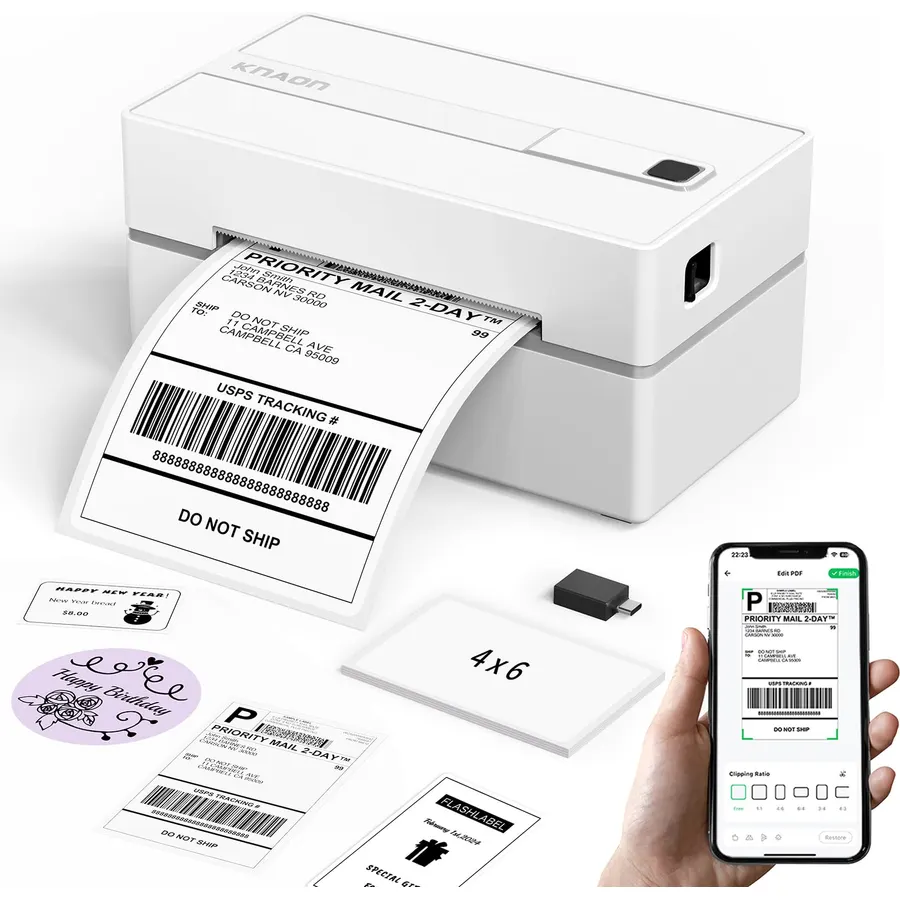
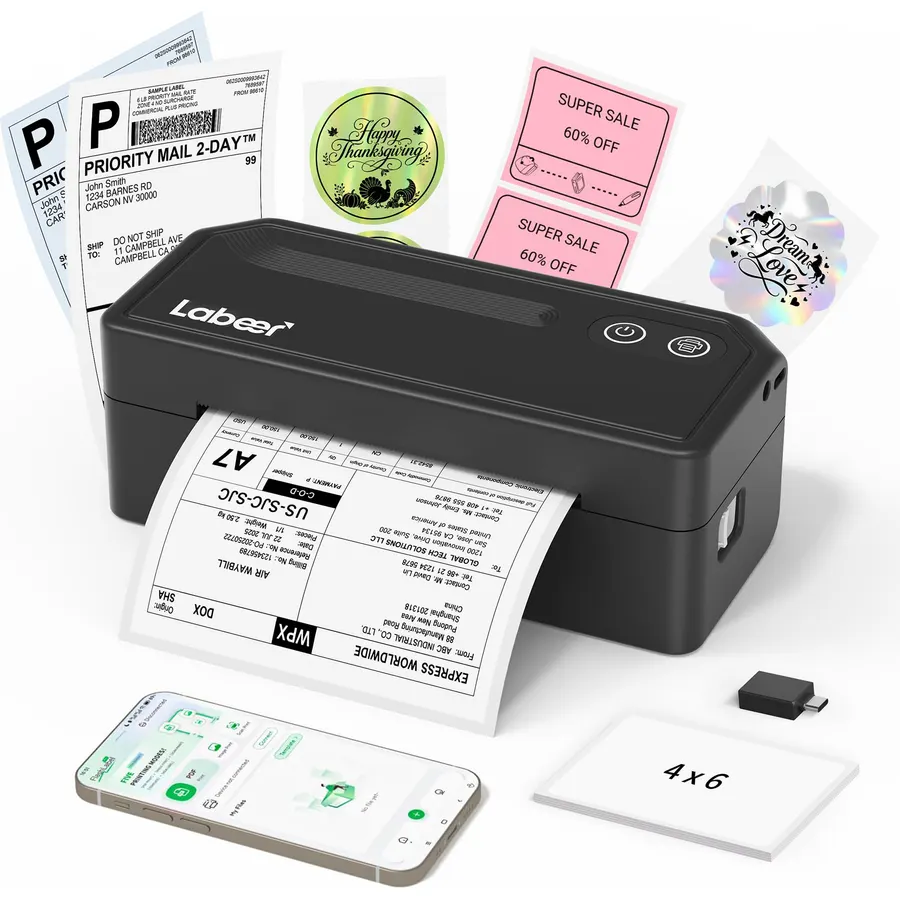
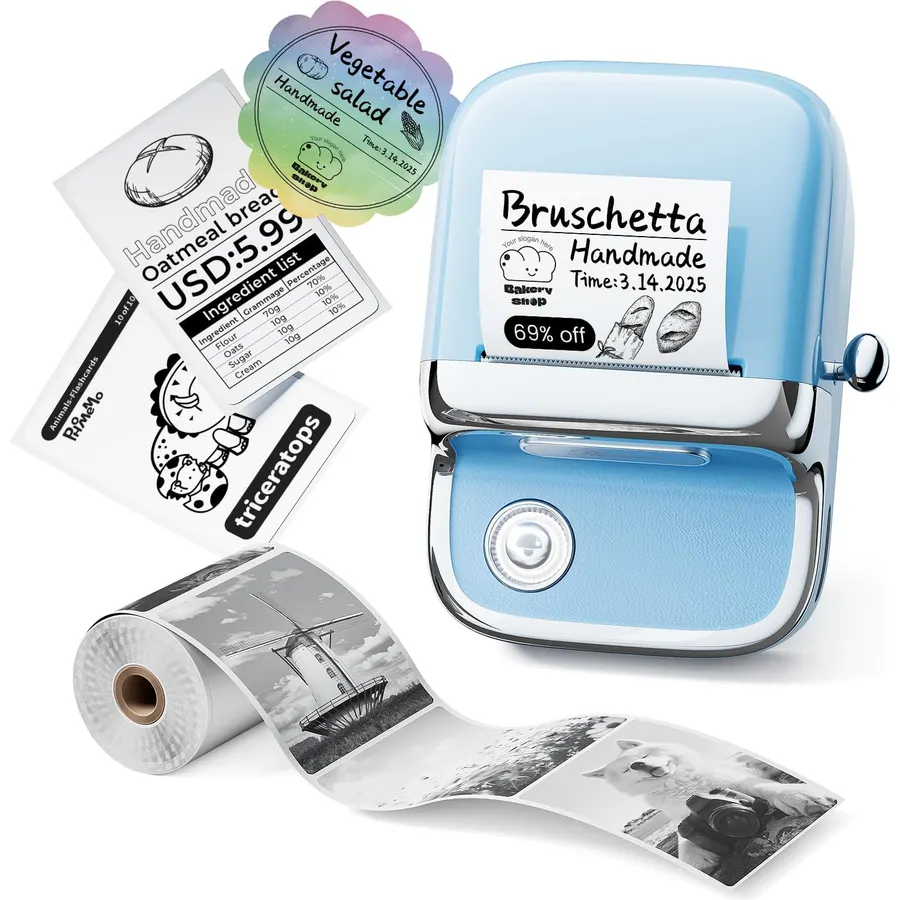
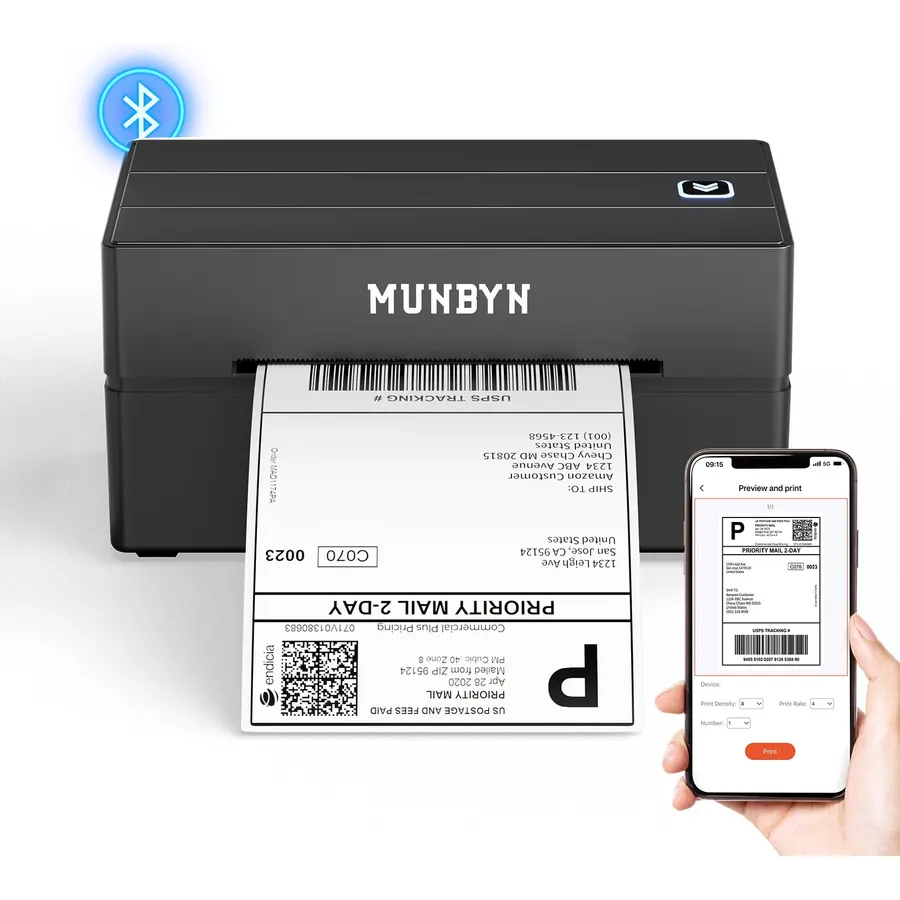
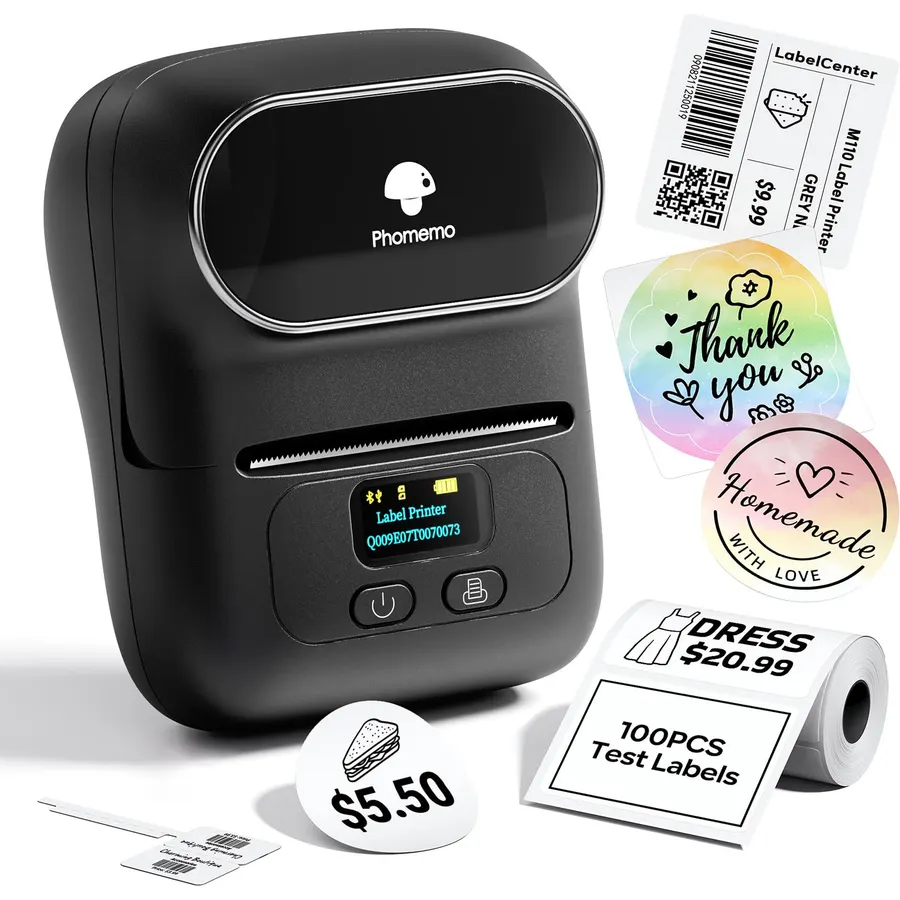
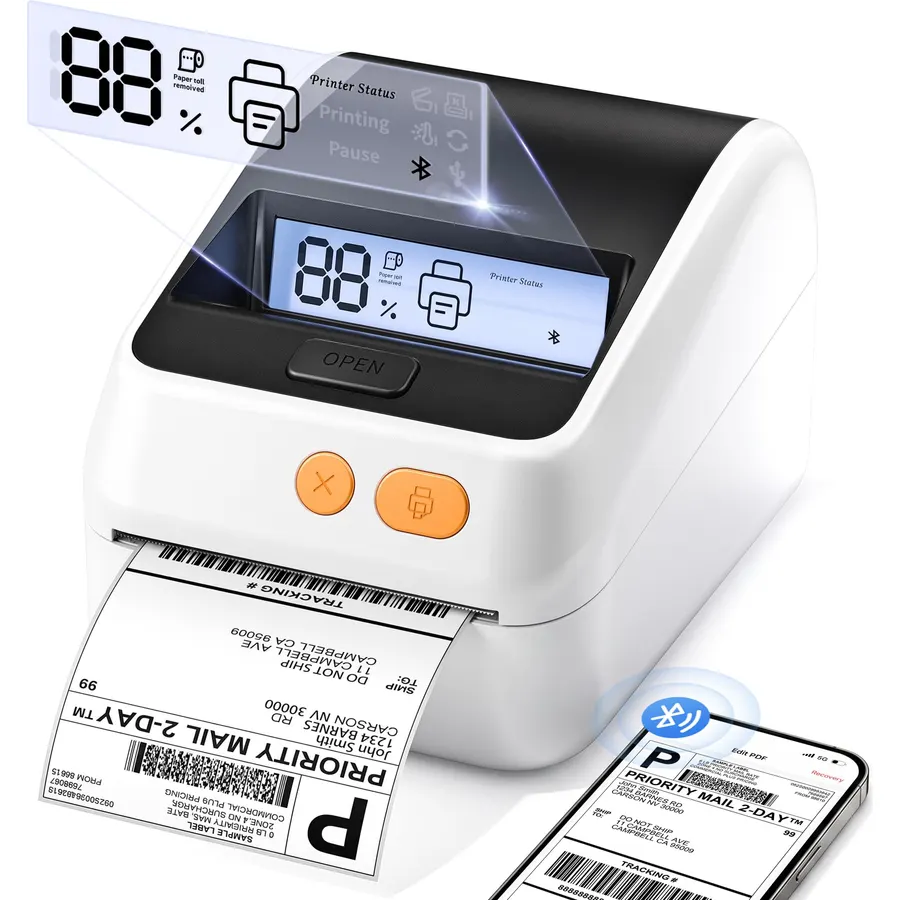
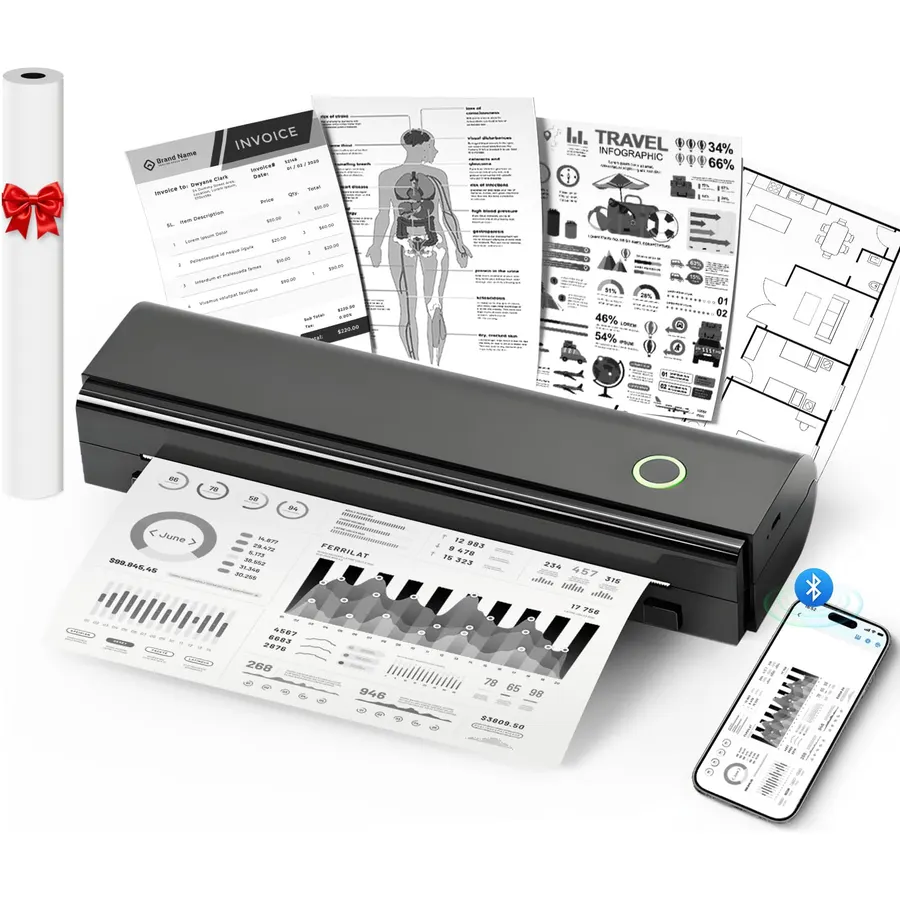
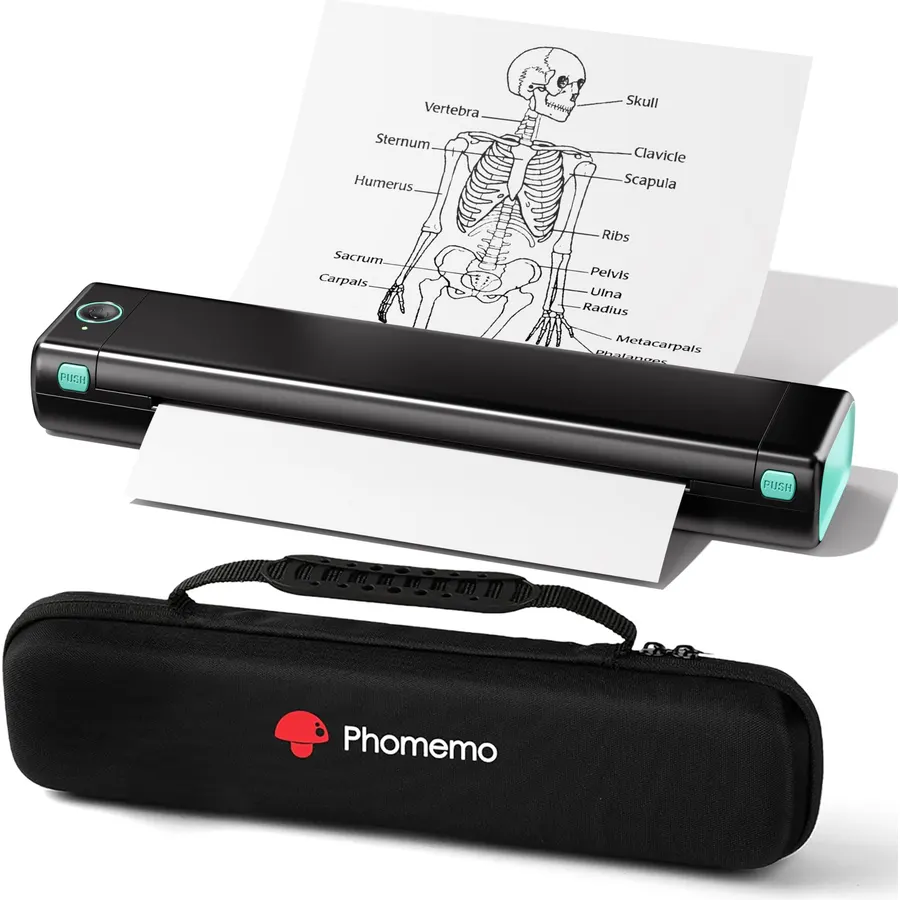
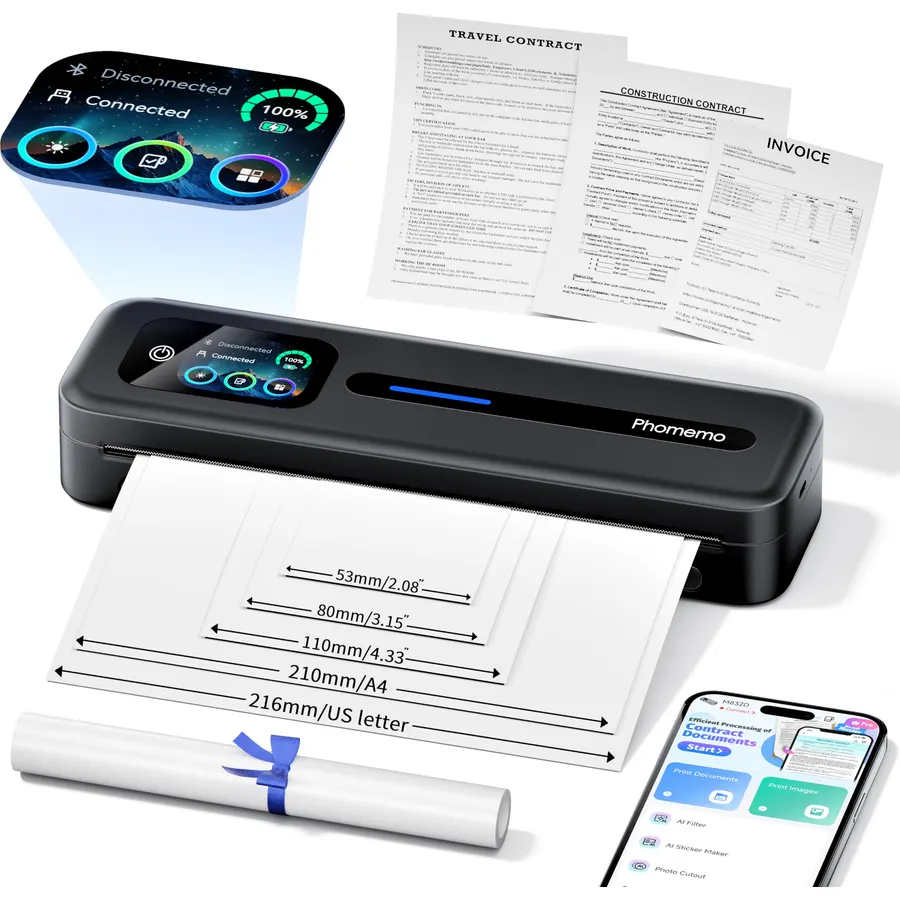
[Print Wirelessly] - Phomemo bluetooth shipping label printer supports wireless printing through bluetooth connection. For IOS and Android,
Maximum Sheet Capacity1Output sheet capacity250Printer Connectivity TypeBluetoothHardware InterfaceEthernet, USB
About this item
[Print Wirelessly] - Phomemo bluetooth shipping label printer supports wireless printing through bluetooth connection. For IOS and Android, need to download the "labelife " APP from Apple Store or Google Play. For PC or Mac, need to download driver and connect bluetooth , and start designing—no software installation needed. With easy and simple operations, you can easily print your major documents, photos, and more, making your life more convenient!
[Print via USB Cable] - For PC, Windows, Mac OS, Chrome OS, and Linux systems. For Chrome OS, need to enter “Labelife” in the Chrome web store and add the extension to your Google Chrome. (PC printing needs to download the driver: labelife.net/pm241)
[Multi-Platform Compatibility] - This shipping label printer supports label widths from 1 to 4.6 inches, making it ideal for printing labels Compatible with eBay, Shopify, Amazon, Etsy, UPS, USPS, FedEx, and more. Easily print text, barcodes, QR codes, forms, and use pre-made templates for home or business. (To ensure optimal print performance, we recommend pairing your Phomemo label printer with genuine Phomemo thermal label paper for consistently crisp, long-lasting results) Note: The printer supports black-and-white printing only. For color labels, purchase compatible thermal color label paper separately.
[Commercial and Home Use] -Phomemo label printer utilizes advanced thermal direct technology for printing, eliminating the need for expensive toner or ink. With a printing speed of 150 mm/s, the printer can produce up to 72 sheets of 4x6 labels per minute. For long-term savings, Phomemo thermal labels that are engineered to resist fading and smudging, ensuring your labels stay readable and professional .
[Professional Team] - Phomemo support team provides technical support, including live chat, phone calls, emails even remote desktop operation. If you have any questions or concerns about our Bluetooth shipping label printer, please don't hesitate to let me konw. Phone Call: (9:00-17:00 Mon-Fri EST) Email/ Live Chat: (20:30-5:30 Mon-Fri EST)
Phone and Tablet Start Print - Step 1: Download the App 'Labelife'. Step 2: Turn on the 241BT printer and your phone's or tablet's Bluetooth. Step 3: Click the 'Printer' icon in the App to search for the 241bt label printer, connect it via Bluetooth in the App, and select the paper size and file type to start printing
Laptop/PC Starts Printing - Step 1: Please check your laptop/PC's operating system (OS) and download and install the correct 241bt driver from the website (labelife.net/pm241). Step 2: Use the USB data cable to connect the 241bt printer to your computer. Step 3: Select and open your document, and choose 241bt from the printer list
[Print Wirelessly] - Phomemo bluetooth shipping label printer supports wireless printing through bluetooth connection. For IOS and Android,
Ranked #99 in Printers · 4 things we like
Quick answer The Phomemo Bluetooth Thermal Shipping Label Printer scores 8.8/10 with us. Amazon owners rate it 4.4 out of 5 across 4,914 reviews, in line with the 4.3 average of the 11 label printers we track. It was listed at $139.99 on Amazon when we last checked in September 2026. Key facts: maximum sheet capacity 1, output sheet capacity 250, printer connectivity type Bluetooth.
A shipping label printer is an essential tool for businesses and individuals who frequently send packages. Designed to streamline your shipping workflow, these dedicated printers produce clear, scannable labels quickly and efficiently, eliminating the need to cut and tape standard paper printouts. Most shipping label printers use direct thermal printing technology, meaning no ink or toner cartridges are required — just load the thermal label rolls and you're ready to go.
Compatible with major shipping carriers and platforms, they make it easy to print postage and tracking labels right from your computer or mobile device. Compact and easy to set up, a shipping label printer fits neatly on any desk or packing station without taking up much space. Whether you run a small home-based shop or manage a high-volume fulfillment operation, a reliable shipping label printer can save you significant
Do Best Deal is a participant in the Amazon Services LLC Associates Program. As an Amazon Associate we earn from qualifying purchases. If you buy through links on this site we may earn a commission, at no extra cost to you. Learn more.
Product information
24 specifications
Printer Type
Thermal
Other Special Features of the Product
bluetooth
Printer Output Type
Monochrome
Item Weight
2.2 pounds
Item Dimensions D x W x H
10"D x 2.5"W x 1.87"H
Controller Type
Bluetooth, Usb
Print media
Labels, Thermal Paper
Maximum Copy Speed Black and White
150 pages_per_minute
Compatible Devices
Smartphones
Warranty Type
1 Year Limited Manufacturer Warranty
Maximum Copies Per Run
1
Ink Color
Black
Additional Printer Functions
Print Only
Control Method
App, Push Button
Compatible Cartridge
Thermal Label Roll 2x1, Thermal Label Roll 4x6
Number of Trays
1
Processor Count
1
Maximum Media Size
4 x 6 inches
Maximum Sheet Capacity
1
Paper Size
4x6 inches
Output sheet capacity
250
Printer Connectivity Type
Bluetooth
Hardware Interface
Ethernet, USB
Number of Ethernet Ports
1
Pros & cons
What we like
[Print Wirelessly] - Phomemo bluetooth shipping label printer supports wireless printing through bluetooth connection. For IOS and Android, need to download the "labelife " APP from Apple Store or Google Play. For PC or Mac, need to download driver and connect bluetooth , and start designing—no software installation needed. With easy and simple operations, you can easily print your major documents, photos, and more, making your life more convenient!
[Print via USB Cable] - For PC, Windows, Mac OS, Chrome OS, and Linux systems. For Chrome OS, need to enter “Labelife” in the Chrome web store and add the extension to your Google Chrome. (PC printing needs to download the driver: labelife.net/pm241)
[Multi-Platform Compatibility] - This shipping label printer supports label widths from 1 to 4.6 inches, making it ideal for printing labels Compatible with eBay, Shopify, Amazon, Etsy, UPS, USPS, FedEx, and more. Easily print text, barcodes, QR codes, forms, and use pre-made templates for home or business. (To ensure optimal print performance, we recommend pairing your Phomemo label printer with genuine Phomemo thermal label paper for consistently crisp, long-lasting results) Note: The printer supports black-and-white printing only. For color labels, purchase compatible thermal color label paper separately.
[Commercial and Home Use] -Phomemo label printer utilizes advanced thermal direct technology for printing, eliminating the need for expensive toner or ink. With a printing speed of 150 mm/s, the printer can produce up to 72 sheets of 4x6 labels per minute. For long-term savings, Phomemo thermal labels that are engineered to resist fading and smudging, ensuring your labels stay readable and professional .
What could be better
Phomemo Bluetooth Thermal Shipping Label Printer: questions & answers
Is the Phomemo Bluetooth Thermal Shipping Label Printer worth buying?
Yes, it is one of the stronger picks in its group. We score the Phomemo Bluetooth Thermal Shipping Label Printer 8.8 out of 10. Amazon owners rate it 4.4 out of 5 across 4,914 reviews, in line with the 4.3 average of the 11 label printers we track.
How much does the Phomemo Bluetooth Thermal Shipping Label Printer cost?
It was listed at $139.99 on Amazon when we last checked in September 2026. That is more than the $49.99 median for label printers in our catalog. Amazon prices change daily, so use the price button on this page to see the current figure.
What options does the Phomemo Bluetooth Thermal Shipping Label Printer come in?
Amazon lists 15 options. Color: Black, White, Pureple, Pink, Gray, Green, Sliver, Blue. Set name: Label Printer with Holder, Label Printer, Label Printer with High Speed, Label Printer with Holder & 500Pcs Labels. Pick an option on this page and the button opens exactly that model.
What are the key specs of the Phomemo Bluetooth Thermal Shipping Label Printer?
Maximum Sheet Capacity: 1; Output sheet capacity: 250; Printer Connectivity Type: Bluetooth; Hardware Interface: Ethernet, USB. All 24 specifications are in the product information table on this page.
What are good alternatives to the Phomemo Bluetooth Thermal Shipping Label Printer?
Similar, well-rated label printers in our catalog: JADENS Bluetooth Thermal Label Printer (8.8/10, 4.4 stars from 9,434 owners); MUNBYN Bluetooth Thermal Label Printer (8.8/10, 4.4 stars from 3,343 owners); KNAON Bluetooth Thermal Shipping Label Printer (8.8/10, 4.4 stars from 2,337 owners).
Breakdown from the 10 most helpful reviews we imported.
J
J3V
Verified purchaseSeptember 18, 2026
Surprising. Fast and Durable. Small and Compact
I originally started using the PM-241-BT printer at work. I used it extensively and literally printed thousands of labels for inventory SKU's, products, locations, you name it. The printer just works. Super easy to use and setup. It is both USB and Bluetooth and works well either way. I purchased one for home and I am labeling everything. It is small and compact, easy to load labels in, prints super fast and compared to more expensive printers, it is an excellent value. Plus, the LableLife software is pretty easy to use. The new version is quite good and the technical support is very good. I h
D
dessy
Verified purchaseAugust 24, 2026
Amazing !
Im so in love with my Phomemo thermal printer, i ordered the pink and it is so perfect, i love that it is small and can literally fit anywhere. It is so easy to use and prints so quick. Being able to use it from my phone and computer is amazing i havent had any problems whether im printing labels or small stickers for my small business sweetsby.dessy. I love this printer.
M
My Other More Exciting Self
Verified purchaseAugust 25, 2026
High quality, speedy printing, and a great add-on to my office!
I'm really happy with this label printer! It's sleek, compact, and doesn't take up much room in my office. It was SUPER easy to set up -- basically plug and play. You can control the resolution of the printing, which is great depending on what you need you need to print. Printing was excellent quality and SO fast, too. Compatibility with my iPhone and Macbook Pro laptop was a breeze. Great price for an office item I will be using often!
D
D.J.
Verified purchaseAugust 3, 2026
Label printer
The label printer is Awesome. I can now print directly from my Android phone to the label printer by connecting the cable to my Android & plugging in the power cord. Printing only takes seconds. The ink is dark and readable. Its a good buy for the price. I should have invested in it sooner. This label printer saves time. With my old label printer, I had to turn on my laptop, wait, open up my mail, wait, 30-45 minutes later, still trying to print. This product is a good tool and an investment if u need a reliable label printer.
L
Laura GS
Verified purchaseApril 26, 2026
Good printer! But you don’t have to subscribe to print 😊
UPDATE: When you first start using this you will be using a “FREE TRIAL” of the full software. That is not made clear to you at all and is very confusing 🫤 when suddenly you can no longer print unless you subscribe. Of course, I was angry, so I gave the product a bad review.I tried getting other software to link to the printer to no avail. Then I went back to the original software to see if there was any way around subscribing to a monthly or yearly fee. There is! Yes, you get limited fonts and other features, but you can still print.The most frustrating part is not being able to print many o
T
Terry Chan
Verified purchaseSeptember 17, 2026
its bluetooth.
Decided to upgrade my label printer that required a cable to be connected to my laptop. THIS ONE HAS BLUETOOTH! Which is a big help. It was very easy to setup and prints pretty quietly and fast. Very much enjoy this printer and will recommend it to other business friends!
A
Amazon Customer
Verified purchaseSeptember 14, 2026
Compact, Convenient, and Easy to Use
I’m really happy with this label printer so far. Setup was straightforward, the printer itself is compact and doesn’t take up much space, and I like that I can use it without having another bulky piece of equipment on my desk.The labels come out clean and professional-looking, and the whole process is much more convenient than printing labels on regular paper and having to cut and tape them. It’s a simple little upgrade, but definitely makes shipping and labeling feel much easier and more organized.Overall, I’m very pleased with it so far and would recommend it if you’re looking for a compact,
G
Ginger
Verified purchaseJuly 9, 2026
Love it (but wish auto alignment was better)
I'm glad that I bought this printer, it was affordable (around $70 in 2026) & the pink color is super cute. This is the third printer that I have purchased & so far it's the best. Another huge selling point is that I can keyword search "Rollo" or other popular brands for labels & I get several compatible options.So far, the only negative is the alignment: I end up wasting sticker labels each time I print something (because the machine doesn't do a great job of auto identifying the label size). I always have to do one or two test prints, then manually adjust the layout accordingly. Technically,
Customer reviews are shown as published on Amazon and are not written by Do Best Deal.
More printers we compared
Alternatives to the Phomemo Bluetooth Thermal Shipping Label Printer