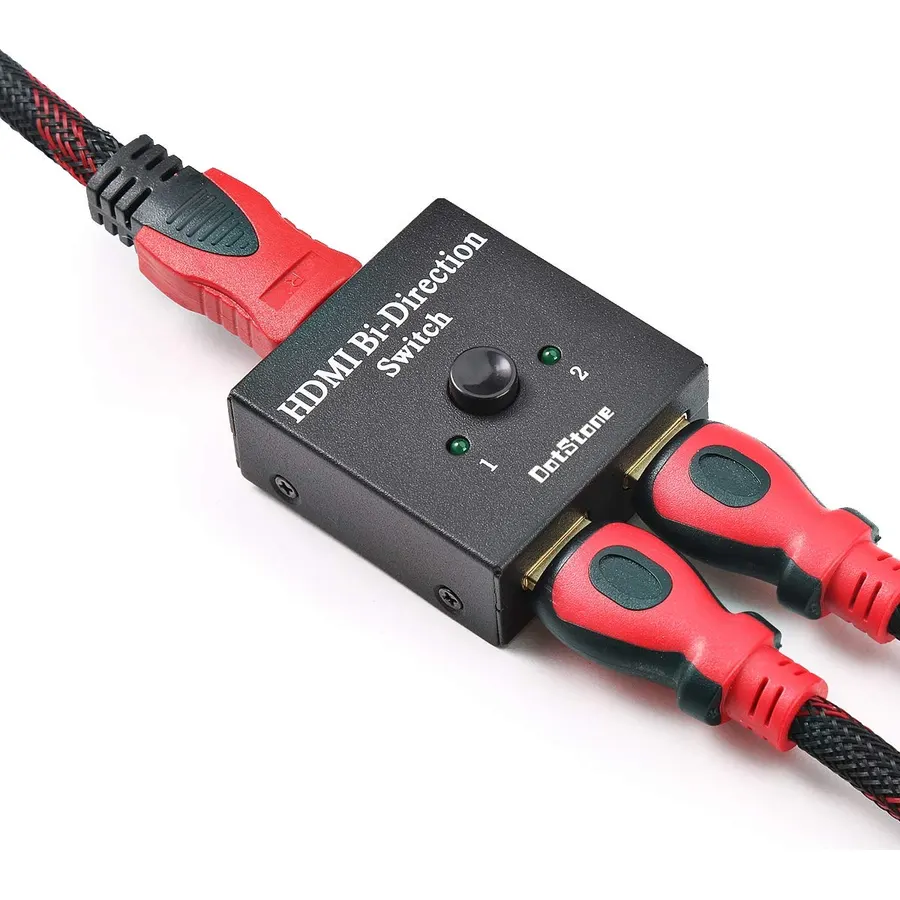
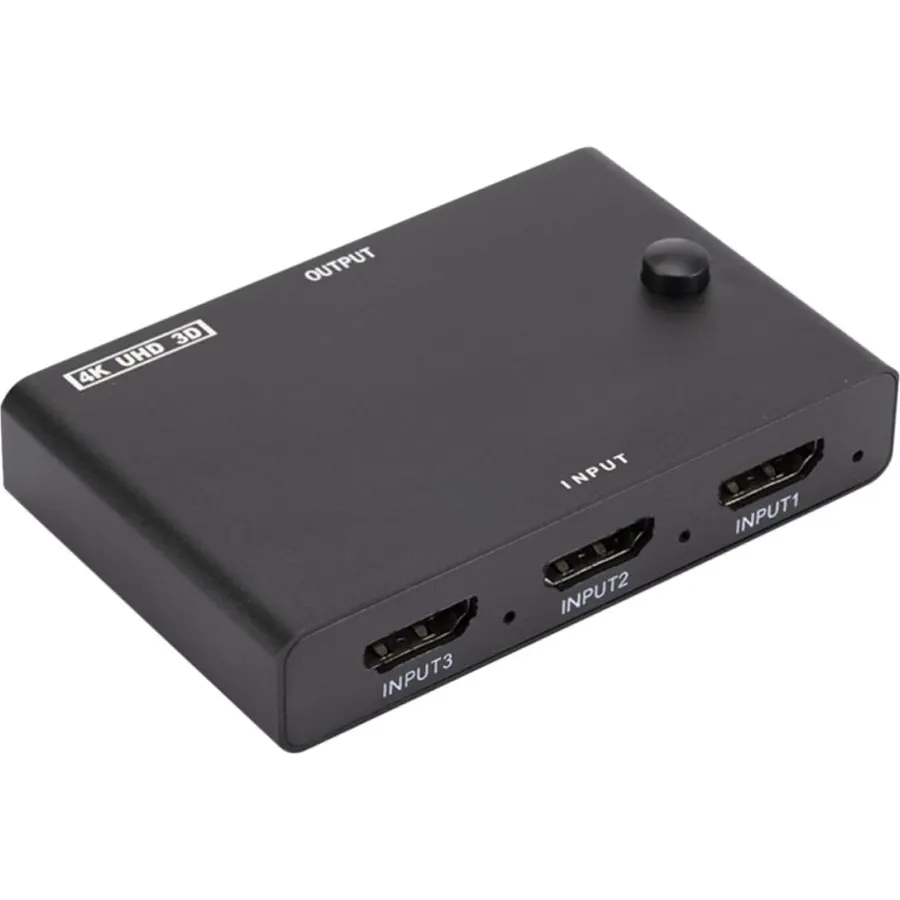
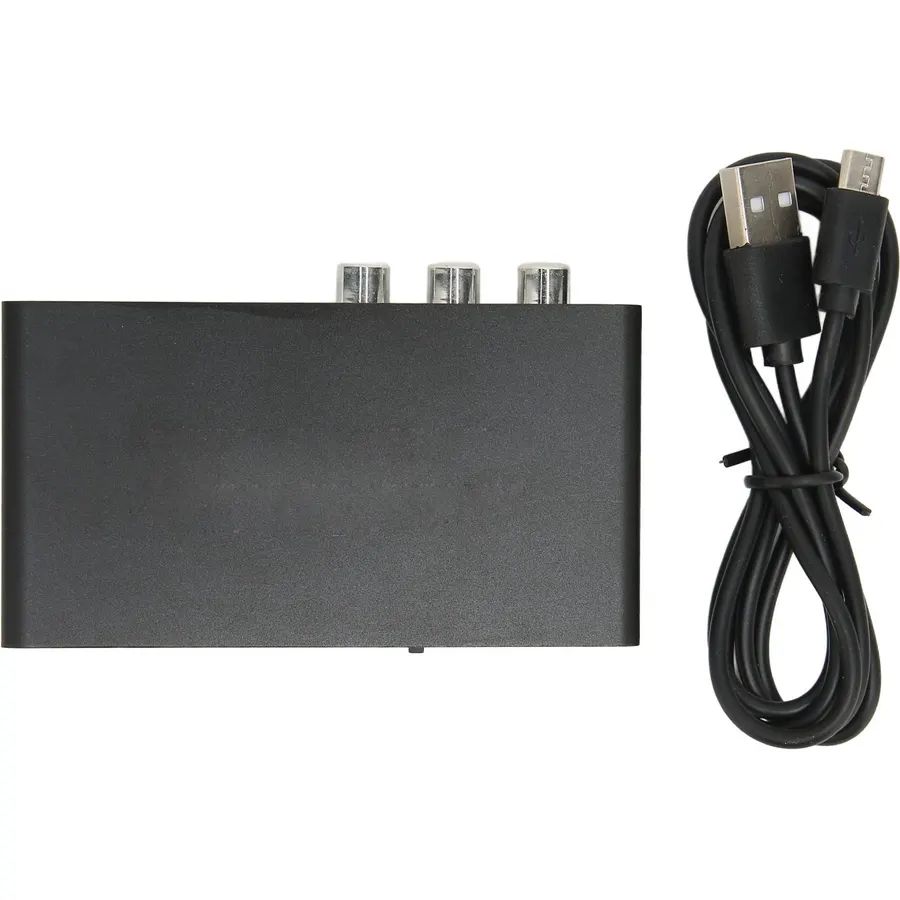
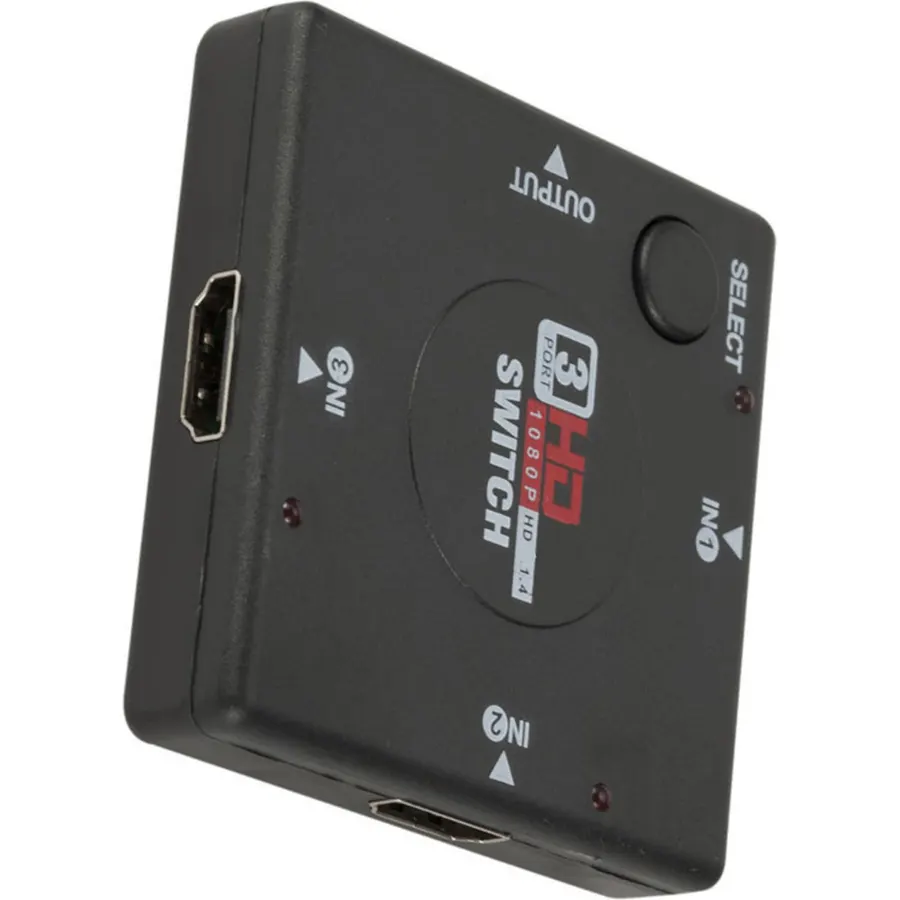
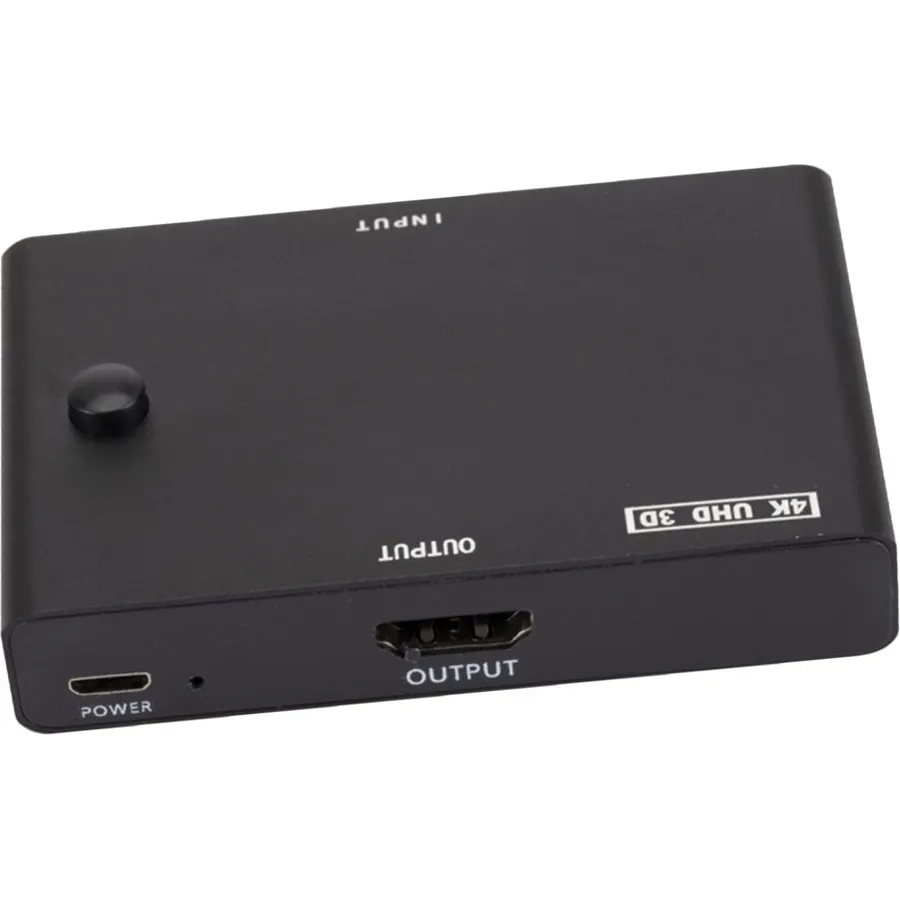
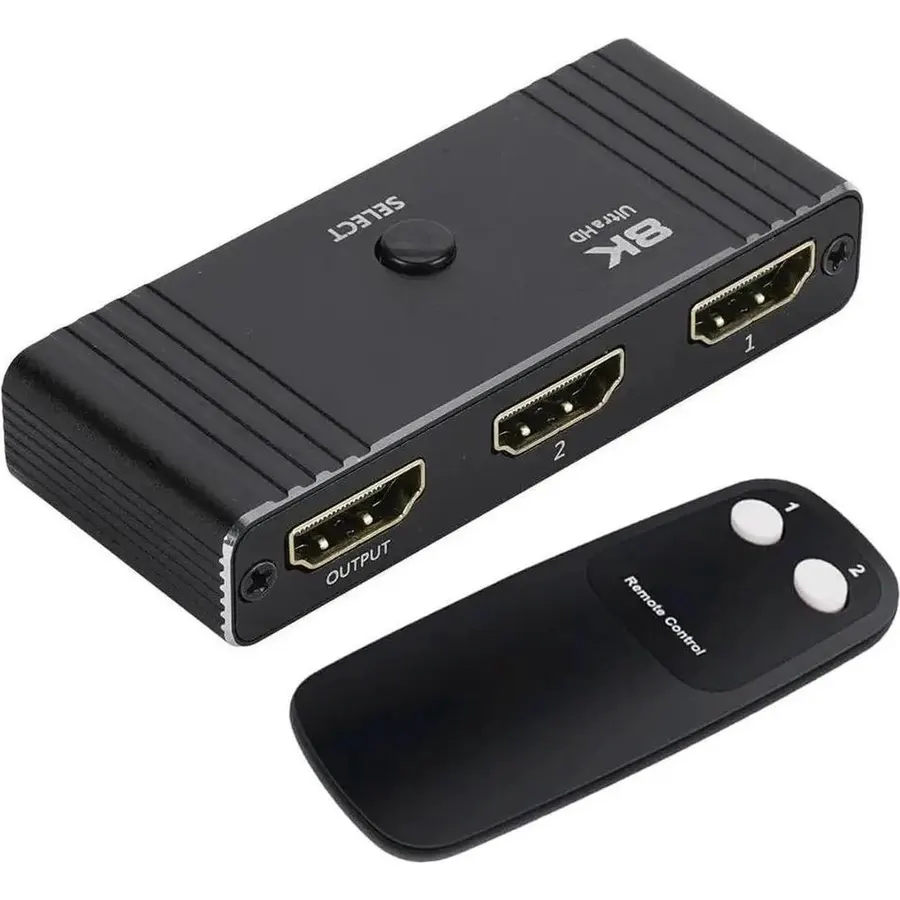
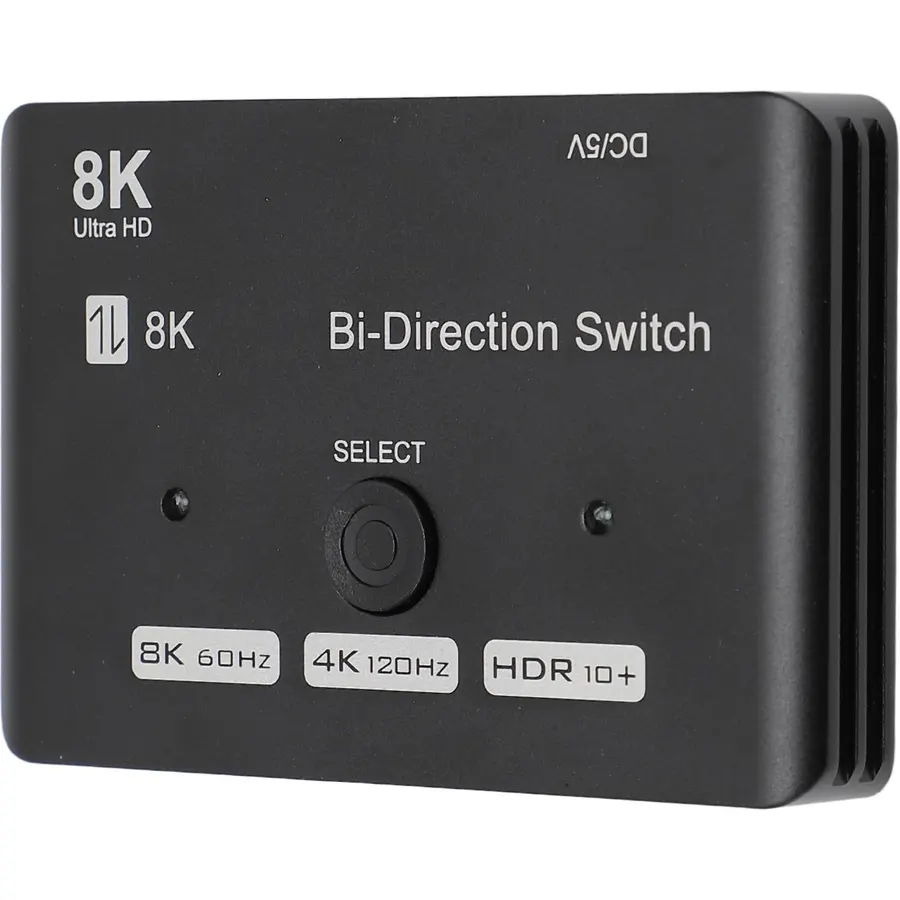
DotStone HDMI Switch Bi-Direction 4K HDMI Splitter 2 x 1/1 x 2 No External Power Required 2 Ports HDMI Switcher Supports Ultra HD 4K 3D 1080P for PS4 Xbox Fire Stick Roku
Quick answer The DotStone HDMI Switch Bi-Direction 4K HDMI scores 8.6/10 with us. Amazon owners rate it 4.3 out of 5 across 5,680 reviews, in line with the 4.2 average of the 23 selector switch boxes we track.
Do Best Deal is a participant in the Amazon Services LLC Associates Program. As an Amazon Associate we earn from qualifying purchases. If you buy through links on this site we may earn a commission, at no extra cost to you. Learn more.
Is the DotStone HDMI Switch Bi-Direction 4K HDMI worth buying?
Yes, it is one of the stronger picks in its group. We score the DotStone HDMI Switch Bi-Direction 4K HDMI 8.6 out of 10. Amazon owners rate it 4.3 out of 5 across 5,680 reviews, in line with the 4.2 average of the 23 selector switch boxes we track.
What are good alternatives to the DotStone HDMI Switch Bi-Direction 4K HDMI?
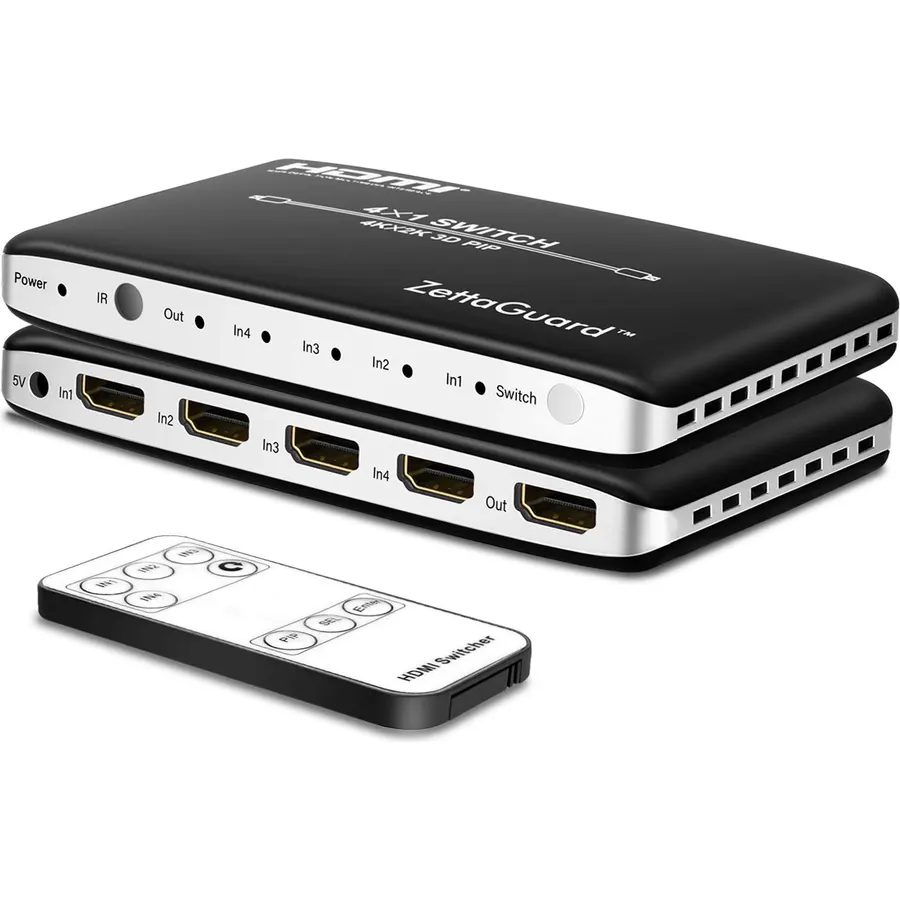
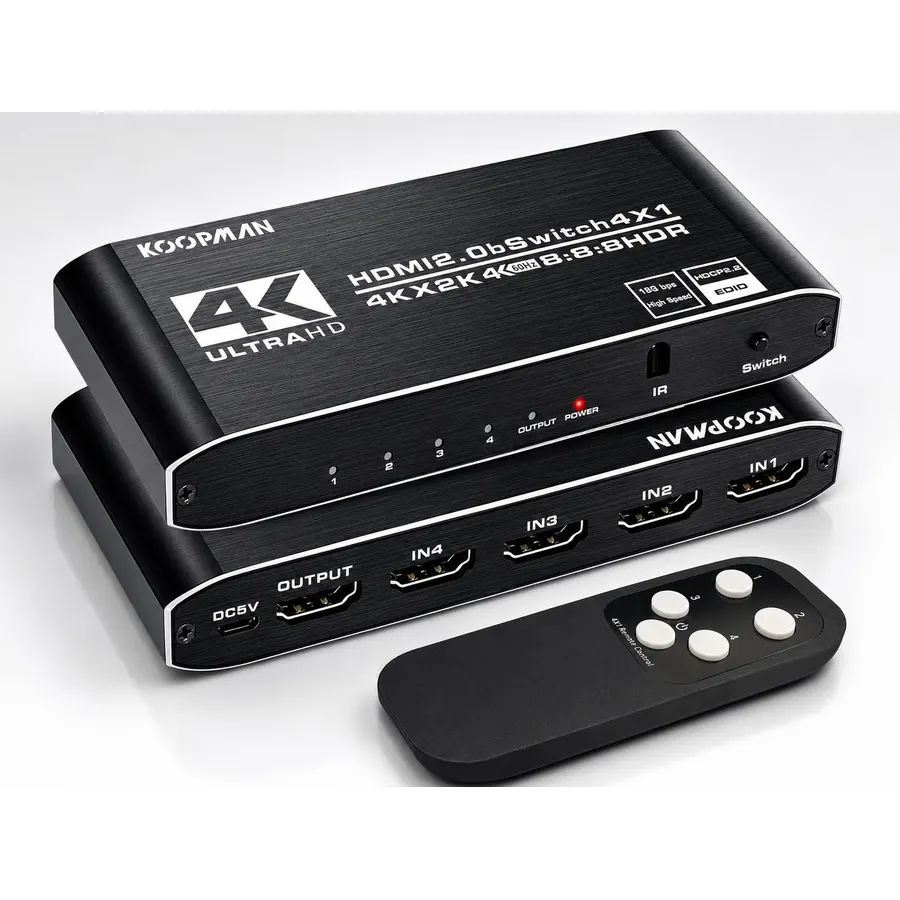
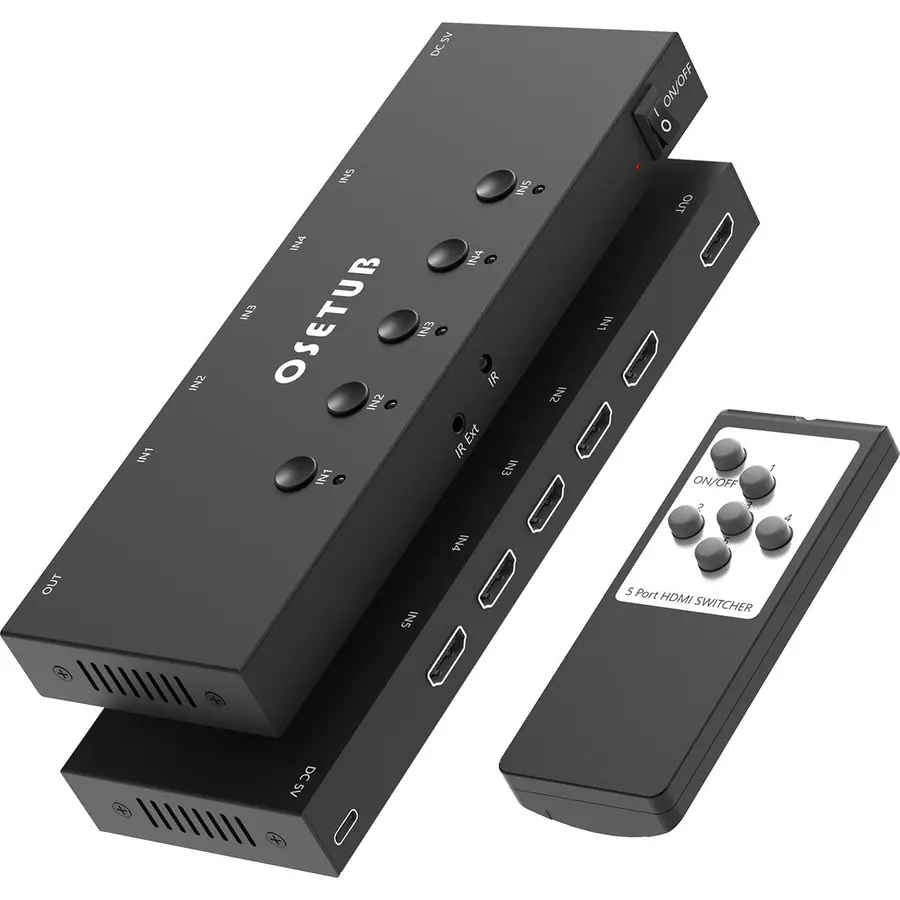
Similar, well-rated selector switch boxes in our catalog: Koopman-Tech 4k HDR HDMI Switch (8.4/10, 4.2 stars from 3,503 owners); VWRHar HDMI Switch 4K HDMI Splitter (8.0/10, 4.0 stars from 5,869 owners); Pubiohs HDMI 2.1 Switcher 5 in 1 Out (9.8/10, 4.9 stars from 10 owners).
Breakdown from the 10 most helpful reviews we imported.
L
Larry
Verified purchaseJuly 8, 2017
Amazing little device!
I bought this and ABSOLUTELY love it! I purchased this for both my XBOX One S and my Playstation 4 Pro (or PS4 Pro for those that are trying to find reviews through keywords). I have a Samsung 50" 4K television that only offers HDR visuals through one out of the three HDMI ports offered. Since I own two consoles that rely on HDR (not really, but still nice to have regardless), I had to have a way to be able to split one HDMI port between two consoles without using up a electrical socket. I found this. After reading the reviews that it works great on consoles, I went ahead and took a leap. And
D
DC
Verified purchaseFebruary 11, 2018
Seller communication was on point.
I had a bit of an issue between port switches. I was using this for my kids.....had one game port on my receiver and they have an Xbox One and the older 360; so I needed a way to have both of them setup together without moving off of the "game" setting on my receiver. This did the trick; but I had some issues. I had to switch once or twice back between ports in order to get the sound and picture to be visible. Picture was always fine; but the sound did not always come across the first time. So it was a bit glitch-y at times. Not a deal breaker however as we would always get it to work. A solid
R
RaviH
Verified purchaseJuly 30, 2017
Both units need to be on ....
***Update***1) Customer service is amazing. They read and replied to my review and tried to rectify by sending a replacement part, which arrived quickly and worked a little better than the original.2) Upgraded my review from 2 Stars to 4 Stars3) This is a Switcher which requires power to work. This is not a Splitter, as another reviewer kindly pointed out.This Switcher gets power from both units attached to it. The reason for it powering down is due to one of the units going on powersave, thus cutting off the power source. However, when fully powered, it is an excellent Switcher as the HD qual
S
shrimp sandwich
Verified purchaseNovember 5, 2019
perfectly seamless
PC Users: switching will *not* disconnect/rearrange displays on you. Seamless transition.I was really happy to discover the above. My old switcher would have a 1-second disconnect during the switch, causing Windows to forget the display position and of course dump all windows/icons on my primary monitor. This little guy does it the right way.I have 2 monitors connected to my PC. I wanted to switch outputs from my 2nd monitor to my TV. I was previously using a true splitter, where both the Monitor and TV displayed simultaneously, but only one would be on at a time so it doesn't matter. I ran in
A
Amazon Customer
Verified purchaseMay 8, 2018
Surprising Quality!
Alright, so the quality of this product is outstanding. The ports can go either way, so this little device opens up a lot of options if you like to change up your work station. The entire enclosure is metal, which I wasn't expecting. HUGE bonus. The button feels crisp, like it's a button that actually feels good to press. The lights indicate which channel is working. You can also tell which channel it is on by feel. It was exactly what I needed and more. I honestly can't say enough good things about the build quality of this thing. I looked around at a lot of local stores and they were asking
A
AJ
Verified purchaseFebruary 11, 2019
Quick, easy, and reliable way to switch between HDMI sources
Product is well-built, despite its simple box packaging. Was pleased when I held the item -- didn't feel "cheap" (although it is in fact -- reasonably-priced)I'm very happy that it allows me to either -- switch between 2 HDMI sources for one output, or switch between 2 HDMI output screens for one source.I appreciate the fact that it doesn't take up so much space.Most of all, I highly appreciate not having to do any more heavy lifting just to be able to reach the HDMI inputs on the back of my screens (TV, Computer Monitor). Makes things quick and easy.As for signal quality -- perfect! No flicke
D
Damon A. Ekstrom
Verified purchaseDecember 16, 2017
Trouble working with PS4 Pro
I have a PSVR and a PS4 Pro. The 1st gen PSVR does not work with an HDR signal so I purchased this switcher as a means to get around that issue. After hooking everything up accordingly, half the time the switcher wouldn't give me a signal for my Samsung KS8000 4K UHD HDR TV, and when it would work it would either max out at 1080p HD, or flicker while the signal was displayed. The HDMI cables that I used to plug from my PS4 Pro to switcher, and from the switcher to the TV, are 4K compatible so I don't understand why it would max out at 1080p because when I hook it straight to the TV I get a ful
T
Tristan
Verified purchaseJanuary 12, 2019
Works great, switches fairly quickly
Great switch. I have an Apple TV (4k version) and a MacMini (latest) going into this, then going into a 3-year old Vizio TV. I mounted the switch to the back of the TV with double-sided tape (used for wall hooks) and this makes switching inputs easy.The button is easy to find by feel and very easy to press. The switch over takes about 2 seconds, and I have not noticed any garbled video during the switch. Feels like the video only comes through when it is complete and ready. (I am used to older switched were there was no lag, but showed the video garbled while it was being switched/resolved.)Fe
Customer reviews are shown as published on Amazon and are not written by Do Best Deal.
More audio we compared
Alternatives to the DotStone HDMI Switch Bi-Direction 4K HDMI