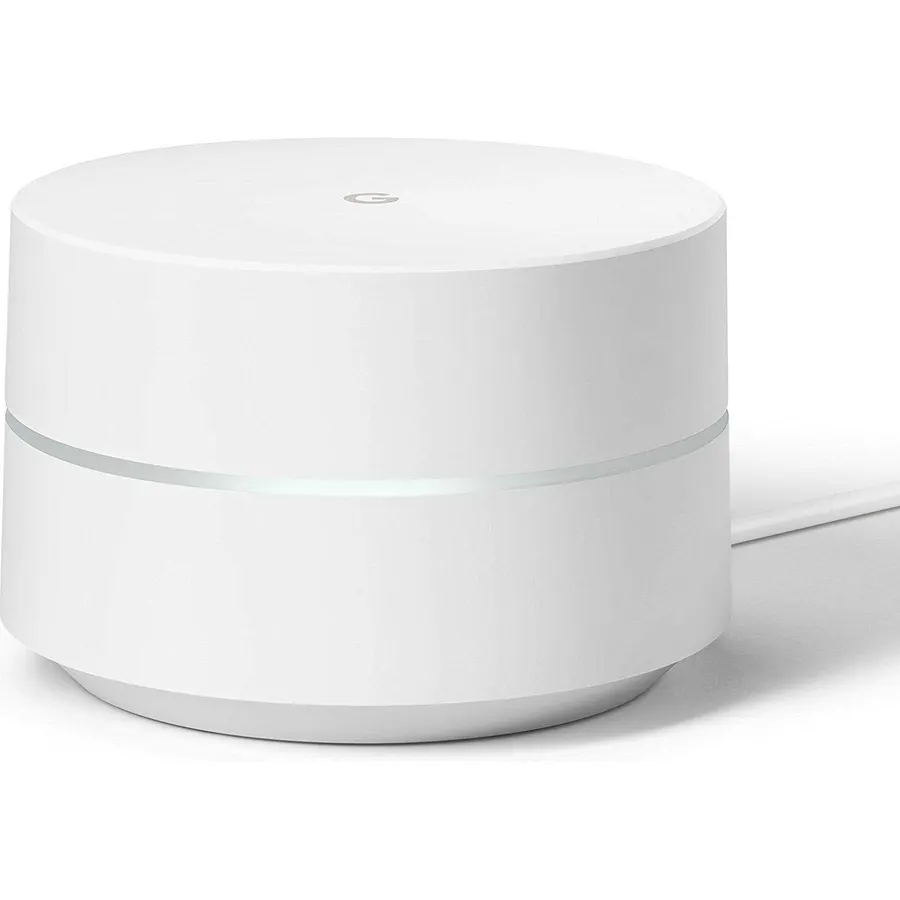
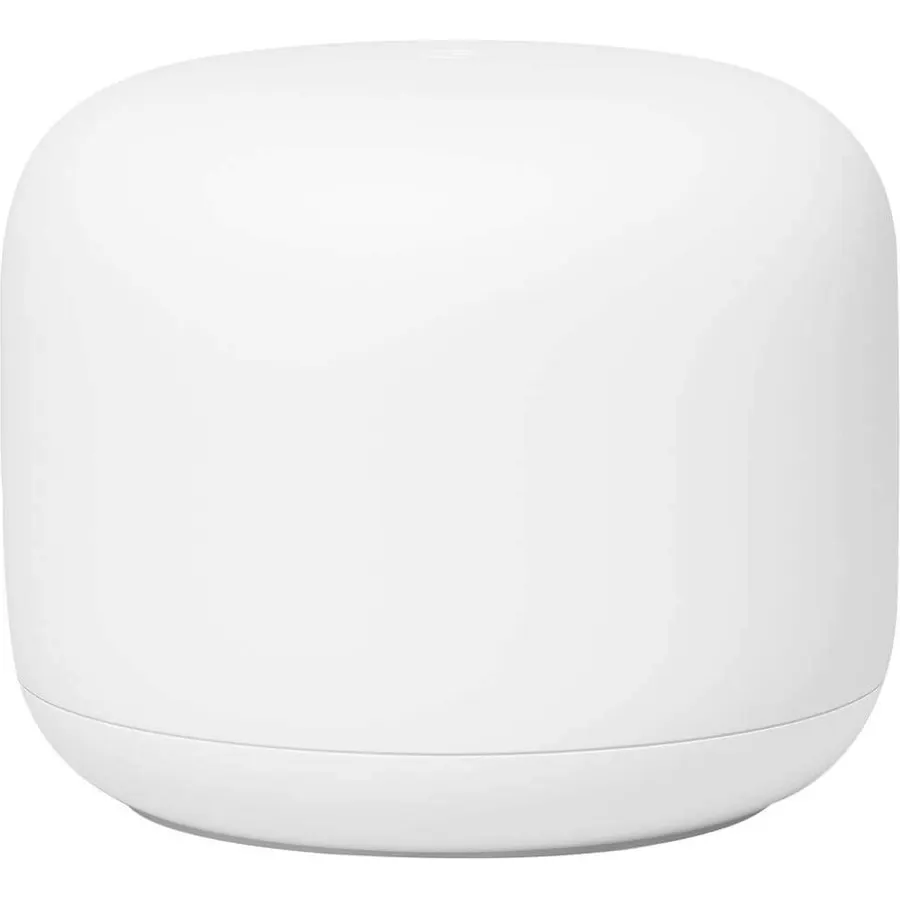
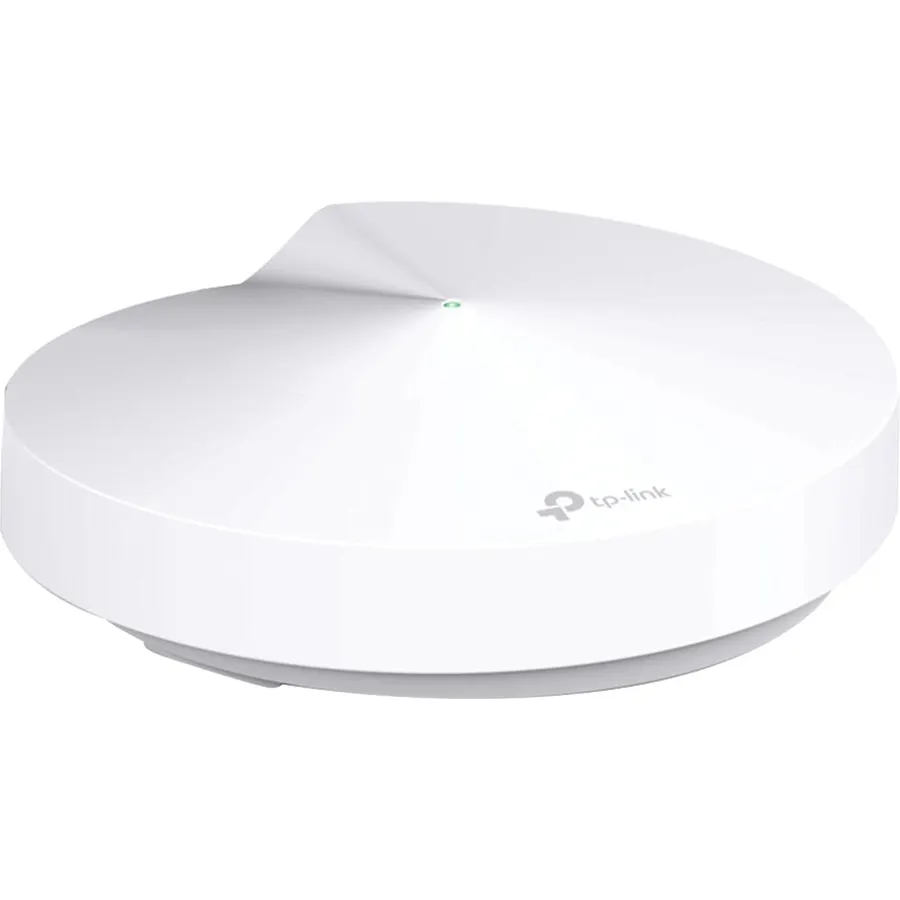
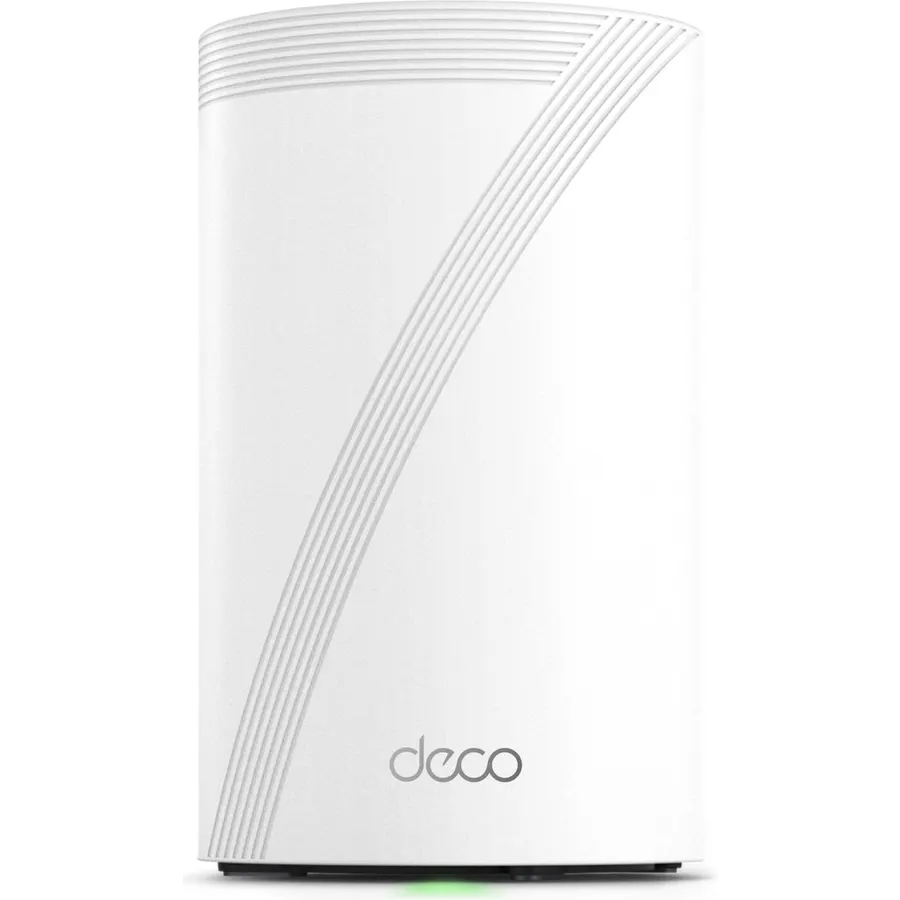
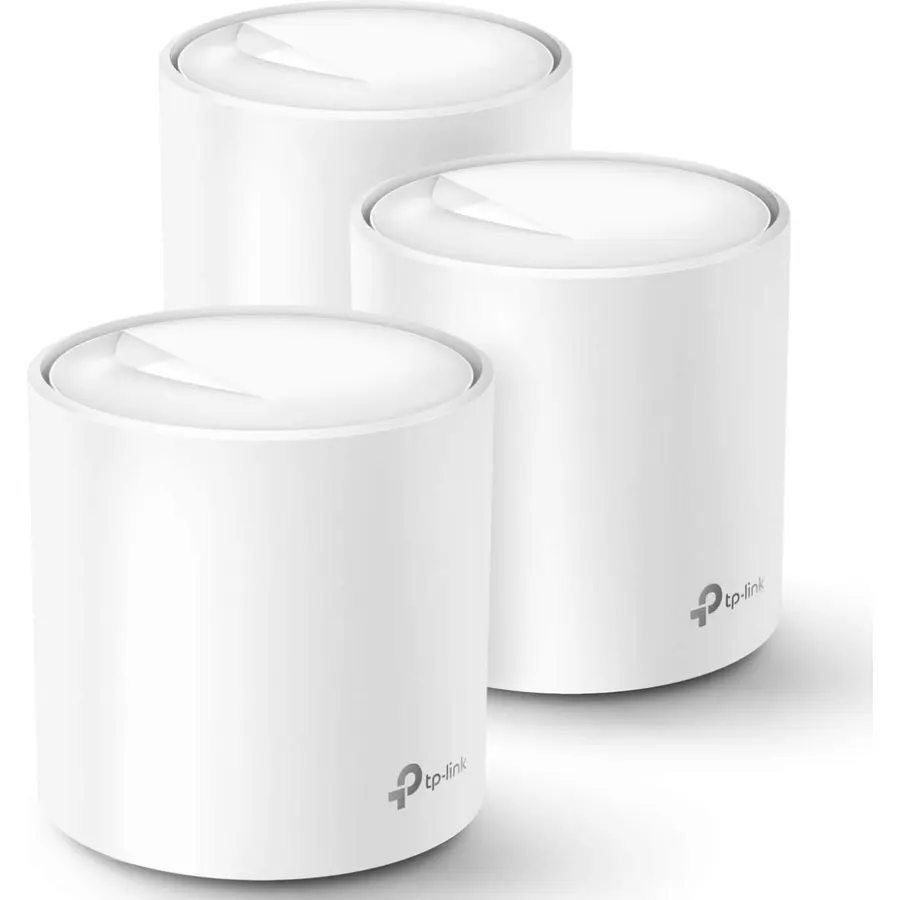
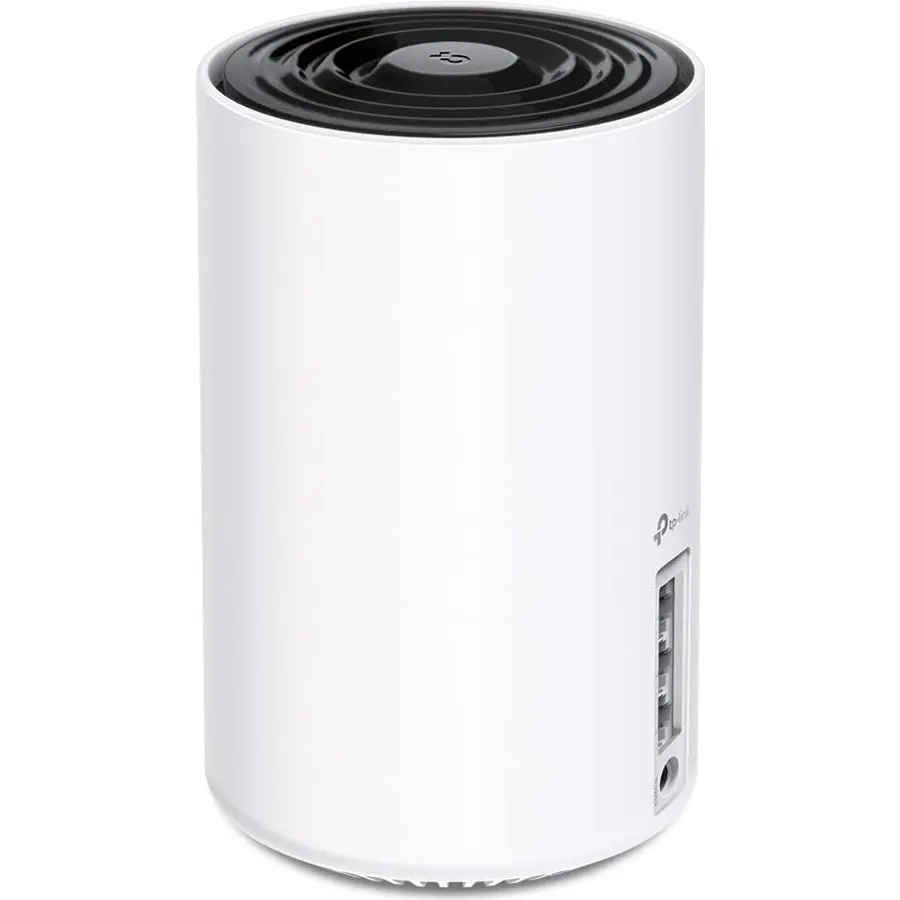
A new type of connected system that replaces your router for seamless wifi coverage throughout your home, helping eliminate dead zones and buffering
Network assist technology keeps your connection fast by always selecting the clearest channel and fastest band for your devices; WiFi throughput: 1200 MPBS.
A simple app gets you set up quickly and allows you to see what's connected, prioritize devices, and pause the WiFi on kids' devices
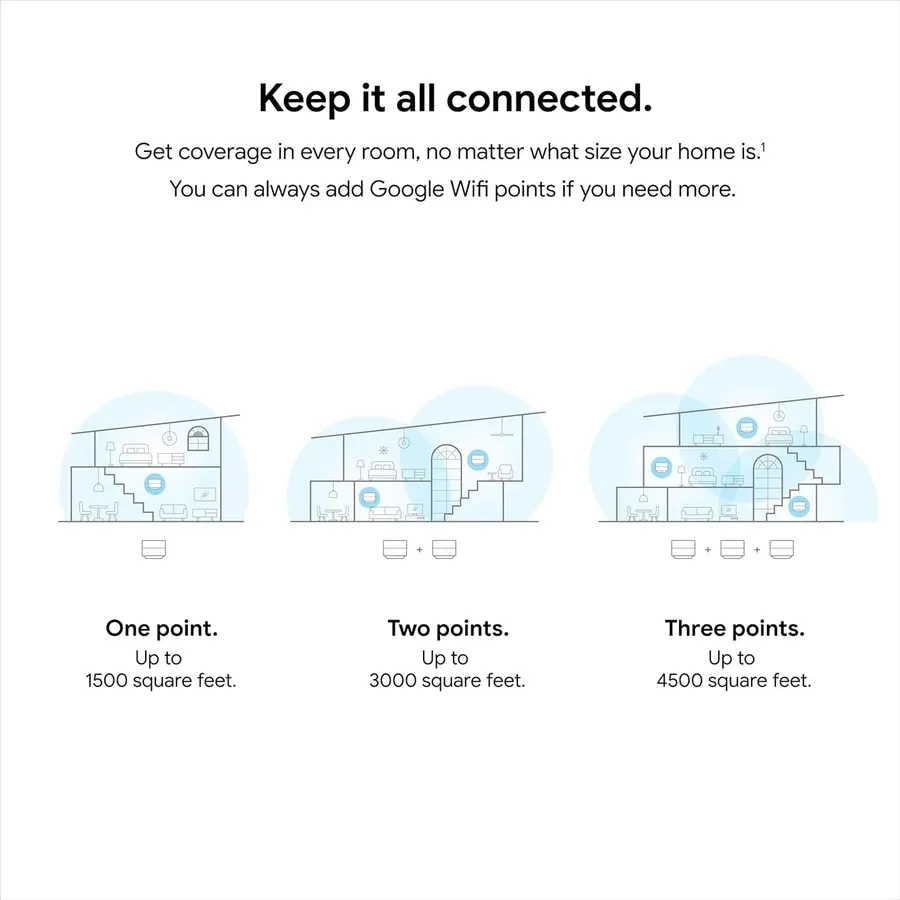
A single WiFi point covers up to 1,500 square feet, a set of three covers homes up to 4,500 square feet WiFi points work together so you can add more if you need additional coverage
24/7 phone support from google; 1 year warranty; material: plastic
Connectivity technology: 2x2 802.11ac Wave 2 + BLE
A new type of connected system that replaces your router for seamless wifi coverage throughout your home, helping eliminate dead zones and b
Ranked #99 in Networking · 4 things we like
Quick answer The Google WiFi System scores 9.2/10 with us. Amazon owners rate it 4.6 out of 5 across 7,014 reviews, above the 4.2 average of the 12 whole home & mesh wi-fi systems we track. It was listed at $54.29 on Amazon when we last checked in September 2026. Key facts: connectivity technology Wi-Fi, ram memory installed 512 MB.
Enjoy a fast signal in every room, on every device. Google Wi-Fi is a new type of connected system that replaces your router for seamless coverage throughout your home. It is a standalone whole home mesh system which does not promise compatibility or interoperability with other 3rd party Wifi systems.
But compatible with all Wifi client devices.
Do Best Deal is a participant in the Amazon Services LLC Associates Program. As an Amazon Associate we earn from qualifying purchases. If you buy through links on this site we may earn a commission, at no extra cost to you. Learn more.
Product information
24 specifications
Other Special Features of the Product
WIFi Protected,Seamless
Frequency Band Class
Dual-Band
Wireless Compability
2.4 GHz Radio Frequency, 5 GHz Radio Frequency, 802.11a/b/g/n/ac
Compatible Devices
Personal Computer
Antenna Location
Home
Connectivity Technology
Wi-Fi
Antenna Type
Internal
Operating System
Linux-based (possible customized version)
Security Protocol
WPA3
Number of Ports
3
Control Method
App
Data Transfer Rate
1200 megabytes_per_second
LAN Port Bandwidth
1000 megabits_per_second
Voltage
240 volts
Maximum Upstream Data Transfer Rate
1200 megabits_per_second
RAM Memory Installed
512 MB
Number of Antennas
2
Wi-Fi Generation
Wi-Fi 5
Router Network Type
wireless mesh
Connectivity Range
1500 square_feet
Connectivity Protocol
Wi-Fi
Controller Type
Google Assistant
Coverage
1500 square feet
Frequency
5 GHz
Pros & cons
What we like
A new type of connected system that replaces your router for seamless wifi coverage throughout your home, helping eliminate dead zones and buffering
Network assist technology keeps your connection fast by always selecting the clearest channel and fastest band for your devices; WiFi throughput: 1200 MPBS.
A simple app gets you set up quickly and allows you to see what's connected, prioritize devices, and pause the WiFi on kids' devices
A single WiFi point covers up to 1,500 square feet, a set of three covers homes up to 4,500 square feet WiFi points work together so you can add more if you need additional coverage
What could be better
Google WiFi System: questions & answers
Is the Google WiFi System worth buying?
Yes, it is one of the stronger picks in its group. We score the Google WiFi System 9.2 out of 10. Amazon owners rate it 4.6 out of 5 across 7,014 reviews, above the 4.2 average of the 12 whole home & mesh wi-fi systems we track.
How much does the Google WiFi System cost?
It was listed at $54.29 on Amazon when we last checked in September 2026. That is cheaper than the $124.98 median for whole home & mesh wi-fi systems in our catalog. Amazon prices change daily, so use the price button on this page to see the current figure.
What options does the Google WiFi System come in?
Amazon lists 2 options. Style: Google Wifi (2016 model) 3 Pack, Google Wifi (2016 model) 1 Pack. Pick an option on this page and the button opens exactly that model.
What are good alternatives to the Google WiFi System?
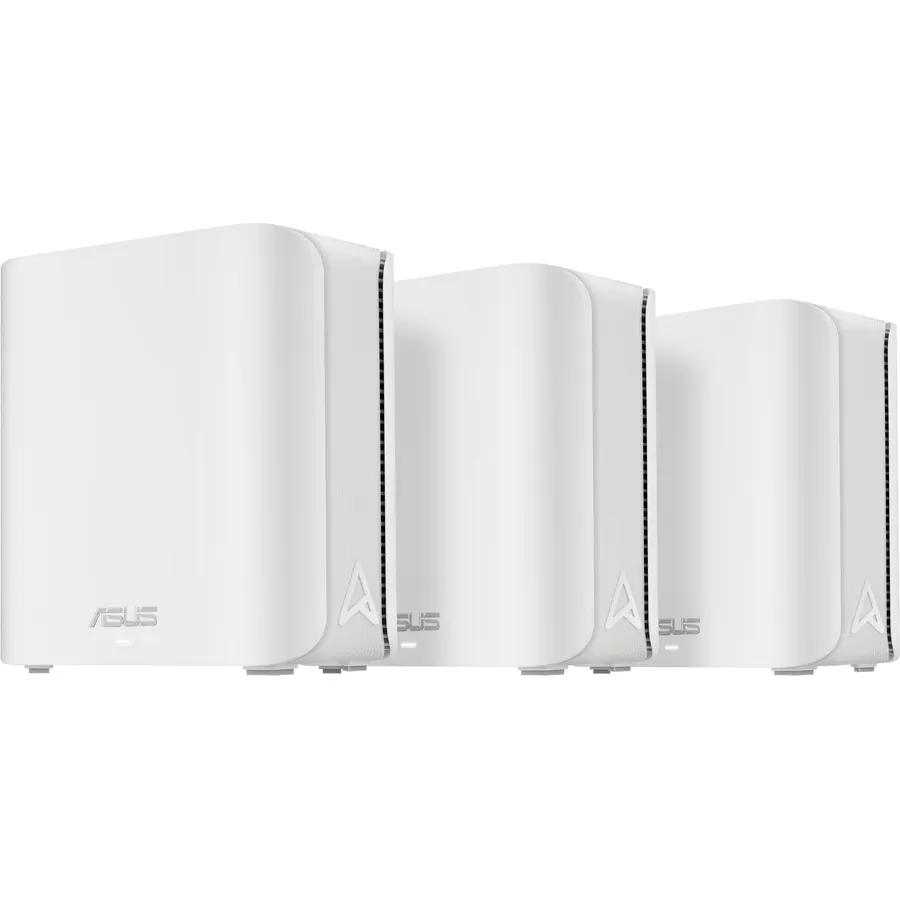
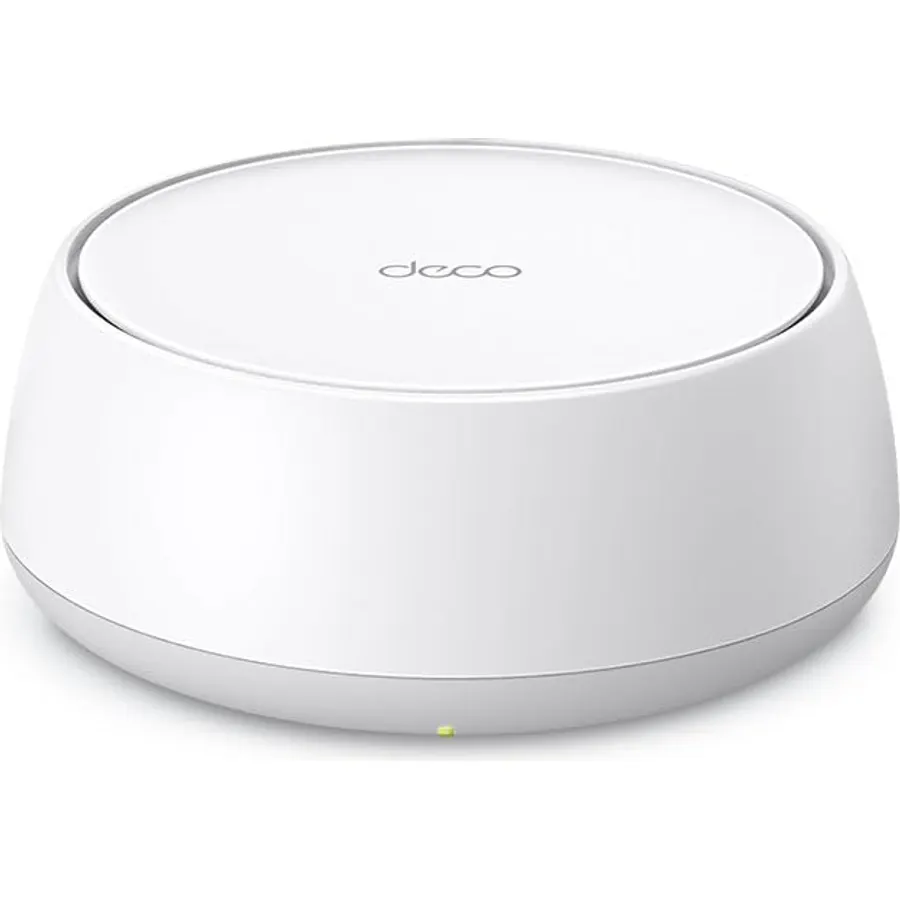
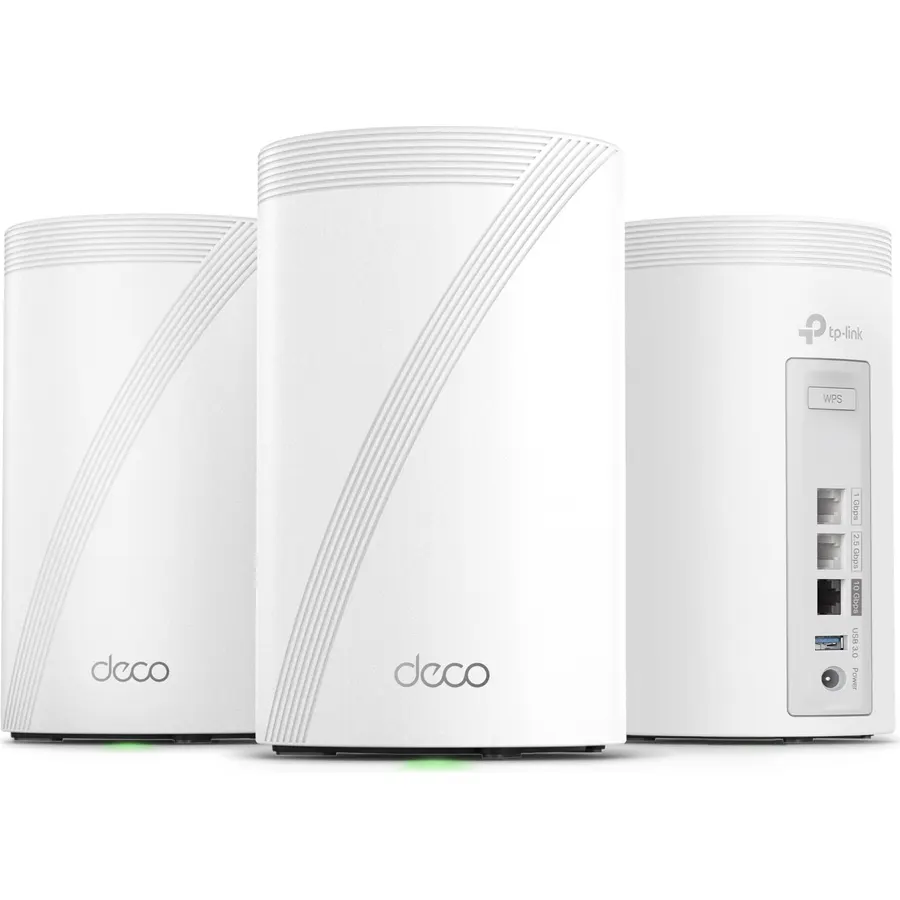
Similar, well-rated whole home & mesh wi-fi systems in our catalog: Google WiFi (8.4/10, 4.2 stars from 127 owners); Google Wifi (9.0/10, 4.5 stars from 15,280 owners); TP-Link Deco S4 Whole Home Mesh WiFi System (9.0/10, 4.5 stars from 29,517 owners).
Breakdown from the 10 most helpful reviews we imported.
M
MikenzCO
Verified purchaseMay 3, 2019
So impressed i added two more and,..
I already started refurbishing our network with a Google OnHub unit about a year and a half back. The OnHub was essentially version 1.0, this mesh version 2.0 so to speak. I loved how easy the OnHub was to setup. How it does updates automatically without you ever knowing it. The device scans for congestion on channels and again without you knowing it chooses the best one available. Topping off the list is that I completely forget about it. I mean not once have I had a single problem, not a one.So when I my network needs grew I decided to purchase two of these ‘hockey puck’ style google Wi-Fi m
A
Anil Bhatt
Verified purchaseJanuary 29, 2017
Excellent coverage for a 2 story 1850 sq ft house
I have been using a Belkin N Router for last few years. It worked as expected and had good coverage for the entire house (two story 1850 sq. ft). Recently it has been giving me problems like having to manually reboot it once or twice a month and connectivity problems with the main network when someone connected to the guest network.Google wifi system is the wifi router for the new age which can be extended to cover a bigger range by adding additional routers to the mesh network. The spec mention one router covers around 1550 sq ft of space. I was mulling over whether to buy just one router or
G
Ghost
Verified purchaseJuly 12, 2019
Google wifi is the real deal!
I went from an awesome Ubee Gateway to Google wifi and to be honest it solved all my issues. I started to get wifi connectivity issues and Xbox and PS4 controller disconnects with my Ubee that lasted me a good 5 years. I started looking around and Google wifi mesh sold me! The unit was easy to install and ever since I have had absolutely zero disconnects, buffering, controller or wifi issues! The app is great and being able to adjust settings and get updates via the app comes in handy. I keep seeing reviews downing the fact that Google wifi controls which device goes to 5ghz to 2.4ghz and I th
S
SB
Verified purchaseJune 20, 2018
Best Router on the Market!
The Google Wifi router is simply amazing! Not only is the design esthetically elegant, the good folks at Google have also made the device intuitively and highly functional. Set up through the Google Wifi app was a breeze and in my case a complete god send since my 2017 MacBook Pro has an essentially nonfunctional ethernet connection despite having purchased a compatible ethernet to usb-c adapter. I repeatedly received the dreaded “self induced IP address and will not connect to the internet” message and wasted hours speaking to various tech reps at Apple and my ISP. It turns out that not being
M
MBDTRHSC
Verified purchaseFebruary 17, 2019
Easy Installation, Fully Online in Minutes - 1 MAJOR CON (Read before you buy!!!)
Pro's: Easy to set up, google mesh created completely by it's self in minutes. Easy beginner user to do small customizations - if you want to do advanced networking/tweaking, this is not the unit for you. Good coverage - with exception. Faster than what I pay for from my cable service, Xfinity Comcast Blast 250mbps download.Con's: IF YOU THINK YOU NEED MORE 1 or 2, GET THE 3 PACK FOR $250Instructions read that for optimal performance, houses under 1500 only needed 1 unit. 1500-3000 = 2, and so on.There is no way this is possible. I purchased 2 units for my small ranch (1300sq ft) with a baseme
C
Chris Rogers
Verified purchaseAugust 20, 2018
WiFi Done Right and Made Simple
Since the dawn of wifi, I've been one of those people that somehow perpetually lives in places where wireless networks aren't as simple as they should be. I have way more experience than I would like to have had with DD-WRT and the old blue Linksys routers and access points, creating bridged networks, running ethernet cables through ceilings to try to mitigate distance with wires instead of wireless, ethernet through power outlets, and heaps of other workarounds because it just won't work out of the box. All of this to say I'm fairly tech-literate, and have been able to create solutions, but i
J
jark87
Verified purchaseDecember 21, 2018
Set up in less than 10 minutes - works flawlessly! Faster than FIOS wifi router!
While I'm technically proficient, I appreciate ease of use. Google wifi couldn't have been easier to set up: plug in power, connect Google-provided cable to modem/router, download app, connection up and running! I'm not concerned with advanced technical features that some have noted as deficiencies. My needs are basic: internet, streaming video, etc., on 4 Roku devices, 3+ phones, 2 laptops, and a tablet.Our house is roughly 3,000 sqft, 2 stories, built in the late 90s with a relatively open floor plan. I bought 2 Google wifi devices instead of the 3-pack. 1 device is upstairs next to the FIOS
M
Marc G
Verified purchaseApril 24, 2017
Great 5 star Router for form and function
My Apple Extreme router (probably 7 years old) seems to be intermittent in its ability to maintain a signal and would drop out. I narrowed my search to a new router, looking at either Google Wifi or the Synology RT 2600 Router, based primarily on the topology of our house (a mesh solution seemed safer than a single router solution) and customer/CNET ratings garnished for both products. Our 4B/2.5B house is 1800 Sq feet spread out over 3 stories-- I needed great access on the top floor where we have the Samsung 8500 TV, Apple TV, and Blue Ray player as well as an iMac and iPad Pro and 2 bedroom
Customer reviews are shown as published on Amazon and are not written by Do Best Deal.