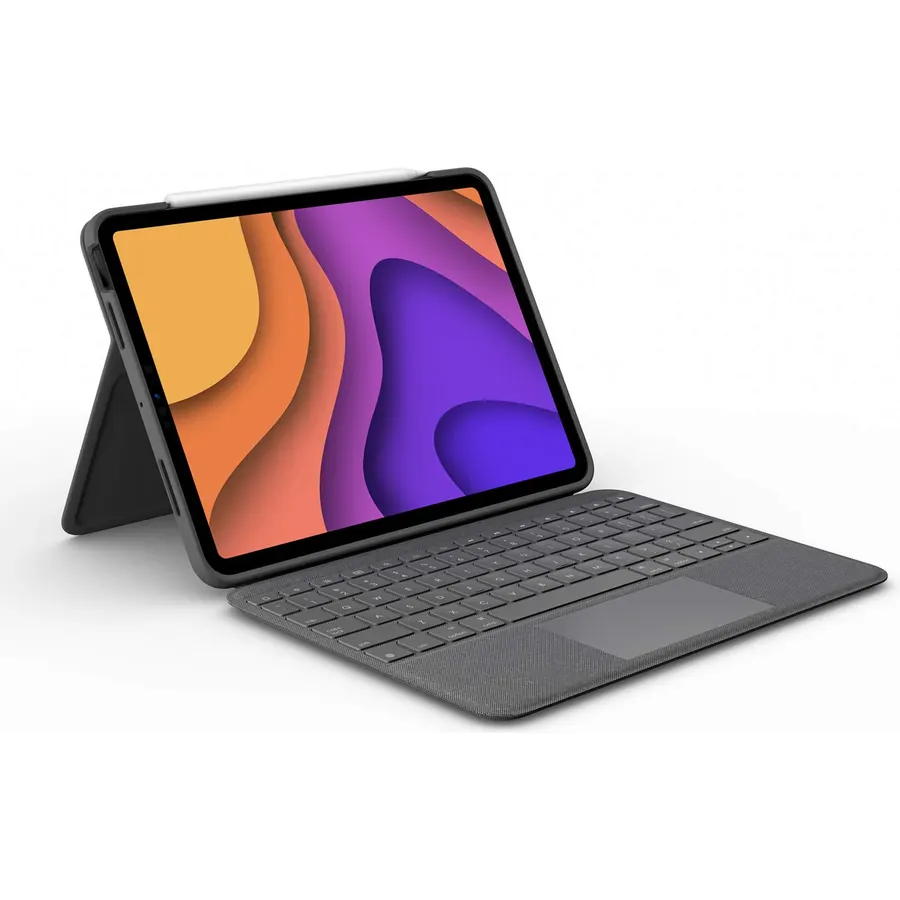
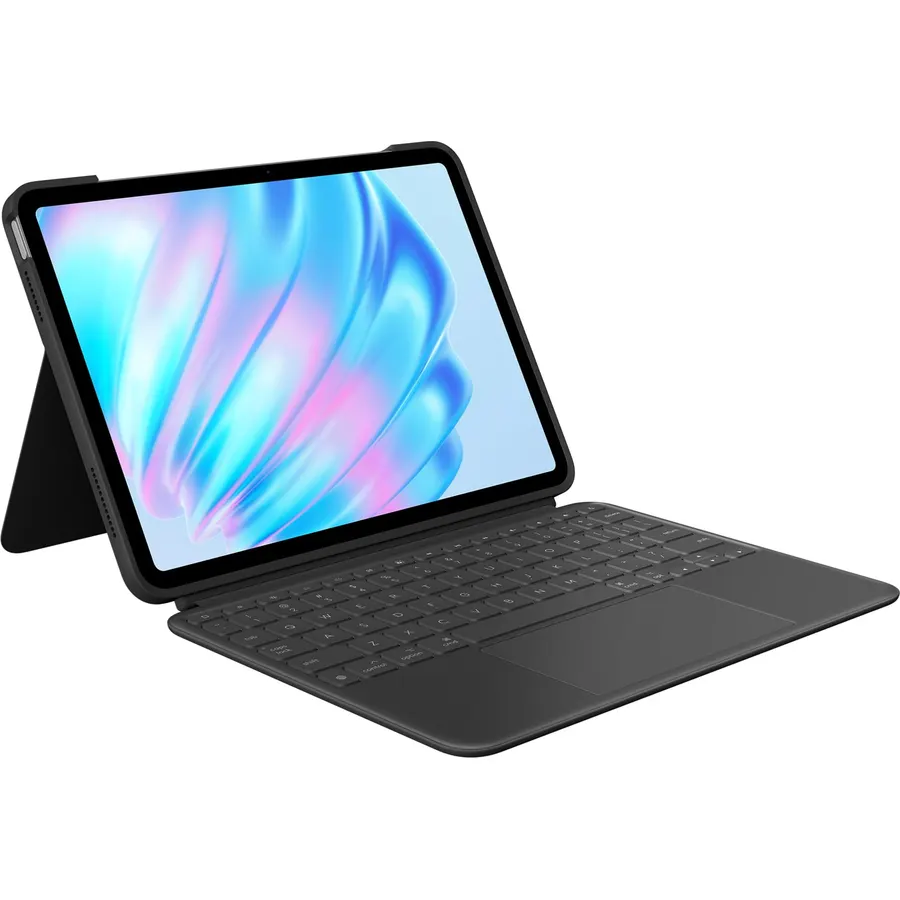
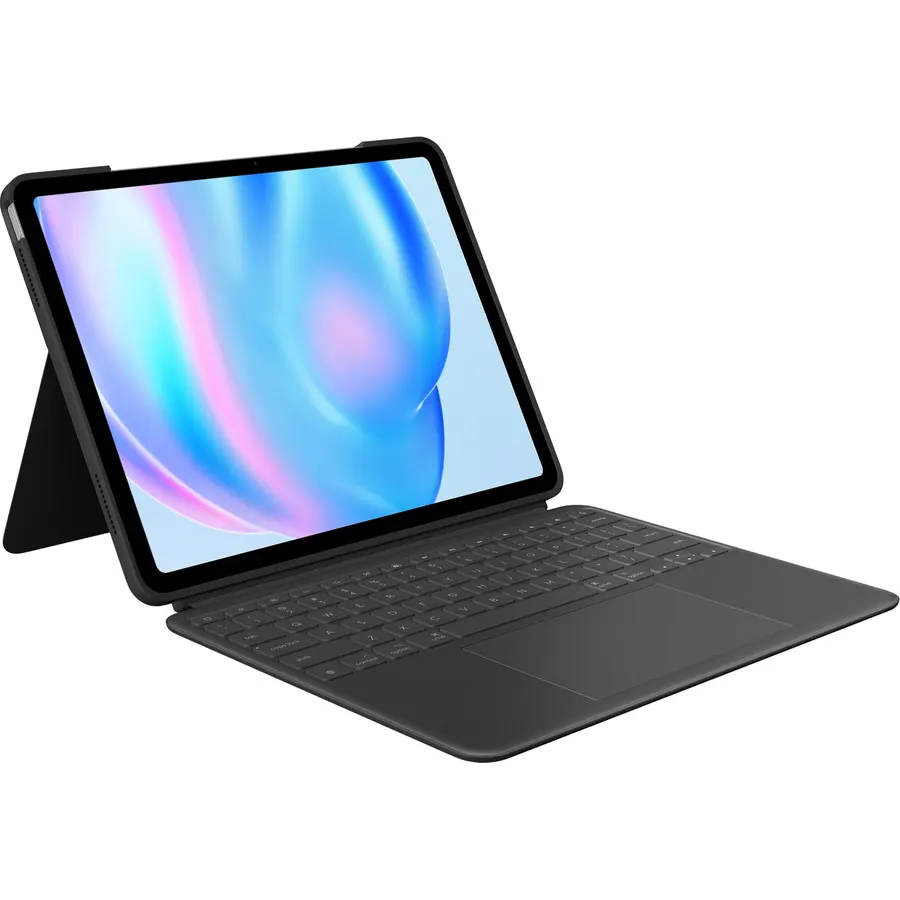
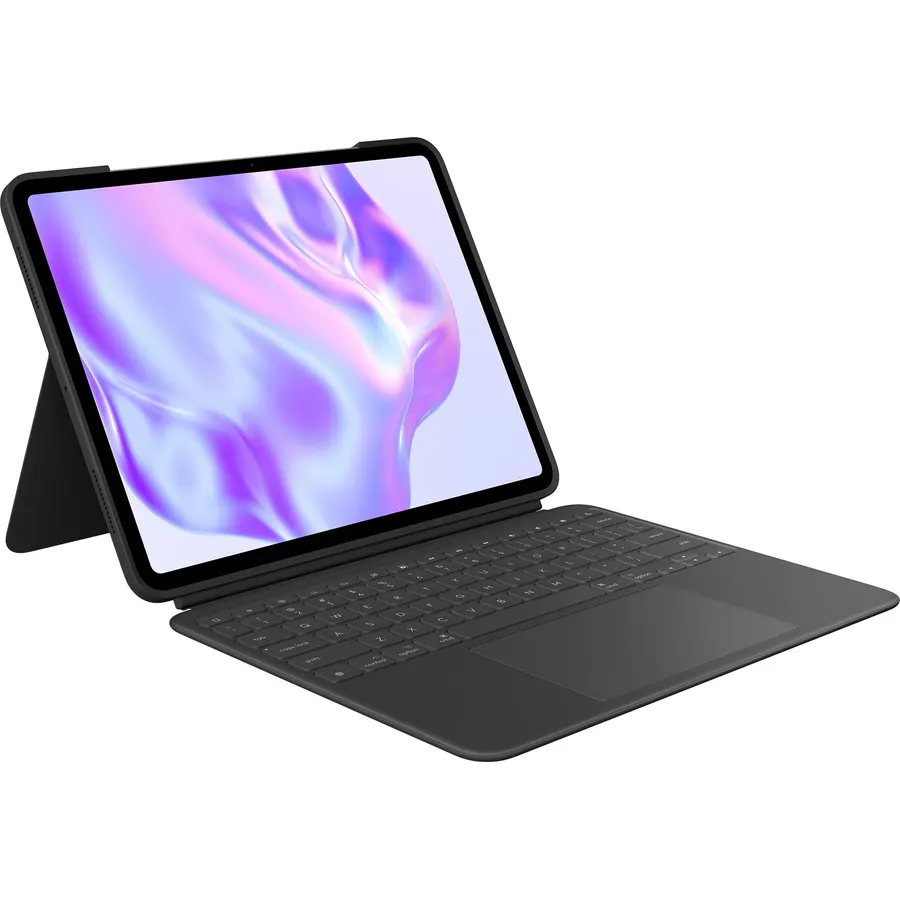
High-Precision Trackpad: Use all the multi-touch gesture controls you already love like swipe, pinch, and scroll to navigate iPad Air even f
Connectivity TechnologySmart ConnectorKeyboard LayoutQWERTYMinimum Required Operating System VersioniPadOS 16Switch TypeScissor-switchWater Resistance LevelNot Water Resistant
About this item
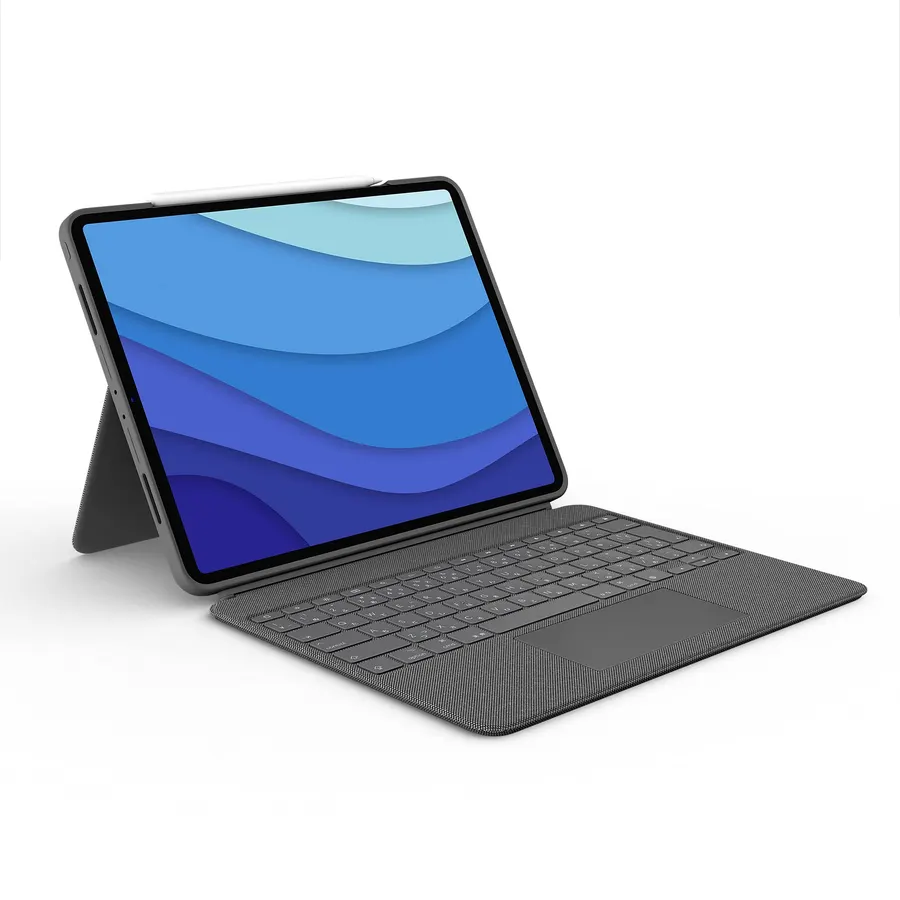
High-Precision Trackpad: Use all the multi-touch gesture controls you already love like swipe, pinch, and scroll to navigate iPad Air even faster.
Backlit Keys: Backlit keys automatically adjust to your environment's lighting. If you need more or less light, the brightness levels are adjustable.
Laptop-Like Typing: Large, well-spaced keyboard containing a full row of iPadOS shortcut keys lets you type comfortably with speed and accuracy.
Four Use Modes: Type, sketch, view and read—if you need to get something done on your iPad Air, choose from four versatile use modes to get it done.
Adjustable Kickstand: Kickstand with 40° range of angles combines with a foldable keyboard for a true view and sketch mode with nothing in the way.
Power and Pair in One Click: Folio Touch instantly pairs via the Smart Connector. Power sources directly from iPad Air so you never have to charge.
Military-Grade Drop Protection: A sturdy case that meets MIL STD 810G keeps iPad Air protected from bumps and scratches. A secure magnetic latch keeps it shut on the go.
Home for Digital Pencil: Folio Touch has space for you to store your Logitech Crayon or magnetically attach your Apple Pencil without removing the case.
High-Precision Trackpad: Use all the multi-touch gesture controls you already love like swipe, pinch, and scroll to navigate iPad Air even f
Ranked #99 in Keyboards · 4 things we like
Quick answer The Logitech Flip Folio Keyboard Case 11-inch iPad scores 9.0/10 with us. Amazon owners rate it 4.5 out of 5 across 4,923 reviews, above the 4.1 average of the 7 keyboard cases we track. Key facts: connectivity technology Smart Connector, keyboard layout QWERTY, minimum required operating system version iPadOS 16.
One case to do it all. Type, sketch, view, and read with the Folio Touch keyboard case for iPad Air 11-inch (M2 & M3), iPad Air (4th & 5th gen), featuring four versatile use modes, a high-precision trackpad for unparalleled control, and a laptop-like keyboard for comfortable, accurate typing. Enjoy hours of comfortable typing thanks to large, well-spaced keys.
A scissor mechanism beneath each key delivers the perfect bounce every time. A full row of iPadOS® shortcut keys helps you optimize workflow with one-tap access to media controls, brightness levels, and more. Backlit keys automatically adjust to your current environment.
If you need more or less light, the brightness levels are adjustable so you can still see what you’re doing in low light environments. Enjoy greater levels of precision with the large trackpad in apps like Notes, Pages®, Numbers®, and Keynote®. Folio Touch also sup
Do Best Deal is a participant in the Amazon Services LLC Associates Program. As an Amazon Associate we earn from qualifying purchases. If you buy through links on this site we may earn a commission, at no extra cost to you. Learn more.
Product information
24 specifications
Additional Features
Foldable
Brand
Logitech
Button Quantity
78
Color
Graphite
Compatible Devices
iPad Air 11-inch (M2 & M3), iPad Air (4th & 5th gen)
Compatible Operating System Family
iPadOS
Compatible Tablet Computer Models
Apple iPad Air (4th generation), Apple iPad Air 11-inch (M2)
Connectivity Technology
Smart Connector
Enclosure Material
Fabric, Plastic, Polyurethane (PU)
Hand Orientation
Ambidextrous
Item Dimensions L x W x H
7.44"L x 0.83"W x 10.08"H
Keyboard Backlighting Color Support
Single Color
Keyboard Description
Backlit
Keyboard Layout
QWERTY
Language
English
Mechanical Keyboard Switch Model
Scissor-switch
Minimum Required Operating System Version
iPadOS 16
Number of Keys
78
Number of Sections
4
Power Source
Supplied directly from connected device
Style Name
4th & 5th gen
Switch Type
Scissor-switch
Theme
keyboard case with trackpad for iPad
Water Resistance Level
Not Water Resistant
Pros & cons
What we like
High-Precision Trackpad: Use all the multi-touch gesture controls you already love like swipe, pinch, and scroll to navigate iPad Air even faster.
Backlit Keys: Backlit keys automatically adjust to your environment's lighting. If you need more or less light, the brightness levels are adjustable.
Laptop-Like Typing: Large, well-spaced keyboard containing a full row of iPadOS shortcut keys lets you type comfortably with speed and accuracy.
Four Use Modes: Type, sketch, view and read—if you need to get something done on your iPad Air, choose from four versatile use modes to get it done.
Logitech Flip Folio Keyboard Case 11-inch iPad: questions & answers
Is the Logitech Flip Folio Keyboard Case 11-inch iPad worth buying?
Yes, it is one of the stronger picks in its group. We score the Logitech Flip Folio Keyboard Case 11-inch iPad 9.0 out of 10. Amazon owners rate it 4.5 out of 5 across 4,923 reviews, above the 4.1 average of the 7 keyboard cases we track.
What are the key specs of the Logitech Flip Folio Keyboard Case 11-inch iPad?
Connectivity Technology: Smart Connector; Keyboard Layout: QWERTY; Minimum Required Operating System Version: iPadOS 16; Switch Type: Scissor-switch; Water Resistance Level: Not Water Resistant. All 24 specifications are in the product information table on this page.
What are good alternatives to the Logitech Flip Folio Keyboard Case 11-inch iPad?
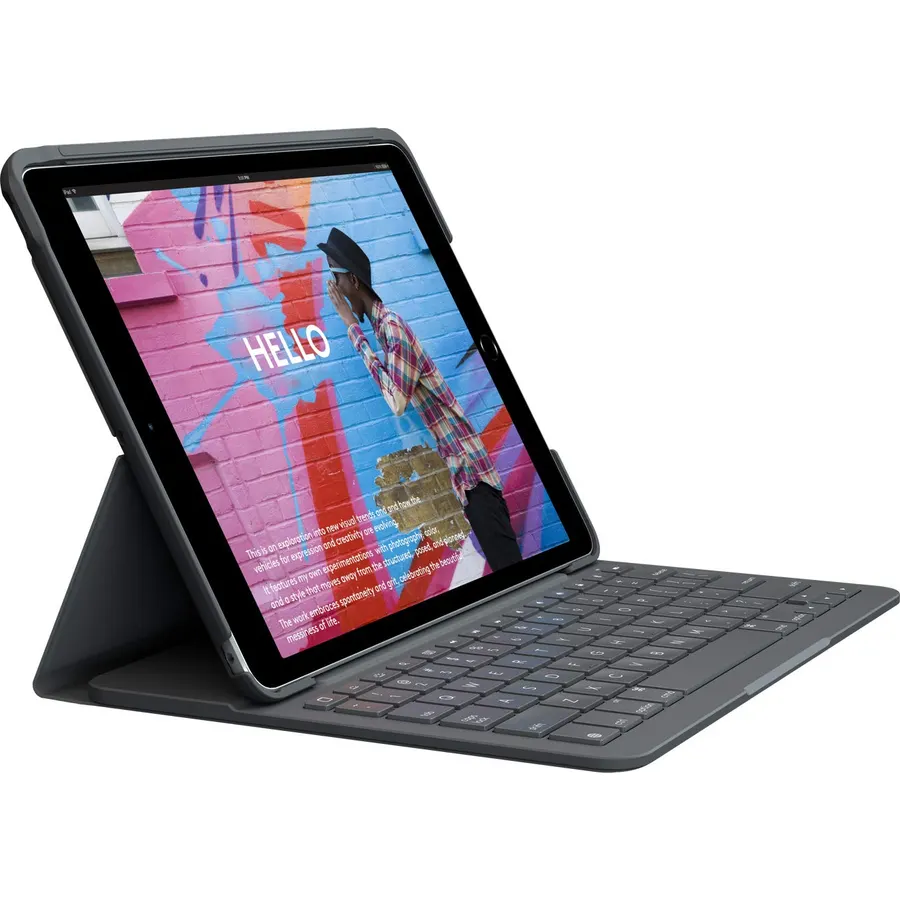
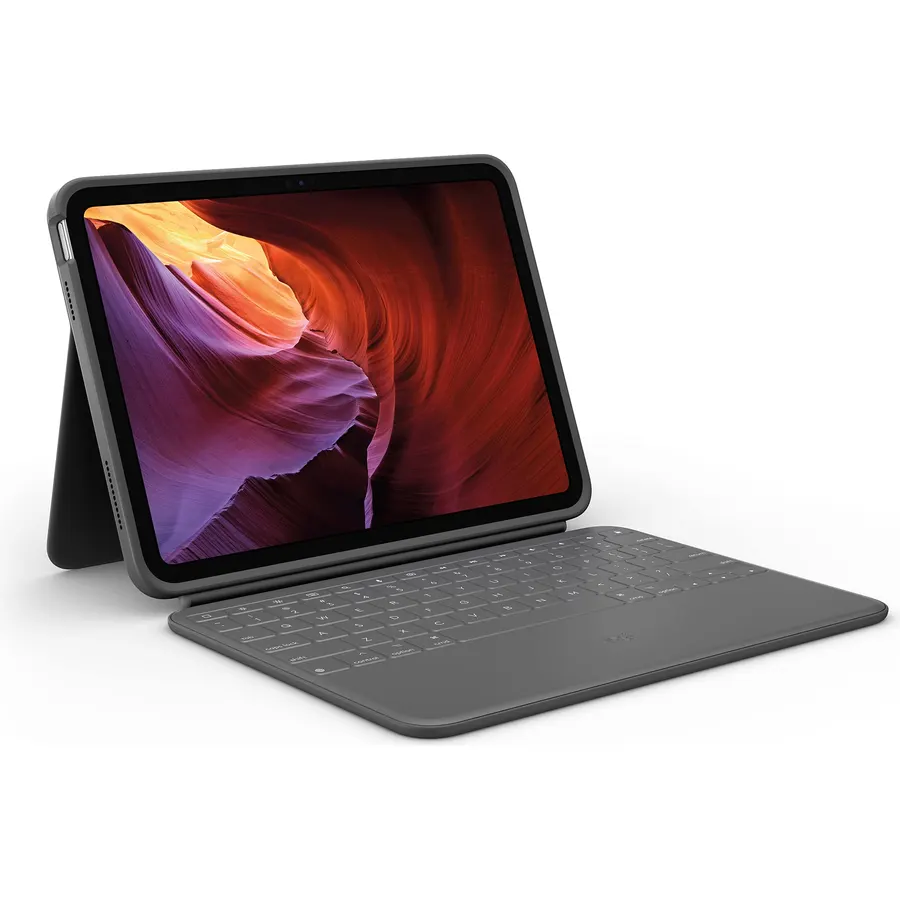
Similar, well-rated keyboard cases in our catalog: Logitech iPad 7th 8th 9th Gen Keyboard Case (8.8/10, 4.4 stars from 4,191 owners); Logitech Rugged Folio iPad 10th Gen Keyboard (8.6/10, 4.3 stars from 394 owners); Logitech Combo Touch iPad Air 11 inch Keyboard (8.0/10, 4.0 stars from 513 owners).
Breakdown from the 10 most helpful reviews we imported.
F
Fool for Christ
Verified purchaseSeptember 16, 2025
A complete game changer for your iPad
This product is great. Talk about a complete game changer. I sold my laptop. I have no reason to keep it. The iPad, now fully equipped with this keyboard and trackpad, does everything I would ever need a laptop to do. But now, it functions just like a normal computer, if I need to. This Logitech trackpad and keyboard case works perfectly. it installs itself. It’s got excellent shortcuts, and the feedback from the keyboard and trackpad is phenomenal. The keyboard and trackpad with the iPad inside of it still weighs only 2 pounds. I can bring it wherever I need to go and don’t need a separate la
D
David Nuñez
Verified purchaseAugust 22, 2026
Cheaper than apple better than apple cause it gives you more protection
Had it for more than two years worked perfectly fine. You don’t need to be charging it cause it works with MagSafe trackpad feels amazing really great product and it gives me more protection than the Apple one that’s why I bought it and it’s still working perfect after more than two years
D
Debbie Lee Wesselmann
Verified purchaseDecember 30, 2021
I Love, Love, Love This, Especially Compared to Older Logitech Designs
I received an iPad Air 4th Generation for Christmas, and I needed a keyboard case as soon as possible because I planned to take it with me on a trip. Since I used a Logitech Air keyboard for my older iPad, I gravitated toward this. I wasn't willing to pay the premium price for the Magic case that Apple sells, but I still needed something durable and easy-to-use. This keyboard case is everything I had hoped for -- and more. Note: Make sure you order the one for your model since this product page is for both iPad Air and iPad Pro models.I love that I don't have to charge the keyboard since it ru
E
Eric
Verified purchaseSeptember 1, 2026
A good keyboard case, with a couple of fairly minor reservations
I like this keyboard case--quite a lot actually--but with a couple of reservations.Oddly enough, I'm having a little trouble gettin accustomed to using the iPad with a keyboard! It make it work more like a little laptop, and I now have to remember things like using Option Return when I want a new line in a text message. If I don't, answer plain Return sends the message.The most important is that there is no separate holder for the Apple Pencil, a feature that my old no keyboard case did have. The Pencil is held in place only by the magnet. It does charge from the iPad, though.When the case is
H
Honest Reviewer
Verified purchaseJanuary 16, 2023
Completely worth it
If you are looking at this product, your goal is avoiding the spending of a significant amount of money on top of what you have already spent on your device. If that is the case, you have selected the right product.Let me start by adding the only issue I have, actually more of a nitpick, that I have with this keyboard case. It only comes in one color. That is it. I wish it had different colors to match it with the color of my iPad.All that said, let's get to the good stuff.I will list some of the questions that you might be thinking of:1. Is the case sturdy?2. Will this case protect my iPad?3.
D
David
Verified purchaseJune 5, 2025
Makes your ipad like a Surface - a superb add-on!
This is a brilliant add-on to the iPad. It’s SO much better than every similar case for Samsung tablets - and I’ve tried them all - that it makes my iPad my go-to device over other tablets and computers.The fit is pretty perfect on the iPad. Nice and snug.The keyboard attaches really well - about as good as a Surface which is pretty much the gold standard for me. It doesn’t wobble with the iPad on your lap.The texture of this earlier-generation case is MUCH better than the newer “m2/m3” variant. That one is super smooth and slippery. WHY? The older generation has almost a denimy feel to it so
Q
Quinlyn
Verified purchaseJune 9, 2025
Just what I needed!
I wanted a keyboard for my iPad that would detach when I just wanted to use the flat tablet in its case, and this does exactly what I wanted. The main case is protective and has a nice feel to it in your hand. The keyboard is well-designed, with a pleasant backlight and a good typing experience (and I'm very picky about keyboard switches). Great for using your iPad in bed because you can use the kickstand portion to adjust it however you need.Overall very pleased and I've had it for about eight months now with no issues. That being said, I worry about eventual weardown of the kickstand, whethe
B
Bob G
Verified purchaseJune 13, 2026
Kayboard/Trackpad works great and the case still looks good after 4 years.
DirectConnect keyboard is much more reliable than any BlueTooth keyboard I've tried. The trackpad works well. The fabric-like exterior (model 920-010260) is much easier to hold than smooth vinyl-like exteriors of other ComboTouch models. Easy to use and holds up great.4 years later. I remain quite pleased with the product. When I bought another (for another iPadAir), I discovered current products have a smooth vinyl-like exterior which is harder to grip, finger-smudges badly, and the kickstand is more difficult to use. As of June-2026 the old fabric model (920-010260) is available on Amazon an
Customer reviews are shown as published on Amazon and are not written by Do Best Deal.
More keyboards we compared
Alternatives to the Logitech Flip Folio Keyboard Case 11-inch iPad