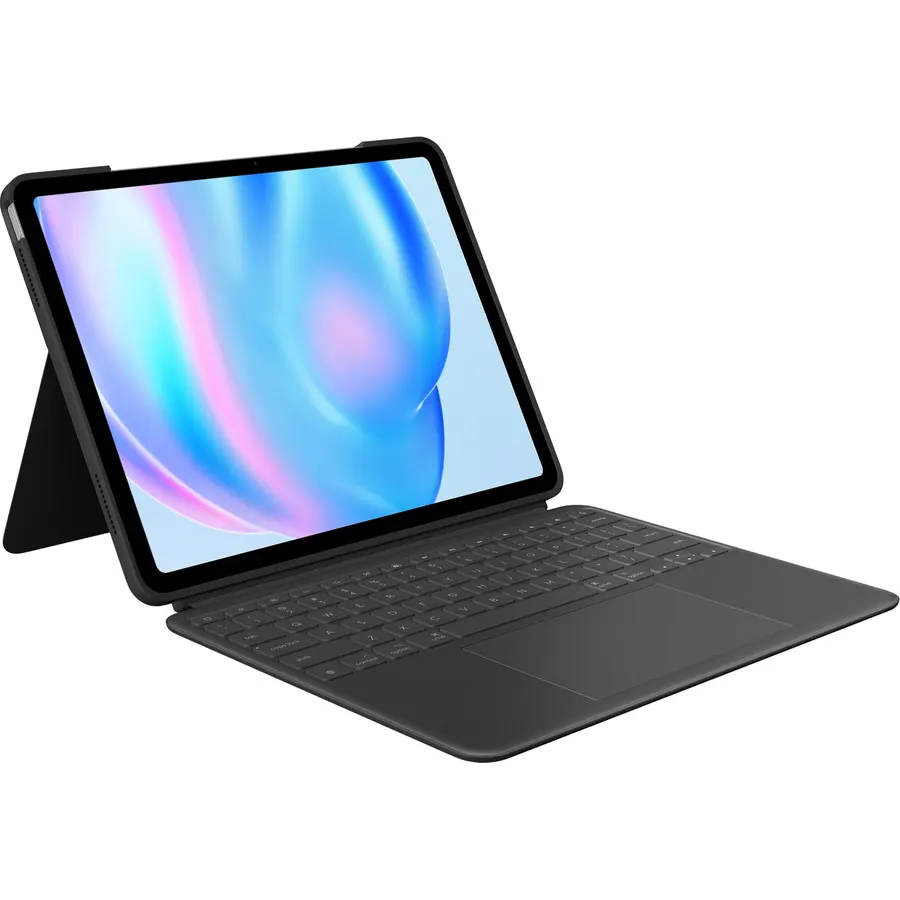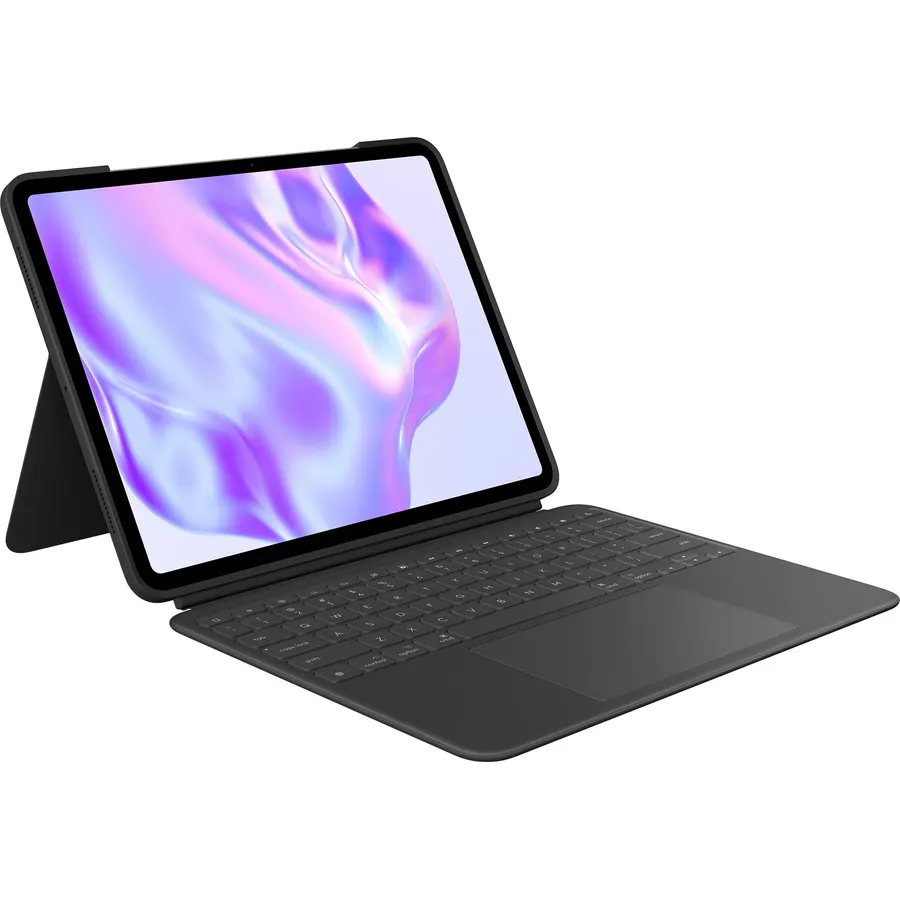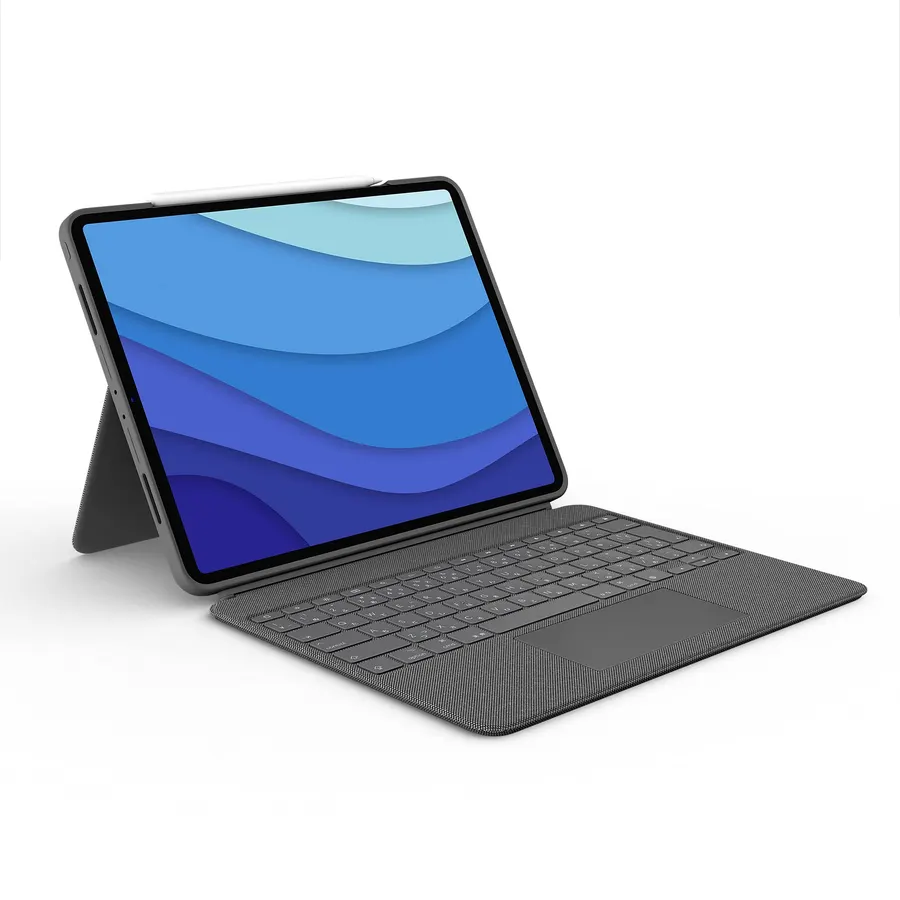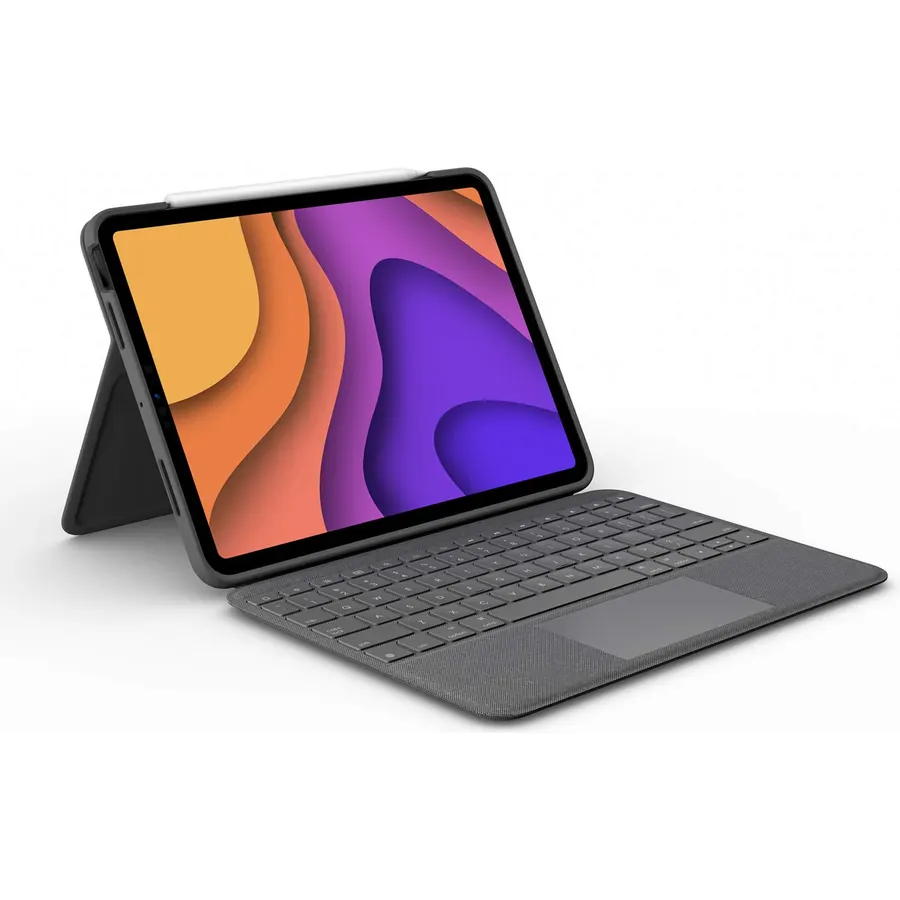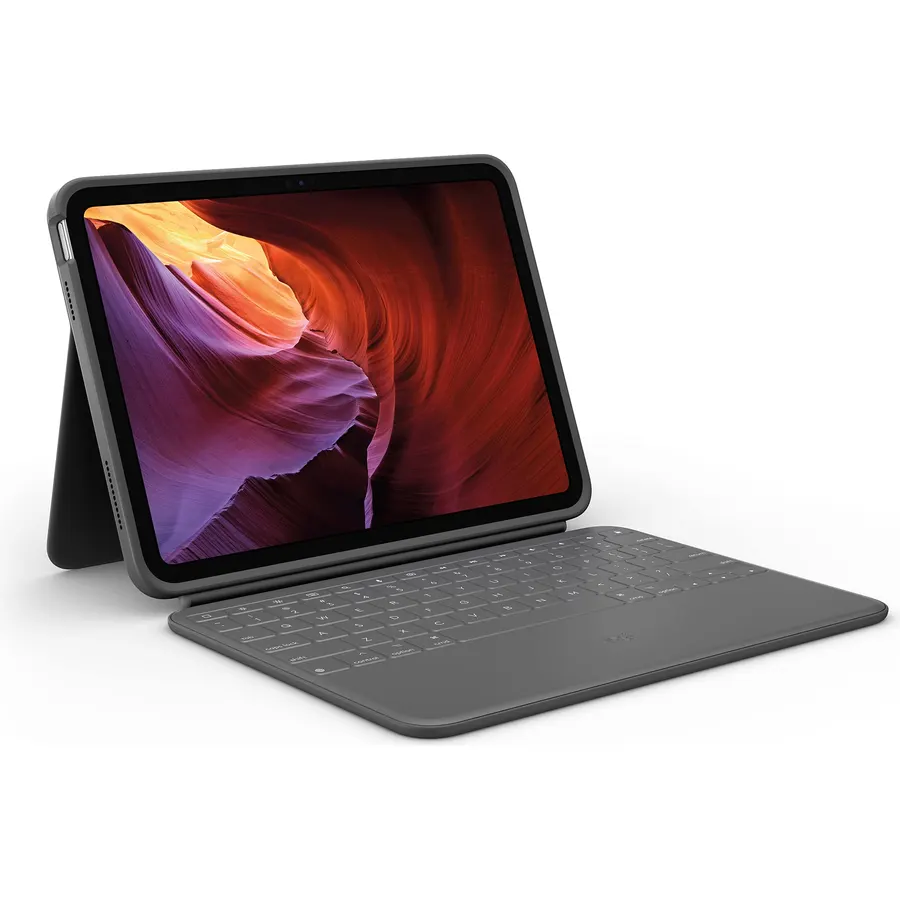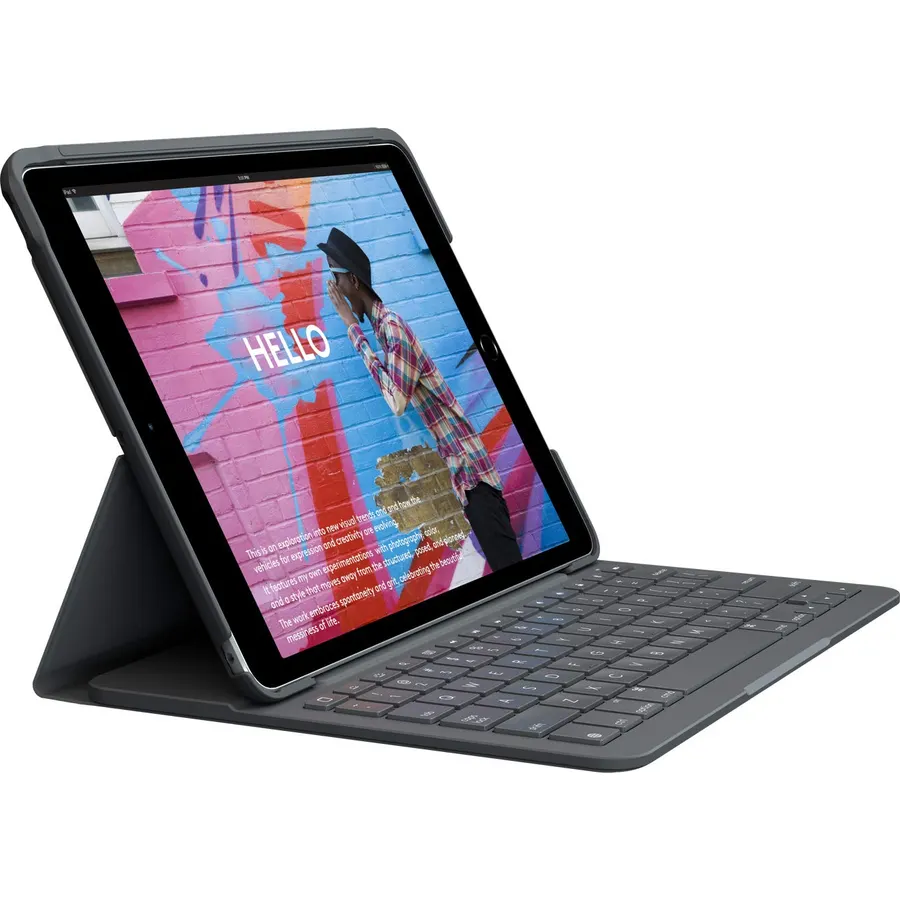
I bought this for my 9th generation ipad. Im a fan of logitech products and this keyboard case is a durable high quality case. However the instructions for pairing are worthless and didn’t work for me. Here is how I got it to pair. After snapping in your iPad and positioning on the case, you 1- turn on your bluetooth in ipad settings then 2- with your ipad screen showing Bluetooth, you press the pairing button ( 2nd one in from the right) on keyboard for 2 sec. Then 3- once you see the word slim folio on your screen, you touch that word with your finger. Then 4- a message will show asking you
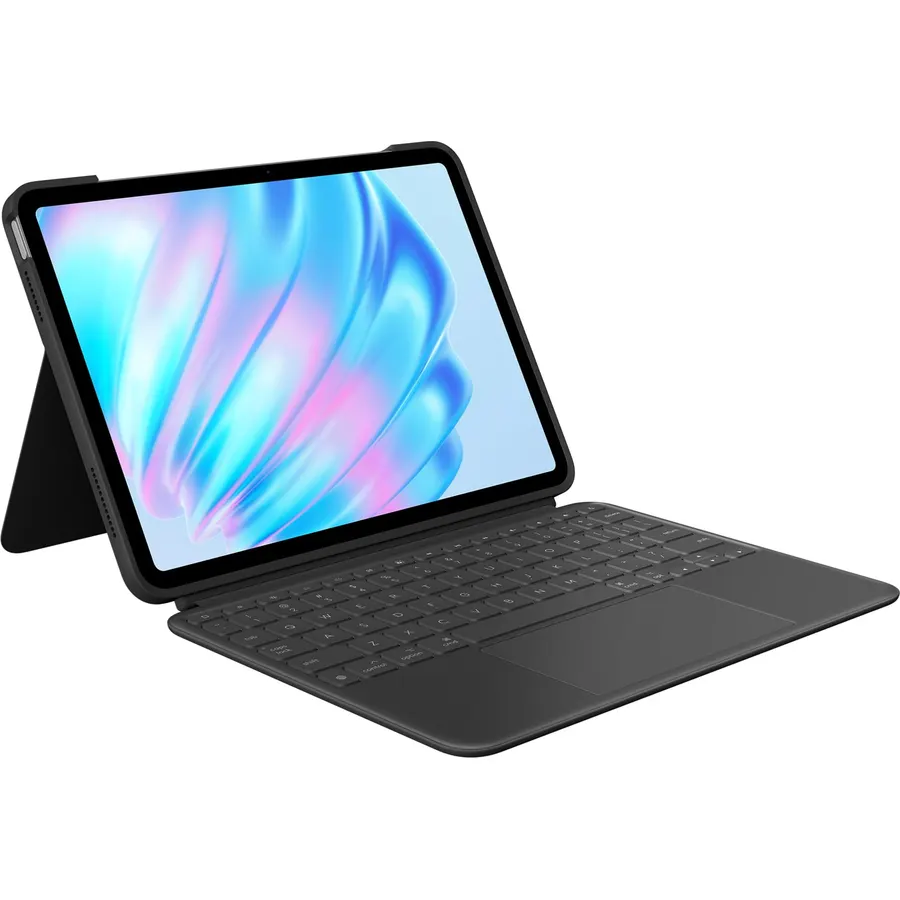
8.8Our score 4 photosLogitech iPad 7th 8th 9th Gen Keyboard Case Slim Folio - Graphite
Comfortable typing and iOS shortcut keys - Enjoy hours of comfortable typing thanks to large well-spaced keys stretched edge-to-edge so your
About this item
- Comfortable typing and iOS shortcut keys - Enjoy hours of comfortable typing thanks to large well-spaced keys stretched edge-to-edge so your hands won’t feel crowded With a full row of iOS shortcut keys for one-tap access to media volume controls and more
- 4 year battery life - Slim Folio uses 2 replaceable coin cell batteries to power your keyboard Featuring a smart-power management system use Slim Folio for up to 4 years without needing to replace the batteries (Based on 2 hours daily use) Typing Mode is 58° angle. View Mode: 10° angle. 3 Modes: Type, Sketch, Read
- Bluetooth Low Energy Connectivity - Slim Folio uses advanced Bluetooth LE wireless for reliable energy-efficient connection
- Protection from bumps scratches and spills - Slim Folio carefully envelopes your iPad for all-around protection against bumps scratches and spills On the inside a lightweight frame and keyboard module provide structural integrity without weighing down your iPad
- Holder for Logitech Crayon and Apple Pencil (1st gen) - Sketch write then store your Logitech Crayon or Apple Pencil (1st gen) where it won’t get lost or in the way The convenient holder will keep it firmly in place until you’re ready to use it again
- Apple iPad is sold separately and not included
Comfortable typing and iOS shortcut keys - Enjoy hours of comfortable typing thanks to large well-spaced keys stretched edge-to-edge so your
Ranked #99 in Keyboards · 4 things we like
Quick answer The Logitech iPad 7th 8th 9th Gen Keyboard Case scores 8.8/10 with us. Amazon owners rate it 4.4 out of 5 across 4,191 reviews, above the 4.1 average of the 7 keyboard cases we track. It was listed at $62.95 on Amazon when we last checked in September 2026. Key facts: connectivity technology Bluetooth, keyboard layout QWERTY, minimum required operating system version iOS 16.
Turn your iPad into a laptop in one click Well-spaced keys and iOS shortcuts make typing fast and comfortable Slim Folio locks your iPad at an optimal angle for typing and holds firm on any surface from a desk to your lap Slim design fits perfectly and protects iPad from bumps scratches and spills without weighing you down Easy setup a reliable Bluetooth low energy wireless connection and long lasting battery life make the Slim Folio an indispensable tool for iPad.
Do Best Deal is a participant in the Amazon Services LLC Associates Program. As an Amazon Associate we earn from qualifying purchases. If you buy through links on this site we may earn a commission, at no extra cost to you. Learn more.
Product information
24 specifications| Additional Features | Foldable |
|---|---|
| Antenna Location | Everyday Use |
| Brand | Logitech |
| Built-In Media | Documentation, Logitech SLIM FOLIO for the 7th,8th and 9th Generation iPad |
| Button Quantity | 78 |
| Compatible Devices | Apple Pencil, Stylus, Tablet |
| Compatible Operating System Family | iOS |
| Compatible Tablet Computer Models | Apple iPad (7th generation) |
| Connectivity Technology | Bluetooth |
| Enclosure Material | Plastic |
| Global Trade Identification Number | 00097855154590 |
| Hand Orientation | Ambidextrous |
| Item Dimensions L x W x H | 10.08"L x 7.24"W x 0.87"H |
|---|---|
| Keyboard Backlighting Color Support | Single Color |
| Keyboard Description | Slim Folio with Integrated Wireless Keyboard, QWERTY |
| Keyboard Layout | QWERTY |
| Minimum Required Operating System Version | iOS 16 |
| Model Name | SLIM FOLIO for the 7th,8th and 9th Generation iPad |
| Model Number | 920-009473 |
| Number of Batteries Required | 2 |
| Number of Keys | 78 |
| Number of Sections | 1 |
| Style Name | Slim Folio |
| Theme | keyboard |
Pros & cons
- Comfortable typing and iOS shortcut keys - Enjoy hours of comfortable typing thanks to large well-spaced keys stretched edge-to-edge so your hands won’t feel crowded With a full row of iOS shortcut keys for one-tap access to media volume controls and more
- 4 year battery life - Slim Folio uses 2 replaceable coin cell batteries to power your keyboard Featuring a smart-power management system use Slim Folio for up to 4 years without needing to replace the batteries (Based on 2 hours daily use) Typing Mode is 58° angle. View Mode: 10° angle. 3 Modes: Type, Sketch, Read
- Bluetooth Low Energy Connectivity - Slim Folio uses advanced Bluetooth LE wireless for reliable energy-efficient connection
- Protection from bumps scratches and spills - Slim Folio carefully envelopes your iPad for all-around protection against bumps scratches and spills On the inside a lightweight frame and keyboard module provide structural integrity without weighing down your iPad
Compare head-to-head
All comparisonsLogitech iPad 7th 8th 9th Gen Keyboard Case: questions & answers
Is the Logitech iPad 7th 8th 9th Gen Keyboard Case worth buying?
Yes, it is one of the stronger picks in its group. We score the Logitech iPad 7th 8th 9th Gen Keyboard Case 8.8 out of 10. Amazon owners rate it 4.4 out of 5 across 4,191 reviews, above the 4.1 average of the 7 keyboard cases we track.
How much does the Logitech iPad 7th 8th 9th Gen Keyboard Case cost?
It was listed at $62.95 on Amazon when we last checked in September 2026. Amazon prices change daily, so use the price button on this page to see the current figure.
What are the key specs of the Logitech iPad 7th 8th 9th Gen Keyboard Case?
Connectivity Technology: Bluetooth; Keyboard Layout: QWERTY; Minimum Required Operating System Version: iOS 16. All 24 specifications are in the product information table on this page.
What are good alternatives to the Logitech iPad 7th 8th 9th Gen Keyboard Case?
Similar, well-rated keyboard cases in our catalog: Logitech Flip Folio Keyboard Case 11-inch iPad (9.0/10, 4.5 stars from 4,923 owners); Logitech Rugged Folio iPad 10th Gen Keyboard (8.6/10, 4.3 stars from 394 owners); Logitech Combo Touch iPad Pro 11-inch Keyboard (8.8/10, 4.4 stars from 2,569 owners).
Logitech Flip Folio Keyboard Case 11-inch iPadLogitech Rugged Folio iPad 10th Gen KeyboardLogitech Combo Touch iPad Pro 11-inch Keyboard
Customer reviews
All reviews on AmazonBreakdown from the 10 most helpful reviews we imported.
This case perfectly fits my 9th generation iPad. I really like the keyboard - the keys are spaced well and they don't stick, so typing is very smooth and natural. The case is well made and I feel confident it is going to protect my device. I had a little trouble figuring out the bluetooth connection, but once I figured out what I was doing wrong, it connected immediately. When you go through the setup process, you are given a passcode that has to be entered for the bluetooth connection, however there is no pop up box or field to enter the code into, so it's a bit confusing. You just type the c
I bought this a few years ago (it’s now Oct 2024) and I didn’t know but it runs on a simple watch battery that I only just had to change out a few months ago, and the battery is sold in most stores so it was easy to find. I do not treat my ipad rough, but this keyboard has a solid plastic cover for the backside of the ipad which has helped prevent scratches and protected against minor bumps. I really like the keypad sensory feedback when typing. I wasn’t using the ipad daily until a few months ago, and I foresee using it daily for the next few years so I will see how much faster the battery on
UPDATE ON THE UPDATE!This time, it's dead for real after 3 years and 3 months. The old batteries tested fine and new ones didn't fix it, either. I really expected this to last longer than it did. It works great until it doesn't. The problem is that this is really the only satisfactory keyboard/case for my purposes out there. I've tried the others and they don't work as well.IMPORTANT UPDATE!For unexplained reasons, the keyboard came back to life the next day. I didn't do anything, it just decided to start working again. ((Maybe it read my review.)If it had come back to life after 3 days, I cou
After four years of daily use it finally died. I absolutely loved this keyboard and it worked amazingly the entire time I had it, up until it stopped turning on. It turned my iPad into a touch screen mini-laptop with cellular connectivity that I could literally use everywhere. Hopefully they have the exact same model because I have to buy it again.
Llevo 4 años usándolo y me parece que es de excelente calidad. Sin embargo con el tiempo se le calló una tecla, pero son por temas de uso. Lo recomiendo 100%
Buttons are falling off. We purchased in April and at the beginning of June the keyboard buttons are falling off. So sad because I really did think it was a good buy until this.
Originally I gave this a poor review. Later I learned that if you buy the new keyboards you need to have a special screw driver which I bought that comes in a kit. Prior to Logitech using special screws on the battery port the port slid out. I preferred the sliding port to change batteries. I received an email from Logitech which informed me of change. Then had to buy special screw driver kit with small screw driver to open the battery port.
Customer reviews are shown as published on Amazon and are not written by Do Best Deal.