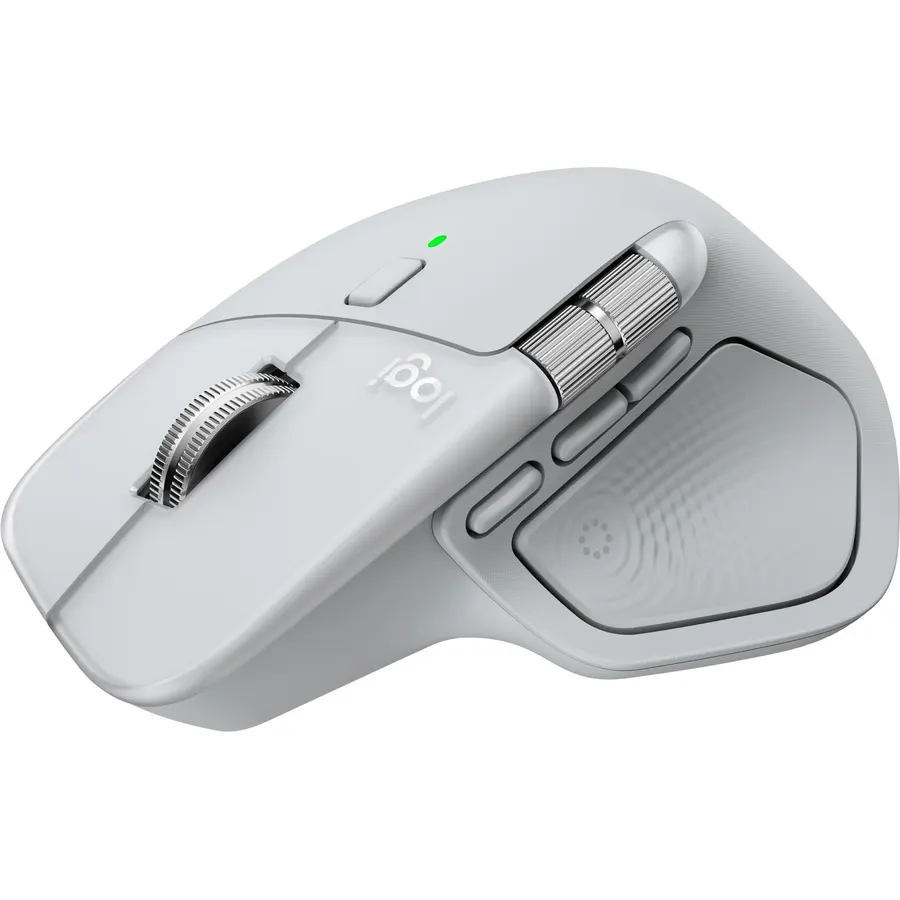
Logitech MX Master 4 for Mac, Ergonomic Bluetooth Mouse with Advanced Performance Haptic Feedback, Ultra-Fast Scrolling, USB-C Charging, MacOS, iPadOS, Windows - White Silver
Mastered for Mac: With matching Apple finishes, Logi Options+ functions for macOS (1), USB-C charging while you work (cable not included), M
Minimum Required Operating System VersionMac OS 14 Sonoma
About this item
Mastered for Mac: With matching Apple finishes, Logi Options+ functions for macOS (1), USB-C charging while you work (cable not included), MX Master 4 for Mac makes for a perfect fit with your Apple setup
Precision you can feel with the Haptic Sense Panel; customizable (1) haptic feedback on specific actions, shortcuts, notifications enhancing productivity on this wireless Bluetooth mouse
Effortlessly access favorite tools with Actions Ring (2) on this MX Series mouse—a dynamic, customizable overlay adapts to each app, placing most used filters, adjustments, and shortcuts at your cursor
Scroll 1,000 lines per second and stop on a pixel with the MagSpeed scroll wheel—Logitech’s fastest (3), quietest, and most precise (4) scrolling experience
Ergonomic mouse designed for comfort, MX Master 4 for Mac keeps you in flow with a natural tilt, intuitive buttons, and a thumb scroll wheel that reduces hand stress for fluid navigation
Quiet Clicks on MX Master 4 for Mac reduce noise and distractions, offering a satisfying feel with 90% less click noise (7) —perfect for focused workflows
Get a complimentary 1-month Adobe Creative Cloud subscription with your purchase of MX Master 4 for Mac
Designed for a positive future: Plastic parts include recycled plastic - 54% Space Black; 48% White Silver (12); 100% recycled cobalt in the battery; Built to last with improved stain resistance (7)
Mastered for Mac: With matching Apple finishes, Logi Options+ functions for macOS (1), USB-C charging while you work (cable not included), M
Ranked #99 in Mice · 4 things we like
Quick answer The Logitech MX Master 4 scores 8.8/10 with us. Amazon owners rate it 4.4 out of 5 across 539 reviews, in line with the 4.4 average of the 166 products we track in Mice. It was listed at $119.99 on Amazon when we last checked in September 2026.
The Logitech MX Master 4 for Mac brings immersive control and precision you can feel with haptic feedback. Experience haptic feedback on specific actions, shortcuts, notifications like switching desktops, slider adjustments and more. Customize vibration intensity with Logi Options+ (1).
With Actions Ring shortcuts and MX Master 4 for Mac, save up to 33% of your time (2) by accessing tools and filters at your cursor and reducing repetitive movements by up to 63%. (2) Experience uninterrupted performance with 2X more powerful connectivity, powered by an advanced radio chip, optimized antenna placement, and a new USB-C dongle (not included). (7) Scroll 1,000 lines per second with Logitech's fastest MagSpeed wheel, switching between hyper-fast and pixel-perfect scrolling for ultimate precision.
The 8k DPI sensor tracks on any surface—even glass. (5) Designed for comfort, it keeps your hand i
Do Best Deal is a participant in the Amazon Services LLC Associates Program. As an Amazon Associate we earn from qualifying purchases. If you buy through links on this site we may earn a commission, at no extra cost to you. Learn more.
Mastered for Mac: With matching Apple finishes, Logi Options+ functions for macOS (1), USB-C charging while you work (cable not included), MX Master 4 for Mac makes for a perfect fit with your Apple setup
Precision you can feel with the Haptic Sense Panel; customizable (1) haptic feedback on specific actions, shortcuts, notifications enhancing productivity on this wireless Bluetooth mouse
Effortlessly access favorite tools with Actions Ring (2) on this MX Series mouse—a dynamic, customizable overlay adapts to each app, placing most used filters, adjustments, and shortcuts at your cursor
Scroll 1,000 lines per second and stop on a pixel with the MagSpeed scroll wheel—Logitech’s fastest (3), quietest, and most precise (4) scrolling experience
What could be better
Logitech MX Master 4: questions & answers
Is the Logitech MX Master 4 worth buying?
Yes, it is one of the stronger picks in its group. We score the Logitech MX Master 4 8.8 out of 10. Amazon owners rate it 4.4 out of 5 across 539 reviews, in line with the 4.4 average of the 166 products we track in Mice.
How much does the Logitech MX Master 4 cost?
It was listed at $119.99 on Amazon when we last checked in September 2026. Amazon prices change daily, so use the price button on this page to see the current figure.
What are good alternatives to the Logitech MX Master 4?
Similar, well-rated products in our catalog: Logitech MX Master 3S (9.0/10, 4.5 stars from 958 owners); Microsoft Arc Mouse (9.0/10, 4.5 stars from 18,846 owners); Microsoft Wireless Mobile Mouse 4000 (9.0/10, 4.5 stars from 8,748 owners).
Breakdown from the 10 most helpful reviews we imported.
L
LeilaM
Verified purchaseApril 27, 2026
When you're done settling for lesser mice... welcome to the MX Master 4!
It's inevitable. I keep thinking "Someone will make a better mouse than Logitech!" Or even one that's "just as good!" And I've tried many of the ones from other brands that resemble the MX Master series. But I keep coming back, because in actual use, nothing I've found actually beats the original.I've had my trusty Master 3 for years, but now the Master 4 manages to improve on it.The changes I like most: gone is the rubberized texture. It tended to get scuffed up and worn. My Master 3 has a worn spot from years of use. The Master 4 has a more solid texture that's still comfortable, but I can t
D
DP
Verified purchaseAugust 17, 2026
Worth the hype!
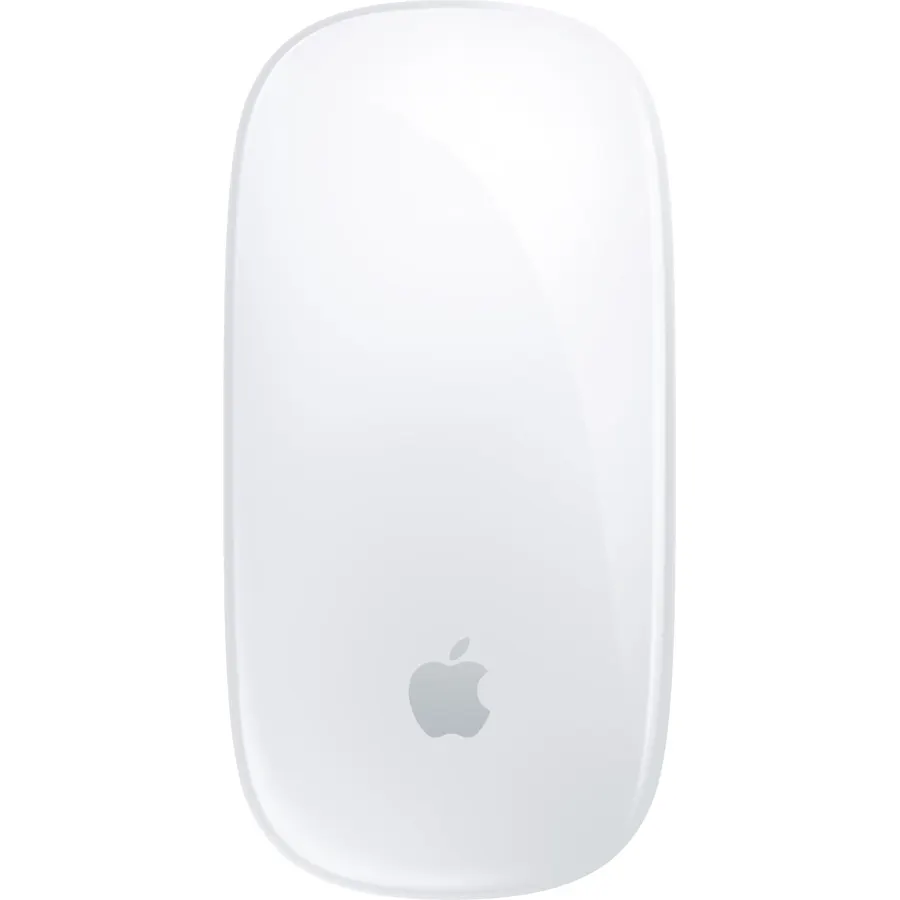
I use this on Mac and it is hands-down the best one on the market, especially when compared to Apple's Magic Mouse. Magic Mouse doesn't even compare.. it's almost the same price and is uncomfortable, useless, and hasn't been updated since it was released. This one keeps up with high resolutions and refresh rates while also having unique customizable features making productivity and even everyday tasks 100x quicker. I also love how I can connect it up to 3 devices so I can also use it on my gaming desktop and create a profile unique to each device. You can download the Logi Options+ application
J
Joey
Verified purchaseFebruary 12, 2026
Great Product and Design
I love it, and and wrists love it!The haptic feedback is nice feature, and the customization options are nice to have.I've never used shortcuts before this, but they've come in handy during moments when I want to quickly access certain apps/folders/keybinds.Even being able to customize the feel of the scroll wheel is insanely cool!I also appreciate having the horizontal scroll wheel as well (I use it all the time in my projects)It glides smoothly and accurately, It's large, but still portable to bring with you on the go. I like how it connected quickly to the laptop and it functioned pretty mu
M
Michael E. Shupp
Verified purchaseAugust 1, 2026
You need this more than you think!
When working on your computer being efficient in you workflow is a constant roadblock. The mouse eliminates most of those roadblocks. The programmable buttons allow you to individualize the multiple buttons and do so by application. So you have a cut and paste for excel and a forward and backward button for safari. The time savings may not seem like much initially but you get into a rhythm when working and this mouse helps create that. The new thumb button has multiple options and are also programmable. The bottom line is this IS the Mouse to buy. You will get more done with less friction and
S
Screenack
Verified purchaseAugust 23, 2026
Consistently solid offering from Logitech
Despite my general preference for Apple products, I've always been pleased with my Logitech peripheral purchases. MX Master 4 works as expected. The only reason I don't give 5 stars is to avoid the grade inflation so common now. It's a solid product, and I highly recommend it. Worth the cost, works well, easy to configure and manage, though the weird menu thing I haven't bothered with yet, sold scroll functionality and convenient battery life. I recharge it maybe once a week. I've had no issues connecting it to the multiple Macs I use.
C
Constantin
Verified purchaseAugust 25, 2026
Probably the best productivity mouse
My third mx master. I think this one feels nicer competed to 3/3s but I find the action thumb button to be uncomfortable because it is located too far and motion gestures are less convenient now. Otherwise it is a great product. New shortcuts system is nice and top cover feels more robust and it likely won’t peel off as did the old soft touch plastic on the older models. Also I’m not sure if drivers got better or macOS itself, but gesture recognition doesn’t break anymore and I don’t have to reboot the logi driver every week.
S
Saul
Verified purchaseOctober 26, 2025
Good mouse, but not worth the upgrade.
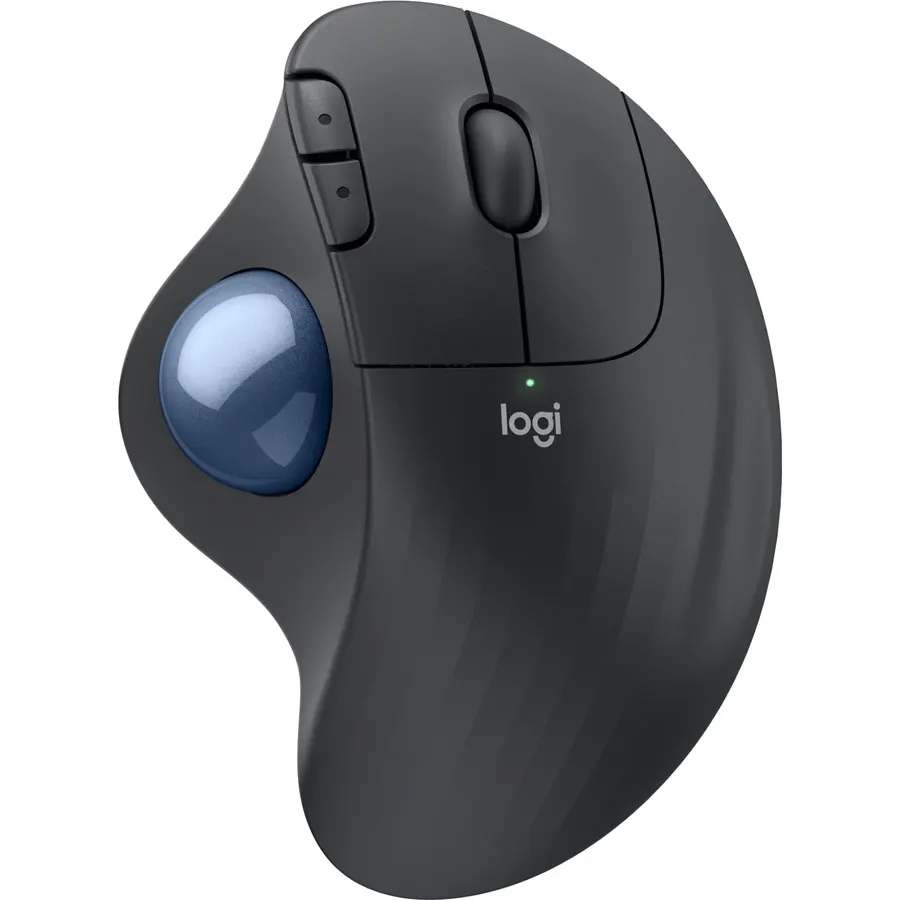
The material used gives it a better feel than the previous version. The haptics are a nice addition and give it a familiar feel when using gestures on a Magic Trackpad. However, besides not including the dongle on the Mac version, and for the price, this doesn’t really feel like an upgrade. The new shape and weight make using it awkward and in the previous version, I could easily lift and pull back. Now when I run out of room on my desk, I can never get a firm grip and always ends up slipping and dropping down on the desk. Ended up returning it and will continue using my trackball mouse.
G
Gary Baker
Verified purchaseJune 12, 2026
Superb Mac Mouse
This mouse is fantastic! Extremely comfortable for long hours of use, and the ergonomic design really helps reduce hand strain. The scrolling is smooth, tracking is precise, and the customizable buttons are very useful for productivity. Battery life is excellent, and the Bluetooth connection is quick and reliable. Premium quality and worth every penny!
Customer reviews are shown as published on Amazon and are not written by Do Best Deal.