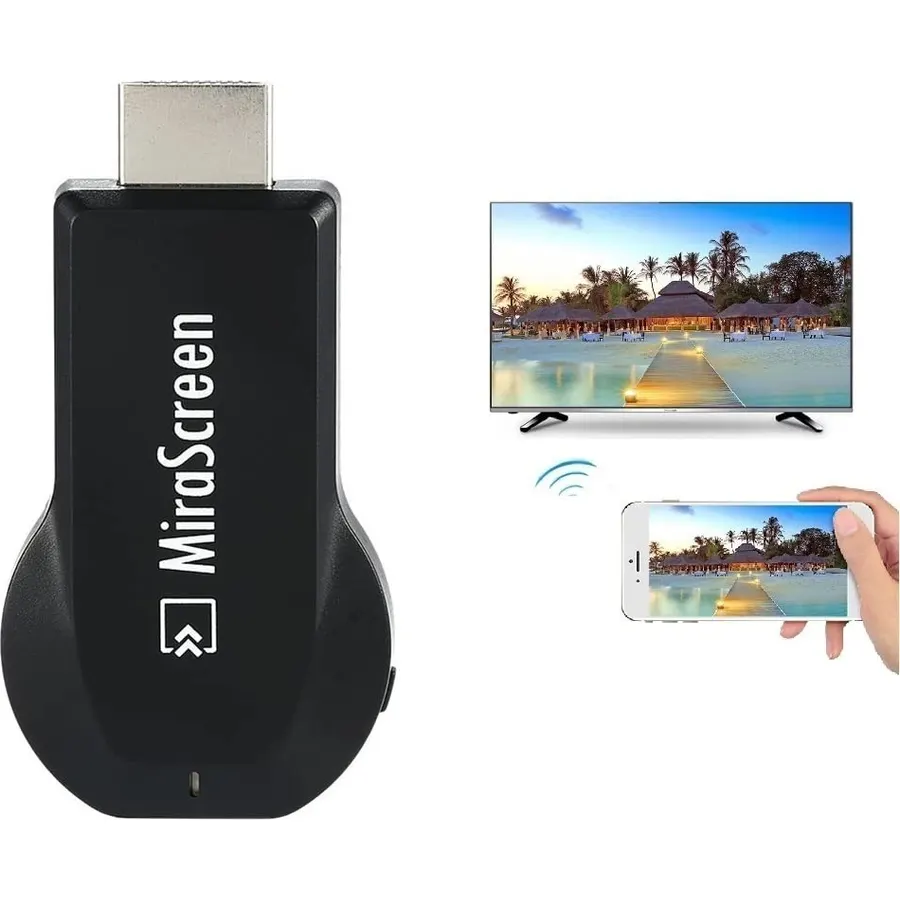
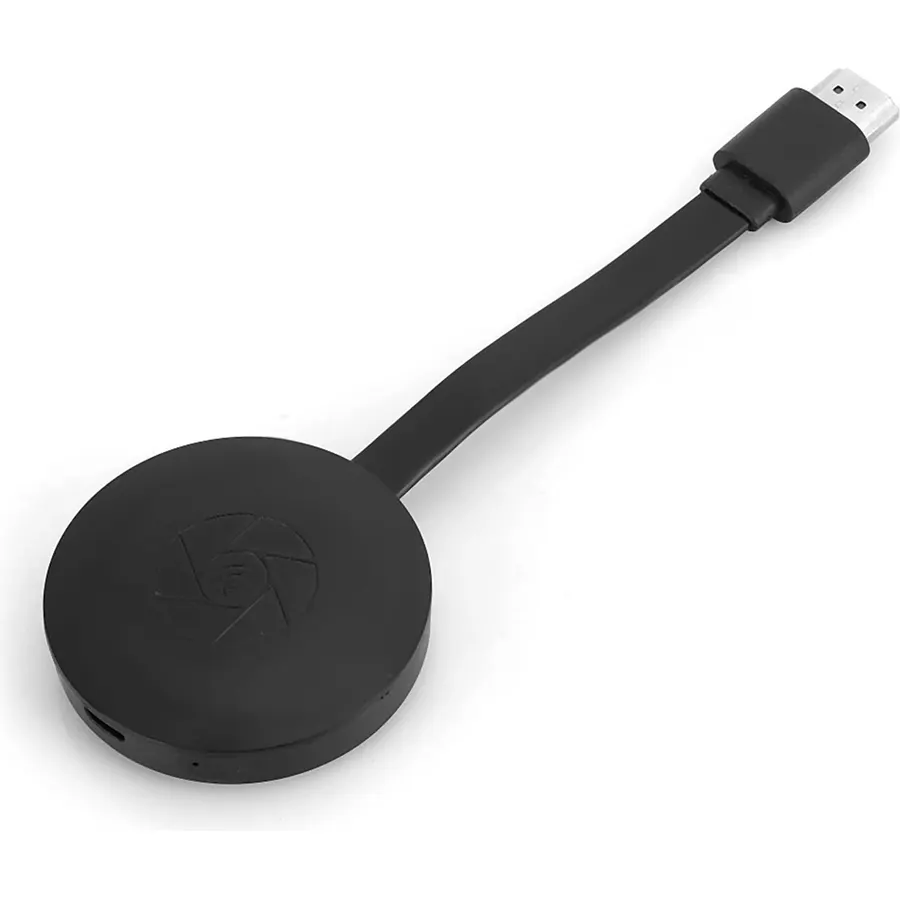
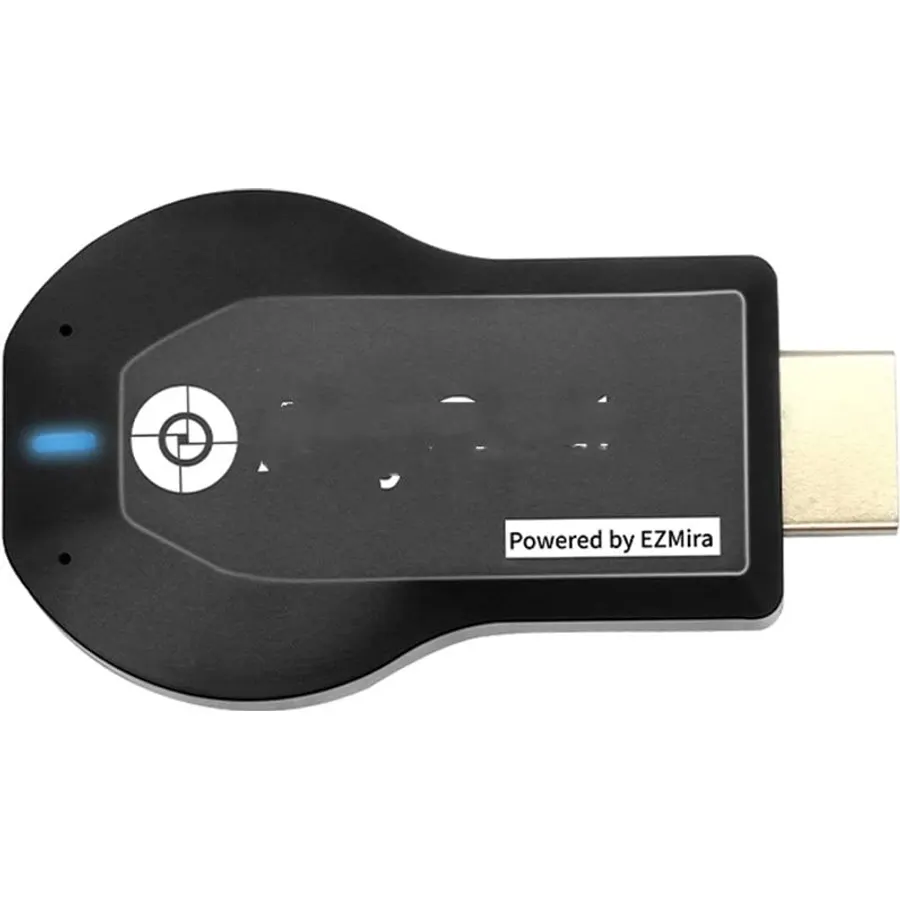
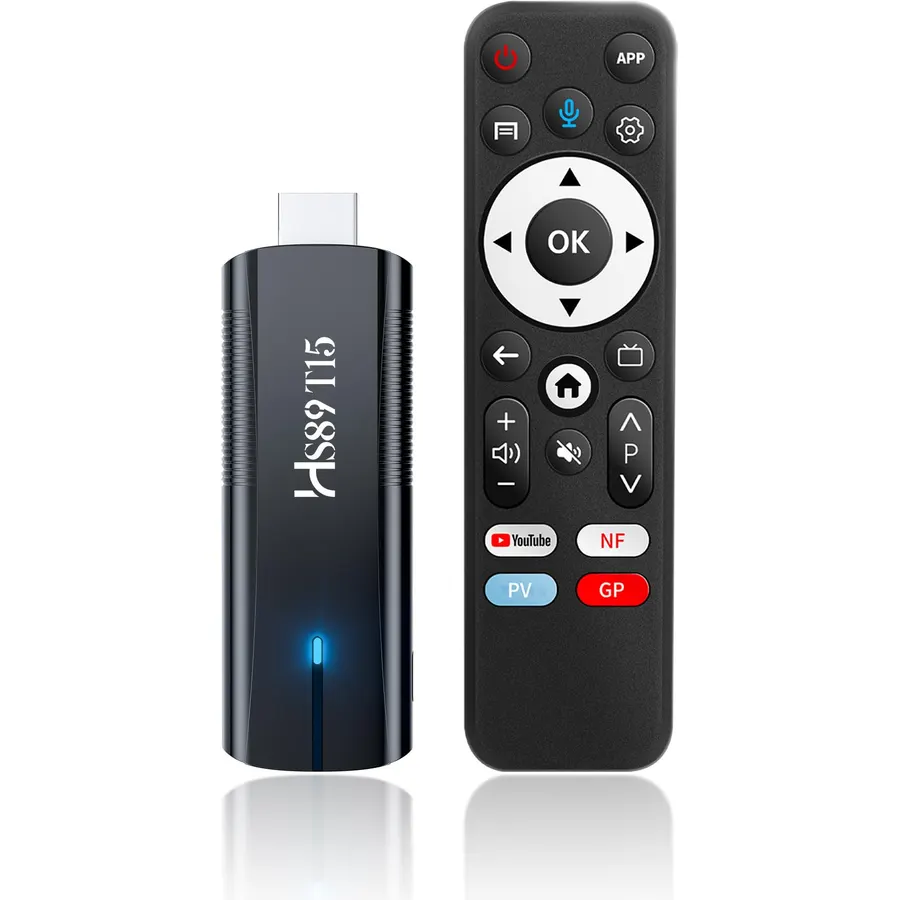
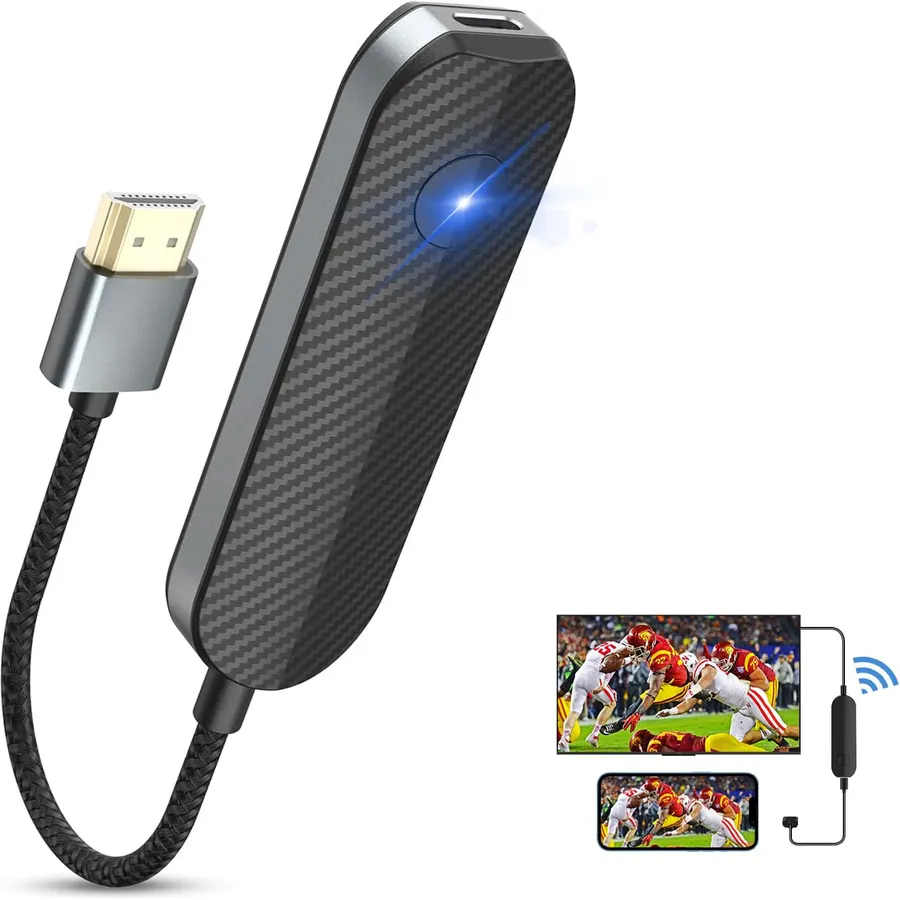
SmartSee MiraScreen Wireless Display Adapter Dongle 1080P HD Screen Mirroring Media Player Stick for Tablet Smartphone Compatible with Miracast Airplay DLNA
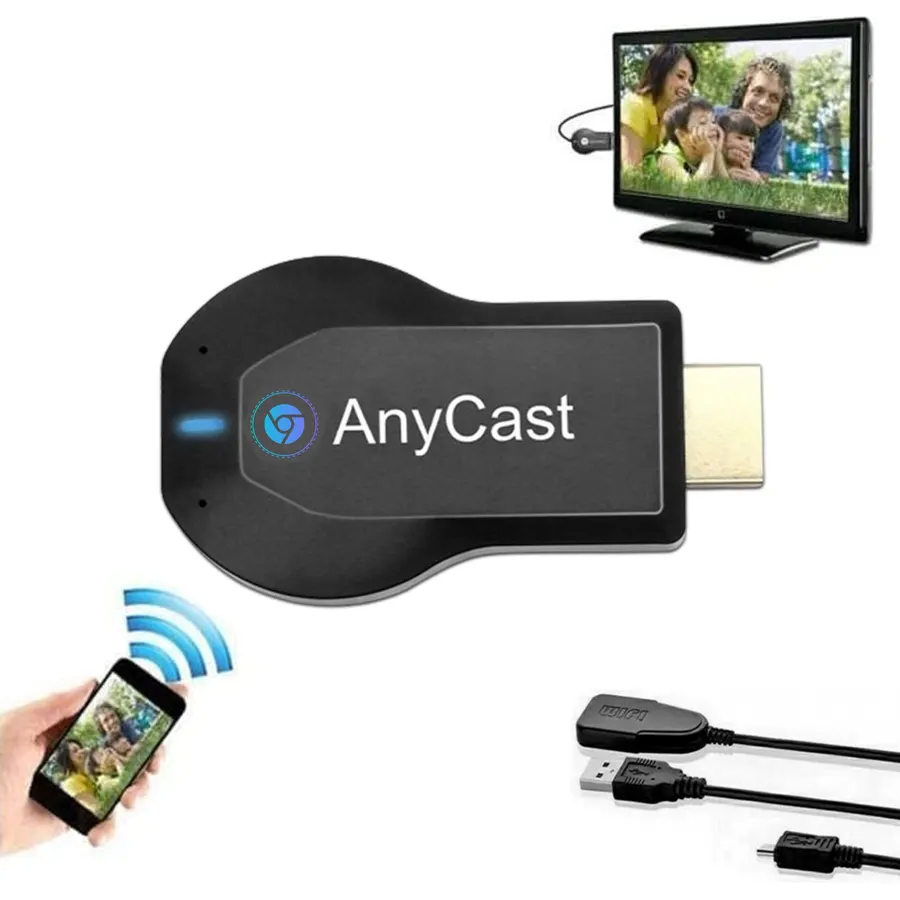
Wireless Display–Instantly mirror your phone screen on tv wirelessly, cast a small screen to a large screen, including sharing 1080P videos(unencrypted only), games, audio, pictures, Apps and files from your smartphone laptop tablet PC to your big screen HDTV, projectors and monitor. Support up to 1080P resolution. Ideal for screen mirroring, presentations, online learning, and entertainment.
Wide Compatibility–Works with most mainstream smart devices: iOS 9.0+, Android 4.4+, and Windows laptops/PCs. Miracast Required–Android and Windows devices must support the Miracast protocol for screen mirroring. Device Limitations–Not compatible with Google Pixel or Motorola phones. Screen Mirroring–Supports YouTube, Facebook, Twitter, and most online video apps for smooth wireless display. App Restrictions–Not compatible with copyright-protected apps such as Netflix, iTunes, Amazon Video, HBO Go, Hulu Plus, Honda Motor, ESPN, etc.
Easy to use–No App or drivers required. Only 3 steps to enjoy media on large screen: Plug->Connect->Mirroring by using Miracast, DLNA and Airplay mode. Designs 2 modes: Airplay mode and MiraCast mode. Airplay mode is for iPhone iPad Macbook; Miracast mode is for Android devices and Windows devices. Press the button on the dongle to switch to the corresponding mode.
Compact & Easy to carry–Perfect for home entertainment, business conference and school presentation, even when you are at hotel, connecting phone to TV easily without sharing your information. Videos, pictures, PowerPoint, Excel, Word, PDF from your smart phone, tablet, laptop to HD TV and Projector. Recognize your IP address and match your local language automatically.
Satisfaction Guarantee: We will regularly update the firmware from the cloud server to add features and improve compatibility, connect this dongle to your wifi network and it will be upgraded automatically to be compatible with the newest version of your iOS/Android/Windows device timely.
Wireless Display–Instantly mirror your phone screen on tv wirelessly, cast a small screen to a large screen, including sharing 1080P videos(
Ranked #99 in TVs & Projectors · 4 things we like
Quick answer The SmartSee MiraScreen Wireless Display Adapter scores 6.8/10 with us. Amazon owners rate it 3.4 out of 5 across 1,357 reviews, below the 4.1 average of the 45 streaming media players we track. It was listed at $23.98 on Amazon when we last checked in September 2026. Key facts: connectivity technology Wi-Fi, resolution 1080p, video output resolution 1920x1080 pixels.
Wireless Display–Instantly mirror your phone screen on tv wirelessly, cast a small screen to a large screen, including sharing 1080P videos(unencrypted only), games, audio, pictures, Apps and files from your smartphone laptop tablet PC to your big screen HDTV, projectors and monitor. Support up to 1080P resolution. Ideal for screen mirroring, presentations, online learning, and entertainment.
Wide Compatibility–Works with most mainstream smart devices: iOS 9.0+, Android 4.4+, and Windows laptops/PCs. Miracast Required–Android and Windows devices must support the Miracast protocol for screen mirroring. Device Limitations–Not compatible with Google Pixel or Motorola phones.
Screen Mirroring–Supports YouTube, Facebook, Twitter, and most online video apps for smooth wireless display. App Restrictions–Not compatible with copyright-protected apps such as Netflix, iTunes, Amazon Video, HBO Go,
Do Best Deal is a participant in the Amazon Services LLC Associates Program. As an Amazon Associate we earn from qualifying purchases. If you buy through links on this site we may earn a commission, at no extra cost to you. Learn more.
Wireless Display–Instantly mirror your phone screen on tv wirelessly, cast a small screen to a large screen, including sharing 1080P videos(unencrypted only), games, audio, pictures, Apps and files from your smartphone laptop tablet PC to your big screen HDTV, projectors and monitor. Support up to 1080P resolution. Ideal for screen mirroring, presentations, online learning, and entertainment.
Wide Compatibility–Works with most mainstream smart devices: iOS 9.0+, Android 4.4+, and Windows laptops/PCs. Miracast Required–Android and Windows devices must support the Miracast protocol for screen mirroring. Device Limitations–Not compatible with Google Pixel or Motorola phones. Screen Mirroring–Supports YouTube, Facebook, Twitter, and most online video apps for smooth wireless display. App Restrictions–Not compatible with copyright-protected apps such as Netflix, iTunes, Amazon Video, HBO Go, Hulu Plus, Honda Motor, ESPN, etc.
Easy to use–No App or drivers required. Only 3 steps to enjoy media on large screen: Plug->Connect->Mirroring by using Miracast, DLNA and Airplay mode. Designs 2 modes: Airplay mode and MiraCast mode. Airplay mode is for iPhone iPad Macbook; Miracast mode is for Android devices and Windows devices. Press the button on the dongle to switch to the corresponding mode.
Compact & Easy to carry–Perfect for home entertainment, business conference and school presentation, even when you are at hotel, connecting phone to TV easily without sharing your information. Videos, pictures, PowerPoint, Excel, Word, PDF from your smart phone, tablet, laptop to HD TV and Projector. Recognize your IP address and match your local language automatically.
Is the SmartSee MiraScreen Wireless Display Adapter worth buying?
Owners are lukewarm on it, so compare the alternatives before buying. We score the SmartSee MiraScreen Wireless Display Adapter 6.8 out of 10. Amazon owners rate it 3.4 out of 5 across 1,357 reviews, below the 4.1 average of the 45 streaming media players we track.
How much does the SmartSee MiraScreen Wireless Display Adapter cost?
It was listed at $23.98 on Amazon when we last checked in September 2026. That is cheaper than the $41.99 median for streaming media players in our catalog. Amazon prices change daily, so use the price button on this page to see the current figure.
What are the key specs of the SmartSee MiraScreen Wireless Display Adapter?
Connectivity Technology: Wi-Fi; Resolution: 1080p; Video Output Resolution: 1920x1080 pixels. All 17 specifications are in the product information table on this page.
What are good alternatives to the SmartSee MiraScreen Wireless Display Adapter?
Similar, well-rated streaming media players in our catalog: WEIWO 1080P -Compatible TV Stick Display Receiver (8.5/10, 3.7 stars from 19 owners); Xiaomi TV Stick 4K (9.0/10, 4.5 stars from 93 owners); AGPTEK HDMI Media Player (8.2/10, 4.1 stars from 6,234 owners).
Breakdown from the 10 most helpful reviews we imported.
K
Kindle Customer
Verified purchaseOctober 17, 2018
Works! S8 phone to Roku TV
A $20 fix for my Roku which dropped screen mirroring after the latest updates! Couldn't get it to work at first, but realized that I needed to download the EZMira app on my phone and cast from there. Works great and screen mirroring uses less data than hotspot!
G
Get Saved Today
Verified purchaseDecember 12, 2020
Terrible product does not work
Junk. Not user friendly. I finally got it to cast using my wifi network. But that's not the reason I got it. An even then it drops connection and a noticeable lag. I wanted to connect at my parents house and they do not have internet. Says it needs no wifi. Well thats funny because that is the only way it would connect for me, and only then after spending signifigant time fiddling with it. I never could get my phone to see the device on a non wifi network. How in the world does anyone give this device more than 1 star is beyond me.
B
Brandy
Verified purchaseOctober 31, 2024
It’s really great!
I had a movie night at home with my friends and used this adapter to project my phone and laptop screens to the big TV and it worked great. The setup was quick and easy, it took only a few minutes to connect, and we had no issues with the stability of the connection. It was awesome!
D
Dale W. Aikens
Verified purchaseOctober 28, 2023
Used on 2 TVs with 2 computers & Phone, all hate mice.
I ordered this device wanting a nice easy way to transmit my videos from phone and pc to a larger TV for my students to review and watch. I am a IT Network Admin during the day, and avid computer gamer at night, so technology isn't a stranger.To start, it was a little confusing to figure out how to set it up at first, but was eventually figured out that I needed to download a program for my PCs to work with the device. It is in the little booklet they provide, but there are also some "graphical" on screen directions which made me not look to the book and stare at it... wondering what the stran
J
Jose Diaz
Verified purchaseFebruary 10, 2026
Works only with internet
Good price, the quality of the product is good. The video quality will depend on your devices. Once you setup correct is easy to use. Not giving 5 stars because internet is required in order to work otherwise it will not work.
C
Carla Brito Romero
Verified purchaseAugust 13, 2026
APP REQUIRES PAID SUBSCRIPTION!!
On one side I misunderstood the WiFi situation I thought the device created its own WiFi hotspot. Unfortunately i needed Thai because I work on a ship and nothing unauthorized can access the WiFi network, so from the get go this was a pointless purchase. Second thing though the app that runs this is a subscription payment. I was quite upset about that.
L
liftmanj
Verified purchaseJune 23, 2025
Quick and Easy
One of my smart TV's lacks the ability to let me stream my phone to it. I plugged this in and in about 5 minutes, I was streaming. The hookup is easy, but you do have to make sure that you have a USB plug for the power source nearby. The picture is good quality and the streaming is fast with a good wi-fi setup.
H
Hailey Kesler
Verified purchaseSeptember 29, 2020
Inaccurate information. Awful Product.
I ordered this product because I live where WiFi access is not available. I read a bunch of reviews and from what I gathered this was a great product. I was going to use the product to mirror my screen through Hulu, or YouTube ect. However, when a video is playing it either lags so much that it is unable to play, or just goes black on my phone as well as the TV. It mirrors everything but live videos. Very displeased with this product. I returned it the day I got it.
Customer reviews are shown as published on Amazon and are not written by Do Best Deal.
More tvs & projectors we compared
Alternatives to the SmartSee MiraScreen Wireless Display Adapter