The router your internet provider gave you is probably the weakest link in your home network. It was cheap for them to buy, it has not had a firmware update in years, and it was never designed for thirty devices at once.
The good news is that Wi-Fi 6 routers have become cheap, and a mid-range one from a couple of years ago now costs less than a video game. This list is for people who want a clear upgrade without spending on Wi-Fi 7 or a gaming router with fins on it.
What to look for at this price
- Wi-Fi 6 (802.11ax), dual-band. Wi-Fi 6E and Wi-Fi 7 add a 6GHz band that most budget devices cannot use yet. Not worth paying for.
- AX1800 to AX3000 class. The number is total theoretical bandwidth across bands. AX1800 is enough for gigabit internet on one device at a time; AX3000 gives more headroom for many devices.
- Gigabit WAN and LAN ports. Some budget routers still ship with 100Mbps ports, which will cap your internet. Check.
- OFDMA and MU-MIMO. These let the router talk to many devices efficiently. All real Wi-Fi 6 routers have them.
- App and firmware support. A router that gets security updates for years matters more than an extra antenna.
- Coverage. No single router covers a large or multi-story home well. That is what mesh is for.
The picks
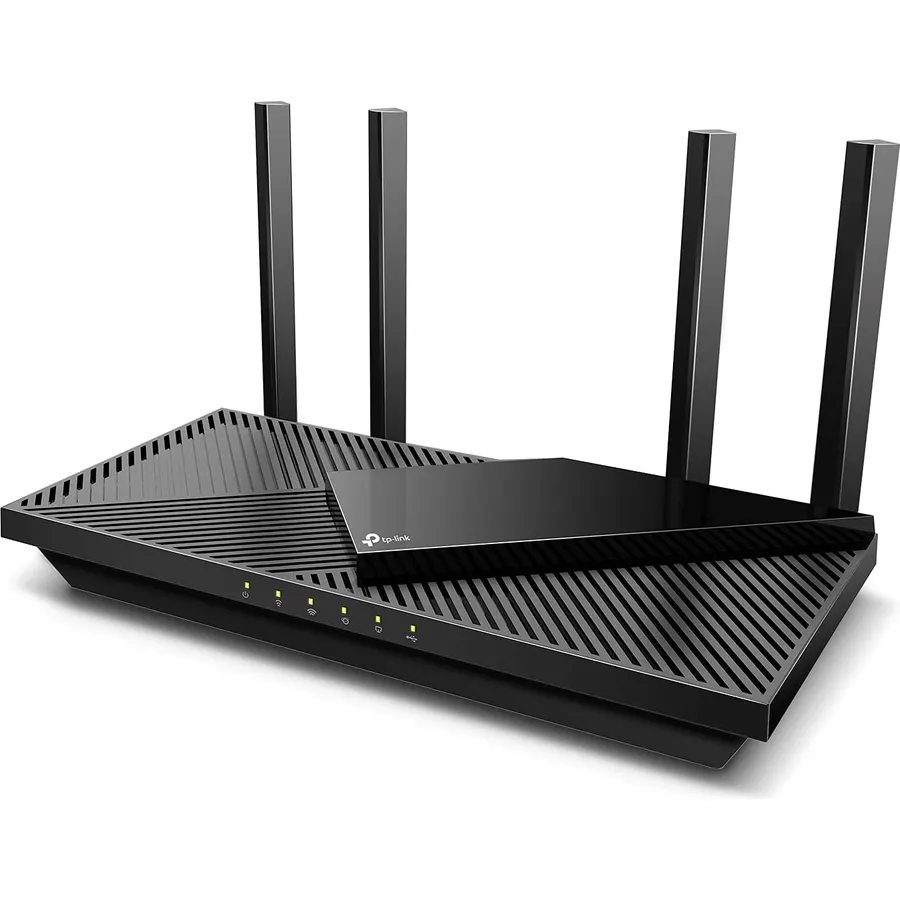
The AX55 is the router we recommend when someone asks for “a good one that is not expensive”. It handles gigabit internet, a houseful of devices, and 4K streaming without breaking a sweat. Setup takes five minutes from a phone. If your home is a flat or a small single-story house, this is all you need.
- AX3000 speeds at an AX1800 price
- Four gigabit LAN ports and a USB port
- Easy setup via the Tether app
- Can extend with TP-Link OneMesh extenders later
- HomeShield advanced features need a subscription
- Plastic build, antennas are not removable
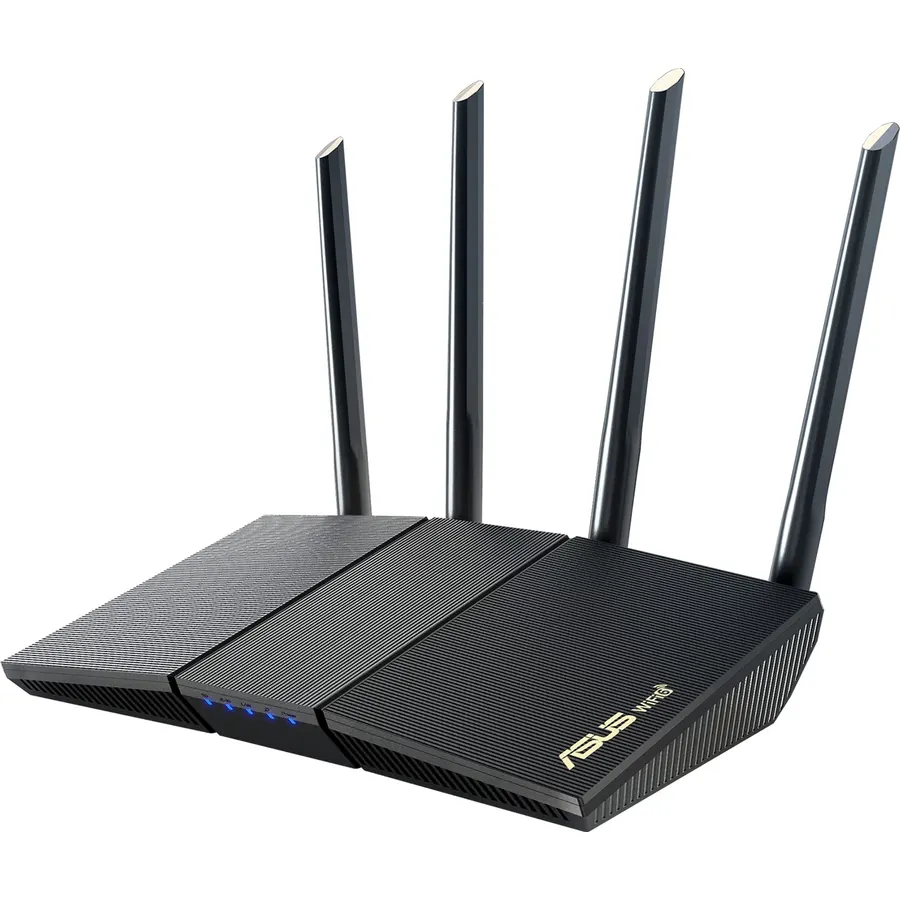
If you like to open the router settings and actually use them, ASUS is the brand. The RT-AX1800S runs the same firmware as the expensive ASUS routers: a built-in VPN server, proper QoS, per-device monitoring, and free security filtering. It is slower on paper than the AX55, but for most homes the difference does not show up.
- ASUS firmware is the most capable at this price: VPN, QoS, traffic monitor
- AiProtection security is free for life
- AiMesh lets you add any ASUS router as a mesh node
- Frequent firmware updates
- AX1800, so less headroom than the Archer AX55
- Interface is dense for beginners
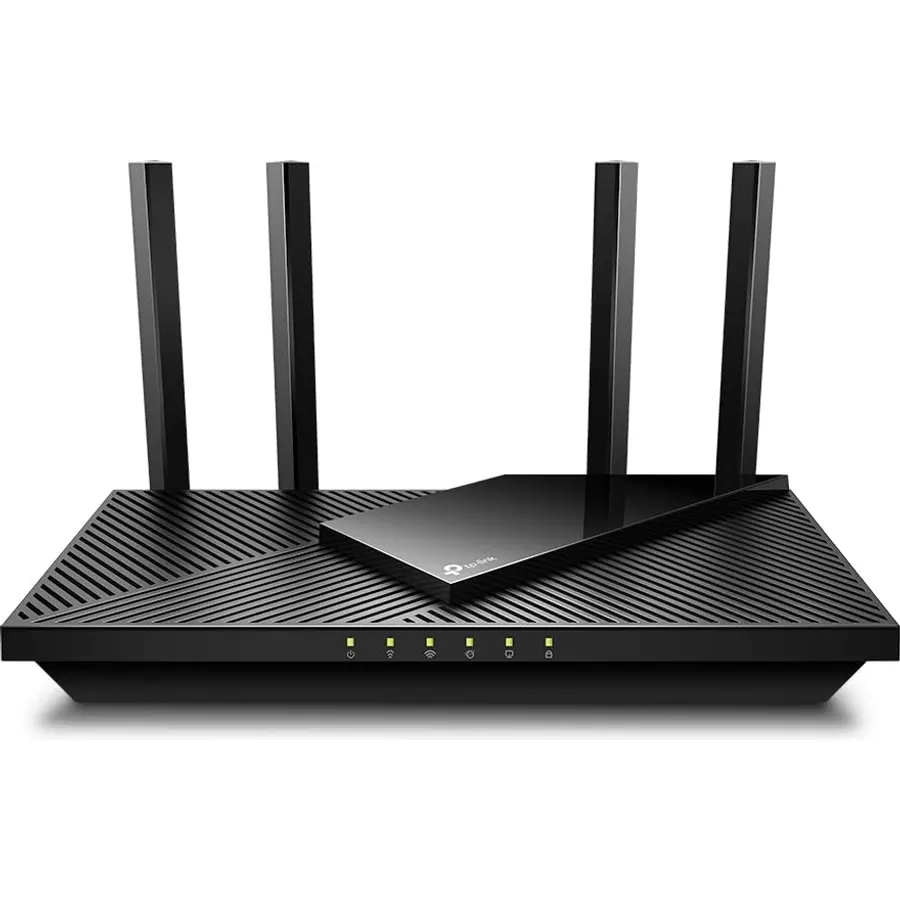
The AX21 is the AX55’s smaller sibling and it has been the best-selling budget Wi-Fi 6 router for a reason. It is dramatically better than the router your ISP gave you and costs very little. If your budget is tight and your home is small, buy this and do not overthink it.
- Very cheap
- Still a big upgrade over any ISP router
- Same easy app setup as the AX55
- Slower than the AX55 with many devices
- USB 2.0 only
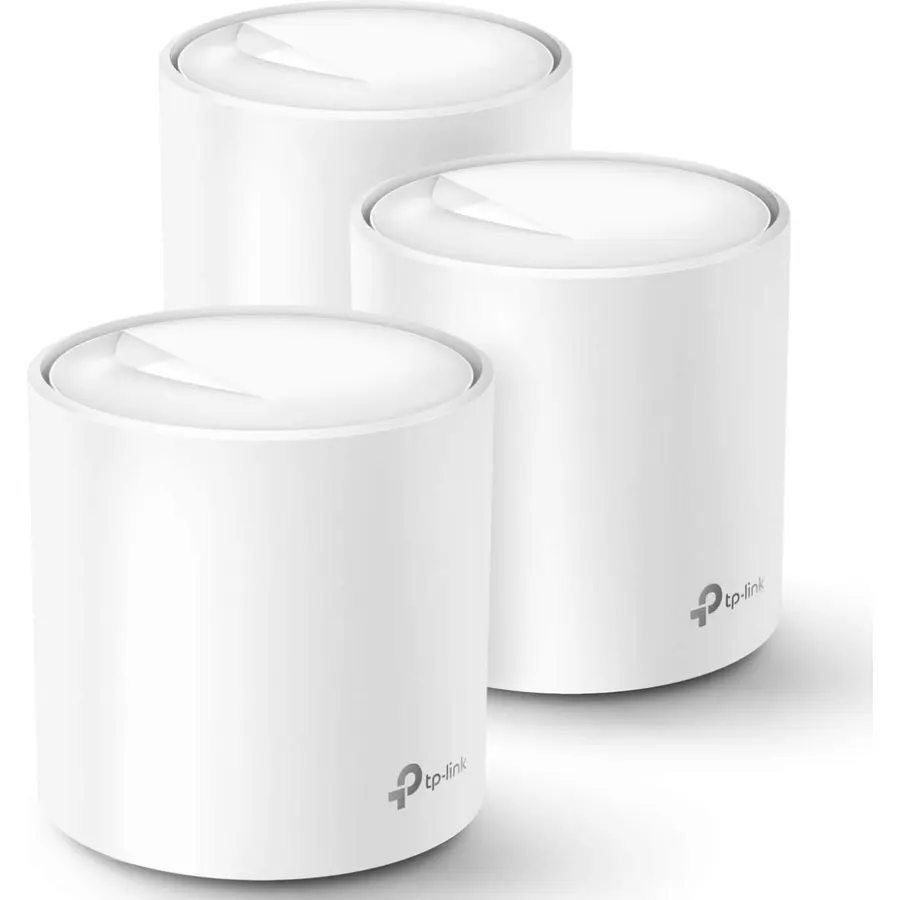
TP-Link Deco X20 (3-pack)
If your house has more than one floor or thick walls, stop looking at single routers. Mesh puts a node on each floor and your devices hand off between them automatically. The Deco X20 three-pack is the most affordable way to do that well. It is the setup we install for family members who just want Wi-Fi that works everywhere.
- Covers a multi-story house with no dead zones
- Phone stays connected as you walk between floors
- Each node has wired ports for a TV or console
- Simple app, minimal settings to get wrong
- Only two ports per node
- Per-node speed is lower than a single AX55
- Advanced settings are limited
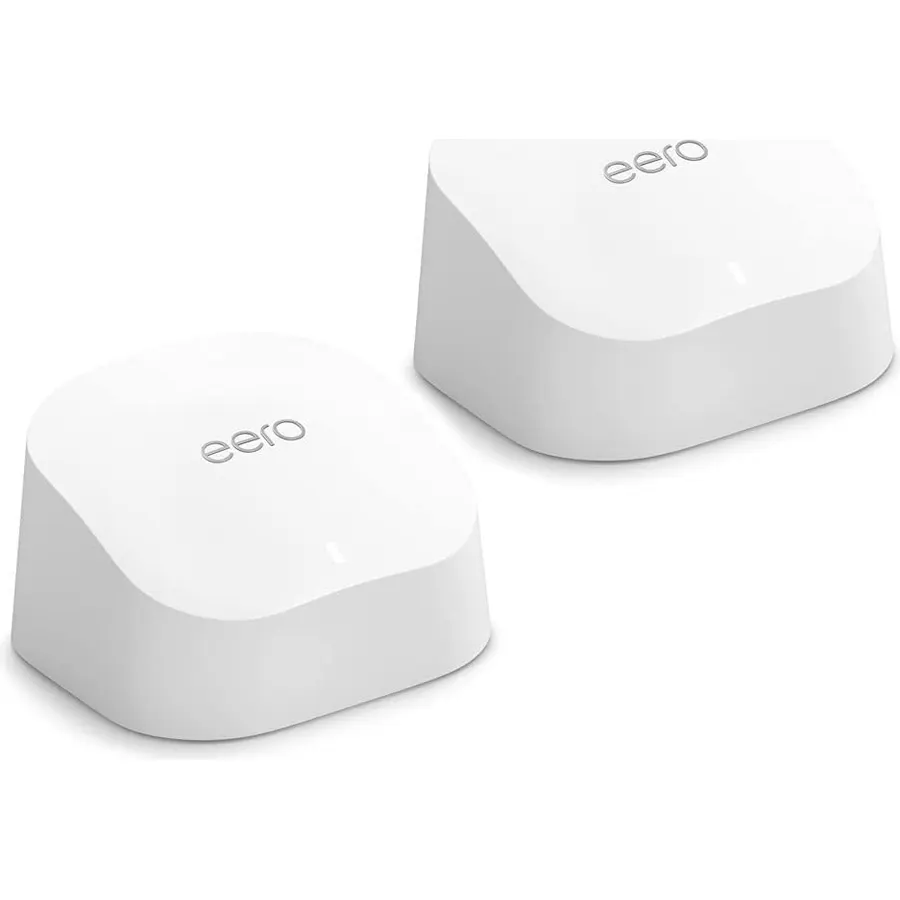
The eero 6+ is for the person who never wants to see a router settings page. Setup is a few taps, updates are automatic, and if you have Alexa devices it doubles as a smart home hub. The trade-off is control: you cannot do much beyond naming the network. For a lot of households that is exactly right.
- Easiest setup of any mesh system
- Gigabit-capable, unlike the original eero 6
- Works as a Zigbee smart home hub
- Automatic updates
- Almost no advanced settings
- Best features (eero Plus) are a subscription
- Amazon account required
Comparison at a glance
| Product | Class | Type | LAN ports | Best for | Our score | |
|---|---|---|---|---|---|---|
| TP-Link Archer AX55TP-Link | AX3000 | Single router | 4 | Flats, small homes | 9.6 | See price |
| ASUS RT-AX1800SASUS | AX1800 | Single router | 4 | Power users | 9.3 | See price |
| TP-Link Archer AX21TP-Link | AX1800 | Single router | 4 | Tight budgets | 8.9 | See price |
| TP-Link Deco X20 | AX1800 | Mesh, 3 nodes | 2 per node | Multi-story homes | — | See price ↗ |
| Amazon eero 6+Amazon | AX3000 | Mesh, 1 to 3 | 2 per node | Zero-config households | 8.2 | See price |
Router or mesh?
A single router in the middle of a flat or a small single-floor house is the fastest and cheapest option. The moment you have a second floor, a long narrow layout, or brick walls, a single router will leave dead spots no matter how many antennas it has. Mesh fixes that by spreading the signal, at the cost of some speed per node. If you are unsure, count the floors: one floor, router; two or more, mesh.
Frequently asked questions
Do I need Wi-Fi 6E or Wi-Fi 7?
Not for a budget upgrade. The 6GHz band needs devices that support it, and the routers cost two to four times more. Wi-Fi 6 is the sweet spot until your phones and laptops catch up.
Will a new router make my internet faster?
It cannot make your internet plan faster, but it can make you actually get the speed you pay for over Wi-Fi, especially with many devices connected. Most ISP routers cannot.
Can I use my ISP modem with one of these?
Yes. Put the ISP device in bridge or modem-only mode if it is a combined modem-router, then connect the new router to it. Your ISP support page usually has instructions.
How many devices can these handle?
All of them handle 30 to 50 devices comfortably. Wi-Fi 6 was designed for busy networks.
The bottom line
Most people should buy the Archer AX55. If your house has two floors, buy the Deco X20 kit instead. If you enjoy settings, get the ASUS RT-AX1800S.
See the Archer AX55 on Amazon ↗Do Best Deal is a participant in the Amazon Services LLC Associates Program. As an Amazon Associate we earn from qualifying purchases. If you buy through links on this site we may earn a commission, at no extra cost to you. Learn more.