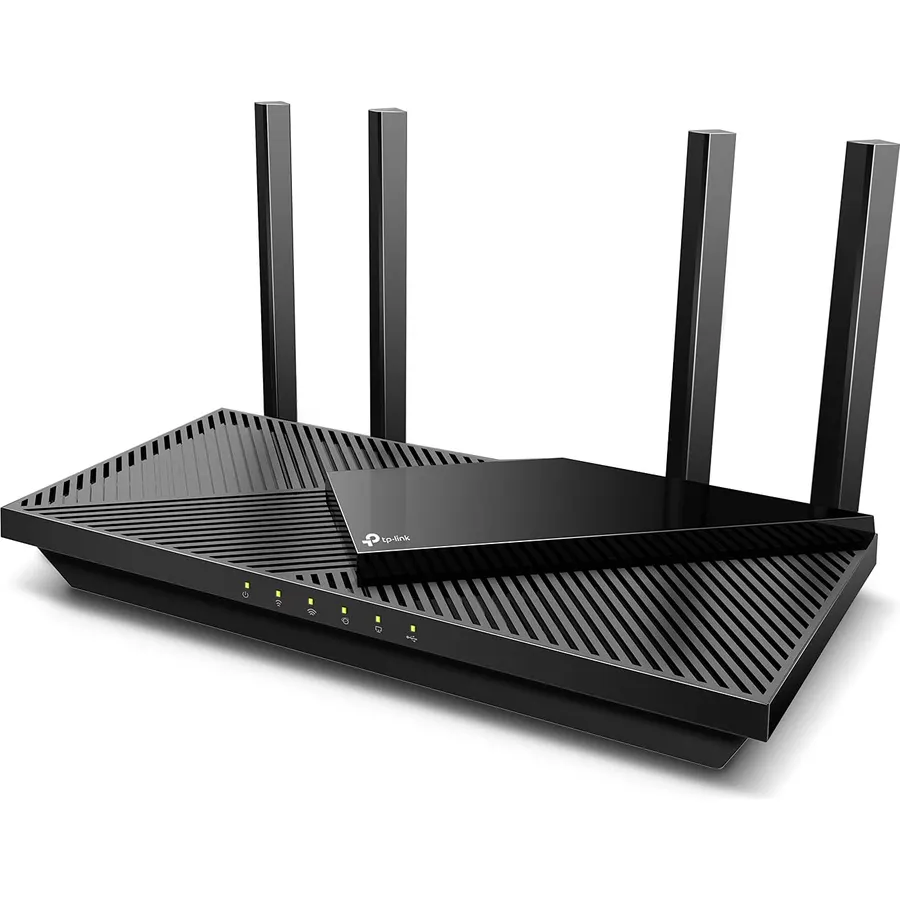
Large homes break WiFi in two ways: distance, where the signal simply runs out before it reaches the far bedroom, and walls and floors, which eat 5GHz signal faster than any spec sheet admits. The fix is either one powerful router with many streams and amplified antennas placed in the middle of the house, or a mesh kit that puts a unit on every floor. Both work; which is better depends on your layout and whether you can run a cable. We ranked the long-range routers and mesh systems in our networking catalog by rated square footage and device count, stream count and antenna design, WiFi generation, multi-gig ports, how they expand, and what thousands of owners in big houses report after months of use.
We have not surveyed every one of these in a real house ourselves; the verdicts rest on the spec sheets and on the owner review history. Prices are not printed because they change daily; every button opens the live Amazon page. If your home is modest and the problem is just one dead corner, our budget WiFi 6 routers guide is cheaper, and our dedicated mesh WiFi systems guide goes deeper on multi-unit kits.
How we picked
- Rated coverage of 2,400 square feet or more from a single unit, or 3,800 or more from a kit, as stated by the manufacturer.
- Streams and antennas. Six or more streams on the single routers, amplified or high-gain antennas, and beamforming.
- Expandability. Mesh kits that accept more units, and single routers with EasyMesh, AiMesh or a mesh ecosystem behind them.
- Capacity for a big household: device ratings from 60 to 200, and multi-gig ports on the modern picks.
- Owner ratings of 4.0 stars or better, several with thousands of reviews.
The picks
NETGEAR Nighthawk WiFi 7 Router RS700S, Up to 3,500 sq ft, 19 Gbps
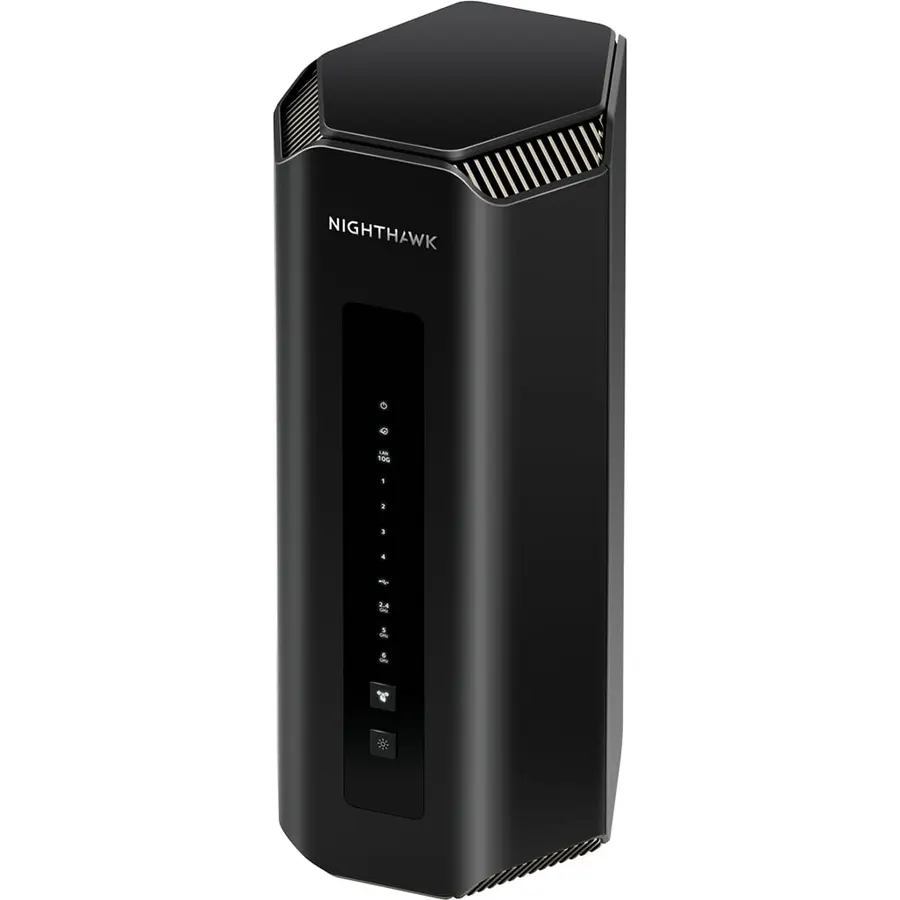
If you would rather own one excellent router than three average ones, the RS700S is it. Twelve streams across 2.4GHz, 5GHz and 6GHz give it a 3,500 square foot rating and capacity for 200 devices, enough for a large two-storey house if it sits somewhere central, and WiFi 7 features such as Multi-Link Operation keep the far rooms stable rather than merely connected. Two 10G ports future-proof the wired side for fiber. The limits are that Netgear does not let you mesh two of them, pointing bigger homes at Orbi instead, and that Armor security is a subscription after the trial. It costs as much as a three-piece mesh. For a house with a good central spot and a desire for one box, 950 owners at 4.4 stars make it the pick.
- 12 streams give the largest single-router coverage claim here
- WiFi 7 with 10G WAN and LAN
- Rated for 200 devices
- 950 owners at 4.4 stars
- Flagship price
- Cannot be meshed with a second RS700S
- Netgear Armor is a paid add-on after the trial
TP-Link Deco X55 Pro AX3000 Whole Home Wi-Fi 6 Mesh System, 3-Pack
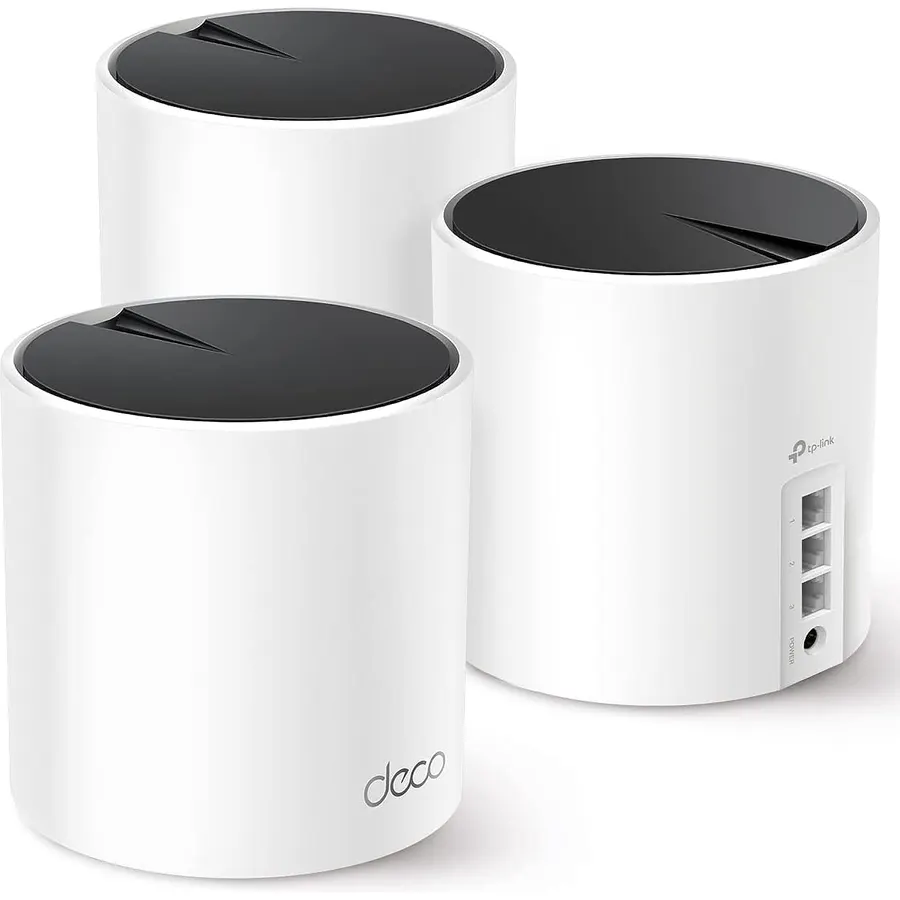
Once a house passes roughly 4,000 square feet or has three floors, a mesh beats any single router, and the Deco X55 Pro is the one to buy. Three WiFi 6 AX3000 units cover a claimed 6,500 square feet and more than 150 devices, and each has two 2.5G Ethernet ports, so if the house has cable runs between floors you can wire the units together and every room gets full speed. The Deco app sets it up in minutes and any other Deco unit can join later. It is dual-band, so without that cable the wireless backhaul shares the 5GHz band with your devices and the far unit runs slower; the Orbi 360 and the Deco XE75 Pro handle that differently. For a big, ideally wired house, 1,000 owners at 4.4 stars rate it the best value in whole-home WiFi.
- Three units cover 6,500 sq ft, the largest claim on this page
- Two 2.5G ports on every unit for wired backhaul
- Grows with any other Deco model
- 1,000 owners at 4.4 stars
- Dual-band, so wireless backhaul shares 5GHz with devices
- Deco app is simple but hides advanced options
- Overkill for a home under 3,000 sq ft
NETGEAR Orbi 360 Series WiFi 7 Mesh System, Up to 6,000 sq ft., 3 Pack
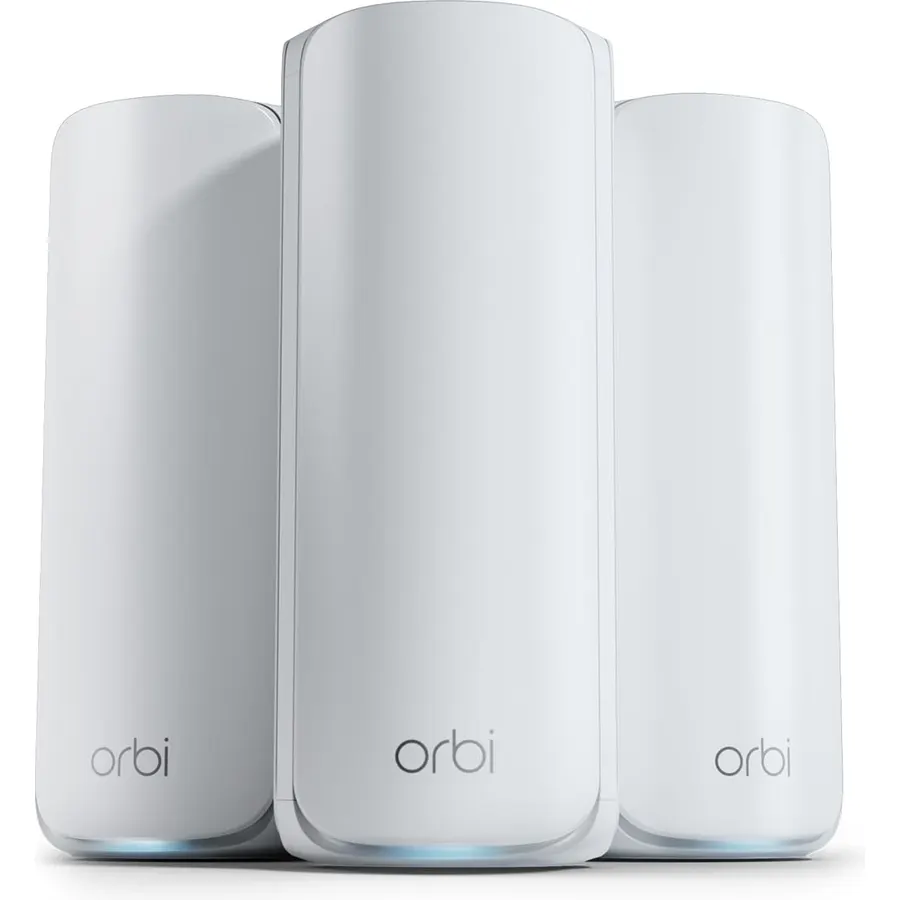
The Orbi 360 brings WiFi 7 to the large-home mesh market at a price well below the flagship Orbi kits. A router and two satellites cover a claimed 6,000 square feet, Netgear’s Enhanced Backhaul and Multi-Link Operation keep the satellites fed, and the WAN side is ready for plans up to 2.5 Gbps. Setup runs through the Orbi app and firmware updates itself. It is dual-band WiFi 7 rather than tri-band, which means it shares the 5GHz band between devices and backhaul like the Deco X55 Pro, and Netgear’s 70-device rating is oddly low for a three-unit system. The rating is the honest caution: 4.1 stars from 950 owners, with some reports of satellites dropping in certain layouts. If you want WiFi 7 across a big house without Orbi 970 money, it is the option.
- WiFi 7 across three units for 6,000 sq ft
- Ready for 2.5 Gbps plans
- Automatic firmware updates
- Netgear support and the Orbi app
- 4.1 stars from 950 owners, the lowest here
- 70-device rating is low for a three-unit kit
- Armor security is paid
TP-Link Deco S4 Whole Home Mesh WiFi System, Deco S4(2-Pack)
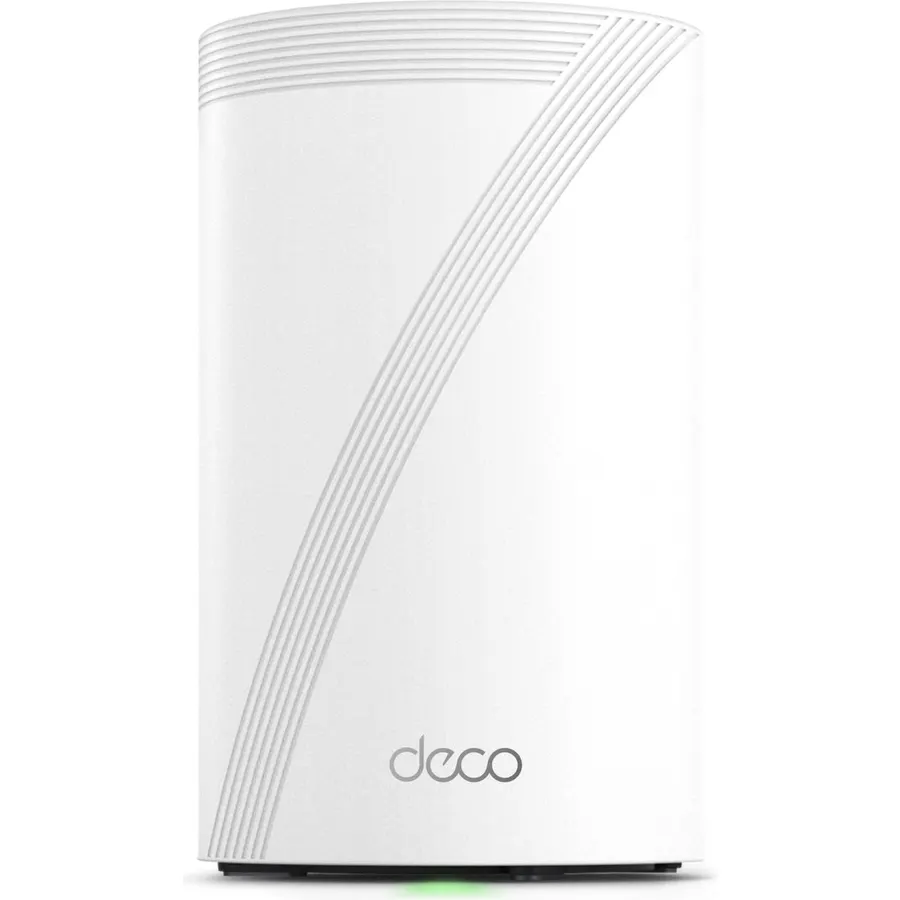
The Deco S4 is the cheapest way to cover a big house properly, and nearly 30,000 owners at 4.5 stars suggest it is not a compromise most people notice. Two AC1900 units cover a claimed 3,800 square feet with a single network name and seamless roaming, both have two gigabit ports for Ethernet backhaul or a wired TV, and the Deco app includes parental profiles. It is WiFi 5, which means a phone next to a unit will see a few hundred megabits rather than a gigabit, and the backhaul shares the 5GHz band, so a plan above 500 Mbps will feel the ceiling. Add a third S4 or any newer Deco and the coverage grows. For a large home on an ordinary plan where the goal is simply no dead zones, this is the value pick.
- Nearly 30,000 owners at 4.5 stars
- Two units for the price of one mid-range router
- Ethernet backhaul supported
- Add a third unit for a bigger house later
- WiFi 5 speeds top out around 300 to 500 Mbps in practice
- No dedicated backhaul band
- Only two Ethernet ports per unit
Linksys WiFi 5 Router, Tri-Band, 3,500 Sq. ft Coverage, 25+ Devices, Speeds up to (AC4000) 4.0Gbps - EA9300
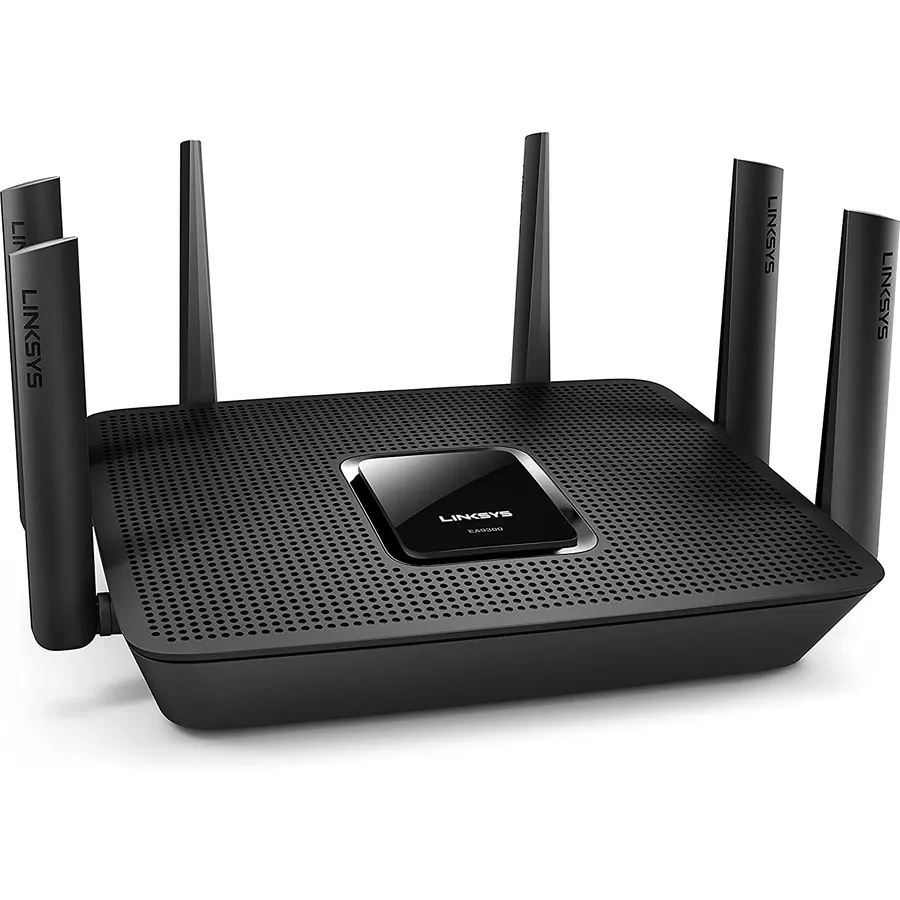
The EA9300 is a brute-force long-range router from the WiFi 5 era: six high-gain antennas, nine high-power amplifiers and a 1.8GHz quad-core processor with three offload chips, all aimed at pushing signal through walls to a 3,500 square foot rating. Its tri-band AC4000 design splits devices across two 5GHz bands with Smart Connect, and five gigabit ports handle a wired TV, console, printer and more. Being WiFi 5, it lacks OFDMA, so a home with dozens of smart devices will run less efficiently than on a WiFi 6 router, and at 4.0 stars from 1,100 owners it is the lowest-rated pick here alongside the Orbi. It is also not cheap for its generation. For a large home full of older devices where raw range matters more than the latest standard, it remains a legitimate choice.
- Nine amplifiers and six antennas built for range
- Tri-band with a 1.8GHz quad-core CPU
- Five gigabit ports
- Automatic firmware updates
- WiFi 5, with no OFDMA for crowded homes
- 4.0 stars from 1,100 owners
- Priced like a WiFi 6E router
ASUS RT-AX3000 Ultra-Fast Dual Band Gigabit Wireless Router - Next Gen WiFi 6, Adaptive QoS, and AiProtection by Trend Micro | 1x WAN, 4X 1G LAN, 1x USB 3.0 - AiMesh Compatible
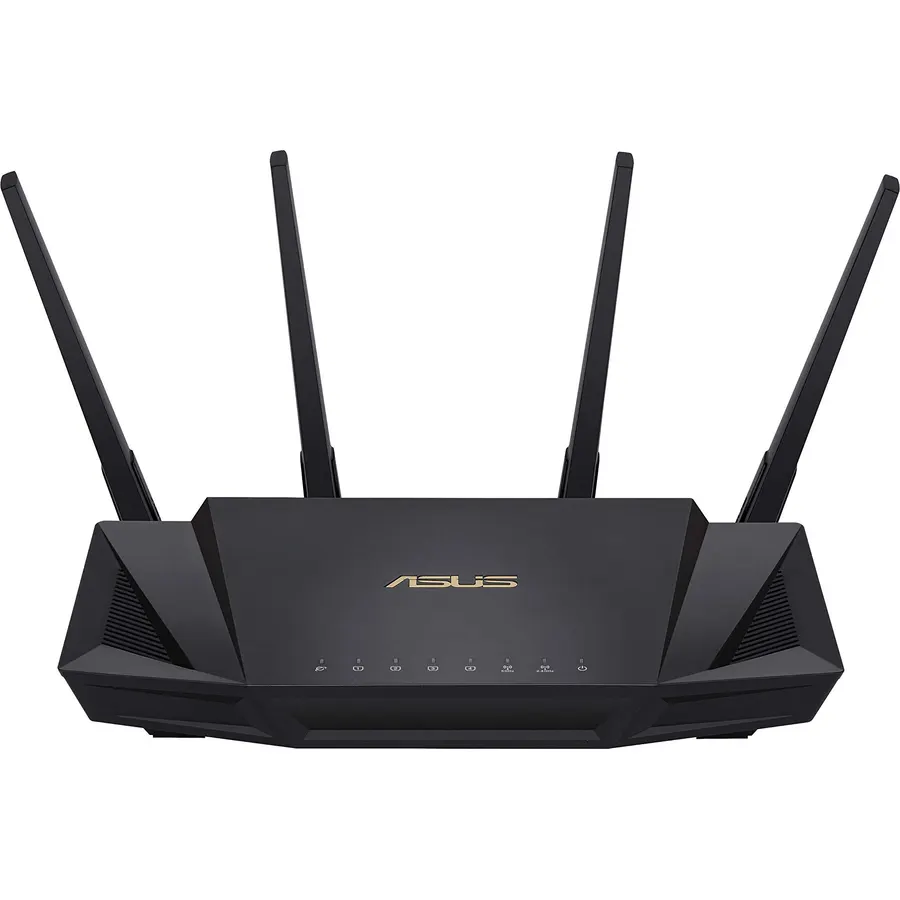
The RT-AX3000 is the highest-rated router on this page, 4.5 stars from 5,900 owners, and the reason it is here is that ASUS rates it for 3,000 square feet while AiMesh means you are never stuck if that proves optimistic: add any AiMesh-compatible ASUS router, including a cheap one, and it becomes a mesh with one network name. The WiFi 6 radio uses 160MHz channels and 1024-QAM for near-gigabit speeds to modern laptops, Adaptive QoS prioritises streams and games, and AiProtection Pro security and parental controls are included for life. It has gigabit ports only and no 6GHz, and it is an older model, so check it is in stock rather than a reseller leftover. For a large house on a gigabit-or-slower plan, it is the smart, expandable choice.
- 5,900 owners at 4.5 stars, the highest rating on this page
- AiMesh lets you add any ASUS router as a node later
- Lifetime security and parental controls, no subscription
- 3,000 sq ft rating from a mid-price router
- Gigabit ports only
- Dual-band without 6GHz
- Older model; check that stock is current
NETGEAR Nighthawk Tri-Band WiFi 6E Router (RAXE300) - Security Features, AXE7800 Wireless Gigabit Speed (Up to 7.8Gbps), New 6GHz Band, 8-Streams Cover up to 2,500 sq. ft., 40 Devices
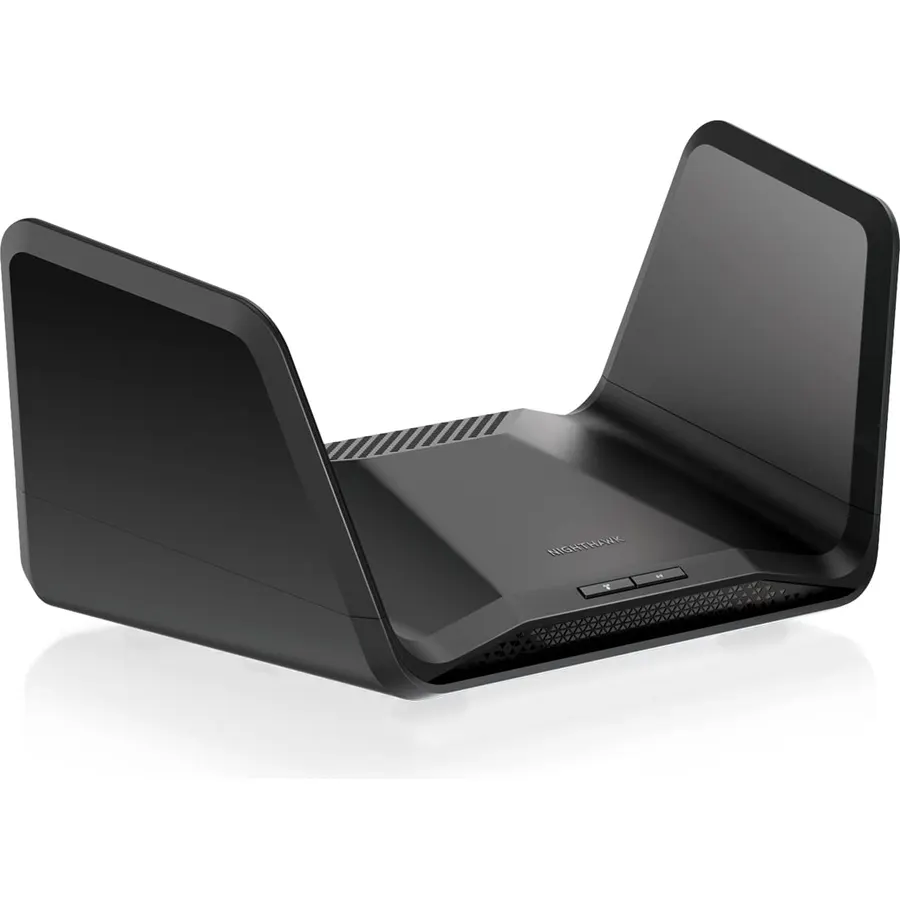
The RAXE300 is the pick for a large but open home, the kind with a big living space and few interior walls, where its 6GHz band can actually reach. Eight streams across three bands are rated at 7.8 Gbps combined, a 1.7GHz quad-core processor keeps things smooth, and a 2.5G port serves a multi-gig modem or a NAS. Netgear rates it at 2,500 square feet and 40 devices, which is the most modest claim on this page and reflects that 6GHz fades quickly through walls; in a traditional house with many rooms it will feel like a 5GHz router with a bonus band near the sofa. Armor and smart parental controls are subscriptions. For a loft, a bungalow or an open-plan build, 1,150 owners at 4.2 stars find it a strong fit.
- Eight streams with a 6GHz band for open-plan spaces
- 2.5G port
- 1.7GHz quad-core processor
- 1,150 owners at 4.2 stars
- 2,500 sq ft and 40 devices is the smallest claim here
- 6GHz range through walls is short
- Armor and parental controls are paid
TP-Link BE6500 Dual-Band WiFi 7 Router (BE400)
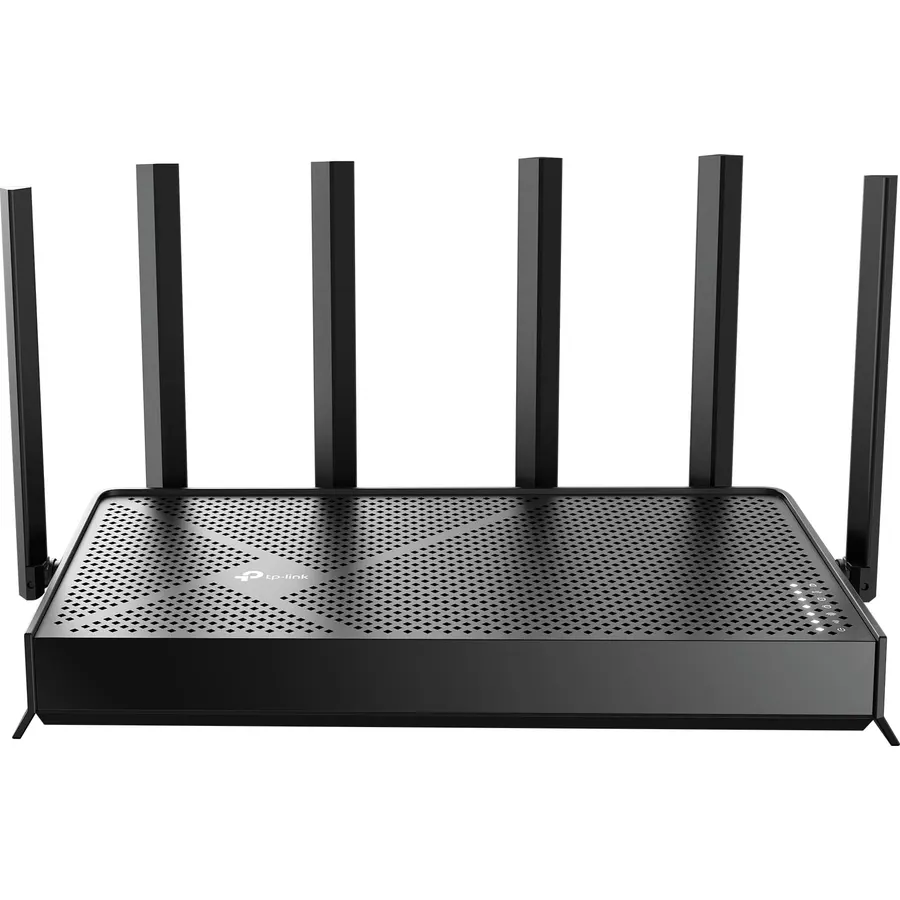
The Archer BE400 is the realistic choice for a large single-storey home or a two-storey house of around 2,400 square feet where the router can sit centrally. Six streams on 5GHz and six antennas with beamforming give it more reach than the four-stream routers at its price, two 2.5G ports serve a multi-gig modem and a wired PC, and WiFi 7 features including Multi-Link Operation keep far-room connections stable. If one corner still drops out, EasyMesh lets you add a TP-Link extender and keep one network name. It is dual-band, so there is no 6GHz lane, and TP-Link’s advanced parental controls cost extra. With 1,600 owners at 4.3 stars, it is the sensible middle path between a budget mesh and a flagship router; our WiFi 7 routers guide ranks it first in its class.
- Six streams and six antennas at a mid price
- Two 2.5G ports
- EasyMesh lets you add an extender for the far wing
- 1,600 owners at 4.3 stars
- 2,400 sq ft is a single-floor figure in practice
- No 6GHz band
- HomeShield Pro is a subscription
Compare the picks
| Product | Type | Rated coverage | WiFi | Multi-gig ports | Owner rating | Our score | |
|---|---|---|---|---|---|---|---|
| Netgear Nighthawk RS700SNETGEAR | Single router | 3,500 sq ft / 200 devices | WiFi 7 tri-band, 12 streams | 2 x 10G | 4.4 (950+) | 8.8 | See price |
| TP-Link Deco X55 Pro 3-packTP-Link | Mesh, 3 units | 6,500 sq ft / 150+ devices | WiFi 6 AX3000 | 2 x 2.5G per unit | 4.4 (1,000+) | 8.8 | See price |
| Netgear Orbi 360 3-packNETGEAR | Mesh, 3 units | 6,000 sq ft / 70 devices | WiFi 7 dual-band | Multi-gig WAN | 4.1 (950+) | 8.2 | See price |
| TP-Link Deco S4 2-packTP-Link | Mesh, 2 units | 3,800 sq ft / 75 devices | WiFi 5 AC1900 | None | 4.5 (29,500+) | 9.0 | See price |
| Linksys EA9300Linksys | Single router | 3,500 sq ft / 25+ devices | WiFi 5 AC4000 tri-band | None | 4.0 (1,100+) | 8.0 | See price |
| ASUS RT-AX3000ASUS | Single router, AiMesh | 3,000 sq ft | WiFi 6 AX3000 | None | 4.5 (5,900+) | 9.0 | See price |
| Netgear Nighthawk RAXE300NETGEAR | Single router | 2,500 sq ft / 40 devices | WiFi 6E tri-band, 8 streams | 1 x 2.5G | 4.2 (1,150+) | 8.4 | See price |
| TP-Link Archer BE400TP-Link | Single router, EasyMesh | 2,400 sq ft / 90 devices | WiFi 7 dual-band, 6 streams | 2 x 2.5G | 4.3 (1,600+) | 8.6 | See price |
One big router or a mesh?
A single powerful router (RS700S, EA9300, RT-AX3000, RAXE300, BE400) is simpler, cheaper to run and keeps full speed everywhere its signal reaches, but that reach depends on placing it centrally, which usually means a hallway rather than the room where the modem lives. A mesh (Deco X55 Pro, Orbi 360, Deco S4) tolerates awkward layouts, three floors and outbuildings, and you can add a unit later. The rule of thumb: up to about 3,000 square feet on one or two floors, a well-placed single router with eight or more streams will do; beyond that, or with thick masonry walls, buy a mesh.
Coverage figures and what they leave out
Manufacturer square footage assumes an open plan and drywall. Brick, concrete, plaster with metal lath, large mirrors and underfloor heating all cut range sharply, and every floor you cross roughly halves the usable 5GHz signal. The 6GHz band on the RAXE300 and RS700S is faster but fades even sooner. Treat the quoted figures as a ceiling: a 3,500 square foot rating is realistic for a 2,500 square foot house with the router in the middle. If your home is bigger than the rating, choose a mesh and plan on one unit per floor.
Wiring is the big-home cheat code
If a cable can run between floors, buy a mesh and connect the units by Ethernet. The Deco X55 Pro does this at 2.5G and the Deco S4 at gigabit, and a wired backhaul gives every unit full speed with no wireless hop, which is how a cheap dual-band kit ends up outperforming an expensive tri-band one. Single routers benefit too: the BE400 and RS700S can feed a wired access point or EasyMesh unit in a far wing. Even one cable to a central hallway so the router can sit there instead of in a corner office often solves a large-home coverage problem on its own.
What size router do I need for a 3,000 square foot house?
A single router rated at 3,000 square feet or more with at least eight streams, such as the Netgear RS700S or ASUS RT-AX3000, placed centrally. If the house has three floors or thick walls, a two-unit mesh like the Deco S4 or a two-pack Deco is safer.
Is mesh WiFi better than a long-range router for a large home?
Above about 4,000 square feet or on three floors, yes. Below that, a well-placed high-stream router keeps full speed everywhere and is simpler. Mesh also wins when the router has to live in a corner of the house.
How many mesh units does a large house need?
One per floor plus one for any wing or outbuilding more than two rooms from the nearest unit. The three-pack Deco X55 Pro and Orbi 360 suit most large houses; the Deco range lets you add units one at a time.
Does WiFi 7 help with range?
Slightly. Multi-Link Operation lets devices hold two bands and fall back to 2.4GHz without dropping, which keeps far-room connections stable. The 6GHz band itself has shorter range than 5GHz.
Can I add a mesh to an existing router later?
With the ASUS RT-AX3000 (AiMesh) and TP-Link Archer BE400 (EasyMesh), yes, by adding a compatible unit. The Netgear RS700S and RAXE300 are standalone; Netgear points bigger homes to Orbi. Any Deco kit grows by adding another Deco.
Prices and stock change daily. The buttons above open Amazon so you always see the current price. We may earn a commission if you buy through them, at no extra cost to you.
Do Best Deal is a participant in the Amazon Services LLC Associates Program. As an Amazon Associate we earn from qualifying purchases. If you buy through links on this site we may earn a commission, at no extra cost to you. Learn more.