A mesh system replaces one router with two or three units that share a single network name and hand your phone from one to the next as you walk through the house. It is the fix for the back bedroom that never gets a signal and the garden office that drops every video call, and it works far better than a range extender because the units coordinate rather than simply repeat. The market now runs from very cheap WiFi 5 kits to WiFi 7 systems with 2.5G ports, so the question is how much speed and how many units your home actually needs. We ranked the mesh systems in our networking catalog by rated coverage and device count, WiFi generation and backhaul design, Ethernet ports per unit, how easily they expand, and what tens of thousands of owners report after living with them.
We have not installed every one of these ourselves; the verdicts rest on the spec sheets and on the owner review history. Prices are not printed because they change daily; every button opens the live Amazon page. If a single router would do, our budget WiFi 6 routers guide is the cheaper path, and if you want the fastest single box instead of a kit, see our WiFi 7 routers guide.
How we picked
- A true mesh. Every pick creates one network name with seamless roaming between units; range extenders with separate names were excluded.
- Expandable. You can add units later, and in most cases mix models within the brand.
- Ethernet on every unit for wired backhaul or a wired TV and console, with multi-gig ports on the upper picks.
- Honest coverage claims. We quote the manufacturer rating and note where owners say it is optimistic.
- Owner ratings of 4.0 stars or better, most from thousands of households.
The picks
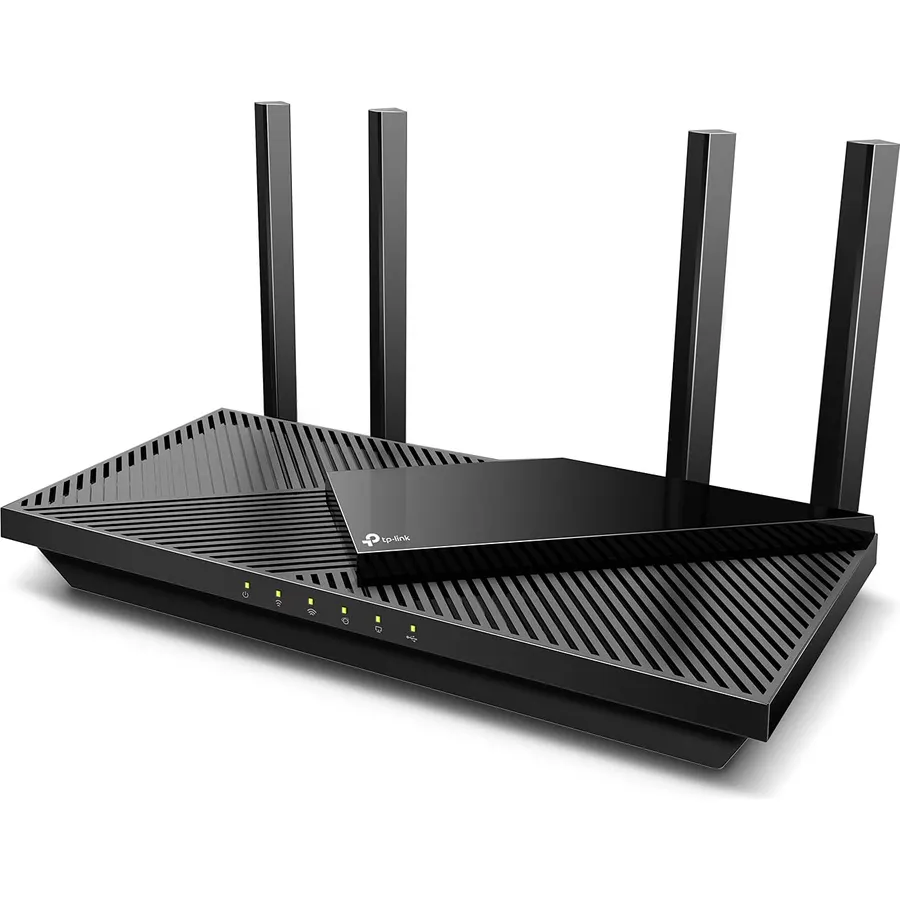
TP-Link Deco S4 Whole Home Mesh WiFi System, Deco S4(2-Pack)
The Deco S4 is the mesh system that proved most households do not need an expensive one. Two compact units cover a claimed 3,800 square feet, create a single network with seamless roaming, and set up in ten minutes from the Deco app with per-person parental profiles included. Each unit has two gigabit ports, so you can run a cable between them for a rock-solid backhaul or plug in a TV. It is WiFi 5, which means a phone will see a few hundred megabits rather than a gigabit, and it shares its 5GHz band between devices and backhaul; on a plan above 500 Mbps you will feel the ceiling. For everyone on an ordinary cable or fiber plan who just wants the dead zones gone, nearly 30,000 owners at 4.5 stars have made it the default.
- Nearly 30,000 owners at 4.5 stars, the most-reviewed kit here
- Two units cover 3,800 sq ft for very little money
- Ethernet backhaul supported on both units
- Mixes with any other Deco model later
- WiFi 5, so real speeds top out around 300 to 500 Mbps
- Dual-band with no dedicated backhaul band
- Only two Ethernet ports per unit
TP-Link Deco WiFi 6 Mesh WiFi System Deco X20(1-Pack)
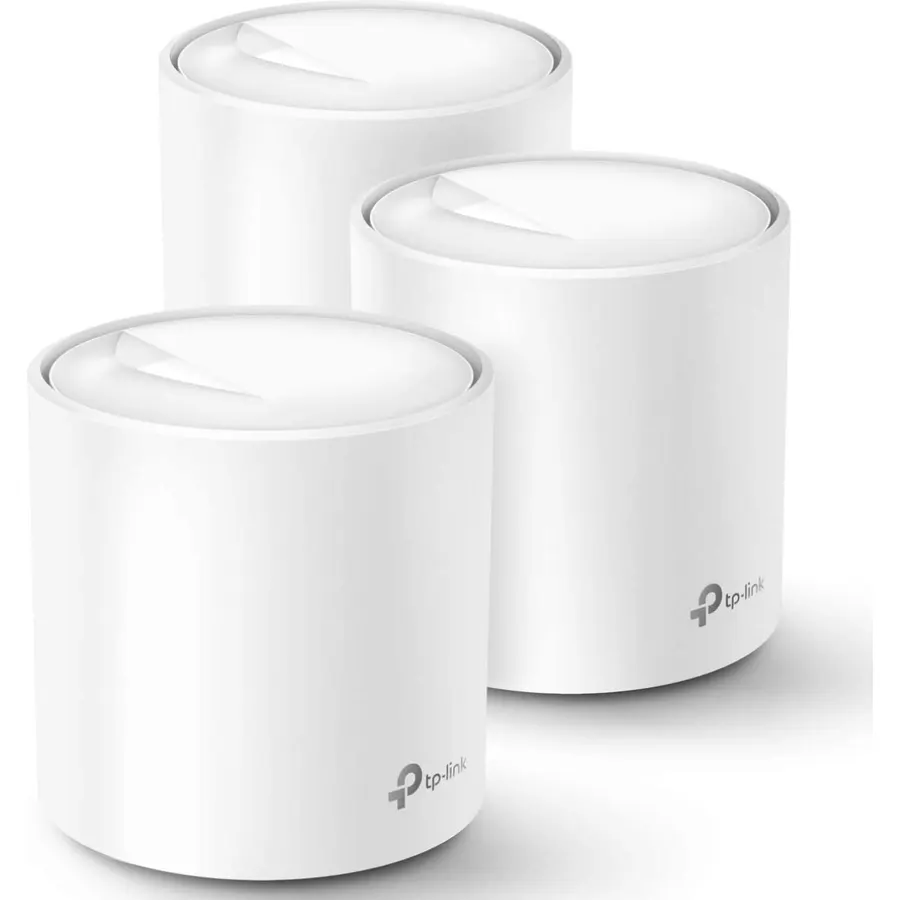
The Deco X20 is the WiFi 6 version of the same idea, and buying it as single units is the smart way to build a mesh: one unit for a flat, two for a house, three for a big one, each covering about 2,200 square feet and all sharing the Deco app. WiFi 6 brings OFDMA and MU-MIMO, which matter more than the headline AX1800 speed in a home full of phones, TVs and smart plugs, and TP-Link rates it for plans up to 1 Gbps. Each unit has two auto-sensing gigabit ports for Ethernet backhaul or a wired device. It is entry-level WiFi 6 without 160MHz channels, so a laptop near the unit will not hit the gigabit peaks the X55 Pro reaches. With 15,000 owners at 4.5 stars, it is the best-value WiFi 6 mesh in the catalog.
- WiFi 6 with OFDMA handles crowded homes better than the S4
- Sold per unit, so you buy exactly the coverage you need
- 15,000 owners at 4.5 stars
- Works as a plain router on its own
- AX1800 is entry-level WiFi 6; no 160MHz channels
- Only two Ethernet ports per unit
- Single-unit listing has limited photos
Google Wifi - AC1200 - Mesh WiFi System - Wifi Router - 1500 Sq Ft Coverage - 1 pack
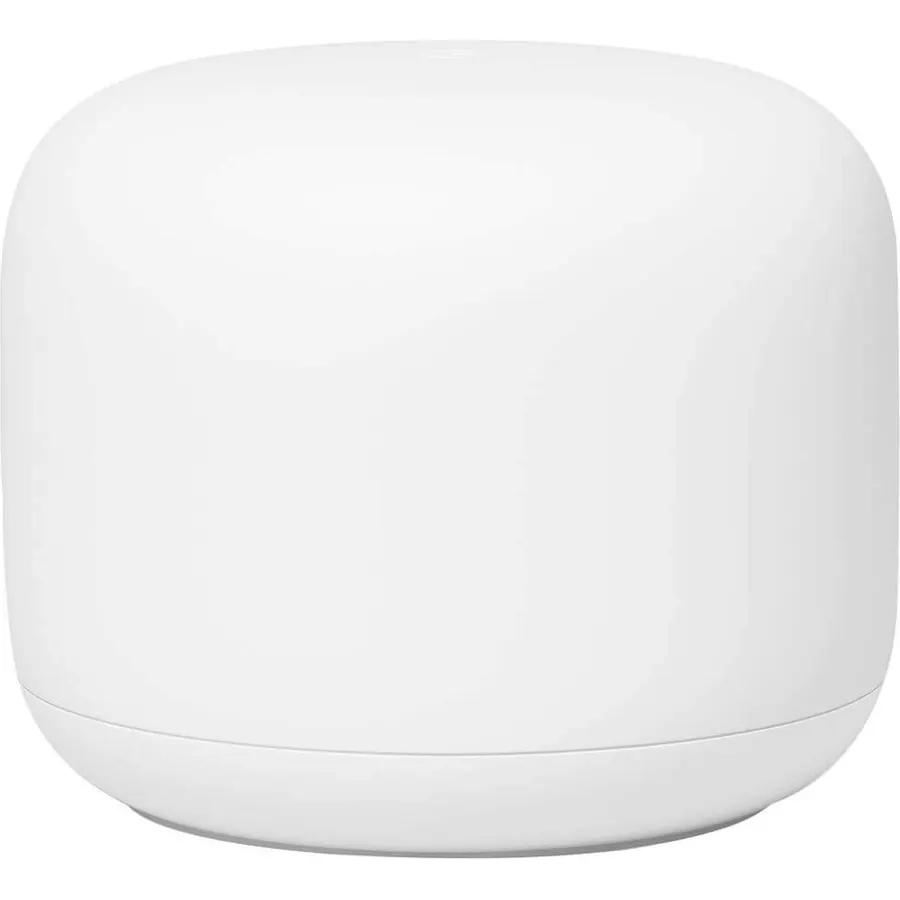
Google Wifi earns its place on simplicity. Each point is a small white puck that covers about 1,500 square feet, three cover 4,500, and the whole thing is managed from the Google Home app alongside your Nest speakers and thermostat, with device priority, a guest network, pausing and content restrictions all free. Google’s network assist picks channels and bands automatically. The hardware is modest: WiFi 5 AC1200, so each point carries less speed than a Deco S4 and far less than a WiFi 6 unit, and the per-point coverage means you will likely need three for a house. Power users will miss the detailed settings. For a Google-centric home that values a clean app over spec sheets, 15,000 owners at 4.5 stars agree it just works.
- 15,000 owners at 4.5 stars; the simplest app of any mesh
- Lives inside Google Home alongside Nest devices
- Parental controls and device priority included free
- Points are small and attractive
- WiFi 5 AC1200, the slowest spec on this page
- Only 1,500 sq ft per point, so a house needs three
- Fewer advanced settings than TP-Link or Netgear
TP-Link Deco X55 Pro AX3000 Whole Home Wi-Fi 6 Mesh System, 3-Pack
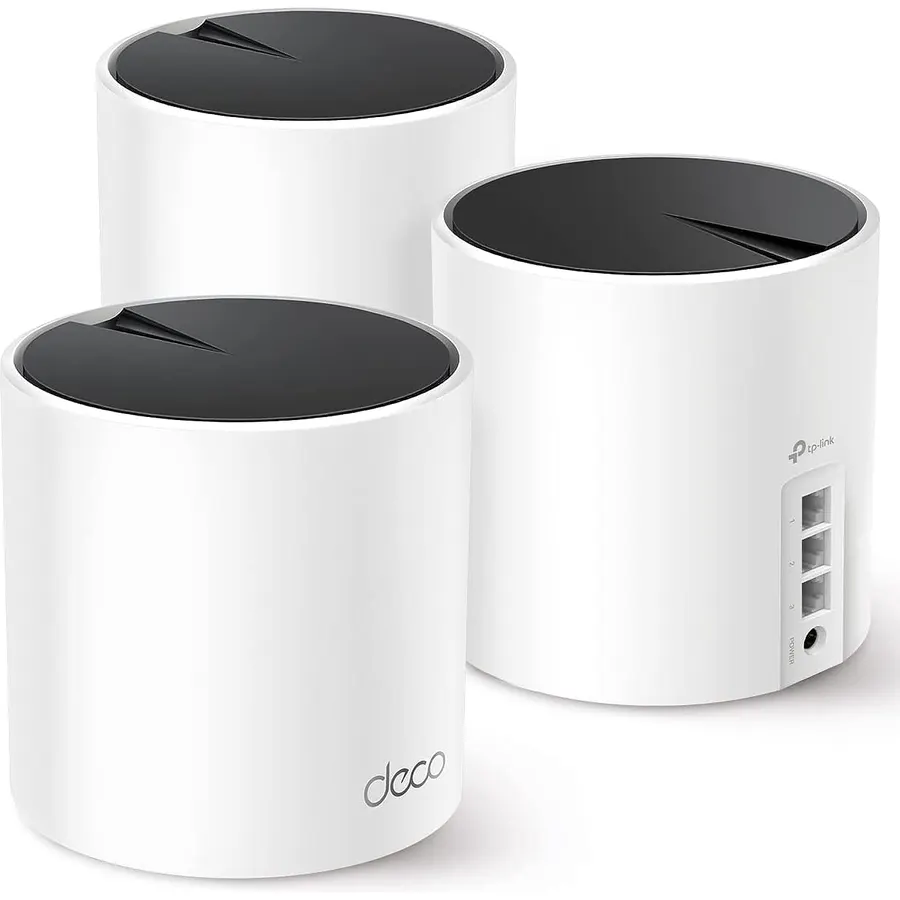
The Deco X55 Pro is the mesh to buy when your internet plan is above a gigabit. Every one of its three units has two 2.5G Ethernet ports, which is still rare in a mesh kit, so a 2 Gbps modem, a NAS and a wired backhaul between floors can all run at full speed. The AX3000 radios use 160MHz channels for near-gigabit WiFi to a modern laptop, and TP-Link rates the three-pack at 6,500 square feet and more than 150 devices. It is dual-band, so if you cannot run Ethernet between units the backhaul shares 5GHz with your devices; the XE75 Pro below solves that with a 6GHz band. For a wired house or one with a multi-gig plan, this is the most useful Deco, and 1,000 owners rate it 4.4 stars.
- Two 2.5G ports on every unit for 2.5 Gbps plans and wired backhaul
- AX3000 with 160MHz channels for near-gigabit WiFi speeds
- Three units cover 6,500 sq ft
- 1,000 owners at 4.4 stars
- Dual-band, so wireless backhaul shares the 5GHz band
- Three-pack is more than a small home needs
- Deco app hides some advanced settings
TP-Link Deco XE75 Pro AXE5400 Tri-Band WiFi 6E Mesh System (2-Pack)
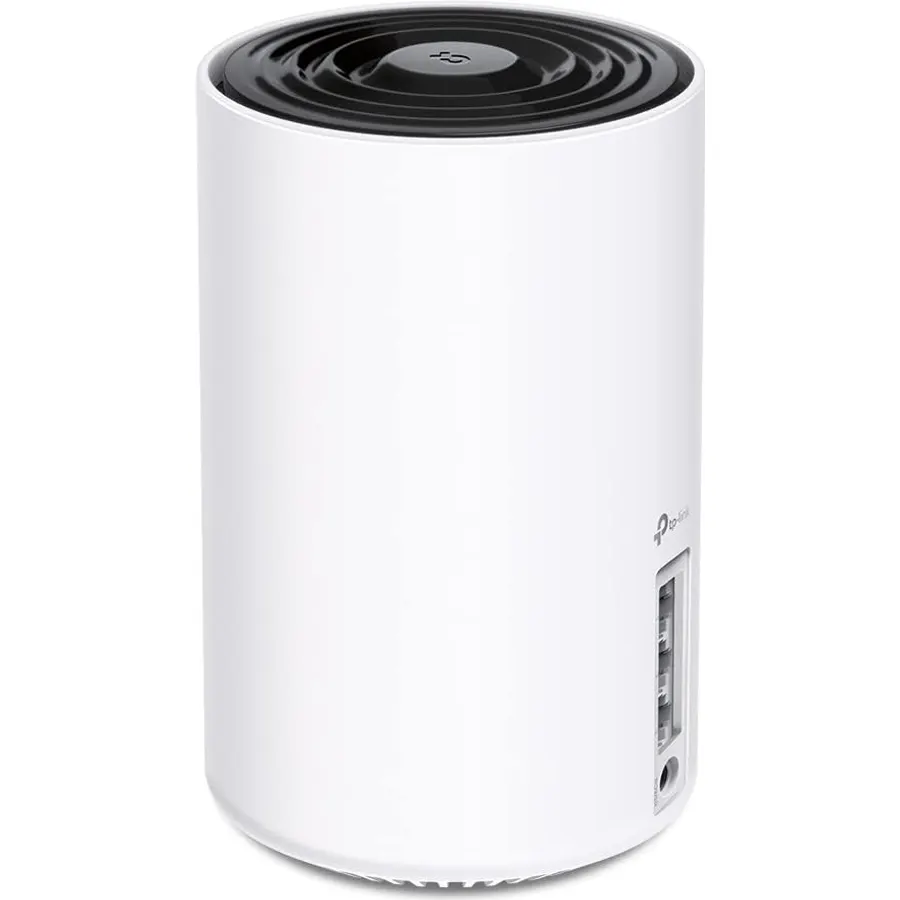
The Deco XE75 Pro fixes the one weakness of dual-band mesh: it has a third, 6GHz radio that links the two units together, so wireless backhaul no longer steals bandwidth from your phones and laptops on 5GHz. Each unit has a 2.5G WAN/LAN port plus two gigabit ports, the pair is rated for 5,500 square feet and 200 devices, and it joins any other Deco network. The design choice has a cost: while 6GHz is doing backhaul, your WiFi 6E devices cannot use it, and switching the band to client mode weakens the inter-node link. If your house cannot be wired and you want the strongest wireless mesh in the range, this is it; 3,300 owners rate it 4.3 stars. Our WiFi 6E routers guide covers it in more depth.
- Dedicated 6GHz backhaul keeps 5GHz free for your devices
- 2.5G port on each unit
- Two units cover 5,500 sq ft
- 3,300 owners at 4.3 stars
- Using 6GHz for backhaul means 6E devices do not get the band
- Only two gigabit LAN ports per unit
- More expensive than the X55 Pro per unit
NETGEAR Orbi 360 Series WiFi 7 Mesh System, Up to 6,000 sq ft., 3 Pack
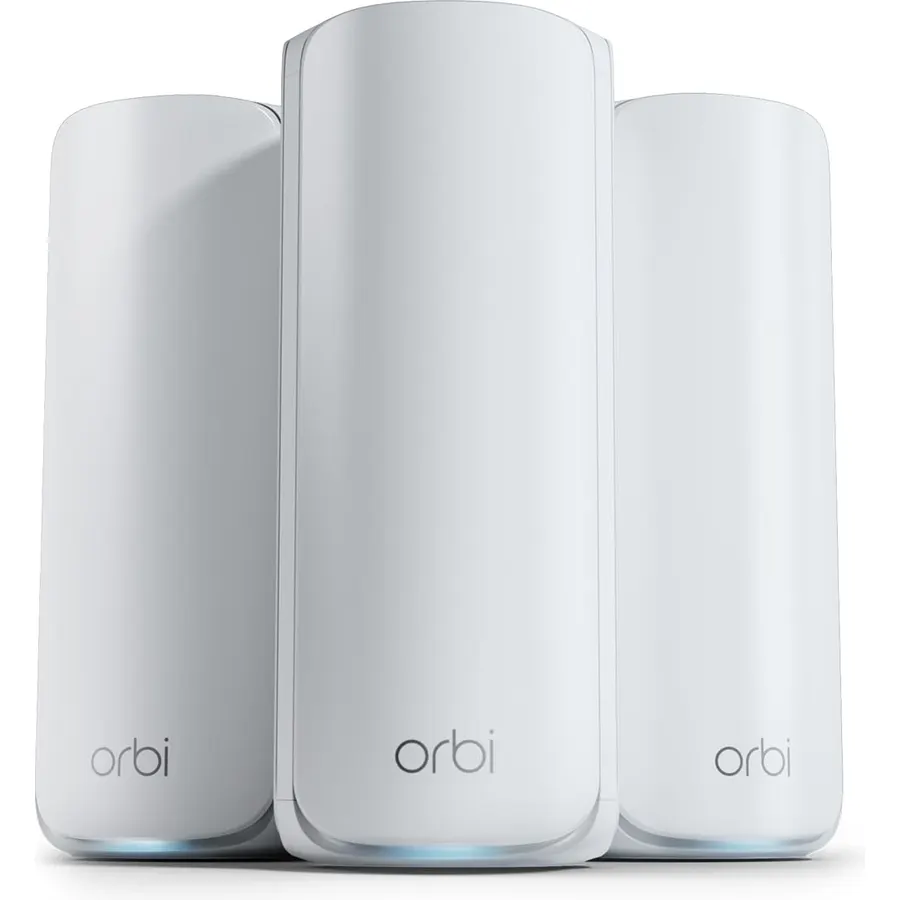
The Orbi 360 is the affordable way into a WiFi 7 mesh: a router and two satellites rated for 6,000 square feet, with Multi-Link Operation and Netgear’s Enhanced Backhaul keeping the satellites fed, and a WAN side ready for plans up to 2.5 Gbps. The Orbi app handles setup and guest networks, and firmware updates install themselves. It is dual-band WiFi 7, so like the Deco X55 Pro it shares 5GHz between devices and backhaul, and Netgear’s 70-device rating is conservative for a three-unit system. The rating is the main caution: 4.1 stars from 950 owners, with the reviews mentioning satellite drops in some homes and the usual grumbles about Armor being a subscription. For a large single-family house that wants WiFi 7 without flagship Orbi pricing, it is still the one to consider.
- WiFi 7 with MLO across three units for 6,000 sq ft
- Ready for 2.5 Gbps plans
- Orbi app and Netgear support
- Automatic firmware updates
- 4.1 stars from 950 owners, the lowest rating on this page
- Rated for only 70 devices, low for a three-unit kit
- Netgear Armor security is a paid add-on
Linksys Mesh Wifi 5 Router, Tri-Band, 2,000 Sq. ft Coverage, Supports Guest WiFi, Parent Control, 20+ Devices, Speeds up to (AC2200) 2.2Gbps - MR8300
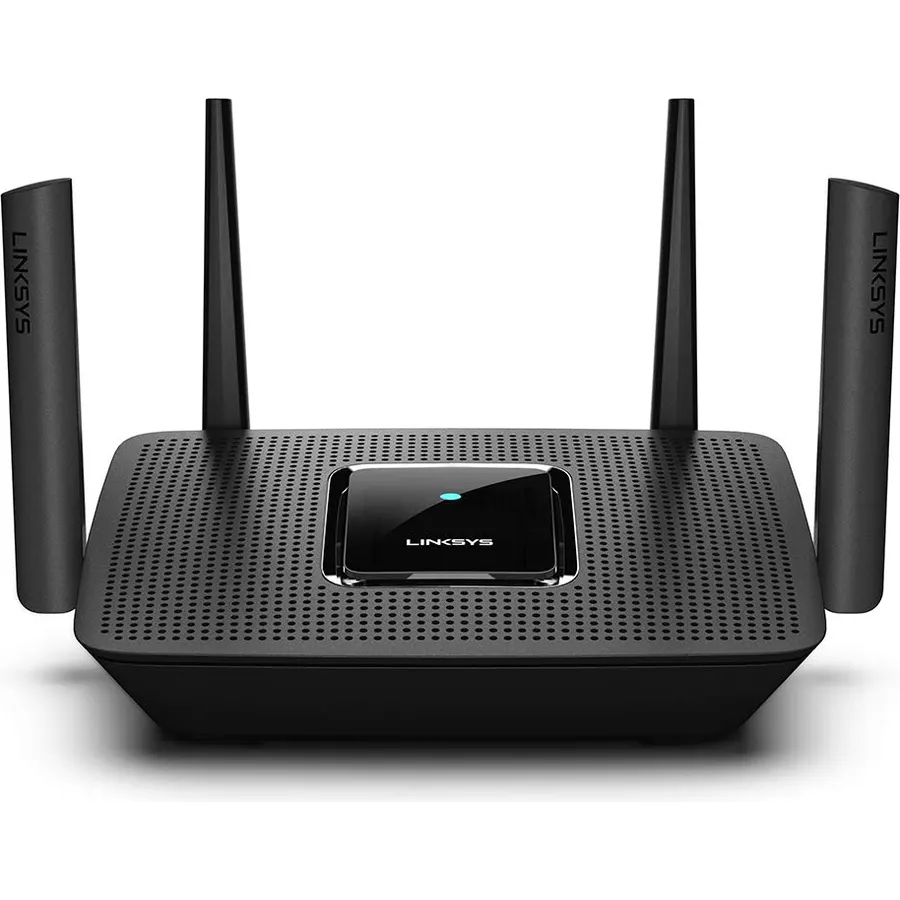
The Linksys MR8300 is a different route to mesh: buy a tri-band router now and add Velop nodes later if the house turns out to need them. On its own it covers a claimed 2,000 square feet with AC2200 WiFi 5 across three bands, which means when you do add a node, the backhaul has a 5GHz band to itself rather than sharing with your devices, something the cheaper Deco kits cannot do. The Linksys app gives you guest WiFi and parental controls. It is WiFi 5, so top speeds sit below the WiFi 6 picks, and the nodes are extra. For a household that is not sure it needs a mesh yet, it is a sensible hedge, and 3,400 owners rate it 4.5 stars.
- Tri-band at a budget price, so backhaul to Velop nodes has its own band
- Start with one router and add Velop nodes when needed
- 3,400 owners at 4.5 stars
- Guest WiFi and parental controls in the app
- WiFi 5 only
- 2,000 sq ft on its own; needs nodes for a big house
- Velop nodes are sold separately
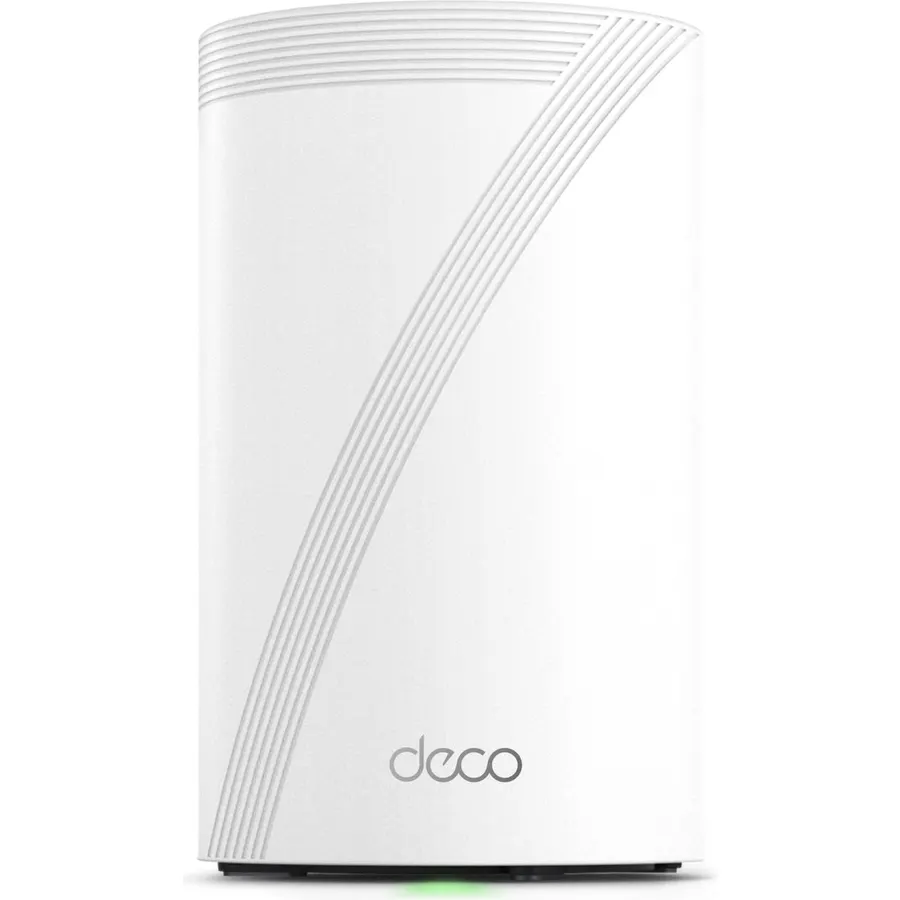
Deco 7 BE25 Dual-Band BE5000 WiFi 7 Mesh Wi-Fi System 5 Gbps, 240 Mhz
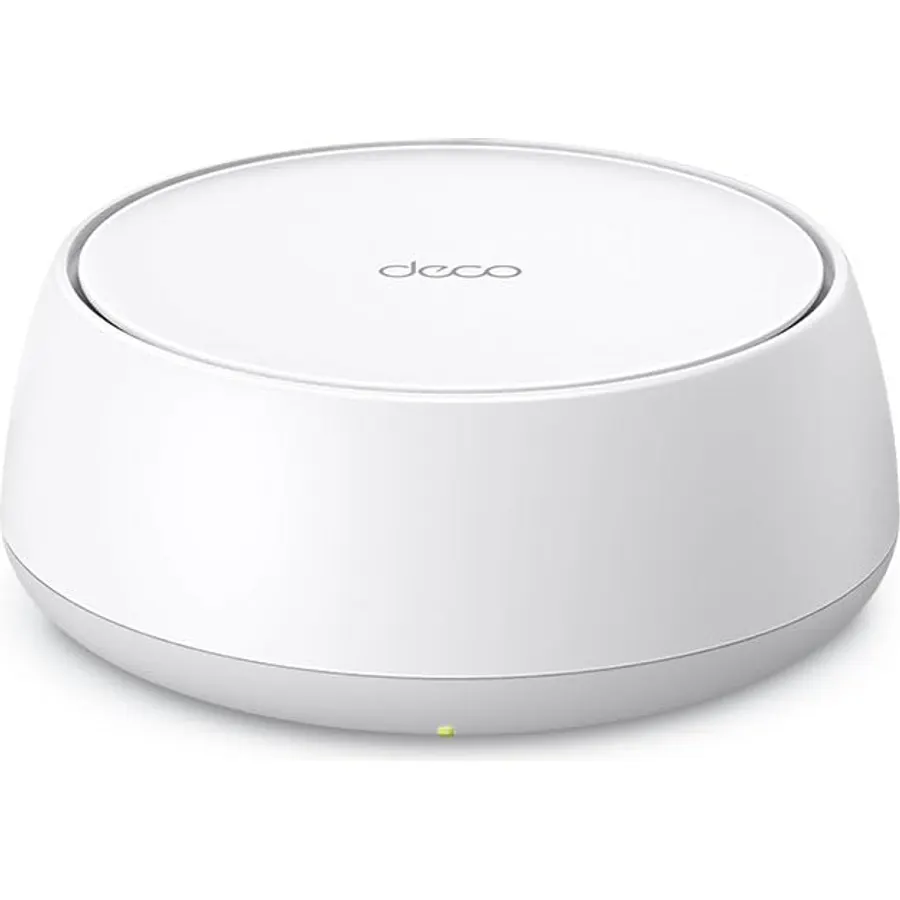
The Deco BE25 is the cheapest way to start a WiFi 7 mesh. A single unit covers a claimed 2,600 square feet for more than 150 devices with dual-band BE5000 WiFi 7, including Multi-Link Operation, 240MHz channels and 4K-QAM, and it has a 2.5G Ethernet port for a multi-gig modem. Buy a second and the two combine WiFi 7 wireless and 2.5G wired backhaul to balance traffic between them; it also slots into any existing Deco network, so it can be the upgrade unit in an older S4 or X20 mesh. There is no 6GHz band, and at 340 reviews it is the least-tested pick here, though those owners rate it 4.2 stars. For someone building a mesh one unit at a time who wants WiFi 7 phones to shine, it is the modern starting point.
- WiFi 7 with MLO and 4K-QAM at an entry price
- 2.5G port on the unit
- Covers 2,600 sq ft per unit and expands with any Deco
- 4.2 stars from 340 owners
- Dual-band, so no 6GHz
- Sold as a single unit; a mesh needs two
- Fewest reviews of any pick here
Compare the picks
| Product | WiFi standard | Units in box | Rated coverage | Ports per unit | Owner rating | Our score | |
|---|---|---|---|---|---|---|---|
| TP-Link Deco S4TP-Link | WiFi 5 AC1900 | 2 | 3,800 sq ft / 75 devices | 2 x 1G | 4.5 (29,500+) | 9.0 | See price |
| TP-Link Deco X20TP-Link | WiFi 6 AX1800 | 1 | 2,200 sq ft per unit | 2 x 1G | 4.5 (15,000+) | 9.0 | See price |
| Google Wifi AC1200Google | WiFi 5 AC1200 | 1 | 1,500 sq ft per point | 2 x 1G | 4.5 (15,300+) | 9.0 | See price |
| TP-Link Deco X55 ProTP-Link | WiFi 6 AX3000 | 3 | 6,500 sq ft / 150+ devices | 2 x 2.5G | 4.4 (1,000+) | 8.8 | See price |
| TP-Link Deco XE75 ProTP-Link | WiFi 6E AXE5400 tri-band | 2 | 5,500 sq ft / 200 devices | 1 x 2.5G, 2 x 1G | 4.3 (3,300+) | 8.6 | See price |
| Netgear Orbi 360 WiFi 7NETGEAR | WiFi 7 dual-band | 3 | 6,000 sq ft / 70 devices | Multi-gig WAN | 4.1 (950+) | 8.2 | See price |
| Linksys MR8300Linksys | WiFi 5 AC2200 tri-band | 1 router | 2,000 sq ft / 20+ devices | Gigabit | 4.5 (3,400+) | 9.0 | See price |
| TP-Link Deco BE25TP-Link | WiFi 7 BE5000 | 1 | 2,600 sq ft per unit | 1 x 2.5G | 4.2 (340+) | 8.4 | See price |
How many units do you need?
Manufacturer coverage figures assume open plans and friendly walls. A practical rule: one unit per floor, plus one for any wing or outbuilding that is more than two rooms from the nearest unit. A two-storey, three-bedroom house is usually a two-unit job; a large house with a basement or a garden office wants three. Buying single units (Deco X20, Deco BE25, Google Wifi) lets you add exactly what you need, while the two- and three-packs (Deco S4, X55 Pro, XE75 Pro, Orbi 360) are cheaper per unit if you already know the count.
Backhaul: the part that decides real speed
Backhaul is the link between the units. On dual-band systems (Deco S4, X20, X55 Pro, BE25, Orbi 360) it shares the 5GHz band with your devices, so each hop roughly halves the speed available at the far unit. Tri-band systems (Deco XE75 Pro, and the Linksys MR8300 with Velop nodes) give the backhaul its own band. The best answer is a cable: every pick here supports Ethernet backhaul, and the X55 Pro and BE25 do it at 2.5G. If you can run one cable between floors, a cheap dual-band mesh with wired backhaul will outperform an expensive tri-band one without.
WiFi 5, 6, 6E or 7?
For a plan up to about 300 Mbps and a normal number of devices, WiFi 5 kits (Deco S4, Google Wifi, Linksys MR8300) are still fine and very cheap. Plans up to 1 Gbps and homes full of smart devices benefit from WiFi 6 (Deco X20, X55 Pro) because OFDMA handles crowds better. Go WiFi 6E (XE75 Pro) for the dedicated 6GHz backhaul, and WiFi 7 (Orbi 360, Deco BE25) if you own WiFi 7 phones and want Multi-Link Operation. Whatever the generation, the mesh will only be as fast as the port facing your modem, so match a 2.5G WAN to any plan above a gigabit.
Is a mesh system better than a WiFi extender?
Yes for anything beyond one weak room. A mesh uses one network name, hands devices between units automatically and coordinates channels. Extenders create a second network name, halve the speed they repeat and make you reconnect manually.
Can I mix different Deco models?
Yes. Every TP-Link Deco unit on this page works with every other Deco, so you can start with an S4 pair and add an X20 or BE25 later. Google Wifi points mix with Nest Wifi, and Linksys MR8300 pairs with Velop nodes. Brands do not mix with each other.
Do I still need my modem with a mesh system?
Yes. A mesh replaces your router, not your modem. Connect the main unit to the modem or ISP gateway over Ethernet and set the gateway to bridge mode if it has its own WiFi.
What is Ethernet backhaul and should I use it?
It is a cable between mesh units instead of a wireless link. It gives the far unit full speed and frees the WiFi bands for your devices. All picks here support it; the Deco X55 Pro and BE25 do it at 2.5G.
Which mesh system is best for a 2 Gbps internet plan?
The TP-Link Deco X55 Pro, with two 2.5G ports on every unit, or the Deco XE75 Pro and Deco BE25, which each have one 2.5G port. The WiFi 5 kits top out around gigabit on their wired ports and well below that over WiFi.
Prices and stock change daily. The buttons above open Amazon so you always see the current price. We may earn a commission if you buy through them, at no extra cost to you.
Do Best Deal is a participant in the Amazon Services LLC Associates Program. As an Amazon Associate we earn from qualifying purchases. If you buy through links on this site we may earn a commission, at no extra cost to you. Learn more.