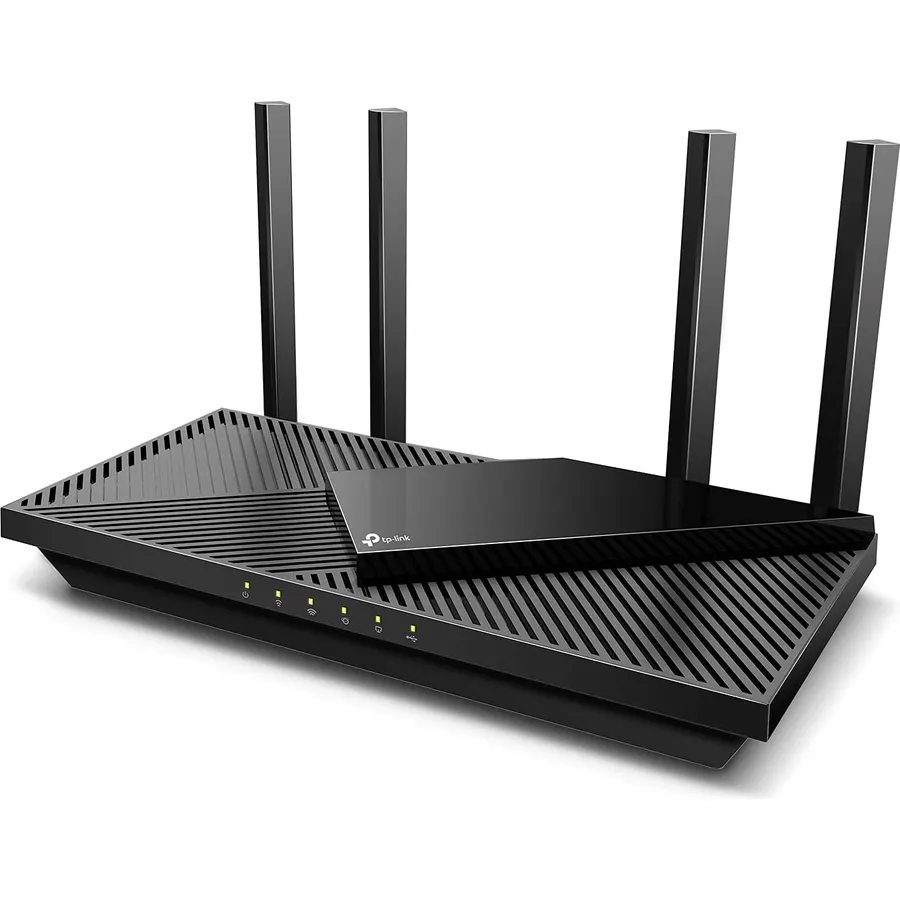
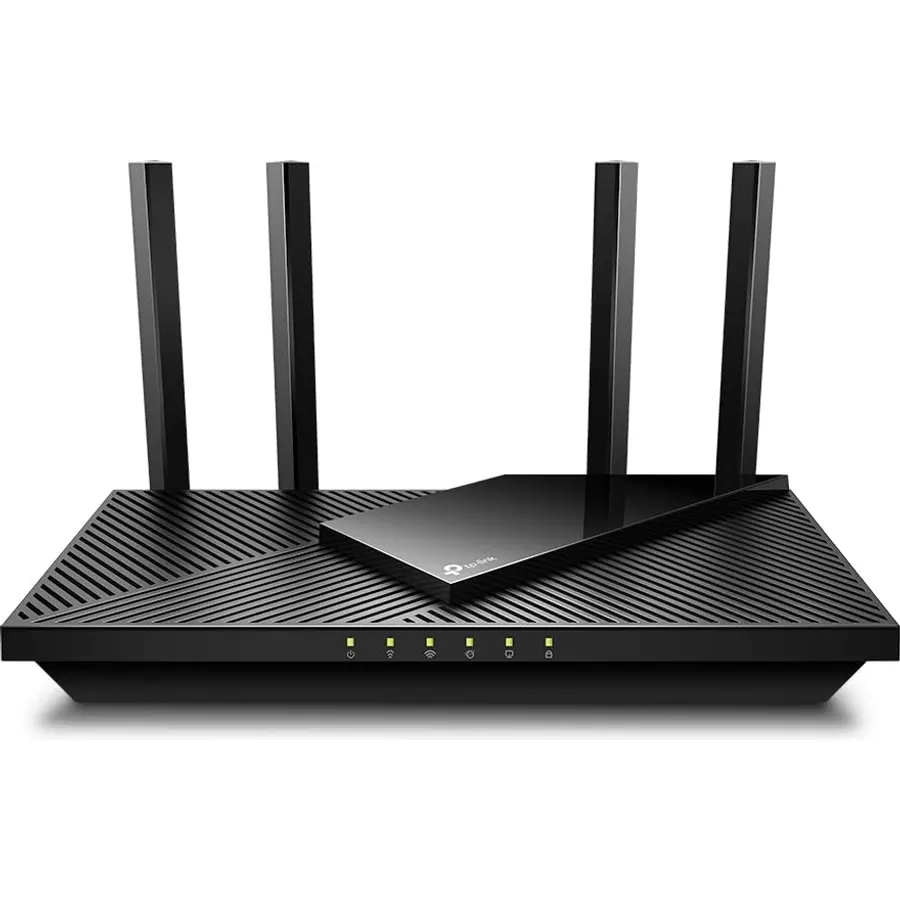
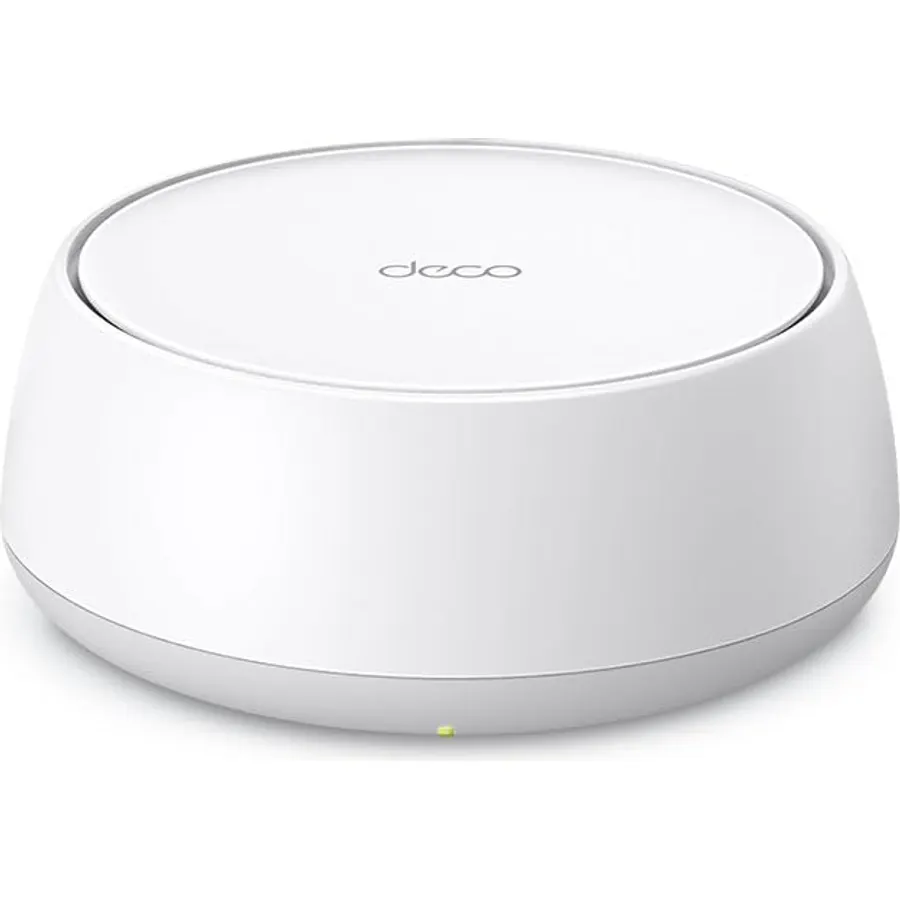
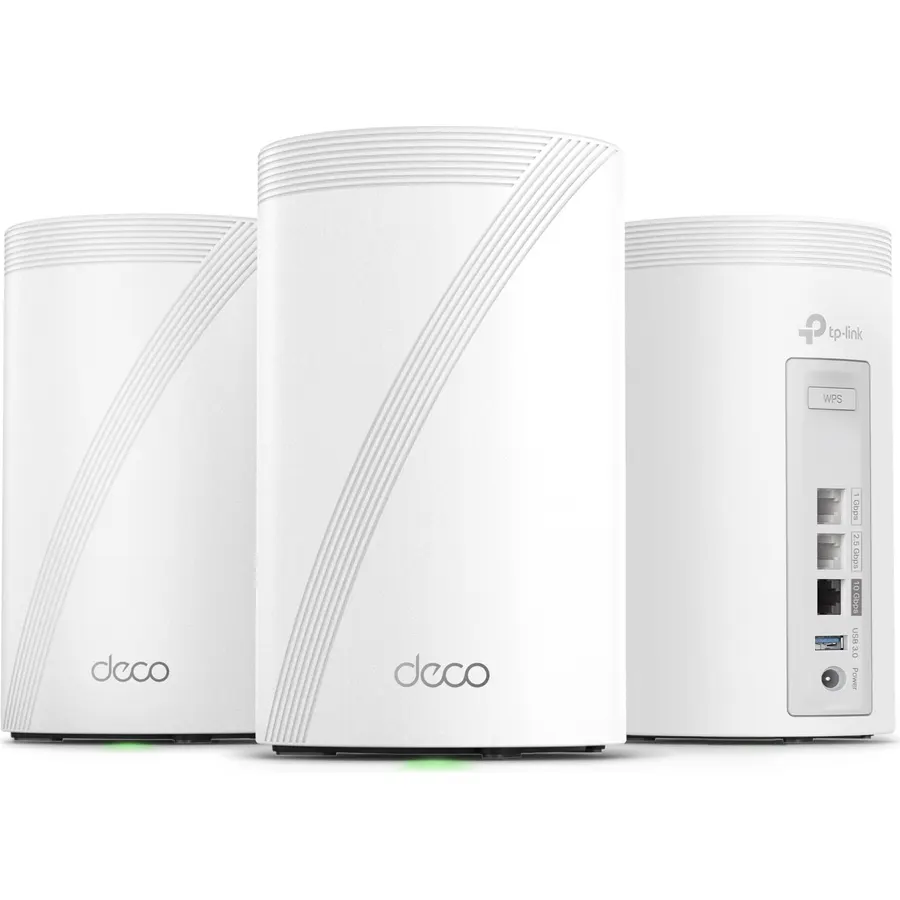
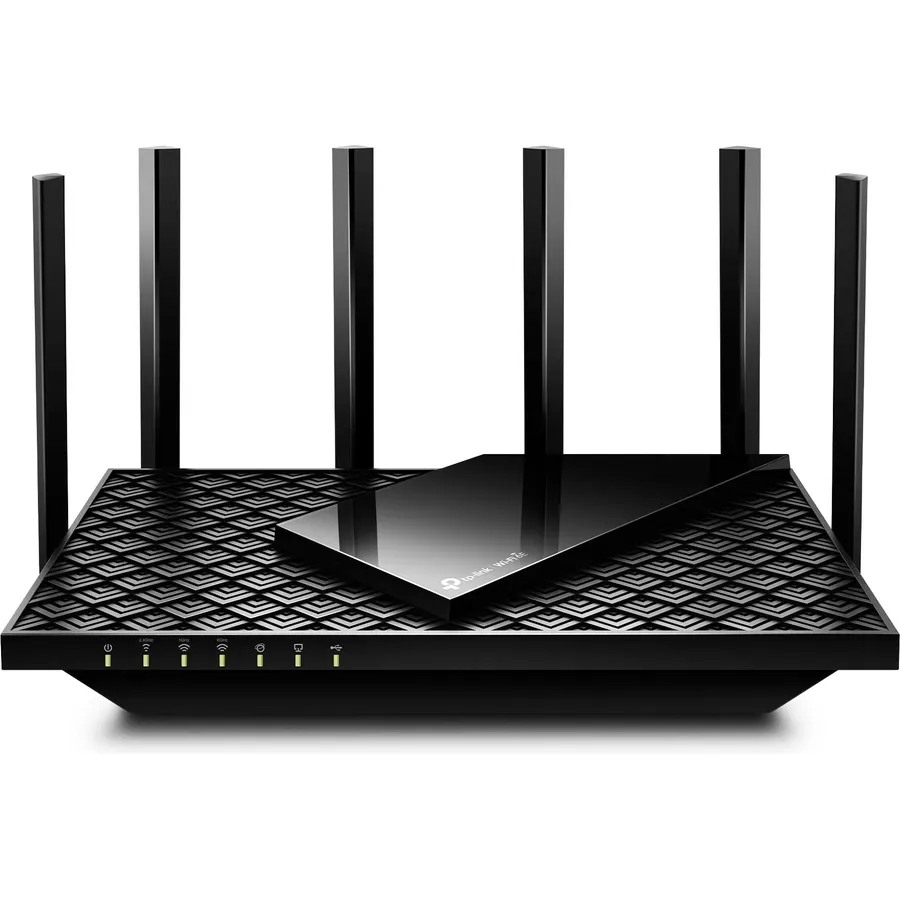
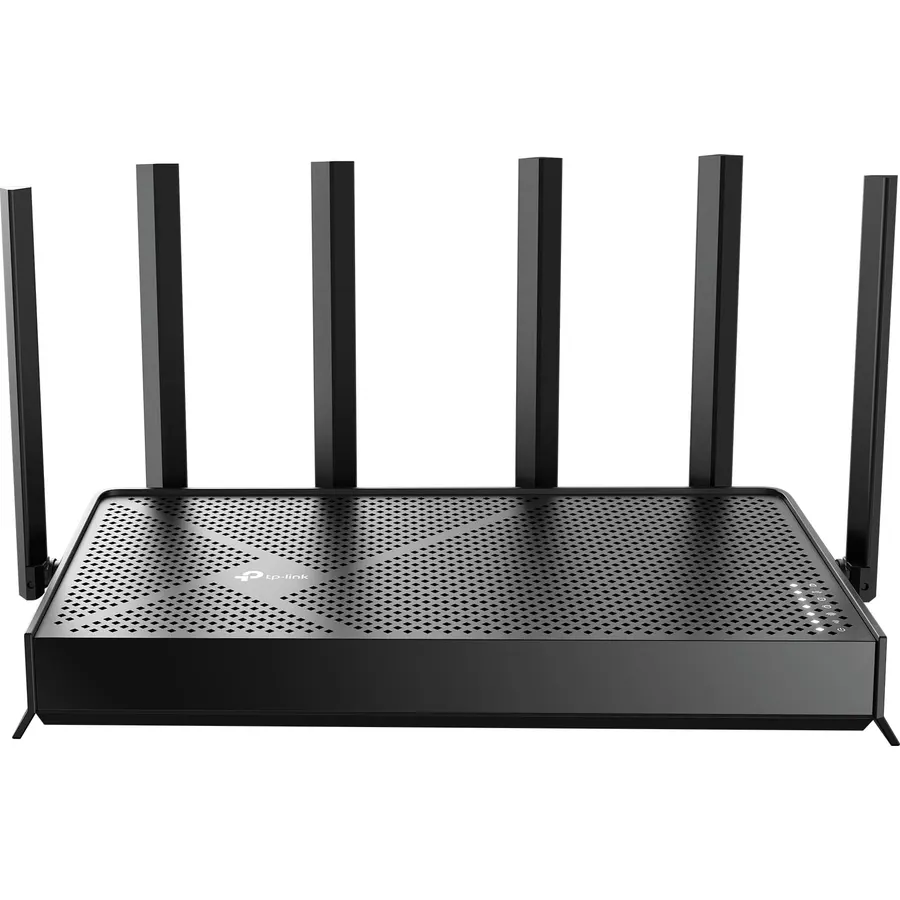
AX3000 whole home Wi-Fi 6 mesh system eliminates weak Wi-Fi for good (2×2/HE160 2402 Mbps plus 2×2 574 Mbps)
Connectivity TechnologyWi-FiOperating SystemOmadaLAN Port Bandwidth2.5 Gbps
About this item
𝗪𝗶-𝗙𝗶 𝟲 𝗠𝗲𝘀𝗵: AX3000 whole home Wi-Fi 6 mesh system eliminates weak Wi-Fi for good (2×2/HE160 2402 Mbps plus 2×2 574 Mbps)
𝟮.𝟱𝗚 𝗠𝘂𝗹𝘁𝗶-𝗚𝗶𝗴𝗮𝗯𝗶𝘁 𝗖𝗼𝗻𝗻𝗲𝗰𝘁𝗶𝘃𝗶𝘁𝘆 𝘄𝗶𝘁𝗵 𝗣𝗿𝗼: Each unit has 2 x 2.5G Gbps Ports. Ideal for internet subscriptions above 1 Gigabit and supports superior wired ethernet backhaul, and multi-gig device connectivity such as NAS.
𝗪𝗵𝗼𝗹𝗲 𝗛𝗼𝗺𝗲 𝗪𝗶𝗙𝗶 𝗖𝗼𝘃𝗲𝗿𝗮𝗴𝗲: Covers up to 6500 square feet of seamless high-performance Wi-Fi 6 and eliminates dead zones and buffering. Performs better than traditional Wi-Fi boosters and range extenders
𝗖𝗼𝗻𝗻𝗲𝗰𝘁 𝗠𝗼𝗿𝗲 𝗗𝗲𝘃𝗶𝗰𝗲𝘀: The Deco X55 Pro (3-pack) is powerful enough to connect more than 150 devices with strong and reliable Wi-Fi
𝐎𝐮𝐫 𝐂𝐲𝐛𝐞𝐫𝐬𝐞𝐜𝐮𝐫𝐢𝐭𝐲 𝐂𝐨𝐦𝐦𝐢𝐭𝐦𝐞𝐧𝐭: TP-Link is a signatory of the U.S. Cybersecurity and Infrastructure Security Agency’s (CISA) Secure-by-Design pledge. This device is designed, built, and maintained, with advanced security as a core requirement.
𝗔𝗜-𝗗𝗿𝗶𝘃𝗲𝗻 𝗠𝗲𝘀𝗵: Intelligently learns the network environment to provide ideal Wi-Fi conditions unique to your home
𝗧𝗣-𝗟𝗶𝗻𝗸 𝗛𝗼𝗺𝗲𝗦𝗵𝗶𝗲𝗹𝗱: TP-Link's premium security service keeps your home network safe. 𝗙𝗿𝗲𝗲 𝗳𝗲𝗮𝘁𝘂𝗿𝗲𝘀: 1. Security Scan and IoT Device Identification 2. Parental Controls 3. Quality of Service, and more.
𝗘𝗮𝘀𝘆 𝗦𝗲𝘁 𝗨𝗽 𝗮𝗻𝗱 𝗠𝗮𝗻𝗮𝗴𝗲𝗺𝗲𝗻𝘁: Set up and manage your mesh router in minutes with the free Deco App available for both Android and iOS devices.
AX3000 whole home Wi-Fi 6 mesh system eliminates weak Wi-Fi for good (2×2/HE160 2402 Mbps plus 2×2 574 Mbps)
Ranked #99 in Networking · 4 things we like
Quick answer The TP-Link Deco X55 Pro AX3000 Whole Home Wi-Fi 6 scores 8.8/10 with us. Amazon owners rate it 4.4 out of 5 across 1,039 reviews, in line with the 4.3 average of the 97 routers we track. It was listed at $169.96 on Amazon when we last checked in September 2026. Key facts: connectivity technology Wi-Fi, operating system Omada, lan port bandwidth 2.5 Gbps.
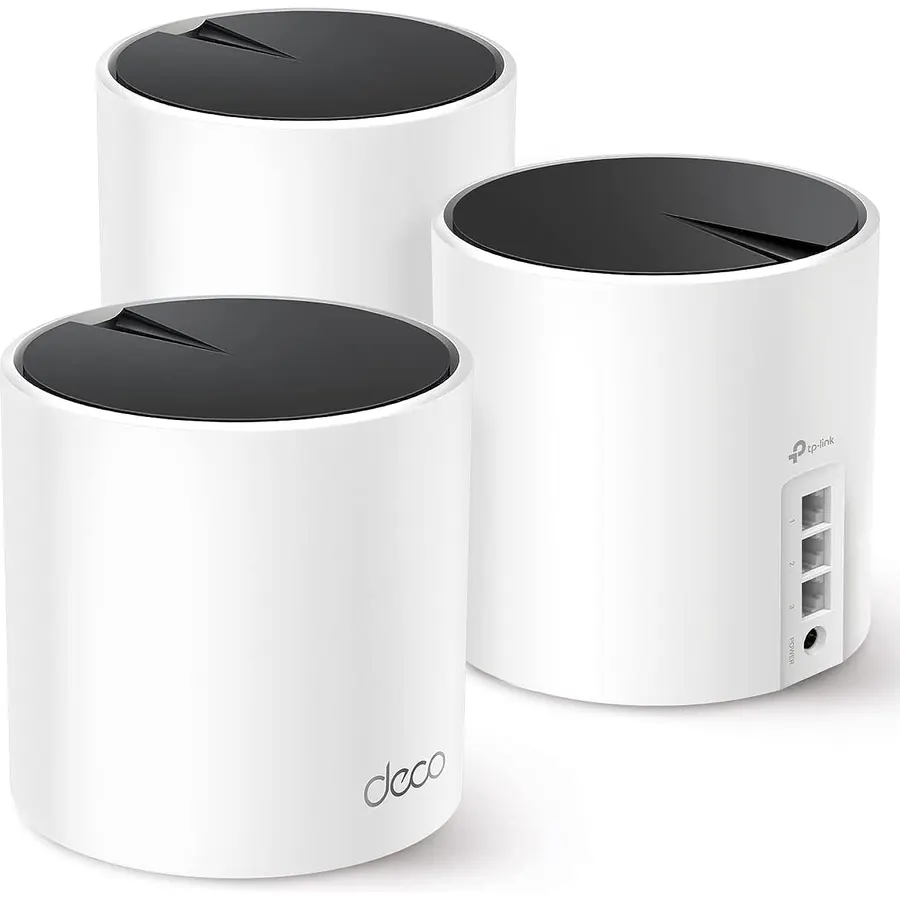
TP-Link Deco WiFi 6 Mesh System(Deco X55 Pro) - AX3000, Covers up to 6500 Sq. Ft., 2 x 2.5 Gbps ports per unit, supports Ethernet Backhaul (3-pack) Deco X55 Pro is an upgrade of Deco X55 which Upgraded Ethernet port speed. It is ideal for the users who subscribed up to 2.5G Internet service.
TP-Link offers 24/7 technical support and 2-year warranty for most home products,1 more year than most networking brands. Founded in 1996, TP-Link is a global provider of reliable networking devices and accessories, involved in all aspects of everyday life. With a proven heritage of stability, performance and value, TP-Link has curated a portfolio of products that meet the networking needs of all individuals.
Now, as the connected lifestyle continues to evolve,the company is expanding today to exceed the demands of tomorrow.
Do Best Deal is a participant in the Amazon Services LLC Associates Program. As an Amazon Associate we earn from qualifying purchases. If you buy through links on this site we may earn a commission, at no extra cost to you. Learn more.
Product information
24 specifications
Other Special Features of the Product
Access Point Mode, Guest Mode, QoS
Frequency Band Class
Dual-Band
Wireless Compability
802.11a, 802.11ac, 802.11ax, 802.11b, 802.11n
Compatible Devices
Iphone, Smartphone, Tablet
Antenna Location
Business, Gaming, Home
Connectivity Technology
Wi-Fi
Antenna Type
Fixed
Operating System
Omada
Security Protocol
WPA-PSK, WPA2-PSK, WPA3-PSK
Number of Ports
2
Control Method
App, Voice
Data Transfer Rate
3000 megabits_per_second
LAN Port Bandwidth
2.5 Gbps
Maximum Upstream Data Transfer Rate
3000 megabits_per_second
Number of Antennas
3
Router Firewall Security Level
Advanced
Wi-Fi Generation
Wi-Fi 6
Router Network Type
hybrid
Connectivity Range
6500 square_feet
Connectivity Protocol
Wi-Fi
Controller Type
Amazon Alexa, Android, Google Assistant, iOS
Coverage
604 cm
Frequency
5 GHz
Brand
TP-Link
Pros & cons
What we like
𝗪𝗶-𝗙𝗶 𝟲 𝗠𝗲𝘀𝗵: AX3000 whole home Wi-Fi 6 mesh system eliminates weak Wi-Fi for good (2×2/HE160 2402 Mbps plus 2×2 574 Mbps)
𝟮.𝟱𝗚 𝗠𝘂𝗹𝘁𝗶-𝗚𝗶𝗴𝗮𝗯𝗶𝘁 𝗖𝗼𝗻𝗻𝗲𝗰𝘁𝗶𝘃𝗶𝘁𝘆 𝘄𝗶𝘁𝗵 𝗣𝗿𝗼: Each unit has 2 x 2.5G Gbps Ports. Ideal for internet subscriptions above 1 Gigabit and supports superior wired ethernet backhaul, and multi-gig device connectivity such as NAS.
𝗪𝗵𝗼𝗹𝗲 𝗛𝗼𝗺𝗲 𝗪𝗶𝗙𝗶 𝗖𝗼𝘃𝗲𝗿𝗮𝗴𝗲: Covers up to 6500 square feet of seamless high-performance Wi-Fi 6 and eliminates dead zones and buffering. Performs better than traditional Wi-Fi boosters and range extenders
𝗖𝗼𝗻𝗻𝗲𝗰𝘁 𝗠𝗼𝗿𝗲 𝗗𝗲𝘃𝗶𝗰𝗲𝘀: The Deco X55 Pro (3-pack) is powerful enough to connect more than 150 devices with strong and reliable Wi-Fi
What could be better
TP-Link Deco X55 Pro AX3000 Whole Home Wi-Fi 6: questions & answers
Is the TP-Link Deco X55 Pro AX3000 Whole Home Wi-Fi 6 worth buying?
Yes, it is one of the stronger picks in its group. We score the TP-Link Deco X55 Pro AX3000 Whole Home Wi-Fi 6 8.8 out of 10. Amazon owners rate it 4.4 out of 5 across 1,039 reviews, in line with the 4.3 average of the 97 routers we track.
How much does the TP-Link Deco X55 Pro AX3000 Whole Home Wi-Fi 6 cost?
It was listed at $169.96 on Amazon when we last checked in September 2026. That is more than the $116.99 median for routers in our catalog. Amazon prices change daily, so use the price button on this page to see the current figure.
What options does the TP-Link Deco X55 Pro AX3000 Whole Home Wi-Fi 6 come in?
Amazon lists 5 options. Size: 1 Pack, (Pack of 12), 3 Pack. Style: AX3000 Pro w/ Dual 2.5G Ports, AX3000 w/ 2.5G Port, PoE+ Powered, AX3000 PoE Mountable. Pick an option on this page and the button opens exactly that model.
What are the key specs of the TP-Link Deco X55 Pro AX3000 Whole Home Wi-Fi 6?
Connectivity Technology: Wi-Fi; Operating System: Omada; LAN Port Bandwidth: 2.5 Gbps. All 24 specifications are in the product information table on this page.
What are good alternatives to the TP-Link Deco X55 Pro AX3000 Whole Home Wi-Fi 6?
Similar, well-rated routers in our catalog: Tenda AX3000 WiFi 6 Router (8.4/10, 4.2 stars from 2,103 owners); TP-Link AX3000 WiFi 6 Router (8.6/10, 4.3 stars from 1,174 owners); D-Link WiFi Router AC1200 High Power Gigabit (8.6/10, 4.3 stars from 220 owners).
Breakdown from the 10 most helpful reviews we imported.
E
expat-mike
Verified purchaseAugust 20, 2026
May need tech support from TP-Link as is the case with any Mesh Router
One of my 2 year old Mesh unit (1 of 3 and not from TP-Link) died and its no longer available to buy a new one. I chose this 3 pack from TP-Link after reading the comments and I had used TP-Link routers previously with no issues. Anyway, despite the set up procedure being a bit confusing, their support desk pointed me in the right direction to try different checks and I finally got the master Mesh router alive and kicking so my wife could watch TV and then the 2 satellite DECO units I just powered up and they self configured in a few minutes. Here's a few pointers I've learned -Mesh units gene
I
iBigChill
Verified purchaseMarch 26, 2024
Excellent Product
I’ve done light networking admin and troubleshooting at a previous job and have been around computers for most of my life. My dad had an Ethernet in the house in the 90’s. I built my first PC when I was 11. I’m 43 now. I’m not an expert, but I have more experience than probably most. This was really easy to setup. I downloaded the app and it walked me through setup. Only thing that caused me an issue was I was running a VPN on my phone which initially blocked access until I disabled the VPN. The setup was easy. I installed one node near the cable modem which is in the side attic of the room ov
T
T
Verified purchaseNovember 27, 2023
Fast with 2.5gbps backhaul, limited though
Fairly easy to set up with the app, but you have to go through the whole setup as a regular router before you can switch it to an access point.I use it as an access point and it's fine. So I can't speak to any of the features the Deco app has or how this works as a router.It is limited though. You can't choose the wifi channels or channel width. It has a utility that scans and selects channels, but you can't choose. So if you're advanced users you might get frustrated. It does an ok job choosing but it's really not good that it doesn't let you configure it.It's definitely fast and one of the f
D
DBK
Verified purchaseMay 8, 2024
Good, but not for me
I have a 2G plan and was never able to get much more than 1G down and 100 mbps up from this system (and I connected the satellites with Cat6 ethernet cables. The coverage was great though.) I switched to the TP-Link Archer AXE95 router and set up two access points using TP-Link extenders that were OneMesh compatible, and I'm now consistently getting 1.6G down and 250K mbps up.Frankly, 1G was MORE than enough for my needs, but you know, I guess I got obsessed with the speed anyway........Lol.
S
Stangman11
Verified purchaseOctober 28, 2023
Great WIFI mesh system --with some caveats
So this is going to be a lengthy review and how to in one -- I purchased this because I have a 4000 sq ft house and my; ISP provided ,panoramic WIFI router was spotty at best and barely making it across the house. Once up and running the mesh system delivers a full 2.4/5G signal anywhere I needed it. However, the system itself is set up to be used with a cable or fiber modem. In most cases though, most people have an ISP provided all in one router and modem of some sort. So here is my experience with this system:------First off I have been in the networking/IT field for 20+ years. This system
R
Robert Johnson
Verified purchaseSeptember 6, 2026
Works well, easy to set up
Relatively easy to set up and works well. Increased coverage area in house significantly.
J
JEFF
Verified purchaseJanuary 12, 2026
Horrible company, worse product , customer service ? ( NONE)
This one avoid at ALL COSTS ! I'm 73 , I have purchased houses, realestate.vehicle's in a fraction of the time I put into trying unsuccessfully connecting this ! Set #1 spent 9.5 HOURS with TP Link and my isp there are 3 identical units the isp said theupy were c defective ? As the old router works ,the cable works to my computer ? When any one or the 3 were connected solid red lights + no internet ? Tp link condemned the 3 had me return them . Said if I wanted them shipped quickly the would have to charge my card other wise it would take longer ? I paid 169 on Amazon? They charged my card 329
A
Arita
Verified purchaseAugust 21, 2023
BEST MESH out of 3 I have tried
Let's just start by stating i had no idea that you can hardwire a mesh unit to a gaming pc in a different room. Had no idea what they were. I decided to try them since i had a gaming PC on the main floor (modem upstairs office) and my router with extenders wasn't cutting it. I used to get 50 download speeds on the gaming laptop on the main floor. I pay for a gig but only got 50.... yea I know ... GREAT speeds hahah NOT.I tried 3 mesh units until i got this one .. and This one is the real deal!#1 Eero first and it worked ok but it only game me speeds up to 250. Even the PC that is hardwired to
Customer reviews are shown as published on Amazon and are not written by Do Best Deal.
More networking we compared
Alternatives to the TP-Link Deco X55 Pro AX3000 Whole Home Wi-Fi 6
![ASUS AC1900 Wireless Dual Band (5GHz + 2.4GHz) Gigabit Wi-Fi Router [RT-AC68U] Ultra-Fast 802.11ac 1900 Mbps Speed, 5X Gigabit LAN Ports, Broadcam TurboQAM Wi-Fi Acceleration, AiProtection Security](https://dobestdeals-img-1.pages.dev/asus-ac1900-wireless-dual-band.webp)