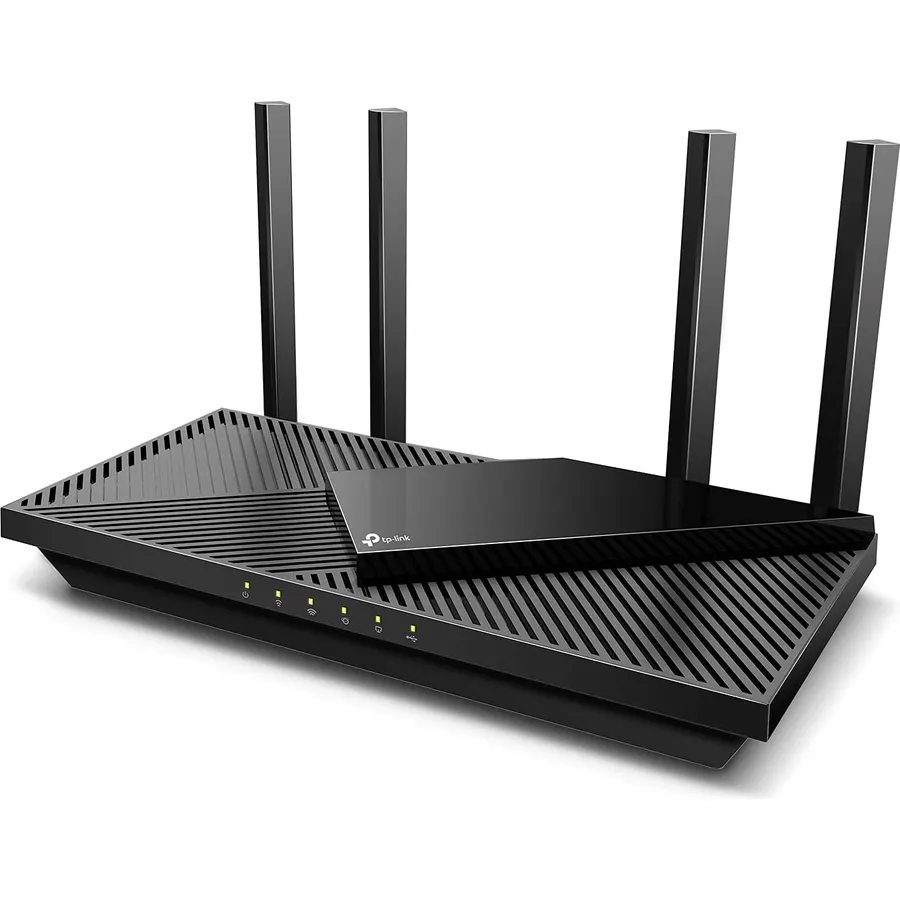
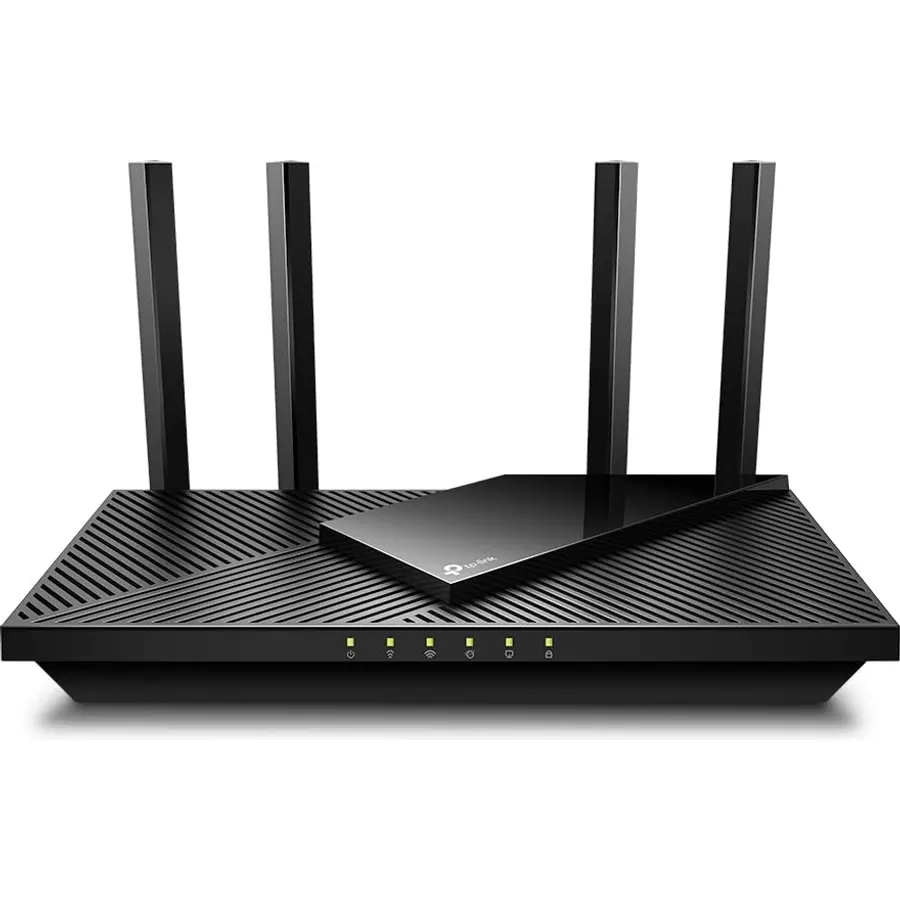
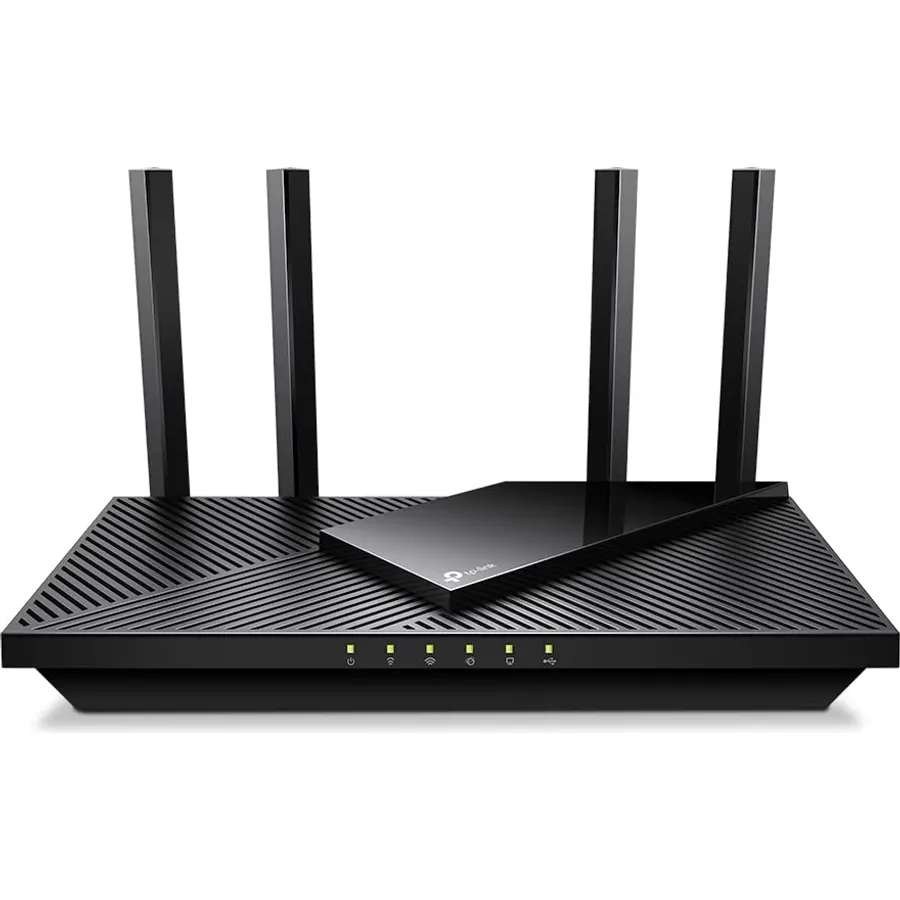
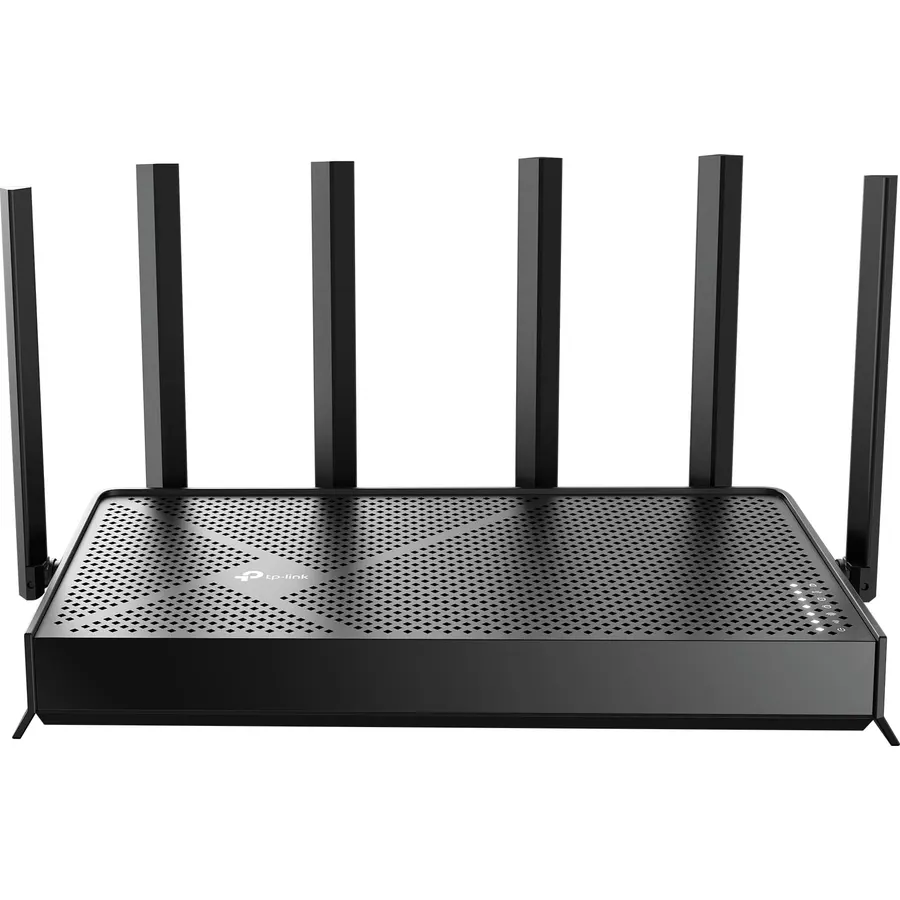
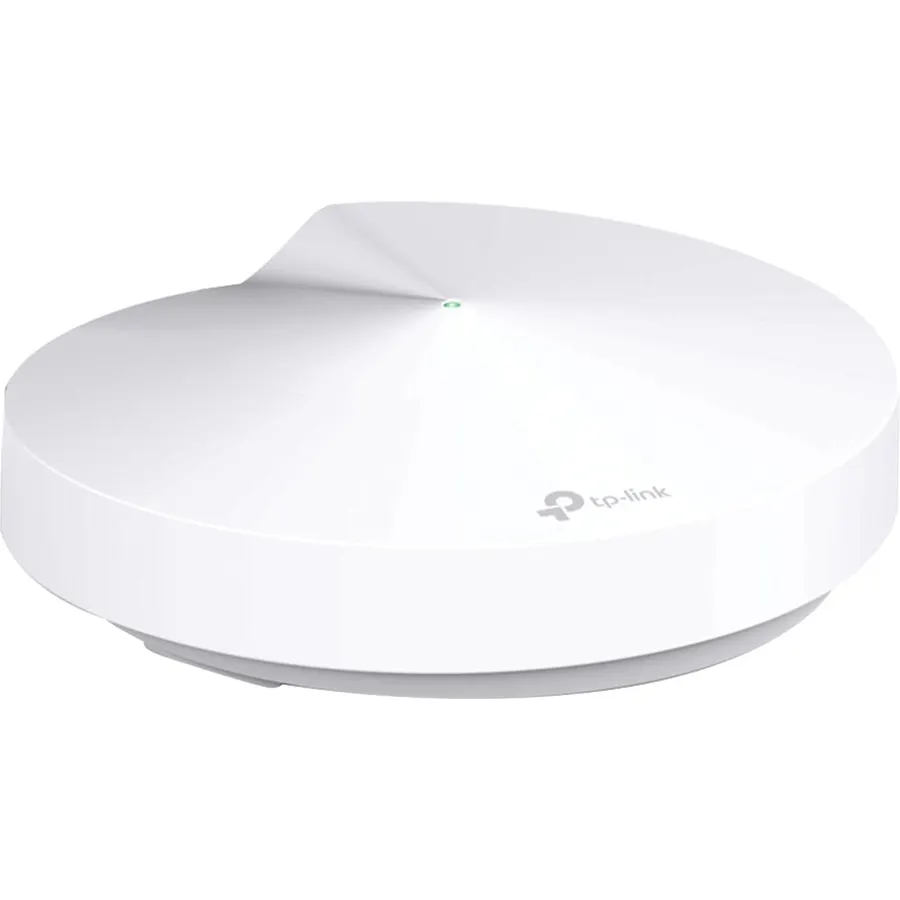
Maximum Range : 2500 Sq Ft.Processor : Qualcomm CPU.
Frequency Bands SupportedDual-Band
About this item
Maximum Range: 2500 Sq Ft.Processor : Qualcomm CPU.
Operating System: Microsoft Windows 98Se, Nt, 2000, Xp, Vista Or Windows 7, Windows 8/8.1/10, Mac Os, Netware, Unix Or Linux
Connectivity Technology: Wi-Fi Built In
System Requirements-Internet Explorer 11+, Firefox 12.0+, Chrome 20.0+, Safari 4.0+, or other JavaScript-enabled browser. Cable or DSL Modem (if needed)
Maximum Range : 2500 Sq Ft.Processor : Qualcomm CPU.
Ranked #99 in Networking · 4 things we like
Quick answer The TP-Link Archer AC1750 WiFi Router scores 8.8/10 with us. Amazon owners rate it 4.4 out of 5 across 71,614 reviews, in line with the 4.3 average of the 97 routers we track. It was listed at $72.37 on Amazon when we last checked in September 2026.
AC1750 wifi router/wireless router. One of routers for wireless internet, wireless routers for home. Dual band router and gigabit router.
Ideal as internet router also gaming router. Long range coverage with high speed. Compatible with all 802.11ac devices and below.
5ghz router/5g router Frequency Range: 2.4GHz and 5GHz; Interface Available: 4 x 10/100/1000Mbps LAN Ports, 1 10/100/1000Mbps WAN Port, 1 USB 2.0 Ports; Protocols Supported: Supports IPv4 and IPv6; System Requirement: Microsoft Windows 98SE NT 2000 XP Vista, or Windows 7 Windows 8/8.1/10, MAC OS NetWare UNIX or Linux; Wireless Standards: IEEE 802.11ac/n/a 5GHz, IEEE 802.11b/g/n 2.4GHz. Operating Temperature: 0℃~40℃ (32℉ ~104℉)
Do Best Deal is a participant in the Amazon Services LLC Associates Program. As an Amazon Associate we earn from qualifying purchases. If you buy through links on this site we may earn a commission, at no extra cost to you. Learn more.
Product information
19 specifications
Wireless Compability
802.11ac, 802.11b, 802.11g, 802.11n
Data Transfer Rate
1750 megabits_per_second
Frequency Band Class
Dual-Band
Special Features
Alexa Compatible, Internet Security, Parental Control, QoS, USB Print Server
Frequency
5 GHz
Compatible Devices
Gaming Console, Personal Computer, Smartphone, Tablet, Security Camera, Printer, Smart Television
Frequency Bands Supported
Dual-Band
Range
50-100 meters
Item Weight
14.88 ounces
Color
Black
Brand
TP-Link
Built-In Media
AC1750 Wireless Dual Band Router Archer A7, Cable Quick Installation Guide, Power Adapter, RJ45 Ethernet
Number of Items
1
Unit Count
1 Count
Global Trade Identification Number
00845973083861
Item Type Name
Wi-Fi Router
Model Number
Archer A7
Mfr Part Number
Archer A7
Warranty Description
2-year
Pros & cons
What we like
Maximum Range : 2500 Sq Ft.Processor : Qualcomm CPU.
Operating System: Microsoft Windows 98Se, Nt, 2000, Xp, Vista Or Windows 7, Windows 8/8.1/10, Mac Os, Netware, Unix Or Linux
Connectivity Technology: Wi-Fi Built In
System Requirements-Internet Explorer 11+, Firefox 12.0+, Chrome 20.0+, Safari 4.0+, or other JavaScript-enabled browser. Cable or DSL Modem (if needed)
Is the TP-Link Archer AC1750 WiFi Router worth buying?
Yes, it is one of the stronger picks in its group. We score the TP-Link Archer AC1750 WiFi Router 8.8 out of 10. Amazon owners rate it 4.4 out of 5 across 71,614 reviews, in line with the 4.3 average of the 97 routers we track.
How much does the TP-Link Archer AC1750 WiFi Router cost?
It was listed at $72.37 on Amazon when we last checked in September 2026. That is cheaper than the $116.99 median for routers in our catalog. Amazon prices change daily, so use the price button on this page to see the current figure.
What are good alternatives to the TP-Link Archer AC1750 WiFi Router?
Breakdown from the 10 most helpful reviews we imported.
K
Kindle Customer
Verified purchaseJune 20, 2020
Almost perfect
I just finished installing the A7 TCP-Link 1750AC router replacing a 6 year old Linksys E2500--having had to replace my modem earlier in the week after it failed and went into a reboot loop. The Linksys worked but not reliably of late and it was slow for a dual band router. I opted to use the quick install and then tweak later using the full featured web interface. The install using TP's Tether app from my iPhone worked but not without a few missteps--a failure to connect to the router at first using the 5G SSID worked once I tried with the 2.4G. A second hiccup occurred when binding the route
J
JMill
Verified purchaseNovember 30, 2018
Easy to install, this router upgraded our wifi performance and range
It works as described, and increased our wifi speed from about 30 mbps to 70 on the 5ghz band. We have a router/modem combo (b/g/n, I think) that seemed to max out around 37 mbps over wifi. I turned off the router functionality on that unit, and connected it to this router, and the speed increase was instant. Setup was easy, too.The Tether app makes running things from your smartphone pretty easy, too. We have since received a speed increase from our ISP, and I have tested speeds as high as 400 mbps on the 5ghz band (100-160 is the normal average). The 2ghz band is significantly slower (maybe
V
Voiceguy
Verified purchaseApril 24, 2020
Works Great When It Works, Which Is Most of the Time
Review originally titled, "Plan to Buy A New One Every Few Months"Here's what I originally wrote: "When this device works it's great. Mine failed after 8 months, and trying to deal with TP-Link for technical support or warranty fulfillment is an exercise in futility. Yet at this price I guess the "rent" for this unit is about $8 per month."So I will just buy another one and hope it lasts at least that long again."I stand by what I said about TP-Link technical support. However, I was able to get this box to work again. I did buy a replacement unit but have not opened it. If my current one conti
J
jessbee
Verified purchaseFebruary 26, 2022
good customer service
I am a very senior citizen with limited computer experience. I had a 10 year old Archer C7 router that I wanted to replace with a new C7. I had a problem understanding the installation video so I contacted customer service to try to understand if there was a problem. I did a chat with customer service and then they sent me an e mail. I had further questions and my e mails were answered within hours. I did not exactly get an answer to my question, but that may be because I didn't know enough terminology to frame it correctly. I was trying to find out what they meant in the instructions that sai
A
ADRStudio
Verified purchaseSeptember 13, 2020
I don't know if it's the best but it's pretty amazing !
I don't know if it's the best but it's pretty amazing !Without going into details, I will say it just that everything advertised is true for a very good price. Very good web interface to setup, a good app for your phone (TP-Link Tether), easy to setup.The great thing is that you can have separated logins for 2G and 5G, for regular use and guests, and you can individually turn them on/off, this is a sweet thing.For all the technical details just read the description here or on their website and enjoy. They have a more detailed manual on their website.Important note : Intel Wi-Fi cards for lapto
F
fitnessguy
Verified purchaseDecember 27, 2019
Strong WiFi, good parental controls
I bought this router to replace the basic N*tgear one provided by my cable company at $5 per month rent. I’m able to use the WiFi at the edge of my backyard which I couldn’t do before. After using it for a month I haven’t had to unplug/power cycle it at all. With my N*tgear I regularly had to unplug it once a month or more.Parental controls are easy to set up after installing the TP Link Tether iPhone app. I can pick and choose which devices in my house to apply internet restrictions. Both of my hdtvs will not connect to websites with “y*utube” in the web address or any other search word I pic
P
Paulryanp
Verified purchaseFebruary 13, 2026
Reliable, Feature-Rich Router—Great Range and Sturdy Build
I picked up the TP-Link Archer AC1750 when our old router died, and it’s been a fantastic replacement ever since. The range is really solid, it easily covers multiple floors in my house, and I actually have two of these running: one downstairs connected directly to the internet, and one upstairs acting as an access point linked with an ethernet cable. This setup has kept my whole house covered with strong, stable Wi-Fi.Build quality is great, feels sturdy and not flimsy like some cheaper routers I’ve tried. Security has been solid, and I still see firmware updates being pushed out, so it’s nic
E
Everyday Reviews
Verified purchaseOctober 10, 2025
Solid Midrange Router That’s Showing Its Age
Solid Midrange Router That’s Showing Its AgeThe TP-Link Archer AC1750 (A7) has been a reliable workhorse in my home network for years, but after living with it since 2020, I’d call it a solid “good but not great” performer by 2025 standards. Setup was painless using the TP-Link Tether app, and the router handled my mix of laptops, TVs, tablets, and smart devices without much fuss. Range is decent—about 2,000–2,500 square feet in my single-story home—and it integrates nicely with Alexa if you like voice controls for network management.For basic streaming, browsing, and light gaming, it’s smooth
Customer reviews are shown as published on Amazon and are not written by Do Best Deal.
More networking we compared
Alternatives to the TP-Link Archer AC1750 WiFi Router
![ASUS AC1900 Wireless Dual Band (5GHz + 2.4GHz) Gigabit Wi-Fi Router [RT-AC68U] Ultra-Fast 802.11ac 1900 Mbps Speed, 5X Gigabit LAN Ports, Broadcam TurboQAM Wi-Fi Acceleration, AiProtection Security](https://dobestdeals-img-1.pages.dev/asus-ac1900-wireless-dual-band.webp)