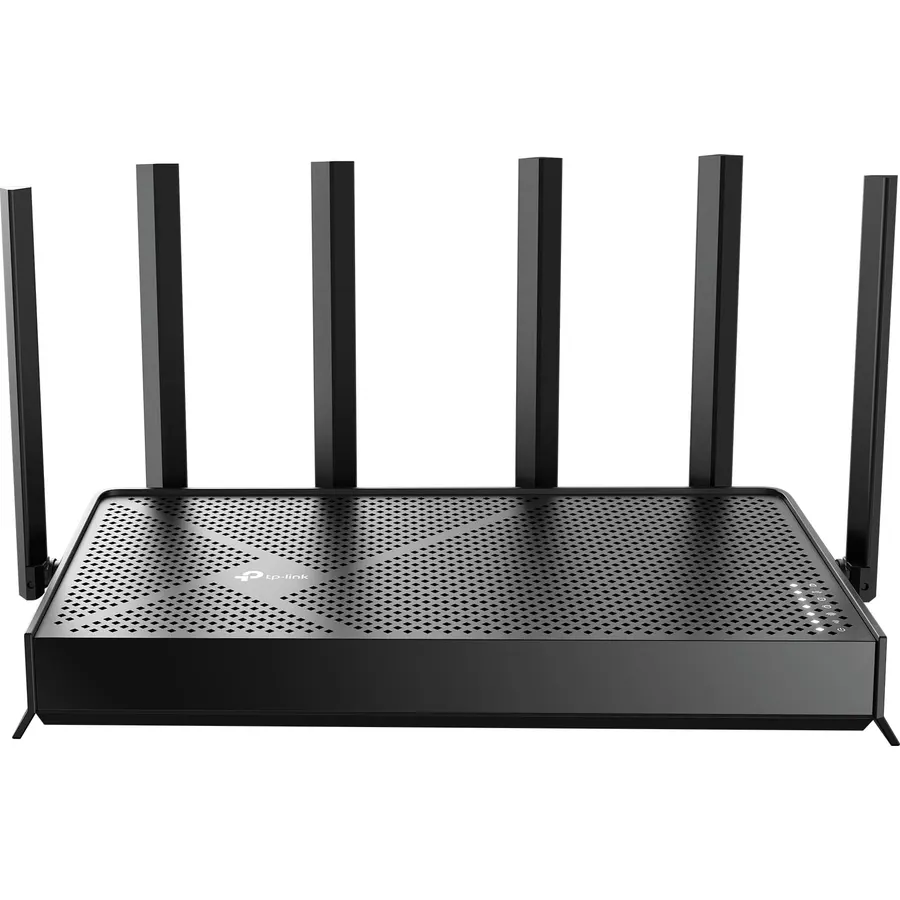
Dual-Band AX3000 WiFi 6 Router - Experience incredible WiFi 6 speeds up to 2402 Mbps at 5GHz Band and 574 Mbps at 2.4GHz Band on the 160 MHz
Connectivity TechnologyEthernet, USB, Wi-FiLAN Port Bandwidth10/100/1000 MbpsConnectivity ProtocolWi-Fi, IPv4, IPv6
About this item
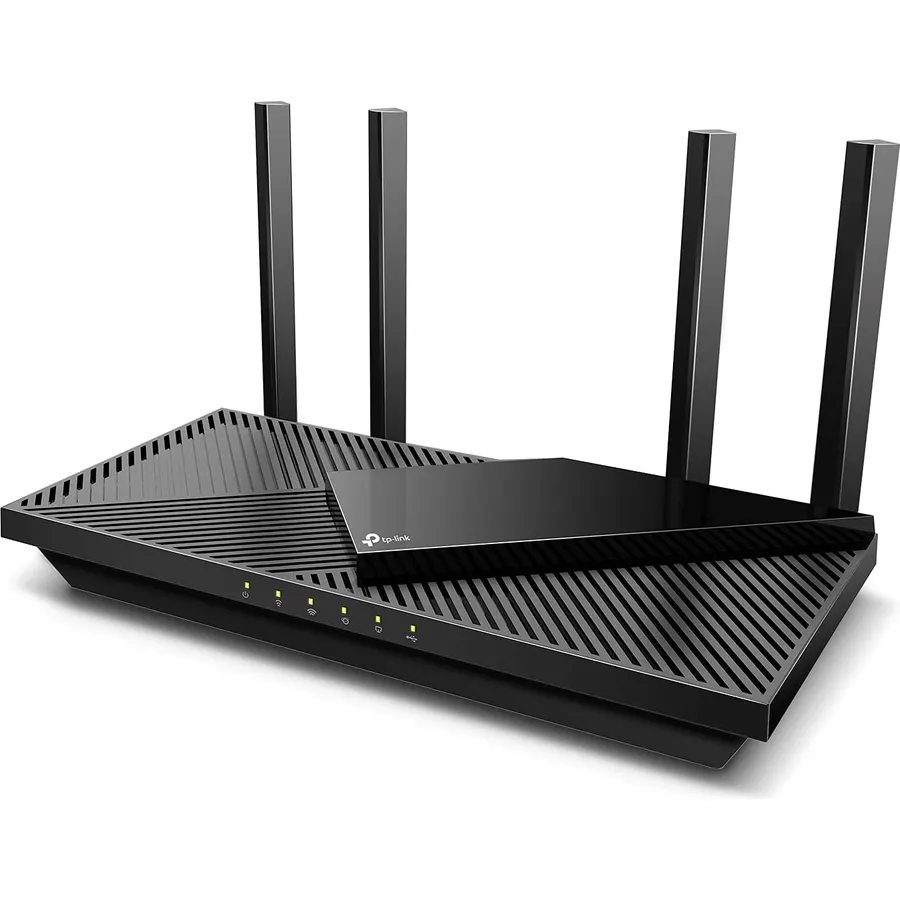
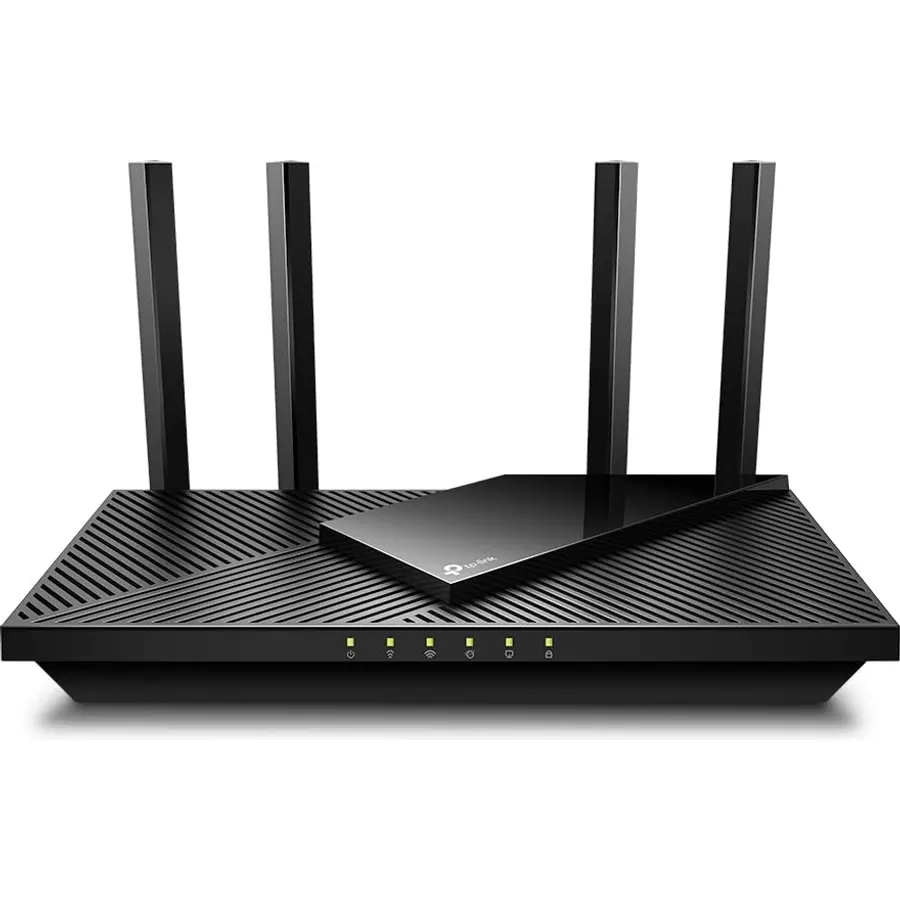
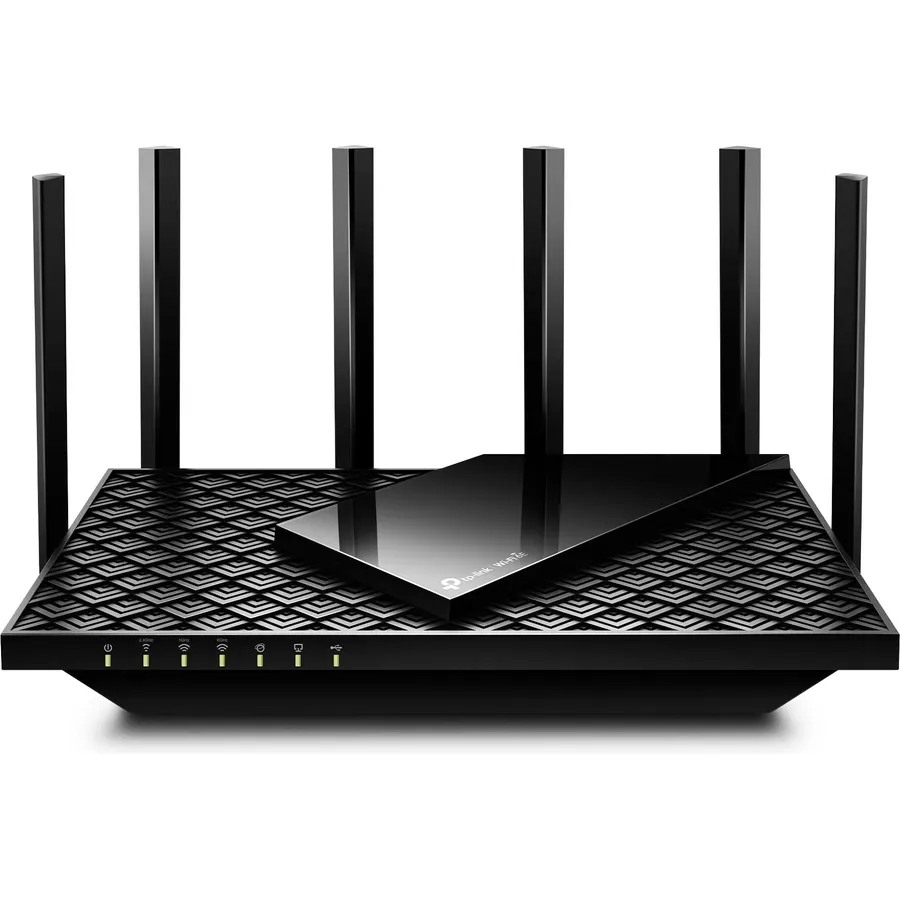
Dual-Band AX3000 WiFi 6 Router - Experience incredible WiFi 6 speeds up to 2402 Mbps at 5GHz Band and 574 Mbps at 2.4GHz Band on the 160 MHz channel. Stream stutter-free 8K/4K videos, enjoy lag-free online gaming ¹ ²
2x 2.5 Gbps Multi-Gigabit Connectivity - Archer AX55 Pro features a 1x 2.5 Gbps WAN/LAN port, a 1x 2.5 Gbps LAN port, and 3x 1 Gbps LAN ports for all your expansion needs.
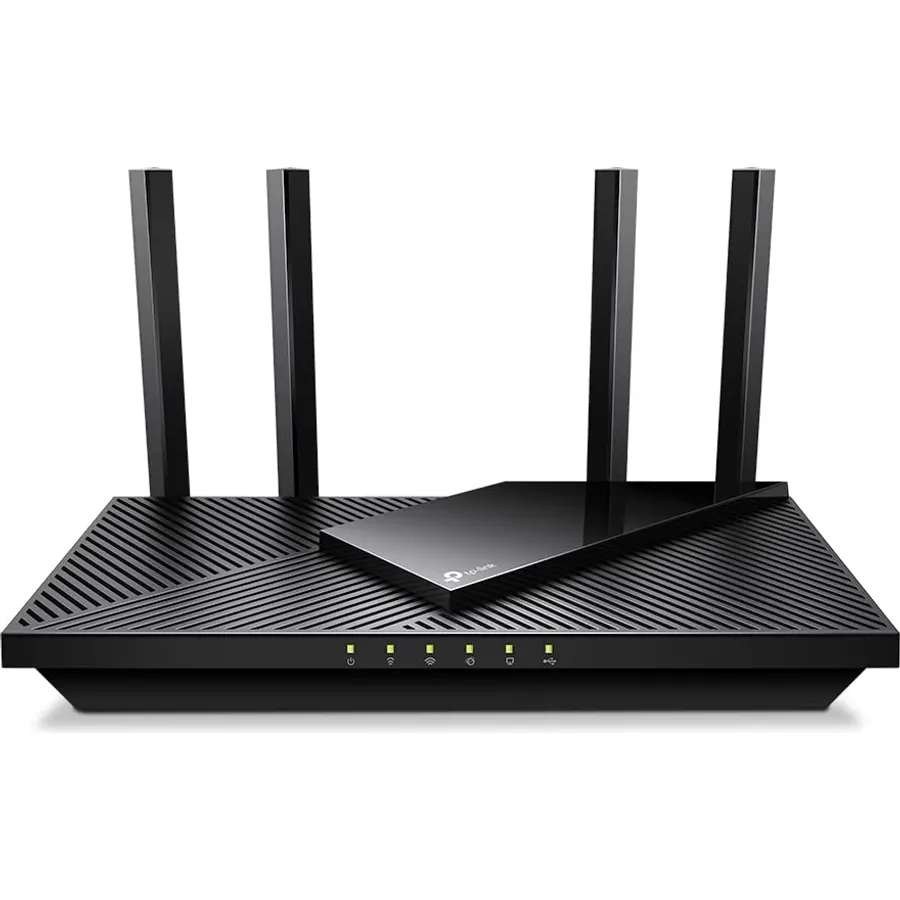
Vast Coverage - 4 x high-performance antennas boost WiFi signals throughout your home and Beamforming technology detects devices to concentrate signals towards them, providing a strong and reliable WiFi to every corner of your house.
Boosted Throughput – MU-MIMO delivers multiple data streams to several devices at once, while OFDMA splits a single stream across multiple devices. Together, they enhance overall WiFi efficiency and support simultaneous connections.
Support for VPN Client & Server - Allow devices in your home network to access remote VPN servers without needing to install VPN software on every device.
TP-Link HomeShield - Provides comprehensive home network protection, robust parental controls, and real-time IoT security when you are at home or on the go. A safer internet experience enhances your smart living and adds armor to your network.
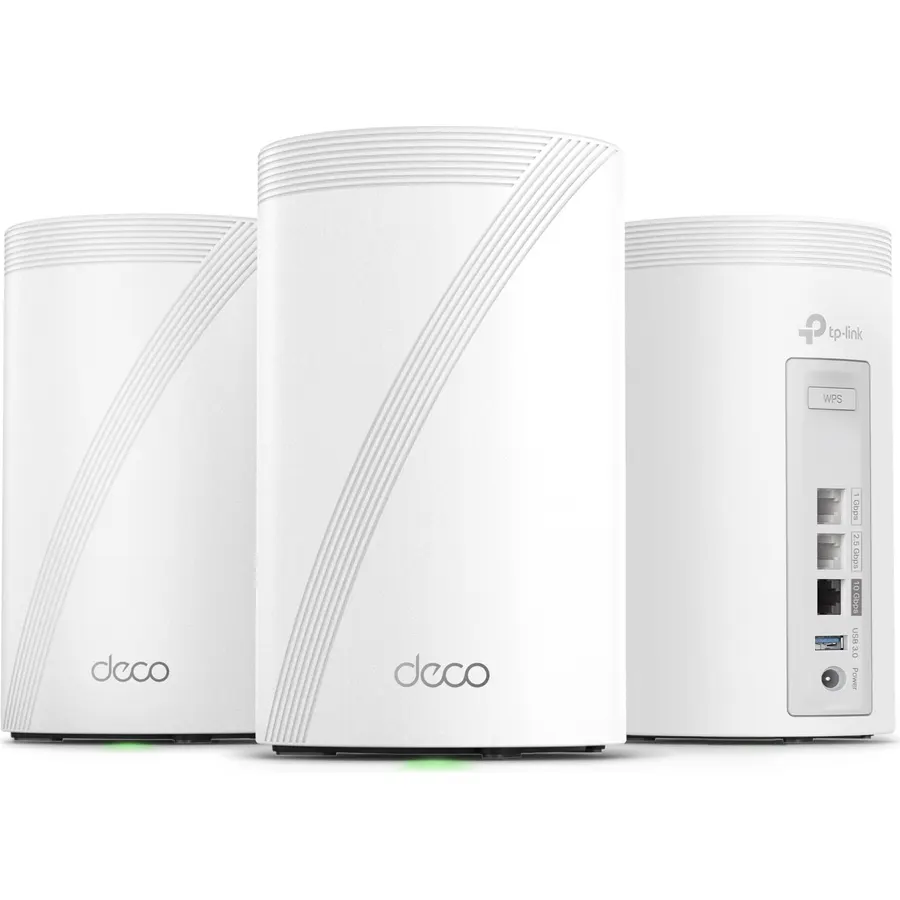
Works with EasyMesh - Expand your Wi-Fi into a seamless mesh network by connecting the RE715X (not included) with any EasyMesh-compatible router or extender. Enjoy one network name, smooth roaming, and unified control.
ISP Compatibility - Works with all internet service providers, such as Comcast, Charter, AT&T, Verizon, Xfinity, Spectrum, RCN, Cox, CenturyLink, Frontier, Starlink, etc. (a modem is required for most internet service providers)
Dual-Band AX3000 WiFi 6 Router - Experience incredible WiFi 6 speeds up to 2402 Mbps at 5GHz Band and 574 Mbps at 2.4GHz Band on the 160 MHz
Ranked #99 in Networking · 4 things we like
Quick answer The TP-Link AX3000 WiFi 6 Router scores 8.6/10 with us. Amazon owners rate it 4.3 out of 5 across 1,174 reviews, in line with the 4.3 average of the 97 routers we track. It was listed at $84.98 on Amazon when we last checked in September 2026. Key facts: connectivity technology Ethernet, USB, Wi-Fi, lan port bandwidth 10/100/1000 Mbps, connectivity protocol Wi-Fi, IPv4, IPv6.
Introducing the Archer AX55 Pro with WiFi 6 and multi-gig connectivity. This router reaches dual-band speeds of up to 3.0 Gbps¹, enabling a smooth 8K/4K streaming and gaming experience plus the 2.5 Gbps ethernet port gives you access to the faster WAN speeds that internet service providers now offer. Beamforming technology along with 4 high-performance antennas focus WiFi signals to your devices for stronger, more reliable coverage.
WIFi 6 features such as 160 MHz channel, OFDMA, and MU-MIMO further enhances the capability of blazing fast 2.5 Gbps internet connection. This feature-packed router comes with TP-Link's HomeShield, providing a peace of mind for you and your family with home network protection against cyber threats.
Do Best Deal is a participant in the Amazon Services LLC Associates Program. As an Amazon Associate we earn from qualifying purchases. If you buy through links on this site we may earn a commission, at no extra cost to you. Learn more.
Product information
24 specifications
Other Special Features of the Product
WPS
Frequency Band Class
Dual-Band
Wireless Compability
802.11ac, 802.11ax, 802.11b, 802.11g, 802.11n
Compatible Devices
Personal Computer
Antenna Location
Gaming, Home
Connectivity Technology
Ethernet, USB, Wi-Fi
Antenna Type
Fixed
Operating System
Networking Operating System
Security Protocol
WPA, WPA2, WPA3
Number of Ports
5
Control Method
App
Data Transfer Rate
2976 megabits_per_second
LAN Port Bandwidth
10/100/1000 Mbps
Voltage
12 volts
Maximum Upstream Data Transfer Rate
2.5 gigabits_per_second
Number of Antennas
4
Router Firewall Security Level
basic
Wi-Fi Generation
WiFi 6
Router Network Type
Wireless Router with Wired Connectivity
Connectivity Protocol
Wi-Fi, IPv4, IPv6
Controller Type
App Control
Coverage
Strong and reliable WiFi coverage throughout a house
Frequency
5
Brand
TP-Link
Pros & cons
What we like
Dual-Band AX3000 WiFi 6 Router - Experience incredible WiFi 6 speeds up to 2402 Mbps at 5GHz Band and 574 Mbps at 2.4GHz Band on the 160 MHz channel. Stream stutter-free 8K/4K videos, enjoy lag-free online gaming ¹ ²
2x 2.5 Gbps Multi-Gigabit Connectivity - Archer AX55 Pro features a 1x 2.5 Gbps WAN/LAN port, a 1x 2.5 Gbps LAN port, and 3x 1 Gbps LAN ports for all your expansion needs.
Vast Coverage - 4 x high-performance antennas boost WiFi signals throughout your home and Beamforming technology detects devices to concentrate signals towards them, providing a strong and reliable WiFi to every corner of your house.
Boosted Throughput – MU-MIMO delivers multiple data streams to several devices at once, while OFDMA splits a single stream across multiple devices. Together, they enhance overall WiFi efficiency and support simultaneous connections.
What could be better
TP-Link AX3000 WiFi 6 Router: questions & answers
Is the TP-Link AX3000 WiFi 6 Router worth buying?
Yes, it is one of the stronger picks in its group. We score the TP-Link AX3000 WiFi 6 Router 8.6 out of 10. Amazon owners rate it 4.3 out of 5 across 1,174 reviews, in line with the 4.3 average of the 97 routers we track.
How much does the TP-Link AX3000 WiFi 6 Router cost?
It was listed at $84.98 on Amazon when we last checked in September 2026. That is cheaper than the $116.99 median for routers in our catalog. Amazon prices change daily, so use the price button on this page to see the current figure.
What options does the TP-Link AX3000 WiFi 6 Router come in?
Amazon lists 3 options. Size: Standard, 10.7 x 5.8 x 1.9 inches, 10.9 x 7.2 x 2.3 inches. Style: Wi-Fi 6, AX3000, Wi-Fi 6, AX5400, Wi-Fi 6, AX6000. Pick an option on this page and the button opens exactly that model.
What are the key specs of the TP-Link AX3000 WiFi 6 Router?
Connectivity Technology: Ethernet, USB, Wi-Fi; LAN Port Bandwidth: 10/100/1000 Mbps; Connectivity Protocol: Wi-Fi, IPv4, IPv6. All 24 specifications are in the product information table on this page.
What are good alternatives to the TP-Link AX3000 WiFi 6 Router?
Breakdown from the 9 most helpful reviews we imported.
S
Smlpistn
Verified purchaseSeptember 5, 2026
Outstanding Value and Flawless Performance for High-Speed Internet
Our company recently decided to tighten expenses and look for ways to cut costs. As part of that, we switched internet providers to lock in a fantastic deal on a 1.2 Gbps high-speed plan. However, my old router simply couldn't handle those kinds of multi-gigabit speeds. I went on a search for an affordable, wireless router that could maximize our new plan without breaking the bank, and that is exactly when I found the TP-Link Archer AX55 Pro (AX3000).This router has been an absolute game-changer.Setup & Ports The setup process was incredibly fast and easy. It features 2.5 Gbps ports, which mea
A
Alkad Mzu
Verified purchaseAugust 26, 2026
Solved years of Wi-Fi issues in under an hour!
I’m writing this initial review after 24 hours of using this router, and I couldn't be happier. I finally decided to send back my rental router from Spectrum and replace it with this TP-Link unit.For years, I put up with terrible Wi-Fi performance, constant buffering, and random dropouts. I knew the overall service coming into the house was fine because my hardwired PCs consistently got over 400 Mbps—the issue was purely the rental router.Coverage in My Home:For context, I live in a 2-story, ~2,100 sq. ft. home. We have a strict "no Wi-Fi upstairs" rule for healthy living, so my primary goal w
B
Baibhav Bhattarai
Verified purchaseMay 7, 2024
A Solid Leap Forward in Home Networking with the TP-Link AX3000 (Archer AX55 Pro)
As someone who relies heavily on a robust home network for both work and entertainment, upgrading to the TP-Link AX3000 WiFi 6 Router (Archer AX55 Pro) has been a game-changer. The Archer AX55 Pro offers impressive speeds that are a significant step up from older routers, making it ideal for households with multiple devices.PerformanceThe standout feature for me has been the 1 x 2.5 Gbps Multi Gigabit port which provides ample bandwidth to handle streaming, gaming, and large file downloads simultaneously without a hitch. WiFi 6 technology ensures more efficient data encoding, leading to faster
J
Jeff
Verified purchaseMay 21, 2024
Good, fast, simple router
I've been using TP-Link for years now (this is my third router in a row from them) and they continue to lead the industry in price/performance. Don't make the mistake of thinking your router doesn't make a difference. Like most people, my wife and I have switched from standard cable to streaming services, mostly in 4K, and we also have two home NAS units (one is mainly for local use over both wired and wireless connections, the other more of a "personal cloud" that's connected to the internet). So when my internet provider offered a deal on gigabit internet that was cheaper than what I'd been
S
Steven Sabin
Verified purchaseApril 15, 2023
Just works and delivers the full 500 Mbit/s I'm paying for
I bought a Deco X55 back in July 2022 after my 11-year-old Apple AirPort Extreme / Time Capsule just couldn't keep up with all my connected devices (now numbering 27 including IoT lights, etc).Although I liked the Deco, it was a bit harder to set up than it should have been. I will separately comment on that product instead of including it here.Suffice to say that I could never achieve the full 500 Mbit/s speeds I was paying for and instead would get in the mid 400's if I was lucky and often it fell to the high 300's. I put devices that didn't need the bandwidth, such as IoT light switches, th
G
Glendee
Verified purchaseJuly 12, 2024
Worst Router I've EVER Owned!
I have quite a few (about 20) household plugs Echo dots, PCs and other smart home components etc in my household that require internet. I do live alone, so much of that isn't being used all at once. However, I do need it to stay connected in order to work properly. This was a problem for a while when I firsthooked up this router.My Netgear router finally bit the dust so I bought the TPlink AX3000. I couldn't afford a super expensive router but $150 isn't what I'd call cheap either. Especially for a Grandma. My Netgear wasn't able to utilize my Internet speeds fully, so I had hoped that this ne
G
Gamerguy
Verified purchaseJuly 18, 2023
Amazing User Interface
I bought this router because I wanted to content filter my families internet with OpenDNS. This router actually has its own support features like that (they might have a subscription fee? idk) called Parental Controls. None of us here are children, we just don't want pornography, gambling, gore, or malware bothering us anymore.Content filtering wasn't the only goal we had though, we also needed a stable interface for controlling port-forwarding, device IPs, NAT type for gaming, and also an easy way to attach storage for network use (it's very easy, just plug in a USB external hard-drive).The m
W
Wolfie
Verified purchaseDecember 9, 2024
Internet plan and setup
Setting it up is super easy! Just grab an Ethernet cable and connect it from your main router to the TP-Link router. Just make sure to plug it into the blue Ethernet port. (Ethernet I recommend is category 8, a yellow category 6 will do if you on a budget)So my internet plan is1Gbps / 1,000 mbps40 upload speed170 a monthI really wish I had purchased this router years ago; it would have made my internet experience so much smoother and more reliable. 🤧My Xbox and PlayStation download at 700 mbps 🥳🥳🙂↕️My 2 laptop 2 phone and PC all use the 40 upload speed and everything been uploading at bla
Customer reviews are shown as published on Amazon and are not written by Do Best Deal.
![ASUS AC1900 Wireless Dual Band (5GHz + 2.4GHz) Gigabit Wi-Fi Router [RT-AC68U] Ultra-Fast 802.11ac 1900 Mbps Speed, 5X Gigabit LAN Ports, Broadcam TurboQAM Wi-Fi Acceleration, AiProtection Security](https://dobestdeals-img-1.pages.dev/asus-ac1900-wireless-dual-band.webp)