K
GreatKami Waldman
Use it for my sound system works amazing great range and able to be used with WAP’s
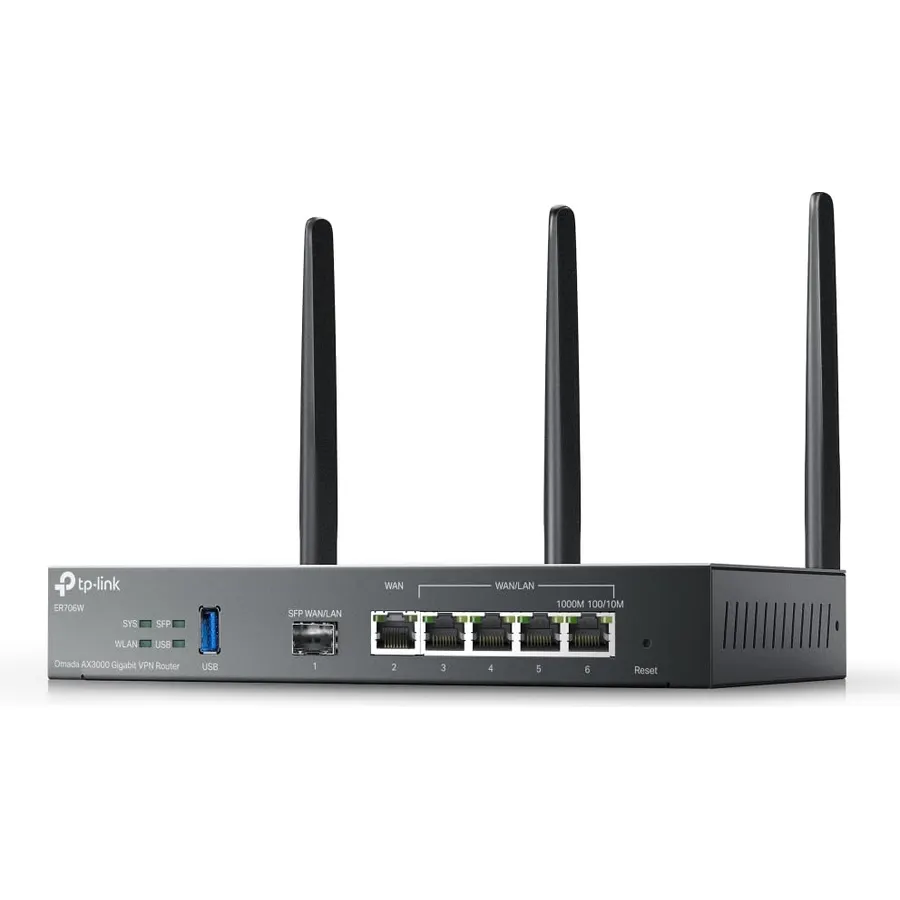 8.2Our score 4 photos
AX3000 WiFi 6 with 2402 Mbps on 5 GHz and 574 Mbps on 2.4 GHz
Ranked #99 in Networking · 4 things we like
Quick answer The Omada ER706W by TP-Link scores 8.2/10 with us. Amazon owners rate it 4.1 out of 5 across 79 reviews, below the 4.3 average of the 97 routers we track. It was listed at $129.99 on Amazon when we last checked in September 2026. Key facts: wireless compability 802.11ax, connectivity technology Wi-Fi, lan port bandwidth 5000 Mbps.
The TP-Link ER706W Omada Gigabit AX3000 WiFi 6 VPN Router delivers ultra-fast, reliable, and secure connectivity for both home and business networks. Featuring dual-band WiFi 6 speeds up to 3 Gbps, it ensures seamless streaming, gaming, and multi-device performance. With 1× USB 3.0 port, the ER706W supports USB storage sharing and LTE backup via compatible LTE dongles, keeping your network online even during outages.
It integrates effortlessly with the Omada SDN platform, enabling centralized cloud management, Omada Mesh, and advanced VPN capabilities for flexible remote access.
Do Best Deal is a participant in the Amazon Services LLC Associates Program. As an Amazon Associate we earn from qualifying purchases. If you buy through links on this site we may earn a commission, at no extra cost to you. Learn more.
| Other Special Features of the Product | Access Point Mode |
|---|---|
| Frequency Band Class | Dual-Band |
| Wireless Compability | 802.11ax |
| Compatible Devices | Personal Computer |
| Antenna Location | Business, Home |
| Connectivity Technology | Wi-Fi |
| Antenna Type | Fixed |
| Operating System | [Proprietary Routing OS] |
| Security Protocol | WPA2 |
| Number of Ports | 6 |
| Control Method | App |
| Data Transfer Rate | 2402 megabits_per_second |
| LAN Port Bandwidth | 5000 Mbps |
|---|---|
| Voltage | 12 volts_of_direct_current |
| Maximum Upstream Data Transfer Rate | 5000 megabits_per_second |
| RAM Memory Installed | 512 MB |
| Number of Antennas | 3 |
| Router Firewall Security Level | High |
| Wi-Fi Generation | WiFi 6 |
| Router Network Type | mixed |
| Connectivity Protocol | WiFi 6, Ethernet |
| Coverage | Wide coverage, extendable with Omada Mesh |
| Frequency | 5 GHz |
| Brand | TP-Link |
Yes, for most buyers it is a safe choice. We score the Omada ER706W 8.2 out of 10. Amazon owners rate it 4.1 out of 5 across 79 reviews, below the 4.3 average of the 97 routers we track.
It was listed at $129.99 on Amazon when we last checked in September 2026. That is close to the $116.99 median for routers in our catalog. Amazon prices change daily, so use the price button on this page to see the current figure.
Wireless Compability: 802.11ax; Connectivity Technology: Wi-Fi; LAN Port Bandwidth: 5000 Mbps; RAM Memory Installed: 512 MB; Connectivity Protocol: WiFi 6, Ethernet. All 24 specifications are in the product information table on this page.
Similar, well-rated routers in our catalog: NETGEAR Nighthawk WiFi 6 Router (8.6/10, 4.3 stars from 522 owners); Tenda AX3000 WiFi 6 Router (8.4/10, 4.2 stars from 2,103 owners); ASUS RT-AX3000 Ultra-Fast Dual Band Gigabit (9.0/10, 4.5 stars from 5,879 owners).
NETGEAR Nighthawk WiFi 6 RouterTenda AX3000 WiFi 6 RouterASUS RT-AX3000 Ultra-Fast Dual Band Gigabit
Breakdown from the 9 most helpful reviews we imported.
Use it for my sound system works amazing great range and able to be used with WAP’s
The range covers my 900 sq/ft basement. Also let's 3 access points with no problem. Passes through full gigabit speeds through Ethernet. I really like the app to manage it as well.
Was able to create a two way private network between long distances without an issue. Without this the issues were slow and did not work as all. They were really slow. Fantastic
Omada is an awesome system. However this is not of the same caliber of product as their other routers etc. I highly recommend not doing this. Its not going to join the cloud like your other omada sdn systems. It cant do alot of remote management that others can. Ontop of that, and this is the worst part, it crashes... alotBasically every so often it will start dropping wireless clients and they wont connect no matter what. Even creating an additional ssid they Still wont connect to that. They just get blacklisted or something. Power-cycle the router, all is fixed until the next time. We've see
TP-LINK ER706WWiFi Router:I am using standalone mode as I need a wifi router with VLAN support.I have a media VLAN intended to have Roku/Jellyfin and want that to get NAS data that would be in work VLAN. Alternately, make a small media NAS. Roku has to get Internet. One IOT device: Philips Hue lights and cell phone app to controll them. I have three Hue light switches. Work stuff: laptop, desktop and NAS. Test equipment on lab VLAN. One printer on print VLAN that needs connections from work VLAN to print VLAN. May want guest VLAN to print. Not overly complex.Now, I reconnect the Roku to the ma
Bought this last yr, to replace older TP-Link Gateway unit, saw that it has a USB port for Storage, It says it has Storage, was going to use it as a Basic Nas only for File sharing in my network, No Media. after tinkering around with it add a USB 256Gb USB Drive found out that the Storage si only for backups of the unit, does not provide File Share options at all. I updated the Firmware and still nothing. I have my Own Dell Homelab Server running and always Tinkering with the main server so i wanted a independent File Share, that the would not interupt with my families file share activities. I
I have a er605 and my parents have this er706w. With one of the latest firmware updates, the wifi signal doubled in speed in all areas of their house. Stock firmware must have had some setbacks. Expect it to run for years without any issues, just like the er605
Si quieres acceder a opciones un poco más avanzadas, necesitas instalar Omada Controller en algún equipo (ya está la versión 6). Ligarlo es un poco complicado al principio y confuso porque puedes borrar las configuraciones previas del ER607W Stand-alone. Por ejemplo para activar la interfaz por terminal SSH. Aunque está está muy limitada: no puedes administrar ACLs. Me funcionó el WireGuard. Puedes crear VLans y aislarlas, pero no puedes crear reglas para permitir ciertos nodos hacia otras VLans, al menos no lo he logrado.
Customer reviews are shown as published on Amazon and are not written by Do Best Deal.
Alternatives to the Omada ER706W
![ASUS AC1900 Wireless Dual Band (5GHz + 2.4GHz) Gigabit Wi-Fi Router [RT-AC68U] Ultra-Fast 802.11ac 1900 Mbps Speed, 5X Gigabit LAN Ports, Broadcam TurboQAM Wi-Fi Acceleration, AiProtection Security](https://dobestdeals-img-1.pages.dev/asus-ac1900-wireless-dual-band.webp) 9.0
9.0Dual-band with the latest 802. 11AC 3x3 technology for combined speeds of up to 1900 Mbps.AiProtection : AiProtection Pro, AiProtection, Mal
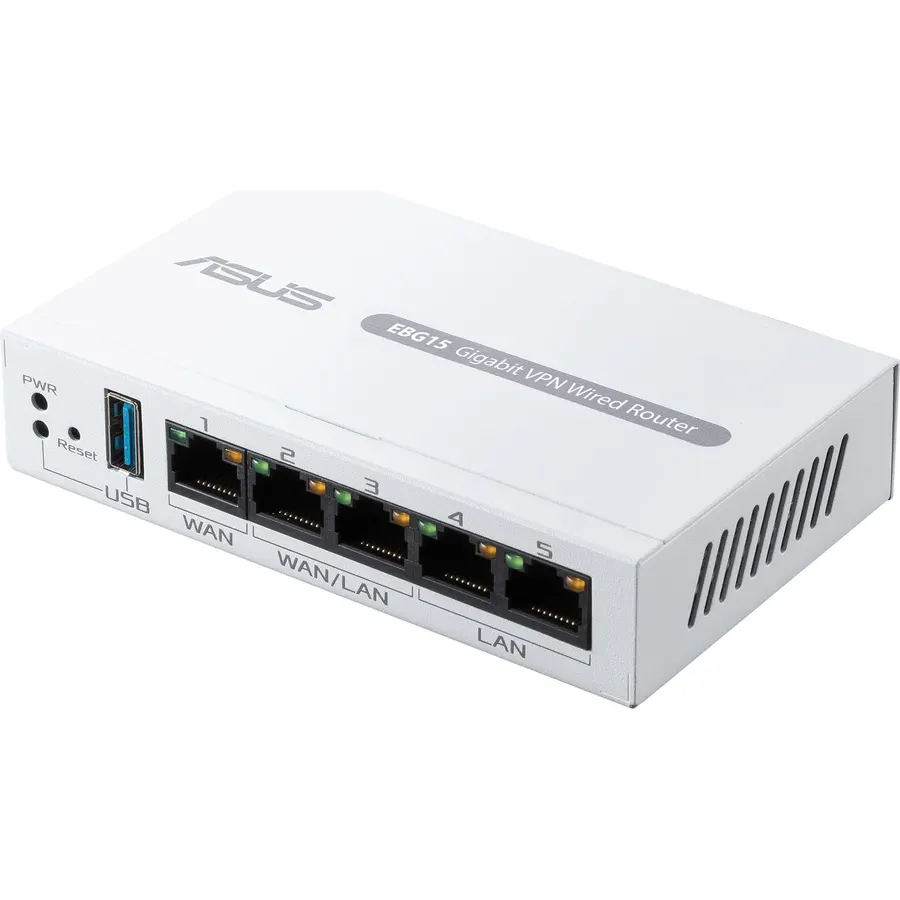 7.6
7.6Easier-Than-Ever Setup — Convenient and easy router management via web browser or the ASUS ExpertWiFi mobile app through Bluetooth setup.
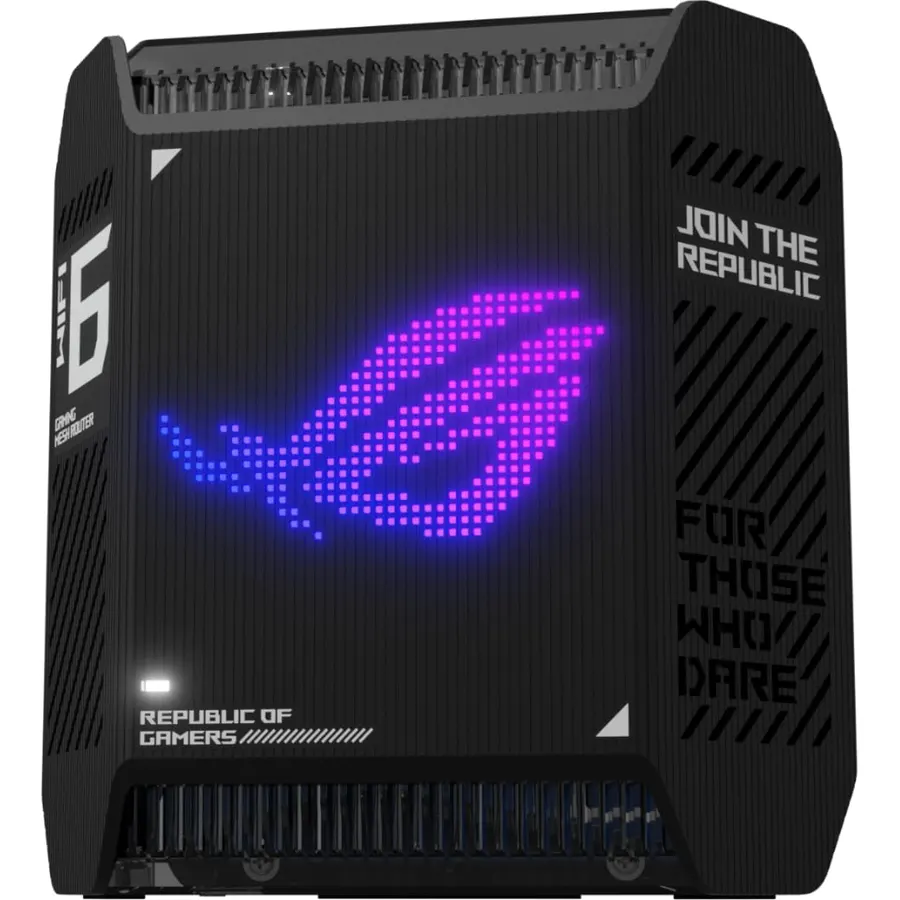 8.8
8.8High-Efficiency Performance – WiFi 6 tri-band gaming mesh system with dedicated high-performance backhaul and 160 MHz channels that provide
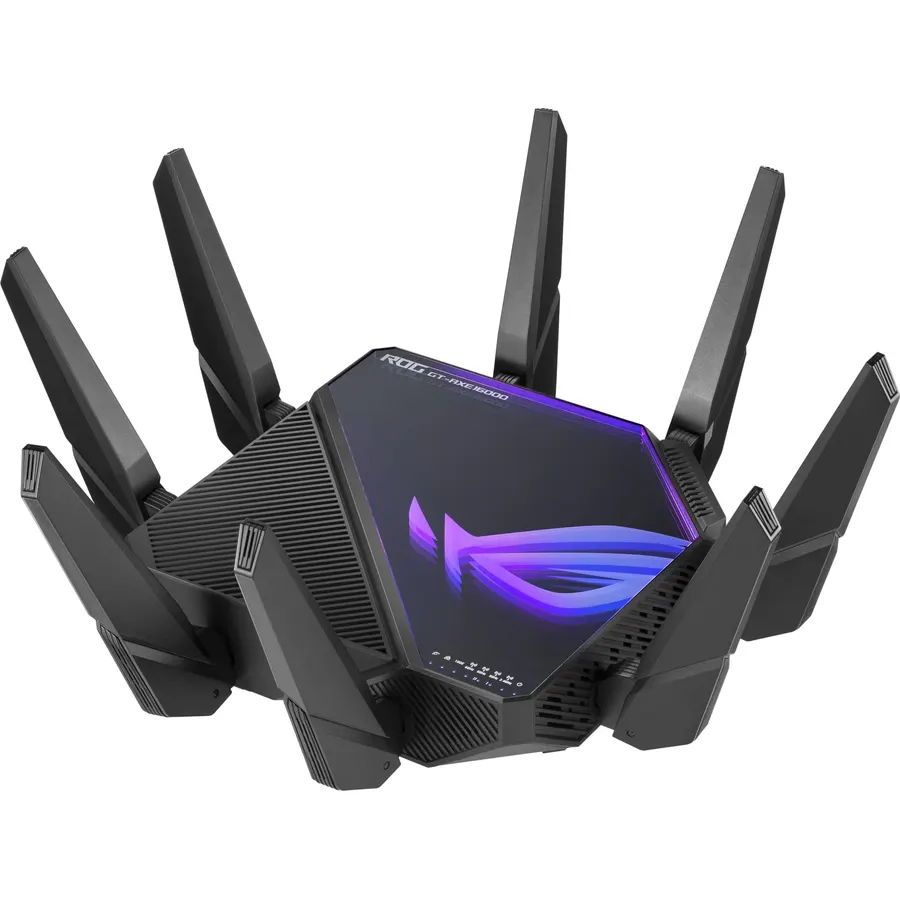 8.8
8.8World's first quad-band WiFi 6E gaming router – Ultrafast WiFi 6E (802.11ax) quad-band WiFi router boosts speeds up to 16000 Mbps.Power Supp
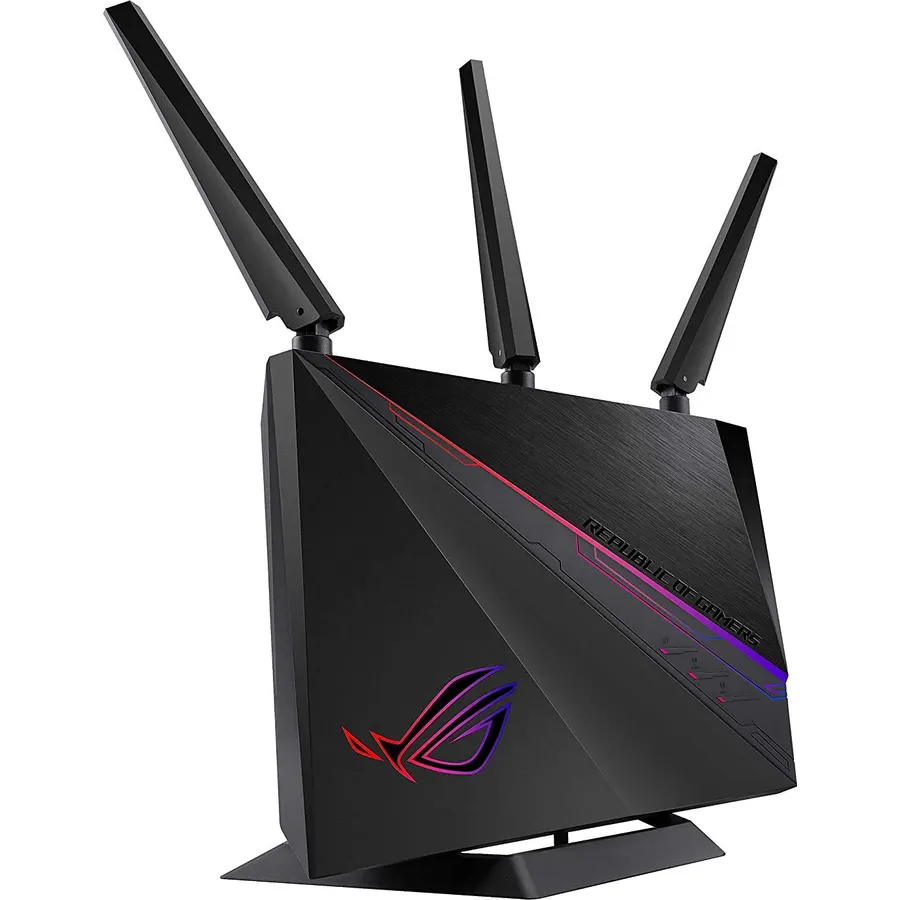 9.0
9.0Triple-level game Accelerator - optimizes your online gaming packets all the way from your PC to the game server..Power Supply : AC Input :
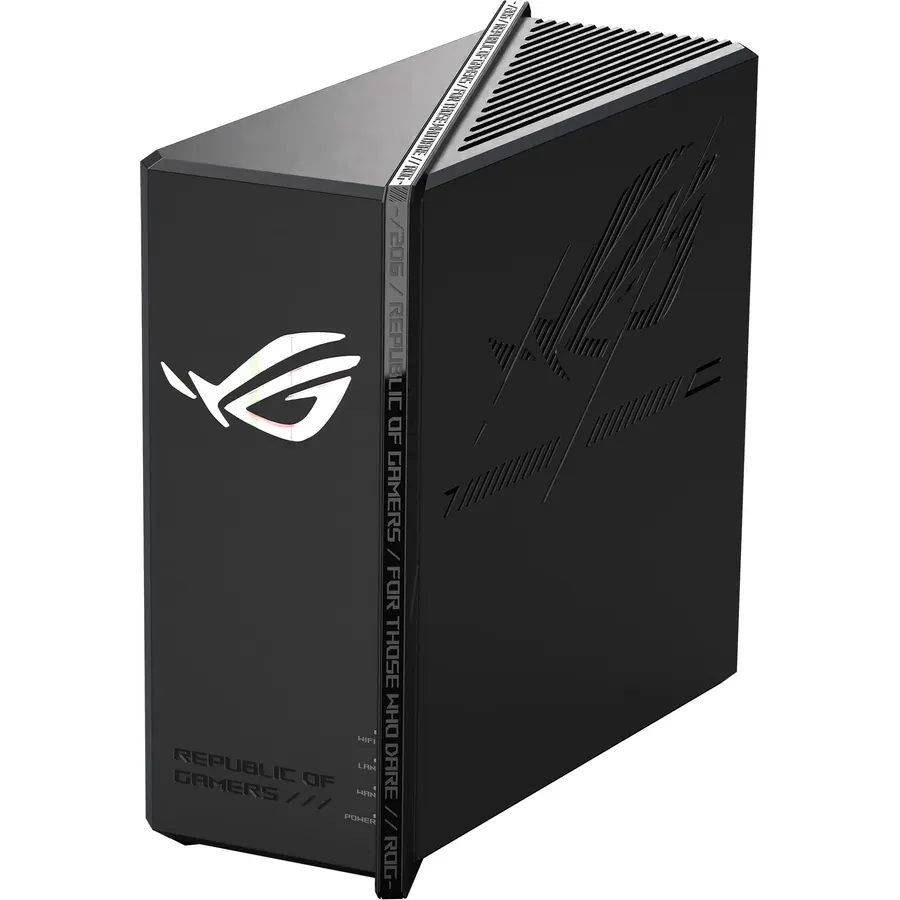 8.2
8.2Blazing-fast WiFi 7 boosts tri-band throughput up to 12000 Mbps with 320 MHz channels of 6 GHz band, Multi-Link Operation (MLO) and 4K-QAM
 8.2
8.2W129160043
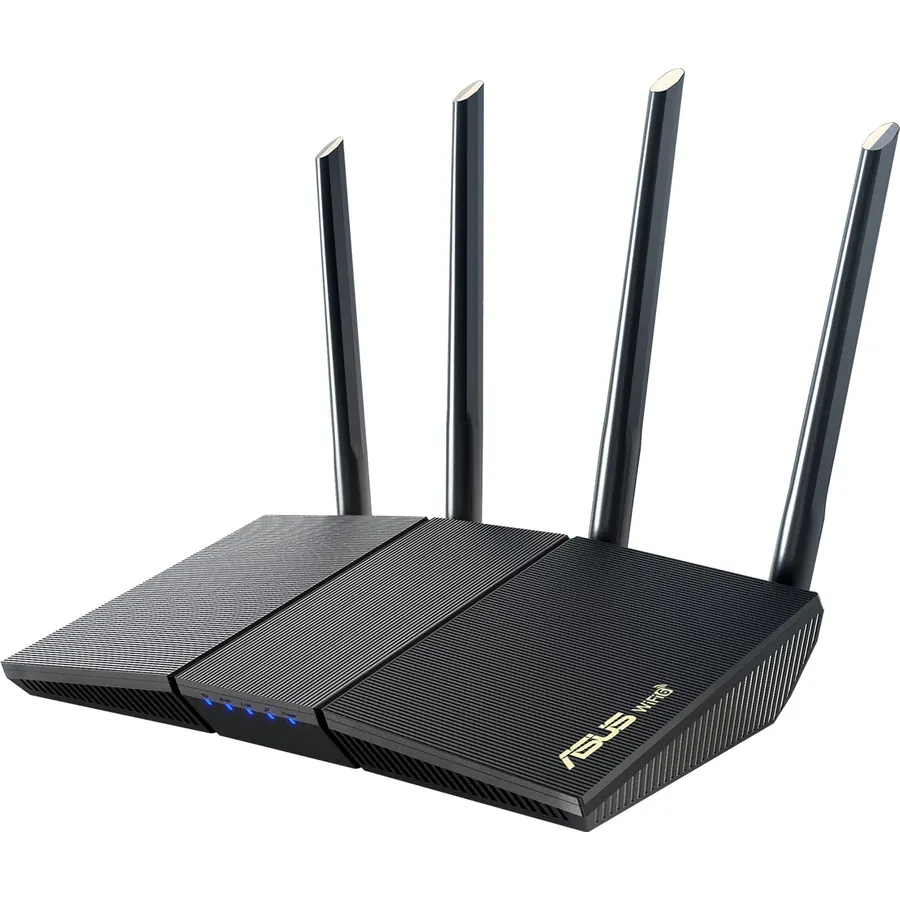 8.6
8.6New-Gen WiFi Standard – WiFi 6(802.11ax) standard supporting MU-MIMO and OFDMA technology for better efficiency and throughput.Antenna : Ext
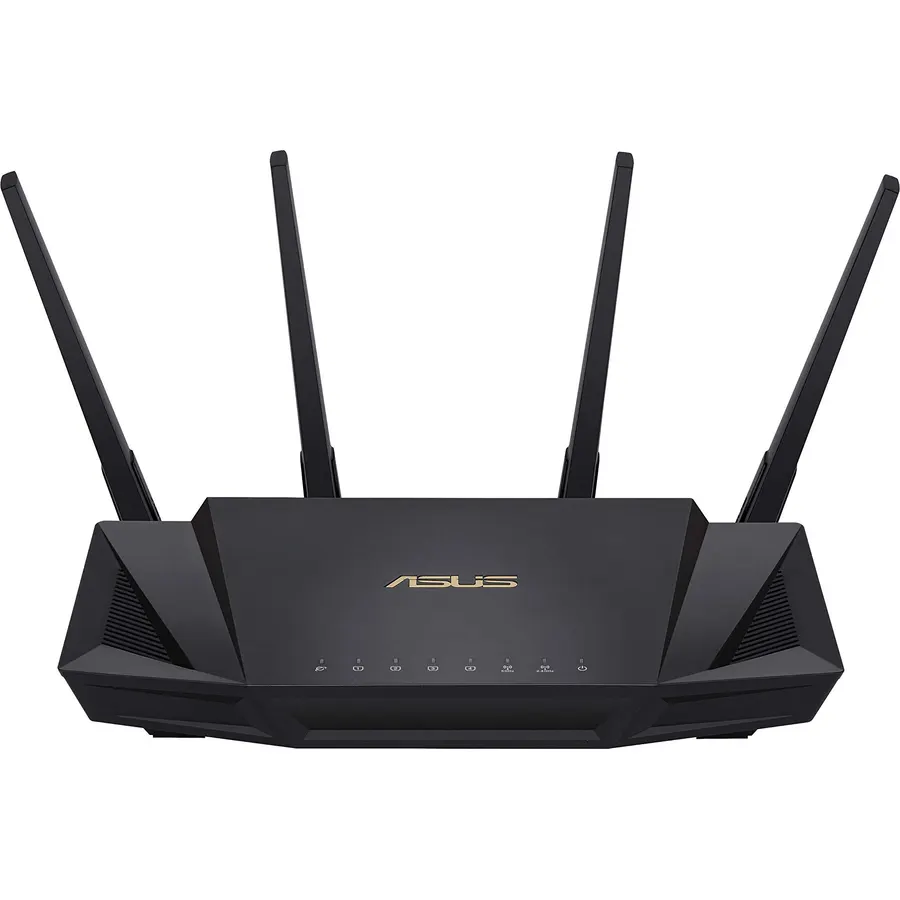 9.0
9.0Maximum Range : 3000 Sq Ft.Power Supply: AC Input : 110V~240V(50~60Hz). DC Output : 19 V with max. 1.75 A current. DC Output : 12 V with max
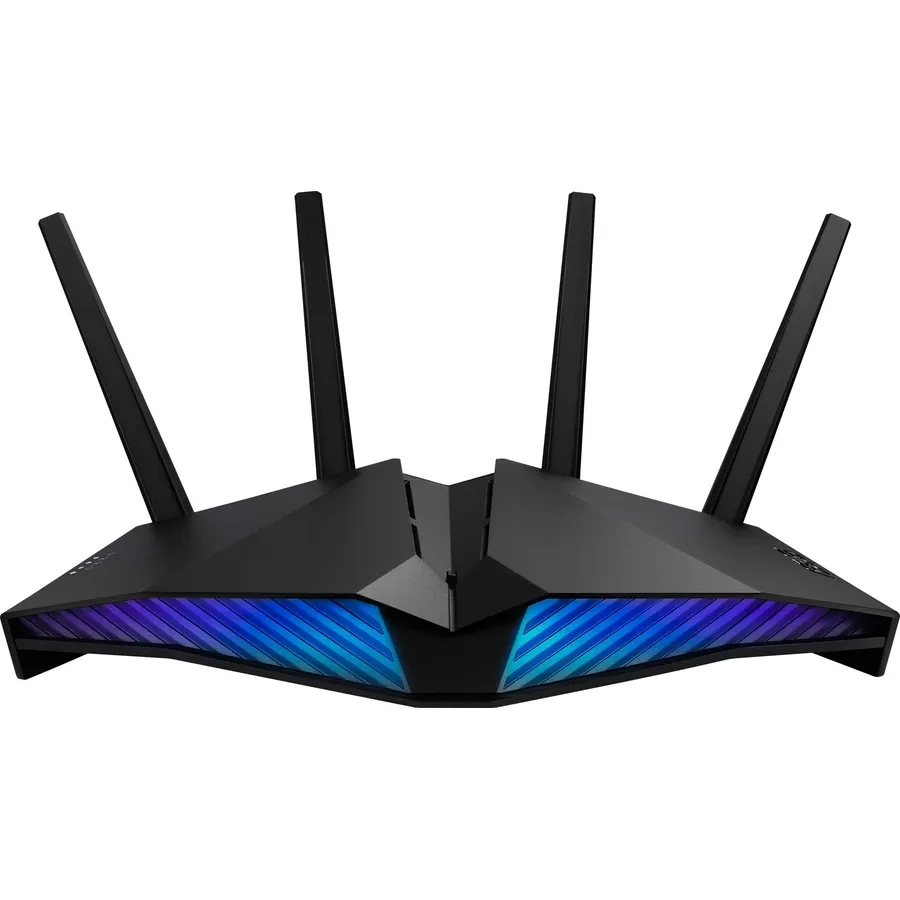 8.8
8.8New-generation WiFi 6 router: Ultrafast speeds up to 5400 Mbps with the latest WiFi 6 (802.11ax) and 160MHz channels; Works seamlessly with
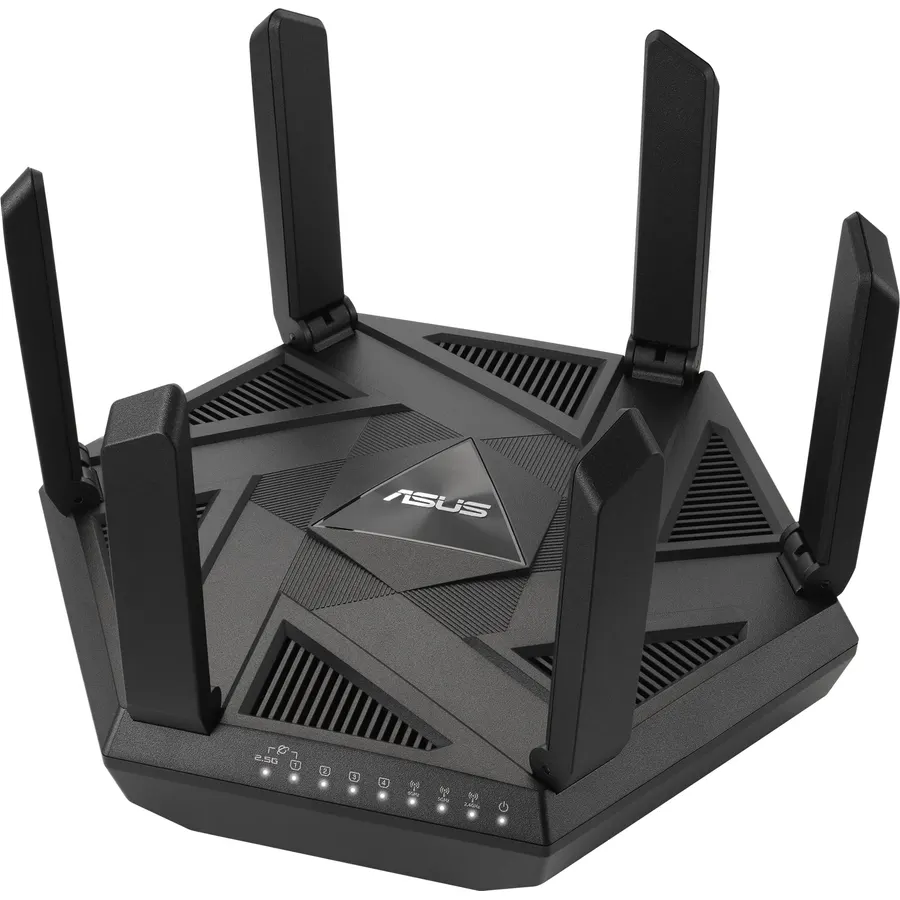 8.2
8.2Ultra-fast WiFi 6E Technology – The whole-new 6 GHz band dramatically increases network capacity, delivering higher WiFi performance and mor
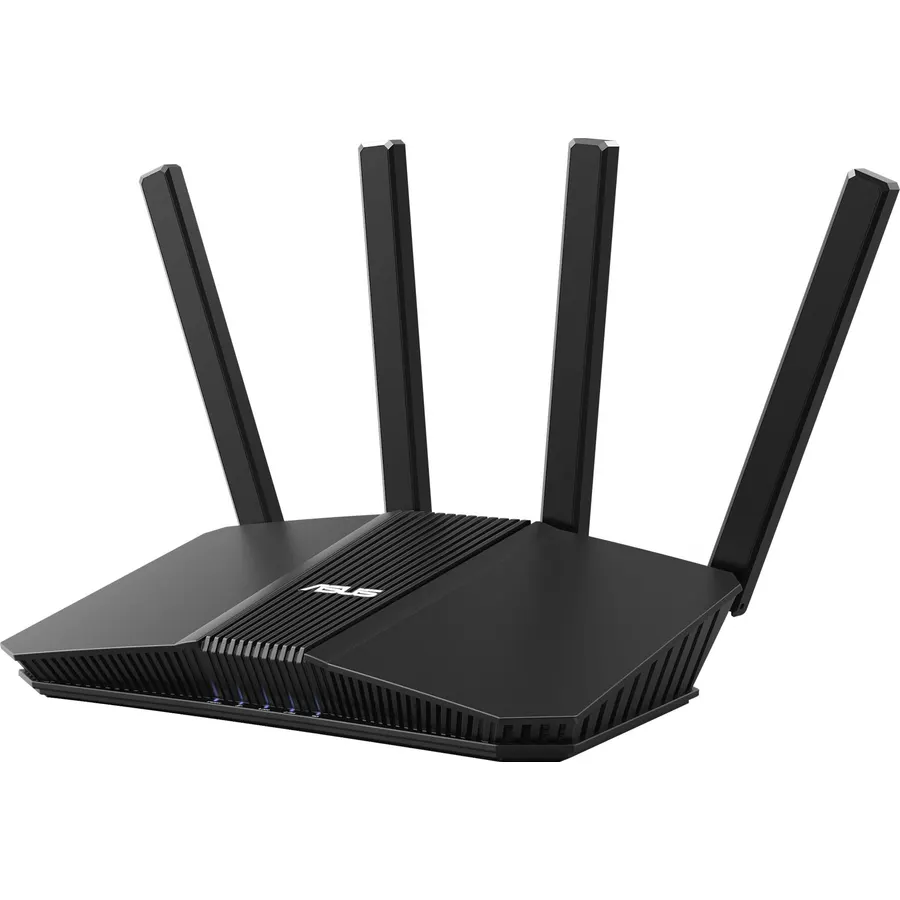 8.0
8.0Beyond-fast WiFi 7 (802.11be) - WiFi 7 (802.11be) dual-band extendable router boosts speeds up to 3600 Mbps, with 4096-QAM increasing a sing
 8.6
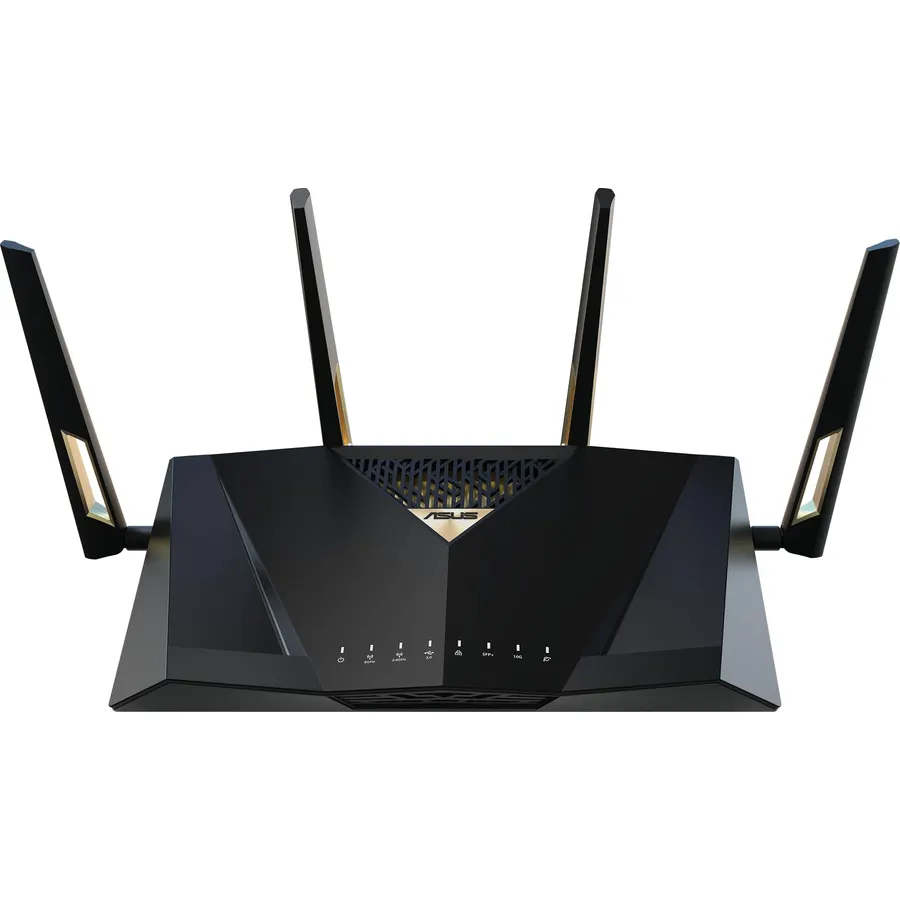
8.6Blazing-fast WiFi 7 tech boosts throughput up to 7200Mbps with Multi-Link Operation and 4096-QAM.
 7.6
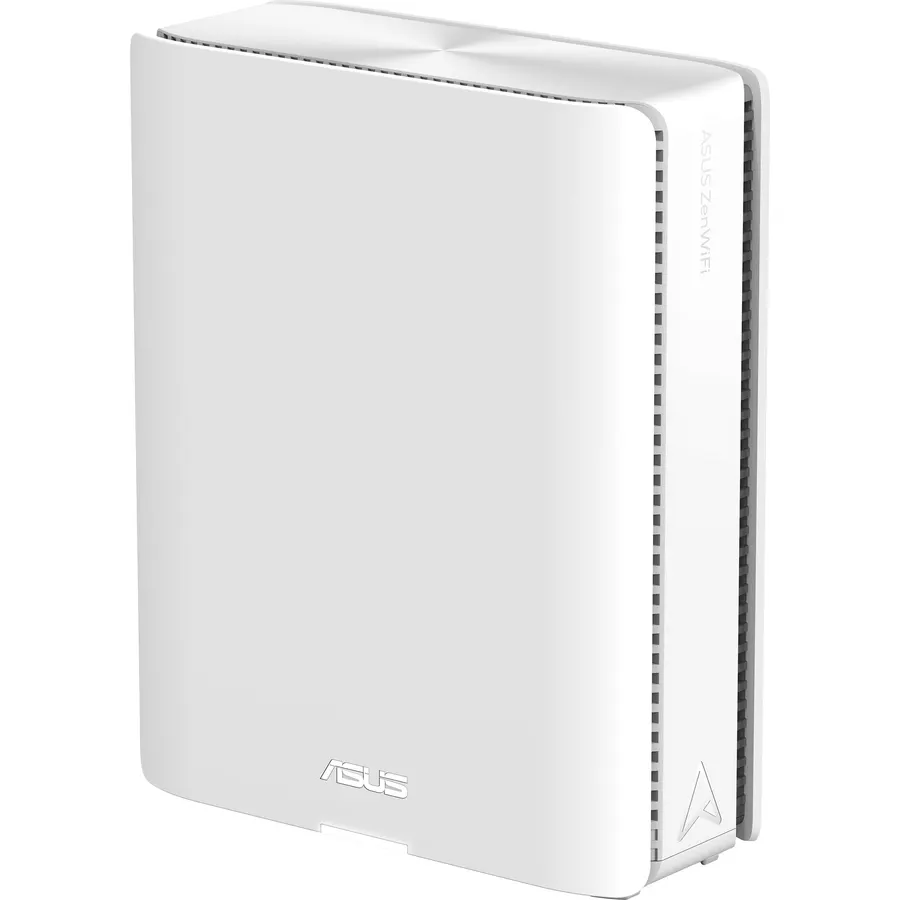
7.6Powerful WiFi 7 mesh future-proofs your smart home with blazing-fast quad-band connectivity up to 30000 Mbps with Multi-Link Operation and 4
 9.6
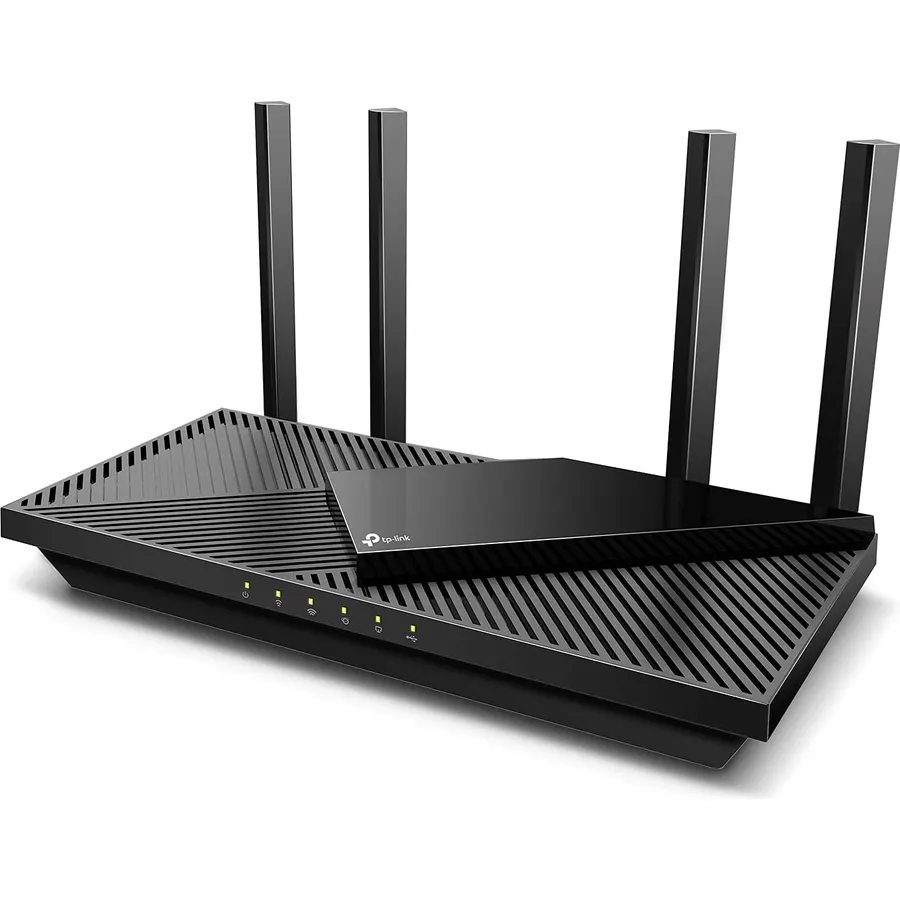
9.6The AX55 is the router we recommend when someone asks for "a good one that is not expensive".
 8.9
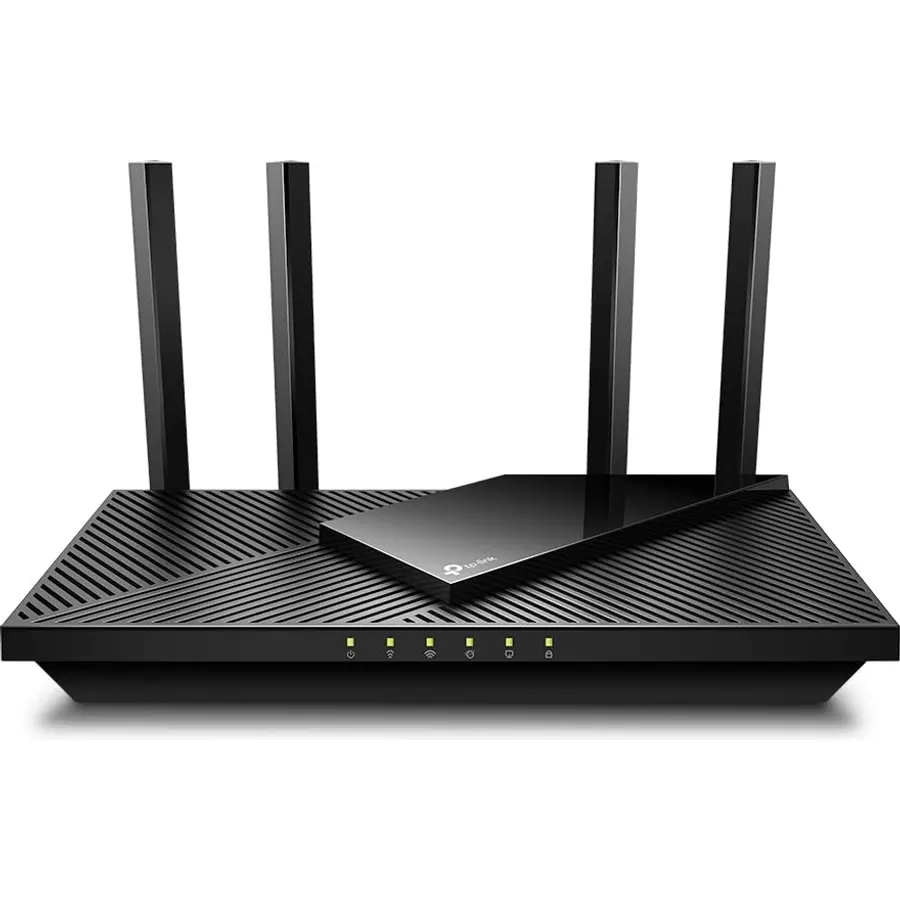
8.9The AX21 is the AX55's smaller sibling and it has been the best-selling budget Wi-Fi 6 router for a reason.
 8.4
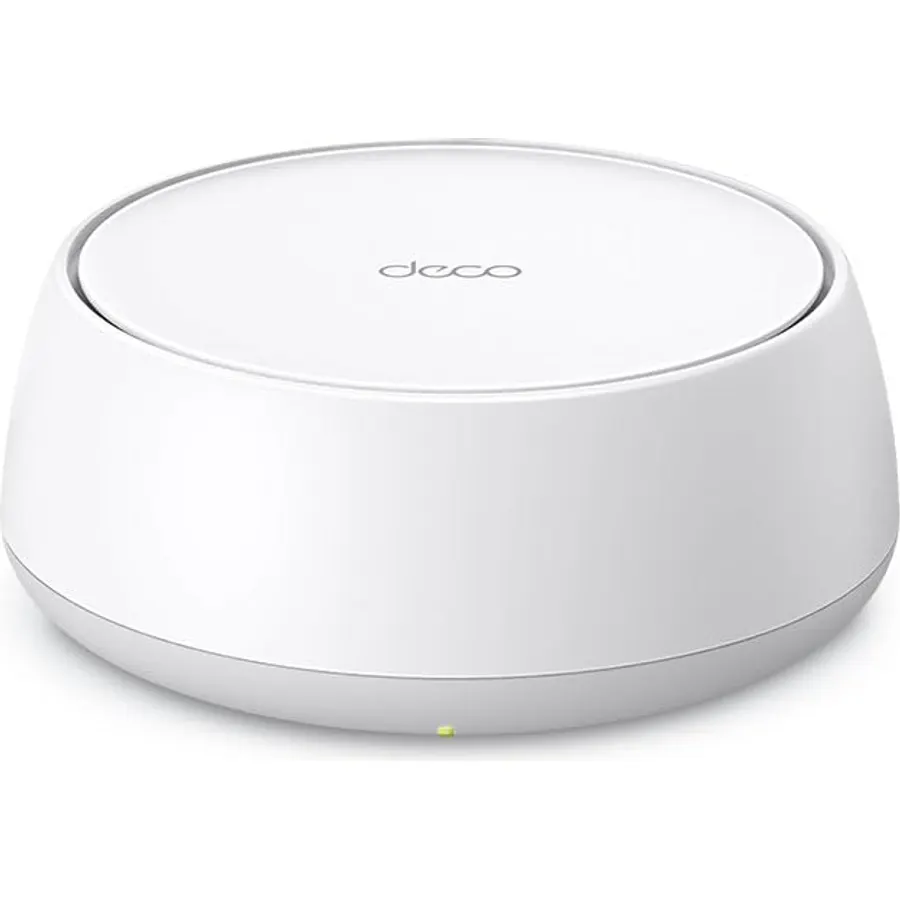
8.4𝐃𝐞𝐜𝐨 𝟕 𝐒𝐮𝐩𝐞𝐫𝐜𝐡𝐚𝐫𝐠𝐞𝐝 𝐰𝐢𝐭𝐡 𝟒-𝐒𝐭𝐫𝐞𝐚𝐦 𝐁𝐄𝟓𝟎𝟎𝟎 𝐃𝐮𝐚𝐥-𝐁𝐚𝐧𝐝 𝐖𝐢𝐅𝐢 𝟕: Delivers up to 4324 Mbps (5 GHz) a
 8.0
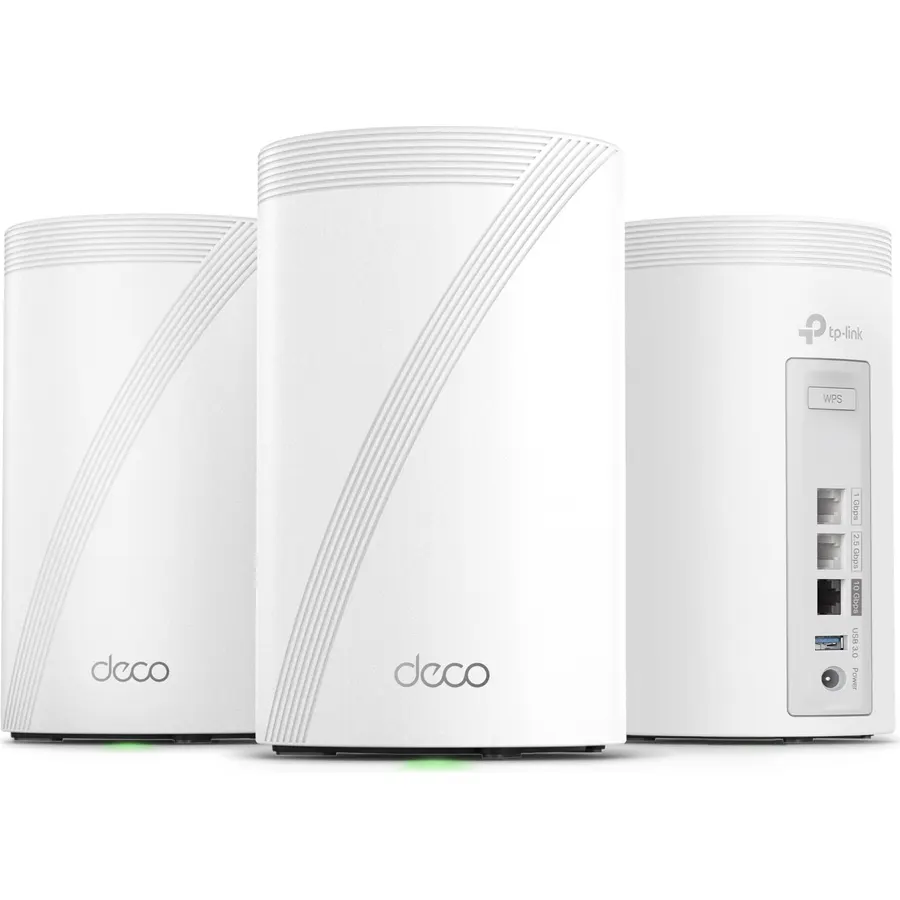
8.0𝐍𝐞𝐱𝐭-𝐆𝐞𝐧 𝐖𝐢-𝐅𝐢 𝟕 𝐰𝐢𝐭𝐡 𝟖-𝐒𝐭𝐫𝐞𝐚𝐦 𝐓𝐫𝐢-𝐁𝐚𝐧𝐝 𝐮𝐩 𝐭𝐨 𝟏𝟒 𝐆𝐛𝐩𝐬 - Deco 7 Pro BE67 delivers smooth 4K/8K stream
 8.8
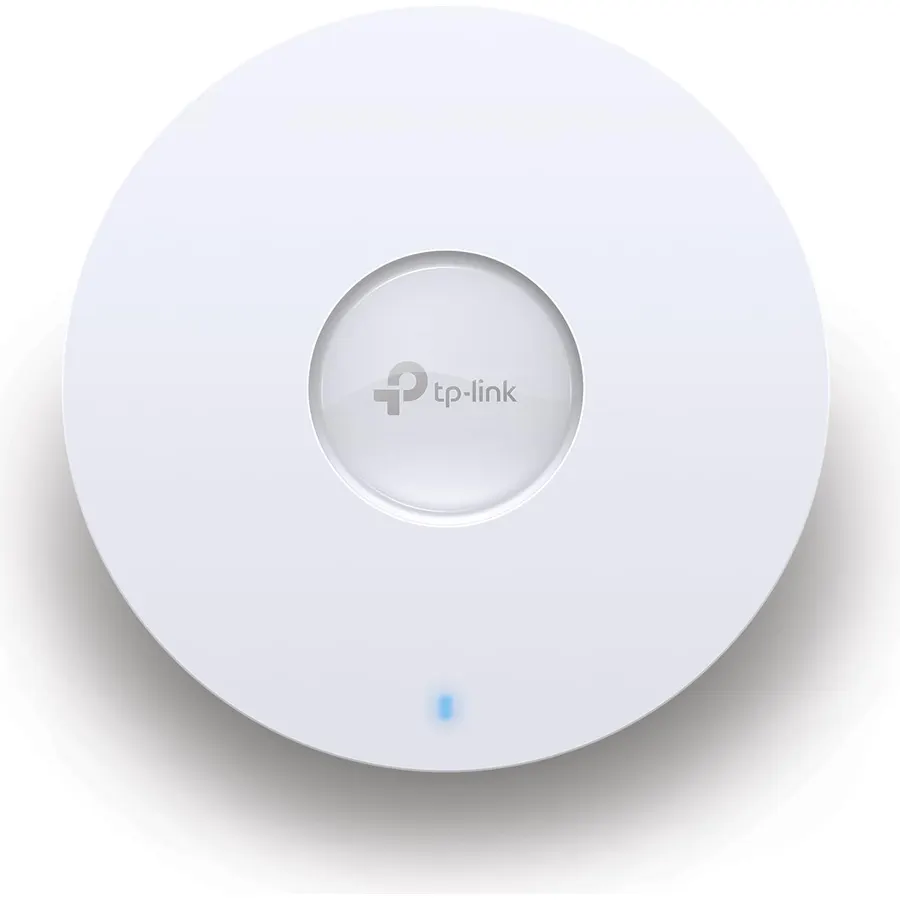
8.8Free Omada Essentials Cloud Management: Free cloud management with no additional fees, everything is managed in the cloud without the need f
 8.6
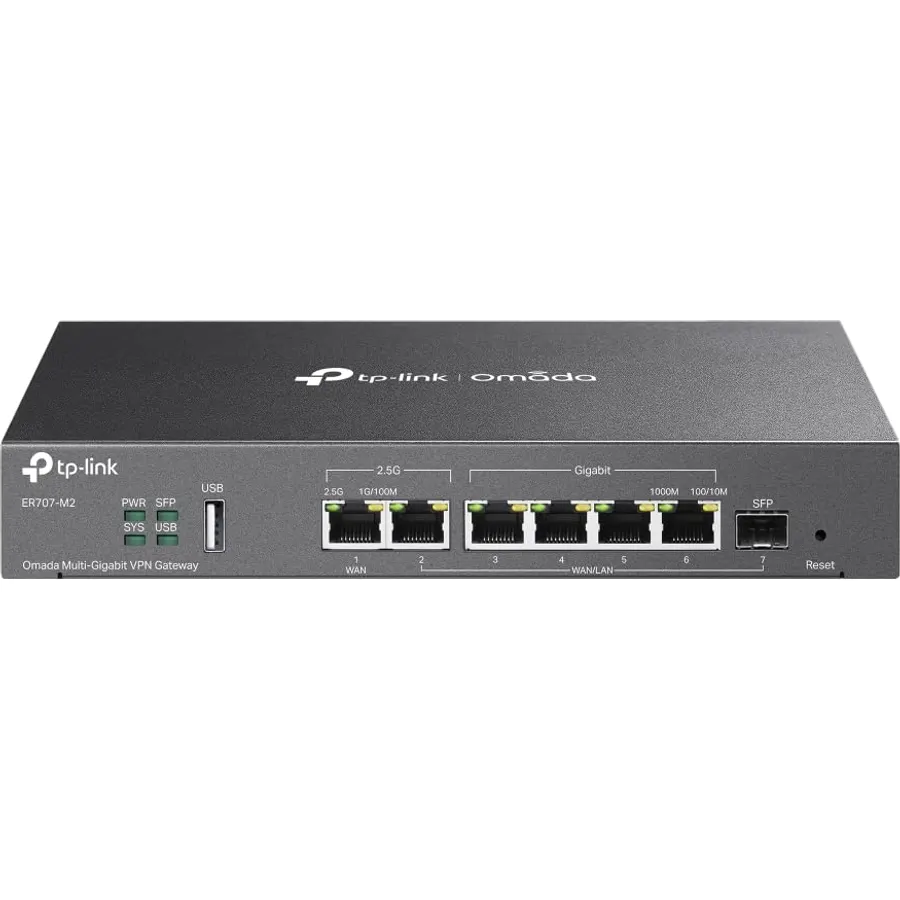
8.6【Flexible Port Configuration】1 2.5Gigabit WAN Port + 1 2.5Gigabit WAN/LAN Ports + 4 Gigabit WAN/LAN Port + 1 Gigabit SFP WAN/LAN Port + 1 US
 8.6
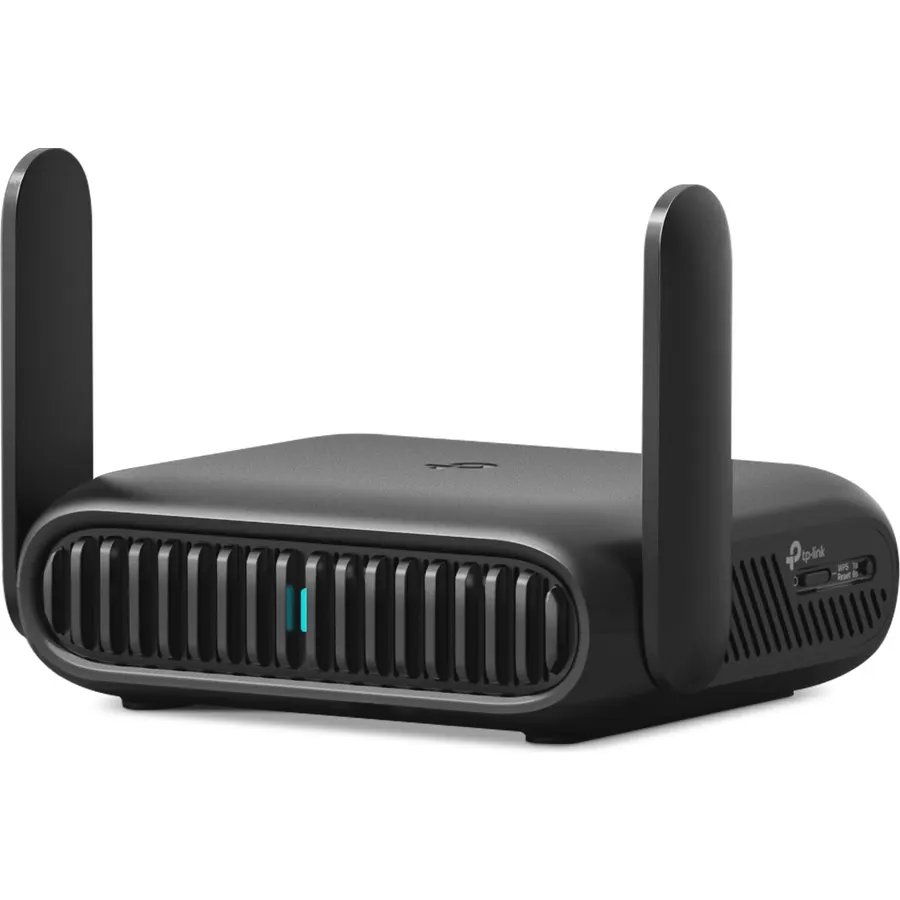
8.6𝐏𝐫𝐢𝐯𝐚𝐭𝐞 𝐍𝐞𝐭𝐰𝐨𝐫𝐤 𝐀𝐧𝐲𝐰𝐡𝐞𝐫𝐞 - Roam 7 BE3600 connects to public Wi-Fi and creates a private, secure network for all your d
 8.4
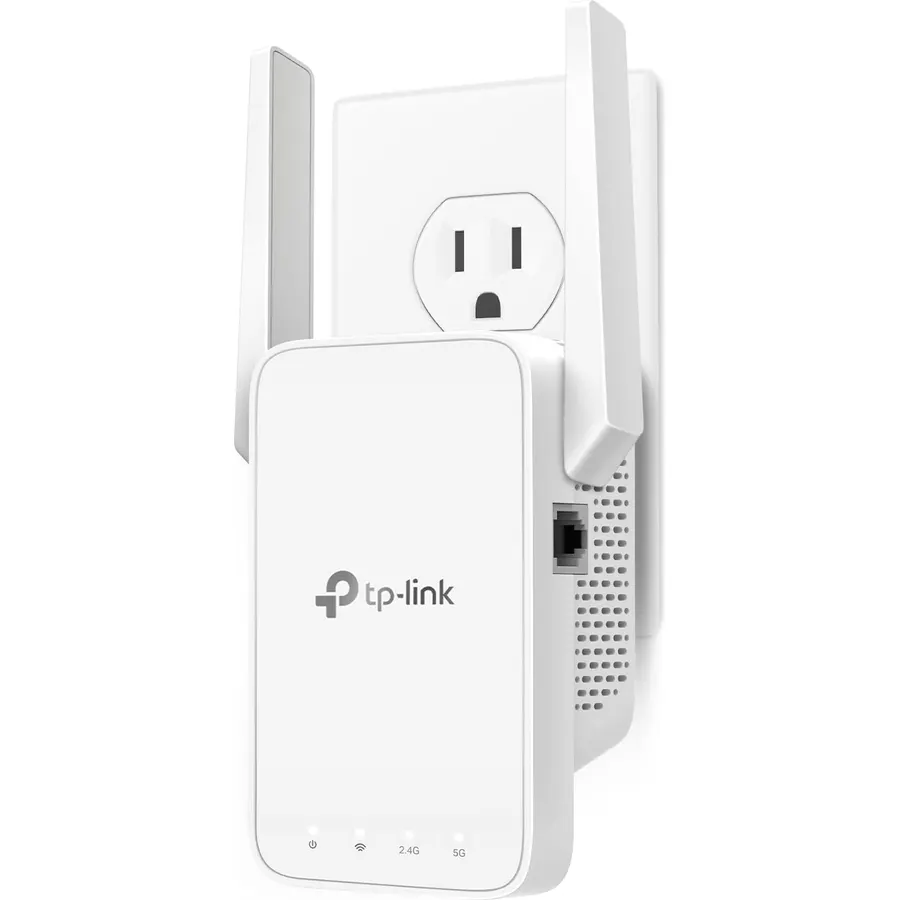
8.4𝐒𝐭𝐫𝐨𝐧𝐠𝐞𝐫 𝐖𝐢-𝐅𝐢 𝐢𝐧 𝐄𝐯𝐞𝐫𝐲 𝐂𝐨𝐫𝐧𝐞𝐫 - Enjoy extended coverage with strong performance powered by Adaptive Path Selection
 8.6
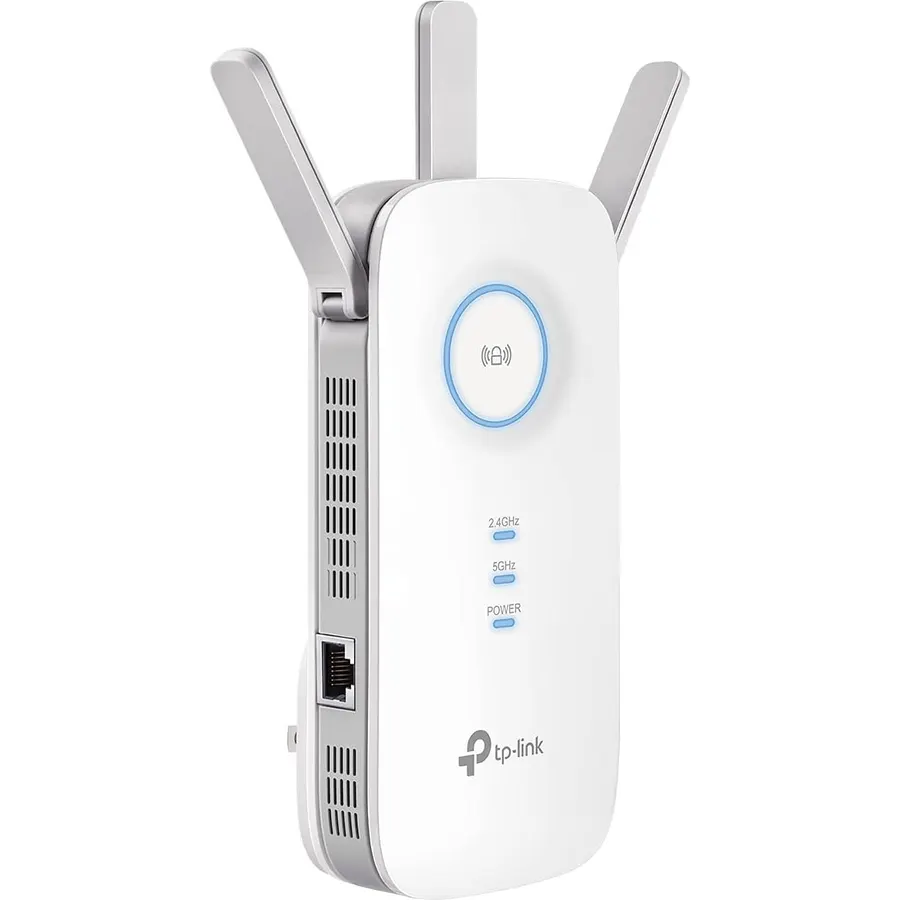
8.6𝐃𝐮𝐚𝐥-𝐁𝐚𝐧𝐝 𝐖𝐢𝐅𝐢 𝐄𝐱𝐭𝐞𝐧𝐝𝐞𝐫 𝐰𝐢𝐭𝐡 𝟏.𝟗 𝐆𝐛𝐩𝐬 𝐓𝐨𝐭𝐚𝐥 𝐁𝐚𝐧𝐝𝐰𝐢𝐝𝐭𝐡 - Extend your home network with speeds of
 8.8
8.8Maximum Range : 2500 Sq Ft.Processor : Qualcomm CPU.
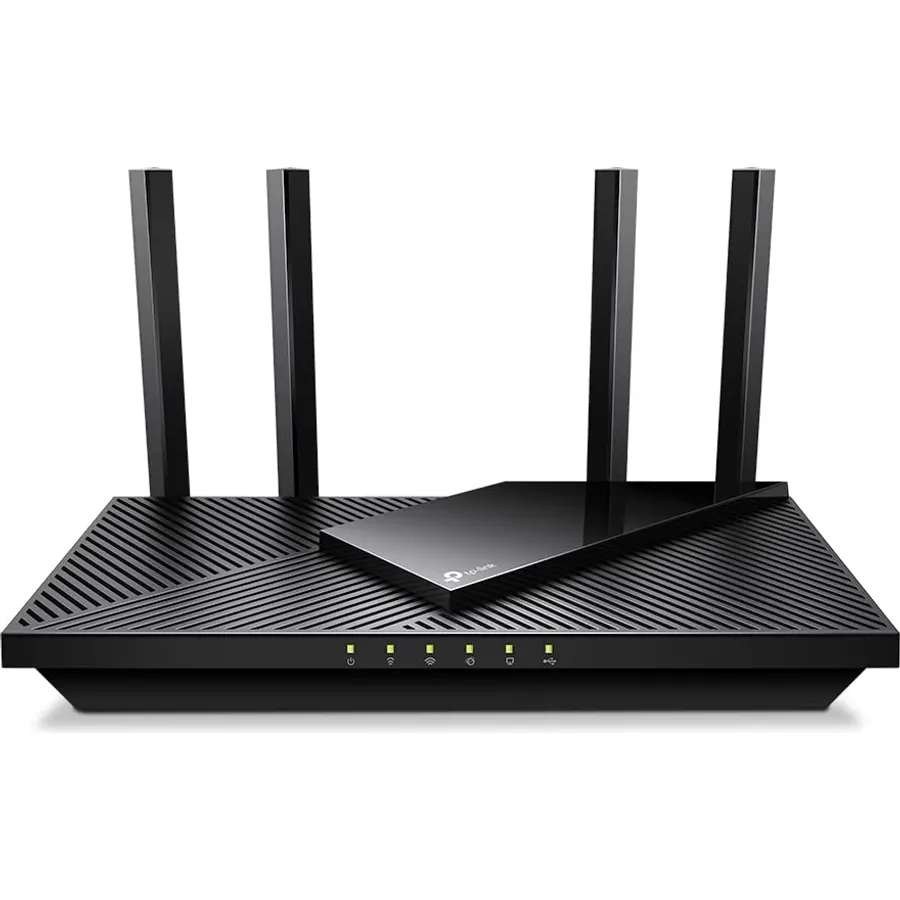 8.6
8.6Dual-Band AX3000 WiFi 6 Router - Experience incredible WiFi 6 speeds up to 2402 Mbps at 5GHz Band and 574 Mbps at 2.4GHz Band on the 160 MHz
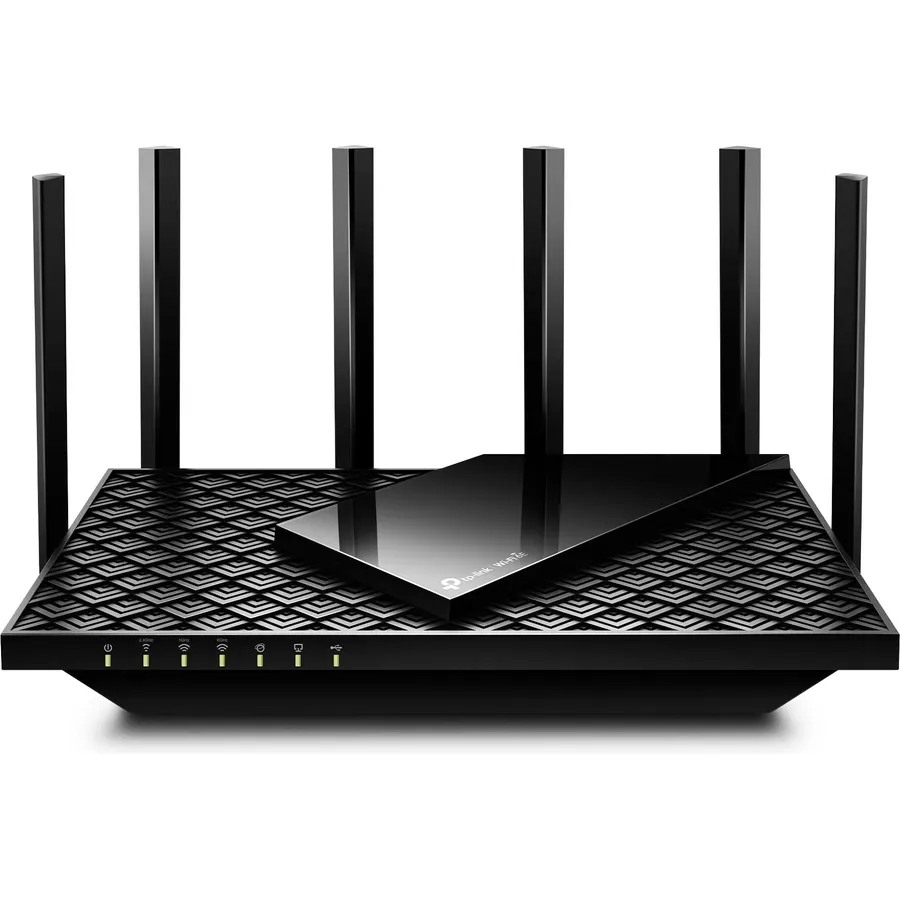 8.6
8.6Tri-Band WiFi 6E Router - Up to 5400 Mbps WiFi for faster browsing, streaming, gaming and downloading, all at the same time(6 GHz: 2402 Mbps
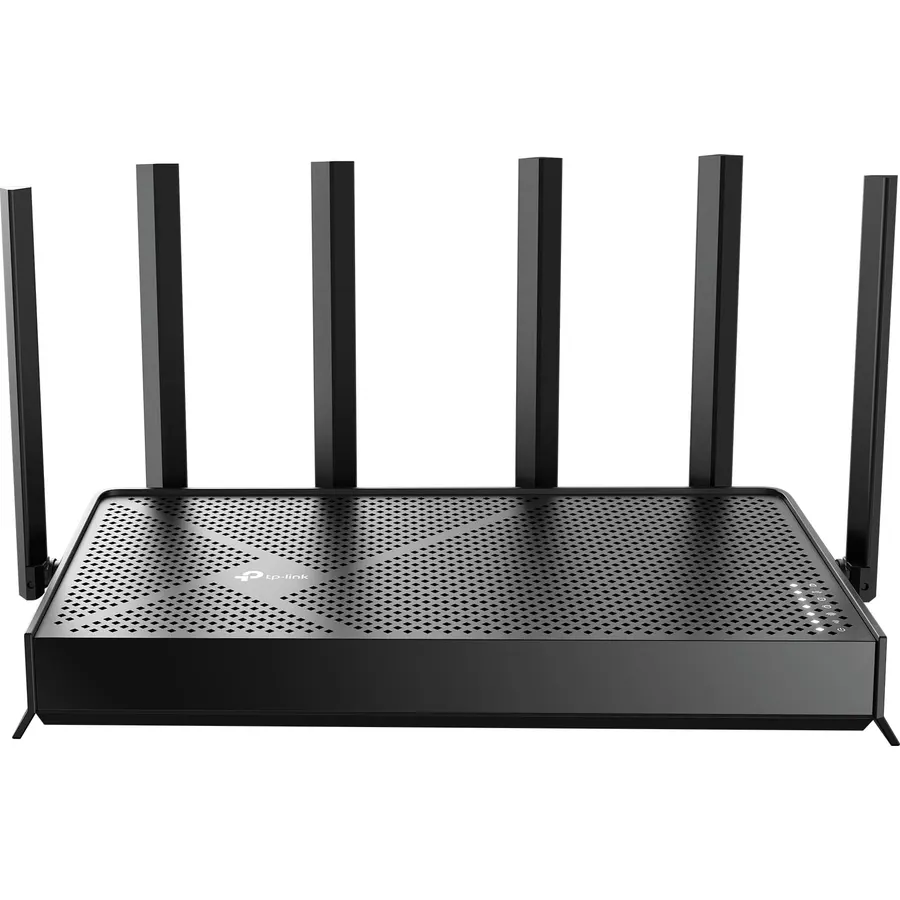 8.6
8.6𝐅𝐮𝐭𝐮𝐫𝐞-𝐑𝐞𝐚𝐝𝐲 𝐖𝐢-𝐅𝐢 𝟕 - Designed with the latest Wi-Fi 7 technology, featuring Multi-Link Operation (MLO), Multi-RUs, and 4K-
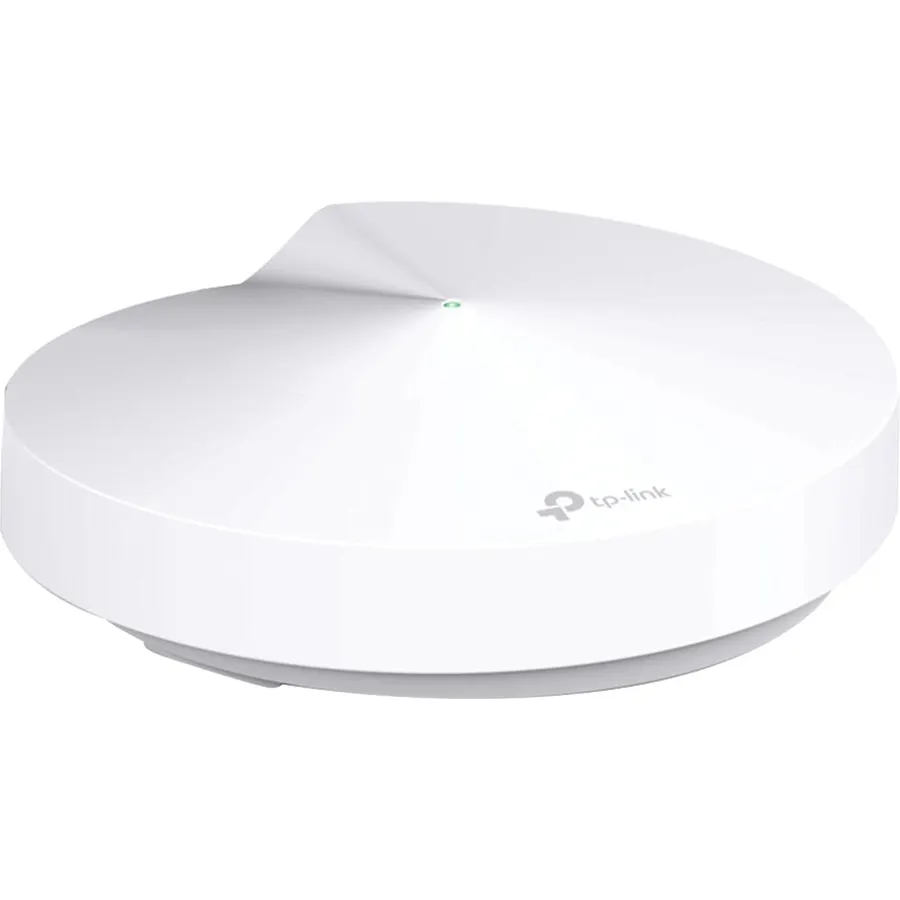 9.2
9.2Expandable Whole Home Mesh WiFi System – TP-Link Deco Mesh WiFi units work together to create a seamless mesh network. Add additional Deco u