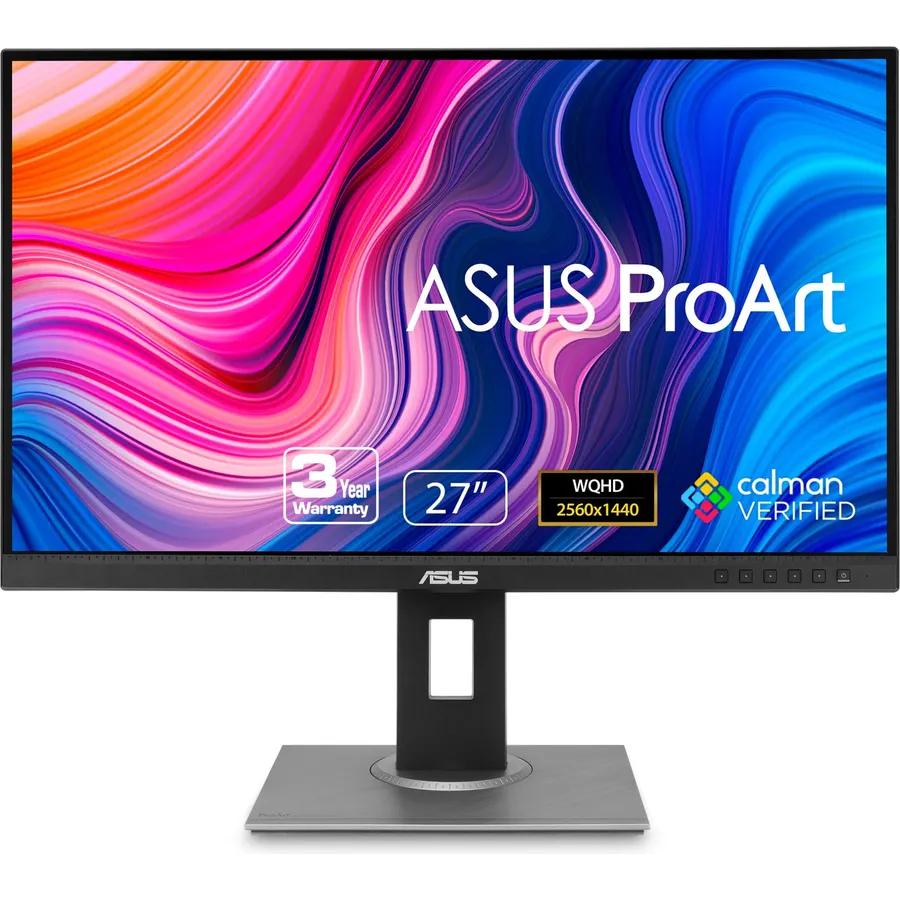
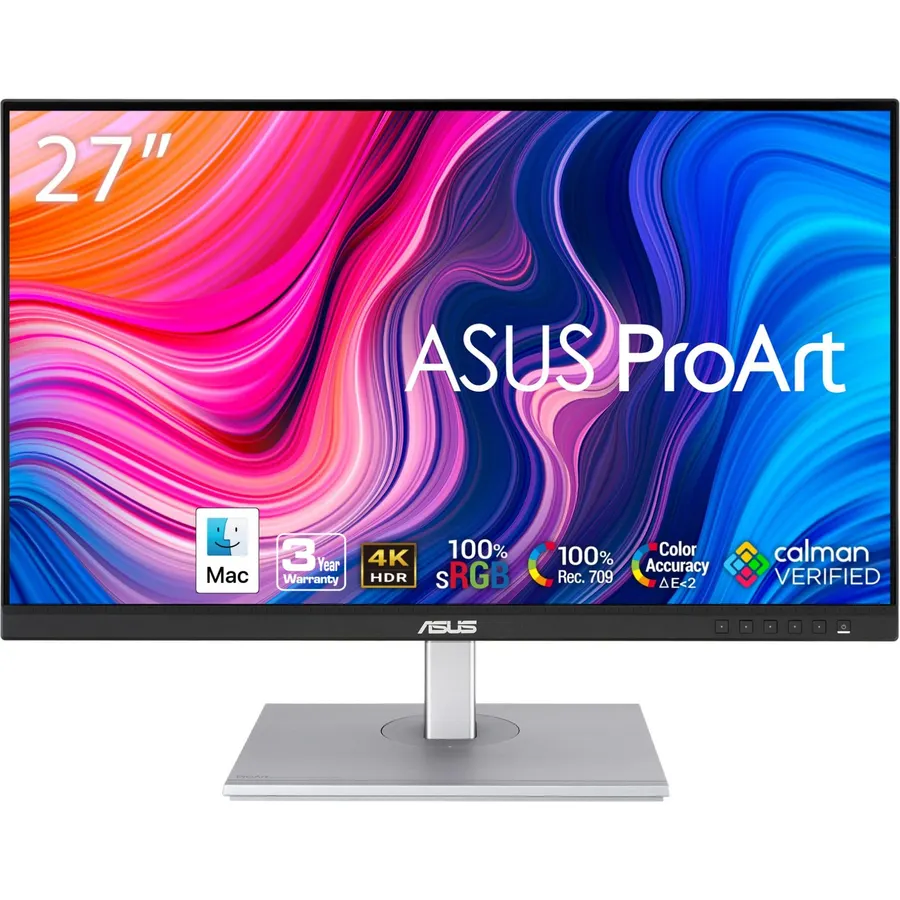
Calman Verified & Delta E < 2 Accuracy: Achieve true-to-life precision right out of the box for professional photo editing with color accurate monitoring capabilities
100% sRGB & 100% Rec. 709 Color Gamut: Ensure your creative projects match industry standards for vibrant digital media with comprehensive color coverage for video editing and content creation
27-inch WQHD IPS Display: Enjoy crystal-clear details with 2560 x 1440 resolution for graphic design and video editing workflows with wide viewing angles and consistent color reproduction
ASUS ProArt Preset & Palette: Easily customize color, brightness, and black-levels to match your exact project needs with versatile display settings for professional applications
Extensive Connectivity & USB Hub: Seamlessly connect your laptop, desktop, and storage devices with DisplayPort, HDMI, DVI-D, and Mini DP ports plus integrated USB hub for a clutter-free desk setup
5-Year Warranty Coverage: Includes 3 years standard warranty plus 2 years extension available with online registration for long-term reliability and peace of mind
Ergonomic Adjustable Stand: Fully adjustable stand with tilt, pivot, swivel, and height adjustment capabilities to ensure comfortable viewing angles during extended work sessions
ASUS Eye Care Technology: Built-in flicker-free backlighting and blue light filter reduce eye strain and fatigue during long creative sessions with anti-glare screen coating
Calman Verified & Delta E < 2 Accuracy: Achieve true-to-life precision right out of the box for professional photo editing with color accura
Ranked #99 in Monitors · 4 things we like
Quick answer The ASUS ProArt PA278QV 27 Inch 1440p QHD scores 9.2/10 with us. Amazon owners rate it 4.6 out of 5 across 3,065 reviews, above the 4.3 average of the 494 products we track in Monitors. It was listed at $220.61 on Amazon when we last checked in September 2026. Key facts: aspect ratio 16:9, display resolution maximum 2560 x 1440 pixels, refresh rate 75 hertz.
Elevate your creative workflow with the 27-inch ASUS ProArt PA278QV, a premium 1440p monitor designed for professional photography and video editing. Ensure your digital art and projects match reality perfectly using Calman Verified factory calibration, delivering true-to-life Delta E <2 accuracy and a 100% sRGB color gamut right out of the box. Easily customize your display settings with the exclusive ProArt Palette, making it the ideal graphic design monitor for precise color management.
Stay comfortable during long creative sessions with a fully adjustable ergonomic stand, and protect your vision from strain with built-in ASUS Eye Care technology.
Do Best Deal is a participant in the Amazon Services LLC Associates Program. As an Amazon Associate we earn from qualifying purchases. If you buy through links on this site we may earn a commission, at no extra cost to you. Learn more.
Product information
24 specifications
Adaptive Sync
FreeSync
Additional Features
Blue Light Filter, Built-In Speakers, Flicker-Free, Height Adjustment, Pivot Adjustment
Aspect Ratio
16:9
Brightness
350 candela_per_square_meter
Color Gamut
100
Connectivity Technology
HDMI, 4x USB 3.2 Gen 1 Type-A, display port
Contrast Ratio
100,000,000:1
Display Resolution Maximum
2560 x 1440 pixels
Display Technology
LCD, LED
Display Type
LCD
Hardware Connectivity
DisplayPort, HDMI, Mini-DisplayPort, USB 3.0
Item Dimensions D x W x H
15.04"D x 24.21"W x 8.9"H
Item Weight
17 pounds
Native Resolution
2560x1440
Picture Quality Enhancement Technology
Yes
Pixel Pitch
0.27
Power Consumption
12.5 watts
Refresh Rate
75 hertz
Resolution
QHD Wide 1440p
Screen Finish
Matte
Screen Size
27 inches
Specific Uses For Product
Business, Gaming, Personal
Viewing Angle
178 degrees
Voltage
240 volts
Pros & cons
What we like
Calman Verified & Delta E < 2 Accuracy: Achieve true-to-life precision right out of the box for professional photo editing with color accurate monitoring capabilities
100% sRGB & 100% Rec. 709 Color Gamut: Ensure your creative projects match industry standards for vibrant digital media with comprehensive color coverage for video editing and content creation
27-inch WQHD IPS Display: Enjoy crystal-clear details with 2560 x 1440 resolution for graphic design and video editing workflows with wide viewing angles and consistent color reproduction
ASUS ProArt Preset & Palette: Easily customize color, brightness, and black-levels to match your exact project needs with versatile display settings for professional applications
ASUS ProArt PA278QV 27 Inch 1440p QHD: questions & answers
Is the ASUS ProArt PA278QV 27 Inch 1440p QHD worth buying?
Yes, it is one of the stronger picks in its group. We score the ASUS ProArt PA278QV 27 Inch 1440p QHD 9.2 out of 10. Amazon owners rate it 4.6 out of 5 across 3,065 reviews, above the 4.3 average of the 494 products we track in Monitors.
How much does the ASUS ProArt PA278QV 27 Inch 1440p QHD cost?
It was listed at $220.61 on Amazon when we last checked in September 2026. Amazon prices change daily, so use the price button on this page to see the current figure.
What are the key specs of the ASUS ProArt PA278QV 27 Inch 1440p QHD?
Aspect Ratio: 16:9; Display Resolution Maximum: 2560 x 1440 pixels; Refresh Rate: 75 hertz; Resolution: QHD Wide 1440p; Screen Finish: Matte; Screen Size: 27 inches. All 24 specifications are in the product information table on this page.
What are good alternatives to the ASUS ProArt PA278QV 27 Inch 1440p QHD?
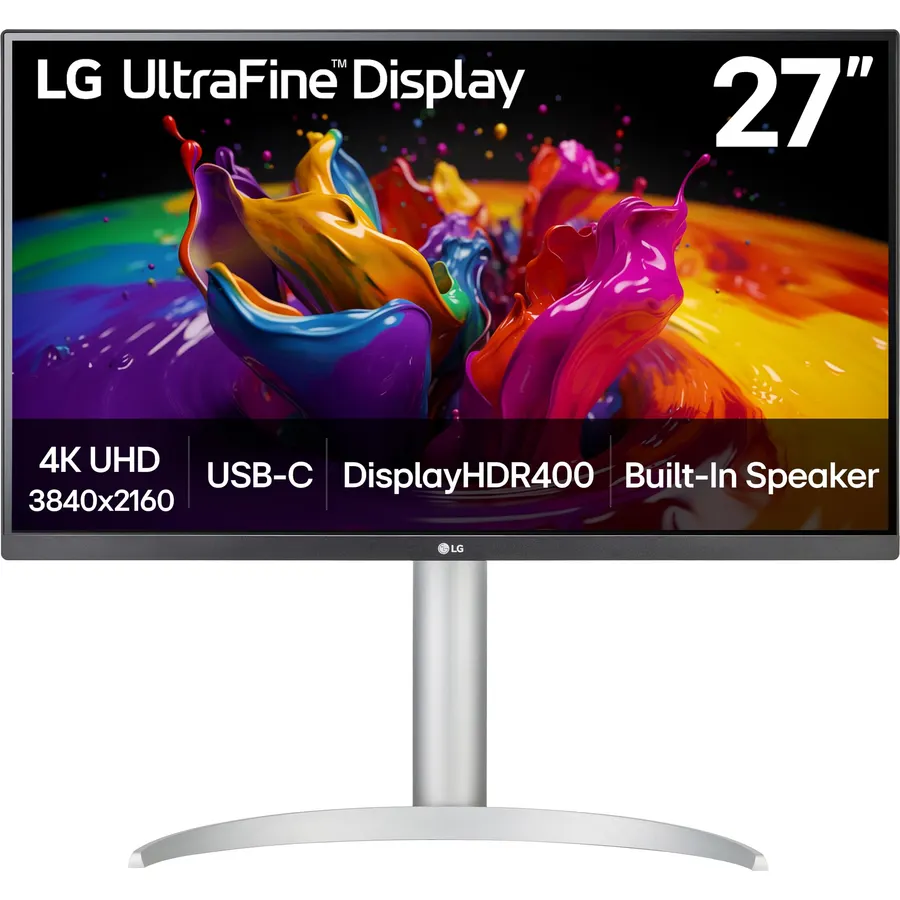
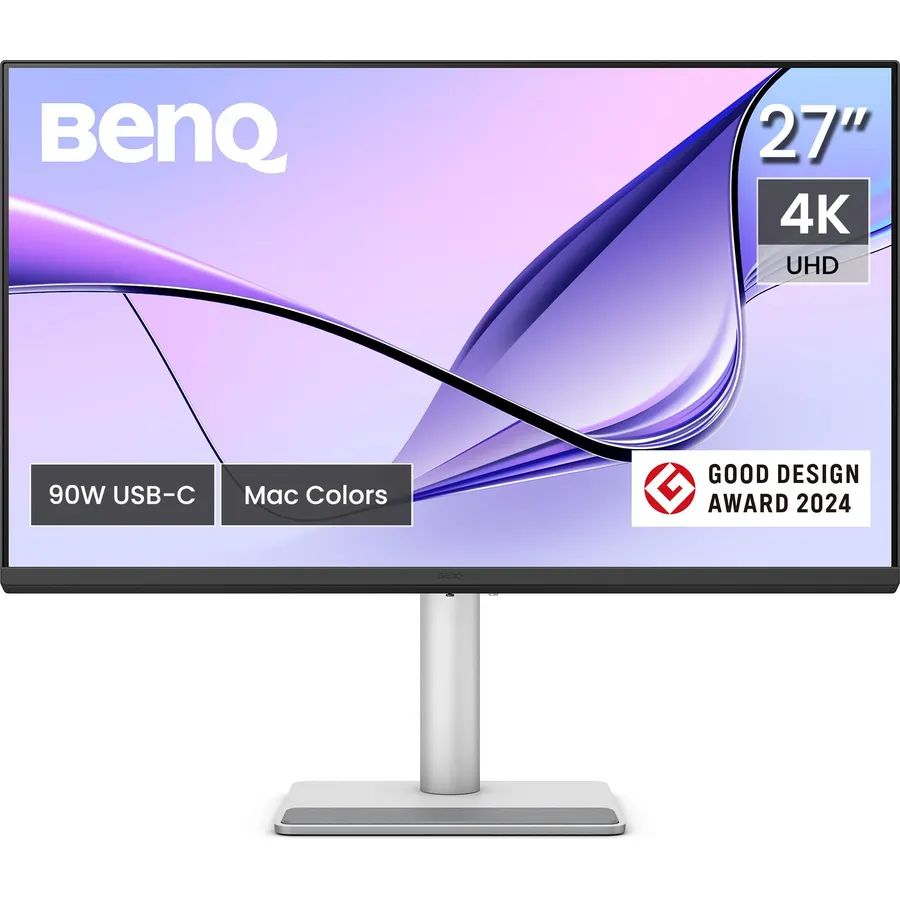
Similar, well-rated products in our catalog: ASUS ProArt PA248QV 24 Inch WUXGA 16:10 (9.2/10, 4.6 stars from 1,790 owners); ASUS ProArt PA247CV 24 Inch 1080p USB-C (9.2/10, 4.6 stars from 582 owners); ASUS VA27AQ 27 Inch 1440P QHD IPS Computer (8.6/10, 4.3 stars from 39 owners).
Breakdown from the 10 most helpful reviews we imported.
C
Chelle
Verified purchaseDecember 4, 2024
Vivid, high quality display
A review from over a year of owning this: I got this to do art and occasionally play games. Refresh rate is great, especially when gaming or editing 60fps videos. Screen is the perfect size for my desk and I love that I can extend it and use it when I’m standing. Color is excellent and I appreciate the ability to check real life dimensions from within the screen. I have no dead pixels and I’ve been using it for over a year with no issue. While the brightness is adjustable and can go pretty high, there’s a bit of screen burn-in (that fades given time) which is to be expected. I generally keep t
L
Luke of the Wild
Verified purchaseApril 20, 2023
This monitor is for creatives
Overall, it's a super beautiful monitor, very impressive. It took me awhile to get it set up as I had initially plugged the HDMI cable into a DisplayPort adapter and couldn't access the 2560x1440p resolution because of that, but when I figured it out it looked amazing. I had mostly been looking for an accurate sRGB IPS monitor so I didn't look at the stand or other features that this monitor has. I was pleasantly surprised about how gear towards creatives this monitor was. On the back of the monitor and bottom of the stan there are degree measurements, so you know exactly what degree you are s
M
mackjay
Verified purchaseAugust 6, 2026
Great PC Monitor
I've been very happy with this Asus ProArt monitor. It's color production is downright beautiful and it has lots of options for adjustment. I really like how heavy the stand base is, so the screen is secure on a busy desktop. The USB hub feature may be my favorite...it added at least three USB ports to my work station, with no hassles or confusing setup required. Very easy.
R
randal
Verified purchaseApril 27, 2026
Reliable and honest - just what I need from my monitor
This is my second Asus PA278QV with the 6-axis OSD controls. And I love it. If you properly calibrate these things, you can't see pixels close up. They may just be 109PPI but they punch above their weight class. Yes, I also have one Asus PA278QGV and while that does not have the 6-axis control in the OSD, as this one, I think the QV can create better contrast. I can get up to 1467:1 on the second generation QGV, but this QV has a depth that the new models lack.I also tried the Asus PA278CGRV and it was okay, but had a red tint that no Gains/Offset adjustments would take out and my paper white
J
Jane
Verified purchaseJune 30, 2020
Stunningly clear image quality and very adjustable color settings (27" WQHD 2560x1440 monitor
I do a lot of fractal art and photo editing as a hobby and occasionally for sale. My old monitor was several years old and to the point to turning green and dark so I went on the quest for a replacement. I eventually narrowed it down to two different models and after debating with myself for a couple of weeks, I bought this model. I am extremely pleased with it so far. (I have had it for 3 days now)One of the things that attracted me to this one is that it came with color calibration on some of the settings from the factory, which was great for me since I do not really understand the fine poin
A
Alex Head
Verified purchaseMarch 11, 2021
Great display for every day use.
I'm a book and magazine designer, and I needed a monitor for the Mac mini I just got to replace my iMac. I have a secondary display that I've been using, but its highest resolution is 1920x1080, so it doesn't give me much screen space when I work. I should say that I mostly work in InDesign, and don't do a lot of photo adjustment (typically any imagery has been touched up before it gets to me), and I do no video work, aside from watching videos online, and I'm not a gamer.The picture quality, color, brightness are great for me, and the price is right for a display with this level of resolution
G
Gordon
Verified purchaseJune 5, 2025
Easy to set up and looks great.
This is my first 2K monitor, and I really like it. I cannot think of a bad thing to say. Right now I have the brightness set to 10%, and it looks great. I usually work in a dimly lit room. The blue light blocking is great. When I first tried it, I couldn't see anything happening. Then I looked over at my TV for a few minutes, and when I looked back at my Proart monitor, it looked yellowish. Perfect. I connected the Proart monitor to a fresh PC build with an ASUS motherboard and case, and it fired right up. I connected the monitor with a DisplayPort cable. The monitor is running at 60Hz. No fli
T
TheStrangestThings
Verified purchaseJuly 12, 2026
Excellent product, I replaced all my monitors with these.
Perfect for my purposes. Just two screens with enough resolution to see quite a bit. I am not a gamer, but primarily use for coding and similar text based activity along with reviewing photographs.
Customer reviews are shown as published on Amazon and are not written by Do Best Deal.
More monitors we compared
Alternatives to the ASUS ProArt PA278QV 27 Inch 1440p QHD









![ASUS AC1900 Wireless Dual Band (5GHz + 2.4GHz) Gigabit Wi-Fi Router [RT-AC68U] Ultra-Fast 802.11ac 1900 Mbps Speed, 5X Gigabit LAN Ports, Broadcam TurboQAM Wi-Fi Acceleration, AiProtection Security](https://dobestdeals-img-1.pages.dev/asus-ac1900-wireless-dual-band.webp)
![ASUS AMD B550 Socket AM4 Compatible Motherboard ROG STRIX B550-A GAMING [ATX]](https://dobestdeals-img-1.pages.dev/asus-rog-strix-b550-f-gaming-wifi-ii-amd-am4.webp)