27 inches at 2560x1440 is the size most people should buy. It is sharp enough for text at desk distance, it does not need a $700 graphics card for high frame rates, and the range runs from plain office screens to 240Hz OLEDs. We kept five from our catalog that owners rate 4.4 stars or higher and ranked them by who each one is for.
We have not had all five on our own desk, so we lean on spec sheets and the thousands of owner reviews behind each one. Prices are not printed because they change daily; every button opens the live Amazon page. For more pixels for text work, see our 27-inch 4K guide.
How we picked
- Native 2560x1440 at 27 inches. That is 109 pixels per inch, the point where text is crisp without display scaling.
- A panel that suits the job. IPS for color and text, Mini-LED VA for HDR, OLED for motion and contrast. We note the trade-offs of each.
- Ports that matter. DisplayPort for the full refresh rate, HDMI 2.1 for consoles, USB-C where a laptop is involved.
- A stand worth keeping. Four of the five adjust in height; the one that does not is flagged.
- Owner ratings of 4.4 stars or better, mostly with a thousand reviews or more, from the monitor catalog.
The picks
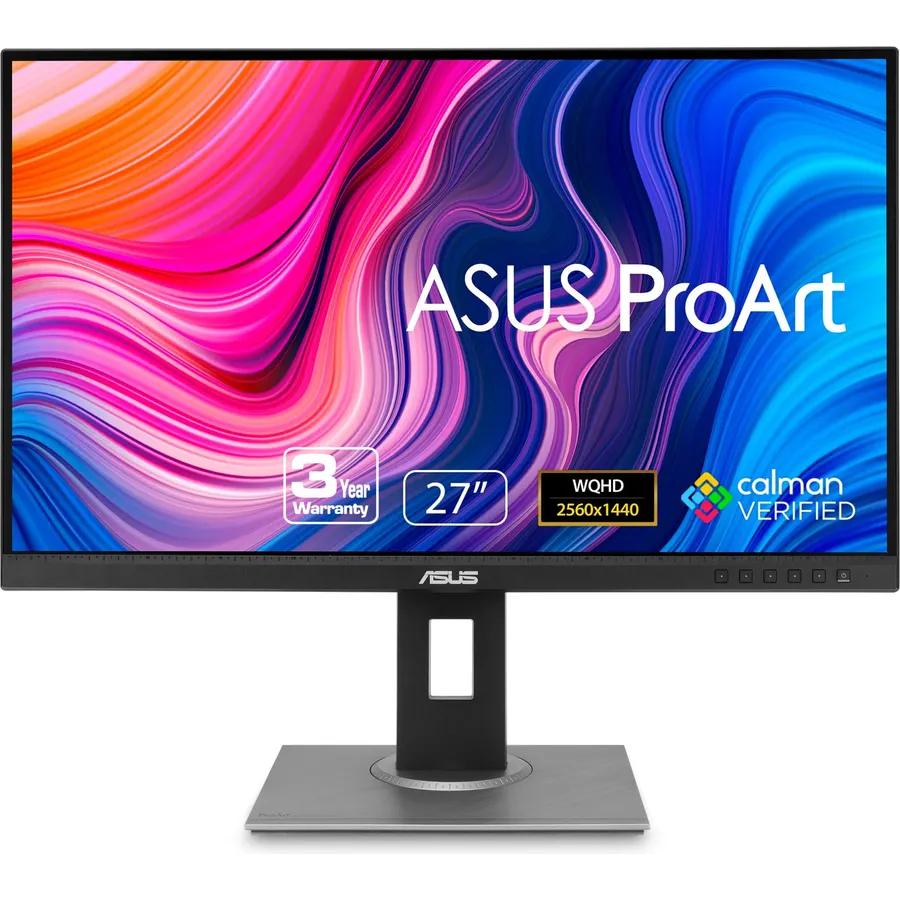
The PA278QV is the boring, excellent choice for anyone who works on a monitor all day and occasionally opens Lightroom. It ships calibrated to a Delta E under 2 with full sRGB and Rec. 709 coverage, and the four USB 3.2 ports mean a keyboard, mouse and drive stay plugged into the screen. The stand tilts, swivels, rises and pivots to portrait. Its 75Hz refresh rate keeps it off the gaming list, and there is no USB-C, so a laptop needs a DisplayPort or HDMI cable. Over 3,000 owners rate it 4.6 stars, hard to beat for a calibrated monitor at a mid-range price.
- Factory calibrated with a report in the box
- Four USB-A ports on the back act as a hub
- Full ergonomic stand with portrait pivot
- 3,000+ ratings at 4.6 stars
- 75Hz, so not a gaming monitor
- No USB-C input
- 350 nits, average brightness
acer Nitro XV272U Pbmiiprzx 27-inch WQHD (2560 x 1440) IPS G-SYNC Compatible Monitor, 144Hz, 1ms VRB
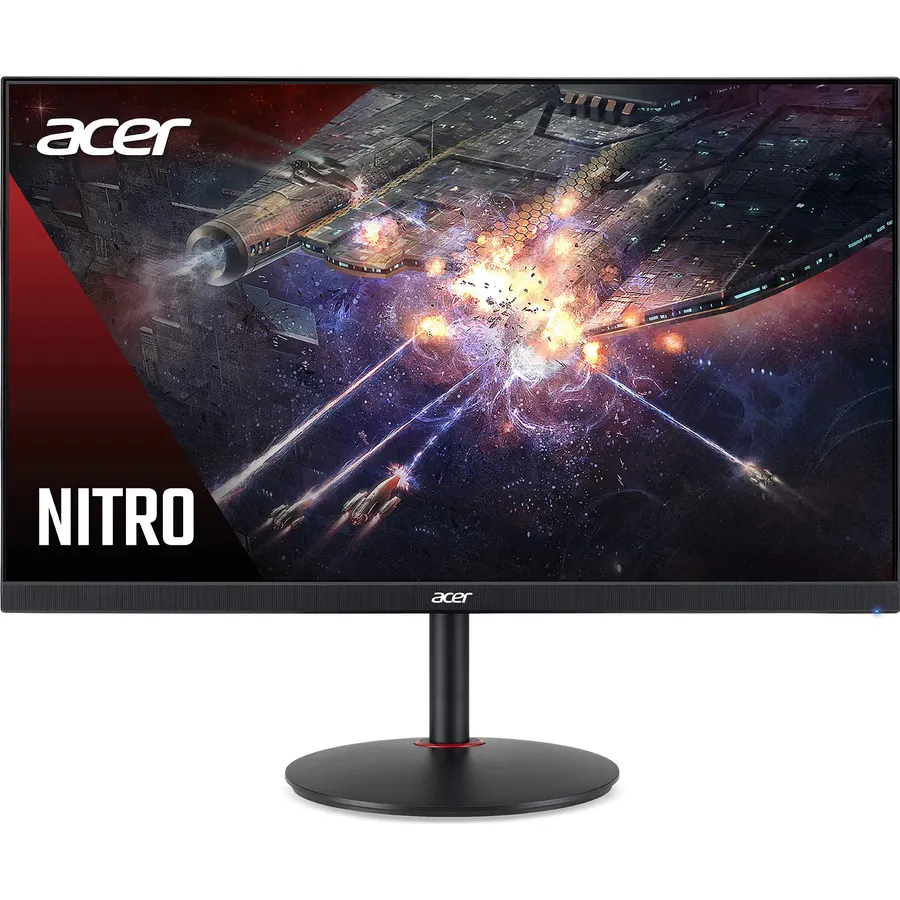
The XV272U has been a default 1440p gaming recommendation for years, and the reviews back it up: almost 3,000 owners at 4.6 stars. It is a 144Hz IPS panel with adaptive sync for both AMD and NVIDIA cards, 400 nits, a four-port USB hub and a stand that adjusts in every direction. The 1ms number is Acer’s VRB strobing mode; in normal use response is a typical fast-IPS 4ms or so. Faster monitors exist now, but with this panel and stand it is the safe pick for a gamer who also works on the same screen.
- 144Hz IPS with G-Sync Compatible certification
- 400 nits, bright enough for a sunny room
- USB hub and a fully adjustable stand
- Nearly 3,000 ratings at 4.6 stars
- 1ms figure is VRB (strobing), real GtG is slower
- Two 2-watt speakers are barely useful
- Newer rivals run 180Hz or more
ASUS ROG XG27ACMG 27 Inch 1440p 270Hz USB-C G-SYNC HDR Gaming Monitor
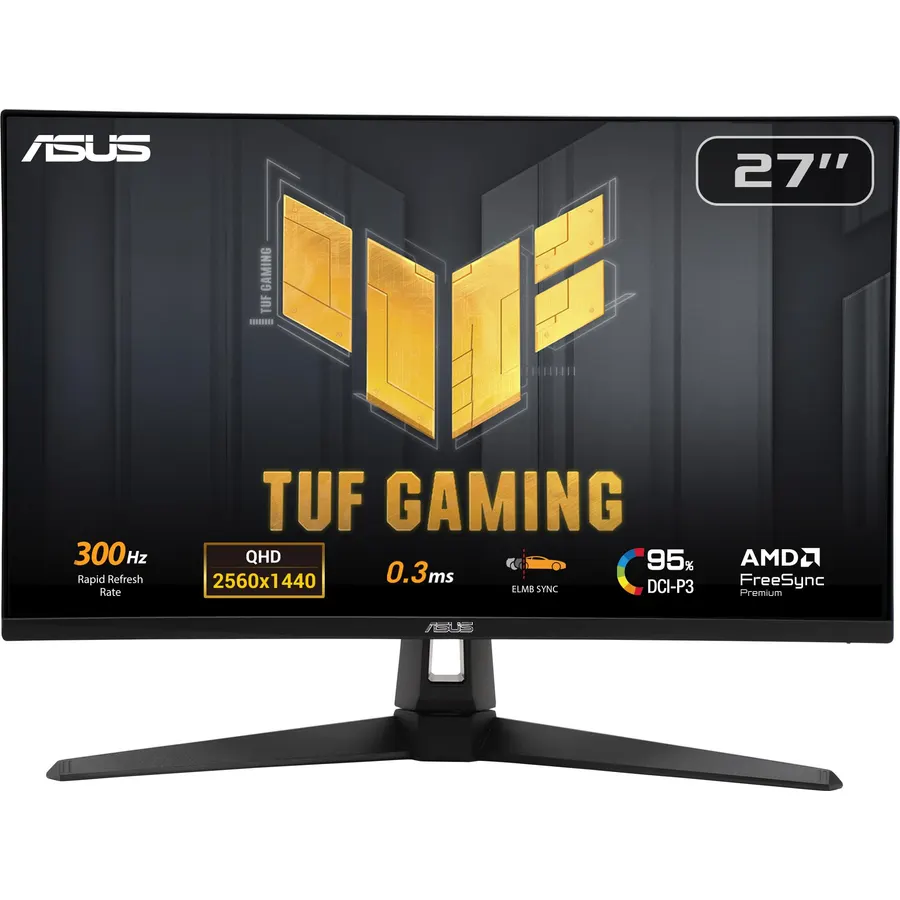
Most 1440p gaming monitors skip USB-C. The XG27ACMG includes it, so a MacBook or Windows ultrabook can drive it with one cable while a desktop uses DisplayPort. The panel is ASUS Fast IPS at up to 270Hz overclocked with a 1ms GtG response, 95% DCI-P3 color, G-Sync Compatible and FreeSync Premium, plus ELMB Sync, which runs backlight strobing and variable refresh rate at the same time. Just do not expect the USB-C port to charge a big laptop; it is a video input with a little power, not a dock. Owners give it 4.6 stars across 1,300 reviews.
- 270Hz on a Fast IPS panel
- USB-C video input for a laptop
- ELMB Sync runs blur reduction and adaptive sync together
- 1,300+ ratings at 4.6 stars
- USB-C power delivery is modest, not a laptop charger
- HDR support is basic
- ROG styling is not for every desk
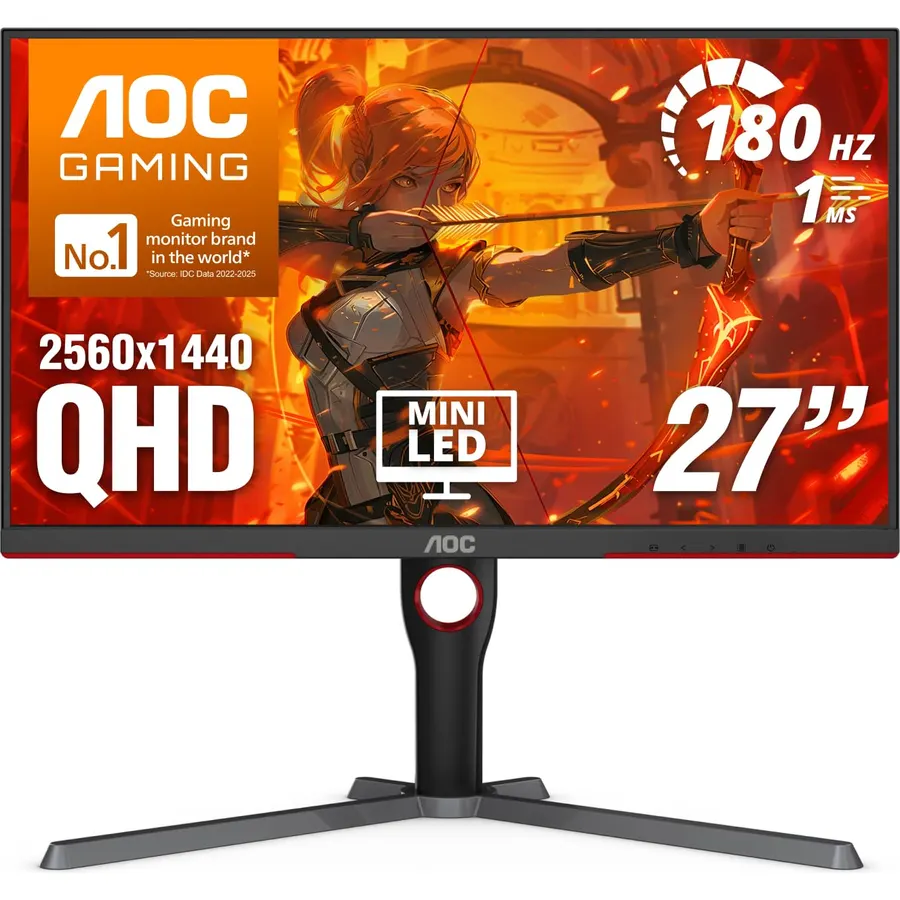
The Q27G3XMN is the cheapest way to get HDR that actually looks like HDR. Its VA panel sits in front of a Mini-LED backlight with 336 dimming zones, giving it DisplayHDR 1000 certification and contrast no plain IPS panel can match, and it runs 180Hz over DisplayPort 1.4 with a 1ms GtG response. The cost cutting shows in the tilt-only stand, and owners mention slight blooming around subtitles on black, normal for zone-dimmed LCDs. If you play single-player games and watch movies more than shooters, this is the most exciting screen on the page. Owners rate it 4.4 stars.
- Real HDR with 336 local dimming zones
- VA contrast plus Mini-LED, very deep blacks
- 180Hz and adaptive sync
- Costs far less than other HDR1000 monitors
- Tilt-only stand, plan on a VESA arm
- VA panel is slower than IPS in dark transitions
- Some blooming around bright objects on black
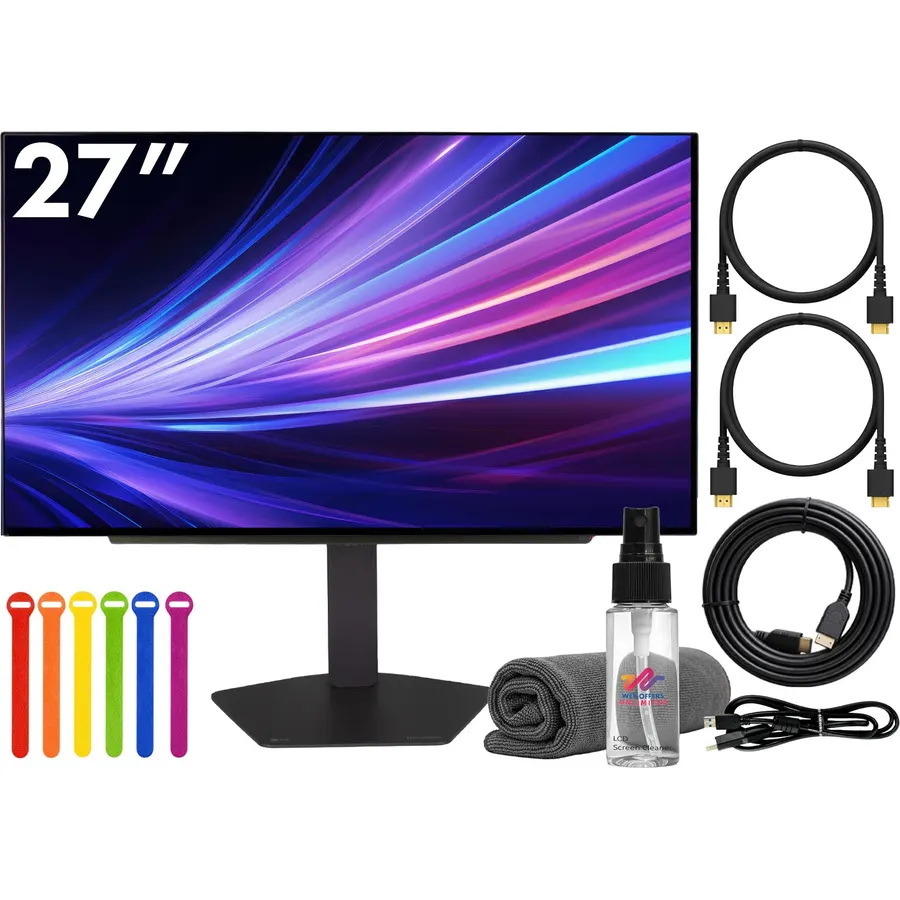
If budget is not the first question, the 27GX704A-B is the answer. OLED pixels turn off completely, so contrast is effectively infinite and the 0.03ms response makes 240Hz motion look like nothing an LCD can produce. It supports FreeSync Premium Pro and G-Sync, and two HDMI 2.1 ports let a console run 1440p at 120Hz alongside a PC on DisplayPort. The trade-offs are the usual OLED ones: about 275 nits full-screen, and hiding the taskbar to avoid burn-in on a screen that also shows a desktop all day. Owners rate it 4.6 stars, and the reviews read like people who do not plan to go back.
- OLED: perfect blacks and motion clarity nothing else here matches
- 240Hz with a 0.03ms response
- HDMI 2.1 for PS5 and Xbox at 1440p 120Hz
- 4.6 stars from owners
- 275 nits full-screen brightness, dim in a bright room
- Burn-in is a long-term risk with static taskbars
- Costs two to three times the IPS picks
Compare the picks
| Product | Panel | Refresh / response | Ports | Stand | Our score | |
|---|---|---|---|---|---|---|
| ASUS ProArt PA278QVASUS | IPS, calibrated | 75Hz, 5ms | DP, mDP, HDMI, DVI, 4x USB | Full adjust | 9.2 | See price |
| Acer Nitro XV272UAcer | IPS, 400 nits | 144Hz, 1ms VRB | DP 1.2, 2x HDMI 2.0, 4x USB | Full adjust | 9.2 | See price |
| ASUS ROG XG27ACMGASUS | Fast IPS, 95% P3 | 270Hz OC, 1ms | USB-C, DP 1.4, 2x HDMI 2.0 | Full adjust | 8.8 | See price |
| AOC Q27G3XMNAOC | VA Mini-LED, HDR1000 | 180Hz, 1ms | DP 1.4, 2x HDMI 2.0 | Tilt only | 8.8 | See price |
| LG 27GX704A-BLG | OLED | 240Hz, 0.03ms | DP 1.4, 2x HDMI 2.1 | Height, tilt, pivot | 8.5 | See price |
IPS, Mini-LED VA or OLED?
IPS is the default: accurate color, wide viewing angles, no burn-in, bright enough for any room; its weakness is contrast, so dark scenes look gray. Mini-LED VA (the AOC) fixes contrast with local dimming and gets very bright for HDR, but the panel is slower and you may see halos around bright objects. OLED (the LG) has perfect blacks and the fastest response on the market, at the cost of lower full-screen brightness and burn-in risk on static desktop content. For an office desk, IPS. For gaming and movies, OLED if you can afford it, Mini-LED if you cannot.
Ports and stands to check before you buy
DisplayPort reaches the full refresh rate on all five; on the AOC and ASUS ROG, HDMI 2.0 tops out lower. Only the LG has HDMI 2.1, which matters if a PS5 or Series X will share the screen. Only the ROG has USB-C video in, and it will not charge a laptop at full speed; for a proper one-cable setup read our guide to choosing a monitor for coding. The AOC is the only tilt-only stand here, and its VESA 100 mount takes any $25 arm.
Is 1440p sharp enough for text and coding?
Yes for most people. 109 pixels per inch at 27 inches is crisp at 100% scaling with no blurry apps. If you want small text razor sharp, 4K at 150% scaling is the step up.
What graphics card do I need for 1440p at 144Hz?
For esports titles, a mid-range card from the last few years does it. For new AAA games at high settings, plan on an upper mid-range card or use DLSS or FSR upscaling.
Can I use these with a MacBook?
All five work with a Mac. The ROG XG27ACMG connects over a single USB-C cable; the others need a USB-C to DisplayPort or HDMI cable.
Can I return a monitor bought on Amazon?
Yes, within 30 days in the US. Check the panel for dead pixels and uniformity on day one and keep the box and foam until you are sure.
Prices and stock change daily. The buttons above open Amazon so you always see the current price. We may earn a commission if you buy through them, at no extra cost to you.
Do Best Deal is a participant in the Amazon Services LLC Associates Program. As an Amazon Associate we earn from qualifying purchases. If you buy through links on this site we may earn a commission, at no extra cost to you. Learn more.