
24 inches is the size that sells more than any other, because it is the size that fits: two of them side by side on a normal desk, one on a student’s desk, a cheap second screen next to a laptop. At 1920x1080 the pixel density is comfortable at 100% scaling, the graphics card never struggles, and the good ones cost less than a monitor arm did a few years ago.
We ranked the 24-inch monitors in our monitor catalog by panel type, refresh rate, stand adjustment, ports and what owners report after months of use. We have not had all eight on our own desk; the verdicts rest on spec sheets and owner review history. Prices are not printed because they change daily; every button opens the live Amazon page. If 24 inches feels small, our 27-inch 1440p monitors guide is the next step up.
How we picked
- 1920x1080 at 23.8 to 24.5 inches, 92 pixels per inch, sharp at 100% scaling. One 1920x1200 pick for people who want more vertical room for documents.
- Panel that suits the job: IPS for colour and angles, VA for contrast on a budget, Fast IPS at 180-240Hz for games.
- A stand we would keep. We note which ones adjust for height and which are tilt-only, because a 24-inch monitor on a tilt-only stand usually ends up on a stack of books.
- Owner ratings of 4.5 stars or better with thousands of reviews for most picks.
The picks
HP 24mh FHD Monitor, 23.8-inch IPS 1080p, Built-in Speakers, VESA, Height and Tilt Adjustment, HDMI and DisplayPort
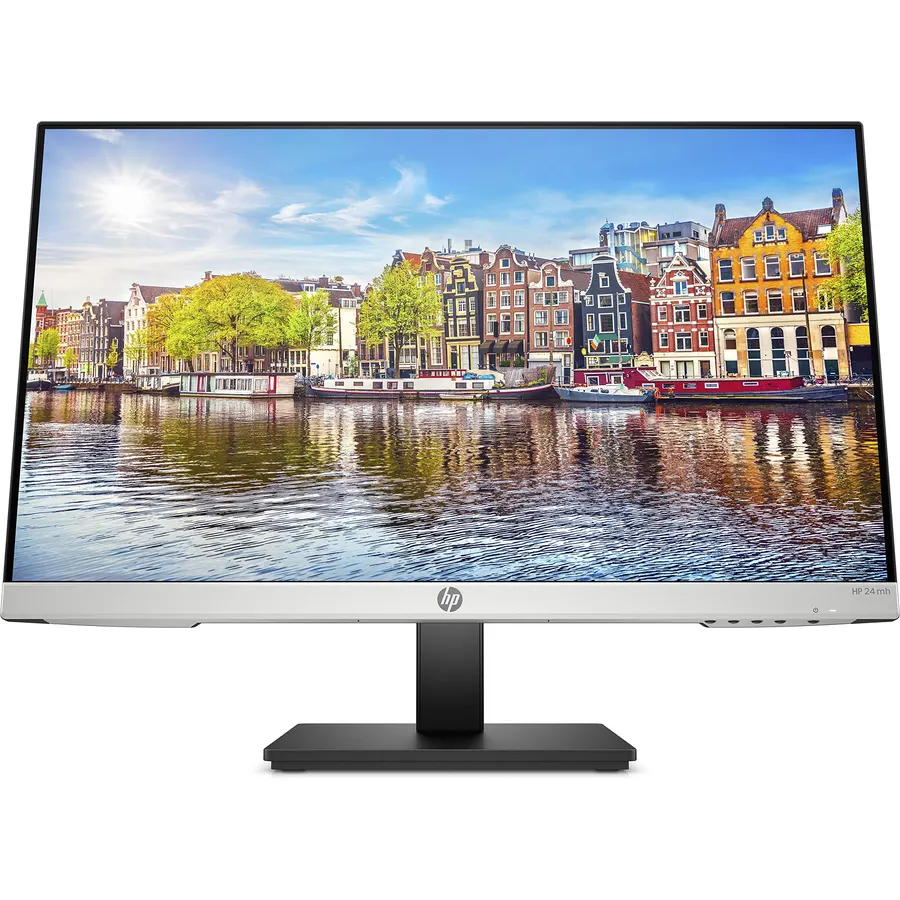
The HP 24mh is the 24-inch monitor to buy when you just need a good screen. It is an IPS panel, so colours and text hold up from any angle, the stand adjusts for height as well as tilt, and it has both DisplayPort and HDMI, which matters for a second monitor on a laptop dock. Two small speakers handle video calls. At 75Hz it is not for gaming, and 250 nits is ordinary brightness, but neither matters on an office desk. More than 25,000 owners rate it 4.7 stars, and the reviews read like what they are: people who bought one, then bought a second.
- IPS colour and viewing angles at a budget price
- Height-adjustable stand, rare at this price
- DisplayPort plus HDMI, so it works with any PC
- Over 25,000 owners at 4.7 stars, the best-rated monitor here
- 75Hz: fine for work, not a gaming monitor
- 250 nits, average brightness
- Speakers are for notifications, not music
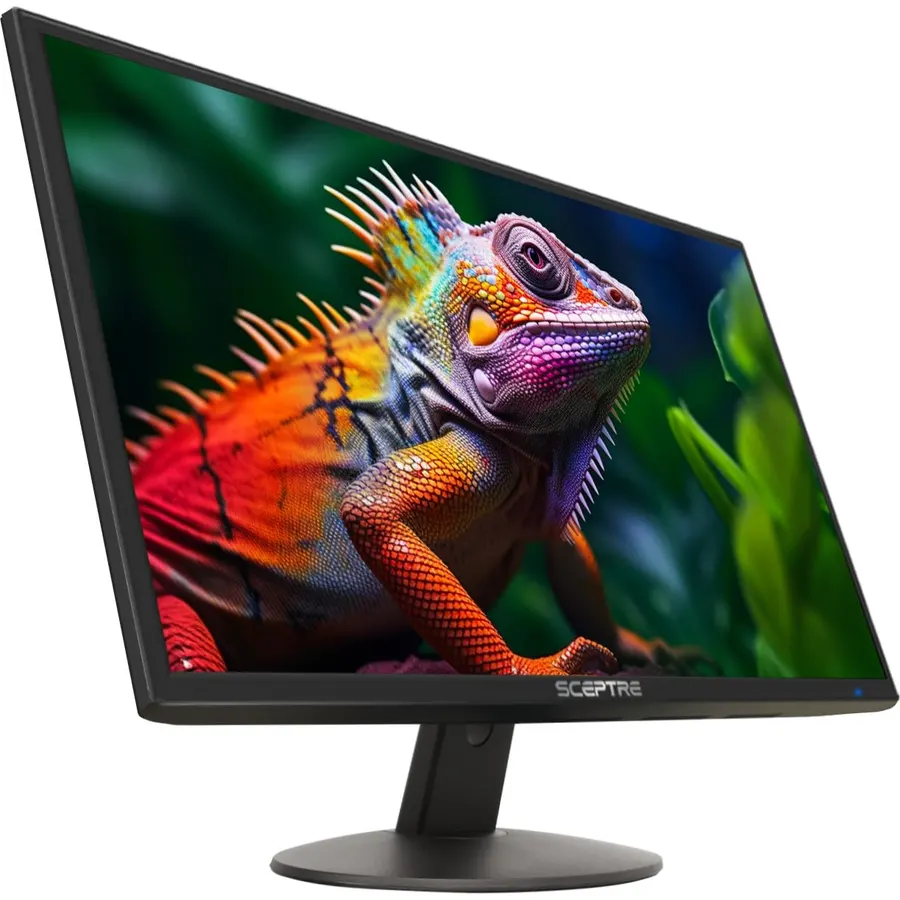
The Sceptre E248W is the monitor that fills offices, dorms and second-screen setups because it costs about what a keyboard does and still delivers 100Hz, 99% sRGB colour and two HDMI inputs. The VA panel has deeper contrast than cheap IPS and only slightly narrower viewing angles. The stand only tilts, so budget for a $25 arm if height matters. With 28,000 owners at 4.6 stars it is the most-reviewed monitor we list; the critical reviews are almost all about the stand, not the picture.
- Cheapest serious 24-inch monitor, and the most-reviewed in our catalog
- 100Hz and 99% sRGB for the price of a plain 60Hz screen
- Two HDMI inputs plus VGA for an old PC
- 28,000 owners at 4.6 stars
- Tilt-only stand
- VA panel: slightly softer viewing angles than IPS
- No DisplayPort
KOORUI 24-inch Computer Monitor FHD 100Hz VA, HDMI/VGA, Audio Out, 99% sRGB
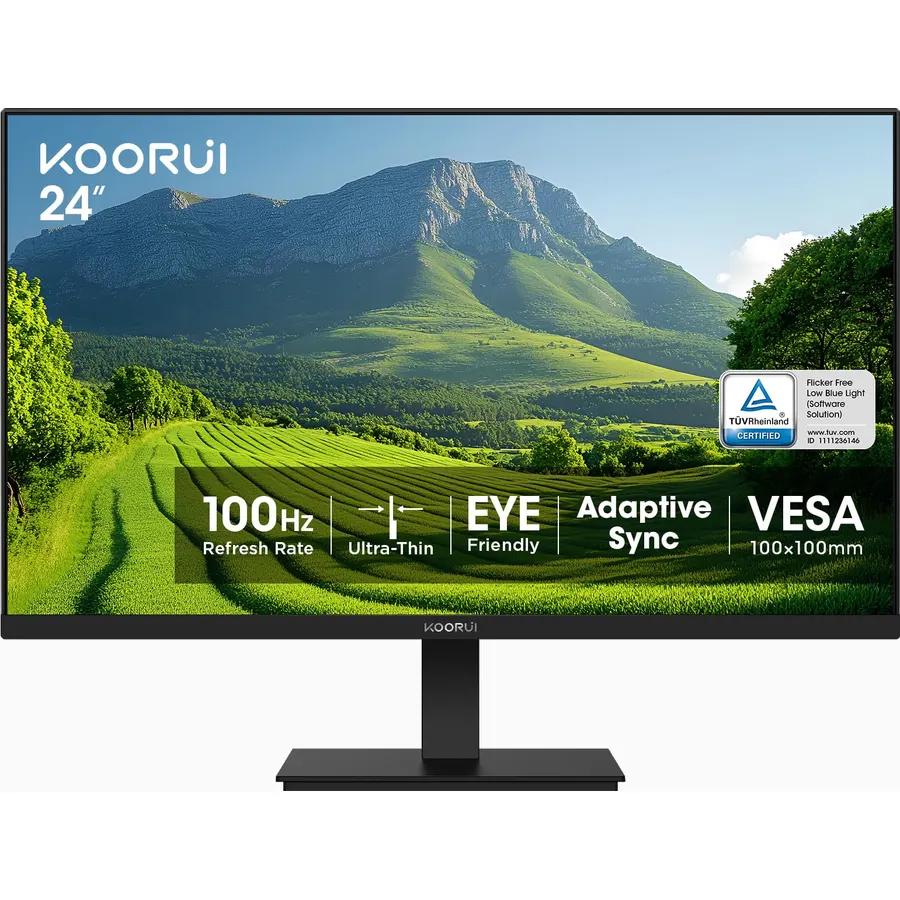
The KOORUI is the second-screen special: a 24-inch VA panel at 100Hz with 4,000:1 contrast and thin bezels on three sides, so two of them sit together with a narrow seam. It has HDMI and VGA, no DisplayPort and no speakers, and the stand tilts only. For a laptop dock, a home office or a classroom it does exactly what a monitor needs to for very little money, and 15,000 owners rate it 4.5 stars.
- Slim three-side bezel pairs cleanly as a dual setup
- 100Hz, 4000:1 contrast and 99% sRGB
- TUV-certified low blue light for long days
- 15,000 owners at 4.5 stars
- HDMI and VGA only: MacBooks need a USB-C to HDMI cable
- Tilt-only stand
- No speakers
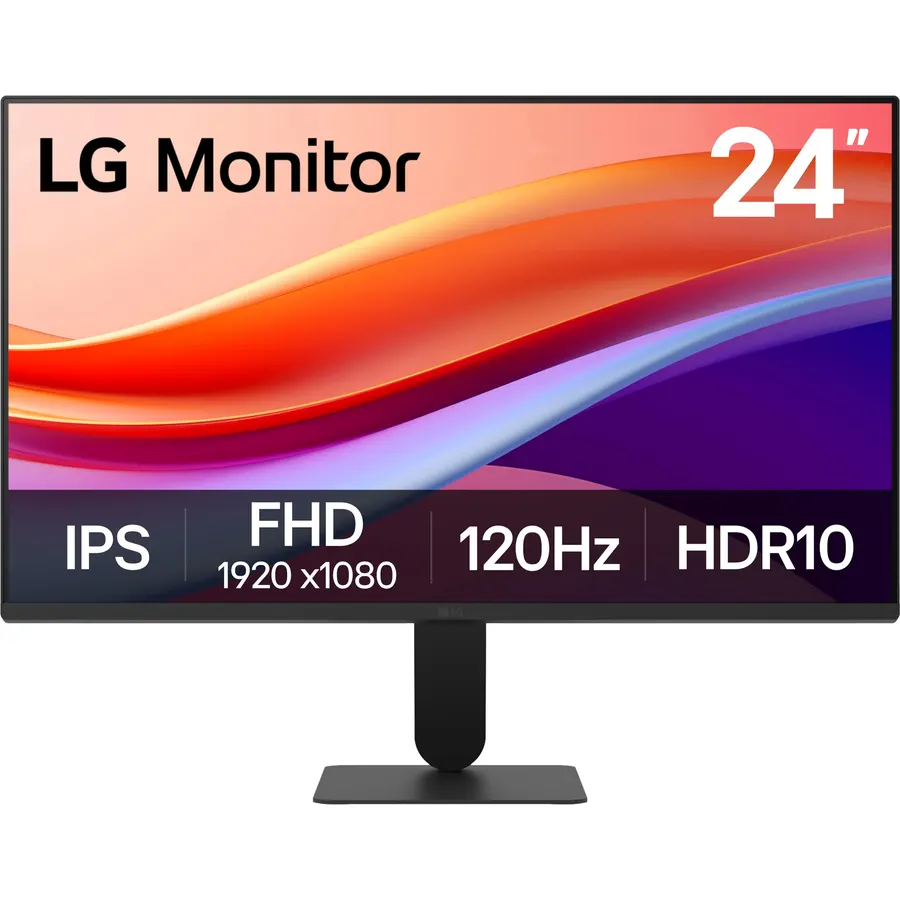
The LG 24U411A-B is the budget pick for anyone who wants IPS colour and viewing angles and a bit of speed: 120Hz with LG’s motion blur reduction, 99% sRGB and HDR10, in LG’s slim-base design. It is a single-HDMI monitor with a tilt-only stand, which is how LG hits the price. Owners rate it 4.6 stars; for a first gaming monitor that doubles as a work screen, this is the one under $100 we would pick.
- IPS at 120Hz for about the price of a 75Hz VA panel
- LG build and a Switch app that splits the screen into zones
- HDR10 and 99% sRGB
- 4.6 stars from owners
- HDMI only, one input
- Tilt-only stand
- Fewer reviews than the Sceptre and KOORUI
Sceptre 24-Inch Gaming Monitor, IPS, 99% sRGB, 1ms, Up to 180Hz, FreeSync, DisplayPort, 3x HDMI, Built-in Speakers (E248B-FPT168)
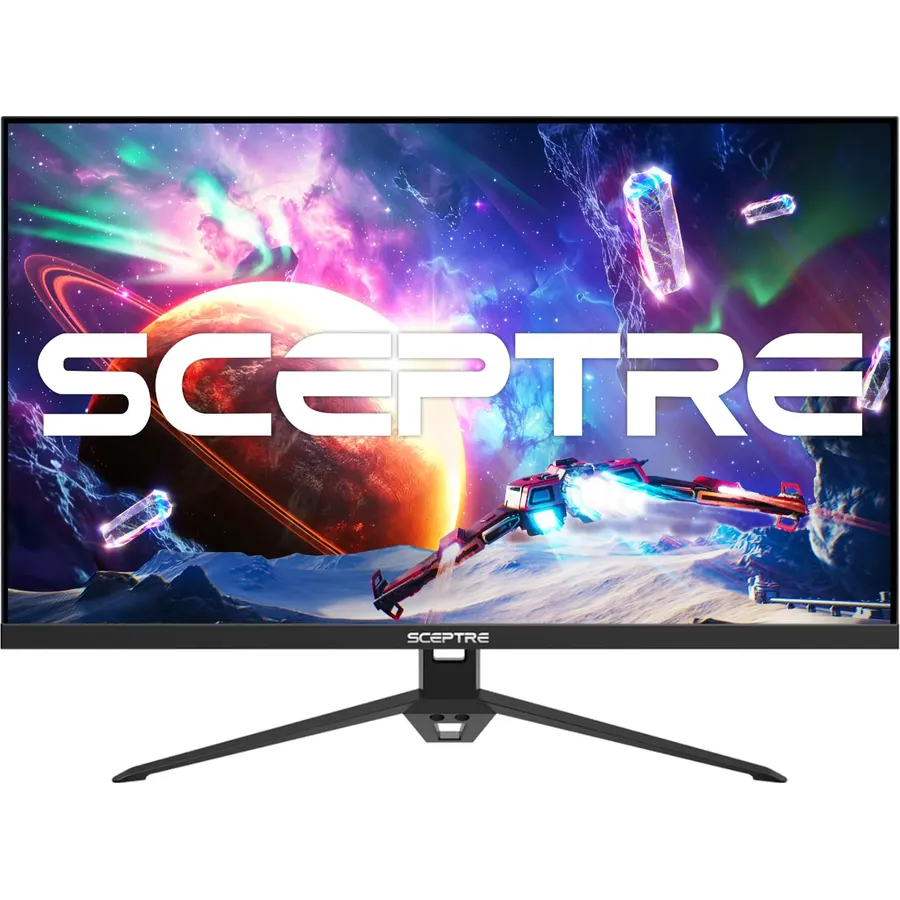
The E248B is the 24-inch gaming monitor for a PC and a console or two: an IPS panel at 165Hz over DisplayPort (180Hz overclocked), FreeSync, 1ms response, and an unusual four video inputs, three of them HDMI at 144Hz. It has speakers and a low blue light mode, and the stand, as with every budget Sceptre, only tilts. Over 5,200 owners rate it 4.5 stars; it is the sensible choice for someone who games but is not chasing frame counters.
- IPS at up to 180Hz with FreeSync for a budget price
- Three HDMI inputs plus DisplayPort: PC, two consoles, one monitor
- Built-in speakers and blue light shift
- 5,200 owners at 4.5 stars
- Tilt-only stand
- Brightness is average
- HDMI ports cap at 144Hz
KTC 24.5 Inch 240Hz Gaming Monitor, FHD Fast IPS, 1ms, HDR10, HDMI 2.0, DisplayPort 1.4 (H25T7-A)
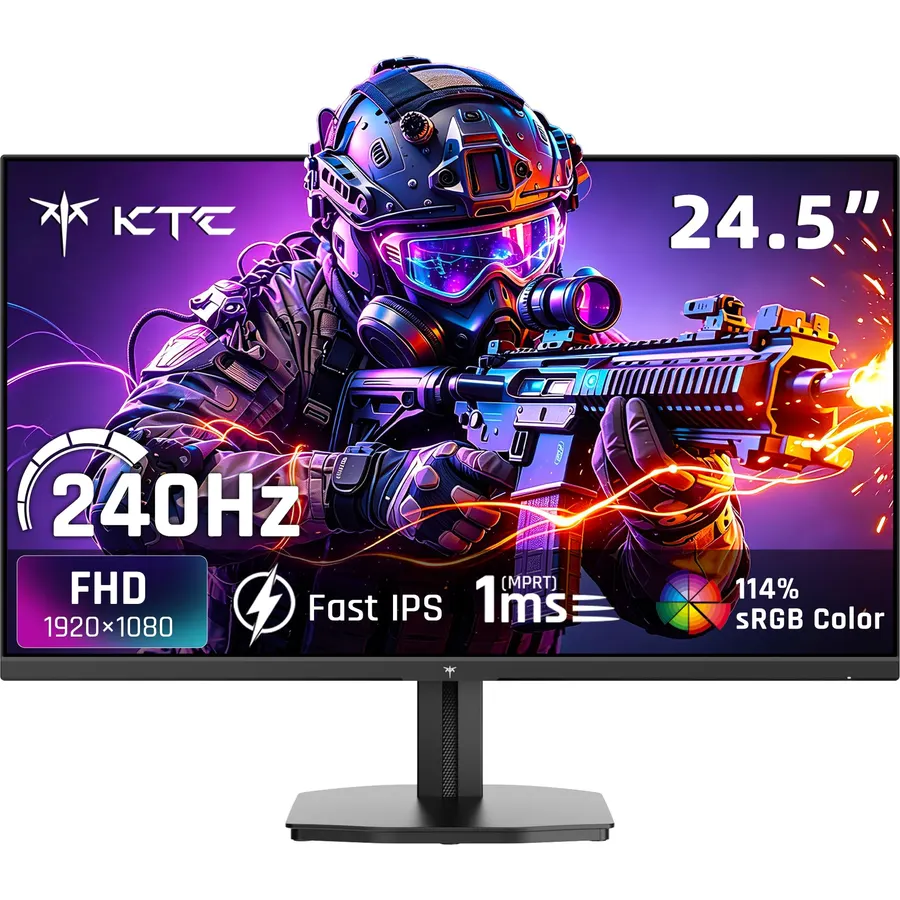
The H25T7-A is the budget esports monitor: a 24.5-inch Fast IPS panel at 240Hz, the size and refresh rate tournament players use, with Adaptive Sync, a 1ms response and HDMI 2.0 that runs a current console at 120Hz. The compromises are the usual KTC ones, a tilt-only stand and nominal HDR. For Valorant, CS2 and Fortnite on a mid-range PC, nothing here is faster for the money; owners rate it 4.5 stars. For higher refresh rates and bigger panels, see our 240Hz gaming monitors guide.
- 240Hz Fast IPS at a price most brands charge for 165Hz
- 24.5 inches is the competitive-shooter standard
- HDMI 2.0 runs a PS5 or Xbox at 120Hz
- 2,400 owners at 4.5 stars
- 1080p at 24.5 inches is a touch softer than 23.8
- Tilt-only stand
- HDR10 is nominal on a 1080p panel
ASUS ProArt PA248QV 24 Inch WUXGA 1920x1200 16:10 Professional IPS Monitor, Calman Verified
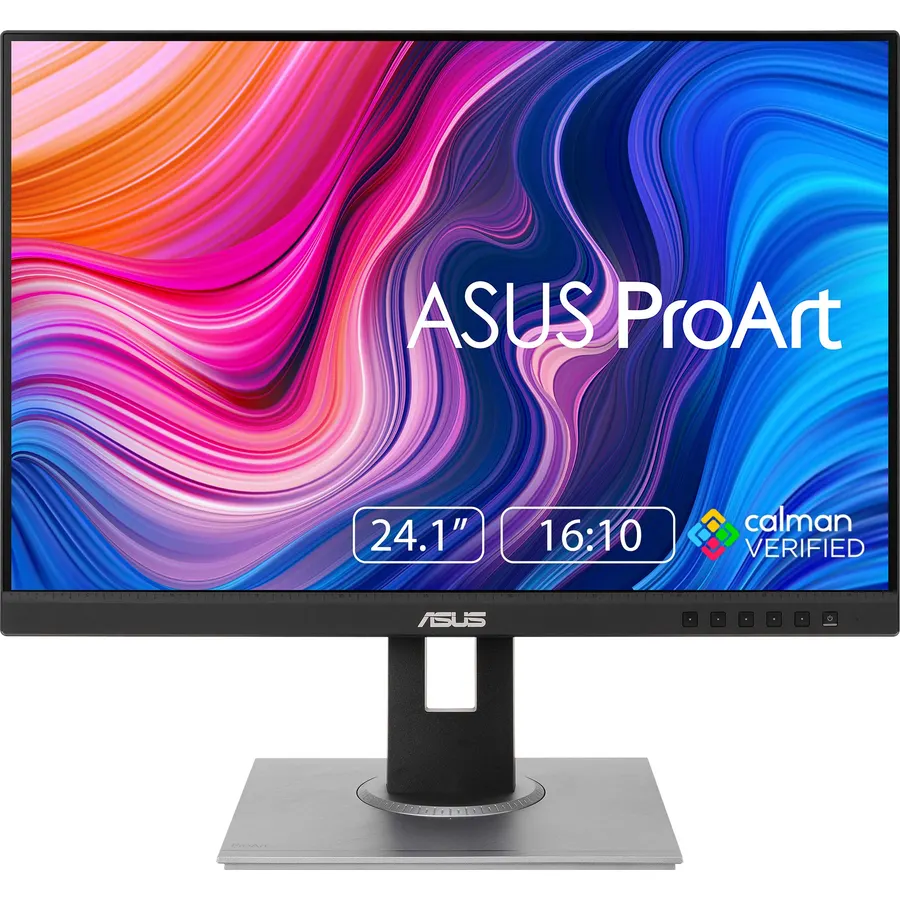
The PA248QV is the 24-inch monitor for people who work on it: a 1920x1200 IPS panel (taller than 1080p, so a document shows more lines) calibrated at the factory to a Delta E under 2 with full sRGB and Rec. 709 coverage. It has USB-C video, a four-port USB hub and a stand that rises, swivels and pivots to portrait, plus a five-year warranty. It is 75Hz and costs about double the budget picks, which is the price of accuracy. Owners rate it 4.6 stars, and for photo editing, design or long days of text it is the pick.
- Factory calibrated with a report, the only colour-accurate pick here
- 16:10 gives 11% more vertical room for documents and code
- USB-C video in, USB hub, full ergonomic stand
- 5-year warranty; 4.6 stars
- Costs twice the budget picks
- 75Hz, not for gaming
- 1920x1200 is unusual: some full-screen video shows letterbox bars
Dell SE2422HX 24 inch FHD Monitor, 75Hz, ComfortView, Anti-Glare, AMD FreeSync
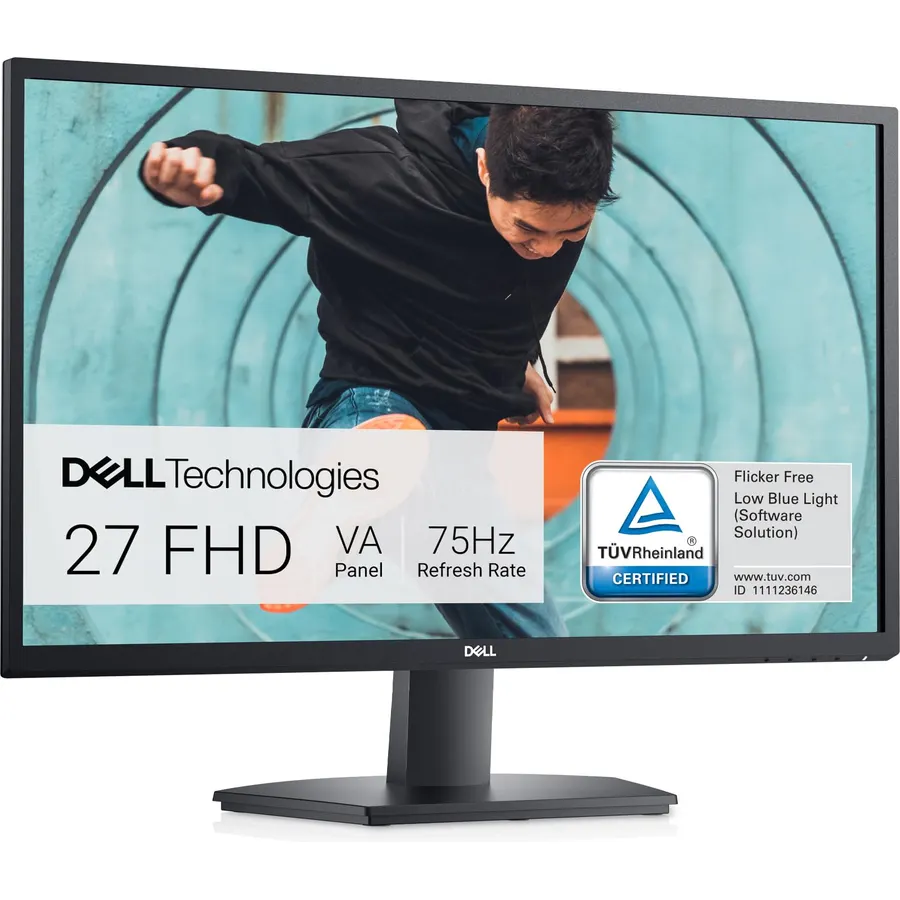
The SE2422HX is the monitor to buy ten of. It is a plain 24-inch 75Hz VA panel, but with the things an office cares about: a 3H anti-glare coating, TUV-certified low blue light, a power supply built into the chassis rather than a brick, a cable holder, and Dell’s warranty and support. The stand tilts only and the inputs are HDMI and VGA. Owners rate it 4.6 stars, and the reviews are mostly from people replacing a dead monitor with the same one.
- Dell build, support and the anti-glare coating offices want
- Built-in power supply: no brick on the floor
- TUV ComfortView for all-day use
- 2,200 owners at 4.6 stars
- VA panel at 75Hz, nothing special on paper
- Tilt-only stand
- HDMI and VGA only
Compare the picks
| Product | Panel | Refresh | Stand | Ports | Owner rating | Our score | |
|---|---|---|---|---|---|---|---|
| HP 24mhHP | IPS | 75Hz | Height, tilt | DP, HDMI, VGA | 4.7 (25,000+) | 9.4 | See price |
| Sceptre E248W PrimeSceptre | VA | 100Hz | Tilt | 2x HDMI, VGA | 4.6 (28,000+) | 9.2 | See price |
| KOORUI 24 100HzKOORUI | VA | 100Hz | Tilt | HDMI, VGA | 4.5 (15,000+) | 9.0 | See price |
| LG 24U411A-BLG | IPS | 120Hz | Tilt | HDMI | 4.6 (900+) | 9.2 | See price |
| Sceptre E248B gamingSceptre | IPS | 165Hz (180 OC) | Tilt | DP, 3x HDMI | 4.5 (5,200+) | 9.0 | See price |
| KTC H25T7-AKTC | Fast IPS | 240Hz | Tilt | DP 1.4, HDMI 2.0 | 4.5 (2,400+) | 9.0 | See price |
| ASUS ProArt PA248QVASUS | IPS, calibrated, 16:10 | 75Hz | Full adjust | DP, HDMI, USB-C, USB hub | 4.6 (1,800+) | 9.2 | See price |
| Dell SE2422HXDell | VA | 75Hz | Tilt | HDMI, VGA | 4.6 (2,200+) | 9.2 | See price |
24-inch or 27-inch?
At 1080p, 24 inches is the right size: 92 pixels per inch, sharp at 100% scaling. The same 1080p stretched over 27 inches looks soft, so a 27-inch monitor should be 1440p, which costs more and needs a faster graphics card. Buy 24 inches when the desk is narrow, when you want two screens, when the PC is modest, or when the budget is under about $150. Buy 27 inches when you will run one screen for everything and can afford 1440p; our 27-inch 1440p monitors guide ranks those. For two 24s, pick models with thin bezels on three sides (KOORUI, Sceptre, HP) and a monitor arm, since most budget stands only tilt.
IPS or VA, and does 100Hz matter?
IPS (HP, LG, Sceptre E248B, KTC, ASUS) keeps colour accurate from any angle and is the better choice for shared screens, photo work and any desk where you sit off-centre. VA (Sceptre E248W, KOORUI, Dell) has deeper blacks and higher contrast and costs a little less, with viewing angles that shift slightly at the edges; for a single user facing the screen it is a fine trade. On refresh rate: 75Hz is enough for documents and video; 100 to 120Hz makes scrolling and cursor movement noticeably smoother and costs almost nothing extra now; 165Hz and above only matters in games, where our 144Hz monitors for gaming and gaming monitors under $200 guides go deeper.
The stand problem
Six of the eight picks ship with tilt-only stands; only the HP 24mh and the ASUS ProArt adjust for height. A monitor whose top edge sits below eye level makes you hunch, and the common fix, a stack of books, is why so many budget monitors wobble. Either choose the HP, or add a VESA arm; every pick here has a 100x100 VESA mount and a basic single arm costs about the difference between the Sceptre and the HP. The arm also frees the desk under the monitor, which on a small desk is worth as much as the ergonomics.
What is the best 24-inch monitor for the money?
The HP 24mh if you want IPS and a height-adjustable stand, the Sceptre E248W if you want the lowest price with 100Hz. Both have tens of thousands of owners at 4.6-4.7 stars.
Is a 24-inch monitor good for gaming?
Yes, and 24.5 inches at 1080p is the competitive standard. The KTC H25T7-A at 240Hz and the Sceptre E248B IPS at 165-180Hz are the gaming picks; a mid-range graphics card reaches those frame rates at 1080p.
Is 1080p sharp enough at 24 inches?
Yes. 92 pixels per inch is crisp at 100% scaling with no blurry apps. It is 27 inches where 1080p starts to look soft.
Can I use a 24-inch monitor with a MacBook?
All eight work with a USB-C to HDMI or DisplayPort cable; the ASUS ProArt takes USB-C video directly. macOS looks best at native 1080p or 1200p without scaling on these.
Which 24-inch monitor has a height-adjustable stand?
The HP 24mh and the ASUS ProArt PA248QV. The rest tilt only; a VESA arm fixes that on any of them.
Prices and stock change daily. The buttons above open Amazon so you always see the current price. We may earn a commission if you buy through them, at no extra cost to you.
Do Best Deal is a participant in the Amazon Services LLC Associates Program. As an Amazon Associate we earn from qualifying purchases. If you buy through links on this site we may earn a commission, at no extra cost to you. Learn more.
