A 32-inch monitor is the point where one screen replaces two. Spreadsheets get room to breathe, a game fills your view, and a 4K panel finally has enough inches to run without scaling. The catch is that resolution matters more at this size: 1080p looks soft up close, 1440p is the comfortable middle, and 4K is the sharp option if your computer can drive it.
We went through the 32-inch and 31.5-inch monitors in our catalog and kept five with strong owner ratings, sorted by what each does best. At the time of writing they ran from budget to premium. Prices are not printed because they change daily; every button opens the live Amazon page.
How we picked
- 32 inches, not 34. Every pick is a 16:9 panel between 31.5 and 32 inches. Ultrawides live in our ultrawide guide.
- Resolution matched to the size. We favor 1440p and 4K here; the one 1080p pick is flagged as a budget choice for viewing at arm’s length.
- Owner ratings of 4.3 stars or higher with at least 100 reviews, and for most picks well over 500.
- A mix of jobs. One flat gaming panel, one 4K desk monitor, one curved 1440p value pick, one office budget pick and one OLED for the best picture.
The picks
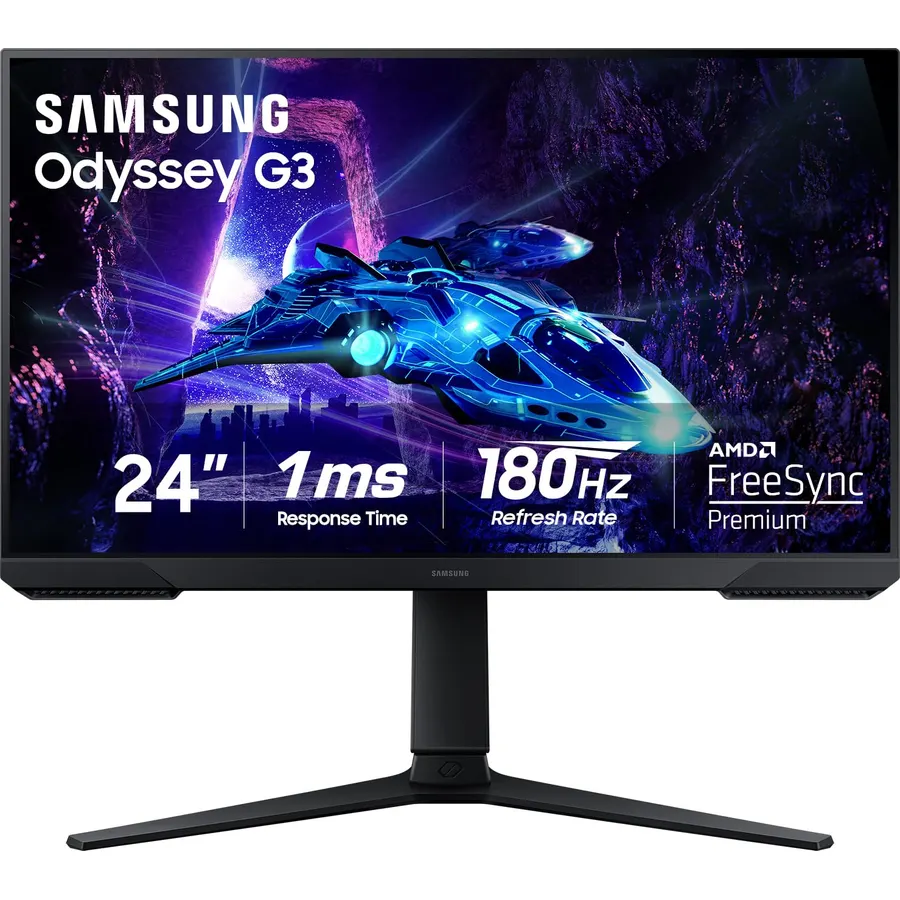
The G50D is the monitor we would put on most desks. Its 1440p Fast IPS panel is bright, 180Hz covers gaming, and the stand does height, tilt and pivot so you do not need a monitor arm. DisplayHDR 400 is entry-level HDR, but 350 nits is plenty for a lit room. We have not used this one ourselves; owners give it 4.6 stars and praise the sharpness and lack of ghosting. For one 32-inch screen that works by day and games by night, this is it.
- Flat Fast IPS panel with good color and viewing angles
- 180Hz with 1ms response is fast enough for competitive play
- Fully adjustable stand including pivot
- Owners rate it 4.6 stars across 1,800+ reviews
- 1440p at 32 inches is about 93 PPI, so text is not as crisp as 4K
- No USB-C input
- Contrast is IPS-typical at 1000:1
Dell 32 Monitor S3225QS, 4K UHD VA, 120Hz, FreeSync Premium, Eye Comfort
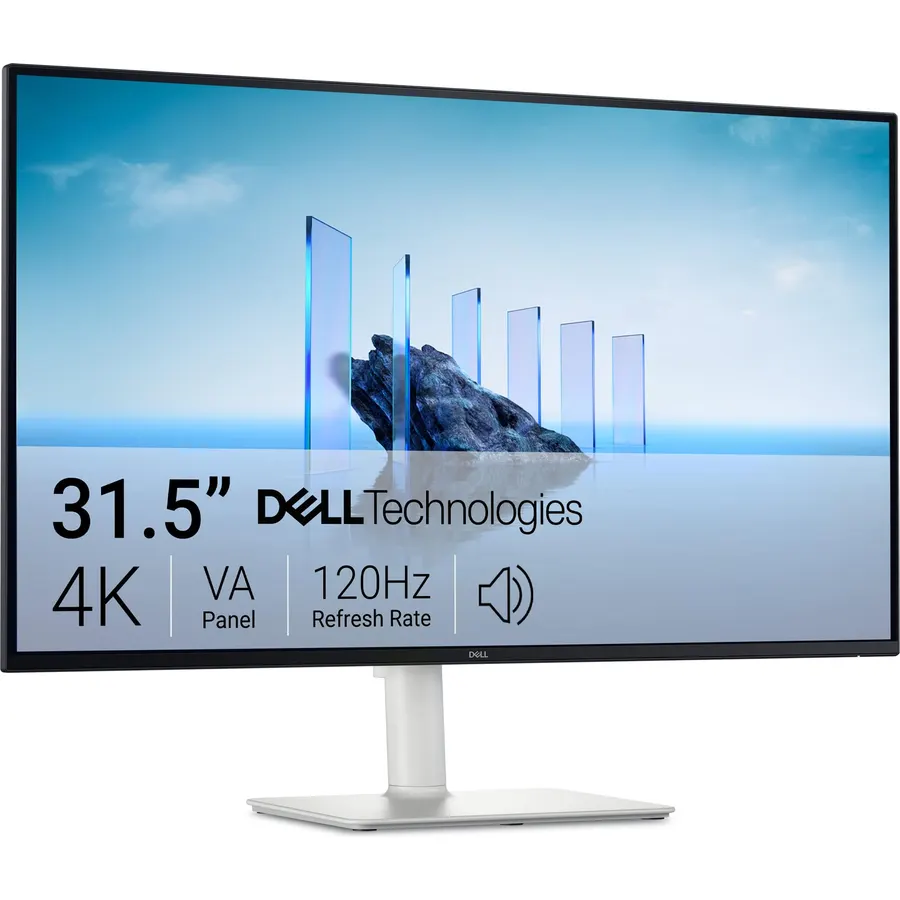
Dell’s S3225QS is the one to buy if you spend your day in documents and code. 4K over 32 inches keeps small text legible at 100% scaling, and the VA panel’s 1500:1 contrast makes dark themes look deeper than on an IPS. It runs at 120Hz, which most 4K desk monitors still do not, and the speakers are better than the usual afterthought. Owners rate it 4.3 stars; the complaints are the light finish and VA viewing angles off-center. For a 4K work monitor that can still game on the weekend, it is hard to beat.
- 4K on 32 inches is about 138 PPI: sharp text with no scaling needed
- Genuinely usable built-in speakers
- 120Hz makes the desktop feel smoother than a 60Hz 4K panel
- ComfortView Plus low blue light without a color shift
- VA panel has narrower viewing angles than IPS
- Ash White finish will not suit every desk
- Lowest rating on this list at 4.3 stars
KOORUI 32 Inch Curved Gaming Monitor, QHD 2560x1440p 170Hz 1ms 1500R
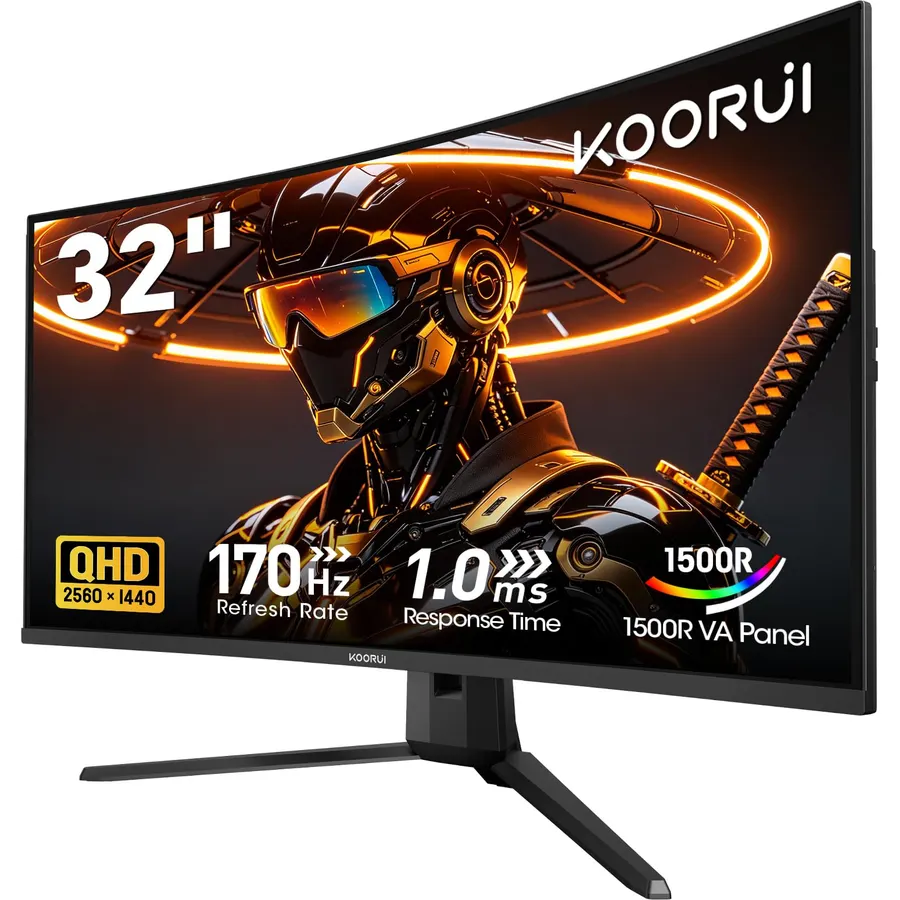
KOORUI’s 32-inch curved panel is the budget route to 1440p at high refresh. The VA panel has three times the contrast of the IPS picks here, so night scenes have real black instead of gray, and 170Hz is plenty short of esports. The trade-offs are the usual ones for the price: a tilt-only stand and some dark-scene smearing. Its 4.5-star rating comes from a listing that covers several sizes, so treat the count as a brand signal. As a first big gaming monitor, it is a lot of screen for the money.
- 3000:1 contrast makes games and movies look punchy
- 170Hz and Adaptive Sync at a budget price
- 1500R curve is gentle enough for desk work
- One of the most-reviewed 32-inch panels at 4.5 stars
- Basic tilt-only stand
- VA panels can smear in very dark scenes
- The review count is shared across several KOORUI sizes on the same listing
ViewSonic VX3276-MHD 32 Inch 1080p Widescreen IPS Monitor, HDMI, PC Display
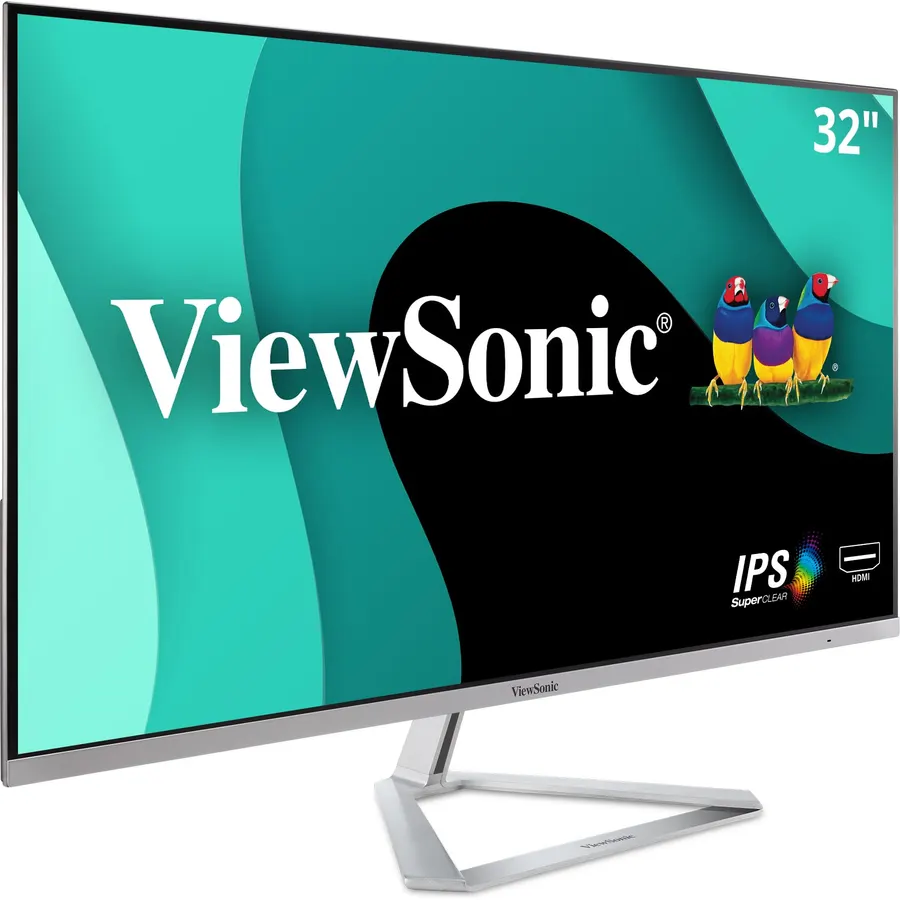
The VX3276-MHD is the most-reviewed monitor on this page and the cheapest by a wide margin. It is a 1080p panel, and that matters: at 32 inches the pixels are large, so it works best a little further back, for video, casual work and a second PC rather than reading small type all day. Within that role it is excellent: the IPS panel holds color from any angle, it has speakers and DisplayPort, and owners rate it 4.6 stars after years on sale. If you want 1440p in a similar office design, ViewSonic’s VS3225-2K is the step up.
- IPS colors and viewing angles on a very affordable big screen
- Three inputs including VGA for older PCs
- Thin bezels and a clean design
- 4,500+ reviews at 4.6 stars
- 1080p on 32 inches is about 69 PPI, so text looks soft up close
- Only 75Hz
- Tilt-only stand
msi MAG 321CUP QD-OLED, 32-Inch, 4K UHD, 3840x2160, OLED Monitor, 165Hz, 0.03ms, DisplayHDR True Black 400
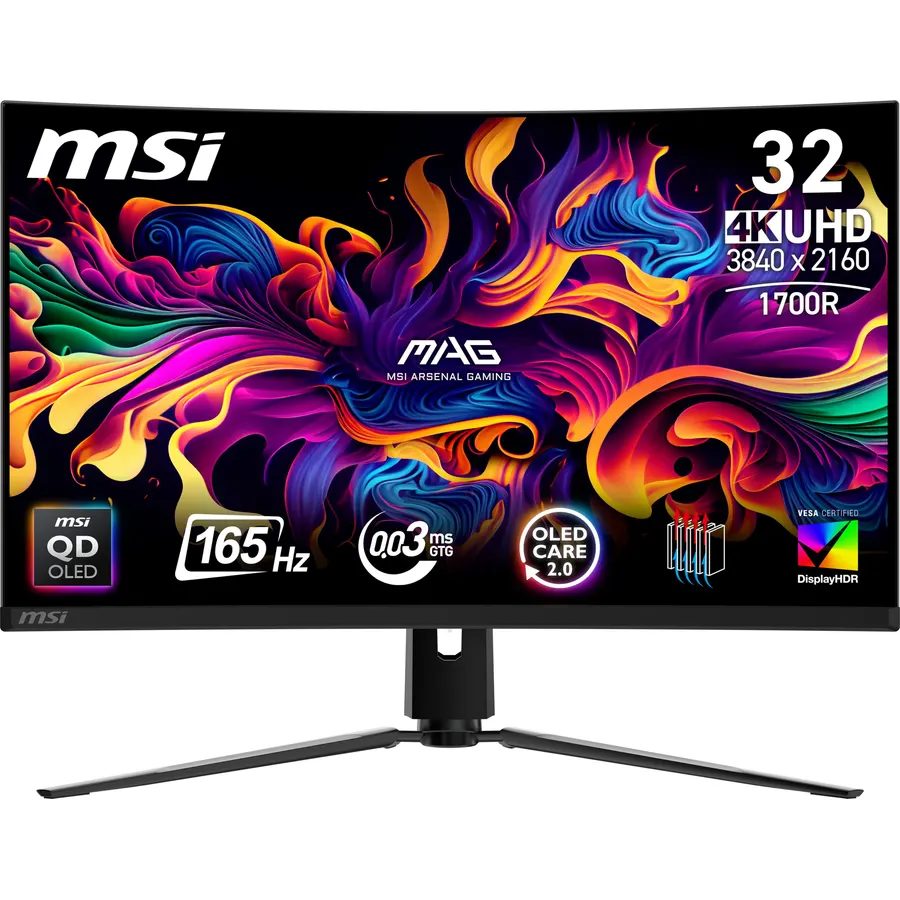
If picture quality is the whole point, the MAG 321CUP is the one. Its QD-OLED panel turns pixels fully off, so HDR games and movies look like nothing an LCD can do, and it still gives you 4K at 165Hz. HDMI 2.1 at full 48Gbps means it doubles as a console display. MSI’s OLED Care 2.0 handles pixel refresh and logo dimming, but you should still avoid a static taskbar for months on end. It has fewer reviews because it is newer; the ones it has average 4.5 stars.
- Per-pixel OLED black with 4K sharpness
- 165Hz and 0.03ms response for gaming
- HDMI 2.1 supports 4K 120Hz on PS5 and Xbox
- USB-C input for a laptop
- Costs several times the budget picks
- Burn-in is managed by OLED Care but not eliminated
- Only 110 reviews so far, though the rating is 4.5
Compare the picks
| Product | Resolution | Panel and refresh | Stand | Owner rating | Our score | |
|---|---|---|---|---|---|---|
| Samsung Odyssey G50DSamsung | 2560 x 1440 | Fast IPS, 180Hz | Height, pivot, tilt | 4.6 / 1.8k+ | 8.8 | See price |
| Dell S3225QSDell | 3840 x 2160 | VA, 120Hz | Height, tilt | 4.3 / 550+ | 8.6 | See price |
| KOORUI 32 Curved QHDKOORUI | 2560 x 1440 | VA curved, 170Hz | Tilt | 4.5 / 6.4k+ (shared) | 9.0 | See price |
| ViewSonic VX3276-MHDViewSonic | 1920 x 1080 | IPS, 75Hz | Tilt | 4.6 / 4.5k+ | 9.2 | See price |
| MSI MAG 321CUPmsi | 3840 x 2160 | QD-OLED curved, 165Hz | Height, tilt | 4.5 / 110+ | 9.0 | See price |
1080p, 1440p or 4K at 32 inches?
Pixel density is what you notice. A 32-inch 1080p panel is about 69 pixels per inch: fine for video and games from three feet back, soft for reading. 1440p lands near 93 PPI and is the comfortable everyday choice, especially for gaming where your graphics card has to push every pixel. 4K is about 138 PPI: crisp text at 100% scaling and the best fit for code and long documents. If you mostly work, go 4K. If you mostly play, 1440p at high refresh is the better use of the same money. Our monitor for coding guide goes deeper on text clarity, and the monitor shop lists every size we track.
Do you need a monitor arm?
At 32 inches the stand matters, because the top of the panel sits high and you want the center at eye level. The Samsung and Dell picks adjust for height. The KOORUI and ViewSonic are tilt-only; both are VESA 100 x 100 mountable, so a basic desk arm fixes that. Check the arm’s weight rating: 32-inch monitors often weigh 13 to 20 pounds with the stand.
Will a 32-inch monitor fit on a normal desk?
Yes. Most are about 28 inches wide with the stand. Sit at least 28 to 32 inches from the screen; on a shallow desk a monitor arm that pushes the panel back helps.
Can my laptop drive a 4K 32-inch monitor?
Most laptops from the last five years output 4K at 60Hz over HDMI 2.0 or DisplayPort. 4K at 120Hz needs HDMI 2.1 or DisplayPort 1.4. Only the MSI has a USB-C input; see our USB-C monitor guide for single-cable options.
Which of these works with a PS5 or Xbox Series X?
All five accept HDMI. The MSI MAG 321CUP has HDMI 2.1 for 4K at 120Hz with VRR; the Dell S3225QS does 4K at 60Hz on console; the 1440p and 1080p picks run at 1080p or 1440p up to 120Hz.
What is the return window on Amazon for monitors?
Monitors sold by Amazon.com normally have a 30-day return window. Check for dead pixels and backlight bleed in the first few days and keep the box.
Prices and stock change daily. The buttons above open Amazon so you always see the current price. We may earn a commission if you buy through them, at no extra cost to you.
Do Best Deal is a participant in the Amazon Services LLC Associates Program. As an Amazon Associate we earn from qualifying purchases. If you buy through links on this site we may earn a commission, at no extra cost to you. Learn more.