
A 34-inch ultrawide is the office upgrade that actually changes how you work: a full-width spreadsheet with the email client beside it, two documents side by side at readable size, a timeline that no longer scrolls. At 3440x1440 the screen holds roughly the pixels of two 27-inch 1440p monitors minus the bezel in the middle, on one cable, one stand and one power cord.
The gaming ultrawide market is loud, so this guide ignores refresh rate and picks for the things an office desk cares about: text sharpness, a USB-C port that charges the laptop, a stand that goes up and down, eye-care features for eight-hour days, and what owners say after months of use. We have not had every panel on our own desk; the verdicts rest on spec sheets and the review history behind each one in our monitor catalog. Prices are not printed because they change daily; every button opens the live Amazon page. If gaming is part of the job, our ultrawide monitors guide covers the 165Hz and OLED models.
How we picked
- Native 3440x1440. That is about 110 pixels per inch at 34 inches, the same sharpness as a 27-inch 1440p monitor, so text is crisp at 100% scaling with no blurry apps. Cheaper 2560x1080 ultrawides were left out: at 34 inches they are visibly soft for text.
- Office features first. USB-C with laptop charging, a stand with height adjustment, flicker-free backlights, a low blue light mode, picture-by-picture for two computers.
- Flat or gentle curves. A 1800R or flatter panel keeps straight lines in a spreadsheet straight; the aggressive 1000R curve is noted where it applies.
- Owner ratings of 4.1 stars or better with hundreds to thousands of reviews, and we read the complaints, not just the stars.
The picks
LG 34WN80C-B UltraWide Monitor 34-inch 21:9 Curved WQHD (3440 x 1440) IPS Display, USB Type-C (60W PD)
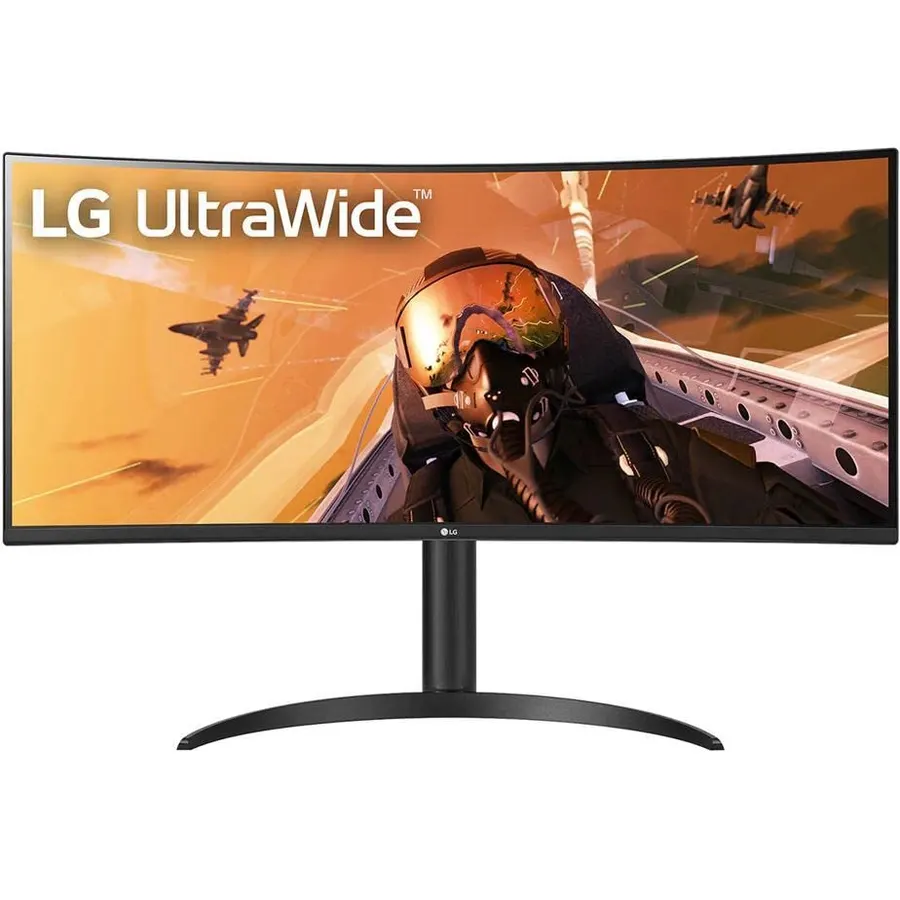
The 34WN80C-B is the monitor we recommend to anyone who asks for an office ultrawide, and it has held that spot for years. The IPS panel renders small spreadsheet text cleanly across the whole width, the gentle 1900R curve is barely noticeable in documents, and the USB-C port does the job a dock usually does: a MacBook or Dell XPS plugs in with one cable, charges at 60W and drives the full 3440x1440. The stand rises and tilts, and two USB-A ports on the back hold a keyboard and mouse. It is 60Hz and HDR10 in name only, which is fine for work. Nearly 4,000 owners rate it 4.6 stars, with complaints limited to the modest charging wattage and a stand that does not swivel.
- IPS panel: sharp text and accurate color from any angle
- One USB-C cable charges a laptop and carries the picture
- Height-adjustable stand and a two-port USB hub
- Nearly 4,000 owners at 4.6 stars, years on the market
- 60Hz only, so not for gaming
- 60W USB-C is enough for 13-14-inch laptops, not a 16-inch workstation
- Stand does not swivel
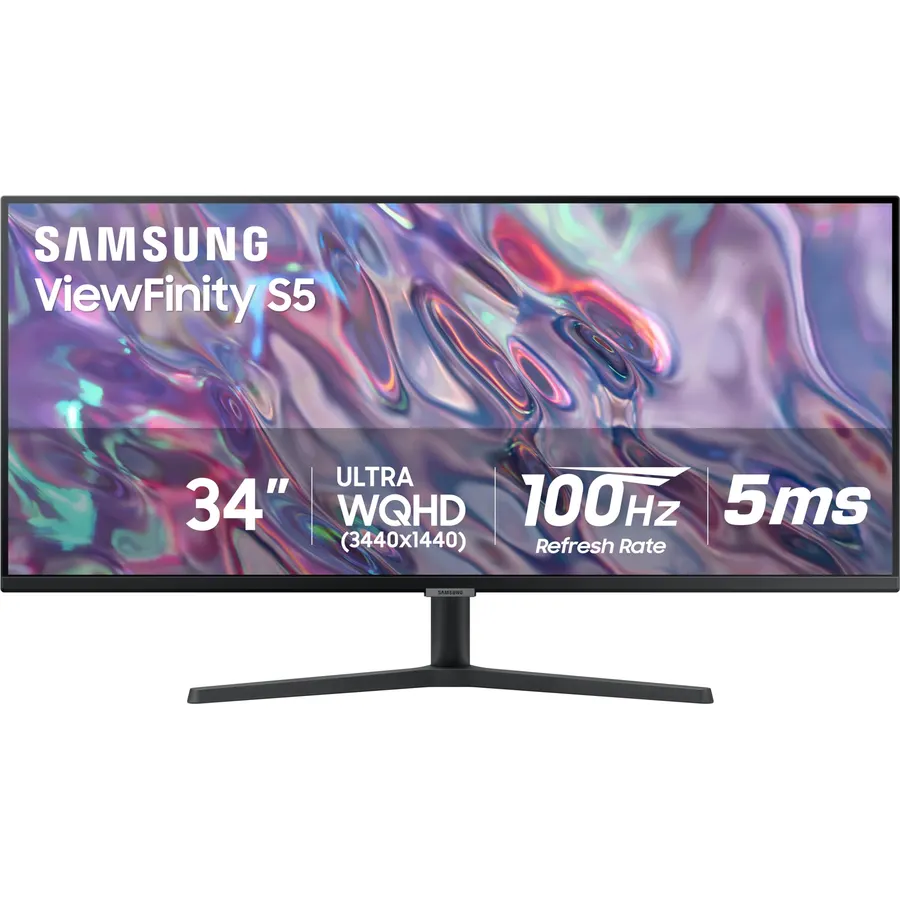
The S50GC is the sensible way to get the ultrawide workspace without the ultrawide price. It is a flat VA panel at 3440x1440 and 100Hz, with Samsung’s eye-care package: an ambient light sensor that dims the screen as the room darkens, a low blue light mode and a flicker-free backlight. Picture-by-picture puts a work laptop and a home desktop on screen together, each at native resolution. What you give up against the LG is USB-C and a proper stand; it tilts only, so budget for an arm. Over a thousand owners rate it 4.4 stars, and most of the critical ones wanted the USB-C port they did not pay for.
- Cheapest 3440x1440 panel from a major brand
- Flat screen: straight lines stay straight in spreadsheets and CAD
- Ambient light sensor adjusts brightness through the day
- PBP shows a laptop and a desktop side by side at native resolution
- No USB-C: laptop needs an HDMI or DisplayPort cable and its own charger
- Tilt-only stand, so plan on a monitor arm for height
- VA panel is a touch softer than IPS at the edges
SAMSUNG ViewFinity S65UA Series 34-Inch Ultrawide QHD Curved Monitor, 100Hz, USB-C, HDR10, Height Adjustable Stand
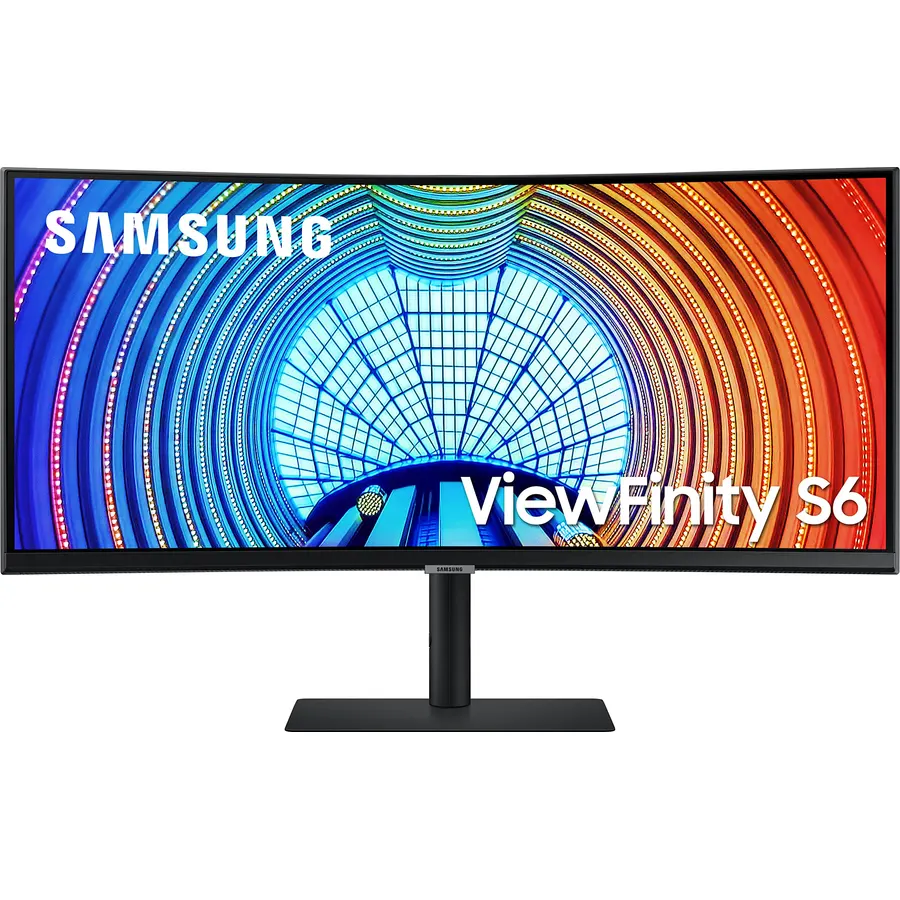
The S65UA is the pick when the monitor has to replace a docking station. Its USB-C port delivers 90W, enough for a 16-inch MacBook Pro or a business ThinkPad that the 60W LG would slowly drain, and there is a LAN port on the back so the laptop gets wired internet through the same cable. The stand rises, tilts and swivels, and Samsung’s TUV-certified eye care adjusts brightness and color temperature as the day goes on. The compromise is the 1000R curve, which gamers love and spreadsheet users notice: long rows bow slightly at the far left and right. Owners rate it 4.1 stars, lower than the rest of this page, with the critical reviews split between uniformity on their unit and the curve itself. Buy it for the ports; try it with a spreadsheet full screen in the first week and keep the box.
- 90W USB-C charging covers 15-16-inch laptops that the LG cannot
- Built-in Ethernet port, so the laptop goes wired through the monitor
- Fully adjustable stand including swivel
- Three-side borderless, HDR10
- 1000R curve is deep: straight lines in spreadsheets bow slightly at the edges
- Rating is 4.1 stars; some owners report panel uniformity and firmware quirks
- VA panel, not IPS
LG 34SR60QC-W 34-inch QHD (3440x1440) Curved Smart Monitor with webOS, HDR10, 100Hz, Built-in Speaker, AirPlay 2
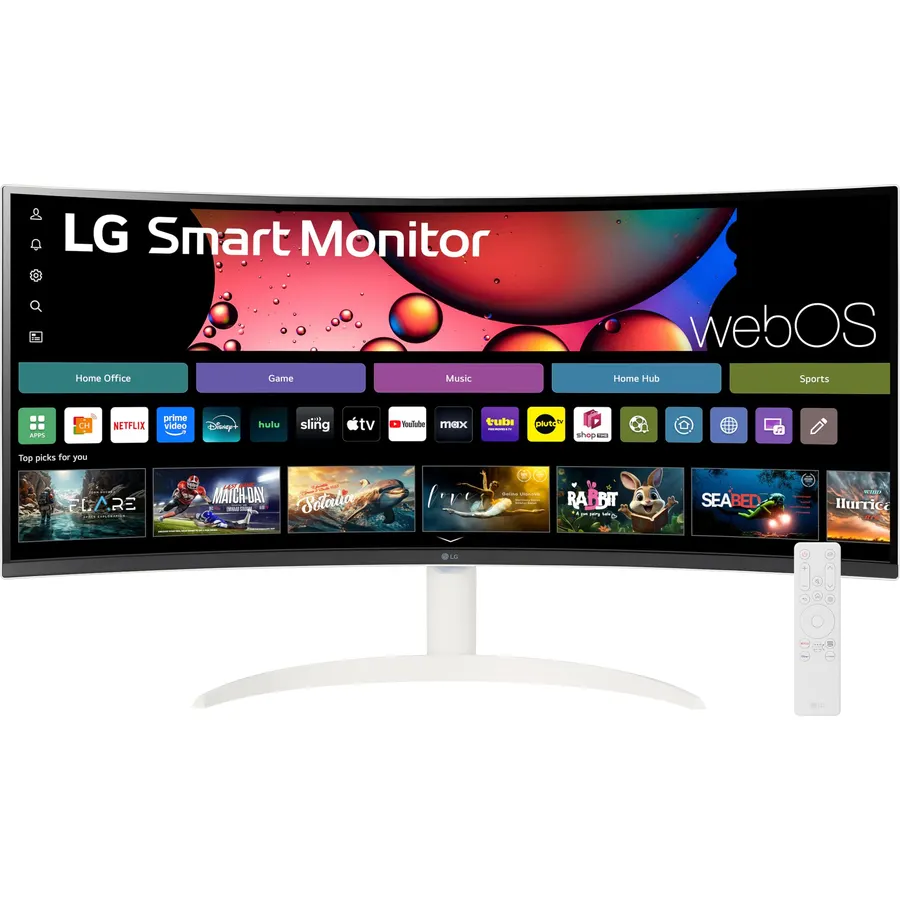
The 34SR60QC-W is a 34-inch work monitor with an LG TV inside. webOS runs Netflix, Prime Video and the rest directly, AirPlay 2 mirrors an iPhone or MacBook wirelessly, and the built-in speakers mean no extra box on the desk. As a monitor it is a 3440x1440 VA panel at 100Hz with 99% sRGB and a gentle 1800R curve, fine for spreadsheets and documents. The limits are the ports: two HDMI inputs and no USB-C, so a laptop needs an HDMI cable and its own charger, and the stand only tilts. For a spare room that is an office by day and a movie room by night it is the most useful screen here, and owners agree at 4.6 stars.
- Streams without a PC, so the desk doubles as a TV after hours
- AirPlay 2 and Screen Share mirror a phone or MacBook with no cable
- 99% sRGB, 100Hz, 1800R curve that stays gentle for documents
- 4.6 stars from owners, white finish suits a home office
- No USB-C or DisplayPort: computers connect over HDMI only
- Stand is tilt only
- Smart TV interface adds a second or two to input switching
Samsung Business CH890 Series 34 inch WQHD 3440x1440 Ultrawide Curved Desktop Monitor for Business, 100Hz, USB-C, 3 Year Warranty
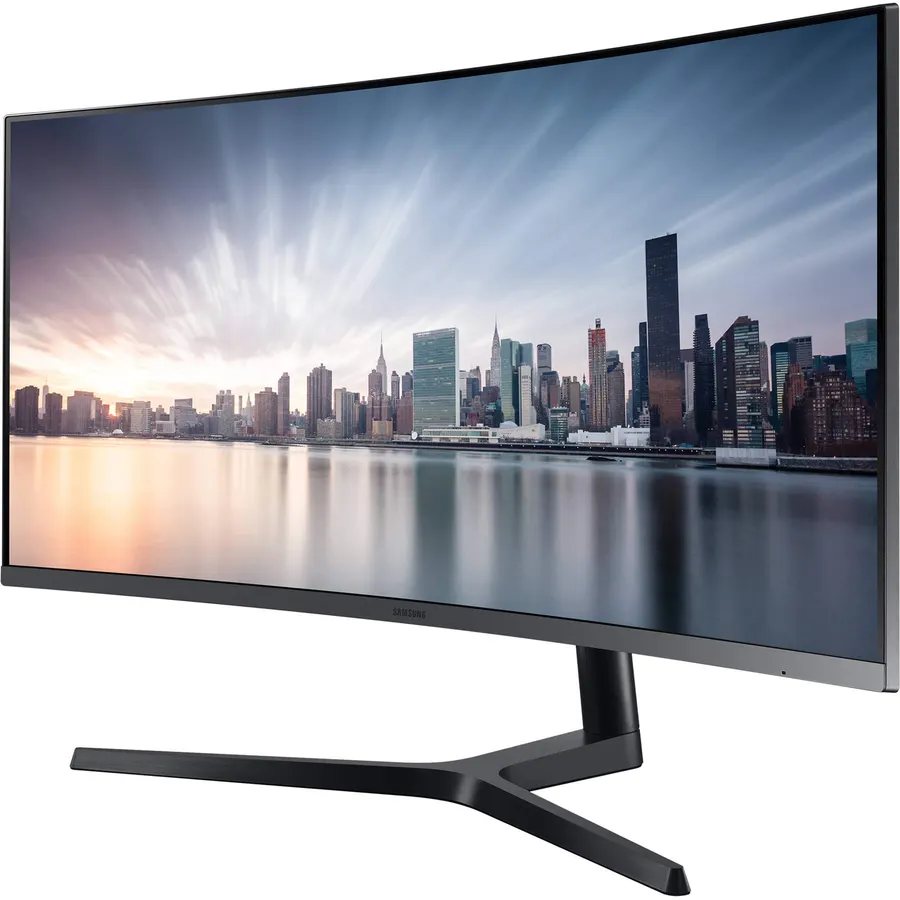
The CH890 is the one Samsung sells to IT departments, and it shows: USB-C that carries power, data and the DisplayPort signal, a height and swivel stand, picture-by-picture, and a three-year warranty instead of one. Easy Setting Box, Samsung’s window manager, tiles applications into halves and thirds, which is how a 34-inch screen earns its keep. The 1800R curve stays gentle enough for spreadsheets. It is an older design with a small review count, and the LG above is sharper for text at a similar price, so this is the pick when the warranty and the business support line matter more than the panel.
- USB-C with charging plus a 3-year business warranty
- Height and swivel stand, VESA mount
- Easy Setting Box snaps windows into a grid
- PBP for a laptop and a desktop at once
- Older model, so the price does not always reflect its age
- Only 196 reviews on this listing
- VA panel; the LG 34WN80C-B is sharper for text
Sceptre 34-Inch Curved Ultrawide WQHD Monitor (3440 x 1440), R1500, up to 180Hz, DisplayPort x2, 99% sRGB, Built-in Speakers
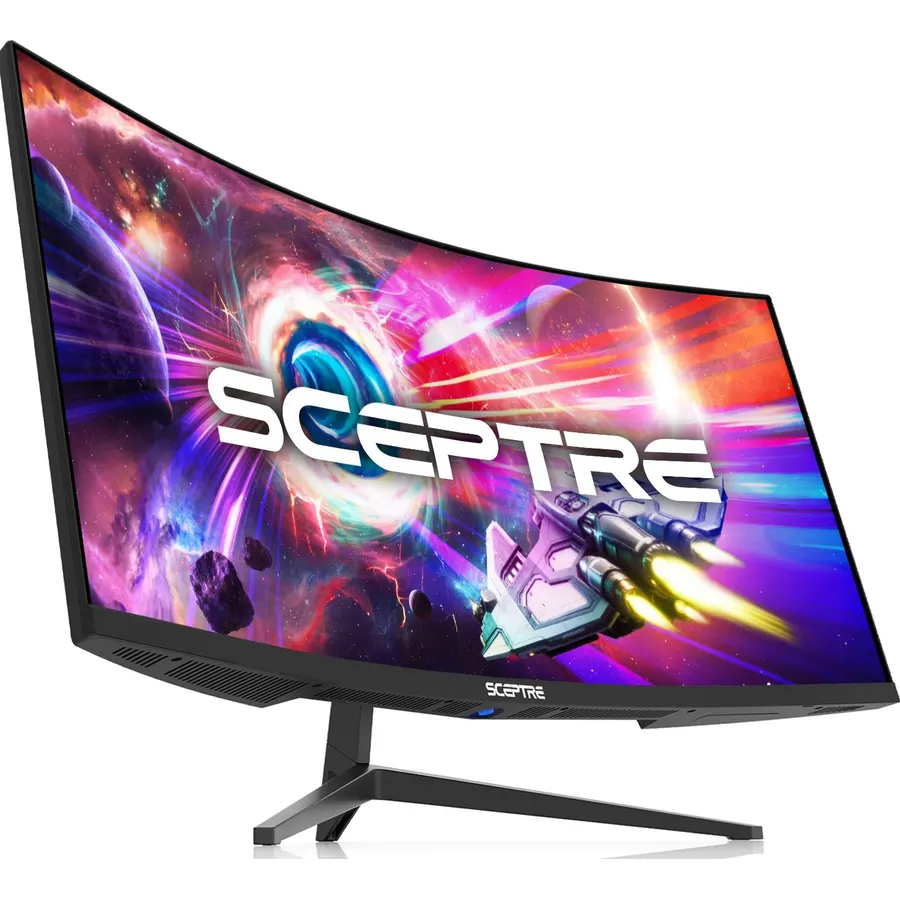
The Sceptre is what to buy when the budget is the only spec that matters. It delivers the full 3440x1440 workspace, 99% sRGB, built-in speakers and four video inputs, and because it runs up to 165Hz over DisplayPort it is also a capable gaming screen after hours. Office features are where it saves money: no USB-C, no USB ports, a stand that is not built for all-day adjustment, and an LED strip on the back that a corporate desk will never see. Over 3,000 owners rate it 4.2 stars, a fair score for a monitor at this price; the critical reviews mostly concern panel uniformity on individual units, so test it on a white document the day it arrives.
- Lowest price for a 3440x1440 panel on this page
- Two DisplayPort and two HDMI inputs cover a desktop, a laptop and a console
- Fast enough to game on after work
- Over 3,000 owners at 4.2 stars
- No USB-C and no USB hub
- Basic stand and a gaming-style LED back panel
- VA uniformity varies unit to unit; check for dead pixels on day one
Compare the picks
| Product | Panel | USB-C charging | Curve | Stand | Owner rating | Our score | |
|---|---|---|---|---|---|---|---|
| LG 34WN80C-BLG | IPS, 60Hz | 60W | 1900R, gentle | Height, tilt | 4.6 (3,800+) | 9.2 | See price |
| Samsung ViewFinity S50GCSamsung | VA, 100Hz | None | Flat | Tilt | 4.4 (1,000+) | 8.8 | See price |
| Samsung ViewFinity S65UASamsung | VA, 100Hz | 90W + LAN | 1000R, deep | Height, tilt, swivel | 4.1 (340+) | 8.2 | See price |
| LG 34SR60QC-W smartLG | VA, 100Hz | None (HDMI only) | 1800R, gentle | Tilt | 4.6 (380+) | 9.2 | See price |
| Samsung CH890Samsung | VA, 100Hz | Yes | 1800R, gentle | Height, swivel | 4.4 (190+) | 8.8 | See price |
| Sceptre C345BSceptre | VA, 165Hz | None | 1500R | Basic | 4.2 (3,000+) | 8.4 | See price |
One 34-inch ultrawide or two 27-inch monitors?
For spreadsheets the ultrawide wins on one thing that matters: no bezel through the middle of the table. A 3440x1440 screen shows about 50 standard-width Excel columns at 100% scaling, or a full-width sheet beside a browser, and a window manager (Windows Snap, FancyZones, Samsung’s Easy Setting Box, macOS Stage Manager) tiles it into thirds. Two 27-inch 1440p monitors give more total pixels (5120x1440 across both) and two independent inputs, which is better for a desktop plus a laptop, or for a programmer who wants a full-screen editor on one and a browser on the other. Rule of thumb: one document-heavy job with lots of columns or timelines, buy the ultrawide; two computers or two full-screen apps all day, buy two 27s. If the desk is shallow, remember a 34-inch ultrawide is about 32 inches (81 cm) wide and wants you to sit 24 to 30 inches away.
Flat or curved for office work?
Curves are described by their radius: 1000R means the screen is a slice of a circle with a one-metre radius, which is deep; 1500R and 1800R are gentler; a flat panel has no curve. For games and video the deep curve is immersive. For spreadsheets, CAD and anything with long horizontal lines, the flatter the better, because a 1000R screen makes the top row of a table look slightly bowed at the far edges. That is why the flat Samsung S50GC and the gently curved LG 34WN80C-B and CH890 rank above the 1000R S65UA for pure office use, even though the S65UA has the best ports. If you sit centred and close, a gentle curve actually reduces the head turning a 34-inch flat panel asks for, which is why most office ultrawides settle around 1800R to 1900R.
USB-C: the one port that changes an office desk
A monitor with USB-C Power Delivery replaces the laptop charger and the dock. One cable carries the picture, charges the laptop, and on the LG, S65UA and CH890 also connects the keyboard and mouse plugged into the monitor’s USB hub. Check the wattage: 60W (LG 34WN80C-B) covers a MacBook Air, a 13 or 14-inch Windows ultrabook and most Chromebooks; 90W (Samsung S65UA) is needed for a 16-inch MacBook Pro, a Dell XPS 15 or a mobile workstation, otherwise the battery drains slowly under load. Monitors without USB-C (S50GC, 34SR60QC, Sceptre) work fine over HDMI or DisplayPort, but then the laptop needs its own charger and a USB-C dock for the peripherals. MacBook owners should also read our USB-C monitors for MacBook guide, because macOS handles ultrawide scaling a little differently.
Text sharpness and eye comfort over an eight-hour day
All six picks are 3440x1440 at 34 inches, which works out to about 110 pixels per inch, the same density as a 27-inch 1440p screen and sharp enough for 10-point text at 100% scaling without the blur that 2560x1080 ultrawides show. IPS (the LG 34WN80C-B) keeps that sharpness and the colour even across the full width; the VA panels on the Samsungs and the Sceptre are slightly softer at the far edges and can show faint vertical banding on solid grey backgrounds. Every pick here has a flicker-free backlight and a low blue light mode; the Samsung S50GC and S65UA add an ambient light sensor that lowers brightness as the room darkens, which is more useful than it sounds at 6 PM in winter. Set brightness to about 120 nits for a normally lit office, which on most of these monitors is roughly a third of the slider, not the maximum.
Is a 34-inch ultrawide good for spreadsheets?
Yes, it is the best single-monitor shape for them. At 3440x1440 a sheet shows about 50 standard columns at 100% scaling, and there is no bezel splitting the table. Prefer a flat or gently curved (1800R or flatter) panel so long rows do not look bowed.
Is 60Hz enough for office work?
Yes. Refresh rate affects motion smoothness in games and scrolling, not text sharpness or eye strain. The LG 34WN80C-B is 60Hz and the Samsungs are 100Hz; for documents and spreadsheets you will not tell them apart. Flicker-free backlighting and sensible brightness matter far more for comfort.
Which 34-inch monitor charges a laptop over USB-C?
The LG 34WN80C-B (60W), the Samsung ViewFinity S65UA (90W) and the Samsung CH890. 60W is enough for 13-14-inch laptops; a 16-inch MacBook Pro or Dell XPS 15 needs the 90W S65UA or its own charger.
Do these work with a MacBook?
All six do. The LG, S65UA and CH890 connect over one USB-C cable; the others need a USB-C to HDMI or DisplayPort cable. macOS runs 3440x1440 natively, and it supports one external display on a base M-series MacBook Air, which is exactly one ultrawide.
How big a desk do I need for a 34-inch ultrawide?
The monitor is about 32 inches (81 cm) wide and you want to sit 24 to 30 inches from it, so a desk at least 48 inches wide and 24 inches deep is comfortable. A monitor arm frees the desk under the stand and lets you push the screen back.
Should I get 34-inch 3440x1440 or 49-inch 5120x1440?
A 49-inch super ultrawide is literally two 27-inch 1440p screens in one and suits traders, developers and anyone running three windows side by side, but it is 47 inches wide and costs two to five times as much. For most office desks, 34 inches is the comfortable size.
Prices and stock change daily. The buttons above open Amazon so you always see the current price. We may earn a commission if you buy through them, at no extra cost to you.
Do Best Deal is a participant in the Amazon Services LLC Associates Program. As an Amazon Associate we earn from qualifying purchases. If you buy through links on this site we may earn a commission, at no extra cost to you. Learn more.
