A MacBook wants two things from a monitor: a single USB-C cable that carries the picture and charges the laptop, and enough pixels that macOS text looks like it does on the built-in Retina screen. Plenty of monitors advertise USB-C but deliver only 15 watts, or use a 1440p panel that makes macOS text look blurry. We filtered those out.
Every pick delivers at least 65W over USB-C or Thunderbolt, is 4K or 5K, and lands at 140 pixels per inch or higher. At the time of writing they ranged from mid-price 4K to premium 5K. Prices are not printed because they change daily; every button opens the live Amazon page.
How we picked
- 65W or more over the cable. Enough to charge a 14-inch MacBook Pro or any MacBook Air while you work. Three picks deliver 90W or more.
- 4K or 5K only. 27-inch 4K is about 163 PPI and 5K is 217 PPI; both make macOS “Looks like 2560 x 1440” scaling look sharp.
- Owner ratings of 4.3 stars or higher with at least 100 reviews. We have not tested these in person; verdicts lean on the specs and on owner reviews.
- Real hubs. Each one has extra ports so the monitor can act as a dock.
The picks
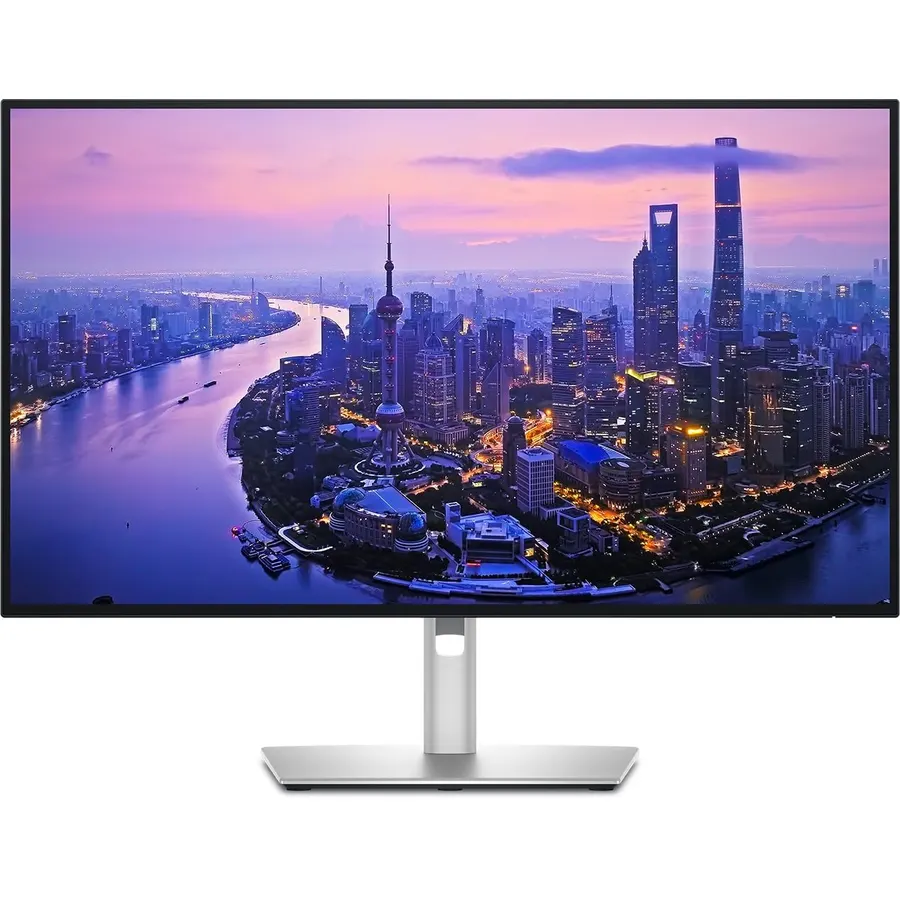
The U2725QE is the monitor to buy if you want one cable and no compromises. Thunderbolt 4 carries video, data and up to 140W, so the MacBook charges at full speed while the monitor runs your keyboard, drive and Ethernet. The IPS Black panel is Dell’s answer to the washed-out blacks of standard IPS, and at 120Hz it is one of the few 4K productivity displays that does not feel sluggish next to a ProMotion MacBook screen. Owners rate it 4.5 stars and mention the daisy-chain and ambient light sensor often. It costs real money; it is also the last monitor most people need to buy.
- Thunderbolt 4 at 140W charges even a 16-inch MacBook Pro at full speed
- 120Hz makes macOS scrolling and cursor motion smoother
- IPS Black panel roughly doubles the contrast of a regular IPS
- Daisy-chain a second monitor from the first
- Premium price
- No speakers
- Lists 4K at 27 inches, not the 5K Apple uses
BenQ MA270U 27 inch 4K 3840x2160 Monitor for MacBook Pro/Air, Dual USB-C, 90W Power Delivery, Mac Color Match
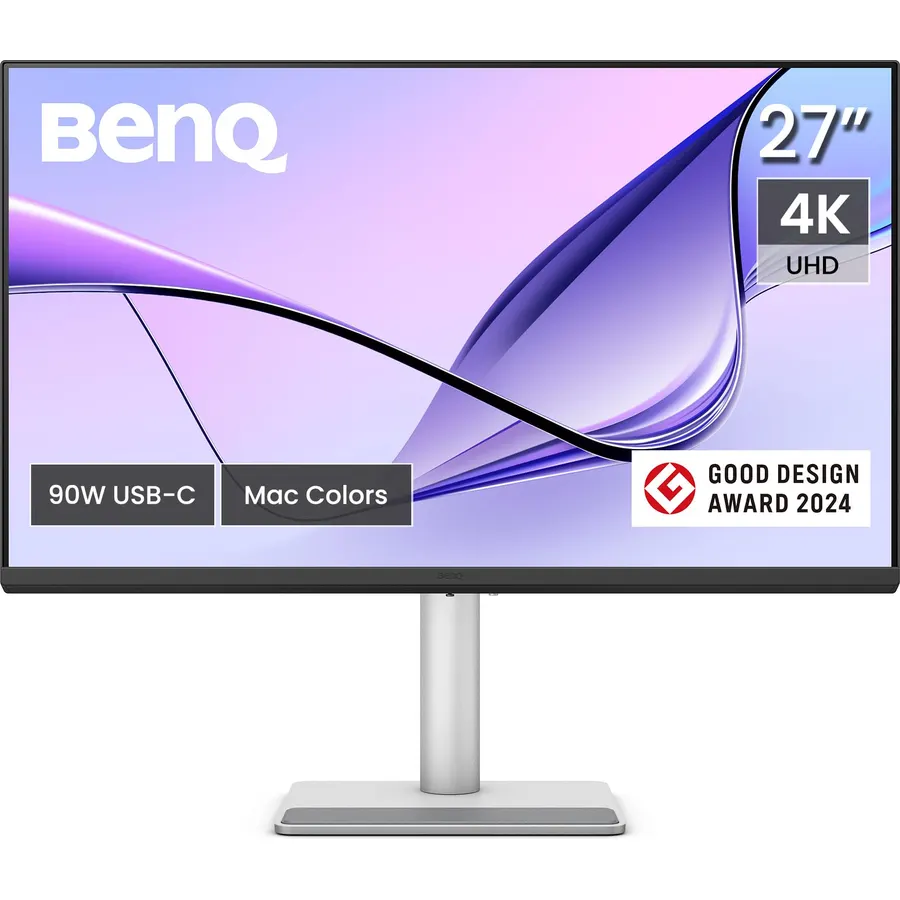
BenQ built the MA270U for MacBook owners, and it shows. Mac Color Match makes the monitor look like the laptop screen next to it, which is the first thing people notice when they buy a random 4K panel. BenQ’s software lets the MacBook’s brightness and volume keys control the monitor, and there are two USB-C ports: 90W for the laptop and 15W for a phone. The trade-off against the Dell is 60Hz instead of 120Hz. Owners rate it 4.5 stars and praise how little setup it needs.
- Color presets tuned to match a MacBook screen side by side
- Keyboard brightness keys work like on an Apple display
- Second USB-C port charges an iPhone or iPad at 15W
- 4.5 stars, and a 2000:1 contrast ratio
- Only 60Hz
- Silver finish is not everyone's taste
- Fewer reviews than the LG below
LG 27UP850-W Monitor 27 inch UHD (3840 x 2160) IPS Display, VESA DisplayHDR 400, DCI-P3 95% Color Gamut, USB-C
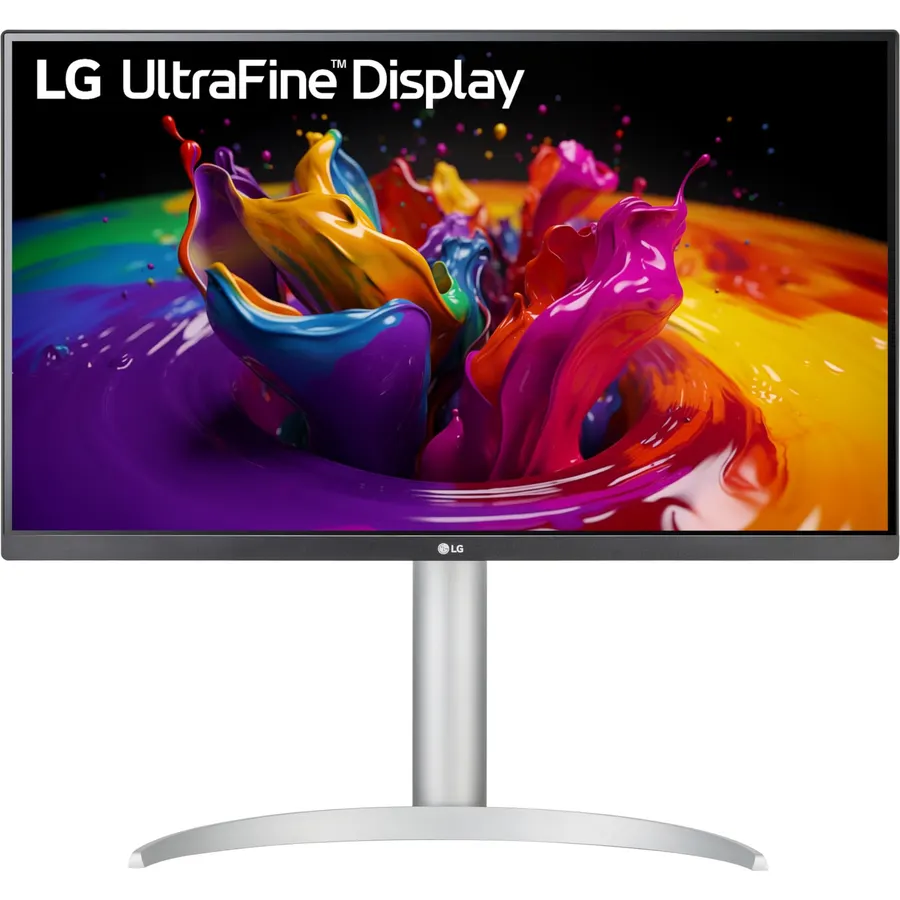
LG’s 27UP850-W has been the default Mac 4K recommendation for several years, and it is still a good one. It delivers 96W over USB-C, more than the BenQ, has a height and pivot stand, and covers 95% of DCI-P3 with DisplayHDR 400. It lacks the Mac-specific color modes and keyboard control of the BenQ, and its 4.3-star rating reflects a few reports of USB-C wake quirks. For anyone who wants a sharp, well-built 4K screen that charges the laptop, it is the value pick.
- 96W over USB-C charges a 16-inch MacBook Pro
- Fully adjustable stand with pivot
- DisplayHDR 400 and 95% DCI-P3 for photos and video
- A long-running model with 330+ reviews
- 60Hz
- 4.3-star rating is the lowest here
- USB hub is USB-A only, no extra USB-C
KTC 27 Inch 5K Monitor, 5120 x 2880 5K2K Monitor with 65W Type-C Port, Dual Mode
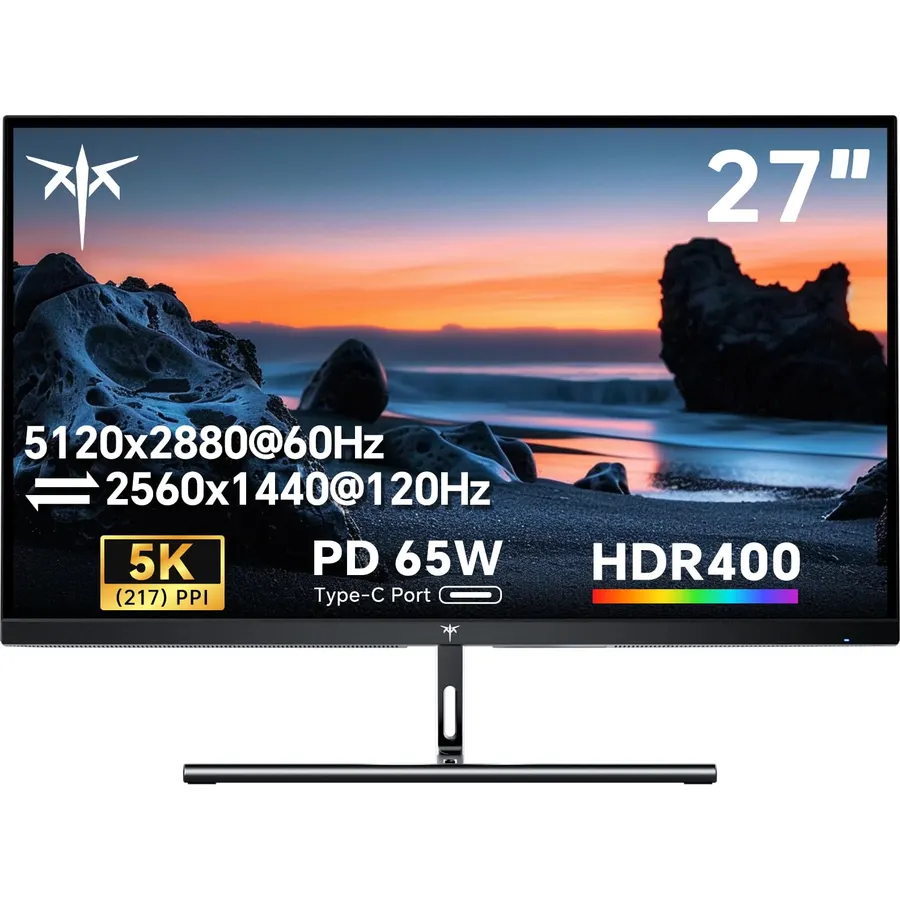
5K at 27 inches is the resolution macOS was designed for: the default “Looks like 2560 x 1440” setting renders at exactly 2x, so text is as sharp as the MacBook’s own screen. The KTC 27-inch 5K is the affordable way to get there. It is bright at 500 nits, has USB-C with 65W, and can drop to 1440p at 120Hz for a game. The 65W limit means a 16-inch MacBook Pro charges slowly under load, and its 4.3-star rating comes from a listing shared with other KTC monitors, so read the recent reviews for this model. Even so, it is a lot of pixels for the money.
- Same 5K resolution as the Apple Studio Display for a fraction of the price
- 500 nits is brighter than every 4K pick here
- Dual mode switches to 1440p 120Hz for games
- The one white monitor on this list
- 65W is the minimum for this guide; a 16-inch MacBook Pro charges slowly under load
- Rating is 4.3, and the review count is shared with other KTC models
- Less established brand and support than Dell or LG
Dell UltraSharp U4025QW 40 inch Class 5K2K WUHD Curved Screen LED Monitor - 21:9
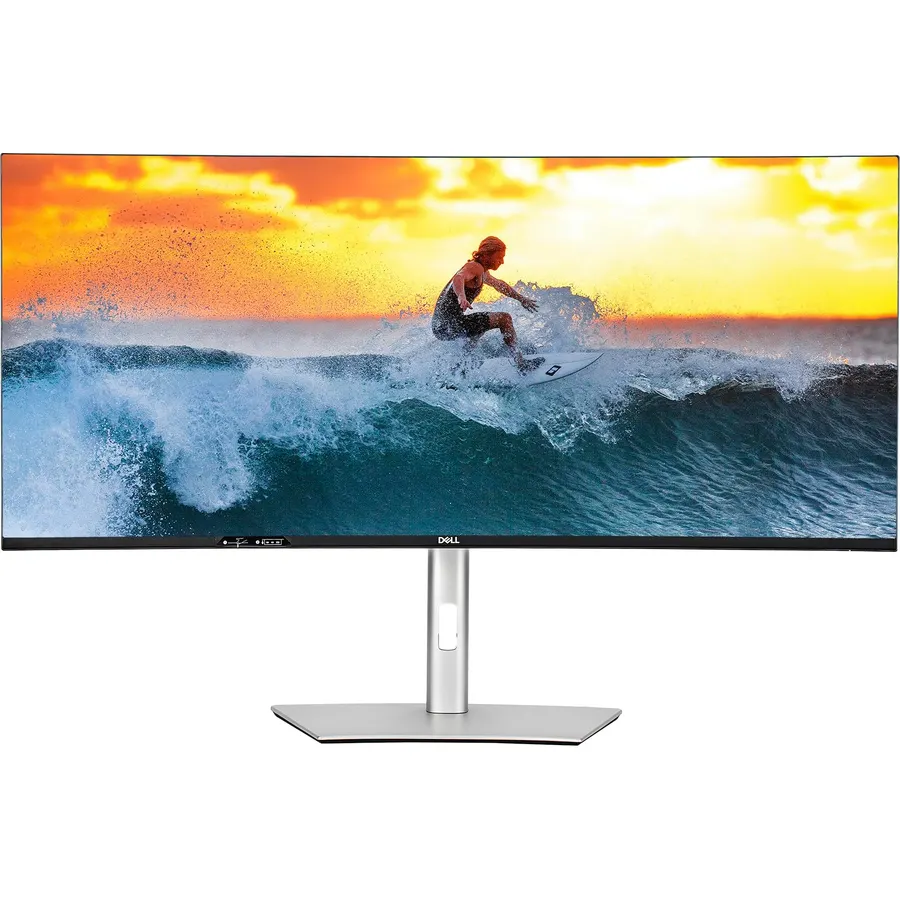
If you want one huge screen instead of two, the U4025QW is the ultrawide that keeps macOS text sharp. Most 34-inch ultrawides are 3440 x 1440, too coarse for Retina-style scaling; this one is 5120 x 2160 on 40 inches, so it runs at 2x. Thunderbolt 4 supplies 140W and a full hub with KVM, so one cable also connects your desk to a second computer. Owners rate it 4.6 stars, the best on this page. It is a big investment and a big monitor; measure your desk before you order.
- 5K2K on 40 inches is about 140 PPI, so it stays sharp at 2x scaling
- Thunderbolt 4 with 140W charging and a full hub
- Replaces two 27-inch monitors without a bezel down the middle
- Highest rating here at 4.6 stars
- The most expensive pick
- Needs a deep desk
- macOS handles 21:9 fine but some apps do not use the width
Compare the picks
| Product | Resolution | Cable and power | Refresh | Owner rating | Our score | |
|---|---|---|---|---|---|---|
| Dell UltraSharp U2725QEDell | 3840 x 2160, 27 in | Thunderbolt 4, 140W | 120Hz | 4.5 / 270+ | 9.0 | See price |
| BenQ MA270UBenQ | 3840 x 2160, 27 in | USB-C, 90W + 15W | 60Hz | 4.5 / 210+ | 9.0 | See price |
| LG 27UP850-WLG | 3840 x 2160, 27 in | USB-C, 96W | 60Hz | 4.3 / 330+ | 8.6 | See price |
| KTC 27 inch 5KKTC | 5120 x 2880, 27 in | USB-C, 65W | 60Hz (120Hz at 1440p) | 4.3 / 2k+ (shared) | 8.6 | See price |
| Dell UltraSharp U4025QWDell | 5120 x 2160, 40 in | Thunderbolt 4, 140W | 120Hz | 4.6 / 240+ | 9.2 | See price |
Why 4K and 5K matter more on a Mac
macOS does not scale text the way Windows does. It renders the desktop at 1x or 2x and then resizes, so a monitor is only truly sharp near 110 PPI (1x) or 220 PPI (2x). A 27-inch 1440p panel at 109 PPI sits at 1x and looks fine but small. A 27-inch 4K panel at 163 PPI is used at “Looks like 2560 x 1440”, rendered at 5K and downscaled; it looks crisp at a small GPU cost. 5K at 217 PPI is the native 2x target, which is why the KTC feels so sharp. Our monitor for coding guide covers scaling in detail, and the monitor shop lists every USB-C option we track.
How much power do you need?
A MacBook Air charges at up to 70W and a 14-inch MacBook Pro at 96W, but both run happily from 65W. A 16-inch MacBook Pro can pull 140W under sustained load; on a 65W or 90W monitor it still charges, just slowly while exporting video. If you need Ethernet, a card reader or more ports than the monitor provides, a dock from our docks guide sits between the MacBook and the monitor.
What scaling setting should I use on a 4K monitor with a MacBook?
Open System Settings, Displays, pick the monitor and choose "Looks like 2560 x 1440" for a 27-inch 4K panel. It is rendered at 5K and downscaled, so it is sharp. On the 5K picks use the default, which is exactly 2x.
Thunderbolt or plain USB-C: does it matter?
For one monitor at 4K 60Hz, plain USB-C with DisplayPort Alt Mode is enough and every MacBook supports it. Thunderbolt 4 (the two Dells) adds bandwidth for 4K at 120Hz, full-speed hub ports and daisy-chaining. Thunderbolt monitors also accept a plain USB-C connection.
Can I daisy-chain two monitors from one cable?
Only with Thunderbolt: the Dell U2725QE and U4025QW pass Thunderbolt through to a second display. A MacBook Air with a base M-series chip supports only one external display; MacBook Pro models with Pro or Max chips support two or more.
Will these ship with the right cable?
All five include a USB-C or Thunderbolt cable. If you buy your own, use one rated for 100W or higher and for the monitor's bandwidth; a phone charging cable will not carry video. Monitors sold by Amazon.com have a 30-day return window.
Prices and stock change daily. The buttons above open Amazon so you always see the current price. We may earn a commission if you buy through them, at no extra cost to you.
Do Best Deal is a participant in the Amazon Services LLC Associates Program. As an Amazon Associate we earn from qualifying purchases. If you buy through links on this site we may earn a commission, at no extra cost to you. Learn more.