A portable monitor is a second screen that lives in your laptop bag. Plug in one USB-C cable and you have a place for the reference document, the chat window or the terminal while the main screen stays clean. They weigh about as much as a tablet, run off the laptop’s power, and set up in ten seconds in a hotel room.
We looked at the portable monitors in our catalog and kept five 15.6-inch models with strong owner ratings, from a budget panel to a business model with power pass-through. At the time of writing they spanned a wide price range. Prices are not printed because they change daily; every button opens the live Amazon page.
How we picked
- One cable. Every pick takes video and power over a single USB-C cable from a laptop with DisplayPort Alt Mode.
- Light enough to carry daily. All five are 15.6-inch Full HD panels around 1.5 to 2 pounds.
- IPS panels so the colors do not shift when the screen is angled next to the laptop.
- Owner ratings of 4.3 stars or higher with at least 100 reviews; three of the five have over 700.
The picks
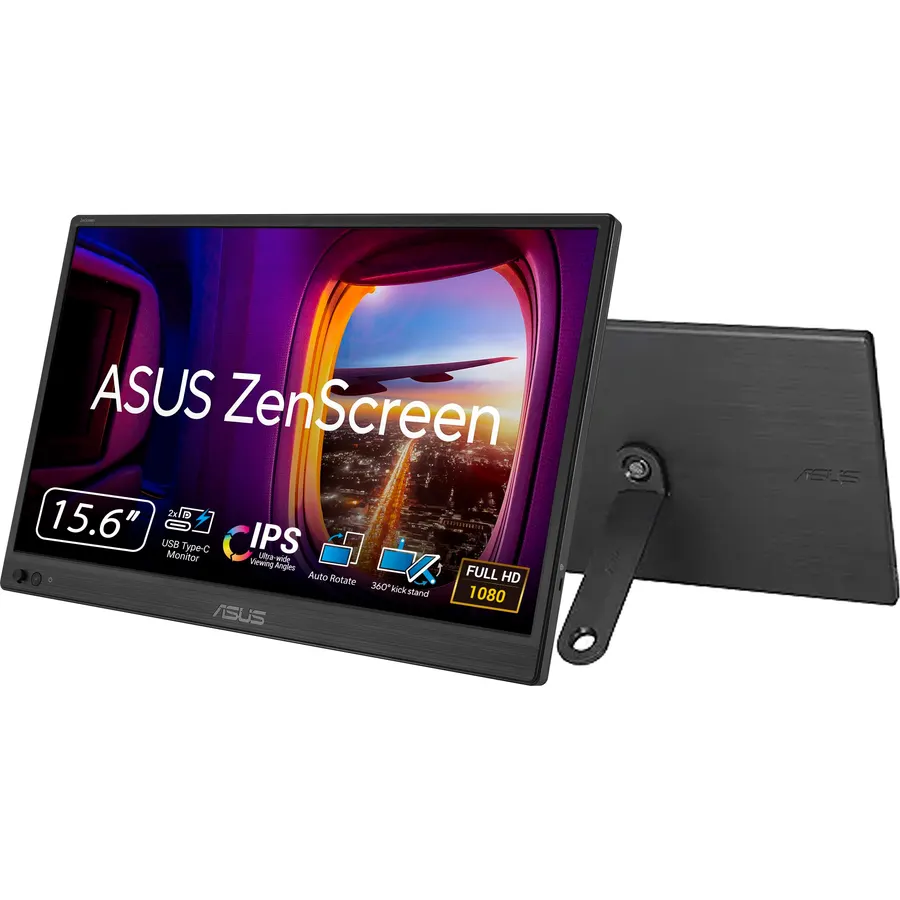
The ZenScreen MB16ACV is the portable monitor we would pack. The anti-glare IPS panel is the big advantage over glossy budget screens, the kickstand flips it into portrait for a long document, and ASUS includes both a USB-C cable and a USB-C to USB-A cable, so it works with an older laptop through ASUS’s driver. It is USB-only, which rules out a console, but for a laptop second screen that is the point. Owners give it 4.5 stars, and the sleeve in the box saves you buying one.
- Matte anti-glare panel is the easiest to read under office lights
- Kickstand supports portrait mode for documents and code
- Hybrid-signal USB-C works with USB-A laptops via the included cable and a driver
- Sleeve included, and a 4.5-star rating from nearly 1,000 owners
- No HDMI input, so it is USB-only
- No speakers
- Kickstand is less stable than a folio on a soft surface
ViewSonic VG1655 15.6 Inch 1080p Portable Monitor for Laptop, USB C IPS
The VG1655’s trick is two-way power. Plug your USB-C charger into the monitor and it passes up to 60W through to the laptop over the same cable that carries video: one outlet and one cable instead of two. It also has a proper kickstand and a magnetic cover, and at 1.8 pounds it is fine for a daily commute. Owners rate it 4.4 stars across 1,600 reviews; the common gripe is brightness in a bright room. If you work at tables without a spare outlet, this is the one.
- Plug the laptop charger into the monitor and it powers both
- Kickstand works in portrait and landscape
- Magnetic cover protects the panel in a bag
- Most-reviewed portable monitor here at 1,600 ratings
- 4.4-star rating is the lowest of the five
- Bulkier than the AOC and MSI
- Modest 800:1 contrast
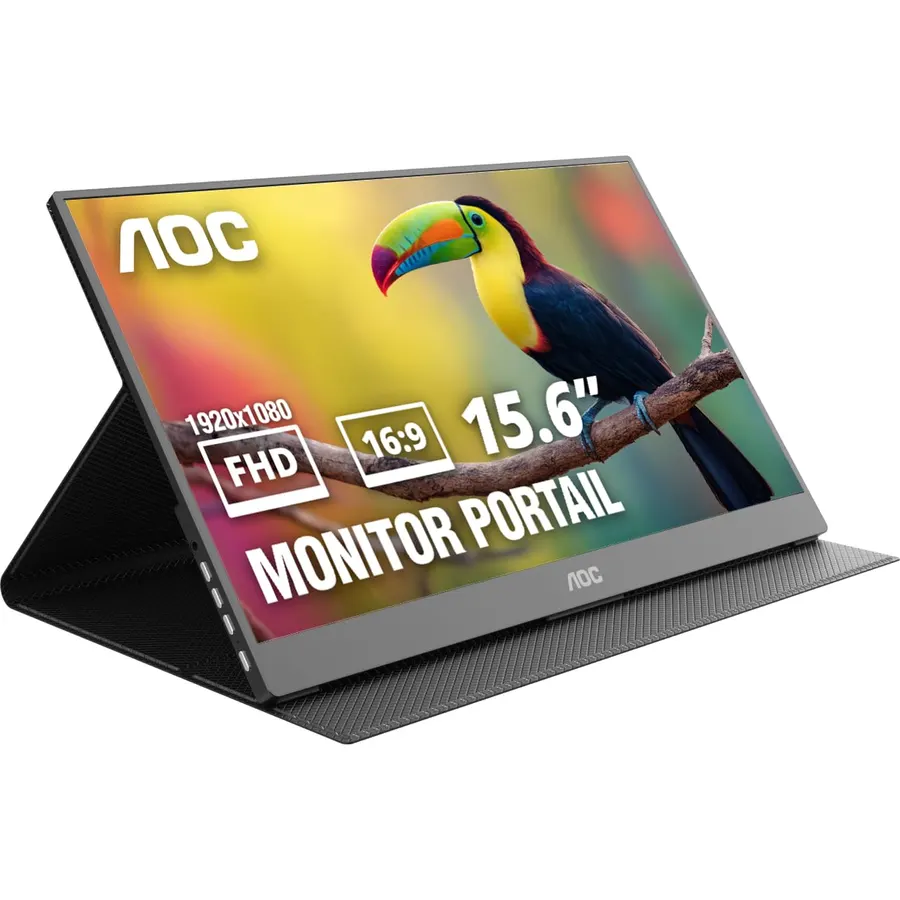
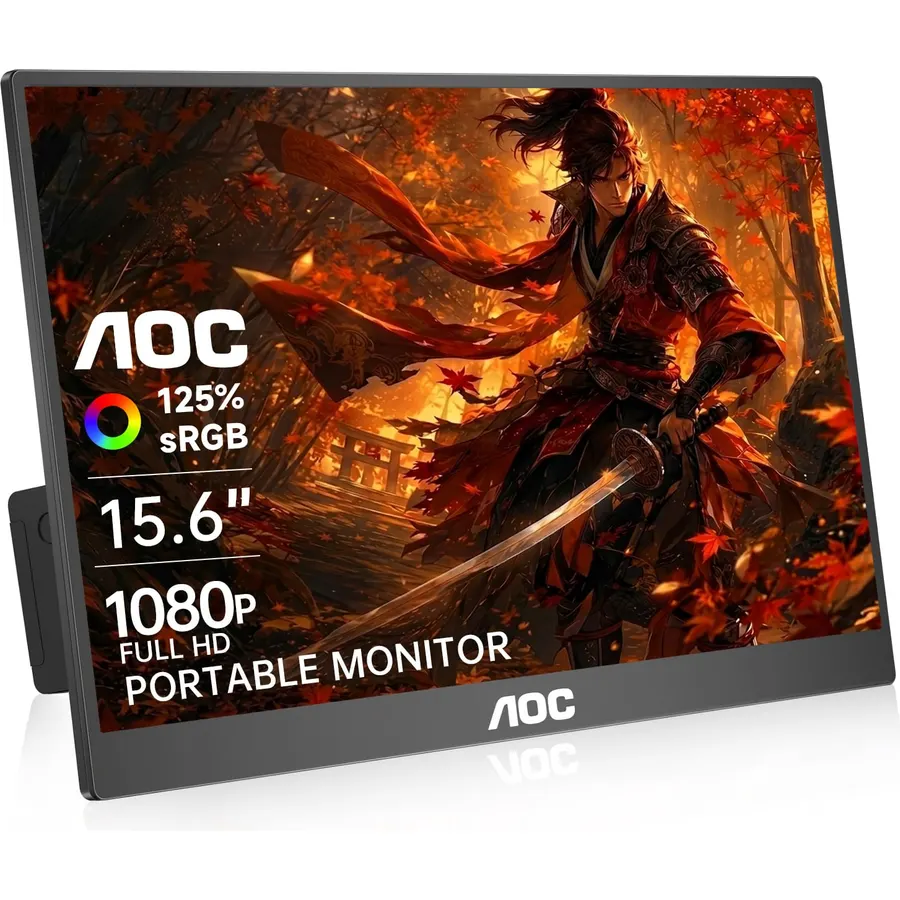
The 16T20 costs a fraction of the ASUS and weighs a quarter pound less, which makes it the obvious pick if you mainly need a Slack or email screen next to the laptop. It is still an IPS panel with wide viewing angles, and the smart cover folds into a stand like a tablet case. You give up the kickstand, HDMI and speakers. Owners rate it 4.5 stars, the same as the ASUS; most complaints are about the folio stand on uneven surfaces, not the screen.
- Thinnest and lightest pick on this page
- IPS panel at a price most portable monitors cannot match
- Frameless design and a folding smart cover in the box
- 4.5 stars from 700+ owners
- Folio cover is less stable than a kickstand
- No HDMI or speakers
- Panel is on the dim side outdoors
msi Pro MP165 E6 Ultra Slim & Light Portable Monitor, 15.6 inch FHD IPS 1080p, USB Type-C, HDMI, Built-in Speakers
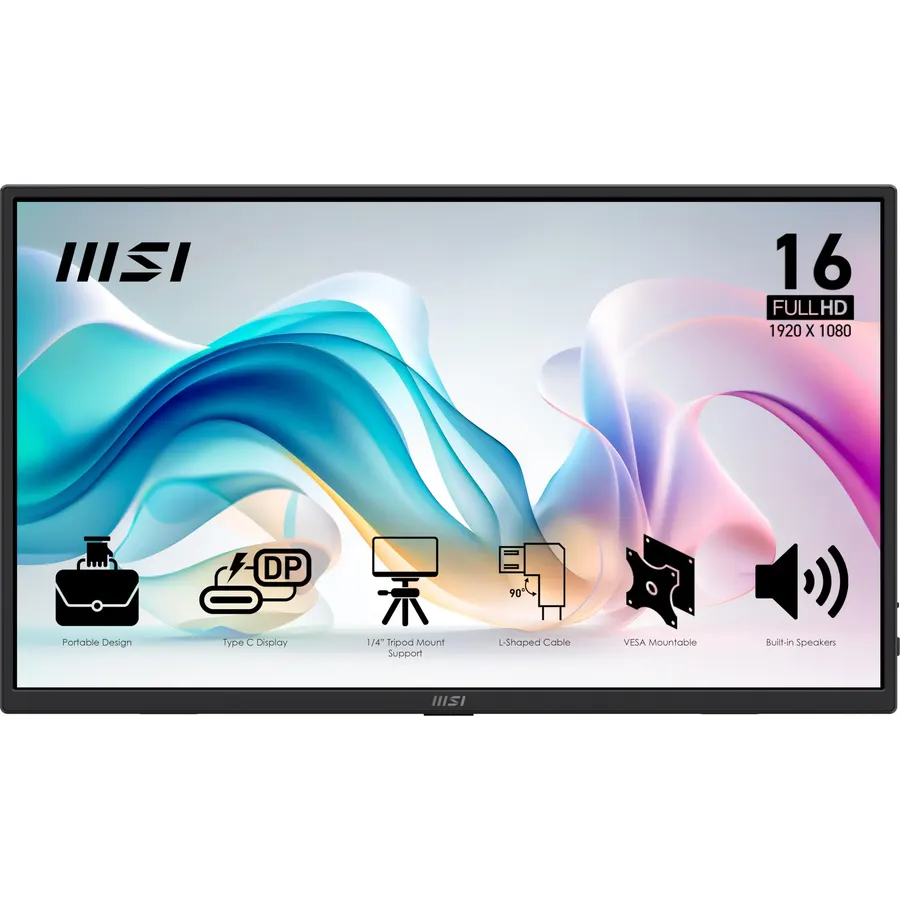
MSI’s Pro MP165 E6 is the one to get if the monitor will not always hang off a laptop. The mini HDMI port lets it act as a screen for a Nintendo Switch, a mini PC or a camera, the speakers cover a quick video call, and the 1/4-inch tripod thread lets it sit on a camera tripod at a workbench. It is the newest of the five, so the review count is lower, but the 4.6-star rating is the best here. Over HDMI you need to power it from USB separately.
- Mini HDMI input works with a console, Raspberry Pi or camera
- Built-in speakers for calls and video
- Tripod mount is handy for photographers and field work
- Highest rating here at 4.6 stars
- Fewer reviews than the top three
- Speakers are small
- Mini HDMI needs its own cable and power
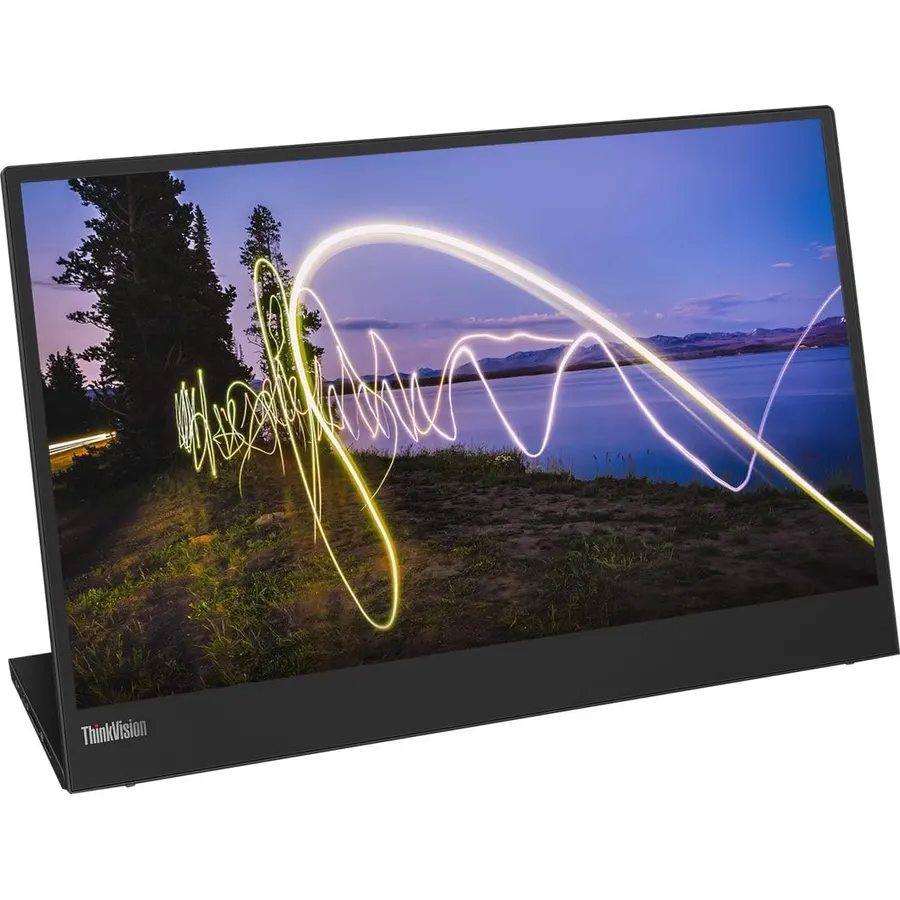
The ThinkVision M15 is the corporate choice: a plain, sturdy screen with a USB-C port on each side so it can sit left or right of the laptop with a short cable, and pass-through power so the charger can go into the monitor. It pairs naturally with a ThinkPad but works with any USB-C laptop. The panel is not the punchiest at 600:1 contrast, but the 4.6-star rating says owners care more about the build and port layout. If your company buys it, take it; if you are paying, the ASUS gives you more for the money.
- USB-C on both sides so the cable is never in the way
- Pass-through charging with a single cable to the laptop
- ThinkPad-style build that survives a bag
- 4.6 stars from owners
- 600:1 contrast is the lowest here
- No HDMI
- Costs more than the ASUS for a similar panel
Compare the picks
| Product | Inputs | Weight | Stand | Owner rating | Our score | |
|---|---|---|---|---|---|---|
| ASUS ZenScreen MB16ACVASUS | USB-C (plus USB-A cable) | About 1.8 lb | Kickstand, portrait or landscape | 4.5 / 960+ | 9.0 | See price |
| ViewSonic VG1655ViewSonic | USB-C, 60W pass-through | 1.8 lb | Kickstand + magnetic cover | 4.4 / 1.6k | 8.8 | See price |
| AOC 16T20AOC | USB-C | 1.5 lb | Folding smart cover | 4.5 / 700+ | 9.0 | See price |
| MSI Pro MP165 E6msi | USB-C, mini HDMI, speakers | Ultra slim | Stand + tripod thread | 4.6 / 180+ | 9.2 | See price |
| Lenovo ThinkVision M15Lenovo | 2 x USB-C, pass-through | Not listed | Built-in tilt stand | 4.6 / 160+ | 9.2 | See price |
Will it work with my laptop?
The single-cable trick needs a USB-C port that carries DisplayPort Alt Mode. Nearly every MacBook, ThinkPad, Dell XPS and gaming laptop from the last five years has one; look for a DisplayPort or Thunderbolt icon next to the port. If your laptop only has USB-A, the ASUS ZenScreen works through its included cable and driver, and the MSI works over HDMI. A USB-C port that only charges will leave the monitor black. If you are short on ports, a dock from our USB-C docks guide solves it.
What to expect from the screen
All five are 1080p at 15.6 inches, about 141 pixels per inch, sharper than most 27-inch desktop monitors. Brightness is the weak spot: 250 nits is normal for this class and fine indoors but not by a sunny window. They draw 5 to 10 watts from the laptop, so expect a shorter battery run unless you use a pass-through pick with a charger. For a full-size desk screen see our monitor shop or the coding monitor guide.
Does a portable monitor work with a MacBook?
Yes, over USB-C. All five show up as a second display in macOS with no driver. Only the ASUS needs its driver, and only with the USB-A cable.
Can I use one with a phone, iPad or Nintendo Switch?
Phones and tablets with DisplayPort over USB-C (Samsung Galaxy, recent iPads) work with the USB-C picks. A Switch needs HDMI plus separate USB power, so choose the MSI Pro MP165 E6.
Do they need their own power supply?
No. They run from the laptop over USB-C. The ViewSonic and Lenovo accept a charger and pass power through to the laptop; the MSI needs USB power when you use HDMI.
What if it arrives with a dead pixel?
Monitors sold by Amazon.com have a 30-day return window. Test the panel on a white and a black screen the day it arrives and keep the packaging.
Prices and stock change daily. The buttons above open Amazon so you always see the current price. We may earn a commission if you buy through them, at no extra cost to you.
Do Best Deal is a participant in the Amazon Services LLC Associates Program. As an Amazon Associate we earn from qualifying purchases. If you buy through links on this site we may earn a commission, at no extra cost to you. Learn more.