
An ultrawide gaming monitor changes the shape of the game: at 21:9, a racing cockpit, a flight sim or an open world shows a third more scene to the left and right than a 16:9 screen, and the 1000R and 1500R curves on these 34-inch panels bend that extra width around you. The ultrawides in our monitors catalog now start at prices a 27-inch 1440p monitor asked two years ago and run to a QD-OLED that costs as much as a console and a TV together. We ranked the gaming ultrawides by refresh rate and response time, curve, panel type and contrast, HDR, ports and stand, and by what thousands of owners report after months of play.
We have not benchmarked every panel ourselves; the verdicts rest on the spec sheets and on the owner review history. Prices are not printed because they change daily; every button opens the live Amazon page. For ultrawides aimed at work rather than play, see our ultrawide monitors guide; for curves at every size, the curved gaming monitors guide; and if you are weighing an ultrawide against a fast 16:9 panel, the 240Hz gaming monitors guide is the comparison.
How we picked
- 34 inches at 3440 x 1440, the ultrawide size and resolution that mid-range and high-end graphics cards can drive at high frame rates.
- At least 165Hz with a stated 1ms response (or 0.03ms on the OLED), and adaptive sync on every pick.
- A real curve, 1000R to 1800R, stated by the maker.
- Brightness, contrast and HDR quoted where the maker gives them, since VA ultrawides vary a lot.
- Owner ratings of 4.2 stars or better, and most picks have more than 600 reviews.
The picks
KOORUI 34 Inch 200Hz Ultrawide Curved WQHD 3440x1440p Gaming Monitor 1000R
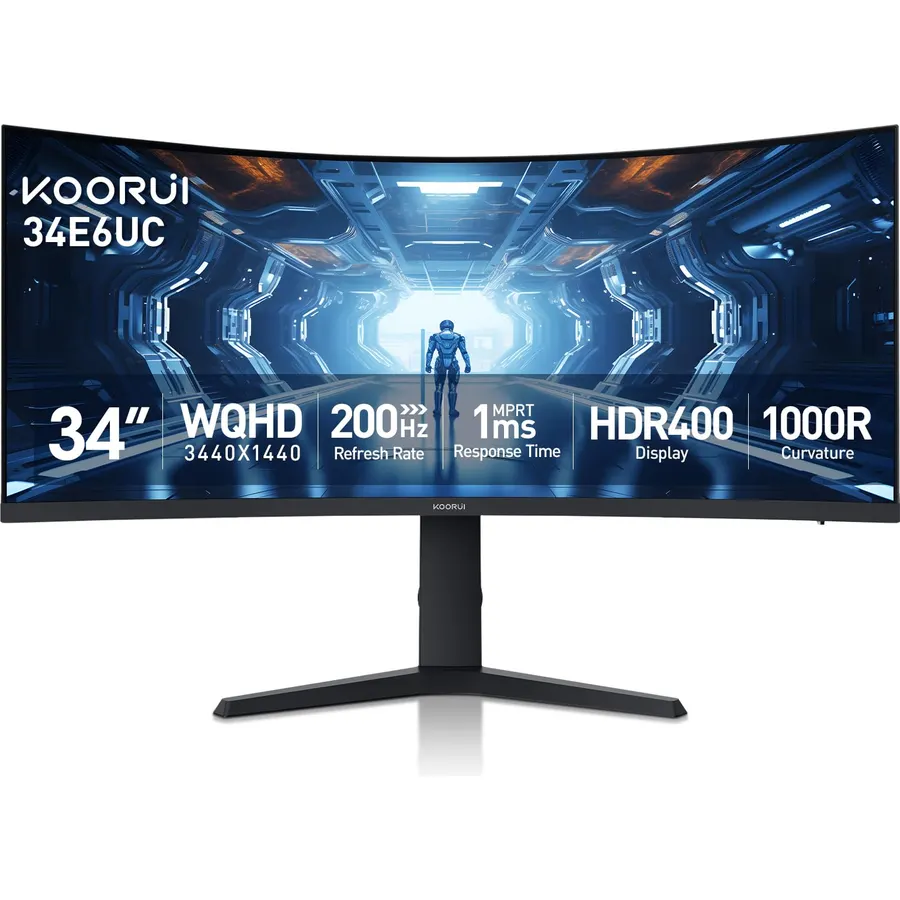
The KOORUI 34-inch 200Hz is the ultrawide more people buy than any other, and 14,000 owners rating it 4.4 stars is the strongest evidence on this page. The 3440 x 1440 panel curves at 1000R, runs 200Hz over DisplayPort 1.4 with 100Hz to 120Hz over HDMI 2.0, covers 95 percent of DCI-P3 at 400 nits with HDR400, and sits on a stand that lifts, tilts and swivels, which most budget ultrawides skip. A joystick drives the menu, and picture-in-picture and picture-by-picture put a console beside a PC. There are no speakers and the HDMI ports are the slow way in. The 4.4 average includes reports of edge bleed on some units, which is common to curved VA panels at this price; owners who got a clean one are unreservedly happy.
- 14,000 owner reviews at 4.4 stars, by far the most on this page
- 200Hz with 400 nits and HDR400 for the price of a 1440p flat panel
- Height-adjustable stand
- 1000R curve with PIP and PBP
- HDMI 2.0 caps at 100Hz to 120Hz, so use DisplayPort
- No speakers
- 4.4 stars: some owners report backlight bleed at the edges
KOORUI 34 Inch 240Hz WQHD 3440x1440 Ultrawide Curved Gaming Monitor, 1500R
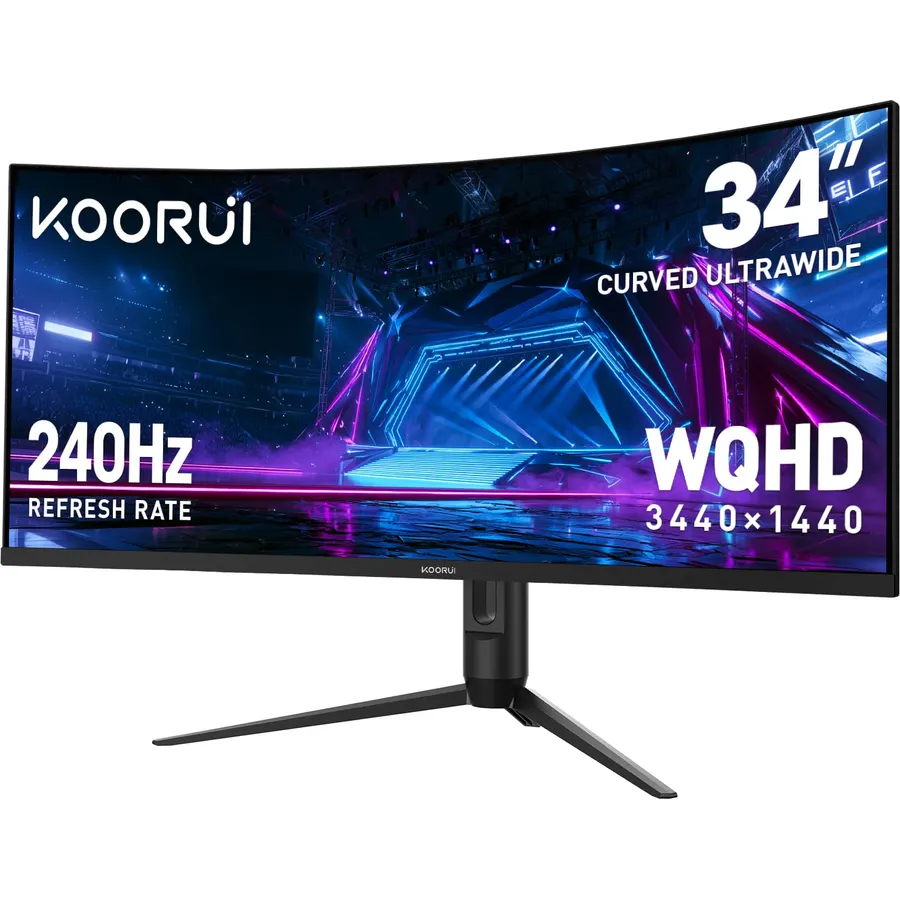
The KOORUI 34-inch 240Hz is the step up: a 1500R curve, a 240Hz refresh rate with a 1ms response and adaptive sync, a 4000:1 contrast ratio with 98 percent DCI-P3 and HDR400, and two HDMI 2.1 ports beside the DisplayPort 1.4, so a PS5 or Xbox gets its full bandwidth. The stand lifts 110mm, tilts and swivels, and PIP and PBP are included. The honest note is that 240Hz at 3440 x 1440 needs a high-end graphics card in most games; at 144Hz to 180Hz with a mid-range card it still looks superb. More than 6,400 owners rate it 4.5 stars, a touch above its 200Hz sibling, which suggests the newer panel is better sorted. There are no speakers.
- 240Hz at 3440 x 1440 with 6,400 owners at 4.5 stars
- Two HDMI 2.1 ports, rare on a budget ultrawide
- 4000:1 contrast and 98% DCI-P3
- Height-adjustable stand
- 1500R is gentler than the 1000R sibling, which some prefer and some do not
- No speakers
- Needs a strong graphics card to use 240Hz at this resolution
KTC 34 Inch Ultrawide Curved Gaming Monitor, 3440x1440 UWQHD 180Hz, H34S5
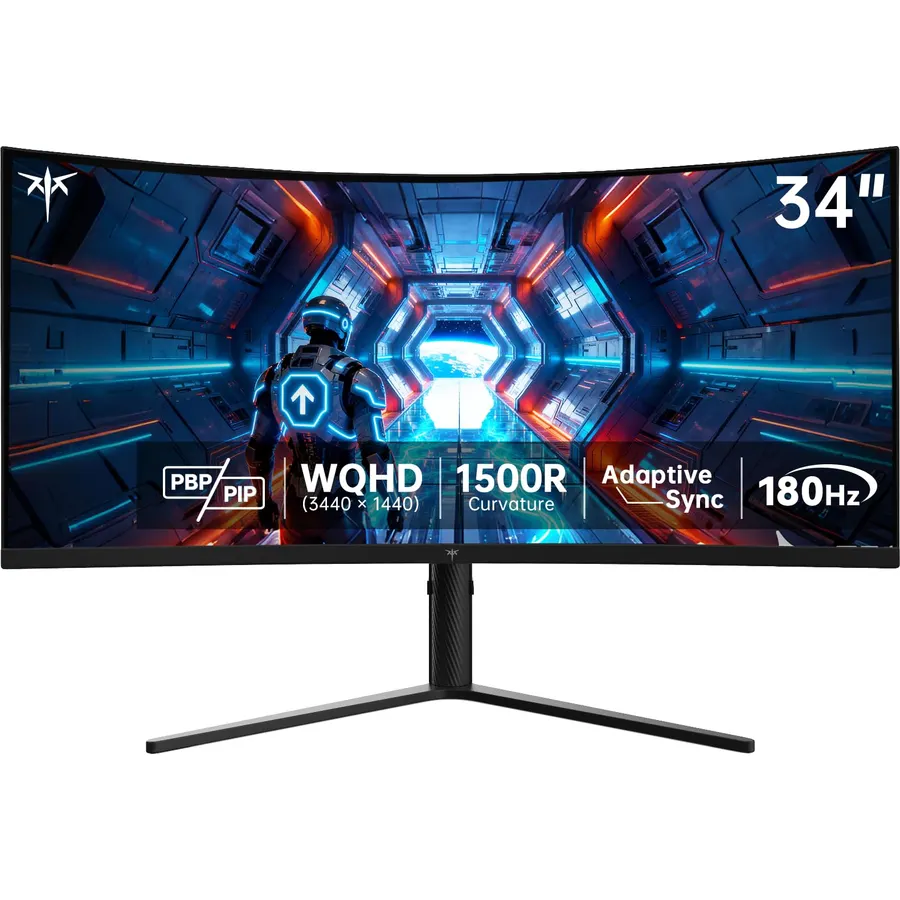
The KTC H34S5 is the value pick for a PC gamer with two machines: it has two DisplayPort 1.4 inputs at 180Hz and two HDMI 2.0 inputs at 100Hz, plus PIP and PBP to show them together. The 34-inch 1500R HVA panel reaches 180Hz with a 1ms MPRT response and adaptive sync, with a 4000:1 contrast ratio and 125 percent sRGB, though at 300 nits it is the dimmest VA panel on this page and best kept out of direct sunlight. The stand lifts, tilts, swivels and pivots, and KTC backs it with a three-year warranty. There are no speakers. About 2,400 owners rate it 4.5 stars, praising the contrast and the stand; the HDMI refresh cap is the recurring wish from console owners.
- Two DisplayPorts and two HDMI ports
- Height, tilt, swivel and pivot stand
- 2,400 owners at 4.5 stars and a three-year warranty
- 4000:1 HVA contrast
- 300 nits is the dimmest VA panel here
- HDMI caps at 100Hz
- No speakers
SAMSUNG 34 Inch Odyssey G5 Ultra-Wide Gaming Monitor, 1000R Curved, 165Hz, 1ms, FreeSync Premium, WQHD, Black, with MTC HDMI Cable
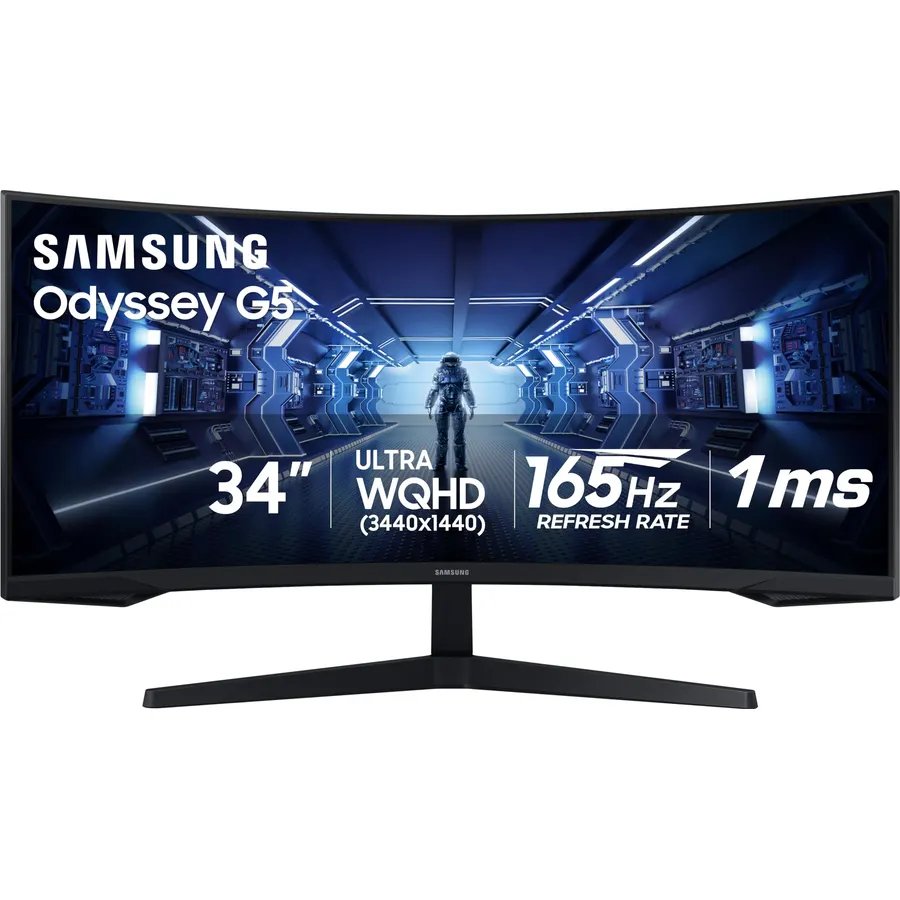
The Samsung Odyssey G5 is for buyers who want the Odyssey name and Samsung’s warranty at the price of the Chinese brands. The 34-inch 3440 x 1440 panel curves at 1000R and runs 165Hz with a 1ms MPRT response and AMD FreeSync Premium, which adds low framerate compensation for when a game dips. This listing bundles an HDMI cable. Samsung does not quote brightness or an HDR tier on the page, and the stand only tilts, which is where the KOORUI and KTC pull ahead; its 2,700 owners rate it 4.3 stars, with the stand and the on-screen menu the common complaints and the curve and the picture the praise. It remains the easiest ultrawide to buy from a brand your local repair shop recognises.
- Samsung Odyssey panel and support at a budget price
- 1000R curve with FreeSync Premium
- 2,700 owners at 4.3 stars
- HDMI cable in the box
- Tilt-only stand
- Brightness and HDR are not quoted on the listing
- 4.3 stars: owners mention the stand and the menu
Sceptre 34-Inch Curved Ultrawide WQHD Monitor (3440 x 1440), R1500, up to 180Hz/165Hz, DisplayPort x2, 99% sRGB, 1ms, Built-in Speakers, Machine Black, 2025 (C345B-QUT168)
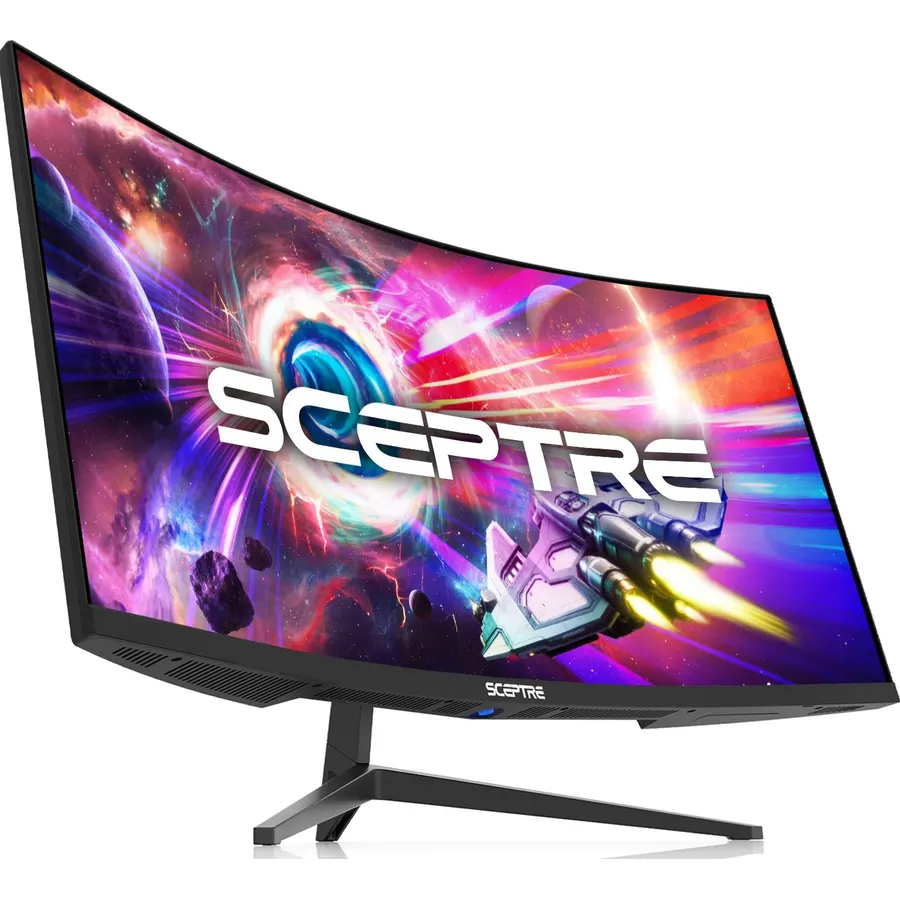
The Sceptre 34-inch is the cheapest way onto this page and the only ultrawide here with speakers. It is a 3440 x 1440 panel at 1500R with up to 180Hz over DisplayPort, a 1ms MPRT response, AMD FreeSync Premium and 99 percent sRGB, with two DisplayPorts and two HDMI ports on the back and a strip of LED lights on the rear cover. Sceptre does not quote brightness or an HDR tier. Its 3,000 owners rate it 4.2 stars, the lowest on the page; the reviews praise the size and price and complain more often than KOORUI owners about dead pixels or a unit that needed exchanging, so buy with easy returns. For a first ultrawide on a strict budget, it is still a great deal of screen.
- The only pick with built-in speakers
- Two DisplayPorts and two HDMI ports
- 3,000 owners at 4.2 stars
- Lowest price on the page
- 4.2 stars: quality control complaints are more frequent than on the KOORUI
- Brightness and HDR are not quoted
- Tilt-only stand
Alienware 34 Curved Gaming Monitor - AW3425DWM - 34-inch WQHD 180Hz 1ms Display, 1500R, AMD FreeSync Premium, VESA AdaptiveSync.
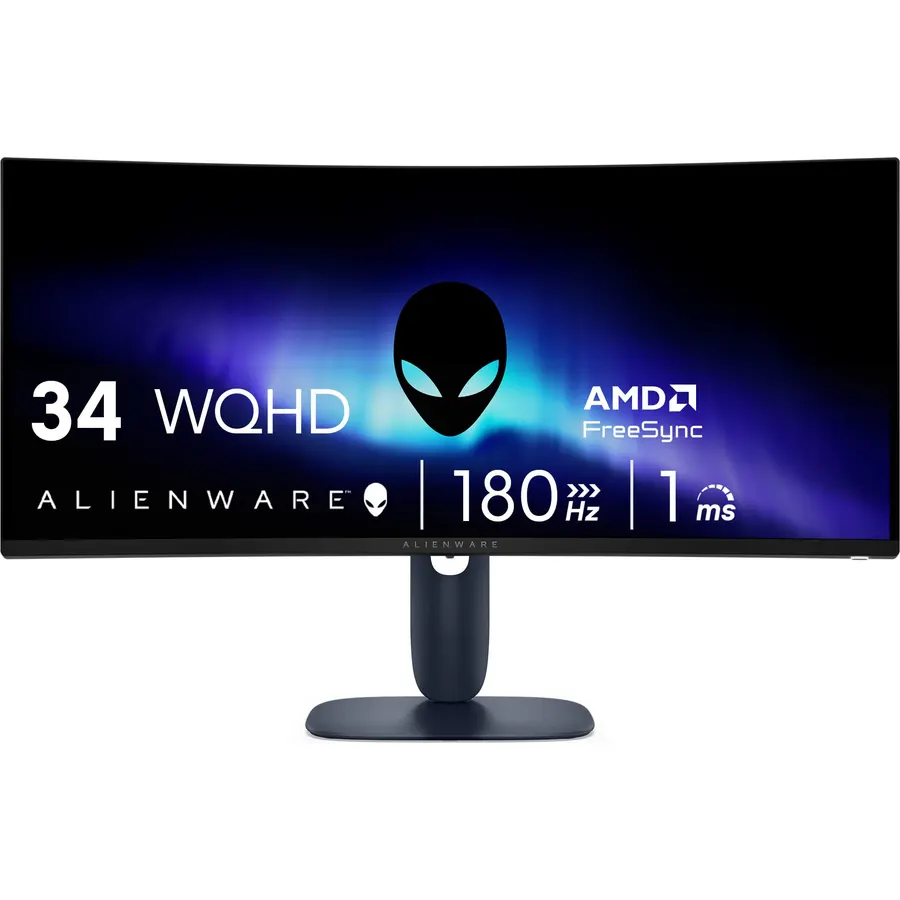
The Alienware AW3425DWM is the premium LCD ultrawide: a 34-inch 3440 x 1440 panel at 1500R running 180Hz with a true 1ms grey-to-grey response, both AMD FreeSync Premium and VESA AdaptiveSync, 95 percent DCI-P3 and a certified VESA DisplayHDR 400 rating rather than a marketing number. It has a dedicated console mode and a hardware low blue light mode that cuts strain without yellowing the picture, and it carries Dell’s warranty and support. It costs more than the 240Hz KOORUI for fewer hertz, and there are no speakers, but its 690 owners rate it 4.6 stars, the best of the LCD picks, and reviews describe a monitor that arrived clean and stayed that way. For a build you do not have to inspect on arrival, this is the one.
- 690 owners at 4.6 stars, the highest rating of the LCD picks
- VESA DisplayHDR 400 certification and 95% DCI-P3
- Hardware low blue light keeps colors accurate
- Dell warranty and build quality
- Costs more than the 240Hz KOORUI for a slower refresh
- No speakers
- Styling is loud for an office
Pixio PXC348C Neo White 34 Inch 180Hz Refresh Rate UWQHD 1440p Ultrawide Resolution 1000R Curve Fast VA Panel 1ms Response Time USB-C Displayport 65W Charging Adaptive Sync HDR Curved Gaming Monitor
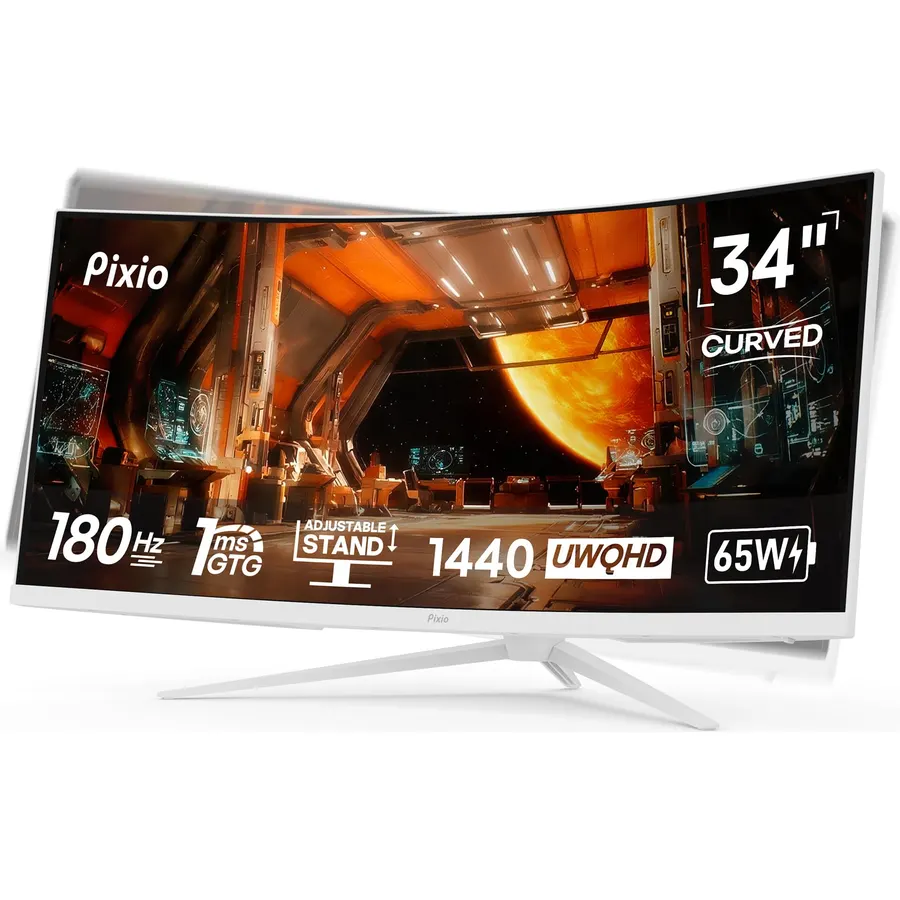
The Pixio PXC348C Neo is the ultrawide to buy if the gaming machine is a laptop: its USB-C port carries 3440 x 1440 at 180Hz and sends 65 watts back to charge the laptop, so one cable does the lot. The 34-inch 1000R Fast VA panel runs 180Hz with a 1ms response and adaptive sync over DisplayPort 1.4 or USB-C, with two HDMI 2.0 ports at 100Hz for consoles, and it comes in white, which almost no gaming ultrawide does. Pixio does not quote brightness and there are no speakers. About 890 owners rate it 4.5 stars, and the USB-C convenience and the color are the reasons they chose it over the KOORUI; the HDMI refresh cap is the recurring note from console owners.
- USB-C with 65W charging drives a gaming laptop with one cable
- 890 owners at 4.5 stars
- 1000R Fast VA at 180Hz
- White finish for a light desk setup
- HDMI caps at 100Hz
- No speakers
- Brightness is not quoted
Alienware 34 240Hz QD-OLED Curved Gaming Monitor - AW3425DW - 34.2-inch WQHD (3440 x 1440) 0.03ms Display, 1800R Curve, AMD FreeSync Premium Pro, VESA AdaptiveSync, DisplayHDR TrueBlack 400
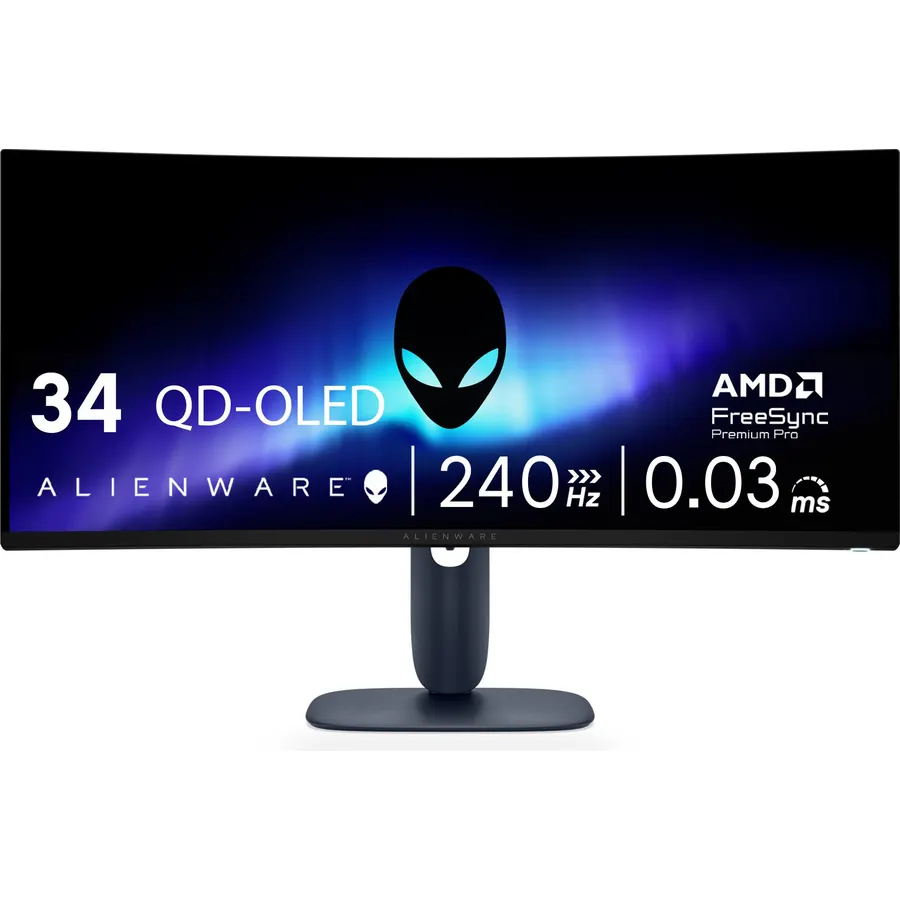
The Alienware AW3425DW is the ultrawide to buy when the picture matters more than the price: a 34.2-inch QD-OLED panel with per-pixel lighting, so blacks are truly black and contrast is effectively infinite, a 0.03ms response at 240Hz, 1000 nits of peak HDR brightness under VESA DisplayHDR TrueBlack 400, and 99.3 percent DCI-P3 with factory accuracy of Delta E under 2. It is G-SYNC compatible, FreeSync Premium Pro and VESA AdaptiveSync certified. The 1800R curve is gentler than the VA panels, which some prefer for desktop work. The costs are the price, two to three times the LCD picks, and the usual OLED care with static elements. Its 370 owners rate it 4.5 stars and most describe it as the best screen they have owned.
- QD-OLED: perfect blacks, 0.03ms response, 1000 nits peak
- 240Hz with every adaptive sync standard
- 99.3% DCI-P3 with Delta E under 2
- 370 owners at 4.5 stars
- Costs two to three times the LCD picks
- OLED burn-in care: hide static taskbars, use the pixel refresh
- Gentler 1800R curve than the 1000R VA panels
Compare the picks
| Product | Curve / panel | Refresh rate | HDR / brightness | Stand | Owner rating | Our score | |
|---|---|---|---|---|---|---|---|
| KOORUI 34 200HzKOORUI | 1000R VA | 200Hz, DP 1.4 | HDR400, 400 nits | Height, tilt, swivel | 4.4 (14,000+) | 8.8 | See price |
| KOORUI 34 240HzKOORUI | 1500R VA | 240Hz, HDMI 2.1 | HDR400, 4000:1 | Height, tilt, swivel | 4.5 (6,400+) | 9.0 | See price |
| KTC H34S5KTC | 1500R HVA | 180Hz, 2x DP 1.4 | HDR, 300 nits, 4000:1 | Height, tilt, swivel, pivot | 4.5 (2,400+) | 9.0 | See price |
| Samsung Odyssey G5Samsung | 1000R | 165Hz | Not stated | Tilt | 4.3 (2,700+) | 8.6 | See price |
| Sceptre 34Sceptre | 1500R | Up to 180Hz | Not stated | Tilt | 4.2 (3,000+) | 8.4 | See price |
| Alienware AW3425DWMAlienware | 1500R | 180Hz, 1ms GtG | DisplayHDR 400 | Adjustable | 4.6 (690+) | 9.2 | See price |
| Pixio PXC348C NeoPixio | 1000R Fast VA | 180Hz, USB-C 65W | HDR | Adjustable | 4.5 (890+) | 9.0 | See price |
| Alienware AW3425DWAlienware | 1800R QD-OLED | 240Hz, 0.03ms | TrueBlack 400, 1000 nits | Adjustable | 4.5 (370+) | 9.0 | See price |
What graphics card does 3440 x 1440 need?
An ultrawide has about 34 percent more pixels than a 2560 x 1440 monitor, so a card that gives you 100 frames per second at 1440p gives you roughly 75 here. For 144Hz to 180Hz in modern games at high settings you want an upper-mid-range card; for 200Hz to 240Hz in demanding titles you want a high-end one, or you drop settings in competitive shooters where that frame rate matters. Older or lighter games run at the panel’s limit on almost anything. If your card is mid-range, the 165Hz to 180Hz picks (KTC, Samsung, Sceptre, Alienware DWM, Pixio) leave nothing unused; the 240Hz KOORUI and the QD-OLED are for a card you will upgrade into. Consoles output 16:9 and letterbox on an ultrawide, so these are PC-first monitors.
1000R, 1500R or 1800R?
The radius number is how tight the curve is; smaller wraps more. At 1000R (KOORUI 200Hz, Samsung G5, Pixio) the screen matches the curve of your eye at arm’s length and is the most immersive for racing and flight games, but straight lines in design software visibly bow and some people take a week to adjust. At 1500R (KOORUI 240Hz, KTC, Sceptre, Alienware DWM) the curve is noticeable and comfortable for mixed work and play, and is the safe choice. The QD-OLED Alienware at 1800R is the gentlest, which suits desktop use and anyone who disliked a tighter curve. Whatever you pick, sit about an arm’s length away and centred; the curve only helps from the spot it was drawn for.
VA, Fast VA or QD-OLED
Seven of the eight picks are VA panels, which is why ultrawides look so rich: 4000:1 contrast on the KOORUI 240Hz and KTC is three to four times what IPS manages, so dark scenes have depth. The costs are some smearing in dark transitions on slower VA panels, which the 1ms MPRT figures on these picks keep minor, and backlight bleed at the curved edges on a minority of budget units, which the owner reviews flag for the KOORUI 200Hz and Sceptre. The Alienware QD-OLED removes both problems with per-pixel lighting and a 0.03ms response, at the price of the panel and the need to vary what is on screen. If you play HDR games, note that only the two Alienwares carry a VESA certification; HDR400 on the KOORUIs means the panel accepts the signal and gets reasonably bright, not that it shows true HDR.
Do all games support 21:9 ultrawide?
Most modern PC games do, and the ones that do not show black bars at the sides. Some competitive titles lock to 16:9 for fairness. Older games sometimes need a community patch to use the full width.
Can I use an ultrawide gaming monitor with a PS5 or Xbox?
Yes over HDMI, but consoles output 16:9, so the picture is letterboxed with bars at the sides. The KOORUI 240Hz has HDMI 2.1 for full console bandwidth; the others use HDMI 2.0 and cap lower.
Is 34 inches the right ultrawide size?
For 3440 x 1440 it is: the pixel density matches a 27-inch 1440p monitor, so text is sharp and games are detailed. Larger 38 and 49-inch ultrawides need more desk and a stronger graphics card.
Is an ultrawide better than two monitors?
For gaming and video, yes, because there is no bezel in the middle. For work that needs two full-screen apps, two 27-inch monitors give more total space; most of these ultrawides offer picture-by-picture as a middle ground.
Should I worry about OLED burn-in on the Alienware?
With normal mixed use the risk is low. Hide the taskbar, use a screensaver, let the pixel refresh run when prompted, and avoid leaving a static HUD on screen for hours at full brightness.
Prices and stock change daily. The buttons above open Amazon so you always see the current price. We may earn a commission if you buy through them, at no extra cost to you.
Do Best Deal is a participant in the Amazon Services LLC Associates Program. As an Amazon Associate we earn from qualifying purchases. If you buy through links on this site we may earn a commission, at no extra cost to you. Learn more.
