A curve does one useful thing: it keeps the edges of a big screen at the same distance from your eyes as the middle. On a 24-inch panel that barely matters. On a 32-inch or 34-inch panel it is the difference between glancing at the minimap and turning your head. We went through the curved monitors in our catalog and kept the five with the best mix of refresh rate, response time and long-term owner ratings.
We have not tested all of these ourselves, so where we lean on owner feedback we quote the rating and review count. Prices are not printed because they change daily; every button opens the live Amazon page. If your desk is for code as well as games, read our monitor guide for programmers first, because a tight curve is not ideal for straight lines of text.
How we picked
- A real curve. 1000R to 1800R panels only; we skipped the flat-with-a-bend business monitors.
- Gaming-grade speed. Every pick is 165 Hz or faster with 1 ms or better response, and supports FreeSync or G-Sync.
- Owner ratings of 4.4 stars or higher, with the biggest review counts we could find for each size class.
- Ports and stands checked. We list DisplayPort and HDMI versions, USB, stand adjustments and VESA pattern for each pick.
- No price bracket. This list runs from a budget 1080p panel to a QD-OLED ultrawide; pick the tier that fits your graphics card.
The picks
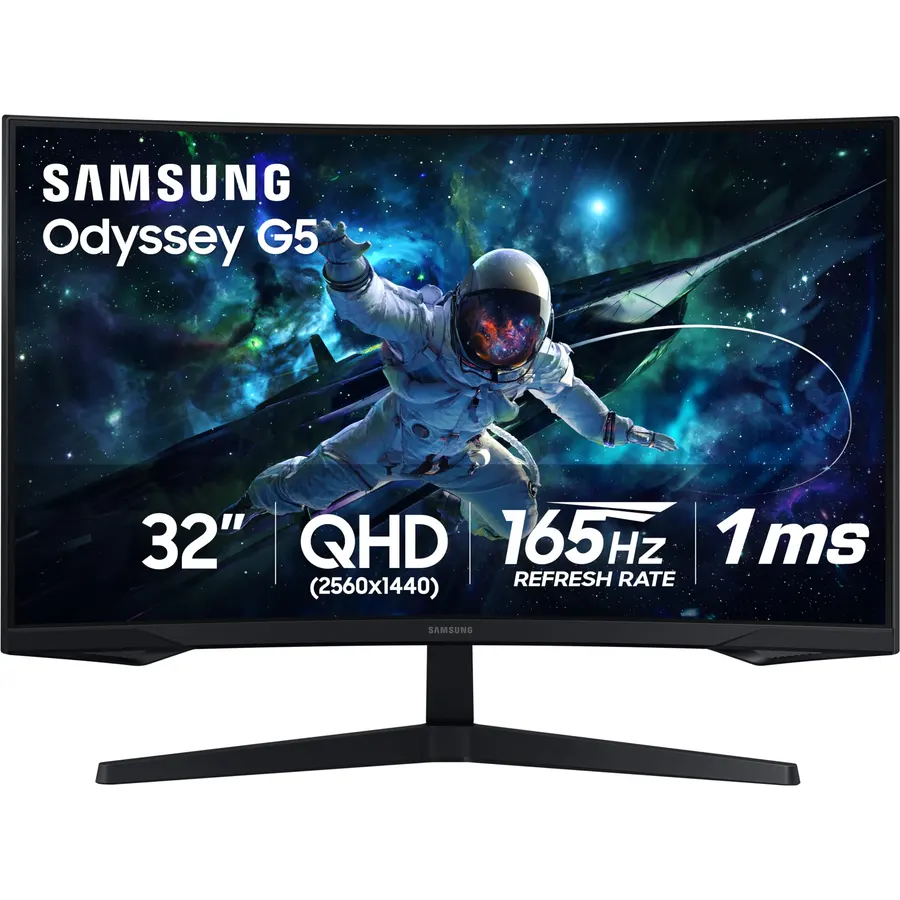
The G65B is the curved monitor to buy if you only want to buy one. The 1000R curve is the tightest on this page and it makes a 32-inch panel feel like a cockpit, the 240 Hz refresh rate is fast enough for competitive shooters, and DisplayHDR 600 gives it real highlight punch that most VA gaming screens lack. Two HDMI 2.1 ports handle a console at 120 Hz beside your PC. The stand adjusts for height, tilt and swivel, so you do not need an arm. Owners rate it 4.4 stars from more than 2,000 reviews; the recurring complaint is the smart TV software rather than the picture.
- 240 Hz at 1440p with a 1000R curve that wraps your whole view
- DisplayHDR 600 with local dimming zones, unusual on a VA gaming panel
- HDMI 2.1 for PS5 and Xbox Series X at 120 Hz
- Gaming Hub streams Xbox and GeForce Now without a PC
- Tizen smart-TV software adds boot time and nag screens
- VA panel shows some black smearing in dark scenes
- 1000R is aggressive for spreadsheets and design work
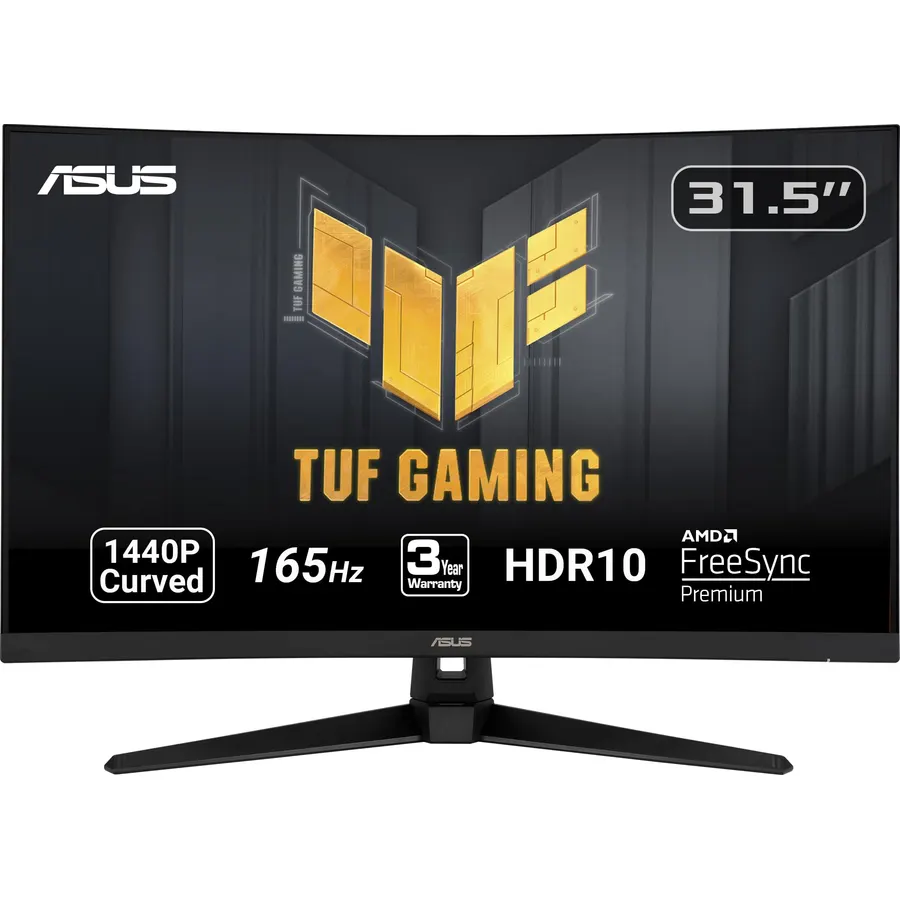
The VG32VQ1B has been on sale for years and owners keep buying it because it does the basics right: a 31.5-inch 1440p VA panel with a comfortable 1500R curve, 165 Hz over DisplayPort, and ASUS’s ELMB Sync that lets you run motion blur reduction and FreeSync at the same time. HDR is a checkbox rather than a feature at 250 nits, and the stand only tilts and swivels, so budget for a VESA arm if you want it higher. For a GPU in the RTX 4060 or RX 7600 class, this is the size and resolution that makes sense.
- 3,500+ owner reviews at 4.5 stars, the most on this page
- 165 Hz 1440p is the sweet spot for a mid-range graphics card
- ELMB blur reduction works together with adaptive sync
- Built-in speakers and Shadow Boost for dark scenes
- No height adjustment on the stand
- HDMI 2.0 caps consoles at 1440p 120 Hz or 4K 60 Hz
- 250 nits and no meaningful HDR
Alienware 34 Curved Gaming Monitor AW3425DWM - 34-inch WQHD 180Hz 1ms Display, 1500R, AMD FreeSync Premium
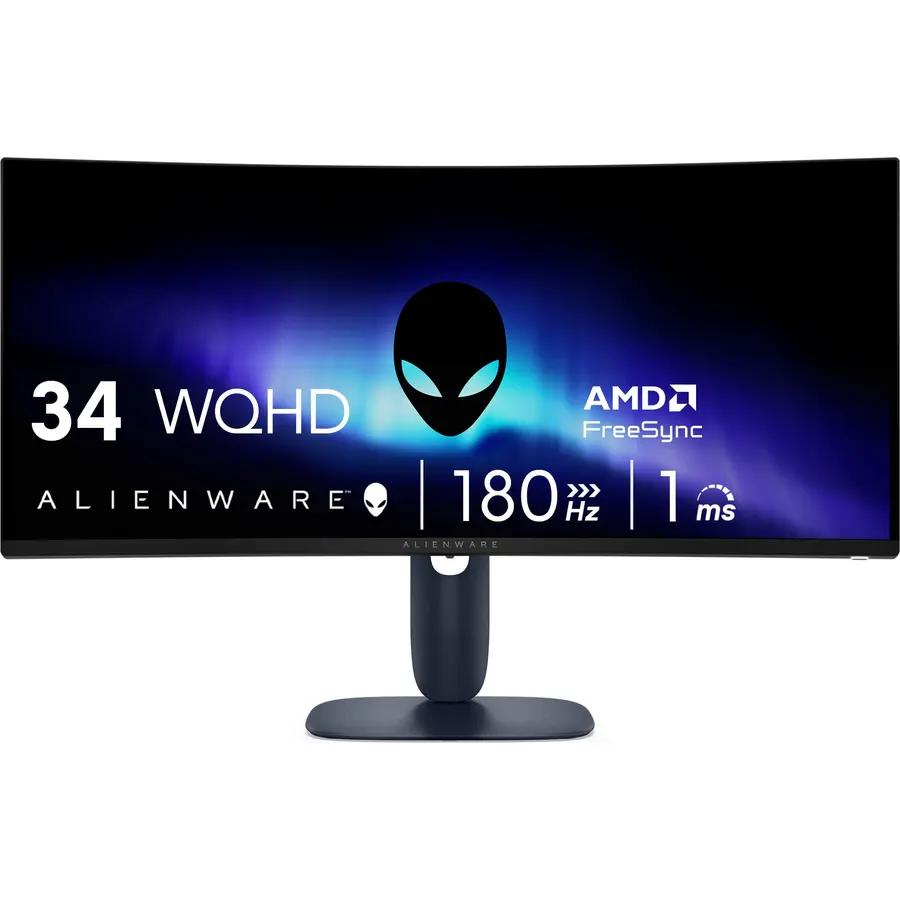
The AW3425DWM is the Alienware ultrawide without the OLED price tag, and it is the pick if you play racing, flight or open-world games where the extra width matters more than raw speed. The 1500R curve keeps the far edges of the 34-inch panel readable, and 180 Hz with a 1 ms gray-to-gray response is quick for a VA ultrawide. The stand adjusts for height and tilt; Alienware’s cable management runs through the stand. Owners give it 4.6 stars, the highest of the ultrawides in our catalog, and the main gripe is the usual VA black smearing.
- 21:9 gives you 33% more width for racing, sims and strategy games
- 180 Hz and 1 ms GTG, faster than most VA ultrawides
- DCI-P3 95% and DisplayHDR 400, brighter than the ASUS
- 4.6 stars from 690+ owners
- Some older and competitive games do not support 21:9
- No swivel on the stand
- VA panel, so expect mild dark-scene smearing
Alienware 34 240Hz QD-OLED Curved Gaming Monitor - AW3425DW - 34.2-inch WQHD (3440 x 1440) 0.03ms Display
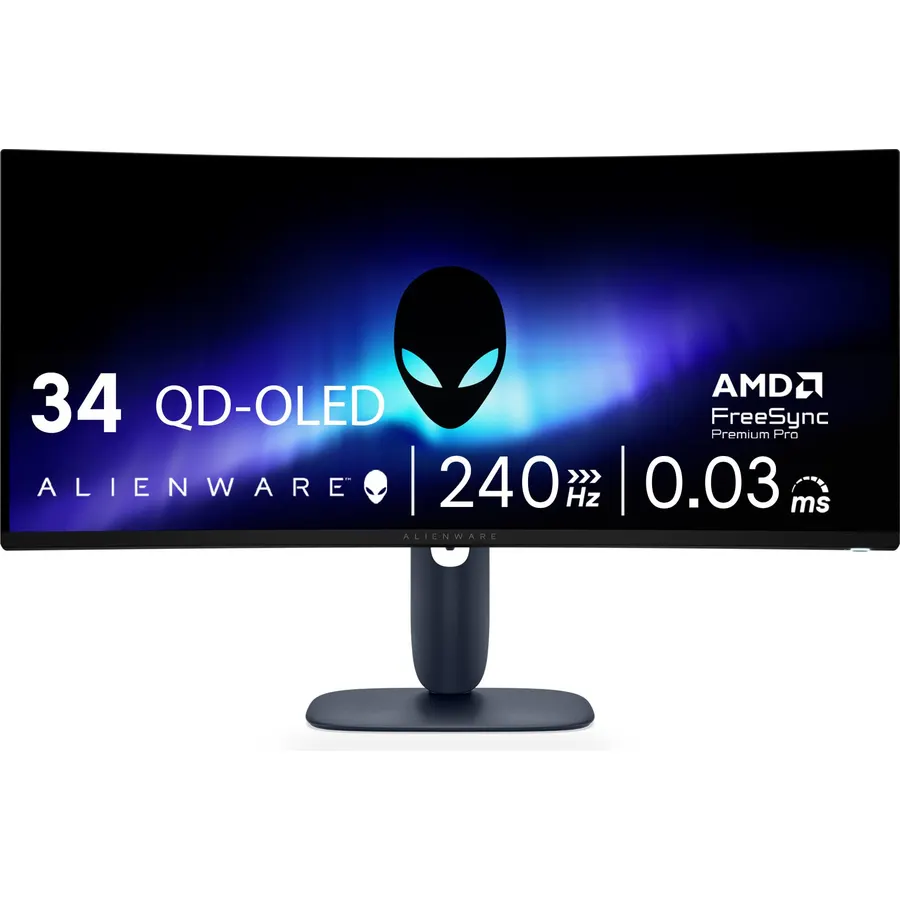
If you have the budget, the AW3425DW is the same 34-inch ultrawide shape as our rank-three pick with a QD-OLED panel that removes every VA weakness. Blacks are true black, motion is clean at 240 Hz, and HDR highlights hit 1000 nits. The trade-offs are OLED trade-offs: full-screen brightness is modest, you should hide the taskbar, and it costs a lot more. Dell covers burn-in for three years, which makes the risk easier to live with. Owners rate it 4.5 stars and mostly compare it favorably to more expensive QD-OLED rivals.
- QD-OLED: perfect blacks, 0.03 ms response, no smearing at all
- 240 Hz on an ultrawide with DCI-P3 99.3% color
- 1000-nit HDR highlights and a three-year burn-in warranty
- HDMI 2.1 for consoles, USB hub for peripherals
- Costs roughly twice the AW3425DWM
- 250 nits full-screen white; bright rooms wash it out
- OLED needs pixel-refresh cycles and care with static taskbars
SAMSUNG 27-Inch CRG5 240Hz Curved Gaming Monitor (LC27RG50FQNXZA), 1920 x 1080p Resolution
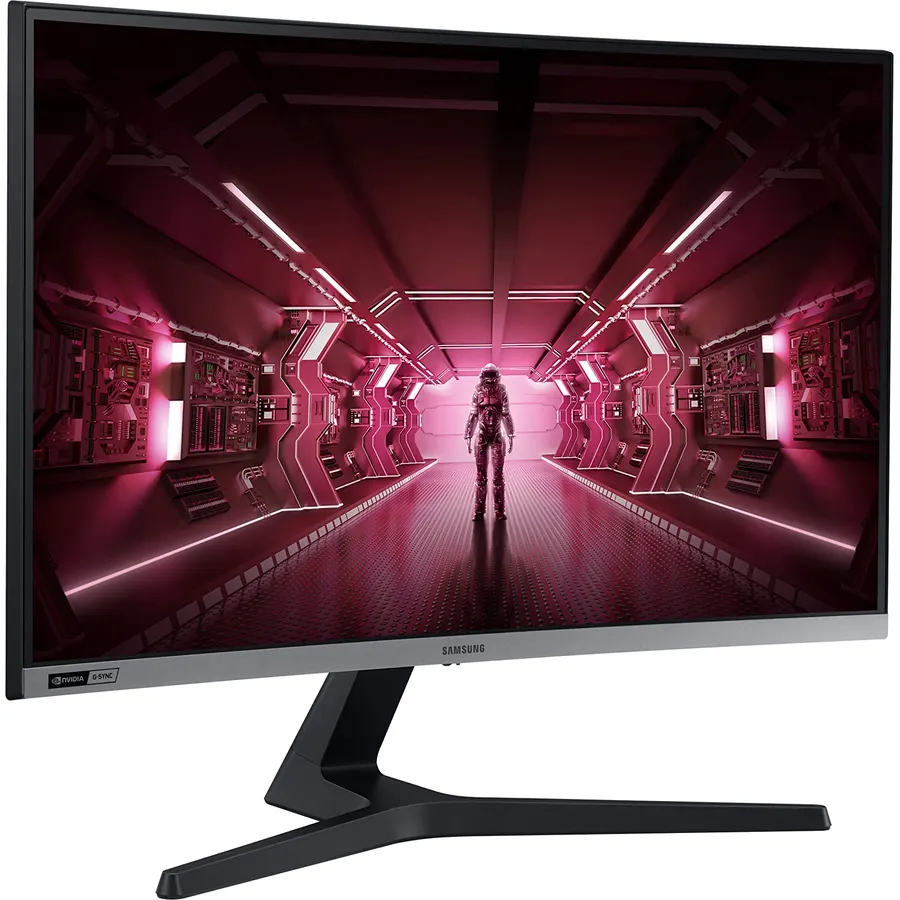
The CRG5 is a 1080p 240 Hz monitor for people who play Valorant, CS2 and Apex, where frame rate matters more than pixels. The 1500R curve is subtle at 27 inches and the VA panel gives darker blacks than the flat IPS esports monitors it competes with. The weak spot is a 4 ms response time, so fast camera pans show more blur than the 1 ms panels above. Owners still rate it 4.7 stars, the highest here. Note the 75 x 75 mm VESA pattern: most arms include adapter plates, but check before you buy.
- 240 Hz at 1080p, easy for any mid-range GPU to drive
- G-Sync Compatible certified, works with FreeSync too
- 3000:1 contrast, better than the IPS esports panels
- Highest rating on this page: 4.7 stars from 1,290+ owners
- 4 ms GTG is slow for a 240 Hz panel; some ghosting in fast pans
- 1080p on 27 inches looks soft on the desktop
- Tilt-only stand and a 75 x 75 VESA pattern, so check your arm
Compare the picks
| Product | Size and resolution | Refresh and response | Curve and panel | Owner rating | Our score | |
|---|---|---|---|---|---|---|
| Samsung Odyssey G65BSamsung | 32-inch 1440p | 240 Hz, 1 ms | 1000R VA | 4.4 / 2k+ | 8.2 | See price |
| ASUS TUF VG32VQ1BASUS | 31.5-inch 1440p | 165 Hz, 1 ms MPRT | 1500R VA | 4.5 / 3.5k+ | 9.0 | See price |
| Alienware AW3425DWMAlienware | 34-inch 3440 x 1440 | 180 Hz, 1 ms | 1500R VA | 4.6 / 690+ | 9.2 | See price |
| Alienware AW3425DWAlienware | 34.2-inch 3440 x 1440 | 240 Hz, 0.03 ms | 1800R QD-OLED | 4.5 / 370+ | 9.0 | See price |
| Samsung CRG5 27Samsung | 27-inch 1080p | 240 Hz, 4 ms | 1500R VA | 4.7 / 1.2k+ | 9.4 | See price |
What the R number means
The curve radius is written as a number followed by R: a 1000R screen is a slice of a circle with a one-meter radius, so it is tighter than 1500R or 1800R. Tighter curves feel more immersive on 32-inch and wider panels and are best when you sit about an arm’s length away. Looser curves (1500R to 1800R) are easier to share with a second viewer and distort straight lines less, which matters if the same screen is used for spreadsheets or CAD.
VA, IPS or OLED on a curve?
Nearly every curved gaming monitor is VA, because VA glass bends easily and gives 3000:1 contrast. The cost is slower pixel response in dark transitions, which shows up as smearing. Samsung’s G65B and the ASUS use overdrive and blur reduction to hide it; the Alienware QD-OLED removes it completely. Browse the whole monitor catalog if you want a flat IPS alternative.
Will these work with a PS5 or Xbox Series X?
All five have HDMI. The Samsung G65B and the Alienware AW3425DW have HDMI 2.1 and can run 1440p or 4K-downscaled at 120 Hz. The others use HDMI 2.0, which handles 1080p and 1440p at 120 Hz on consoles that support it. Ultrawide 21:9 is not supported by consoles, so the Alienwares show black bars.
Do I need DisplayPort for the full refresh rate?
On the ASUS and the CRG5, yes: 165 Hz and 240 Hz need DisplayPort. The G65B and both Alienwares reach their top refresh rate over HDMI 2.1 or DisplayPort 1.4.
Can I mount these on a monitor arm?
Yes. Four picks use the standard 100 x 100 mm VESA pattern. The Samsung CRG5 uses 75 x 75 mm. Check the arm weight rating for the 34-inch Alienwares, which are around 20 lb with the stand removed.
Is OLED burn-in a problem for a desktop monitor?
It can be with static elements over years. The Alienware AW3425DW includes a three-year warranty that covers burn-in, runs automatic pixel refresh, and you can hide the Windows taskbar. If the monitor doubles as an all-day work screen, the VA picks are lower maintenance.
Prices and stock change daily. The buttons above open Amazon so you always see the current price. We may earn a commission if you buy through them, at no extra cost to you.
Do Best Deal is a participant in the Amazon Services LLC Associates Program. As an Amazon Associate we earn from qualifying purchases. If you buy through links on this site we may earn a commission, at no extra cost to you. Learn more.
