
An OLED gaming monitor does two things no LCD can: every pixel switches off for true black, and every pixel changes in about 0.03 milliseconds, so motion stays sharp at any refresh rate. The price of that has fallen fast; a 27-inch 1440p 240Hz OLED now costs what a good IPS monitor cost two years ago. We ranked the OLED monitors in our monitors catalog by panel type (QD-OLED or WOLED), resolution and refresh rate, brightness and HDR certification, burn-in protection and warranty, ports, and what owners report after months at the desk.
We have not run every one of these on our own desk; the verdicts rest on the spec sheets and on the owner review history. Prices are not printed because they change daily; every button opens the live Amazon page. If you are not sure OLED is worth the premium, our 240Hz gaming monitors and 144Hz gaming monitors guides cover the fast LCD options.
How we picked
- A real OLED panel, QD-OLED from Samsung Display or WOLED from LG Display. No “OLED-like” mini-LED claims.
- 240Hz or faster at the native resolution, or a dual mode that gets there.
- HDR True Black 400 or better, which only OLED can certify.
- Burn-in protection and warranty. Pixel-shift and refresh cycles on every pick; the picks with a written burn-in warranty are called out.
- Owner ratings of 4.0 stars or better, with enough reviews to trust.
The picks
LG Ultragear OLED 27GX704A-B 27 QHD (2560x1440) Gaming Monitor, 240Hz OLED, 0.03ms, HDR, G-SYNC Compatible, FreeSync Premium, HDMI and DisplayPort
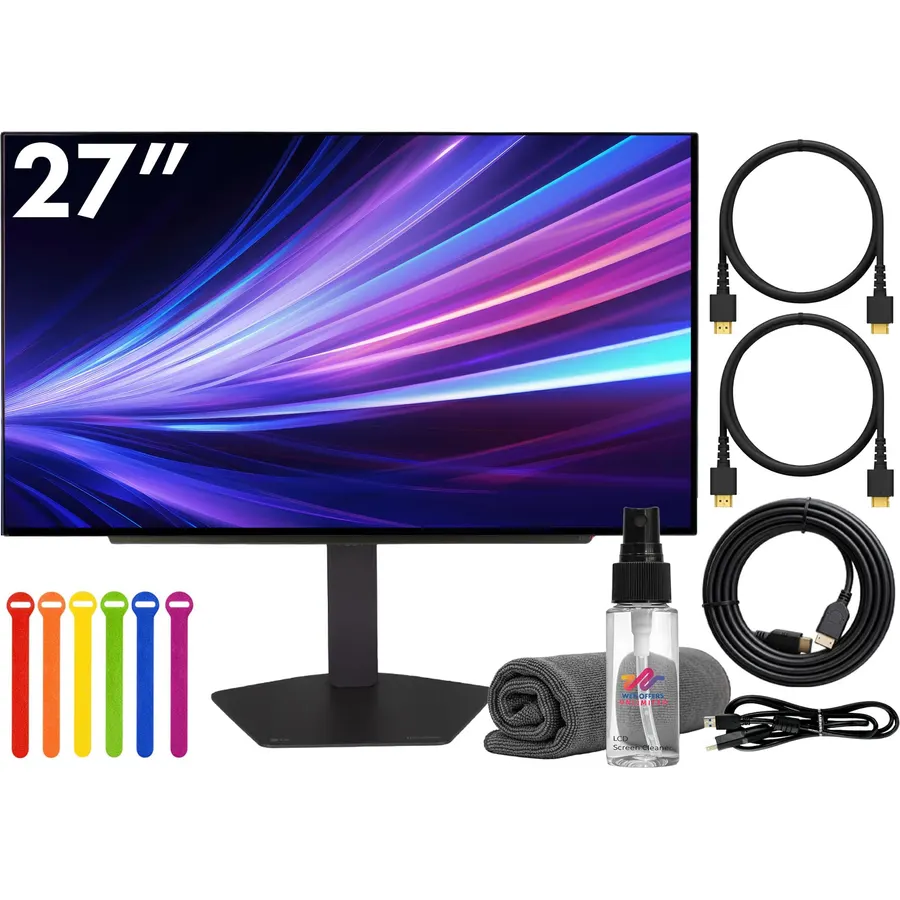
The 27GX704A-B is the OLED to buy when you want one monitor for a PC and a console: two HDMI 2.1 inputs take a PS5 and an Xbox at 4K-to-1440p 120Hz while the PC runs 240Hz over DisplayPort. The glossy WOLED panel hits True Black 400 with 0.03ms pixel response, both sync standards are supported, and the stand adjusts every way, including pivot. The Amazon listing bundles a cable, ties and a cleaning kit, which is harmless. Owners give it 4.6 stars from nearly 500 reviews, the highest rating of any OLED on this page, and the complaints are the usual OLED ones about text clarity rather than anything specific to LG.
- Two HDMI 2.1 ports for PS5 and Xbox at 120Hz plus a PC on DisplayPort
- Glossy panel with deep blacks and no haze
- Full ergonomic stand and USB hub
- 4.6 stars, the best-rated OLED here
- This listing is a bundle with an HDMI cable, ties and a cleaning kit
- WOLED is a little less saturated than QD-OLED
- No speakers
AOC 27 Gaming Monitor QHD 240Hz QD OLED NVIDIA G-SYNC Compatible Q27GAZD
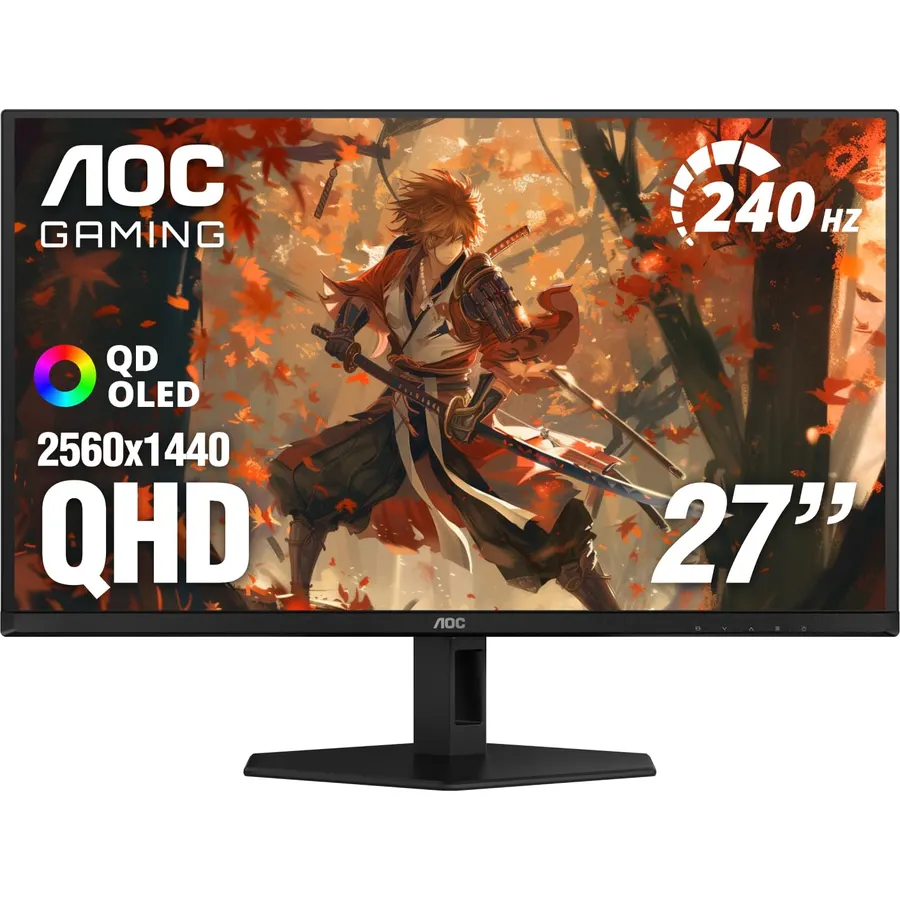
The AOC Q27GAZD brings QD-OLED, the panel with the widest color of any monitor type, down to a price that competes with fast IPS. You get the same 1440p 240Hz 0.03ms numbers as the LG above, deeper color saturation, True Black 400 HDR and an adjustable stand. The savings show in the ports (HDMI 2.0 rather than 2.1) and in a shorter burn-in warranty than the ASUS and LG panels here. In a dim or evenly lit room it looks sensational; in a bright room QD-OLED’s exposed quantum-dot layer gives blacks a faint magenta cast, which is the one honest caveat. Owners rate it 4.5 stars.
- The cheapest QD-OLED at 1440p 240Hz
- QD-OLED color: 110% DCI-P3
- True Black 400 HDR
- 4.5 stars from owners
- HDMI 2.0, so consoles are limited to 1440p 120Hz with some compromises
- Shorter burn-in warranty than ASUS and LG
- Semi-glossy coating shows a magenta tint in bright rooms, a QD-OLED trait
ASUS ROG XG27AQDMGR 27 Inch 1440p 240Hz Glossy OLED HDR Gaming Monitor
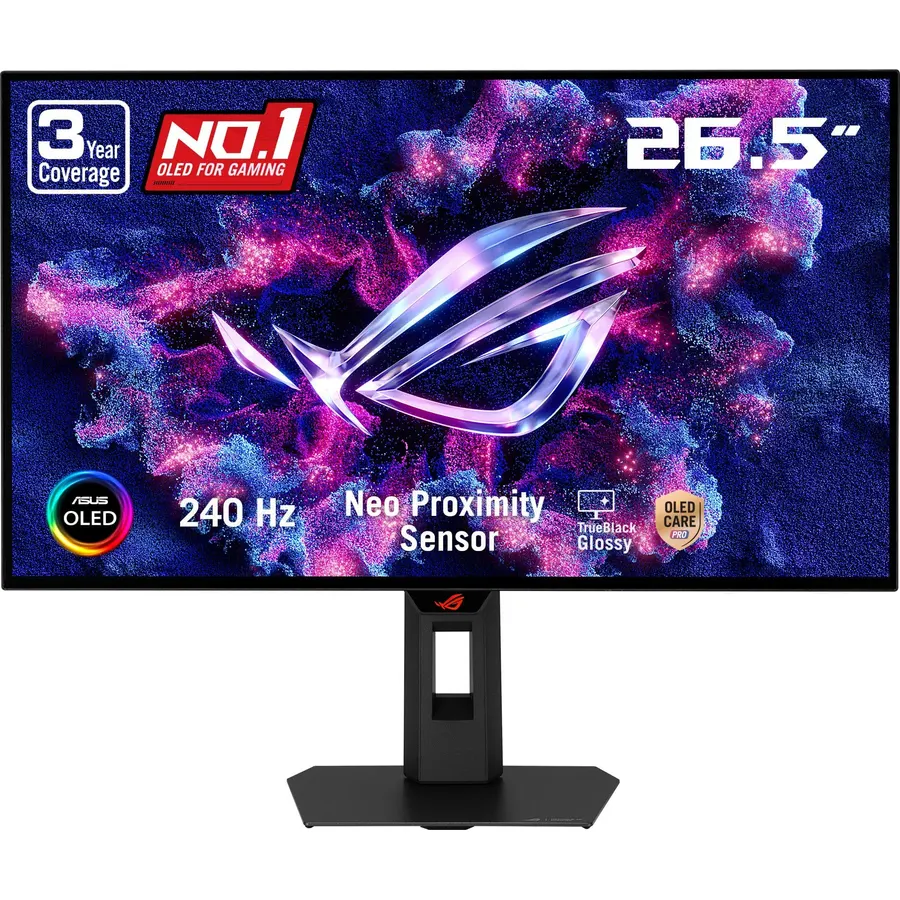
The ROG Strix XG27AQDMGR is the 27-inch OLED for anyone who lies awake worrying about burn-in. ASUS’s OLED Care Pro suite adds a Neo Proximity Sensor that turns the panel black when you leave the desk and back on when you return, on top of the usual pixel shift and refresh cycles, and the whole thing is backed by a three-year warranty that covers burn-in in writing. The panel is a glossy 10-bit WOLED with 99% DCI-P3 and a Delta E under 2 from the factory, so it doubles as a color-accurate work monitor, and there is a USB-C input for a laptop. HDMI 2.0 is the one spec miss. Owners rate it 4.6 stars.
- Proximity sensor blanks the screen when you walk away
- 3-year warranty that covers burn-in
- Factory-calibrated 10-bit color
- USB-C input; 4.6 stars
- HDMI 2.0, not 2.1
- Pricier than the AOC for the same panel size
- ASUS DisplayWidget software is clunky
LG 27GX700A-B 27-inch Ultragear QHD (2560 x 1440) OLED Gaming Monitor, 280Hz, 0.03ms, NVIDIA G-Sync, AMD FreeSync Premium Pro, VESA DisplayHDR TrueBlack500, HDMI 2.1
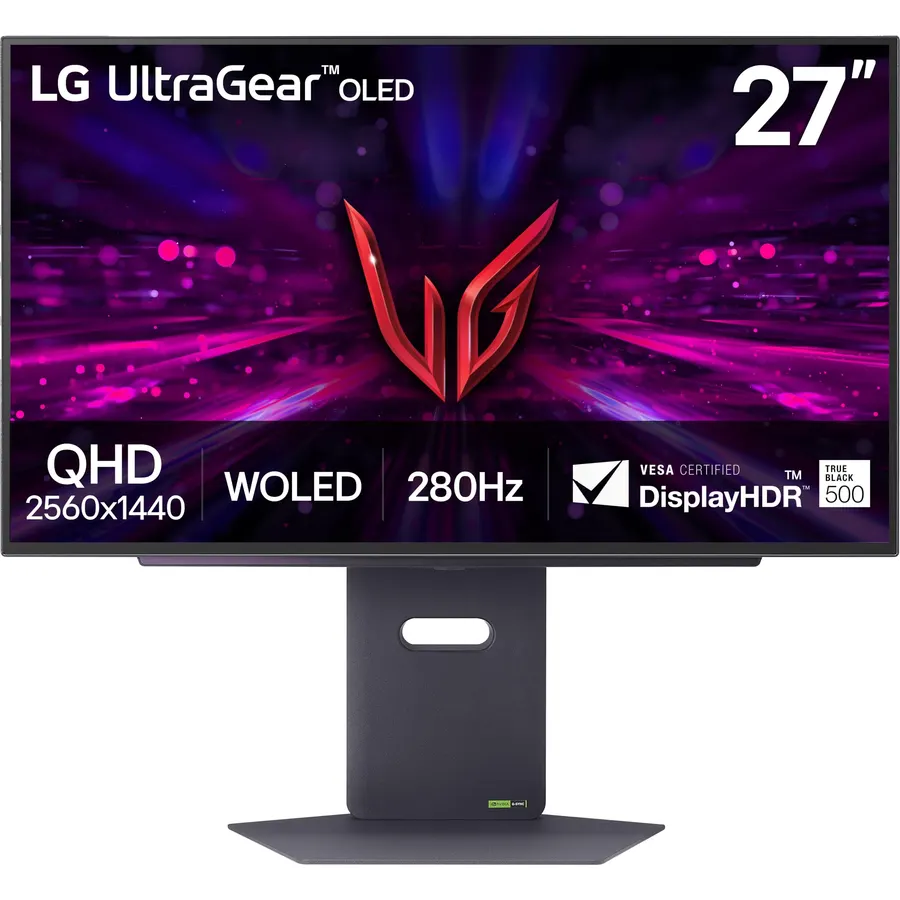
The 27GX700A-B uses LG’s fourth-generation tandem WOLED, the same stacked structure in high-end TVs, and it shows in brightness: True Black 500 certification and peaks up to 1,500 nits, which fixes the dim-HDR complaint that follows most OLED monitors. It also runs 280Hz rather than 240, keeps HDMI 2.1, and carries UL’s Perfect Black and Perfect Color certifications. The owner rating is 4.0 stars from a smaller group, with a handful of early-unit defect reports pulling it down, so buy it from a seller with easy returns. For a bright room, it is the 27-inch OLED to get.
- The brightest OLED here: True Black 500 and 1,500-nit peaks
- 280Hz, the fastest 1440p refresh on this page
- HDMI 2.1 for consoles
- Tandem OLED structure is rated for longer life
- 4.0 stars: a few owners report panel defects out of the box
- Newer model with fewer reviews
- Matte-ish finish is less punchy than the glossy 704A
Alienware 34 240Hz QD-OLED Curved Gaming Monitor - AW3425DW - 34.2-inch WQHD (3440 x 1440) 0.03ms, 1800R Curve, FreeSync Premium Pro, DisplayHDR TrueBlack 400
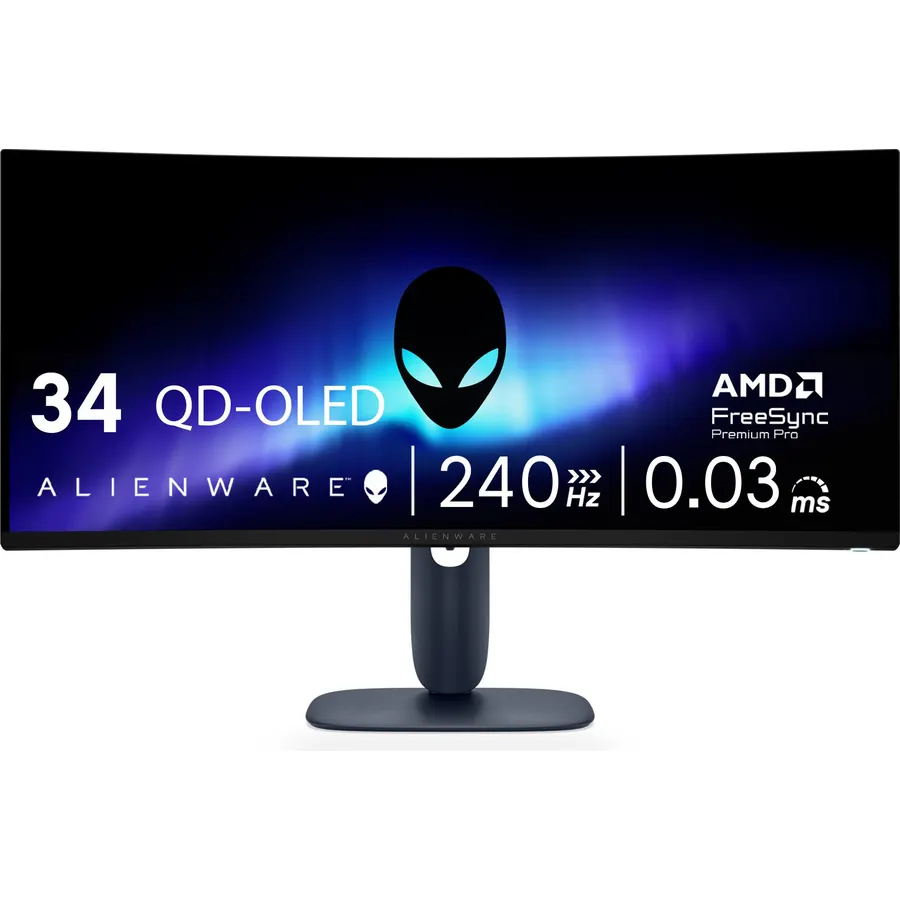
The AW3425DW is the ultrawide to buy: a 34-inch 3440 x 1440 QD-OLED with an 1800R curve, 240Hz, 1,000-nit HDR peaks and the color accuracy (99.3% DCI-P3, Delta E under 2) to do photo work between games. Dell backs the panel with a three-year warranty that explicitly covers burn-in, which is the main reason to pay Alienware prices over the no-name QD-OLED ultrawides. HDMI 2.1 and DisplayPort 1.4 cover consoles and PCs. You need a GPU that can push 3440 x 1440 fast to see the 240Hz, but even at 120 frames per second the 0.03ms panel looks cleaner than any LCD. Owners rate it 4.5 stars.
- 34-inch 21:9 QD-OLED at 240Hz, the fastest ultrawide here
- 3-year burn-in warranty from Dell
- Factory color accuracy for work as well as games
- 4.5 stars from 370 owners
- 3440 x 1440 needs a strong GPU at 240Hz
- Deep 1800R curve is not for everyone
- No speakers
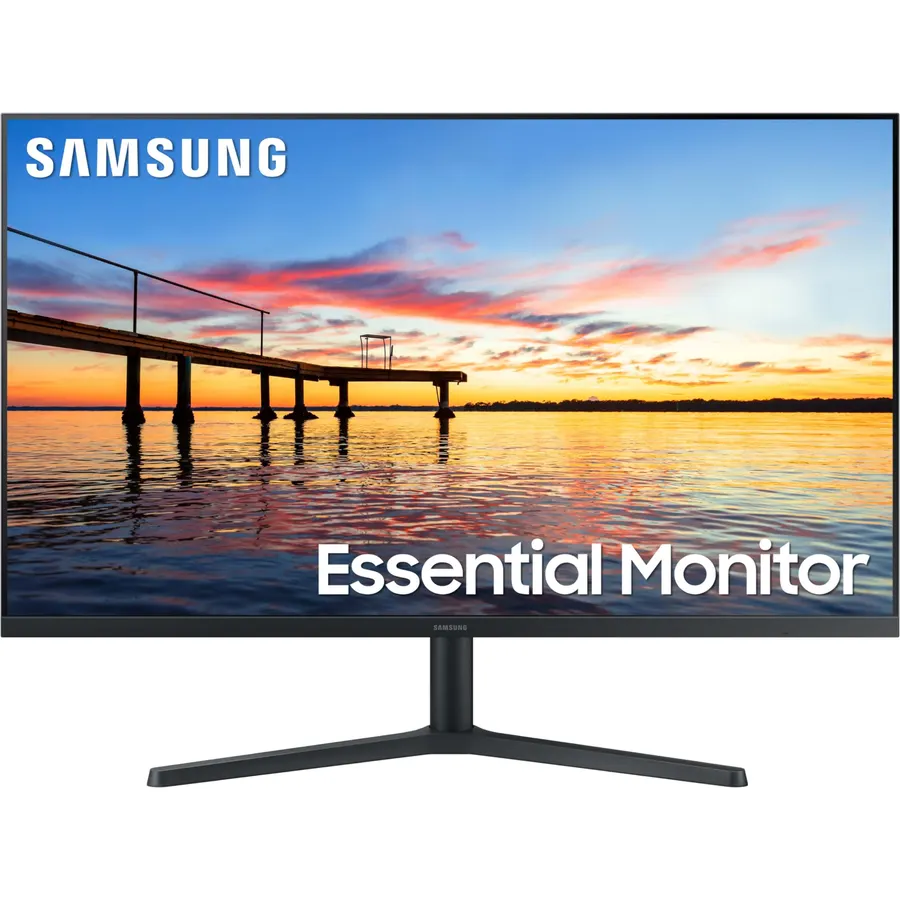
The Odyssey OLED G7 is the sensible 4K OLED: 32 inches, 3840 x 2160, and a dual mode that switches to 1080p at 330Hz for competitive play. It gives up the 240Hz 4K of the ASUS below in exchange for a far lower price, and for most games and most GPUs 165Hz at 4K is already more than they can feed. HDMI 2.1 makes it a good console monitor as well. The Amazon listing here bundles a 27-month care plan on top of Samsung’s warranty, which is useful for an OLED but adds to the price, so compare it with the plain listing. With 950 reviews at 4.5 stars it is the most-trusted OLED on the page.
- 4K OLED at a price below the 240Hz flagships
- Dual mode: 4K 165Hz for games, 1080p 330Hz for shooters
- HDMI 2.1 for consoles at 4K 120Hz
- The most-reviewed OLED on this page at 4.5 stars
- 165Hz at 4K, not 240
- The care plan in this listing raises the price; check the plain listing too
- Samsung OLED menus are slow
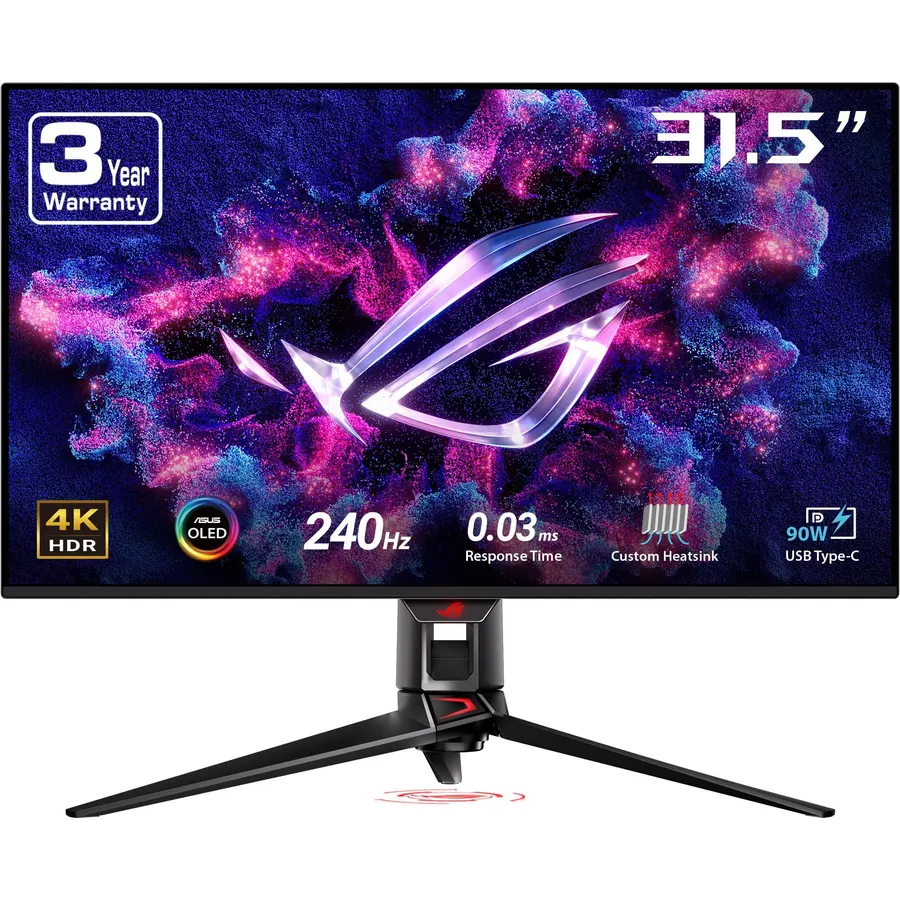
The ROG Swift PG32UCDP is the 32-inch OLED without compromises: 4K at 240Hz, a 1080p 480Hz mode for esports, and ASUS’s anti-flicker circuitry that smooths the brightness jumps OLEDs show when variable refresh rate swings. It carries the same three-year burn-in warranty as the 27-inch ROG, two HDMI 2.1 ports for consoles and a USB-C input for a laptop. It costs well over the Samsung G7, and you need a top-end GPU to push 4K anywhere near 240 frames, which is why it sits below the Samsung for most buyers. Owners rate it 4.4 stars.
- 4K 240Hz and 1080p 480Hz on one panel
- Anti-flicker tech for VRR-induced brightness flicker
- 3-year burn-in warranty
- Two HDMI 2.1 ports and USB-C
- Costs well over the Samsung G7
- Needs a flagship GPU to use 4K 240Hz
- 4.4 stars: some owners dislike the matte coating
Samsung 49 Odyssey (G93SC) Series QD-OLED Curved Gaming Monitor
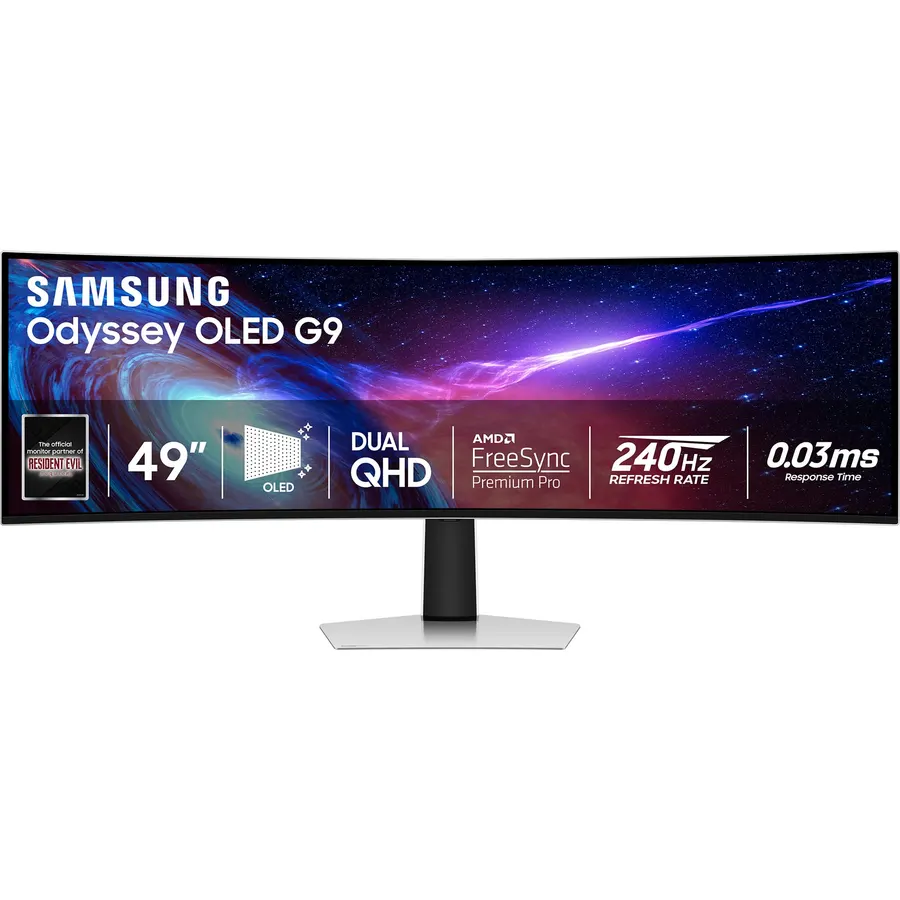
The Odyssey OLED G9 is the 49-inch QD-OLED that replaces two 27-inch 1440p monitors with one curved panel and no bezel in the middle, running the whole 5120 x 1440 width at 240Hz. For sim racing, flight sims and strategy games nothing else comes close, and for work it is two screens’ worth of spreadsheets. It is last here because of the owner rating: 4.1 stars from 1,200 reviews, with firmware quirks and a few dead-pixel reports as the recurring complaints, and because its size and GPU demands rule it out for most desks. If you want 49 inches, our 49-inch monitors guide compares it with the LCD alternatives.
- Two 27-inch 1440p monitors in one seamless QD-OLED panel
- 240Hz across the whole 32:9 width
- True Black 400 HDR and 0.03ms response
- The most-reviewed monitor on this page
- 4.1 stars: Samsung firmware and dead-pixel reports are the common complaints
- Needs a very deep desk and a powerful GPU
- Not every game supports 32:9
Compare the picks
| Product | Panel | Resolution | Refresh | Burn-in warranty | Owner rating | Our score | |
|---|---|---|---|---|---|---|---|
| LG 27GX704A-BLG | 27-inch WOLED, glossy | 2560 x 1440 | 240Hz | 2 years (LG) | 4.6 (470+) | 9.1 | See price |
| AOC Q27GAZDAOC | 27-inch QD-OLED | 2560 x 1440 | 240Hz | Standard | 4.5 (210+) | 8.9 | See price |
| ASUS XG27AQDMGRASUS | 26.5-inch WOLED, glossy | 2560 x 1440 | 240Hz | 3 years | 4.6 (130+) | 9.0 | See price |
| LG 27GX700A-BLG | 27-inch tandem WOLED | 2560 x 1440 | 280Hz | 2 years (LG) | 4.0 (150+) | 8.1 | See price |
| Alienware AW3425DWAlienware | 34-inch QD-OLED, curved | 3440 x 1440 | 240Hz | 3 years | 4.5 (370+) | 9.0 | See price |
| Samsung OLED G7 32Samsung | 32-inch WOLED | 3840 x 2160 | 165Hz / 330Hz | Standard + care plan | 4.5 (950+) | 9.0 | See price |
| ASUS PG32UCDPASUS | 32-inch WOLED | 3840 x 2160 | 240Hz / 480Hz | 3 years | 4.4 (270+) | 8.8 | See price |
| Samsung OLED G9 49Samsung | 49-inch QD-OLED, curved | 5120 x 1440 | 240Hz | Standard | 4.1 (1,200+) | 8.2 | See price |
QD-OLED or WOLED?
QD-OLED (AOC, Alienware, Samsung G9) puts a quantum-dot layer over blue OLED emitters: wider, more saturated color and brighter color highlights, but the layer reflects ambient light, so blacks look faintly magenta in a bright room. WOLED (LG, ASUS, Samsung G7) uses a white OLED with color filters and a fourth white subpixel: a little less saturated, often brighter in full-screen white, and glossy versions look deepest in a lit room. Text clarity on both is a step behind IPS because of the subpixel layouts; Windows ClearType tuning helps. Neither is wrong; pick QD-OLED for a dim gaming room and color, WOLED for a bright room or mixed work.
Burn-in in 2026
Every pick here runs pixel shift, logo dimming and a pixel-refresh cycle, and modern panels tolerate normal mixed use well. What still causes burn-in is a static taskbar at full brightness for thousands of hours. Hide the taskbar, use a dark theme, keep SDR brightness moderate, and let the refresh cycle run. The ASUS and Alienware monitors add a written three-year burn-in warranty; LG covers two years; the AOC and Samsung panels have standard warranties, which is why the Samsung G7 listing with a care plan is worth considering.
27, 32 or ultrawide?
27-inch 1440p (LG, AOC, ASUS) is the sweet spot: 240Hz is reachable on a mid-range GPU and the pixel density is fine at arm’s length. 32-inch 4K (Samsung G7, ASUS PG32UCDP) gives sharper text and a bigger picture but needs twice the GPU power; the dual modes exist so you can drop to 1080p for competitive play. Ultrawide (Alienware 34) and super ultrawide (Samsung 49) trade height for width and are best for sims and productivity; our ultrawide monitors and curved gaming monitors guides cover the LCD alternatives at each size.
Is an OLED gaming monitor worth it in 2026?
For gaming in a dim or evenly lit room, yes: true black, 0.03ms response and HDR that LCDs cannot match, now at prices close to premium IPS. For all-day office work with static windows, a good IPS is still the safer and cheaper choice.
Which OLED monitor is best for PS5 and Xbox?
The LG 27GX704A-B and ASUS PG32UCDP have two HDMI 2.1 ports each, so both consoles connect at 120Hz with VRR. The Samsung G7 and Alienware have one HDMI 2.1 port.
Do OLED monitors still get burn-in?
Less than they used to, but static elements at high brightness for thousands of hours can still leave marks. Hide the taskbar, use dark themes, keep SDR brightness moderate, and prefer a monitor with a burn-in warranty (ASUS and Alienware here, three years).
QD-OLED or WOLED, which is better?
QD-OLED has wider color and brighter highlights but shows a magenta tint in bright rooms. WOLED is brighter in full-screen white and looks blackest in a lit room, especially the glossy LG and ASUS panels. Both are excellent for games.
What GPU do I need for a 4K 240Hz OLED?
A flagship card to reach 240 frames at 4K in modern games. A mid-range card is fine for 1440p 240Hz, which is why the 27-inch picks are the best value; the 4K picks have 1080p high-refresh modes for competitive titles.
Prices and stock change daily. The buttons above open Amazon so you always see the current price. We may earn a commission if you buy through them, at no extra cost to you.
Do Best Deal is a participant in the Amazon Services LLC Associates Program. As an Amazon Associate we earn from qualifying purchases. If you buy through links on this site we may earn a commission, at no extra cost to you. Learn more.
