An ultrawide replaces two monitors with one screen and no bezel down the middle. A 34-inch 3440x1440 panel is the height of a 27-inch 1440p monitor and a third wider, so you get a code editor and a browser side by side, or a game that fills your peripheral vision. The 49-inch 32:9 models are two 27-inch 1440p screens fused together.
We picked five from our catalog that owners rate 4.4 stars or better, from a budget 100Hz office panel to a 240Hz QD-OLED. We have not used every one at our own desk, so we lean on spec sheets and owner reviews. Prices are not printed because they change daily; every button opens the live Amazon page.
How we picked
- 21:9 or 32:9 with at least 3440x1440. Wide but low-resolution 1080p ultrawides look soft at 34 inches, so we left them out.
- The right panel for the job. IPS for text and color, VA for contrast and price, QD-OLED for gaming.
- Ports for how the screen will be used. USB-C for laptops on the work picks, DisplayPort 1.4 and HDMI 2.1 on the gaming picks.
- A stand that adjusts in height. Four of five do; the budget pick is flagged.
- Owner ratings of 4.4 stars or better from the monitor catalog, favoring models with hundreds or thousands of reviews.
The picks
LG 34WN80C-B UltraWide Monitor 34-inch 21:9 Curved WQHD (3440 x 1440) IPS Display, USB Type-C (60W PD), sRGB 99%
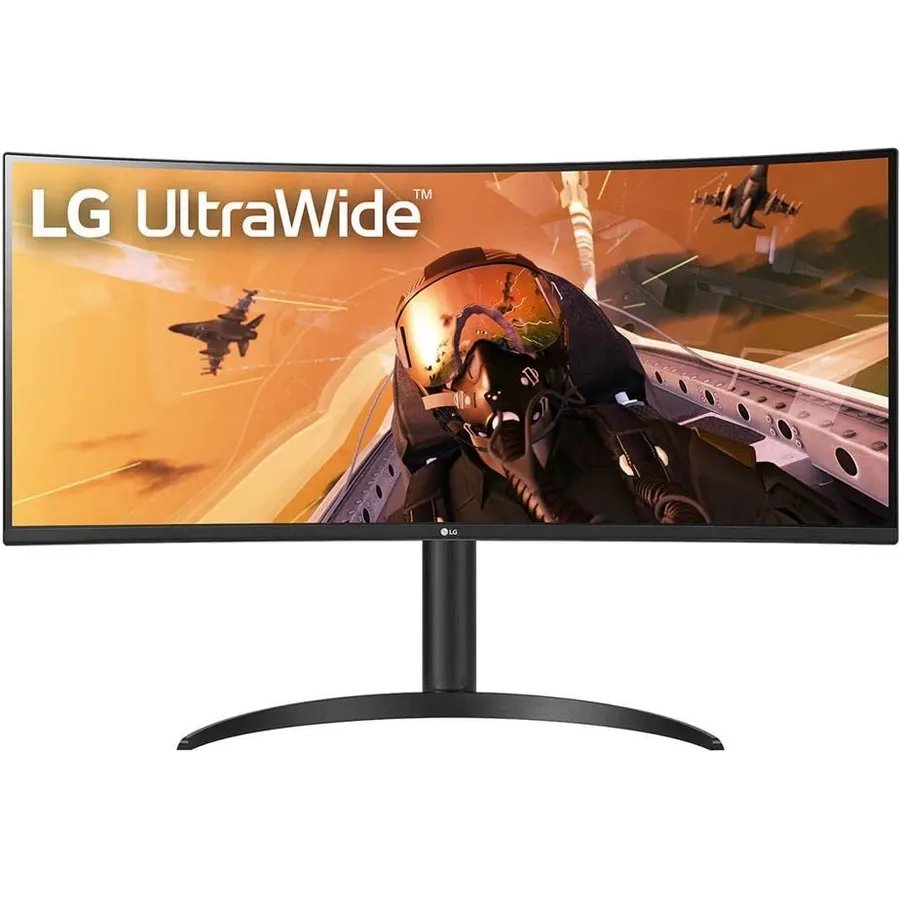
The 34WN80C-B is the ultrawide we see on the most desks, and the reviews explain why: almost 4,000 owners rate it 4.6 stars. It is a 34-inch curved IPS panel at 3440x1440 with 99% sRGB, and the USB-C port supplies 60W, enough to charge a 13 or 14-inch laptop while driving the screen; two USB-A ports handle a keyboard and mouse. At 60Hz with a 5ms response it is not a gaming monitor, and the 700:1 contrast is typical IPS. For spreadsheets, code and video calls it is exactly right. For what else to look for in a work screen, read our guide to choosing a monitor for coding.
- One USB-C cable carries video, data and 60W of laptop power
- IPS panel with wide viewing angles and accurate sRGB
- Two USB-A ports for keyboard and mouse
- Nearly 4,000 ratings at 4.6 stars
- 60Hz, not for gaming
- 700:1 contrast, blacks are gray in a dark room
- Stand has no swivel or pivot
Alienware 34 Curved Gaming Monitor AW3425DWM, 34-inch WQHD 180Hz 1ms, 1500R, AMD FreeSync Premium
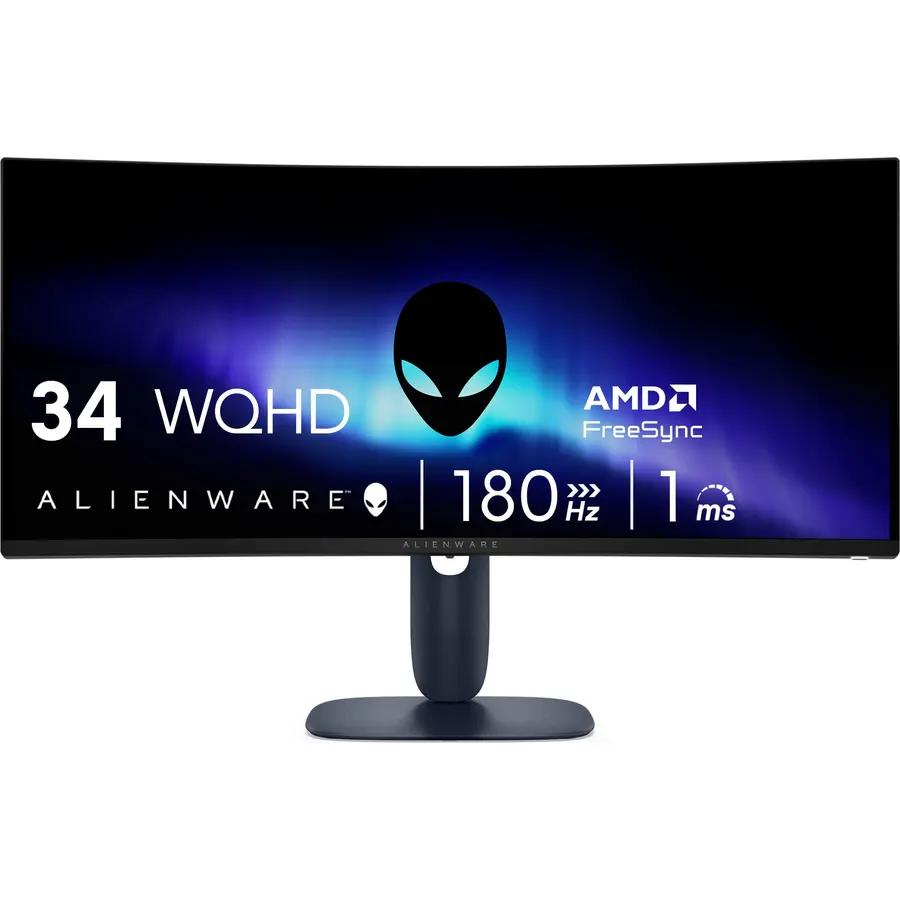
Alienware trimmed its 34-inch gaming monitor down to the parts that matter: a 1500R curved VA panel at 180Hz with a 1ms gray-to-gray response, FreeSync Premium, 95% DCI-P3 and 400 nits. The 3000:1 contrast makes it a much better movie and dark-game screen than an IPS ultrawide, and the stand adjusts in height and tilt. Owners give it 4.6 stars, and the common praise is that it feels like more monitor than the money. Connect over DisplayPort 1.4 for the full 180Hz.
- 180Hz at 3440x1440 with a 1ms response
- VA panel gives 3000:1 contrast, deep blacks in dark games
- 400 nits and DisplayHDR 400
- 690 ratings at 4.6 stars
- VA can smear slightly in fast dark scenes
- No USB-C
- HDR 400 is entry level
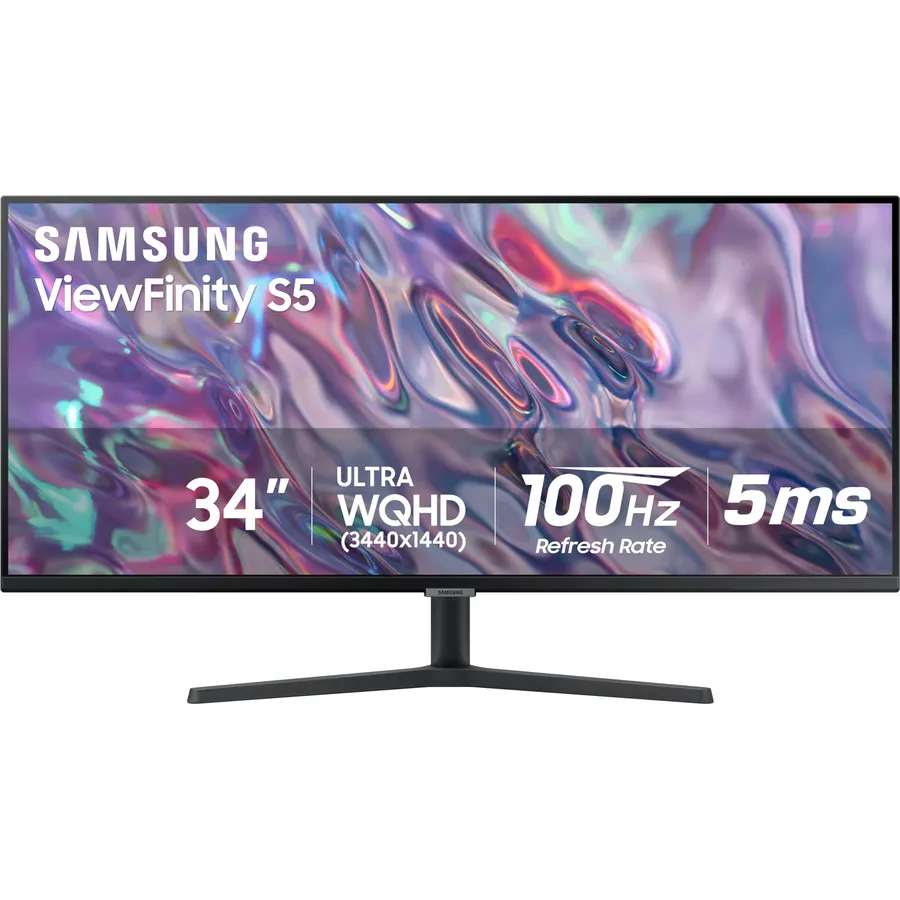
The S50GC is the ultrawide for someone who wants the width for work without paying for USB-C or high refresh. It is a flat 34-inch VA panel at 3440x1440 running 100Hz, with FreeSync, HDR10, 3000:1 contrast and an ambient light sensor that dims the screen in the evening. The corners cut are clear: the stand only tilts, there are no USB ports, and the 72% gamut is fine for documents but not photo editing. Over a thousand owners rate it 4.4 stars, mostly people replacing two 24-inch monitors and being happy about it.
- Cheapest 3440x1440 ultrawide with 1,000+ reviews
- 100Hz is a step up from 60Hz for scrolling and casual games
- Ambient light sensor adjusts brightness automatically
- Flat, so a pair can sit edge to edge
- Tilt-only stand, budget a VESA arm
- No USB-C or USB hub
- 72% color gamut, not for color work
Alienware 34 240Hz QD-OLED Curved Gaming Monitor AW3425DW, 34.2-inch WQHD (3440 x 1440) 0.03ms
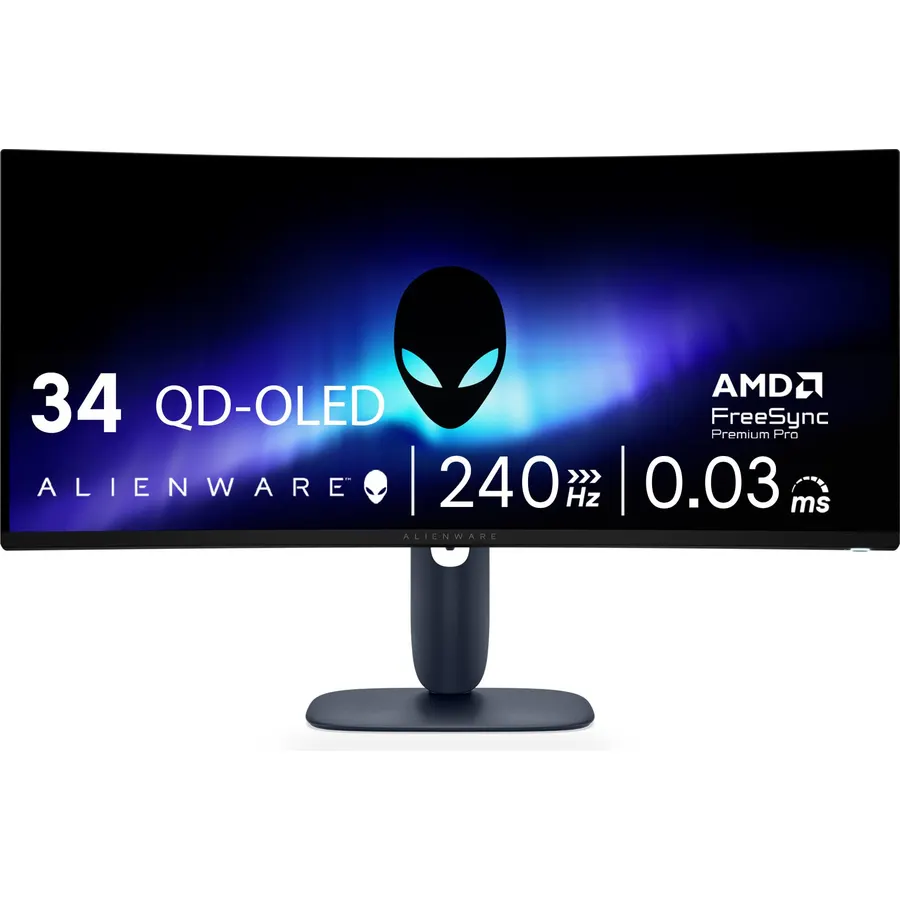
If the AW3425DWM is the sensible Alienware, the AW3425DW is the one you want. Its 34.2-inch QD-OLED panel runs 240Hz with a 0.03ms response, covers 99.3% of DCI-P3 at a Delta E under 2, and carries DisplayHDR TrueBlack 400 with 1000-nit peak highlights. Two HDMI 2.1 ports take a PS5 or Xbox next to a PC on DisplayPort 1.4, and the stand adds swivel to height and tilt. The caveats are the usual OLED ones: 250 nits full-screen is dim for a bright room, and desktop users should auto-hide the taskbar. Owners rate it 4.5 stars.
- QD-OLED: perfect blacks, 1000-nit HDR highlights, 240Hz
- 0.03ms response, no ghosting at all
- HDMI 2.1 for consoles plus DisplayPort 1.4
- Full 1800R curve suits a single seated position
- 250 nits full-screen brightness
- Burn-in risk with a static taskbar all day
- Costs about twice the AW3425DWM
SAMSUNG 49-inch Odyssey G9 (G91F) DQHD, 144Hz, Curved Gaming Monitor, Ultra-Wide 32:9 Screen, DisplayHDR 600
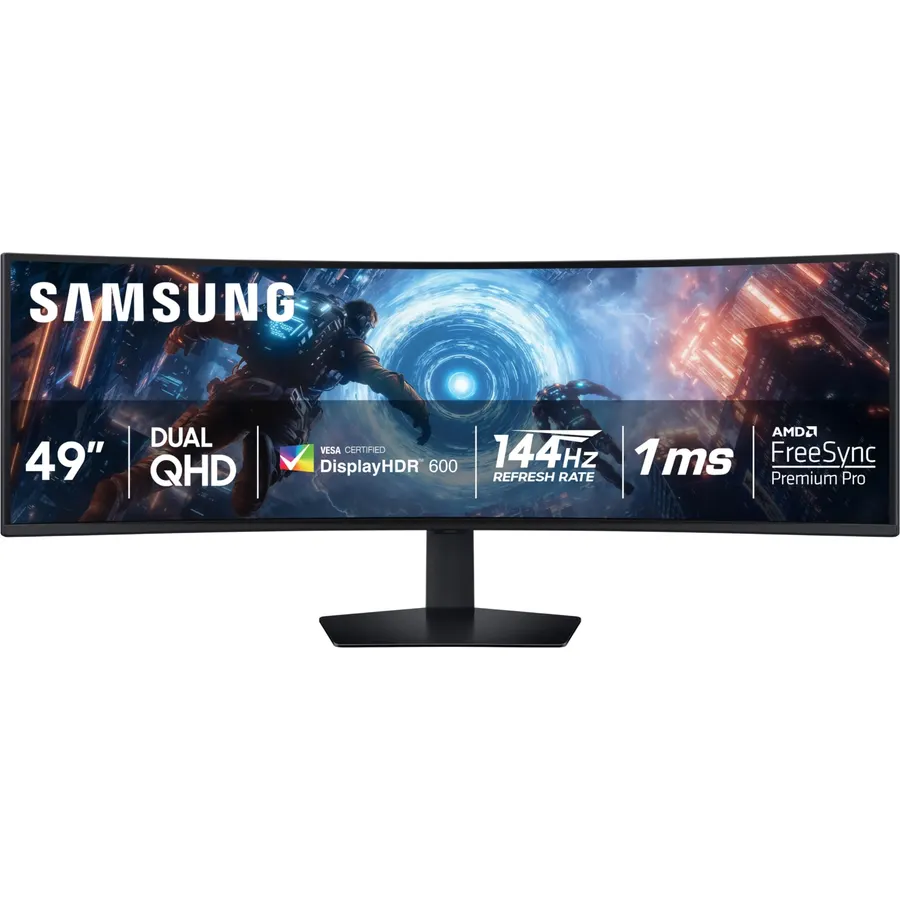
The G91F is the 32:9 monitor for people who already know they want 32:9. At 5120x1440 it has exactly the pixels of two 27-inch 1440p screens, so Windows snaps two full-size windows side by side, and games that support the ratio wrap around you thanks to the 1000R curve. It runs 144Hz with a 1ms response, FreeSync Premium Pro and DisplayHDR 600. You will need a desk at least 30 inches deep and a graphics card that can push 7.4 million pixels. The review count is lower than the other picks, but owners rate it 4.4 stars. For a work-only 49-inch, look for the USB-C ViewFinity models in our monitor catalog.
- Two 27-inch 1440p monitors in one panel with no seam
- 144Hz and 1ms on a 49-inch screen
- DisplayHDR 600 with VA contrast
- Height-adjustable stand for a monitor this heavy
- Needs a deep desk and a strong graphics card
- The 1000R curve is intense; some people dislike it for spreadsheets
- Fewer reviews than the others on this list (about 180)
Compare the picks
| Product | Panel | Refresh / response | Ports | Stand | Our score | |
|---|---|---|---|---|---|---|
| LG 34WN80C-BLG | 34" IPS curved | 60Hz, 5ms | USB-C 60W, 2x HDMI, DP, 2x USB-A | Height, tilt | 9.2 | See price |
| Alienware AW3425DWMAlienware | 34" VA 1500R | 180Hz, 1ms | DP 1.4, 2x HDMI | Height, tilt | 9.2 | See price |
| Samsung ViewFinity S50GCSamsung | 34" VA flat | 100Hz, 5ms | DP, HDMI | Tilt only | 8.8 | See price |
| Alienware AW3425DWAlienware | 34" QD-OLED 1800R | 240Hz, 0.03ms | DP 1.4, 2x HDMI 2.1, USB | Height, tilt, swivel | 9.0 | See price |
| Samsung Odyssey G9 G91FSamsung | 49" VA 1000R, 32:9 | 144Hz, 1ms | DP, HDMI, USB | Height, tilt | 8.8 | See price |
34-inch or 49-inch?
A 34-inch 21:9 ultrawide fits a normal desk, works with any modern graphics card, and gives you two comfortable windows side by side. A 49-inch 32:9 is a bigger commitment: 47 inches wide, over 30 pounds with the stand, and you must sit dead center or the curve distorts. It shines for trading, simulation games and anyone who really did have two 27-inch monitors. If unsure, buy the 34.
Panel, ports and stand: what to check
IPS (the LG) is the choice for text and color; VA (the Alienware DWM, Samsung S50GC and G9) trades a little motion clarity for three to four times the contrast and usually a lower price; QD-OLED (the Alienware DW) beats both on everything except full-screen brightness and burn-in risk. Only the LG has USB-C with charging, so laptop users should start there. DisplayPort 1.4 is required for 180Hz and above at 3440x1440; both Alienwares carry it, and the OLED adds HDMI 2.1 for consoles. Ultrawides are heavy and wide, so a height-adjustable stand matters more than on a 27-inch; only the S50GC lacks one, and a VESA 100 arm rated for 34-inch screens fixes that. To compare against a pair of 4K screens, see our 27-inch 4K work monitors.
Will my laptop drive a 3440x1440 ultrawide?
Any laptop from the last five years with USB-C DisplayPort Alt Mode, HDMI 2.0 or DisplayPort runs 3440x1440 at 60Hz. Reaching 100Hz or more usually needs DisplayPort, and the 49-inch G9 needs DisplayPort 1.4 for 144Hz.
Do games support ultrawide?
Most PC games from the last decade support 21:9 natively. 32:9 support is less common, and some competitive games lock the field of view. Consoles output 16:9 only, so they show black bars at the sides.
Can I mount these on an arm?
All five are VESA 100x100. Check the arm weight rating: the 34-inch models weigh 15 to 24 pounds without the stand and the 49-inch G9 needs an arm rated for at least 30 pounds.
What about shipping and returns?
Ultrawides ship in a long box and the 49-inch may need someone home to sign. Amazon accepts returns within 30 days in the US; inspect the panel the day it arrives and keep the foam inserts, because a curved panel cannot be returned safely without them.
Prices and stock change daily. The buttons above open Amazon so you always see the current price. We may earn a commission if you buy through them, at no extra cost to you.
Do Best Deal is a participant in the Amazon Services LLC Associates Program. As an Amazon Associate we earn from qualifying purchases. If you buy through links on this site we may earn a commission, at no extra cost to you. Learn more.
