A 32-inch 4K monitor is the size where 3840 x 2160 finally works without scaling: text is sharp but still readable at 100 percent, a spreadsheet shows a full year of columns, and a game fills your vision without the pixel grid showing. It is also the size where panel choice matters most, because a cheap 60Hz VA and a 240Hz OLED can both be called “32-inch 4K”. We ranked the 32-inch 4K monitors in our monitors catalog by panel type and refresh rate, HDR and color coverage, ports (HDMI 2.1 for consoles, USB-C for laptops), stand adjustment, and what owners report after months of use.
We have not had every one of these on our own desk; the verdicts rest on the spec sheets and on the owner review history. Prices are not printed because they change daily; every button opens the live Amazon page. If 32 inches is more desk than you have, our 27-inch 4K monitors for work guide covers the smaller size, and the 32-inch monitors guide includes 1440p options.
How we picked
- True 3840 x 2160 on a 31.5 to 32-inch panel. No 1440p “4K-ready” listings.
- A panel that suits the job. VA for contrast and movies, IPS for color and angles, OLED or mini-LED for HDR that actually looks like HDR.
- Ports that match 2026 devices. HDMI 2.1 on the gaming picks for 4K 120Hz consoles; DisplayPort on everything.
- Stand and speakers noted, because a 32-inch screen on a tilt-only stand ends up on a monitor arm.
- Owner ratings of 4.0 stars or better, with the review count quoted.
The picks
LG 32UR500K-B Ultrafine 32-inch 4K UHD (3840x2160) Computer Monitor HDR10 Built-in Speaker x2 OnScreen Control Reader Mode Flicker Safe Borderless Design HDMIx2 DisplayPort Black
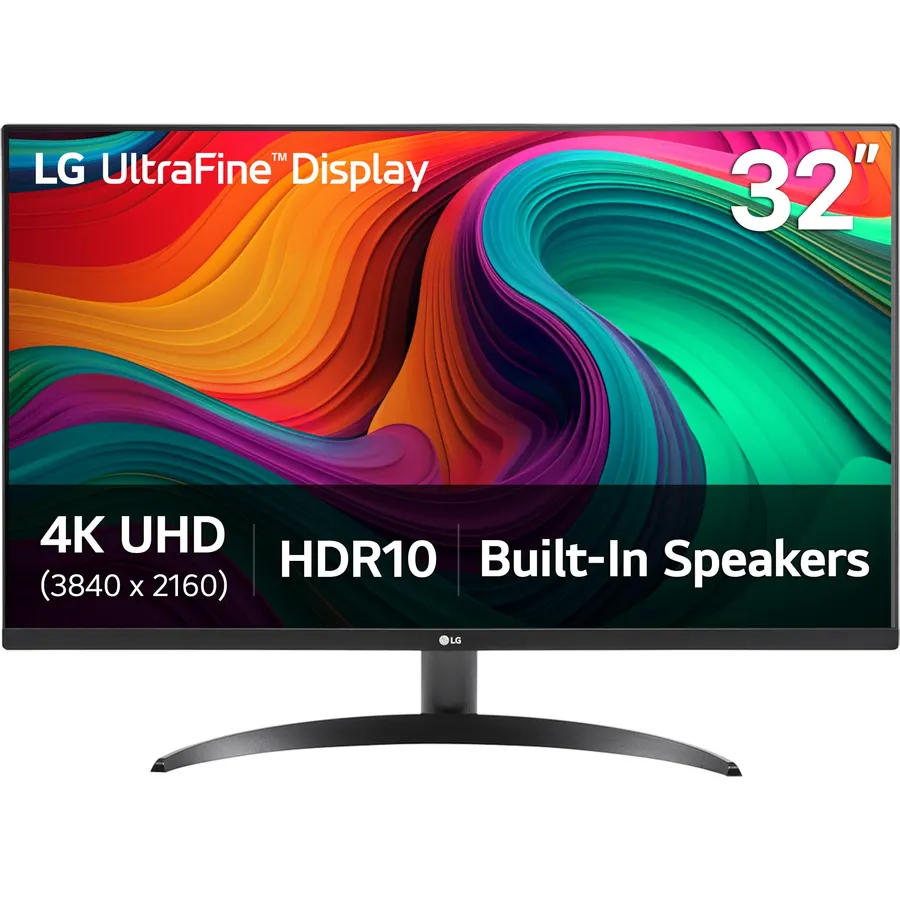
The 32UR500K-B is the plain, good 32-inch 4K monitor for a home office: a VA panel with deep contrast, 90 percent DCI-P3 color and HDR10 for the occasional film, stereo speakers so you do not need a separate pair, and two HDMI inputs plus DisplayPort for a desktop and a laptop at once. LG’s OnScreen Control software splits the 4K canvas into tiled zones, which is the feature 32-inch buyers use most. It runs at 60Hz and the stand only tilts, so gamers and anyone who wants height adjustment should look further down the list. Owners rate it 4.4 stars from about 500 reviews.
- Sharp 4K text with 90% DCI-P3 color
- Built-in speakers and two HDMI inputs
- OnScreen Control splits the screen into work zones
- 4.4 stars from 500 owners
- 60Hz only, so not for gaming beyond casual
- Tilt-only stand; plan on a VESA arm
- No USB-C
Dell 32 Monitor S3225QS, 4K UHD VA, 120Hz, FreeSync Premium, Eye Comfort
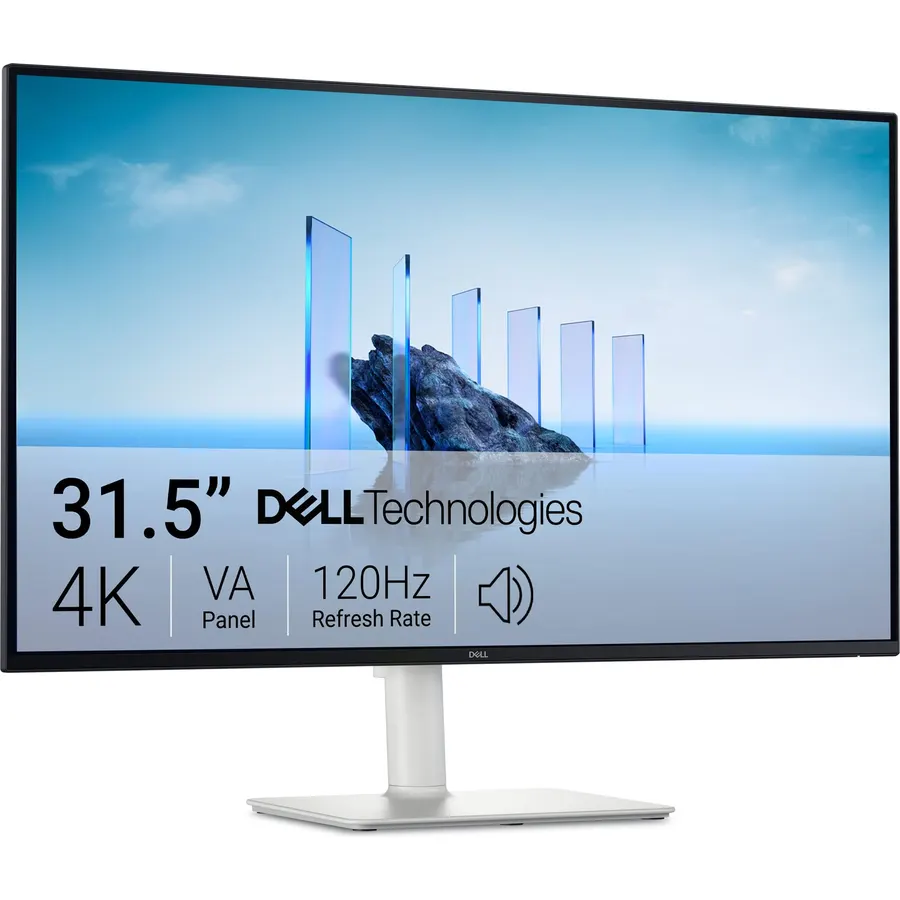
The S3225QS is the 32-inch 4K monitor to buy when the desk doubles as a console setup: its VA panel runs 4K at 120Hz with FreeSync Premium, so a PS5 or Series X gets the full 4K 120 mode, while the 95 percent DCI-P3 coverage and 1500:1 contrast make films look richer than on an IPS. Dell fitted better speakers than the previous generation and its ComfortView Plus low-blue-light panel is TUV certified for all-day work. VA panels can smear slightly in dark, fast motion, and a few of the 4.3-star reviews mention uneven backlighting, which is the usual VA lottery. For most households it is the best all-rounder here.
- 120Hz 4K: smooth desktop and 4K 120 on a PS5 or Xbox
- 95% DCI-P3 VA panel with 1500:1 contrast
- Good built-in speakers for a monitor
- Dell warranty and support
- VA panel smears a little in dark fast scenes
- 4.3 stars: a few owners report backlight unevenness
- White finish is not for every desk
KTC 32 Inch 4K Gaming Monitor, 165Hz UHD Monitor, Fast IPS 3000:1, H32P22P
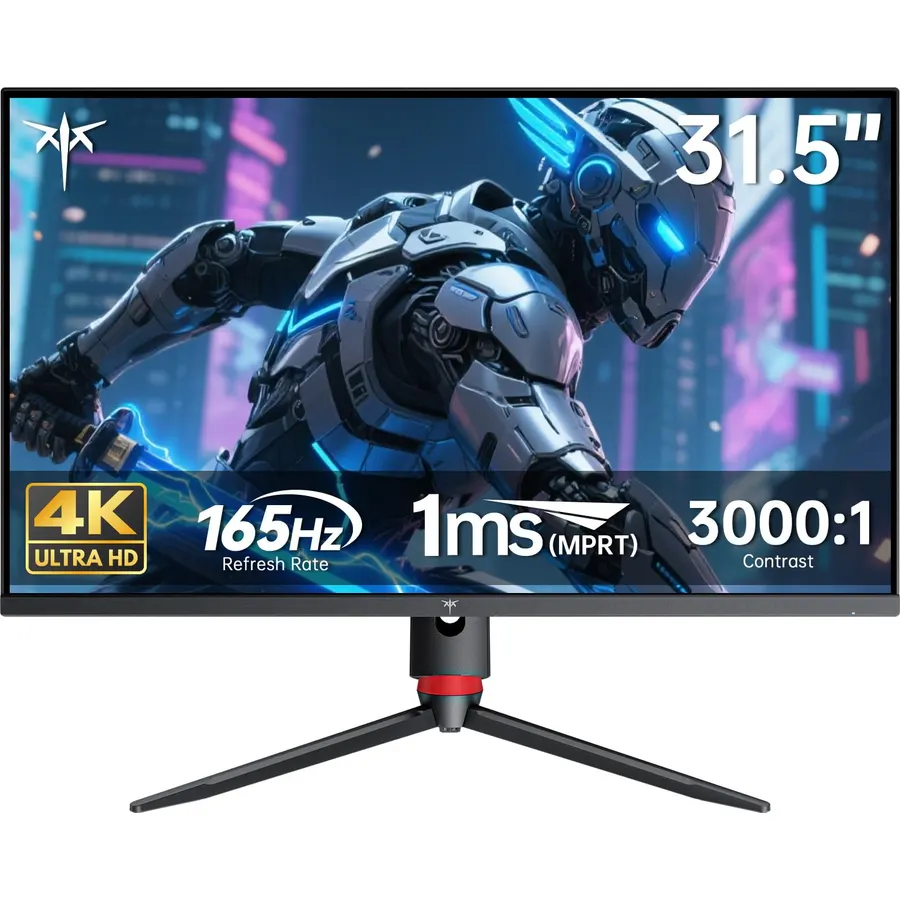
The KTC H32P22P is the surprise of the category: a 32-inch 4K Fast IPS panel at 165Hz with a 1ms response, HDMI 2.1 and DisplayPort 1.4, at a price that used to buy a 60Hz office monitor. Its 3000:1 contrast is unusually high for IPS, color covers 121 percent of sRGB, and KTC backs it with a three-year warranty. What you do not get is real HDR (300 nits) or a premium stand. With 2,400 owner reviews at 4.5 stars it is also the best-reviewed 4K gaming monitor on the page, and the one to buy if you have a GPU that can push 4K and no appetite for OLED prices.
- 4K 165Hz on a fast IPS panel at a mid-range price
- HDMI 2.1 for consoles at 4K 120Hz
- 3000:1 contrast, high for IPS
- 2,400 owners at 4.5 stars
- 300 nits: HDR is nominal
- Needs a strong GPU to use 165Hz at 4K
- Basic stand
ViewSonic VX3276-4K-MHD 32 Inch 4K UHD Monitor, HDR10, HDMI, DisplayPort
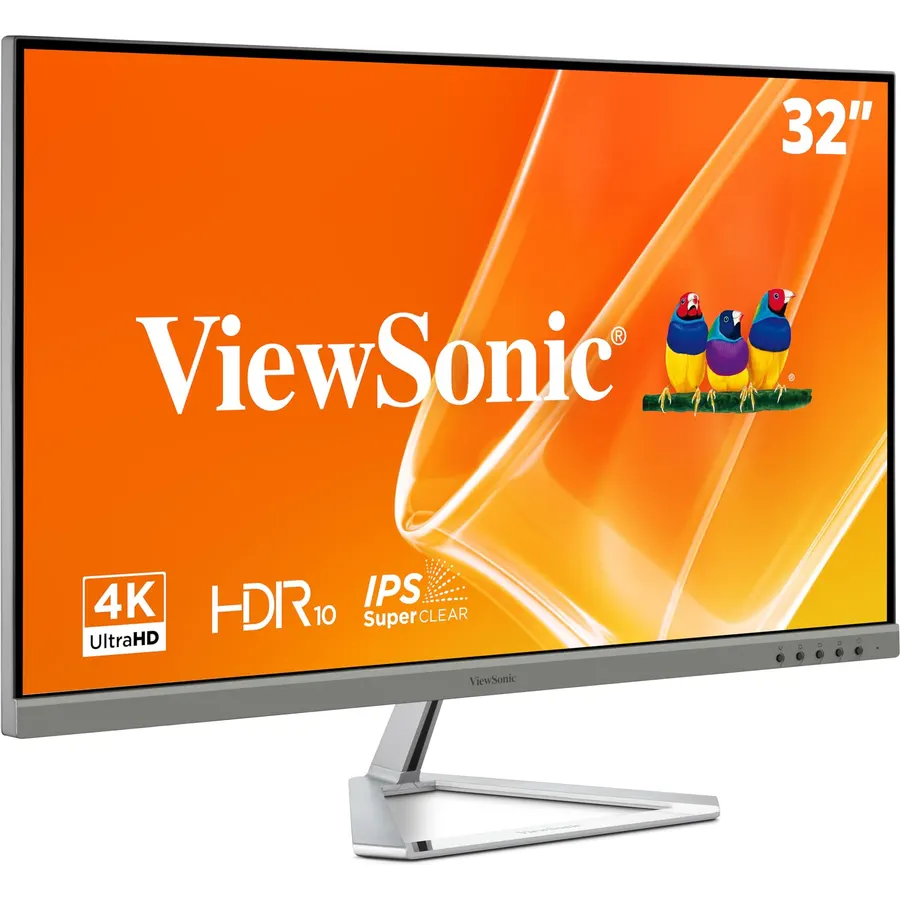
The VX3276-4K-MHD is ViewSonic’s budget 32-inch 4K: an MVA panel with strong contrast and HDR10 support, three inputs including Mini DisplayPort for older Macs, and a slim frame. It is a 60Hz screen without adaptive sync, so it is for work and video rather than games, and it lacks speakers and height adjustment. Owners rate it 4.2 stars from about 800 reviews, with the common note that colors look best after a minute in the menu. If the LG above is out of budget, this is the 4K panel to get.
- The least expensive 4K from a major brand here
- MVA contrast suits films and photos
- Three video inputs including Mini DisplayPort
- 800 owners at 4.2 stars
- 60Hz, no adaptive sync
- Tilt-only stand, no speakers
- Colors need a little tuning out of the box
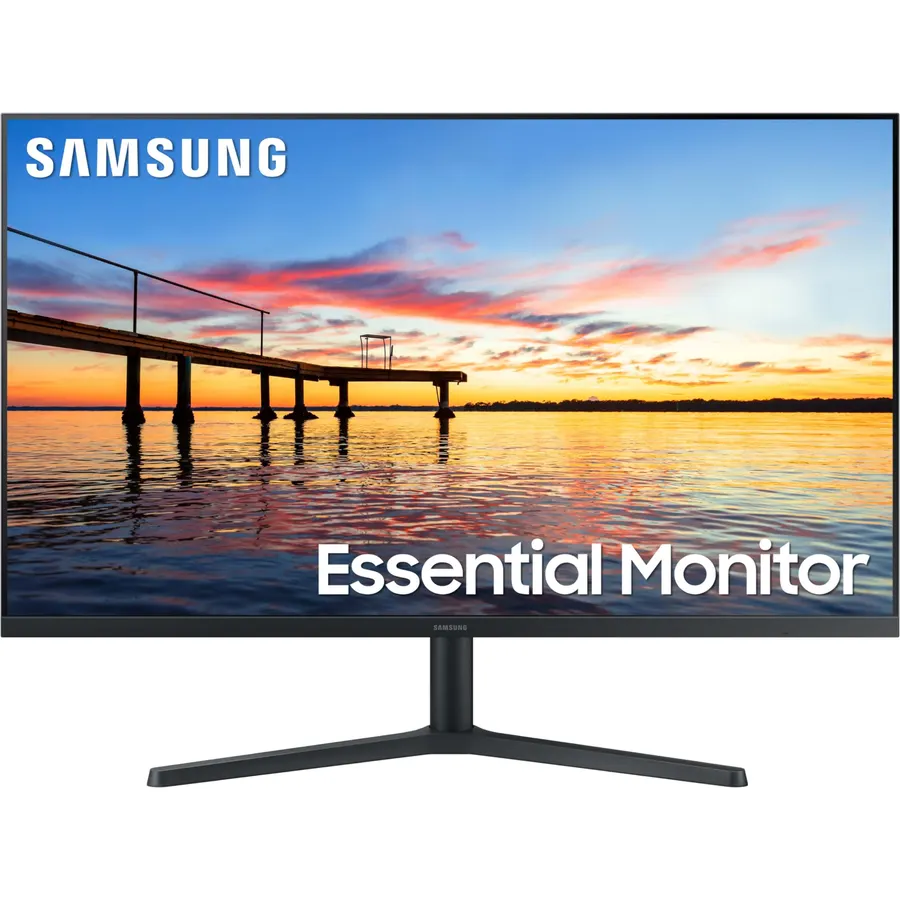
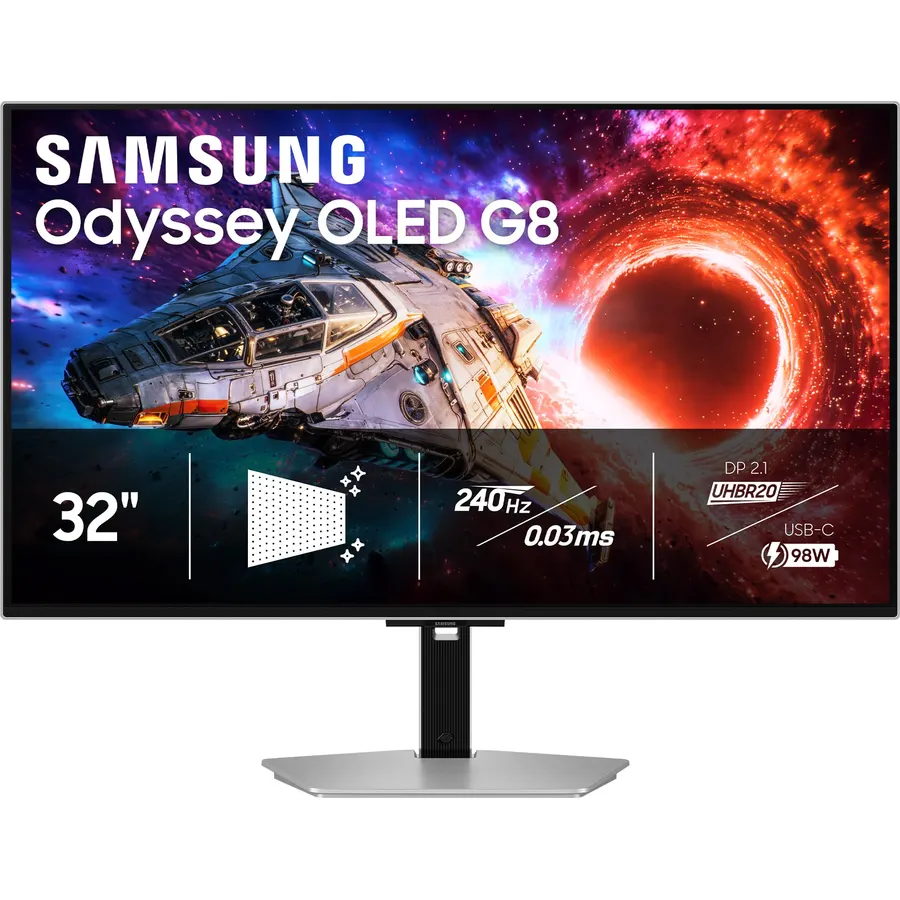
The Odyssey OLED G7 is the 32-inch 4K to buy if picture quality beats price: a WOLED panel with true black, 0.03ms response and a dual mode that switches between 4K 165Hz and 1080p 330Hz. HDMI 2.1 covers consoles. OLED needs some care if the monitor doubles as a work screen (hide the taskbar, let the pixel refresh run), and this Amazon listing bundles a 27-month care plan that raises the price but covers exactly that worry. Owners rate it 4.5 stars from 950 reviews, the best-reviewed OLED in the category. Our OLED gaming monitors guide compares it with the 27-inch and ultrawide panels.
- Per-pixel OLED black and 0.03ms response
- Dual mode for 4K story games and 1080p shooters
- HDMI 2.1 for consoles
- The most-reviewed OLED on this page
- Costs two to three KTCs
- Burn-in care needed for static desktop work
- Listing bundles a care plan; compare with the plain listing
Samsung 32 Odyssey Neo G8 (G85NB) 4K UHD 240Hz 1ms G-Sync 1000R Curved Gaming Monitor, Quantum HDR2000, AMD FreeSync Premium Pro, Matte Display
The Neo G8 is for the HDR purist: a Quantum Mini LED backlight with 2,000-nit peaks and a 1,000,000:1 contrast claim, 4K at 240Hz with a 1ms response, and both sync standards. In bright HDR scenes it outshines any OLED on this page, and the 1000R curve pulls you into single-player games. The trade-offs are the ones owners write about: a 4.0-star average driven by firmware complaints, visible scanlines on some units at 240Hz, and blooming around bright objects on dark backgrounds. For spreadsheets the curve is a nuisance. Buy it for HDR gaming, not as an all-rounder.
- The first 4K 240Hz monitor, still the brightest here
- 2,000-nit HDR highlights that OLED cannot match
- Deep 1000R curve for single-player immersion
- 800 owners
- 4.0 stars: firmware quirks and scanline reports in the reviews
- Aggressive curve is wrong for work
- Mini-LED blooming around bright objects
LG 32GX870A-B 32-inch Ultragear 4K UHD (3840 x 2160) OLED Gaming Monitor, Dual-Mode, 240Hz, 0.03ms, NVIDIA, AMD FreeSync Premium Pro, VESA DisplayHDR True Black 400, USB Type-C, DP2.1
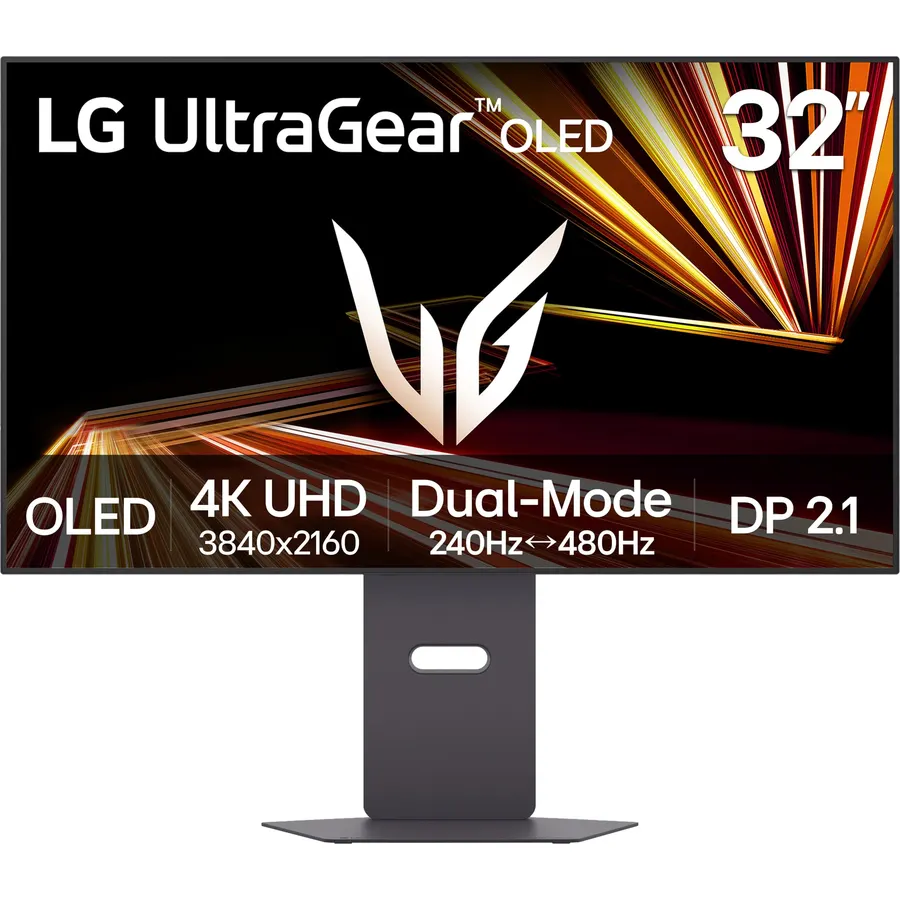
The 32GX870A-B is LG’s answer to the 4K OLED question: a Micro Lens Array+ WOLED that reaches 1,300 nits in highlights, a dual mode of 4K 240Hz or 1080p 480Hz, DisplayPort 2.1 for uncompressed 4K 240, USB-C for a laptop, and a stand that adjusts every way including pivot. It costs more than the Samsung G7 and has far fewer reviews so far (4.3 stars from about 130 owners), which is why it sits last rather than first. If you have the GPU and the budget, it is the most complete 32-inch 4K monitor on this page.
- 4K 240Hz and 1080p 480Hz on one panel
- MLA+ brightness: 1,300-nit peaks, high for WOLED
- DisplayPort 2.1 and USB-C input
- Full ergonomic stand
- Priced above the Samsung G7
- Newer model with about 130 reviews
- 4K 240 needs a flagship GPU
Compare the picks
| Product | Panel | Refresh | HDMI 2.1 | Speakers | Owner rating | Our score | |
|---|---|---|---|---|---|---|---|
| LG 32UR500K-BLG | VA | 60Hz | No | Yes | 4.4 (500+) | 8.8 | See price |
| Dell S3225QSDell | VA | 120Hz | Yes | Yes | 4.3 (550+) | 8.6 | See price |
| KTC H32P22PKTC | Fast IPS | 165Hz | Yes | No | 4.5 (2,300+) | 9.0 | See price |
| ViewSonic VX3276-4KViewSonic | MVA | 60Hz | No | No | 4.2 (800+) | 8.4 | See price |
| Samsung Odyssey OLED G7Samsung | WOLED | 165Hz / 330Hz | Yes | No | 4.5 (950+) | 9.0 | See price |
| Samsung Neo G8Samsung | Mini-LED VA, curved | 240Hz | Yes | No | 4.0 (800+) | 8.0 | See price |
| LG 32GX870A-BLG | WOLED MLA+ | 240Hz / 480Hz | Yes | No | 4.3 (120+) | 8.6 | See price |
Work, gaming or both?
For documents, code and video, the 60Hz VA picks (LG, ViewSonic) are the value: 4K sharpness, deep contrast, no gaming tax. For a desk that also runs a console, the Dell S3225QS at 120Hz is the sweet spot. For PC gaming on a mid-range GPU, the KTC at 165Hz is the obvious buy; the OLED and mini-LED picks are for people who want the best HDR and will pay for it. Whatever the use, 4K at 32 inches is 138 pixels per inch, which most people run at 100 to 125 percent scaling in Windows and macOS, so the text stays sharp without squinting.
VA, IPS, OLED or mini-LED?
VA (LG, Dell, ViewSonic, Neo G8) gives 1500:1 to 3000:1 contrast and the deepest blacks of any LCD, at the cost of slower pixel transitions in dark scenes. Fast IPS (KTC) has narrower contrast but faster, cleaner motion and better colors off-axis. OLED (Samsung G7, LG 32GX870A) turns pixels off for true black and switches in 0.03ms, with the burn-in caveat for static work. Mini-LED (Neo G8) keeps an LCD panel but lights it with hundreds of zones for 2,000-nit HDR, with some blooming. For a mixed work-and-play desk, VA or IPS; for a gaming desk, OLED or mini-LED.
Ports and stands
Every gaming pick has HDMI 2.1, which a PS5 or Series X needs for 4K at 120Hz; the two 60Hz office picks do not and do not need it. Only the LG 32GX870A-B has USB-C video input, so laptop users on the other picks need a DisplayPort or HDMI cable. The LG 32UR500K and ViewSonic have tilt-only stands; at 32 inches most owners end up on a VESA arm, which our monitor arms and mounts guide covers.
Is a 32-inch 4K monitor too big for a desk?
Not for a desk 24 inches deep or more. At 32 inches the 4K pixel density matches a 24-inch 1440p screen, so you can run 100 percent scaling and see everything. On a shallow desk, a 27-inch 4K is easier on the neck.
Do I need 144Hz on a 32-inch 4K monitor for work?
No. 60Hz is fine for documents and video. 120Hz or more makes scrolling smoother and matters for games and consoles; the Dell S3225QS and KTC H32P22P give you that without OLED prices.
Which 32-inch 4K monitor works best with a PS5?
Any pick with HDMI 2.1: the Dell S3225QS (120Hz), KTC H32P22P (165Hz), Samsung Odyssey OLED G7, Samsung Neo G8 and LG 32GX870A-B all run 4K at 120Hz from a PS5 or Xbox Series X.
Can a 32-inch 4K monitor replace two monitors?
For many people, yes. 3840 x 2160 holds two full 1920 x 2160 windows side by side, and LG OnScreen Control or Windows Snap tiles them. A 34-inch ultrawide gives more width but less height.
Is OLED safe for office work on a 32-inch monitor?
With care. Hide the taskbar, use a dark theme, keep SDR brightness moderate and let the pixel refresh run. For eight hours of static spreadsheets a day, a VA or IPS panel is the safer, cheaper choice.
Prices and stock change daily. The buttons above open Amazon so you always see the current price. We may earn a commission if you buy through them, at no extra cost to you.
Do Best Deal is a participant in the Amazon Services LLC Associates Program. As an Amazon Associate we earn from qualifying purchases. If you buy through links on this site we may earn a commission, at no extra cost to you. Learn more.

