
27 inches is the size most people end up with: big enough for two windows side by side, small enough for a normal desk, and available at every resolution from 1080p to 4K. That range is also the trap, because a 27-inch 1080p office monitor and a 27-inch 4K 144Hz gaming screen share nothing but the diagonal. We ranked the 27-inch monitors in our monitors catalog by resolution and panel, refresh rate, ports (USB-C for laptops, HDMI 2.1 for consoles), stand adjustment, speakers and the owner review history, then grouped them by what you will do with the screen.
We have not had every one of these on our own desk; the verdicts rest on the spec sheets and on what owners report. Prices are not printed because they change daily; every button opens the live Amazon page. For the gaming-only field, see our 27-inch 1440p monitors and 144Hz gaming monitors guides; for 4K office work, the 27-inch 4K monitors for work guide.
How we picked
- One pick per job. Budget office, mid-range office, color work, USB-C laptop screen, 4K and gaming.
- IPS or VA panels with stated color coverage; no TN.
- Stand and speakers noted, since they decide how the monitor lives on a desk.
- Ports that match the device: HDMI on everything, USB-C where a laptop is the host.
- Owner ratings of 4.3 stars or better.
The picks
Dell S2725HS 27 Inch Monitor, FHD (1920x1080) Display, 100Hz Refresh Rate, 1500:1 Contrast Ratio, TUV Rheinland Eye Comfort 4 Star, Integrated 2x5W Speaker, Height/Tilt/Swivel/Pivot- Ash White Color
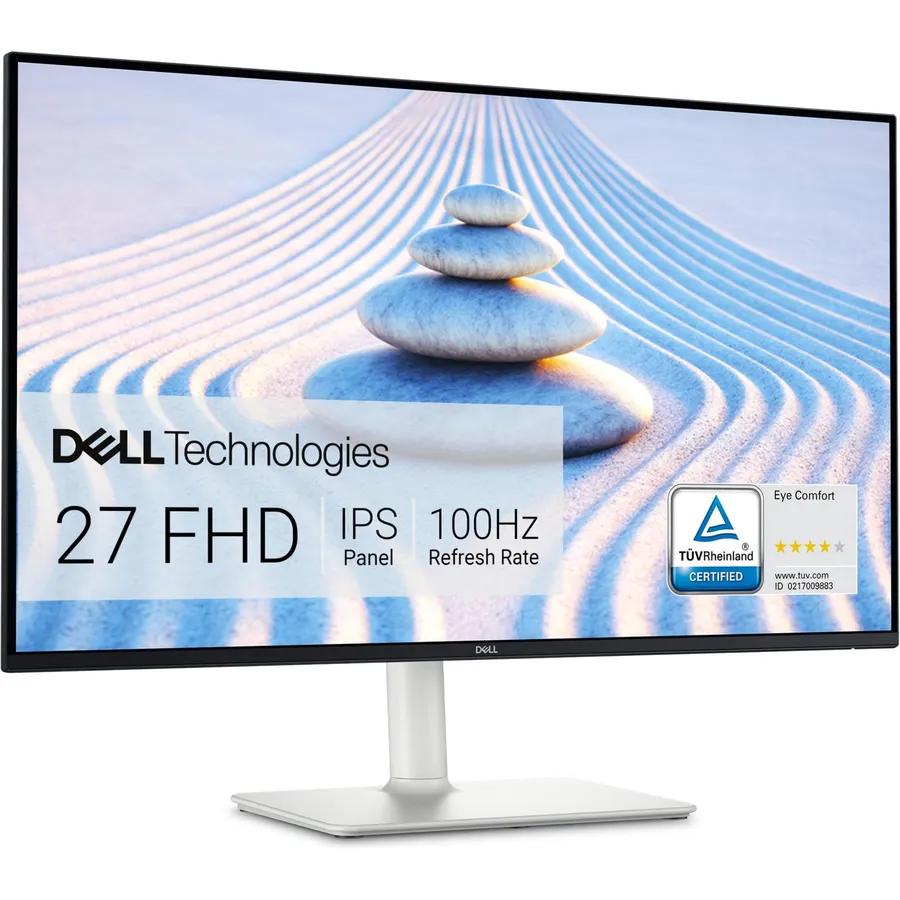
The S2725HS is the complete office monitor: an IPS panel at 100Hz with 1500:1 contrast, the best built-in speakers on the page at 2 x 5 watts, a stand that adjusts height, swivel and pivot, and a TUV-certified low-blue-light mode. The one compromise is 1080p at 27 inches, which gives 82 pixels per inch and slightly soft small text; if you read dense documents all day, step up to the 1440p picks. For email, calls, browsing and video it is the most pleasant 27 here, at 4.6 stars from 1,100 owners.
- Full stand, strong speakers and 100Hz at a mid-range price
- TUV-certified low blue light for all-day work
- Dell support
- 1,100 owners at 4.6 stars
- 1080p on 27 inches: text is a little soft
- HDMI only
- White finish
Philips 27 Computer Monitor FHD 100Hz VA VESA Eye Care, 271V8LB
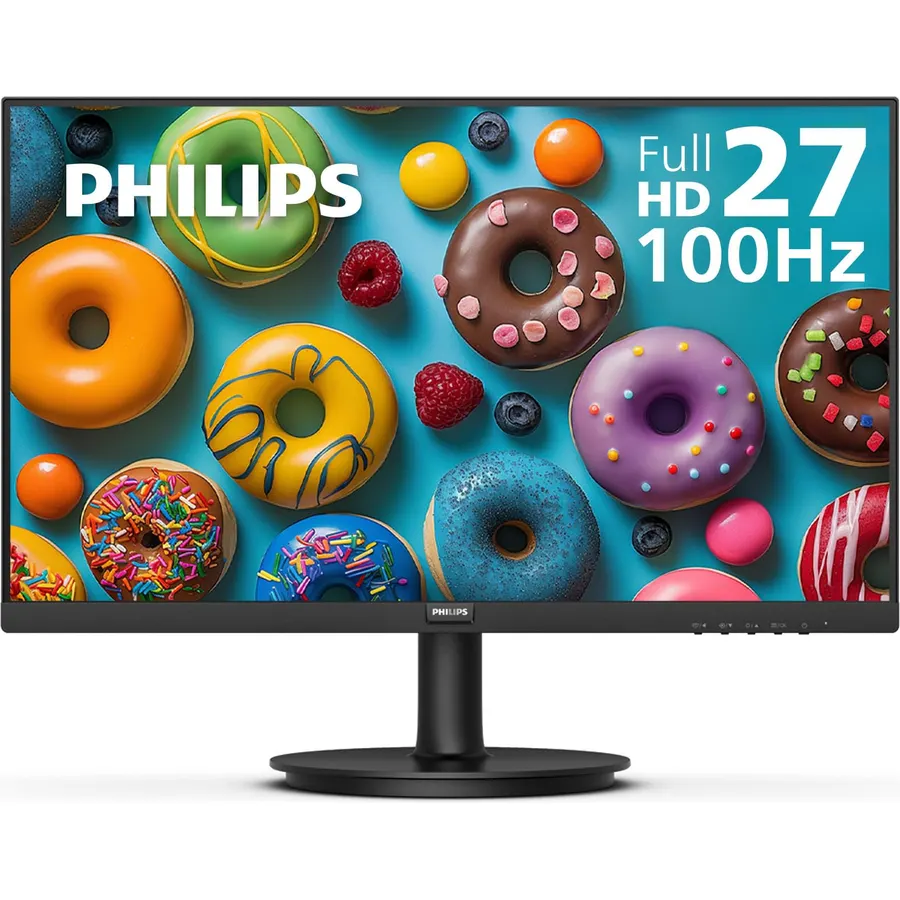
The Philips 271V8LB is the budget 27 that does not feel like one: a VA panel with deep contrast and 178-degree angles, 100Hz for smooth scrolling, an EasyRead mode that makes long documents look like paper, and thin bezels for a two-monitor desk. It gives up the stand and speakers of the Dell, which is where the saving comes from. Owners rate it 4.6 stars from 1,200 reviews, the same rating as monitors costing twice as much.
- VA contrast and 100Hz at a budget price
- EasyRead mode for long documents
- Three-side borderless for dual setups
- 1,200 owners at 4.6 stars
- Tilt-only stand
- No speakers
- HDMI and VGA only
ViewSonic VS2747-H 27 Inch 1080p Computer Monitor, IPS 100Hz Display
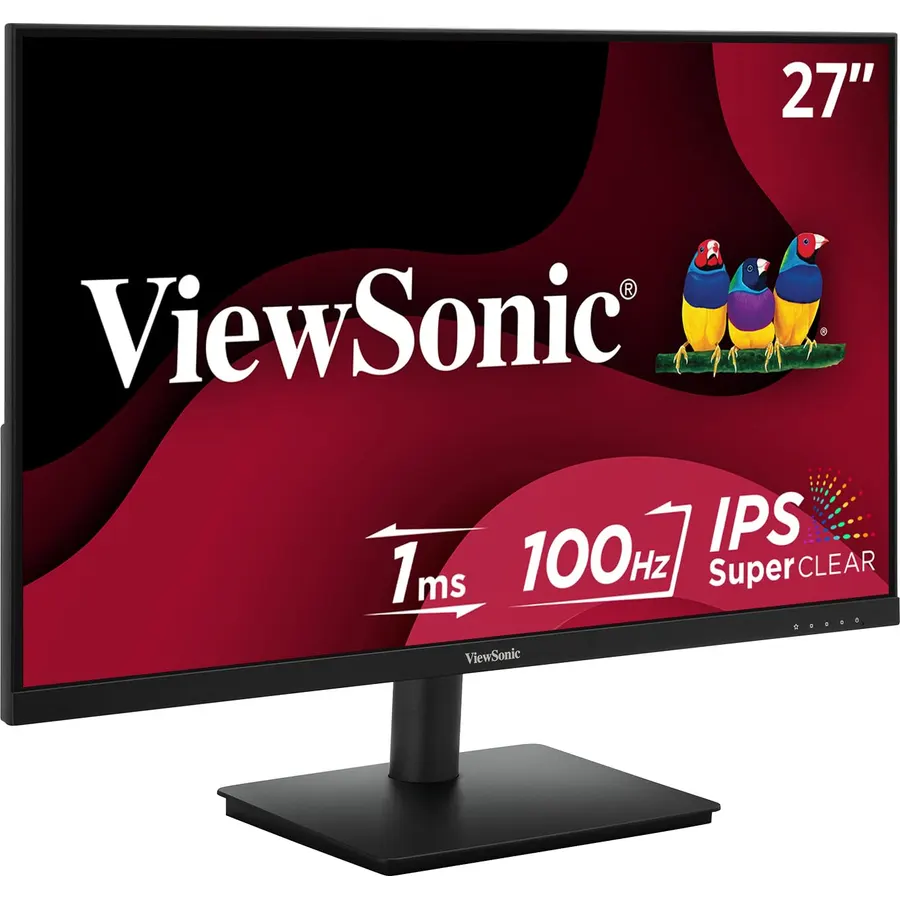
The VS2747-H is the IPS alternative to the Philips: the same 27-inch 1080p 100Hz formula with an IPS panel for consistent color from any angle, flicker-free backlight, a blue light filter and ViewSonic’s three-year warranty with US-based support. Like the Philips it is tilt-only with no speakers. Pick it over the Philips if color consistency matters more than contrast, for example for photos and design mockups on a budget. Owners rate it 4.5 stars.
- IPS color at the Philips price
- Three-year warranty
- 100Hz and frameless design
- 870 owners at 4.5 stars
- Tilt-only stand
- No speakers or DisplayPort
- 1080p
Sceptre Curved 27-inch Prime Monitor up to 100Hz 1080p, HDMI x2, VGA, 99% sRGB, Built-in Speakers, R1500, Machine Black 2025 (C275W-1920RN Series)
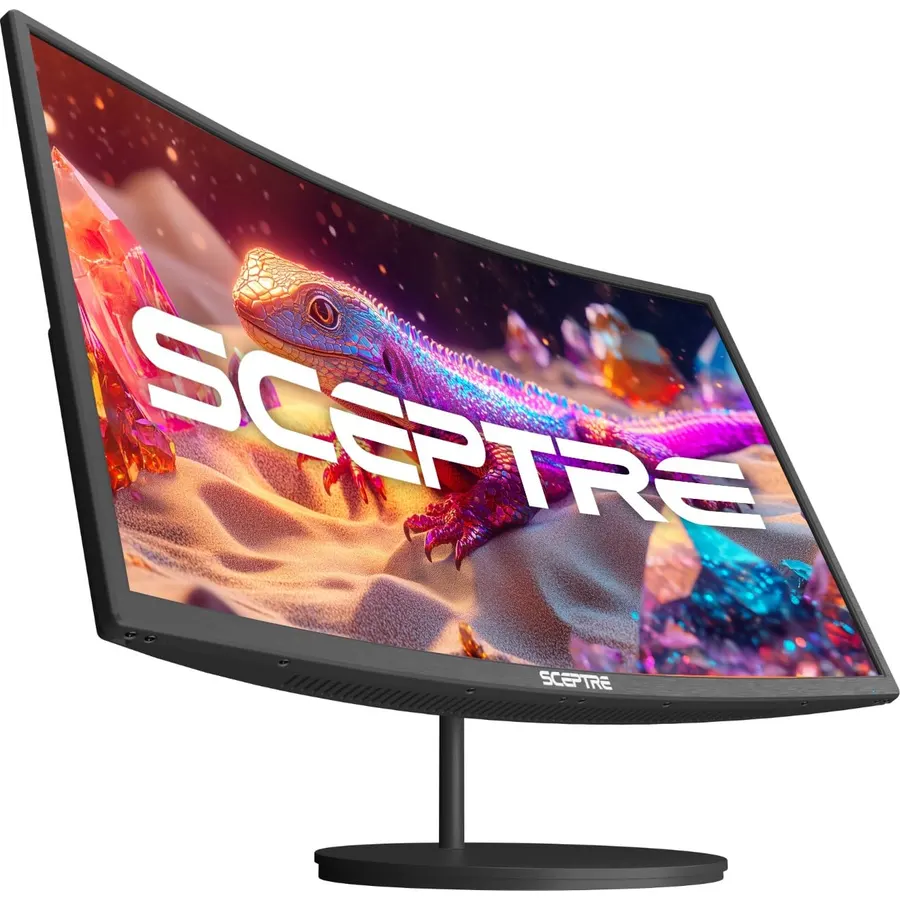
The Sceptre C275W is the people’s 27: a curved VA panel at 1080p and up to 100Hz with adaptive sync, 99 percent sRGB, two HDMI inputs, VGA and built-in speakers, usually at the lowest price on this page. It is the pick for a dorm, a second desk or a casual gaming setup where speakers and price matter more than a stand. With 14,000 reviews at 4.6 stars it has the longest track record of any monitor here.
- The most-reviewed 27 here: 14,000 owners at 4.6 stars
- Built-in speakers and adaptive sync
- Curved VA contrast
- Two HDMI inputs
- Tilt-only stand
- 1080p
- Curve is a matter of taste for spreadsheets
ASUS ProArt PA278QV 27 Inch 1440p QHD Professional Monitor
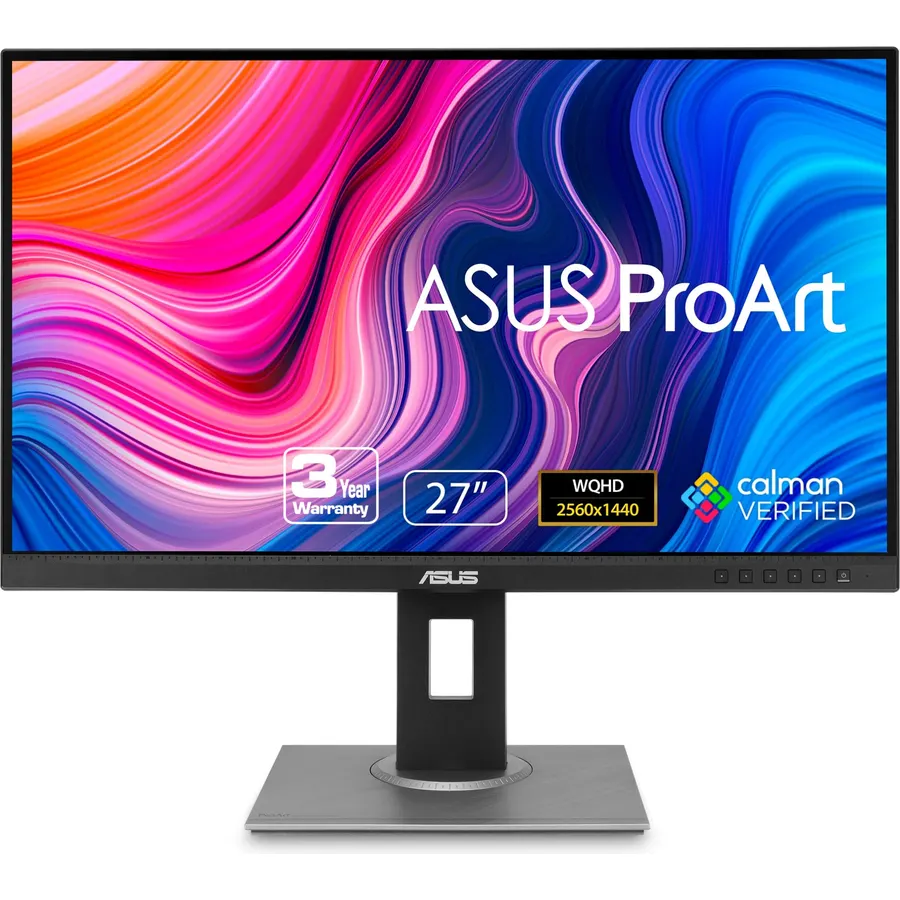
The PA278QV is the 27-inch to buy for anyone who reads, writes or edits all day: 2560 x 1440 gives 109 pixels per inch, so text is crisp without scaling, and ASUS calibrates every unit to a Delta E under 2 across 100 percent of sRGB and Rec. 709. The stand adjusts every way including pivot, there are four video inputs plus a USB hub, and the warranty runs five years with registration. It is a 75Hz panel, so gamers should look at the Samsung below. Owners rate it 4.6 stars from 3,100 reviews; our monitors for photo editing guide covers the rest of the ProArt line.
- 1440p: sharp text at 100 percent scaling
- Factory calibrated to a Delta E under 2
- Full stand, four inputs and a USB hub
- Five-year warranty with registration
- 75Hz, not for gaming
- No USB-C
- No speakers
Dell S2722DC Monitor - 27-inch WQHD (2560x1440) 75Hz 4Ms Display, AMD FreeSync, Built in Speaker, USB Type-C Connectivity, Height/Pivot/Swivel/Tilt Adjust - Platinum Silver
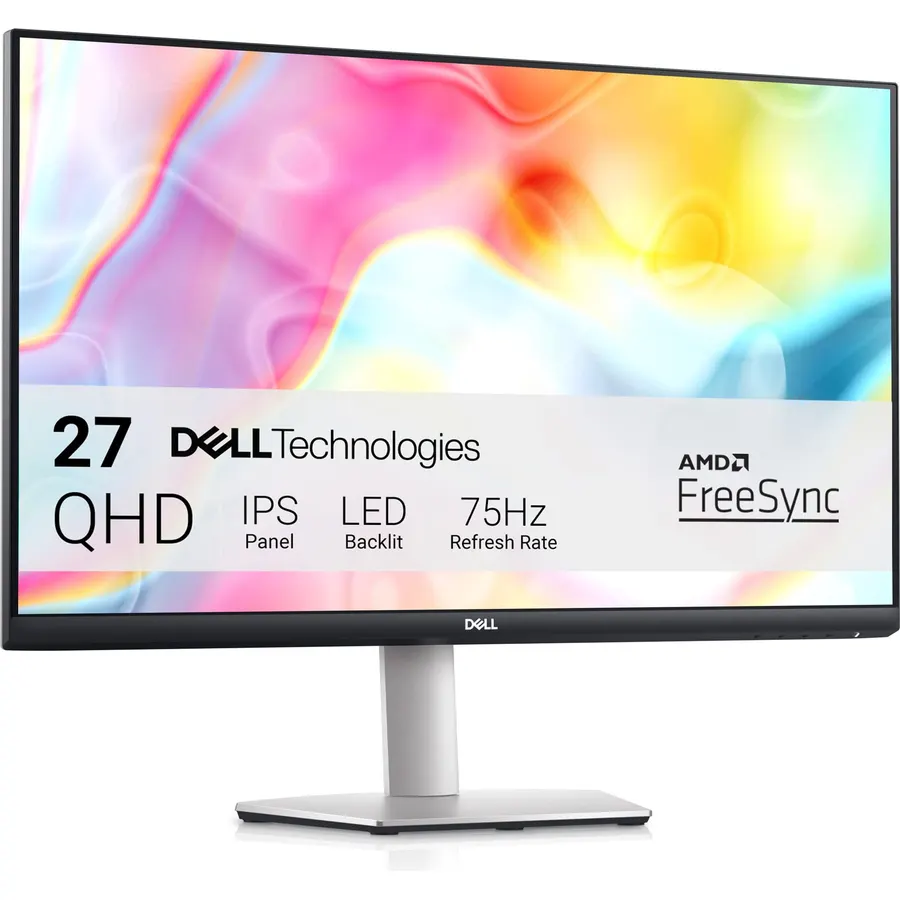
The S2722DC is the laptop monitor: plug a MacBook or Windows ultrabook in over USB-C and the one cable carries 1440p video, charges the laptop at 65 watts and connects the monitor’s USB hub, with speakers and a fully adjustable stand on top. It runs 75Hz with FreeSync, fine for work and casual games. The 65-watt budget covers most 13 and 14-inch laptops; a large gaming laptop will still need its own charger. Owners rate it 4.5 stars.
- One USB-C cable drives the display and charges a laptop at 65W
- 1440p with a full stand and speakers
- Quick-access USB-A port
- Dell support
- 75Hz
- 65W is enough for most laptops, not the largest
- Fewer reviews than the others
LG 27UP850-W Monitor 27 UHD (3840 x 2160) IPS Display, VESA DisplayHDR 400, DCI-P3 95% Color Gamut, USB-C, 3-Side Virtually Borderless Display, Height/Pivot/Tilt Adjustable Stand - Silver
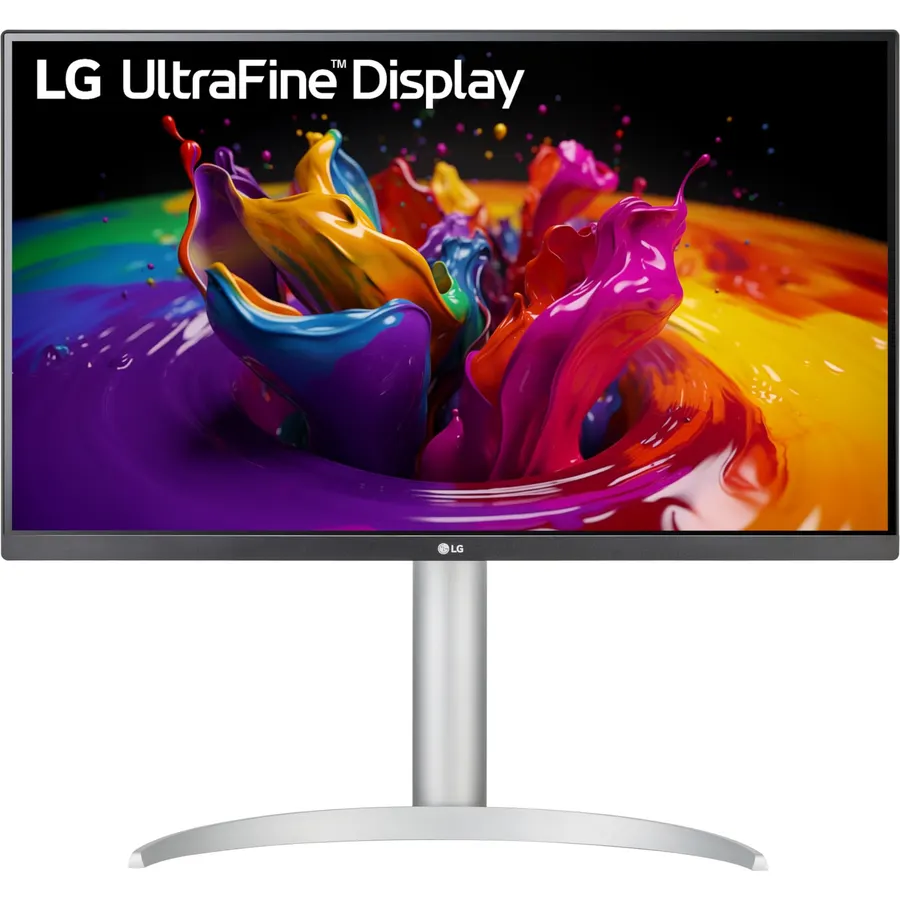
The 27UP850-W is the all-round 27-inch 4K: an IPS panel with 95 percent DCI-P3 and DisplayHDR 400, USB-C with 96 watts of power so a MacBook Pro runs on one cable, HDMI and DisplayPort for everything else, and a height and pivot stand. At 163 pixels per inch you will run 150 percent scaling in Windows or macOS, which looks like print. It is a 60Hz panel, so for gaming the Samsung below is the choice; for video, photos and code it is the sharpest screen on the page. Owners rate it 4.3 stars.
- 4K with 95% DCI-P3 and HDR 400
- USB-C with 96W charging for a MacBook Pro
- Height and pivot stand
- Sharp enough for 4K video and photo work
- 60Hz
- Needs 150 percent scaling for desktop text
- Silver finish
Samsung 27-inch Odyssey 4K UHD Gaming Monitor, 144Hz 1ms, Fast IPS, G-Sync Compatible, FreeSync Premium, HDR400, Black Equalizer, Adjustable Stand
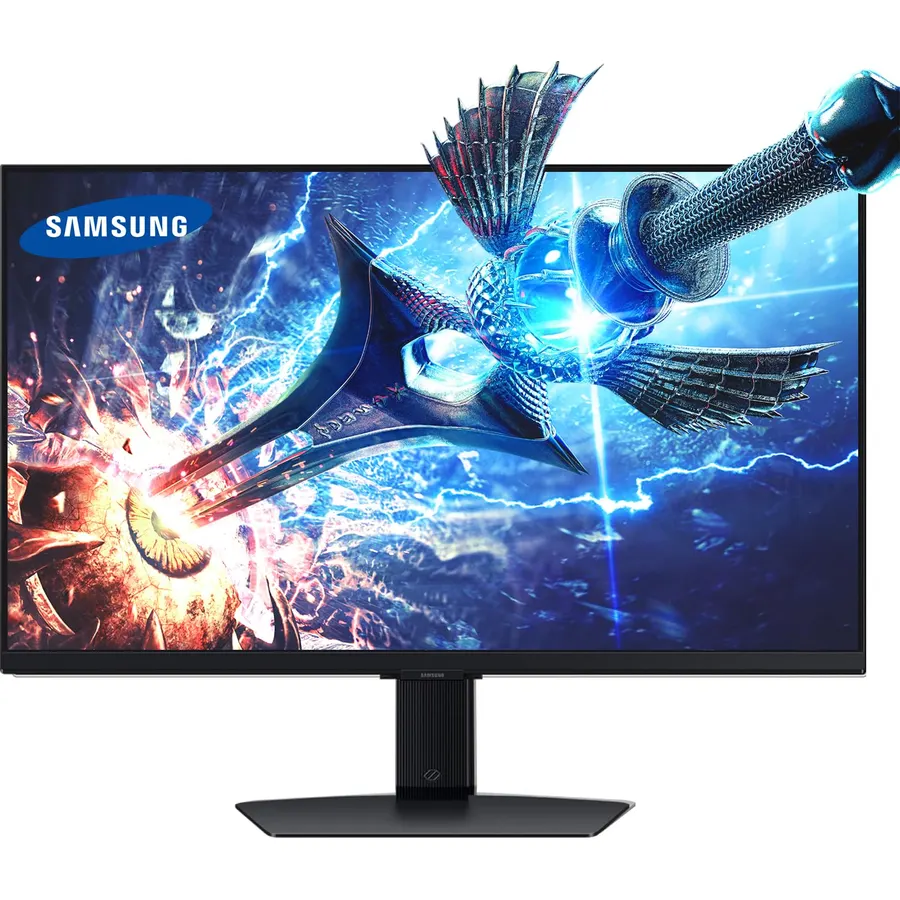
The Samsung Odyssey 27-inch 4K is the gaming pick that also works as a work monitor: a Fast IPS panel at 3840 x 2160 and 144Hz with a 1ms response, G-SYNC and FreeSync Premium, HDR400 and a fully adjustable stand. It needs a capable graphics card to reach its refresh rate at 4K, and it lacks speakers and USB-C. With 4,000 reviews at 4.6 stars it is the best-reviewed 4K gaming monitor we track; our 4K gaming monitors guide compares it with the 32-inch and OLED options.
- 4K at 144Hz with 1ms on Fast IPS
- Both sync standards and a full stand
- Sharp enough for work when not gaming
- 4,000 owners at 4.6 stars
- Needs a strong GPU for 4K 144
- HDR400 is entry-level
- No speakers or USB-C
Compare the picks
| Product | Resolution and panel | Refresh | USB-C | Speakers / stand | Owner rating | Our score | |
|---|---|---|---|---|---|---|---|
| Dell S2725HSDell | 1080p IPS | 100Hz | No | 2 x 5W / full | 4.6 (1,000+) | 9.2 | See price |
| Philips 271V8LBPhilips Computer Monitors | 1080p VA | 100Hz | No | No / tilt | 4.6 (1,100+) | 9.2 | See price |
| ViewSonic VS2747-HViewSonic | 1080p IPS | 100Hz | No | No / tilt | 4.5 (860+) | 9.0 | See price |
| Sceptre C275WSceptre | 1080p VA, curved | 100Hz | No | Yes / tilt | 4.6 (14,000+) | 9.2 | See price |
| ASUS ProArt PA278QVASUS | 1440p IPS, calibrated | 75Hz | No | No / full | 4.6 (3,000+) | 9.2 | See price |
| Dell S2722DCDell | 1440p IPS | 75Hz | 65W | Yes / full | 4.5 (380+) | 9.0 | See price |
| LG 27UP850-WLG | 4K IPS | 60Hz | 96W | No / height, pivot | 4.3 (330+) | 8.6 | See price |
| Samsung Odyssey 27 4KSamsung | 4K Fast IPS | 144Hz | No | No / full | 4.6 (3,900+) | 9.2 | See price |
1080p, 1440p or 4K at 27 inches?
1080p (82 pixels per inch) is the budget tier: fine for video, calls and casual games at arm’s length, a little soft for small text. 1440p (109 pixels per inch) is the sweet spot for work and gaming, sharp at 100 percent scaling with no GPU penalty for the desktop. 4K (163 pixels per inch) gives print-like text at 150 percent scaling and is the choice for photo, video and code, or for gaming with a strong GPU. If in doubt, 1440p.
USB-C or not?
If a laptop is the main computer, USB-C with power delivery (Dell S2722DC at 65W, LG 27UP850-W at 96W) turns the monitor into a dock: one cable for video, charging and the monitor’s USB ports. If a desktop is the host, HDMI or DisplayPort is all you need and the USB-C picks cost more for nothing. Our USB-C monitors for MacBook guide covers more single-cable options.
Stands and speakers
The Dell S2725HS, ProArt, Dell S2722DC, LG and Samsung have height-adjustable stands; the three budget picks only tilt, which a VESA arm fixes. Speakers are on the Dell S2725HS (the best here), Sceptre and Dell S2722DC; the rest give you a headphone jack at most. Our monitors with built-in speakers guide ranks that feature on its own.
What is the best 27-inch monitor for the money?
For an office, the Dell S2725HS: 100Hz IPS, strong speakers and a full stand at a mid-range price. On a tight budget, the Philips 271V8LB or ViewSonic VS2747-H at 100Hz. For sharper text, the ASUS ProArt PA278QV at 1440p.
Is 1080p okay on a 27-inch monitor?
For video, calls and casual use, yes; four of the picks here are 1080p and rate 4.5 stars or better. For dense text all day, 1440p is noticeably sharper and worth the step up.
Which 27-inch monitor is best for a MacBook?
The LG 27UP850-W (4K, USB-C 96W) matches Apple displays closely and charges a MacBook Pro on one cable. The Dell S2722DC does the same at 1440p with 65W for a MacBook Air.
Which 27-inch monitor is best for gaming?
The Samsung Odyssey 27-inch 4K 144Hz for a strong GPU; for a mid-range card, the 1440p options in our 27-inch 1440p monitors guide are easier to drive.
Do I need a stand with height adjustment?
If the monitor sits on a desk without an arm, yes: the top of the screen should be at eye level. The Dell, ASUS, LG and Samsung picks adjust height; the budget picks need a VESA arm or a stack of books.
Prices and stock change daily. The buttons above open Amazon so you always see the current price. We may earn a commission if you buy through them, at no extra cost to you.
Do Best Deal is a participant in the Amazon Services LLC Associates Program. As an Amazon Associate we earn from qualifying purchases. If you buy through links on this site we may earn a commission, at no extra cost to you. Learn more.
