
A 4K gaming monitor used to mean 60Hz and a compromise. In 2026 it means 27 and 32-inch panels that run 3840 x 2160 at 120, 144, 165 or 240Hz, with HDMI 2.1 for a PS5 or Xbox Series X and, at the top, OLED and mini-LED panels with real HDR. The catch is the graphics card: 4K has four times the pixels of 1080p, so a 4K 144Hz monitor only earns its refresh rate with a strong GPU, which is why several picks here add a 1080p high-refresh dual mode. We ranked the 4K gaming monitors in our monitors catalog by panel type, refresh rate and response, HDR capability, ports, and what owners report after months of play.
We have not run every one of these on our own rig; the verdicts rest on the spec sheets and on the owner review history. Prices are not printed because they change daily; every button opens the live Amazon page. If 1440p is enough, our 240Hz gaming monitors and 144Hz gaming monitors guides cover the cheaper, easier-to-drive options.
How we picked
- Native 3840 x 2160 at 120Hz or faster.
- 1ms or better response on LCD picks, 0.03ms on OLED.
- HDMI 2.1 on every pick so a current console runs 4K at 120Hz.
- Adaptive sync (G-SYNC Compatible, FreeSync or both).
- Owner ratings of 4.0 stars or better, with the review count quoted; two new OLEDs with small review bases are marked.
The picks
Samsung 27-inch Odyssey 4K UHD Gaming Monitor, 144Hz 1ms, Fast IPS, G-Sync Compatible, FreeSync Premium, HDR400, Black Equalizer, Adjustable Stand
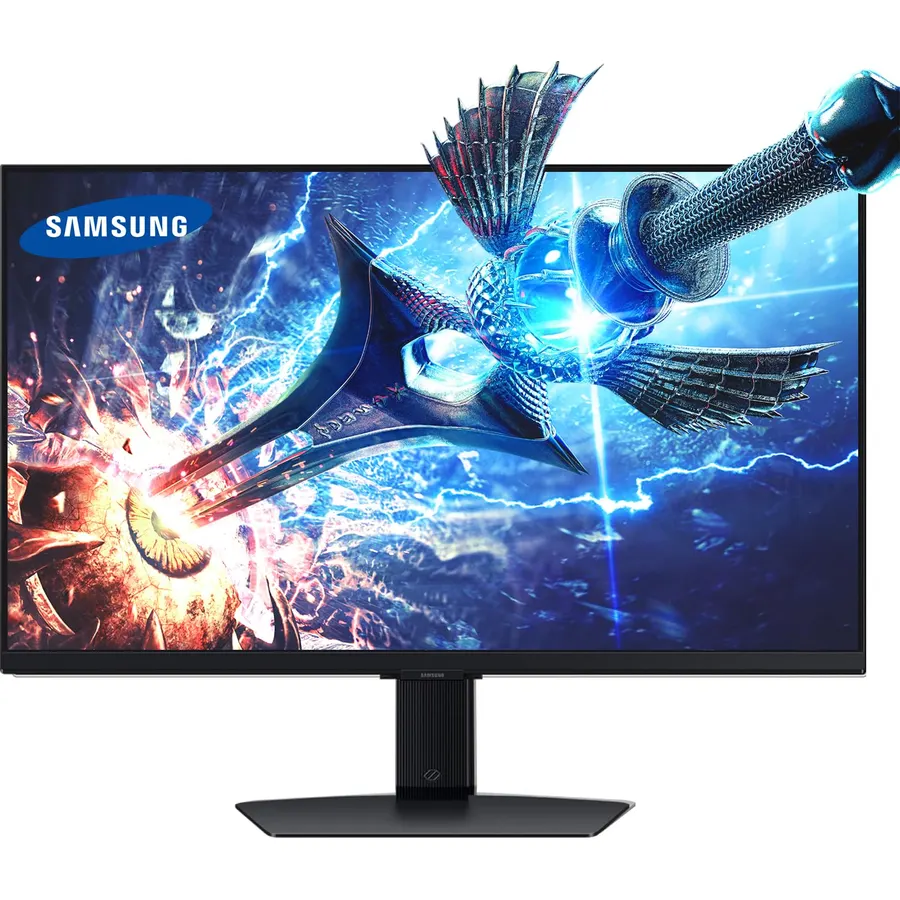
Samsung’s 27-inch Odyssey 4K is the volume seller of the category for good reason: a Fast IPS panel at 144Hz with 1ms response, G-SYNC and FreeSync Premium, HDR400, a Dynamic Black Equalizer that lifts shadows automatically, and an adjustable stand. The 4K on 27 inches gives 163 pixels per inch, so games look like print, though Windows desktop work wants 150 percent scaling. HDR is the basic 400-nit tier, which is the only thing separating it from the OLEDs far below in price. With 4,000 reviews at 4.6 stars it is the safe recommendation for anyone with a GPU that can push 4K.
- 4,000 owners at 4.6 stars, the best-reviewed 4K gaming monitor here
- Fast IPS 1ms with both sync standards
- Full stand and Game Bar overlay
- 4K on 27 inches is razor sharp
- HDR400 is entry-level HDR
- No speakers
- 27 inches at 4K needs 150% scaling for desktop work
KTC 32 Inch 4K Gaming Monitor, 165Hz UHD Monitor, Fast IPS 3000:1, H32P22P
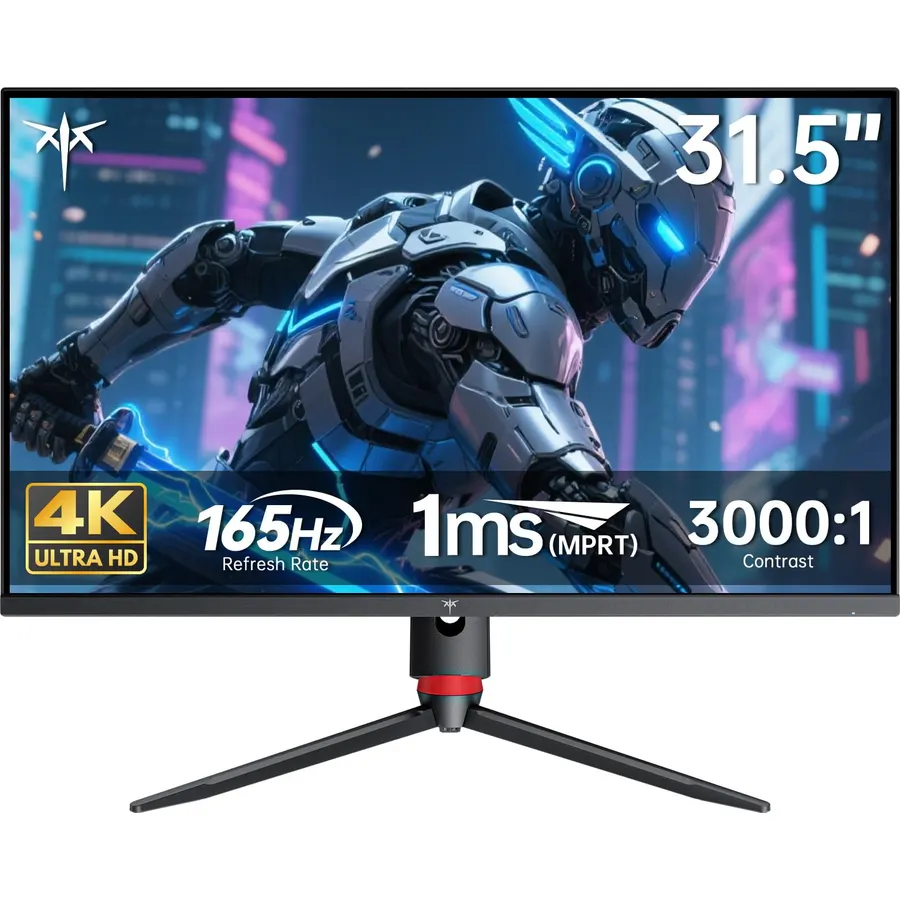
The KTC H32P22P is the value pick at 32 inches: 4K at 165Hz on a Fast IPS panel with a 1ms response, HDMI 2.1 and DisplayPort 1.4, 3000:1 contrast and a three-year warranty, for the price of a 60Hz office 4K from a bigger brand. Its 300-nit brightness means HDR is a checkbox rather than a feature, and the stand is basic, but 2,400 owners rate it 4.5 stars and the complaints are about packaging, not the panel. It is the monitor to buy for a 32-inch 4K gaming desk without spending OLED money.
- 4K 165Hz at a mid-range price
- HDMI 2.1 for consoles
- 3000:1 contrast, high for IPS
- 2,400 owners at 4.5 stars
- 300 nits, HDR is nominal
- Basic stand
- Needs a strong GPU for 165Hz at 4K
Dell 27 Monitor S2725QS, 4K UHD IPS, 120Hz, 5ms, FreeSync Premium
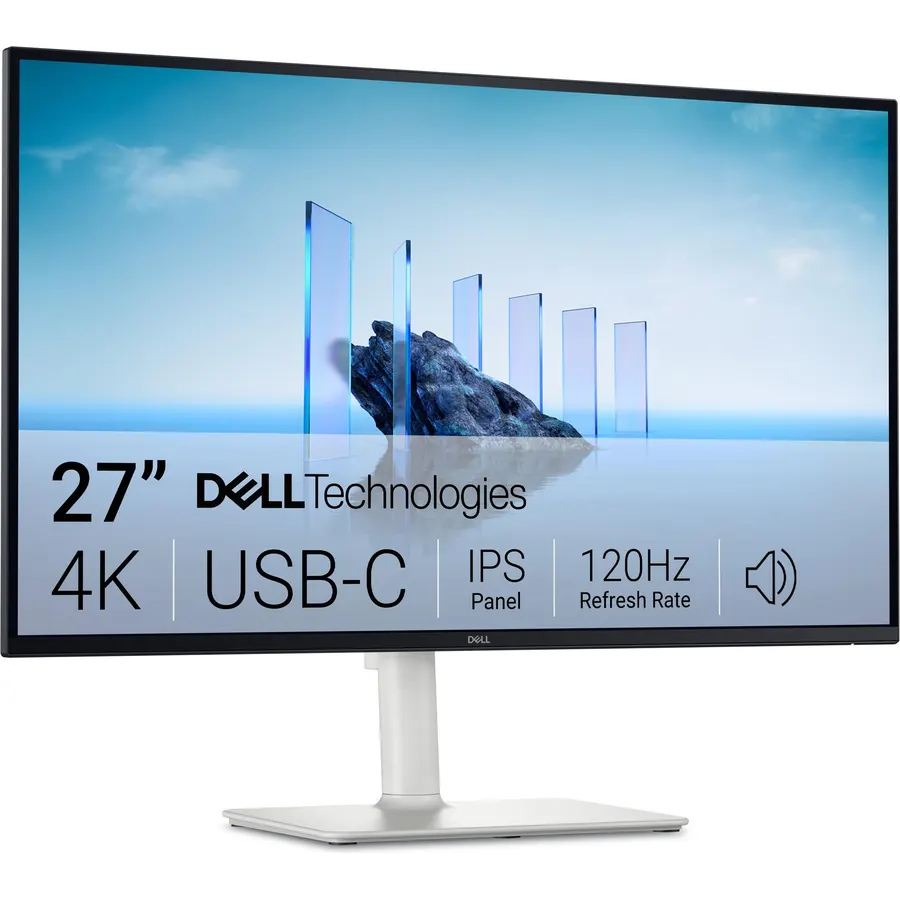
The S2725QS is for the desk that runs a console in the evening and a laptop by day: a 27-inch 4K IPS at 120Hz with FreeSync Premium, which is exactly what a PS5 or Series X outputs, plus built-in speakers, a low-blue-light panel and Dell’s design and support. It is not an esports monitor; 5ms response and 120Hz are behind the 1ms 144 to 165Hz picks for twitch shooters on PC. For everything else, including story games and productivity, it is the most pleasant 4K here to live with. Owners rate it 4.4 stars from 1,000 reviews.
- 4K 120Hz matches a PS5 or Series X exactly
- Built-in speakers and a low-blue-light panel for work
- Dell support and a clean design
- 1,000 owners at 4.4 stars
- 120Hz and 5ms: fine for consoles, slower than the gaming picks for PC esports
- No G-SYNC certification
- HDR is basic
ASUS TUF Gaming VG27UQ1A 27 Inch 4K 160Hz G-SYNC Gaming Monitor
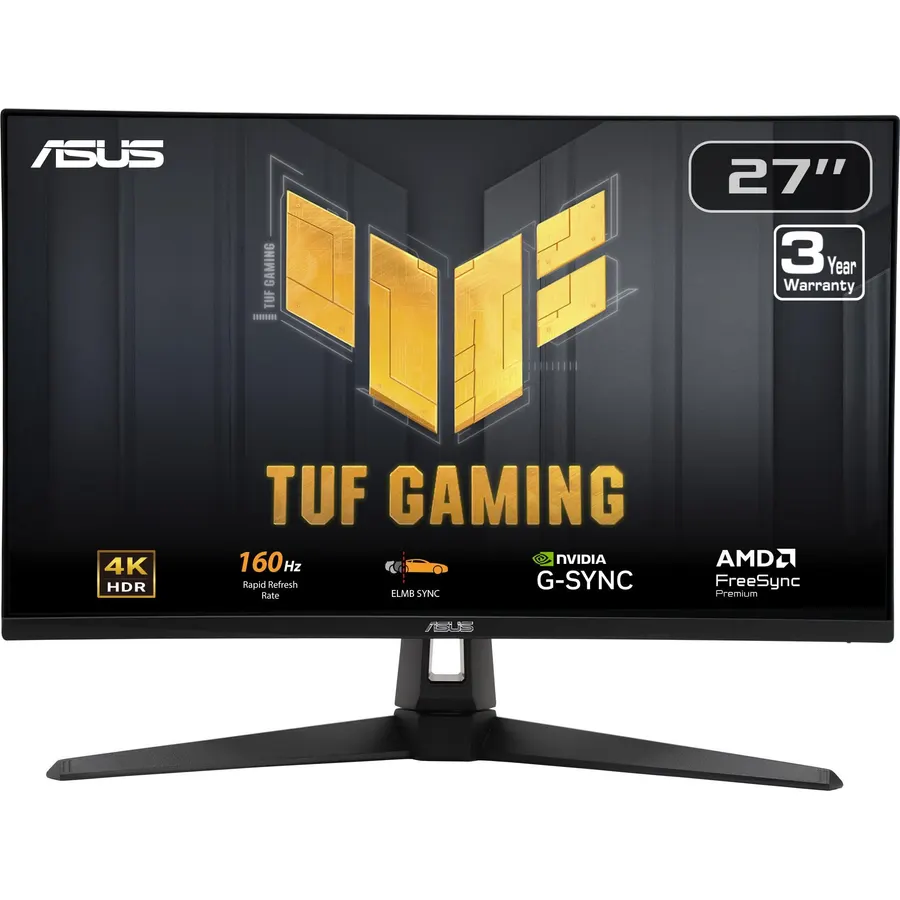
The VG27UQ1A is ASUS’s 4K 160Hz TUF, and its reason to exist is ELMB Sync: backlight strobing for motion clarity that works while adaptive sync is active, which most monitors cannot do. The Fast IPS panel covers 95 percent of DCI-P3 with a 1ms response and both sync standards. Its 4.2-star rating sits below the Samsung’s, with dead-pixel and dim-HDR complaints in the critical reviews, so buy from a seller with easy returns. For competitive play at 4K it is the sharpest-motion LCD on the page.
- ELMB Sync runs blur reduction and VRR at the same time
- 95% DCI-P3 Fast IPS at 160Hz
- Both sync standards plus Variable Overdrive
- ASUS TUF build and warranty
- 4.2 stars: a few owners report dead pixels and HDR dimness
- Fewer reviews than the Samsung
- Stand is tilt-heavy, limited height range
Acer Nitro 27in 4K 3840x2160 IPS 160Hz DFR 320Hz Gaming Monitor VG270K V4
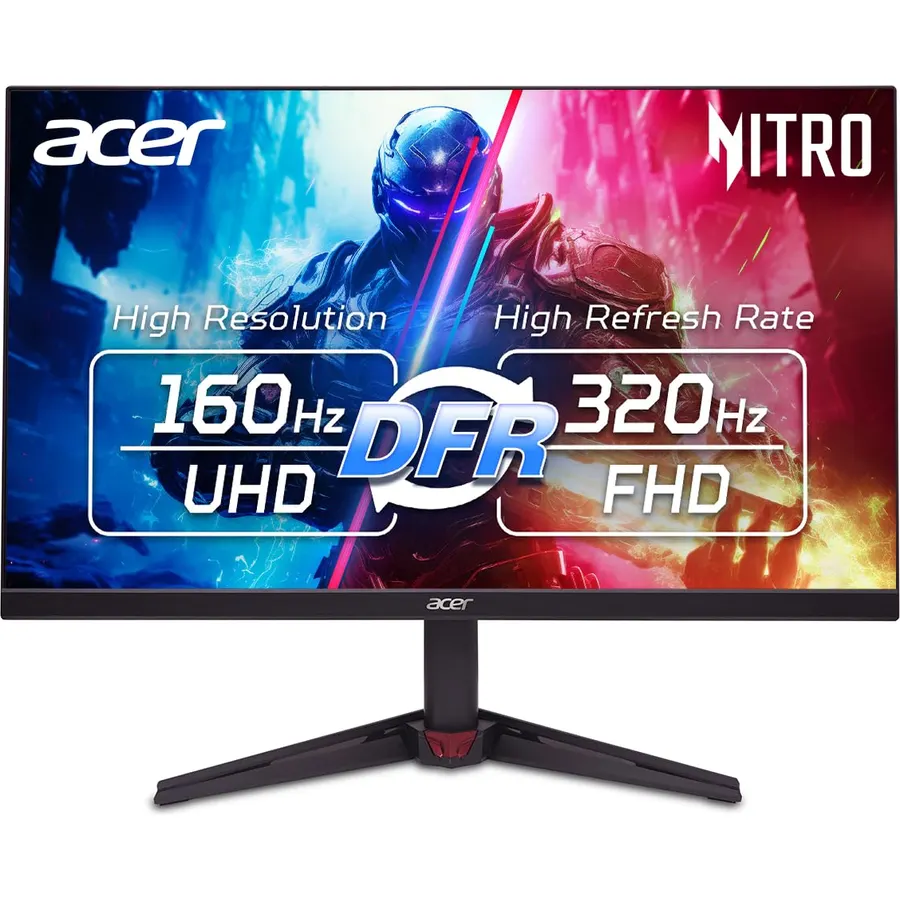
The Nitro VG270K V4 brings the dual-mode idea down to a budget price: 4K at 160Hz for single-player games and a 1080p 320Hz mode for esports, on an IPS panel with 90 percent DCI-P3, HDR10 and FreeSync Premium. It is new, with about 60 reviews at 4.0 stars, so the track record is thin, and the stand and extras are basic. For a PC gamer who wants 4K now and high-refresh 1080p in the same monitor without paying OLED prices, it is the one to watch.
- Dual mode: 4K 160Hz for story games, 1080p 320Hz for shooters
- The lowest price for 4K 160Hz here
- 0.5ms response claim
- Thin bezels for multi-monitor setups
- New model with only about 60 reviews
- 4.0 stars so far
- Basic stand and no USB hub
LG 32GX870A-B 32-inch Ultragear 4K UHD (3840 x 2160) OLED Gaming Monitor, Dual-Mode, 240Hz, 0.03ms, NVIDIA, AMD FreeSync Premium Pro, VESA DisplayHDR True Black 400, USB Type-C, DP2.1
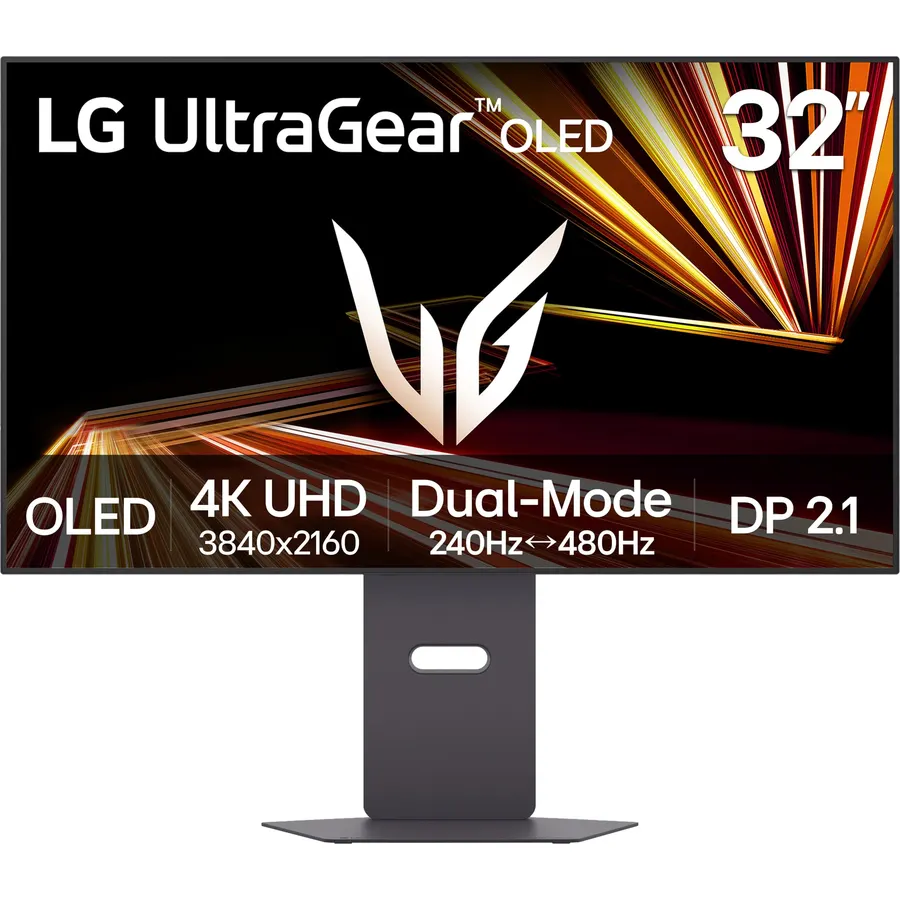
The 32GX870A-B is the 4K gaming monitor without compromises: an OLED panel with per-pixel black and a 0.03ms response, a dual mode of 4K 240Hz or 1080p 480Hz, Micro Lens Array+ for 1,300-nit highlights, DisplayPort 2.1 for uncompressed 4K 240, HDMI 2.1 for consoles and a USB-C input. It costs what the Samsung, KTC and Dell cost together, and with about 130 reviews at 4.3 stars its track record is still short. For the gamer with a flagship GPU who wants the best HDR and motion on the page, this is it; our OLED gaming monitors guide compares it with the 27-inch and ultrawide OLEDs.
- 4K 240Hz and 1080p 480Hz on true-black OLED
- MLA+ brightness up to 1,300 nits
- DisplayPort 2.1 and USB-C
- Full ergonomic stand
- Flagship price
- About 130 reviews so far (4.3 stars)
- OLED burn-in care for desktop use
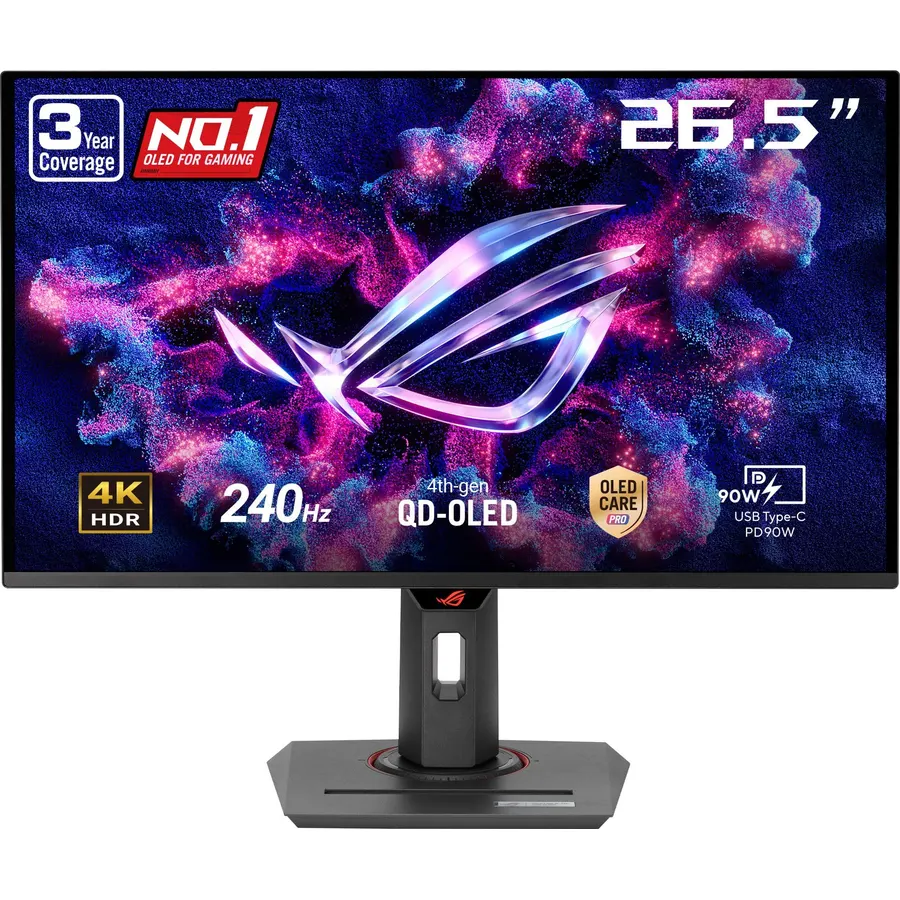
The PG27UCDM is a fourth-generation QD-OLED at 4K and 240Hz on 27 inches, which gives it the highest pixel density of any OLED gaming monitor and clearer text than earlier QD-OLEDs. ASUS adds its OLED Care Pro suite with a proximity sensor that blanks the screen when you leave, Anti-Flicker 2.0 for variable-refresh brightness jumps, DisplayPort 2.1a with the full 80Gbps bandwidth, HDMI 2.1 and USB-C with 90 watts. It is backed by a three-year burn-in warranty. Owners rate it 4.6 stars from a small base of about 80 reviews. It ranks here on price and track record, not on picture.
- 4K 240Hz QD-OLED at 27 inches: the sharpest OLED here
- Proximity sensor and a written 3-year burn-in warranty
- DisplayPort 2.1a with full 80Gbps bandwidth
- USB-C with 90W for a laptop
- Premium price
- Small review base so far
- 4K on 27 inches needs scaling for desktop use
Samsung 32 Odyssey Neo G8 (G85NB) 4K UHD 240Hz 1ms G-Sync 1000R Curved Gaming Monitor, Quantum HDR2000, AMD FreeSync Premium Pro, Matte Display
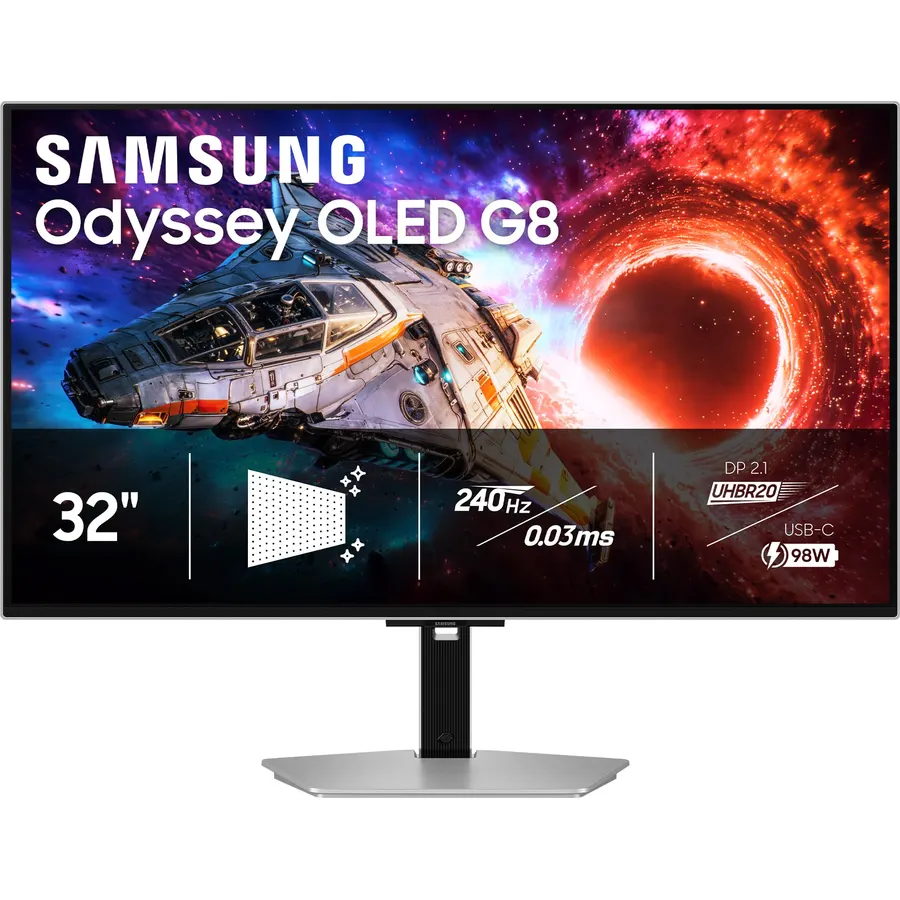
The Neo G8 is the HDR specialist: a Quantum Mini LED backlight that reaches 2,000 nits, 4K at 240Hz with a 1ms response, both sync standards and a 1000R curve. In a bright HDR game it is more spectacular than the OLEDs; in a dark scene the mini-LED zones bloom around bright objects, and owners report firmware quirks and scanlines on some units, which is where its 4.0-star rating comes from. It is last here because it is the least forgiving monitor on the page, not because it is the weakest. For a dedicated HDR gaming desk it remains unique.
- 2,000-nit HDR peaks, brighter than any OLED here
- 4K 240Hz with 1ms on an LCD
- Deep 1000R curve for immersion
- Matte panel for bright rooms
- 4.0 stars: firmware and scanline complaints
- Blooming around bright objects
- Curve is awkward for desktop work
Compare the picks
| Product | Size and panel | Refresh | HDR | Dual mode | Owner rating | Our score | |
|---|---|---|---|---|---|---|---|
| Samsung Odyssey 27 4KSamsung | 27-inch Fast IPS | 144Hz | HDR400 | No | 4.6 (3,900+) | 9.2 | See price |
| KTC H32P22PKTC | 32-inch Fast IPS | 165Hz | Nominal | No | 4.5 (2,300+) | 9.0 | See price |
| Dell S2725QSDell | 27-inch IPS | 120Hz | HDR ready | No | 4.4 (990+) | 8.8 | See price |
| ASUS TUF VG27UQ1AASUS | 27-inch Fast IPS | 160Hz | HDR, 95% DCI-P3 | No | 4.2 (170+) | 8.4 | See price |
| Acer Nitro VG270K V4Acer | 27-inch IPS | 160Hz | HDR10 | 1080p 320Hz | 4.0 (50+) | 8.3 | See price |
| LG 32GX870A-BLG | 32-inch OLED | 240Hz | True Black 400, 1,300 nits | 1080p 480Hz | 4.3 (120+) | 8.6 | See price |
| ASUS ROG PG27UCDMASUS | 27-inch QD-OLED | 240Hz | OLED HDR | No | 4.6 (80+) | 9.0 | See price |
| Samsung Neo G8Samsung | 32-inch mini-LED VA | 240Hz | HDR2000 | No | 4.0 (800+) | 8.0 | See price |
Which GPU do you need?
4K has 8.3 million pixels. A mid-range card from the last two generations reaches 60 to 100 frames per second at 4K in demanding games with upscaling on, which is why 120 to 144Hz panels (Samsung, Dell, KTC) are the realistic target for most PCs. 240Hz at 4K needs a flagship card, and even then the dual-mode monitors (Acer, LG) exist so you can drop to 1080p for esports titles where 300-plus frames matter more than resolution. Consoles output 4K at 120Hz over HDMI 2.1, which every pick here supports.
27 or 32 inches at 4K?
At 27 inches, 4K is 163 pixels per inch: games look flawless, but desktop text needs 150 percent scaling. At 32 inches it is 138 pixels per inch, which works at 100 to 125 percent and makes the monitor a better all-rounder; our 32-inch 4K monitors guide goes deeper on that size. Sit about an arm’s length from a 27 and a little further from a 32.
IPS, OLED or mini-LED for 4K gaming?
Fast IPS (Samsung, KTC, ASUS, Acer, Dell) is the sensible choice: no burn-in, bright enough for a sunny room, and 1ms motion at a fraction of OLED prices, with modest HDR as the trade-off. OLED (LG, ASUS ROG) gives true black, 0.03ms response and the best HDR contrast, with burn-in care for desktop use and a flagship price. Mini-LED (Neo G8) keeps LCD durability and adds 2,000-nit HDR, with blooming and a firmware history to accept.
Is a 4K gaming monitor worth it in 2026?
Yes if your GPU can hold 60 to 100 frames at 4K with upscaling, or if you play on a PS5 or Xbox Series X, which output 4K 120Hz over HDMI 2.1. On an older or budget GPU, a 1440p 144Hz monitor is the better buy.
What is the best 4K 144Hz gaming monitor?
The Samsung Odyssey 27-inch 4K 144Hz: Fast IPS, 1ms, G-SYNC and FreeSync, HDR400, and 4,000 owner reviews at 4.6 stars. At 32 inches, the KTC H32P22P runs 165Hz for less.
Do all these monitors support PS5 at 4K 120Hz?
Yes. Every pick has HDMI 2.1, which is required for 4K at 120Hz from a PS5 or Xbox Series X. Enable 120Hz output in the console settings and VRR where available.
Is 4K 240Hz a real thing?
Yes, on the LG 32GX870A-B, ASUS PG27UCDM and Samsung Neo G8, over DisplayPort 1.4 with DSC or DisplayPort 2.1. Reaching 240 frames at 4K needs a flagship GPU, which is why those monitors also offer 1080p high-refresh modes.
What is dual mode on a 4K monitor?
A VESA-certified switch between native 4K at a high refresh rate and 1080p at double the refresh rate, for example 4K 240Hz or 1080p 480Hz on the LG. It lets one monitor serve story games and esports.
Prices and stock change daily. The buttons above open Amazon so you always see the current price. We may earn a commission if you buy through them, at no extra cost to you.
Do Best Deal is a participant in the Amazon Services LLC Associates Program. As an Amazon Associate we earn from qualifying purchases. If you buy through links on this site we may earn a commission, at no extra cost to you. Learn more.
