1440p is the resolution that makes sense for most gaming PCs: sharp enough on a 27 or 32-inch screen, light enough that a mid-range graphics card holds 144 frames and more. The good news is that 1440p at 165 to 200Hz is now a budget category, with 27-inch flat, 32-inch curved and even 34-inch ultrawide panels at prices that used to buy 1080p. The bad news is that the cheapest listings cut corners on stands, HDR claims and warranty. We ranked the value 1440p gaming monitors in our monitors catalog by panel and refresh rate, brightness and contrast, stand adjustment, warranty, and what thousands of owners report.
We have not run every one of these on our own desk; the verdicts rest on the spec sheets and on the owner review history. Prices are not printed because they change daily; every button opens the live Amazon page. For the full-price field, see our 27-inch 1440p monitors and 240Hz gaming monitors guides.
How we picked
- 2560 x 1440 (or 3440 x 1440 ultrawide) at 165Hz or faster.
- 1ms response claim on every pick, with the panel type stated so you know what that means.
- Adaptive sync over DisplayPort at minimum.
- Value first. Each pick sits in the budget tier for its size at the time of writing; prices move, so check the live page.
- Owner ratings of 4.2 stars or better, most with thousands of reviews.
The picks
KOORUI 27 inch Mini-LED IPS Gaming Monitor, 200Hz 1ms, QHD 1440P HDR1000
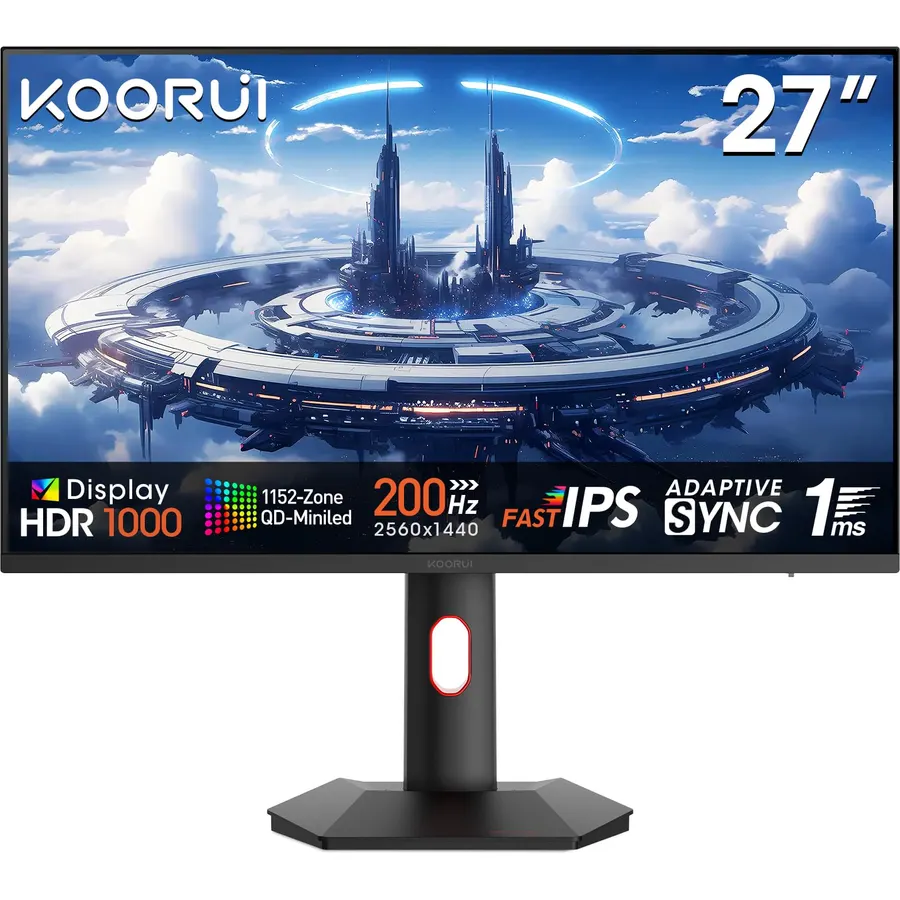
The KOORUI 27-inch Mini-LED is the budget 1440p monitor that changed the category: an IPS panel at 200Hz with 1ms response and a mini-LED backlight certified HDR1000, which means real highlight brightness rather than the token HDR400 of its rivals. For the price it is remarkable, and 14,000 owners rate it 4.4 stars. The compromises are the ones mini-LED always brings, some blooming around bright objects on black, plus a tilt-only stand and a shorter warranty than the big brands. If you want HDR that looks like HDR without OLED money, this is the pick.
- Mini-LED HDR1000 at a budget price, unheard of two years ago
- 200Hz IPS with 1ms
- The most-reviewed 1440p monitor on this page
- Flat panel for mixed work and play
- Local dimming zones bloom around bright cursors in dark scenes
- Tilt-only stand
- KOORUI warranty is shorter than ASUS or Samsung
KOORUI 27 Inch Curved Gaming Monitor QHD 180Hz, 1ms 1500R VA Display
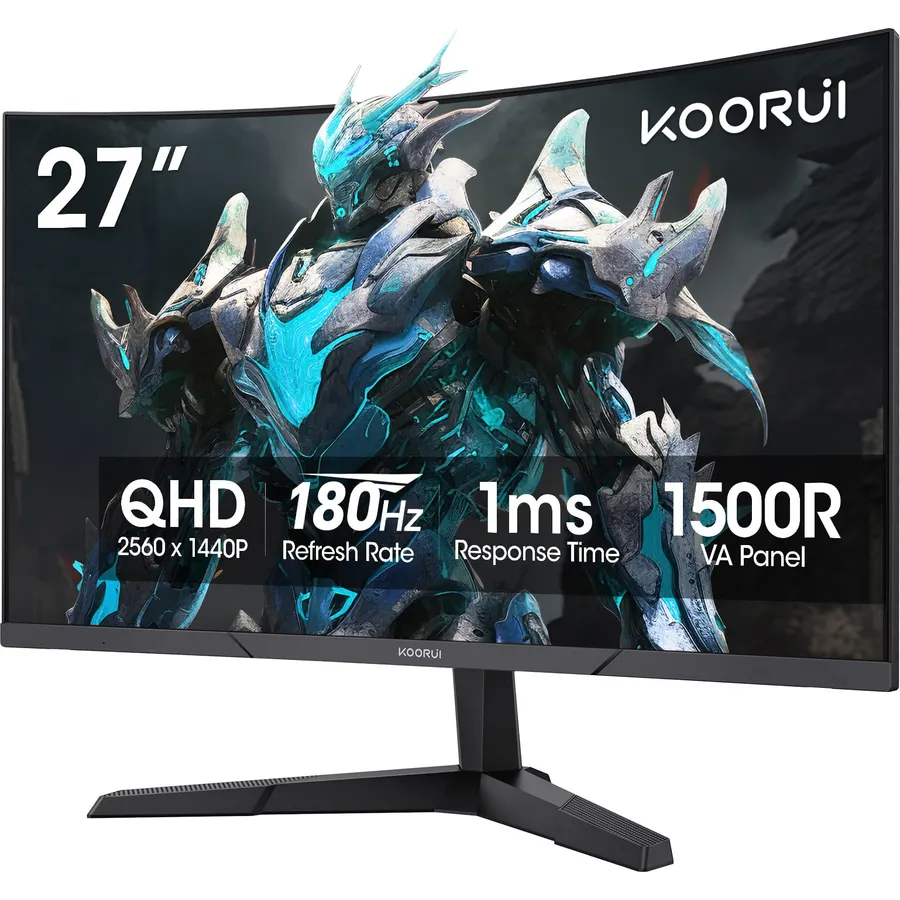
The curved KOORUI is the contrast pick: a 1500R VA panel with 4000:1 native contrast, 90 percent DCI-P3 and HDR10, running 1440p at 180Hz with a 1ms claim. VA panels give blacks that IPS cannot, which suits single-player and horror games, at the cost of some smearing in dark, fast motion. The stand only tilts and KOORUI’s panel warranty is one year. Owners rate it 4.5 stars from 6,400 reviews, and it is usually the cheapest 180Hz 1440p monitor on the page.
- 4000:1 VA contrast for deep blacks
- 180Hz and 1ms at a low price
- 6,400 owners at 4.5 stars
- 1500R curve on a 27 is subtle, not extreme
- VA smearing in dark fast scenes
- One-year panel warranty
- Tilt-only stand
ASUS TUF Gaming VG32VQ1B 32 Inch 1440p 165Hz HDR Curved Gaming Monitor
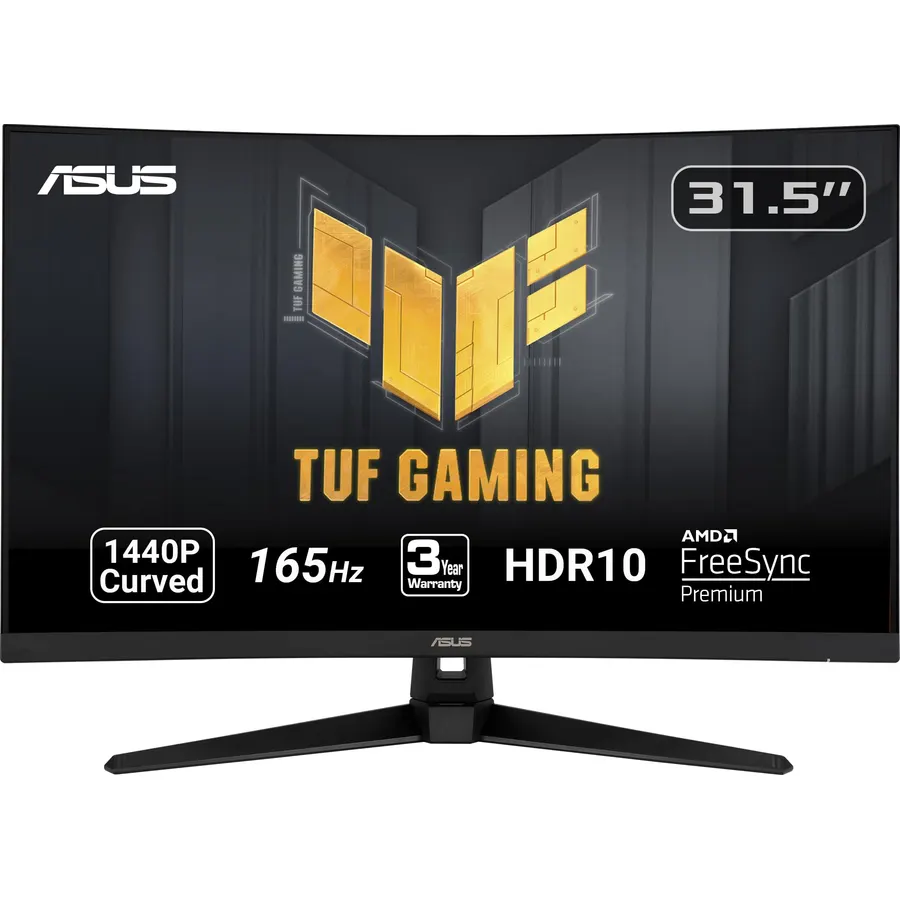
The VG32VQ1B is the 32-inch value pick: a 1500R curved VA panel at 1440p and 165Hz with ASUS’s Extreme Low Motion Blur strobing, FreeSync Premium on both inputs, HDR10, Shadow Boost for dark areas and built-in speakers. At 32 inches 1440p is 93 pixels per inch, which is comfortable for games and a little soft for small text. ASUS backs it properly, which is the reason to pick it over no-name 32-inch panels at similar prices. Owners rate it 4.5 stars from 3,600 reviews.
- ASUS ELMB blur reduction and FreeSync Premium
- Built-in speakers, rare on gaming monitors
- 3,600 owners at 4.5 stars
- ASUS warranty and support
- VA panel: same dark-scene smearing caveat
- Tilt-only stand
- No HDMI 2.1
SAMSUNG 32-Inch Odyssey G50D Series QHD Fast IPS G-Sync Compatible Gaming Monitor, 1ms, VESA DisplayHDR 400, 180Hz, AMD FreeSync, Adjustable Stand, Eye Saver Mode
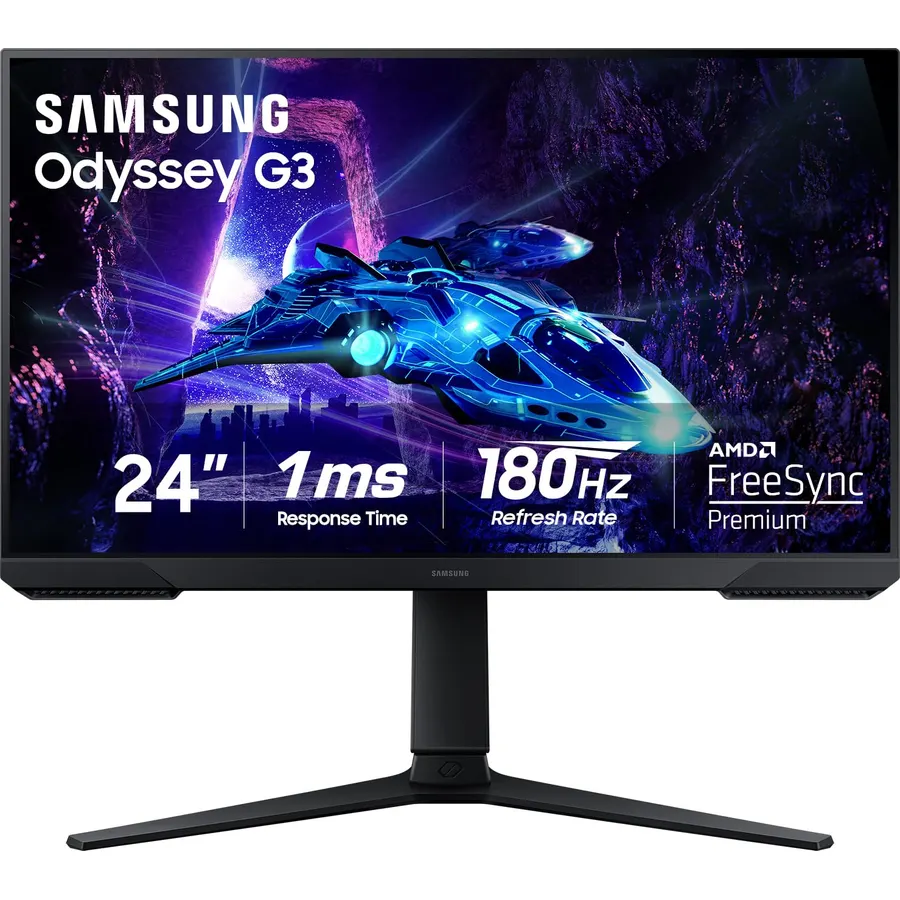
The Odyssey G50D is the 32-inch pick for anyone who dislikes VA: a Fast IPS panel at 1440p 180Hz with a 1ms GtG response, G-SYNC and FreeSync, DisplayHDR 400, and a stand that adjusts height and swivel, which the budget VA panels do not. It costs a little more than the ASUS and KOORUI 32s and gives up VA’s deep blacks, but motion is cleaner and colors hold from the side. With 1,900 reviews at 4.6 stars it is the best-rated monitor on the page.
- Fast IPS at 32 inches, no VA smearing
- Height-adjustable stand, unusual at this price
- Both sync standards and DisplayHDR 400
- 1,900 owners at 4.6 stars, the best rating here
- Costs more than the VA picks
- IPS contrast is lower than VA
- No speakers
Sceptre 34-Inch Curved Ultrawide WQHD Monitor (3440 x 1440), R1500, up to 180Hz/165Hz, DisplayPort x2, 99% sRGB, 1ms, Built-in Speakers, Machine Black, 2025 (C345B-QUT168)
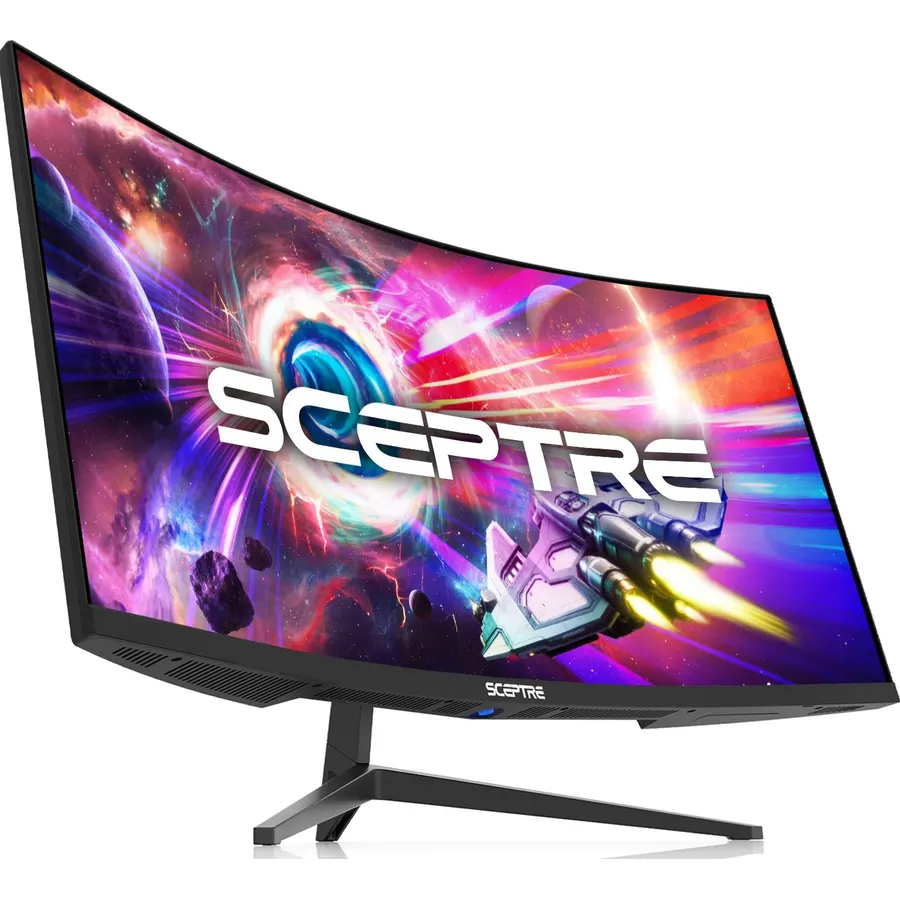
The Sceptre C345B is the cheapest way to a 34-inch 3440 x 1440 ultrawide at 180Hz, with two DisplayPorts, built-in speakers and a 1500R curve. It is a VA panel at 99 percent sRGB, so expect strong contrast and ordinary color, and its 4.2-star rating from 3,000 owners comes with more dead-pixel and quality-control complaints than the others here, which is the price of being the cheapest. For a first ultrawide on a tight budget, it is the one, with the KTC below as the step up.
- 3440 x 1440 at 180Hz for the price of a 27-inch from a big brand
- Built-in speakers and two DisplayPorts
- 3,000 owners at 4.2 stars
- 21:9 replaces two monitors for work
- 4.2 stars: QC and dead-pixel reports are the common complaint
- sRGB-only color
- Tilt-only stand
KTC 34 Inch Ultrawide Curved Gaming Monitor, 3440x1440 UWQHD 180Hz, H34S5
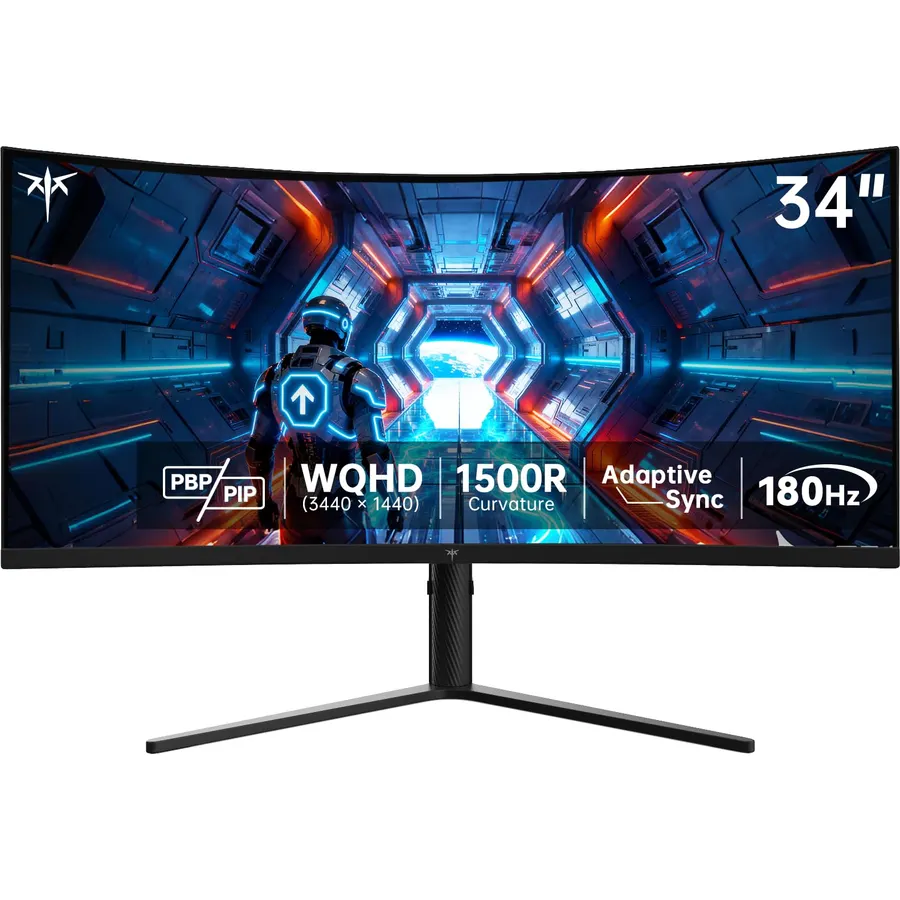
The KTC H34S5 fixes the Sceptre’s weaknesses for a little more money: a height-adjustable stand, a three-year warranty, four inputs with picture-in-picture, and an HVA panel with 4000:1 contrast and 125 percent sRGB. It runs 3440 x 1440 at 180Hz over DisplayPort and 100Hz over HDMI, so a console or a laptop on HDMI gets the lower rate. Owners rate it 4.5 stars from 2,400 reviews, far fewer complaints than the Sceptre. For a budget ultrawide you plan to keep, this is the better buy; our ultrawide monitors guide has the premium options.
- Height-adjustable stand and a 3-year warranty
- 4000:1 HVA contrast with 125% sRGB
- Four video inputs with PiP and PbP
- 2,400 owners at 4.5 stars
- HDMI tops out at 100Hz; use DisplayPort
- VA motion caveat
- HDR is basic
LG 27G610A-B 27-inch Ultragear QHD (2560 x 1440) IPS Gaming Monitor, 200Hz, 1ms, AMD FreeSync Premium, VESA DisplayHDR 400, HDMI, DisplayPort, Tilt/Height/Swivel/Pivot Stand
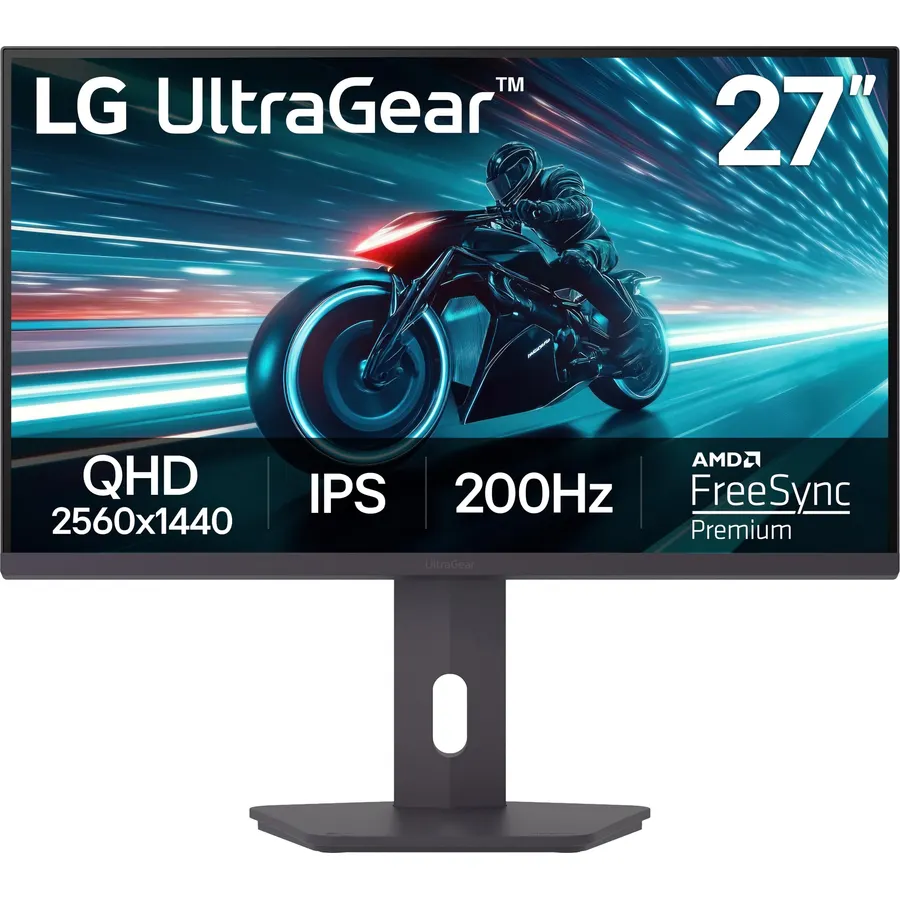
The 27G610A-B is the budget end of LG’s UltraGear line: a 27-inch IPS at 1440p and 200Hz with a true 1ms GtG response, FreeSync Premium, DisplayHDR 400 and a stand that does height, swivel and pivot. It is the pick for someone who wants a big-brand IPS with proper ergonomics rather than the cheapest panel, and it undercuts LG’s 240Hz 27GR83Q while keeping most of the experience. Owners rate it 4.4 stars from a smaller base of about 190 reviews.
- LG IPS at 200Hz with a 1ms GtG response
- Full stand including pivot
- LG build, warranty and menu
- DisplayHDR 400
- Newer model with about 190 reviews
- Costs more than the KOORUI flat panel
- No G-SYNC certification
SAMSUNG 34-inch Odyssey G5 Ultra-Wide Gaming Monitor, 1000R Curved, 165Hz, 1ms, FreeSync Premium, WQHD
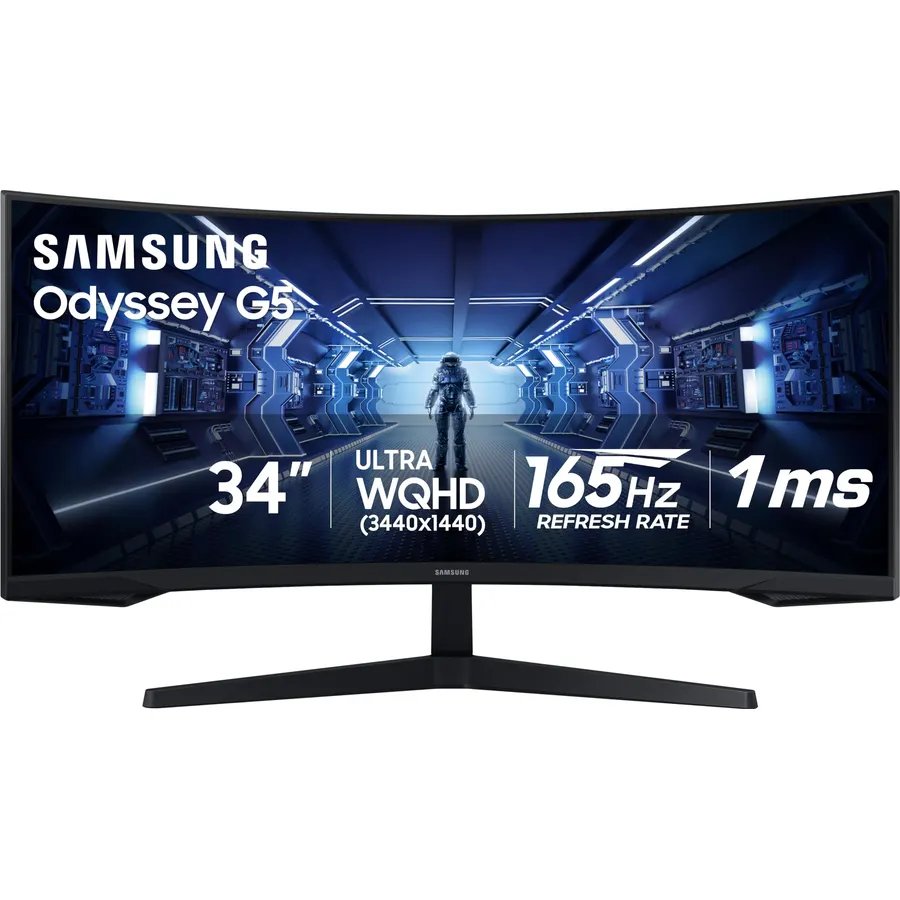
The Odyssey G5 34-inch is the ultrawide for people who want a brand name on the back: a 1000R VA panel at 3440 x 1440 and 165Hz with FreeSync Premium and low-framerate compensation, from a company with real support. The curve is the deepest here, which is wonderful in a racing sim and awkward in a spreadsheet, and the stand only tilts. Owners rate it 4.3 stars from 2,700 reviews. It ranks below the KTC on features and above the Sceptre on reliability.
- Samsung quality control and warranty at a budget ultrawide price
- Deep 1000R curve wraps around you
- FreeSync Premium with LFC
- 2,700 owners
- 1000R is too curved for some desk work
- Tilt-only stand
- Slower 165Hz than the KTC and Sceptre
Compare the picks
| Product | Size and panel | Refresh | Stand | Speakers | Owner rating | Our score | |
|---|---|---|---|---|---|---|---|
| KOORUI 27 Mini-LEDKOORUI | 27-inch IPS mini-LED | 200Hz | Tilt | No | 4.4 (14,000+) | 8.8 | See price |
| KOORUI 27 curvedKOORUI | 27-inch VA, 1500R | 180Hz | Tilt | No | 4.5 (6,400+) | 9.0 | See price |
| ASUS TUF VG32VQ1BASUS | 32-inch VA, 1500R | 165Hz | Tilt | Yes | 4.5 (3,500+) | 9.0 | See price |
| Samsung Odyssey G50DSamsung | 32-inch Fast IPS | 180Hz | Height, swivel | No | 4.6 (1,800+) | 9.2 | See price |
| Sceptre C345BSceptre | 34-inch VA, 1500R | 180Hz | Tilt | Yes | 4.2 (3,000+) | 8.4 | See price |
| KTC H34S5KTC | 34-inch HVA, 1500R | 180Hz (DP) | Height, pivot | No | 4.5 (2,300+) | 9.0 | See price |
| LG 27G610A-BLG | 27-inch IPS | 200Hz | Height, pivot | No | 4.4 (180+) | 8.8 | See price |
| Samsung Odyssey G5 34Samsung | 34-inch VA, 1000R | 165Hz | Tilt | No | 4.3 (2,600+) | 8.6 | See price |
IPS or VA on a budget?
Most cheap 1440p monitors are VA because the panels cost less and give 3000:1 to 4000:1 contrast, which looks great in dark games. The trade-off is slower pixel transitions in dark scenes, which shows as smearing behind moving objects. Budget IPS (KOORUI mini-LED, Samsung G50D, LG) has cleaner motion and better off-axis color with lower contrast. If you play mostly shooters, IPS; mostly single-player and films, VA; if you also work on it, IPS for the text clarity.
Where the budget picks cut corners
Stands: five of the eight only tilt, so budget a VESA arm from our monitor arms and mounts guide. HDR: “HDR10” or “HDR400” on an LCD without local dimming is a checkbox, which is why the KOORUI mini-LED’s HDR1000 stands out. Warranty: KOORUI gives one year on the panel, Sceptre and KTC vary, ASUS, Samsung and LG give the full term. Ports: the ultrawides run 100Hz over HDMI 2.0, so use DisplayPort for the full refresh rate.
What GPU do you need for 1440p 165Hz?
A current mid-range card holds 100 to 165 frames at 1440p in most games with high settings, and more in esports titles, which is why 1440p is the sweet spot. Ultrawide 3440 x 1440 is about 35 percent more pixels, so expect proportionally fewer frames. If your card is older, a 1080p high-refresh monitor from our gaming monitors under 200 guide may be the better match.
What is the best cheap 1440p gaming monitor?
The KOORUI 27-inch Mini-LED 200Hz: 1440p IPS with HDR1000 local dimming at a budget price, with 14,000 owner reviews at 4.4 stars. The curved KOORUI 180Hz VA is often cheaper still.
Is 1440p at 32 inches too blurry?
It is 93 pixels per inch, fine for games and video from an arm length away, a little soft for small text. For a work-first 32-inch screen, 4K is sharper; for a games-first one, 1440p at 165 to 180Hz is the better value.
Do budget 1440p monitors have HDR?
Most list HDR10 or HDR400, which only means they accept an HDR signal. Real HDR needs local dimming; among these picks only the KOORUI mini-LED has it.
Is a cheap ultrawide worth it?
Yes for work and immersive games, with two cautions: check for dead pixels in the return window, and use DisplayPort because HDMI 2.0 limits 3440 x 1440 to 100Hz. The KTC H34S5 adds a real stand and a 3-year warranty for a little more than the Sceptre.
Which budget 1440p monitor has the best stand?
The Samsung Odyssey G50D (height and swivel), the KTC H34S5 (height, swivel, pivot) and the LG 27G610A-B (height, swivel, pivot). The KOORUI, ASUS, Sceptre and Samsung G5 picks only tilt.
Prices and stock change daily. The buttons above open Amazon so you always see the current price. We may earn a commission if you buy through them, at no extra cost to you.
Do Best Deal is a participant in the Amazon Services LLC Associates Program. As an Amazon Associate we earn from qualifying purchases. If you buy through links on this site we may earn a commission, at no extra cost to you. Learn more.

