A gaming monitor under $200 used to mean 60Hz and a washed-out TN panel. Not anymore. The five below all run at 180Hz or faster on IPS or curved VA panels, and one is 1440p. We picked them using Amazon price data at the time of writing and kept only models that thousands of owners rate 4.4 stars or better.
We have not gamed on every one of these ourselves, so we lean on owner reviews and say so. Prices are not printed because they change daily; every button opens the live Amazon page. For a work screen instead, see our 27-inch 4K work monitors.
How we picked
- Refresh rate of 180Hz or more. The jump from 60Hz to 144Hz is the biggest upgrade in gaming; past 180Hz the gains are smaller but still real for shooters.
- A panel you can live with. IPS for color and viewing angles, or a curved VA with high contrast. No TN panels.
- Adaptive sync. Every pick supports AMD FreeSync; three are also NVIDIA G-Sync Compatible.
- DisplayPort on board. HDMI on budget monitors is often capped below the top refresh rate, so we favored models with a DisplayPort input.
- Owner ratings of 4.4 stars or higher with at least a thousand reviews, from the monitor catalog.
The picks
SAMSUNG 25-inch Odyssey G4 Series FHD Gaming Monitor, IPS, 240Hz, 1ms, G-Sync Compatible
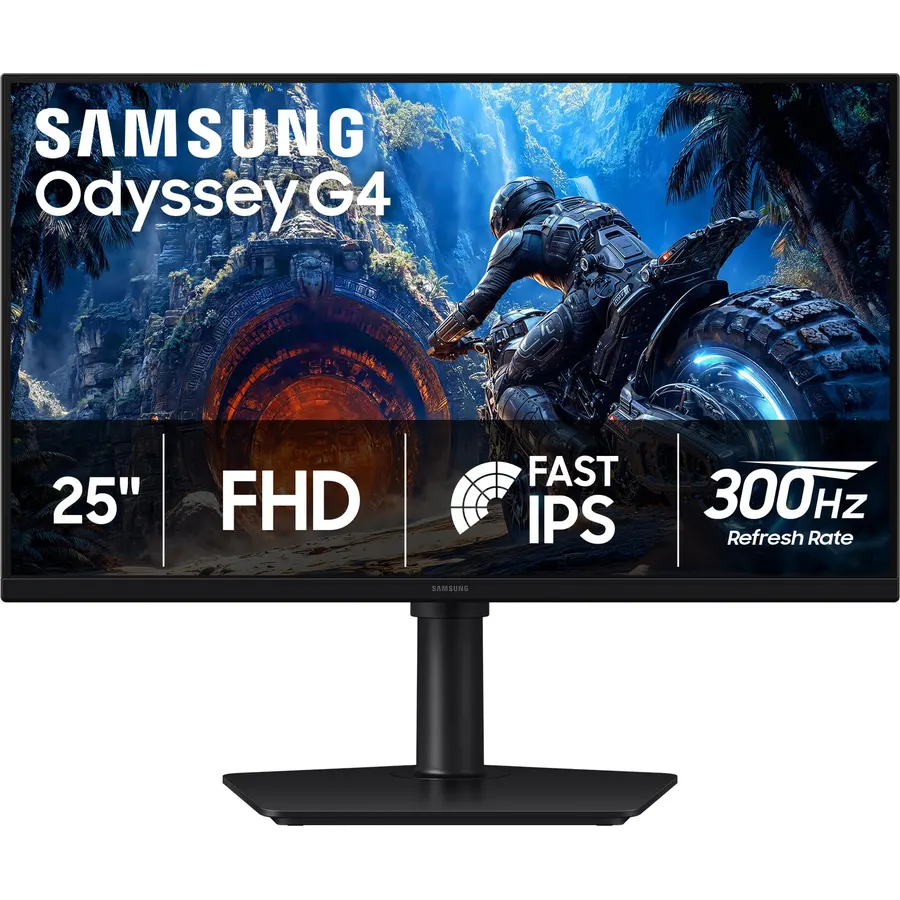
The Odyssey G4 is what most people picture when they say budget esports monitor. The 25-inch IPS panel runs at 240Hz with a 1ms response, carries the official G-Sync Compatible badge on top of FreeSync Premium, and Samsung includes the full height-adjust stand that rivals leave off at this price. Owners rate it 4.6 stars across nearly a thousand reviews, praising motion clarity. The trade-off is size: 25 inches suits a desk where you sit close, which is how competitive players sit anyway.
- 240Hz on an IPS panel at this price is rare
- Certified G-Sync Compatible, not just FreeSync
- Fully adjustable stand including portrait pivot
- 400 nits, brighter than most budget monitors
- 25 inches at 1080p is small if you sit far back
- No USB ports
- HDR is a checkbox, not a feature
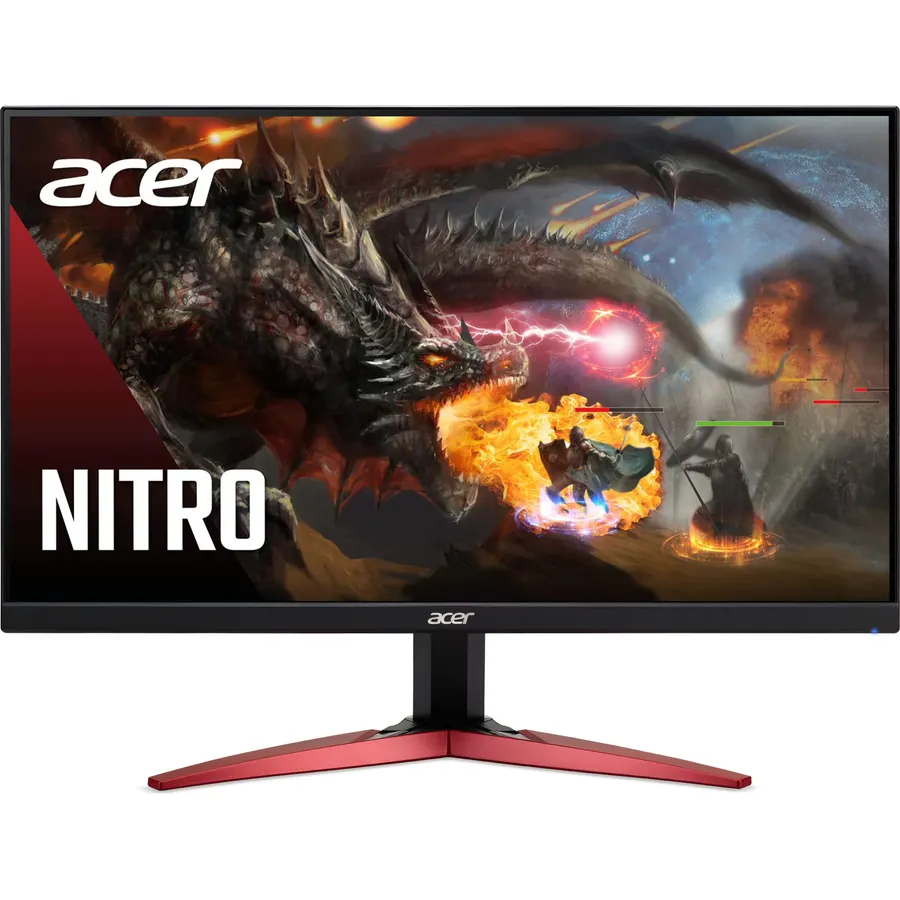
If the Odyssey G4 stretches the budget, the KG241Y gets you most of the experience for a lot less: a 23.8-inch IPS panel at 200Hz with FreeSync Premium and a 0.5ms best-case response. What you give up is the stand, which only tilts, and the G-Sync badge. Over 4,100 owners rate it 4.5 stars, which is remarkable for a monitor this cheap. Pair it with a $20 monitor arm and you have a very good setup.
- 200Hz IPS for the least money on this page
- 4,100+ ratings at 4.5 stars
- 99% sRGB, so it doubles as a decent work screen
- Includes a DisplayPort input for the full 200Hz
- Stand only tilts; budget a VESA arm
- Tops out at 1080p on 23.8 inches
- No G-Sync certification, though FreeSync works on NVIDIA cards
Acer Nitro 27in QHD 2560x1440 IPS 180Hz Gaming Monitor XV271U M3bmiiprx
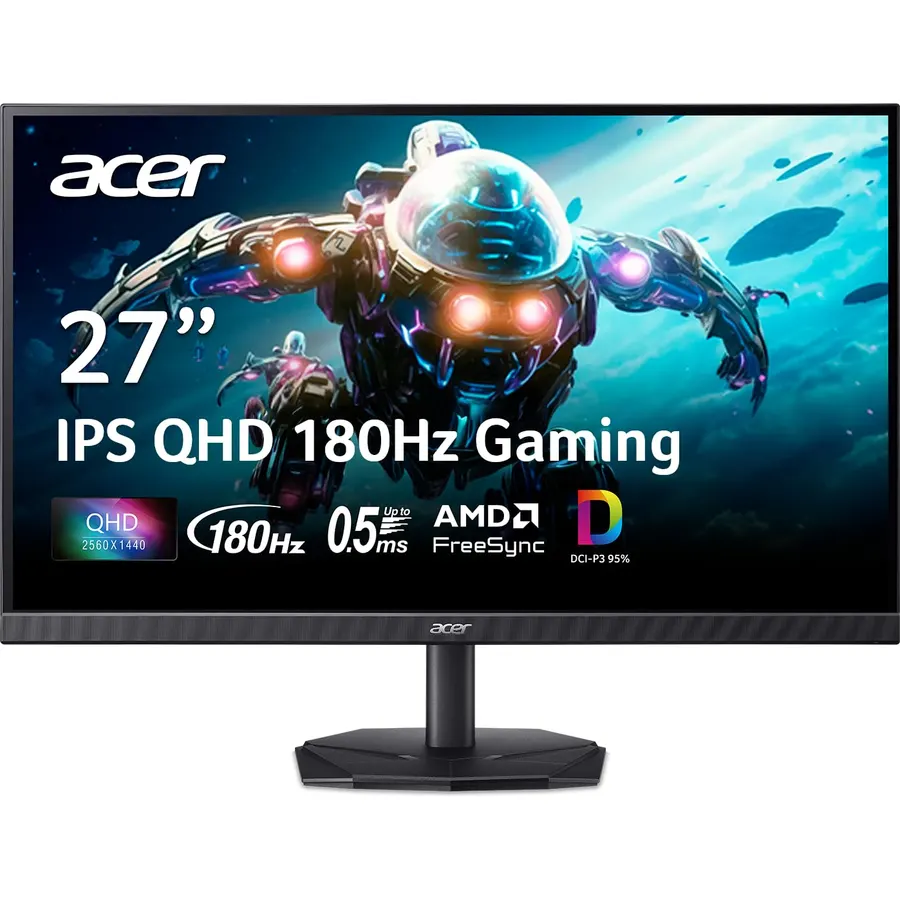
The XV271U M3 is the only 1440p monitor here, and the resolution bump matters: at 27 inches, 1080p looks soft, while 2560x1440 is sharp and leaves room for a browser next to the game. It runs 180Hz over DisplayPort, 144Hz over HDMI, and the stand does everything. The catch is brightness; Acer rates it at 250 nits, so keep it out of direct window light. Owners rate it 4.5 stars, and people upgrading from 1080p write the happiest reviews. With a mid-range or better graphics card, buy this one over the two above.
- 1440p at 27 inches is far sharper than 1080p
- 180Hz with a 1ms response
- Ergonomic stand with height, swivel and pivot
- VESA 100 mount
- 250 nits is dim for a bright room
- HDMI caps at 144Hz
- 1440p needs a stronger graphics card to hit 180 fps
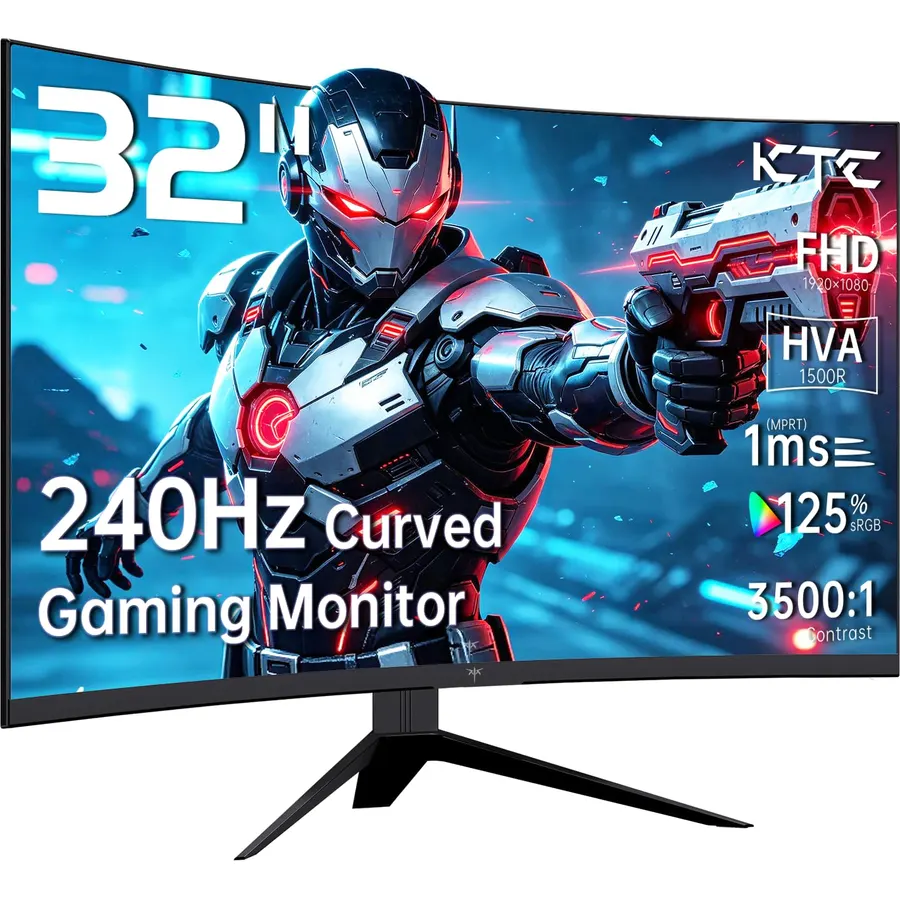
The H32S17F is for the person who wants a big, immersive screen and does not sit with their nose on it. It is a 32-inch curved VA panel at 240Hz with 1ms response and 3500:1 contrast, and the ports are generous for the price: DisplayPort 1.4, two HDMI 2.0 and a USB port. The honest downside is pixel density; 1080p over 32 inches is about 69 pixels per inch, so text looks coarse and this is a gaming and movie screen, not a coding screen. Over 2,300 owners rate it 4.5 stars, and the main complaints are about the tilt-only stand.
- 32 inches and 240Hz for under $200
- 3500:1 contrast from the VA panel, deep blacks
- Supports both FreeSync and G-Sync
- 2,300+ ratings at 4.5 stars
- 1080p on 32 inches is visibly pixelated up close
- Stand only tilts
- KTC is a newer brand with a smaller service network
Sceptre Curved 24.5-inch Prime Gaming Monitor up to 240Hz 1080p R1500 1ms DisplayPort x2 HDMI x2
Sceptre makes cheap monitors that owners keep buying, and this curved 24.5-inch is its most popular gaming model with 4,200 ratings. You get up to 240Hz, a 1ms response, FreeSync Premium and a rare four video inputs, so a PC, a console and a laptop can all stay plugged in. Owner reviews note some ghosting in dark scenes, normal for a budget VA panel, and the tilt-only stand. For a first gaming monitor or a console screen, it is hard to argue with.
- Two DisplayPort and two HDMI inputs, unusual at this price
- Built-in speakers and a blue light filter
- 4,200 ratings at 4.4 stars
- 1500R curve on a small screen is subtle, not distracting
- Lowest rating on this list, though still 4.4
- VA panels smear a little in dark scenes
- Tilt-only stand
Compare the picks
| Product | Panel | Refresh | Ports | Stand | Our score | |
|---|---|---|---|---|---|---|
| Samsung Odyssey G4 25"Samsung | 25" IPS 1080p | 240Hz, 1ms | DP + 2x HDMI | Full adjust | 9.2 | See price |
| Acer Nitro KG241YAcer | 23.8" IPS 1080p | 200Hz, 0.5ms | DP + 2x HDMI | Tilt | 8.8 | See price |
| Acer Nitro XV271U M3Acer | 27" IPS 1440p | 180Hz, 1ms | DP + 2x HDMI | Full adjust | 9.0 | See price |
| KTC H32S17FKTC | 32" VA 1080p curved | 240Hz, 1ms | DP 1.4 + 2x HDMI 2.0 + USB | Tilt | 9.0 | See price |
| Sceptre 24.5" curved | 24.5" VA 1080p curved | 240Hz, 1ms | 2x DP + 2x HDMI | Tilt | — | See price ↗ |
IPS or VA under $200?
IPS panels (the Samsung and both Acers) have accurate color, wide viewing angles and the cleanest motion; their weakness is gray-ish blacks. VA panels (the KTC and Sceptre) have three times the contrast, so dark games look richer, but they can smear in shadowy scenes. For competitive shooters pick IPS. For single-player and console games on a big screen, VA is fine and cheaper per inch.
Use DisplayPort, not HDMI
On budget monitors the HDMI ports are HDMI 2.0 and often capped at 144Hz. Every pick here has a DisplayPort input, which is the cable that reaches the advertised refresh rate; then set the refresh rate in Windows display settings, because monitors ship at 60Hz until you do. None of these has HDMI 2.1 or USB-C, which is normal below $200. For a USB-C laptop screen, read our guide to choosing a monitor for coding.
Is 1080p still good enough for gaming?
At 24 to 25 inches, yes. It looks sharp at desk distance and lets a mid-range graphics card hit high frame rates. At 27 inches and above, 1440p (the Acer XV271U M3) is noticeably better.
Do these work with a PS5 or Xbox Series X?
All five run 1080p at 120Hz over HDMI, which is what the consoles output on a monitor like these. None has HDMI 2.1 and none is 4K.
Will FreeSync work with my NVIDIA card?
Yes. NVIDIA cards drive FreeSync monitors over DisplayPort with G-Sync enabled in the driver. The Samsung and KTC are also officially G-Sync Compatible.
What if the monitor arrives with dead pixels?
Amazon accepts monitor returns within 30 days in the US. Test the panel on a black and a white screen the day it arrives, and keep the box until you are sure.
Prices and stock change daily. The buttons above open Amazon so you always see the current price. We may earn a commission if you buy through them, at no extra cost to you.
Do Best Deal is a participant in the Amazon Services LLC Associates Program. As an Amazon Associate we earn from qualifying purchases. If you buy through links on this site we may earn a commission, at no extra cost to you. Learn more.
