Twenty-four inches is the size competitive players still choose on purpose. At 1080p the pixel density is right, the whole screen sits inside your field of view so nothing in the corners goes unnoticed, and the panels are cheap enough that 165Hz, 180Hz and even 240Hz cost less than a 27-inch 60Hz office monitor did a few years ago. We ranked the 23.8 to 25-inch gaming monitors in our monitors catalog by refresh rate and response time, panel type, adaptive sync support, ports and stand, and what thousands of owners report after months of play.
We have not benchmarked every panel ourselves; the verdicts rest on the spec sheets and on the owner review history. Prices are not printed because they change daily; every button opens the live Amazon page. If you are weighing this size against the next one up, our 27-inch gaming monitors and 1080p gaming monitors guides cover the alternatives, and the 240Hz gaming monitors guide goes deeper on the fastest panels.
How we picked
- 23.8 to 25 inches, 1080p or 1440p. The size where 1080p still looks sharp and the whole panel stays in view.
- At least 165Hz with a 1ms response, and adaptive sync (FreeSync or G-Sync compatible) on nearly every pick.
- The ports to reach the top refresh rate. We note where 240Hz needs DisplayPort and where HDMI caps lower.
- Panel honesty. IPS, Fast IPS or VA is stated where the maker states it; curved picks are marked.
- Owner ratings of 4.4 stars or better, and most picks have thousands of reviews.
The picks
KOORUI 24 inch Curved Gaming Monitor 180Hz FHD 1080P, 1ms 1500R Display
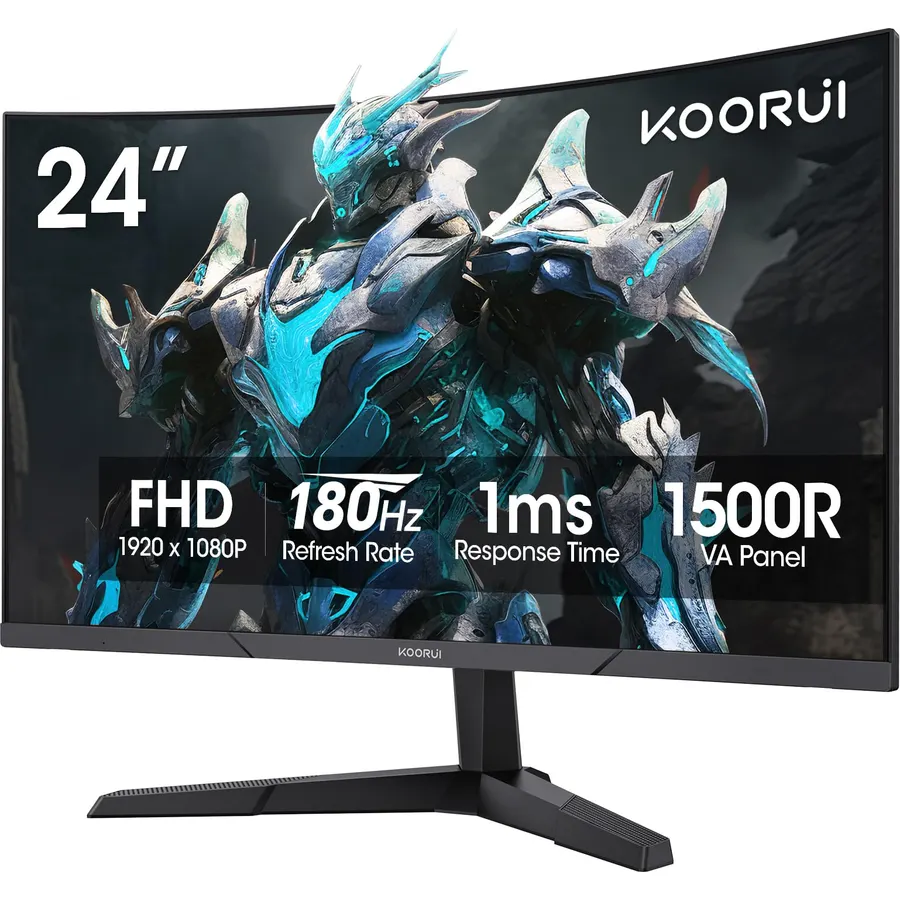
The KOORUI 24-inch curved is the best-rounded pick on the page and the one most owners settle on: 6,400 of them rate it 4.5 stars. The 1500R curve on a 24-inch 1080p panel keeps the edges the same distance from your eyes as the centre, the 180Hz refresh with a 1ms MPRT response and Adaptive Sync handles shooters and racing games without tearing, and the 3000:1 contrast with HDR10 support gives dark scenes more depth than the IPS picks manage. Two HDMI 2.0 ports and a DisplayPort 1.2 cover a PC and a console. It is only 250 nits, so it suits a dim room better than a sunny one, there are no speakers, and the stand tilts only. For a first serious gaming monitor it is hard to argue with.
- 6,400 owners at 4.5 stars
- 180Hz with 1ms and Adaptive Sync at a budget price
- 3000:1 contrast makes dark games look deep
- Three-sided bezel-less frame
- 250 nits is dim for a bright room
- No speakers
- Tilt-only stand
Sceptre E255B-1658A 25 Inch FHD 1080p 165Hz 144Hz 1ms AMD FreeSync gaming LED Monitor 2x HDMI 2.0 1x DisplayPort RTS FPS Build-in Speakers, Machine Black, Metallic Black
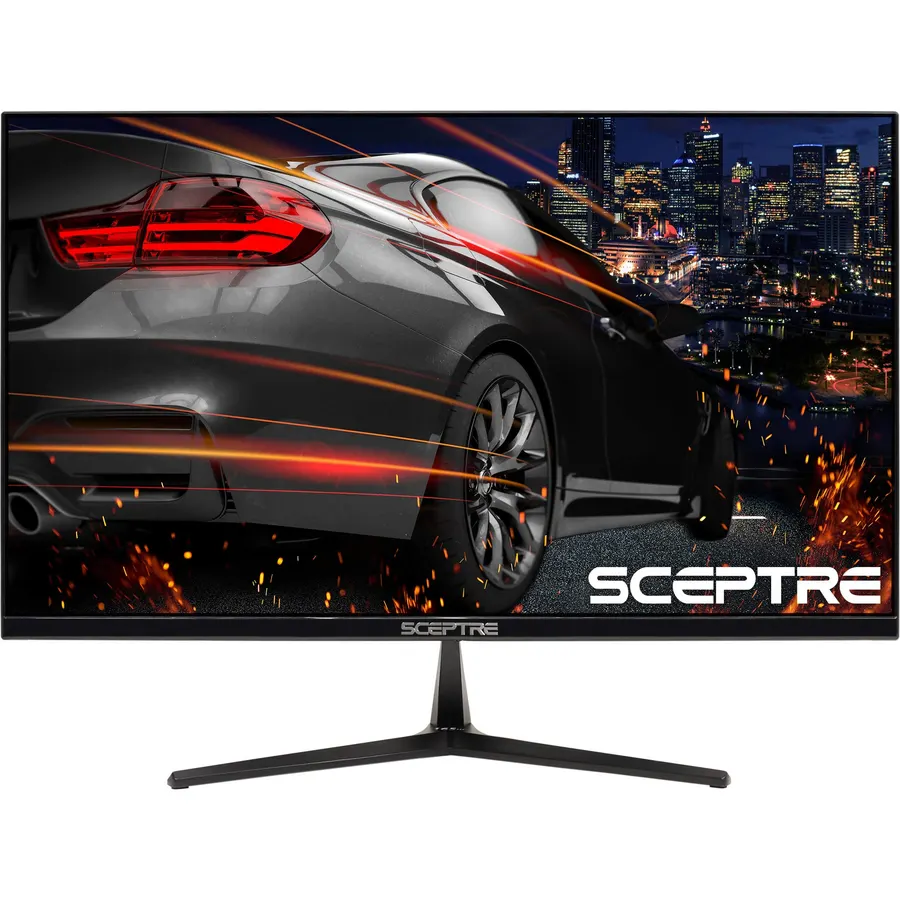
The Sceptre E255B has been a budget esports favourite for years, and its 6,600 owners rate it 4.6 stars, the highest average on this page. The 25-inch 1080p panel runs at 165Hz over DisplayPort and 144Hz over either of its two HDMI 2.0 ports, with a 1ms grey-to-grey response and AMD FreeSync, and at 300 nits it is bright enough for a daylit room. Unusually for a fast cheap panel it has built-in speakers and Sceptre’s FPS and RTS presets. The trade for the price and the speed is a fast-panel look: colors shift as you move off centre, and there is no HDR. The stand only tilts. If you play shooters on a budget PC and want sound without extra speakers, this is the one.
- 6,600 owners at 4.6 stars, the highest rating here
- Built-in speakers plus DisplayPort
- 300 nits, brighter than the KOORUI
- 165Hz and 1ms at a very low price
- Narrower viewing angles than the IPS picks
- Tilt-only stand
- No HDR
Sceptre 24-Inch Gaming Monitor, 99% sRGB, 1ms, Up to 180Hz, FreeSync, Eye Care, FPS/RTS, DisplayPort, HDMI, Built-in Speakers, Machine Black (E248B-FPT168 Series)
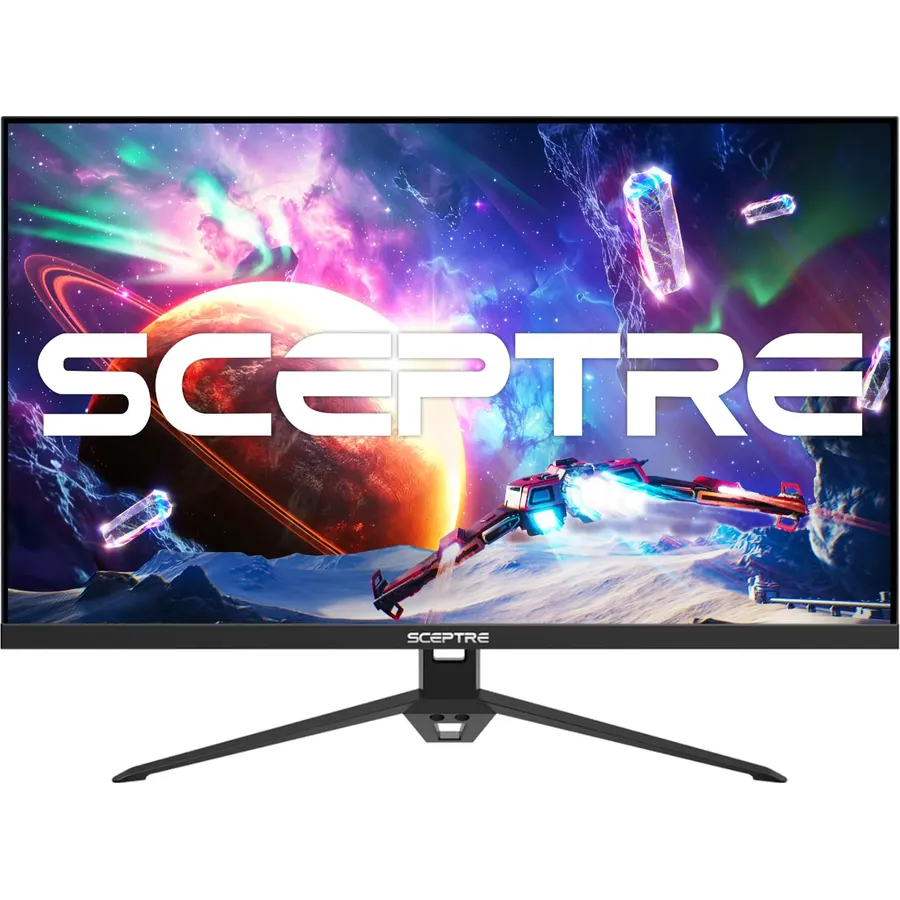
The Sceptre E248B is the IPS answer to the E255B: the same brand, the same speakers and FPS and RTS modes, but an IPS panel that holds its color from any angle and covers 99 percent of sRGB. It reaches 180Hz over DisplayPort and 144Hz over each of its three HDMI ports, which is more inputs than anything else here, with a 1ms response and AMD FreeSync. The edgeless bezel lines up with a second screen. There is no HDR, the stand tilts only, and you need a DisplayPort cable for the top refresh rate, which is the one setup gripe among its 5,200 owners, who rate it 4.5 stars. For a player who shares a desk with a console and a laptop, those three HDMI ports settle it.
- IPS panel with 99% sRGB at a budget price
- Three HDMI ports plus DisplayPort
- Built-in speakers and edgeless design
- 5,200 owners at 4.5 stars
- Full 180Hz only over DisplayPort
- Tilt-only stand
- No HDR
Acer Nitro 23.8in FHD 1920x1080 IPS 200Hz Gaming Monitor KG241Y X1biip
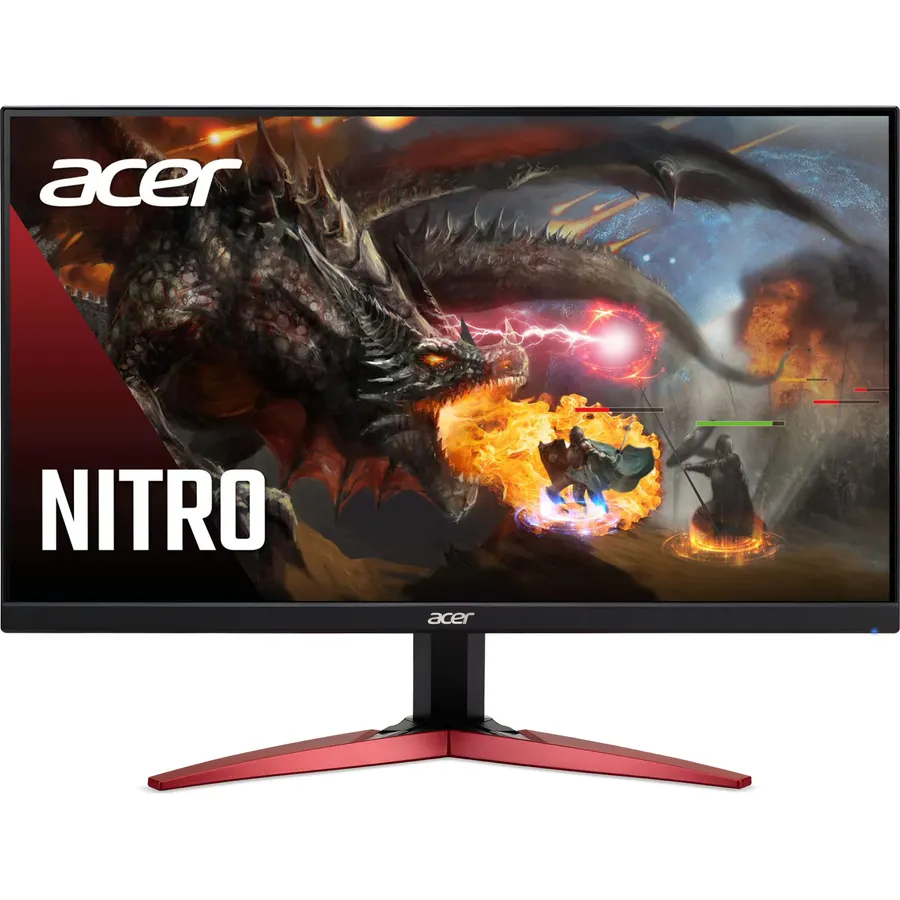
The Acer Nitro KG241Y is the cheapest route to 200Hz on this page, and it is an IPS panel, not a compromise panel. The 23.8-inch 1080p screen quotes a grey-to-grey response as low as 0.5ms, covers 99 percent of sRGB, and uses AMD FreeSync Premium, the tier that adds low framerate compensation so a game dipping below the refresh rate stays smooth. The zero-frame bezel is thin on three sides and the stand tilts. There are no speakers and Acer does not quote a brightness figure; owners describe it as fine for a normal room. More than 4,100 of them rate it 4.5 stars, mostly first-time buyers of a high-refresh monitor who were surprised at the difference from 60Hz.
- 200Hz IPS for the price of a 100Hz office monitor
- FreeSync Premium with low framerate compensation
- 4,100 owners at 4.5 stars
- 0.5ms response claim and 99% sRGB
- No speakers
- Tilt-only stand
- Brightness is not quoted; owners call it adequate rather than bright
Sceptre Curved 24.5-inch Prime Gaming Monitor up to 240Hz 1080p R1500 1ms DisplayPort x2 HDMI x2 Blue Light Shift Build-in Speakers, Machine Black 2025 (C255B-FWT240 Series)
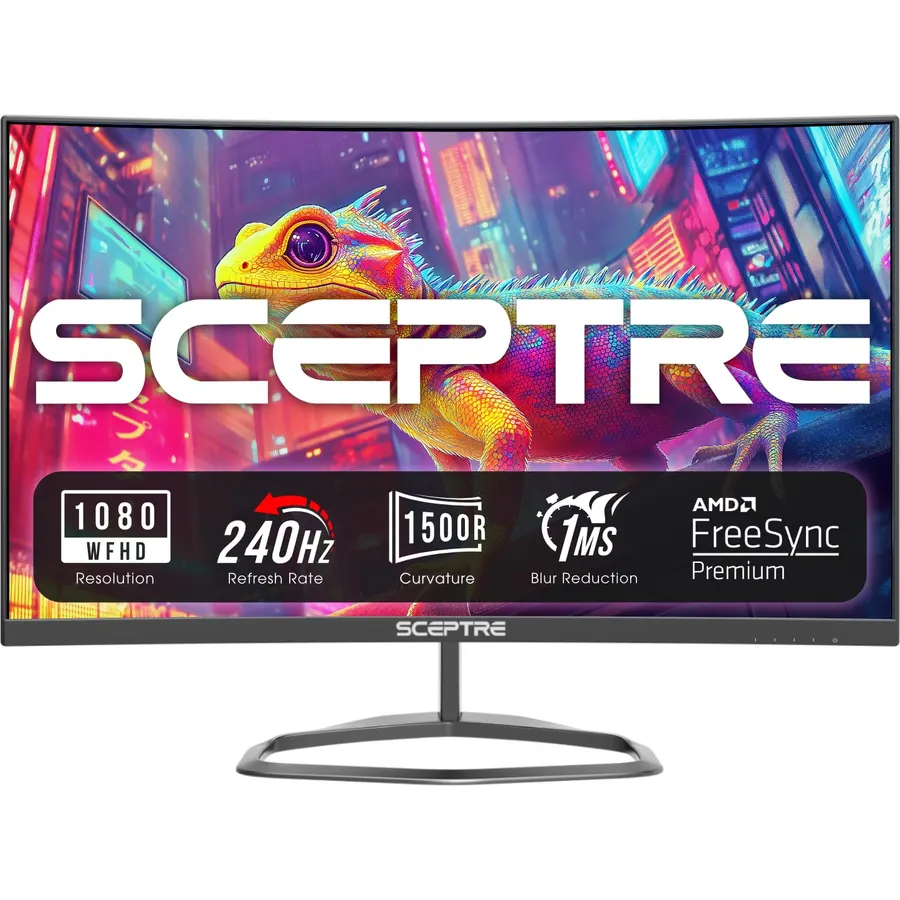
The Sceptre C255B is the budget way into 240Hz: a 24.5-inch 1500R curved 1080p panel with a 1ms MPRT response, AMD FreeSync Premium, and a rare four-input back with two DisplayPorts and two HDMI ports. It keeps Sceptre’s speakers and Blue Light Shift and adds a VESA mount. About 4,200 owners rate it 4.4 stars, a notch below the other Sceptres; the deductions cluster around quality control, with a minority reporting backlight bleed or a dead pixel out of the box, so inspect it on arrival. For the player who wants 240Hz without the price of a Fast IPS panel, and who likes a gentle curve, it is the value pick; if you would rather have the cleaner motion of IPS at 240Hz, the KTC and Samsung below cost more and deliver it.
- 240Hz with FreeSync Premium at a budget price
- Two DisplayPorts and two HDMI ports
- Curved 1500R panel plus speakers
- 4,200 owners at 4.4 stars
- 4.4 stars: some owners report backlight bleed or dead pixels on arrival
- Curve on 24.5 inches is mild
- Tilt-only stand
KTC 24.5 Inch 240Hz Gaming Monitor, FHD Computer Monitor Fast IPS, H25T7-A
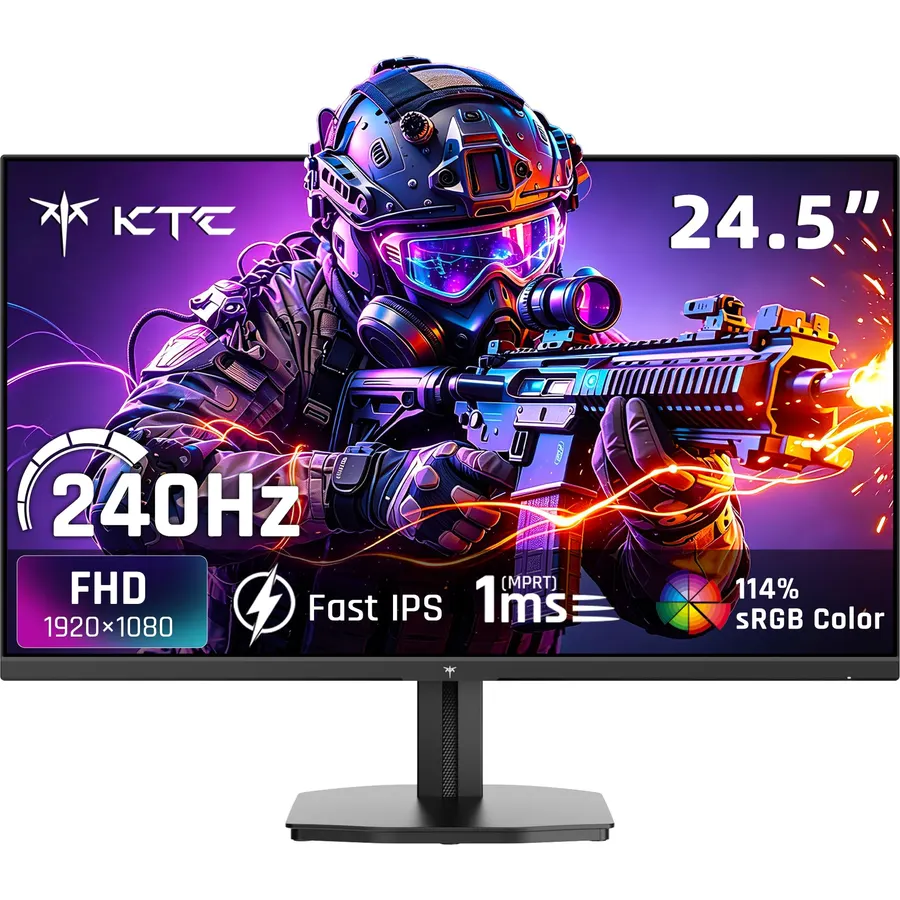
The KTC H25T7-A is the step up from the Sceptre 240Hz: a 24.5-inch Fast IPS panel at 240Hz with a 1ms MPRT response and Adaptive Sync, so motion is clean and colors stay put from any angle, with a 114 percent sRGB gamut and HDR10 support. The ports are one HDMI 2.0 and one DisplayPort 1.4, enough for a PC and a console but not a third device. It has low blue light and flicker-free modes and KTC backs it with a three-year warranty. About 2,400 owners rate it 4.5 stars, and the reviews read like an esports forum: smooth, responsive, fine colors, wish it had speakers. If the Samsung G4 is over budget, this is the Fast IPS 240Hz monitor to buy.
- Fast IPS at 240Hz with 2,400 owners at 4.5 stars
- 114% sRGB and HDR10
- DisplayPort 1.4 and HDMI 2.0
- Three-year warranty
- Only one HDMI and one DisplayPort
- No speakers
- Stand adjustment is basic
SAMSUNG 25 Inch Odyssey G4 Series FHD Gaming Monitor, IPS, 240Hz, 1ms, G-Sync Compatible, AMD FreeSync Premium, HDR10, Ultrawide Game View, DisplayPort, HDMI, Fully Adjustable Stand, LS25BG402ENXGO
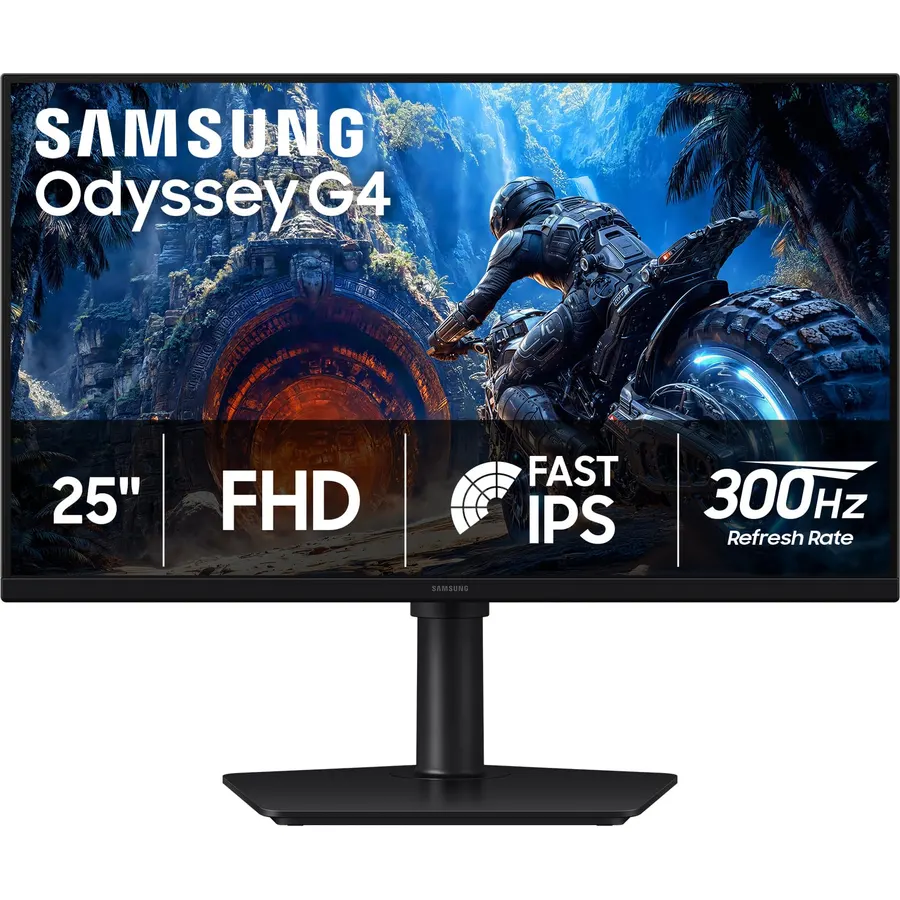
The Samsung Odyssey G4 is the 240Hz monitor to buy if the stand matters: it lifts, swivels, tilts and pivots to portrait, which no other pick here does. The 25-inch IPS panel runs at 240Hz with a 1ms grey-to-grey response, is certified G-Sync compatible as well as FreeSync Premium, and supports HDR10 with 178-degree viewing angles. Samsung adds an Ultrawide Game View that letterboxes to 21:9 for a wider field of view in supported games and Auto Source Switch+ that jumps to whichever device you turn on. It costs about double the Sceptre C255B and has no speakers, but its 990 owners rate it 4.6 stars and almost nobody mentions a flaw beyond the price. It is the esports pick for a desk you sit at all day.
- The only pick with a fully adjustable stand
- G-Sync compatible and FreeSync Premium
- 990 owners at 4.6 stars
- 21:9 Ultrawide Game View mode
- Costs about twice the budget 240Hz picks
- No speakers
- HDR10 on a 1080p IPS panel is a label more than a feature
Pixio PX24Q Pro 24 inch 180Hz Refresh Rate QHD 1440p Fast IPS 1ms GTG Response Time Gaming Monitor with PS1S Wave Black Single Monitor Arm
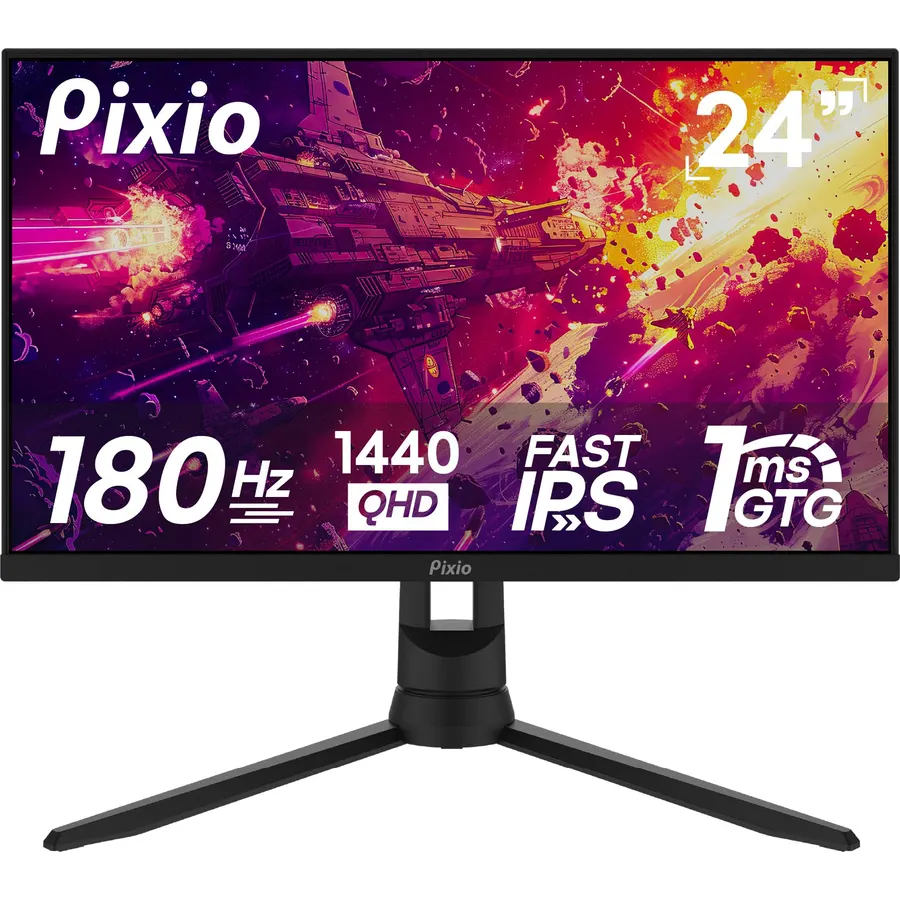
The Pixio PX24Q Pro is for the player who wants 1440p at 24 inches, which gives about 122 pixels per inch, sharp enough that games look almost 4K-crisp without needing a 4K graphics card. The Fast IPS panel runs at 180Hz with a 1ms grey-to-grey response, and this listing bundles Pixio’s PS1S Wave desk-clamp arm, which frees the desk and adds height, tilt and swivel the standard stand lacks. It costs considerably more than the 1080p picks, and some people find Windows text small at this density without 125 percent scaling. Around 2,200 owners rate it 4.4 stars, with the sharpness and the arm earning the praise. If 1080p feels soft to you but 27 inches is too big for your desk, this is the answer.
- 1440p on 24 inches is very sharp, about 122 pixels per inch
- Fast IPS at 180Hz with 1ms GtG
- Comes with a desk-clamp monitor arm
- 2,200 owners at 4.4 stars
- Bundle price is well above the 1080p picks
- Small text at 1440p on 24 inches may need scaling
- Fewer ports listed than the Sceptres
Compare the picks
| Product | Size / panel | Refresh rate | Adaptive sync | Ports | Owner rating | Our score | |
|---|---|---|---|---|---|---|---|
| KOORUI 24 curvedKOORUI | 24-inch 1080p curved | 180Hz, 1ms MPRT | Adaptive Sync | 2x HDMI 2.0, DP 1.2 | 4.5 (6,400+) | 9.0 | See price |
| Sceptre E255BSceptre | 25-inch 1080p | 165Hz, 1ms | FreeSync | 2x HDMI 2.0, DP | 4.6 (6,600+) | 9.2 | See price |
| Sceptre E248B IPSSceptre | 24-inch 1080p IPS | 180Hz, 1ms | FreeSync | 3x HDMI, DP | 4.5 (5,200+) | 9.0 | See price |
| Acer Nitro KG241YAcer | 23.8-inch 1080p IPS | 200Hz, 0.5ms | FreeSync Premium | HDMI, DP | 4.5 (4,100+) | 9.0 | See price |
| Sceptre C255B curvedSceptre | 24.5-inch 1080p curved | 240Hz, 1ms MPRT | FreeSync Premium | 2x DP, 2x HDMI | 4.4 (4,200+) | 8.8 | See price |
| KTC H25T7-AKTC | 24.5-inch 1080p Fast IPS | 240Hz, 1ms MPRT | Adaptive Sync | HDMI 2.0, DP 1.4 | 4.5 (2,400+) | 9.0 | See price |
| Samsung Odyssey G4Samsung | 25-inch 1080p IPS | 240Hz, 1ms GtG | G-Sync compatible, FreeSync Premium | DP, HDMI | 4.6 (990+) | 9.2 | See price |
| Pixio PX24Q ProPixio | 24-inch 1440p Fast IPS | 180Hz, 1ms GtG | Not stated | See listing, arm included | 4.4 (2,200+) | 8.8 | See price |
165Hz, 180Hz or 240Hz?
The jump from 60Hz to 144Hz is the one everybody notices. From 165Hz to 180Hz the difference is small, and from 180Hz to 240Hz it is real but only if your PC can push 200-plus frames per second at 1080p, which means a mid-range or better graphics card in competitive titles with settings turned down. If you play single-player games at high settings, or on a console that tops out at 120Hz, the KOORUI, Sceptre E248B and Acer at 165Hz to 200Hz leave nothing on the table. If you play Valorant, Counter-Strike or Apex seriously, the 240Hz KTC and Samsung are where the money should go, and a Fast IPS panel at 240Hz looks cleaner in motion than a cheaper panel at the same number.
Flat or curved at 24 inches?
A 1500R curve on a 24-inch monitor (the KOORUI and the Sceptre C255B) is gentle: it does not wrap around you the way a 34-inch ultrawide does, and some owners say they forget it is curved. What it does is keep the corners the same distance from your eyes as the centre, which some people find more comfortable over long sessions, and it reads as a design choice more than a gameplay one. The downside is that a curved panel is slightly harder to pair with a flat second monitor and is not ideal for straight-line design work. If you are unsure, flat is the safe default, and the Sceptre E248B or Acer give you IPS flat panels at a similar price.
Ports, cables and the console question
Every pick reaches its top refresh rate over DisplayPort; HDMI 2.0 generally caps at 144Hz or 240Hz depending on the monitor, so use the DisplayPort cable for a PC. A PS5 or Xbox Series X connects over HDMI and runs at 120Hz at 1080p on all of these, which the HDMI 2.0 ports handle; none of them need or offer HDMI 2.1. Count the inputs if you share the monitor: the Sceptre E248B has three HDMI ports and a DisplayPort, the Sceptre C255B has two of each, while the KTC has one of each. Speakers are on the three Sceptres only. Every pick takes a 100 x 100 VESA mount, so a monitor arm fixes the tilt-only stands on the budget picks for less than the step up to the Samsung.
Is a 24-inch monitor too small for gaming?
Not for competitive play. Most esports professionals use 24 to 25 inches because the whole screen stays in view without moving your eyes. For open-world and story games a 27-inch 1440p monitor is more immersive.
Is 1080p still fine on a 24-inch gaming monitor?
Yes. At 24 inches 1080p is about 92 pixels per inch, which looks sharp at desk distance. The Pixio PX24Q Pro offers 1440p at this size for people who want even finer detail.
Do I need a DisplayPort cable?
For the highest refresh rate on a PC, yes. HDMI 2.0 tops out at 144Hz on several of these monitors. Consoles use HDMI and run at 120Hz, which the HDMI ports handle.
Does FreeSync work with an NVIDIA card?
Usually. NVIDIA cards support adaptive sync over DisplayPort on most FreeSync monitors, and the Samsung Odyssey G4 is officially G-Sync compatible. Enable it in the NVIDIA control panel after connecting.
Which pick is best for a PS5?
Any with HDMI 2.0 runs a PS5 at 1080p 120Hz. The Sceptre E255B and E248B add speakers, which matters if the console is not near a TV or soundbar.
Prices and stock change daily. The buttons above open Amazon so you always see the current price. We may earn a commission if you buy through them, at no extra cost to you.
Do Best Deal is a participant in the Amazon Services LLC Associates Program. As an Amazon Associate we earn from qualifying purchases. If you buy through links on this site we may earn a commission, at no extra cost to you. Learn more.

