Twenty-seven inches is the gaming monitor size that fits almost every desk and every budget, and the choice inside it is really about resolution: 1080p at very high refresh rates for the cheapest route to smooth motion, 1440p at 144Hz to 270Hz as the sweet spot for most graphics cards, or 4K at 144Hz for the people with the hardware to feed it. The 27-inch gaming monitors in our monitors catalog cover all three, plus a Mini-LED panel with real HDR. We ranked them by refresh rate and response time, resolution and panel type, adaptive sync, HDR and brightness, ports and stand, and by what tens of thousands of owners report after months of play.
We have not benchmarked every panel ourselves; the verdicts rest on the spec sheets and on the owner review history. Prices are not printed because they change daily; every button opens the live Amazon page. If 1440p is settled, our 27-inch 1440p monitors guide goes deeper; for OLED at this size see OLED gaming monitors, and for the fastest panels the 240Hz gaming monitors guide.
How we picked
- 27 inches, 1080p to 4K, with the resolution and refresh rate stated for each pick so you can match it to your graphics card.
- At least 144Hz with a stated 1ms response, and adaptive sync (FreeSync, G-Sync compatible or Adaptive Sync) on every pick.
- Panel honesty: IPS, Fast IPS, VA or Mini-LED as the maker states it, and curved picks marked.
- HDR that means something: we separate HDR10 signal support from certified DisplayHDR tiers.
- Owner ratings of 4.4 stars or better, and most picks have thousands of reviews.
The picks
KOORUI 27 Inch Curved Gaming Monitor QHD 180Hz, 1ms 1500R VA Display
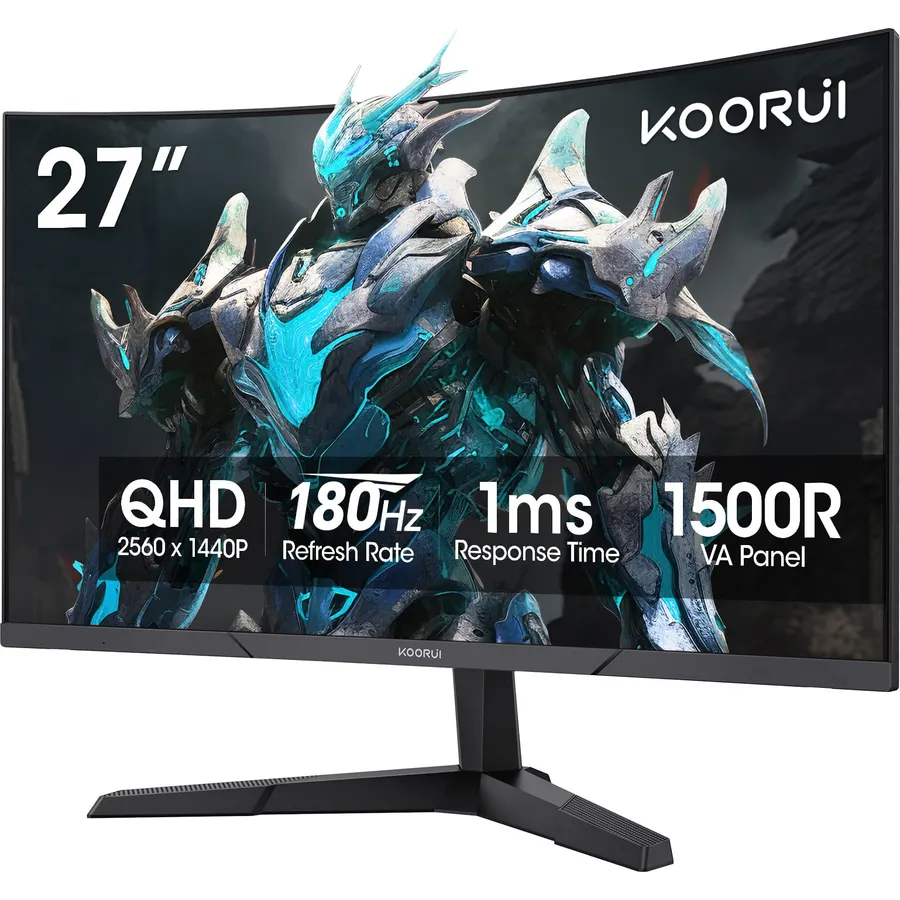
The KOORUI 27-inch Curved QHD is the pick for most people because it hits the 1440p, 180Hz, 1ms combination that mid-range graphics cards use fully, at a price close to the 1080p panels. The 1500R VA panel has a 4000:1 contrast ratio, HDR10 support and 90 percent DCI-P3 coverage, so dark scenes have real depth, and Adaptive Sync keeps frames in step. A DisplayPort 1.4 and two HDMI 2.0 ports cover a PC and two consoles. The curve on a 27-inch 16:9 screen is mild, more a styling note than a change in play. There are no speakers and the stand tilts only. More than 6,400 owners rate it 4.5 stars, praising contrast and value; the panel warranty is one year, shorter than KTC or ASUS.
- 6,400 owners at 4.5 stars
- 1440p at 180Hz with 1ms GtG for a budget price
- 4000:1 contrast makes dark games look deep
- Two HDMI 2.0 ports and DisplayPort 1.4
- Curve on a 27-inch 16:9 panel is subtle
- No speakers
- Tilt-only stand
KOORUI 27 Inch FHD 1080p Gaming Monitor 240Hz 1ms, FreeSync Premium, G-SYNC Compatible, 95% DCI-P3, DisplayPort 1.4, HDMI 2.0, VESA Mount, Tilt Adjustable, Black, GN02
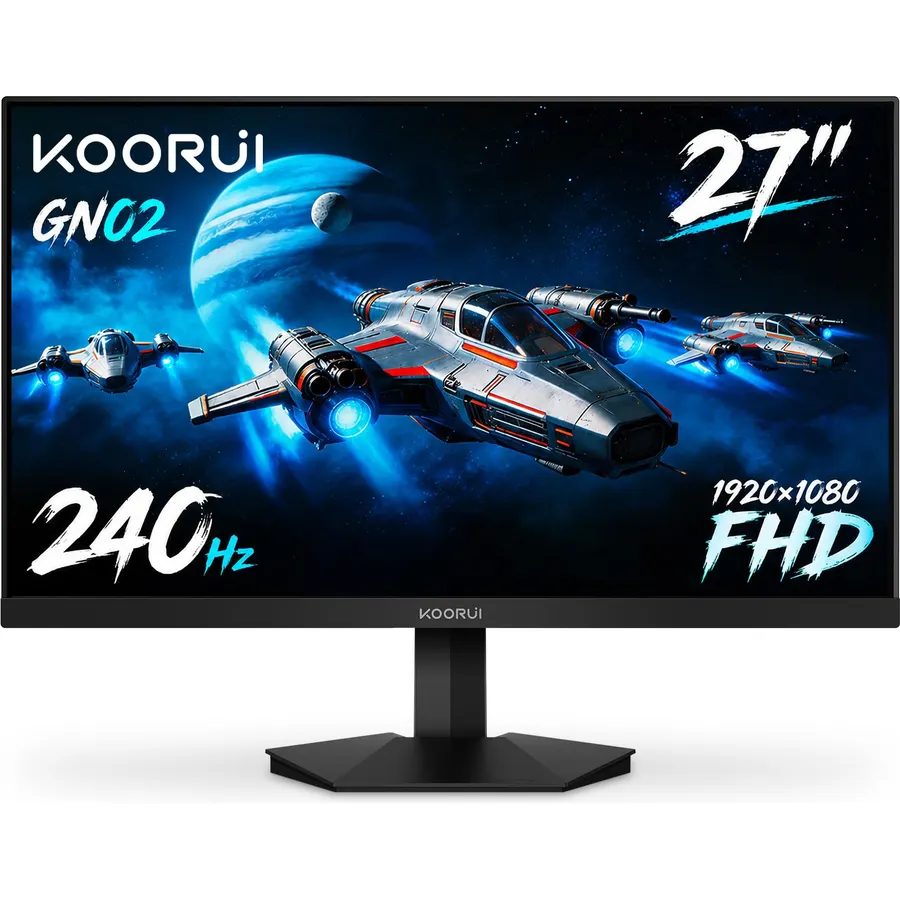
The KOORUI GN02 is the budget 240Hz pick and the most-reviewed monitor on this page, with 14,000 owners at 4.4 stars. It is a 27-inch 1080p panel at 240Hz with a 1ms response, AMD FreeSync Premium and G-SYNC compatibility, 95 percent DCI-P3 and 100 percent sRGB coverage, and built-in FPS counter, timer and crosshair overlays. DisplayPort 1.4 and HDMI 2.0 are on the back and the stand tilts. The compromise is 1080p on 27 inches: at about 82 pixels per inch, text and distant detail look soft at desk distance, which is why this is a shooter monitor rather than an all-rounder. Some owners mention edge bleed, the usual budget caveat. For competitive play on a mid-range PC, nothing else here delivers 240Hz for so little.
- 14,000 owners at 4.4 stars
- 240Hz at 1080p runs on a mid-range card
- FreeSync Premium and G-SYNC compatible
- 95% DCI-P3 color on a budget panel
- 1080p on 27 inches is soft for text
- No speakers
- 4.4 stars: some owners note backlight bleed
KOORUI 27 inch Mini-LED IPS Gaming Monitor, 200Hz 1ms, QHD 1440P HDR1000
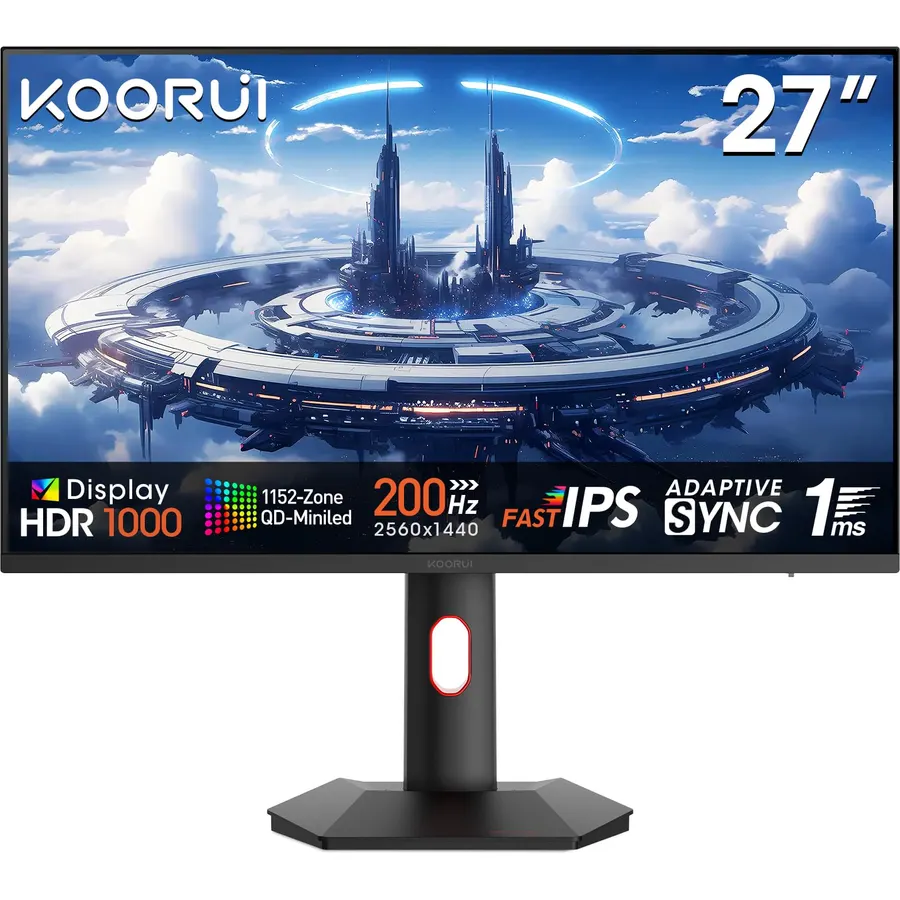
The KOORUI Mini-LED is the pick for HDR: its backlight is split into zones that dim independently, so it reaches HDR1000 brightness on highlights while keeping the rest of the scene dark, something the edge-lit panels on this page cannot do. The 27-inch 1440p IPS panel runs 200Hz with a 1ms grey-to-grey response, supports both FreeSync and G-Sync compatible modes, and covers 97 percent of DCI-P3 and 99 percent of Adobe RGB, which makes it a credible photo-editing screen too. PiP and PbP are included. The trade-offs are blooming, the halo around a bright cursor on a black background that all zone-dimmed LCDs show, and no speakers. Its 14,000 owners rate it 4.4 stars, with the HDR punch for the money the headline.
- Mini-LED backlight with HDR1000 at a mid-range price
- 97% DCI-P3 and 99% Adobe RGB, good enough for creative work
- 200Hz with 1ms GtG
- 14,000 owners at 4.4 stars
- Local dimming can bloom around bright objects on dark backgrounds
- No speakers
- Costs more than the curved QHD KOORUI
acer Nitro XV272U Pbmiiprzx 27 Inch WQHD (2560 x 1440) IPS G-SYNC Compatible Monitor, 144Hz, 1ms VRB, VESA Certified DisplayHDR400, DCI-P3, Delta E under 2
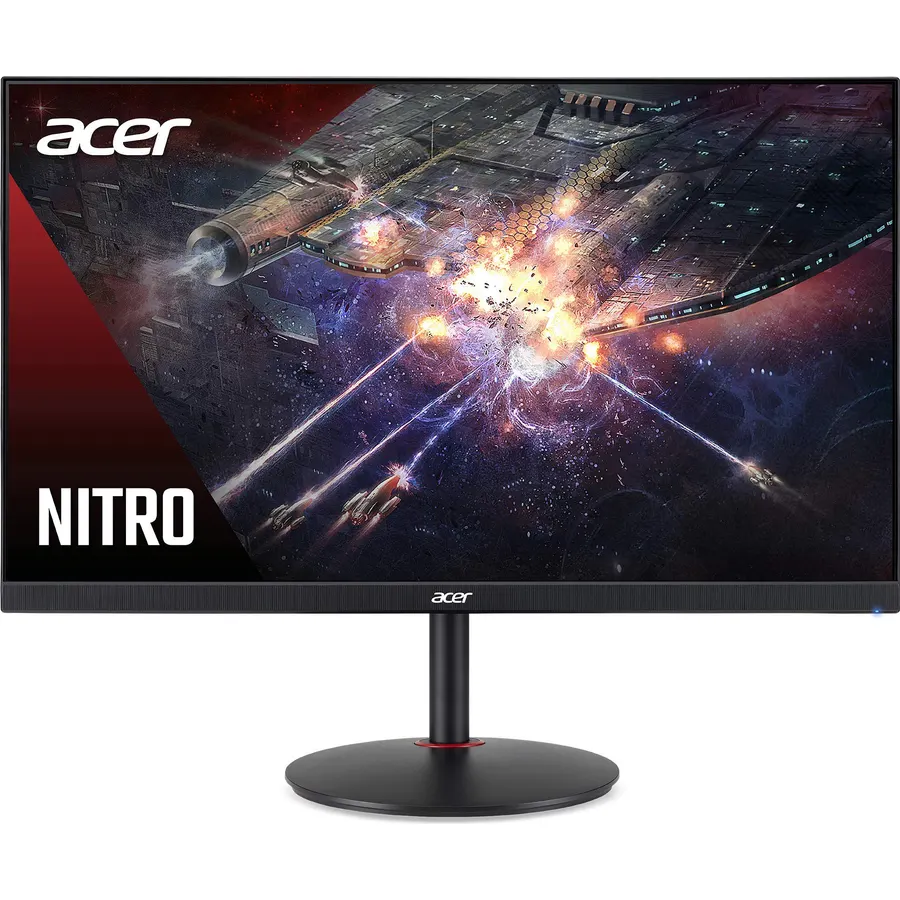
The acer Nitro XV272U is the all-rounder: a 27-inch 1440p IPS panel at 144Hz with 1ms VRB, G-SYNC compatible as well as FreeSync, and a VESA-certified DisplayHDR 400 rating at 400 nits with factory color accuracy of Delta E under 2 and DCI-P3 coverage, so it serves creative work as well as games. It adds a four-port USB 3.0 hub, two 2W speakers, DisplayPort and two HDMI 2.0 ports, and a zero-frame bezel. The 144Hz refresh is the slowest here, which matters only if you chase very high frame rates in shooters, and it costs more than the faster KOORUIs. Its 3,000 owners rate it 4.6 stars, the best of the LCD picks, for a monitor that does everything well and arrives calibrated.
- 3,000 owners at 4.6 stars, the highest-rated LCD here
- VESA DisplayHDR 400 and Delta E under 2 color accuracy
- Four-port USB 3.0 hub and speakers
- G-SYNC compatible and FreeSync
- 144Hz is the slowest refresh on the page
- Costs more than the 180Hz and 200Hz KOORUIs
- HDR 400 is entry-level HDR
KTC 27 Inch QHD Gaming Monitor 220Hz, 2K Fast IPS with Speakers, H27T22C-3
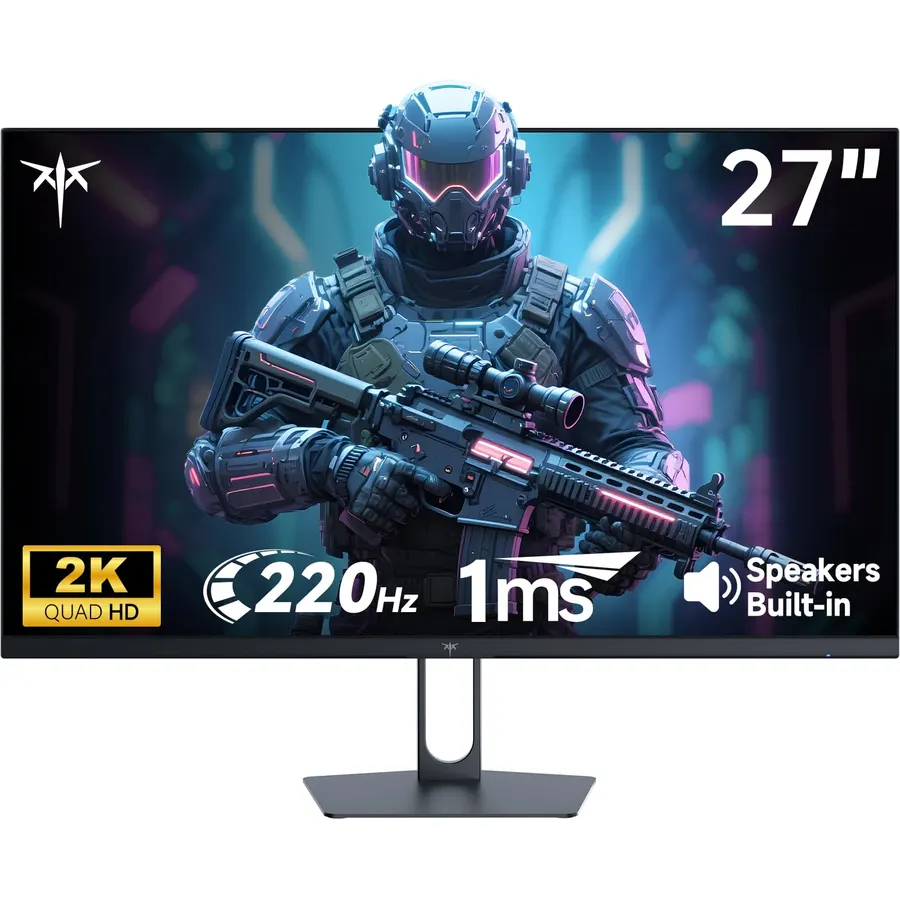
The KTC H27T22C-3 is the value 1440p Fast IPS pick for players who want more than 180Hz: it runs 200Hz natively and overclocks to 220Hz over DisplayPort, with a 1ms response and Adaptive Sync. At 450 nits it is the brightest LCD on this page, with HDR400 support and 99 percent sRGB, and the back has two HDMI 2.0 ports at 144Hz, two DisplayPort 1.4 inputs and a USB port, plus built-in speakers that the KOORUIs lack. A low blue light mode and a VESA mount are included; the stand tilts only. About 2,400 owners rate it 4.5 stars, praising brightness, speed and the port count, with the stand the common wish. For a shared desk with a PC and two consoles, it is the most flexible 27-inch here.
- 450 nits, the brightest LCD here
- Two DisplayPorts, two HDMI ports and speakers
- 2,400 owners at 4.5 stars
- Fast IPS at up to 220Hz
- Tilt-only stand
- HDR400 is signal support with a bright panel, not local dimming
- Overclock to 220Hz is DisplayPort only
ViewSonic VX2718-PC-MHD 27 Inch 1080p Curved Gaming Monitor, 200Hz, 1ms
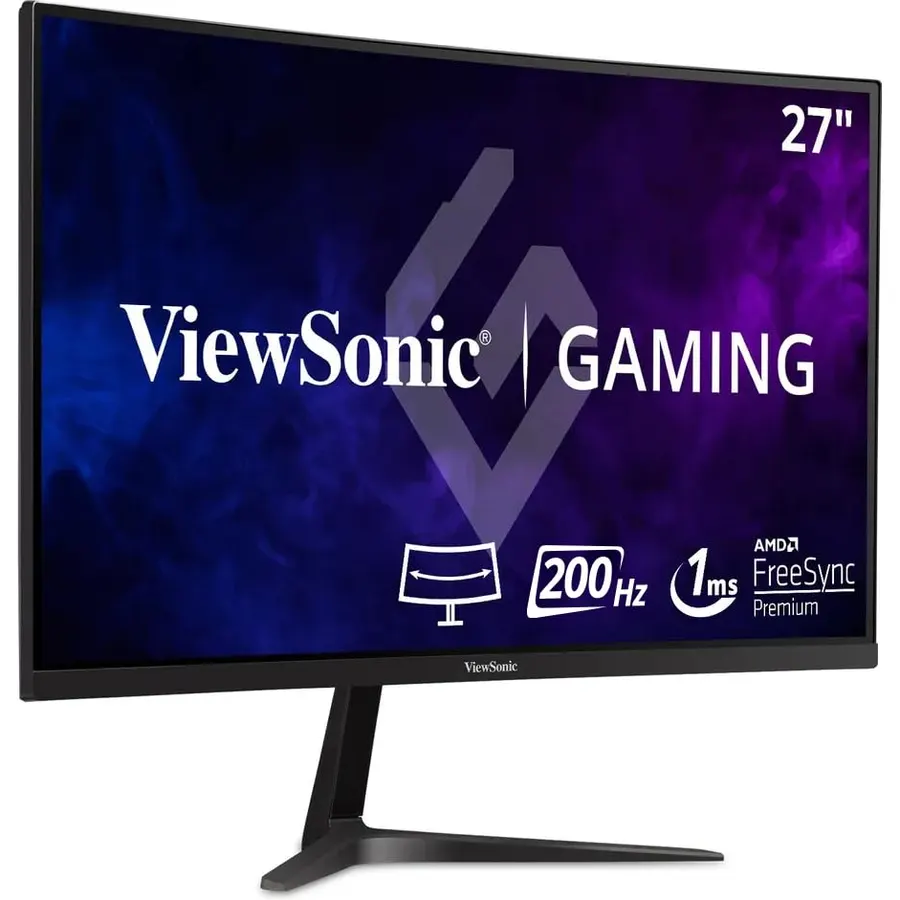
The ViewSonic VX2718-PC-MHD is the curved 1080p alternative to the KOORUI GN02 for buyers who prefer a brand with a long warranty record. The 27-inch 1500R panel runs up to 200Hz with a 1ms MPRT response and AMD FreeSync Premium, has presets tuned for FPS, RTS and MOBA games, and a flicker-free backlight with a blue light filter. HDMI and DisplayPort are on the back; there are no speakers. The 1080p-on-27-inches caveat applies as it does to the KOORUI: superb for fast games, soft for text. ViewSonic’s listing quotes 180Hz in one place and 200Hz in another, so count on 200Hz over DisplayPort. Its 2,900 owners rate it 4.5 stars, a little above the KOORUI GN02, with fewer reports of panel defects.
- 2,900 owners at 4.5 stars
- ViewSonic warranty and support at a budget price
- 1500R curve with FreeSync Premium
- Game presets for FPS, RTS and MOBA
- 1080p on 27 inches
- No speakers
- Listing quotes both 180Hz and 200Hz; expect 200Hz over DisplayPort
ASUS ROG XG27ACMG 27 Inch 1440p 270Hz USB-C G-SYNC HDR Gaming Monitor
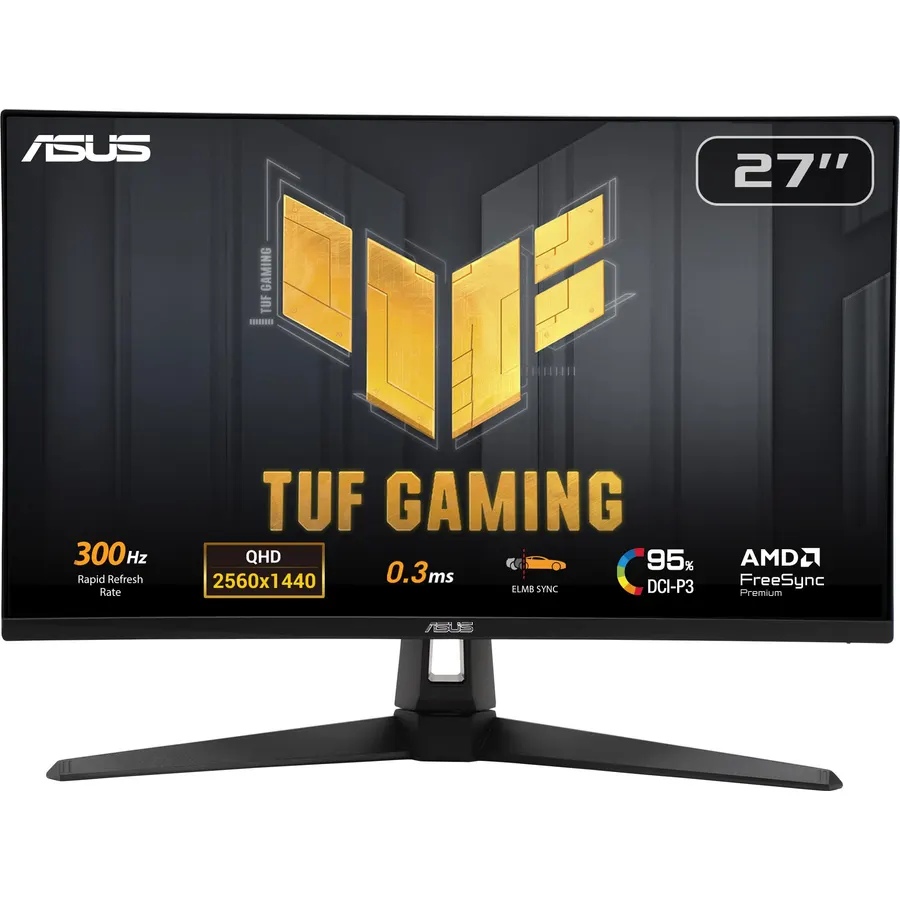
The ASUS ROG XG27ACMG is the esports pick at 1440p: a Fast IPS panel overclocked to 270Hz with a 1ms grey-to-grey response, 95 percent DCI-P3 and HDR support, G-SYNC compatibility, and ELMB Sync, which lets backlight strobing and variable refresh run at the same time so motion is sharp without tearing. A USB-C input with DisplayPort Alt mode means a gaming laptop drives it with one cable, though ASUS does not state a charging figure. ASUS’s DisplayWidget Center handles settings from the desktop. It costs noticeably more than the KTC for 50Hz more, and using 270Hz at 1440p needs a high-end card. Its 1,300 owners rate it 4.6 stars, with motion clarity the reason they paid the premium.
- 270Hz at 1440p, the fastest LCD here
- ELMB Sync combines blur reduction with variable refresh
- USB-C input for a gaming laptop
- 1,300 owners at 4.6 stars
- 270Hz at 1440p needs a high-end graphics card
- Charging wattage over USB-C is not stated
- Costs well above the KTC for a similar panel at 220Hz
Samsung 27 Inch Odyssey 4K UHD Gaming Monitor | 144Hz 1ms, Fast IPS | G-Sync Compatible, FreeSync Premium | HDR400 Colors | Black Equalizer, Adjustable Stand (27-inch)
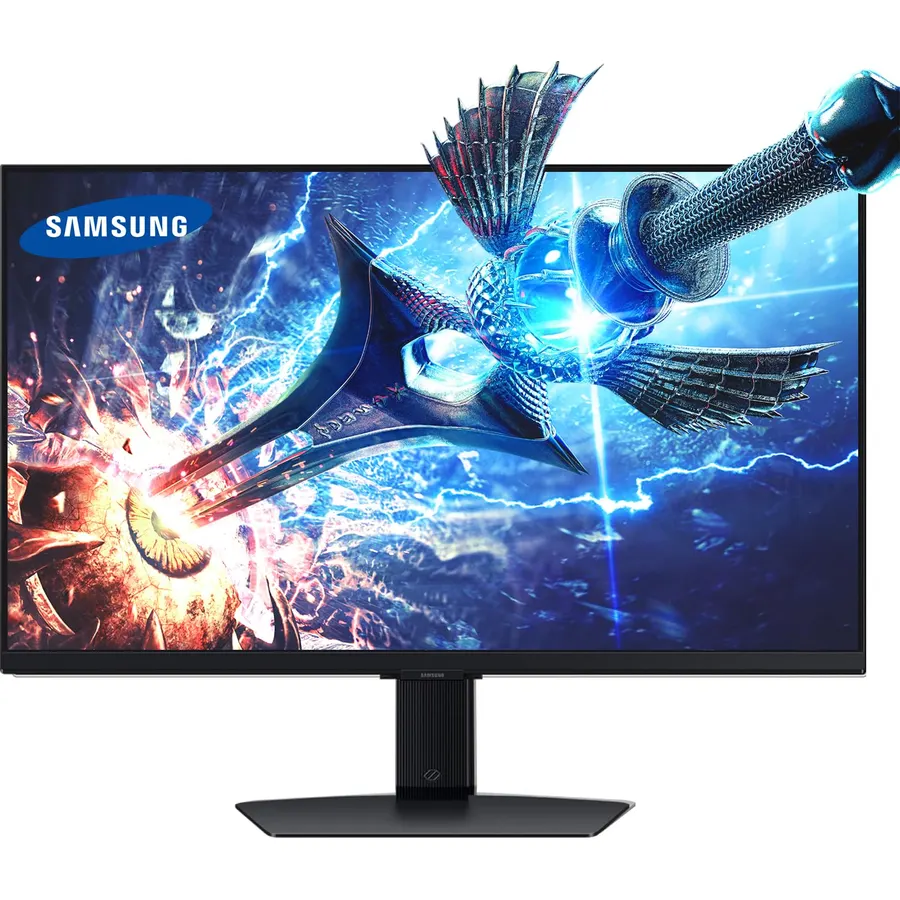
The Samsung Odyssey 27-inch 4K is for players with the hardware to use it: a Fast IPS panel at 3840 x 2160 running 144Hz with a 1ms grey-to-grey response, G-Sync compatible and FreeSync Premium, DisplayHDR 400, a Dynamic Black Equalizer that lifts shadows automatically, and a Game Bar overlay for FPS, HDR status and a 21:9 mode. The stand adjusts properly, which almost nothing else here does. At 27 inches, 4K gives about 163 pixels per inch, so games look photographic and text is razor sharp at 150 percent scaling. A PS5 or Xbox runs it at 4K 120Hz; a PC needs a top-tier card for 144Hz in new titles. It is the dearest LCD on the page, but its 4,000 owners rate it 4.6 stars, and nobody on the page has more satisfied owners at 4K.
- 4,000 owners at 4.6 stars, the most-reviewed 4K gaming monitor here
- 4K at 144Hz on Fast IPS with 1ms
- Adjustable stand, the best on the page
- Game Bar shows FPS and HDR status in-game
- 4K at 144Hz needs a top-end graphics card or a console at 120Hz
- Costs two to four times the 1440p picks
- DisplayHDR 400 is modest for a 4K panel at this price
Compare the picks
| Product | Resolution / panel | Refresh rate | HDR | Ports | Owner rating | Our score | |
|---|---|---|---|---|---|---|---|
| KOORUI Curved QHDKOORUI | 1440p VA, 1500R | 180Hz, 1ms GtG | HDR10 | DP 1.4, 2x HDMI 2.0 | 4.5 (6,400+) | 9.0 | See price |
| KOORUI GN02 240HzKOORUI | 1080p | 240Hz, 1ms | None stated | DP 1.4, HDMI 2.0 | 4.4 (14,000+) | 8.8 | See price |
| KOORUI Mini-LEDKOORUI | 1440p Mini-LED IPS | 200Hz, 1ms GtG | HDR1000, local dimming | See listing, PiP/PbP | 4.4 (14,000+) | 8.8 | See price |
| acer Nitro XV272UAcer | 1440p IPS | 144Hz, 1ms VRB | DisplayHDR 400 | DP, 2x HDMI 2.0, 4x USB 3.0 | 4.6 (3,000+) | 9.2 | See price |
| KTC H27T22C-3KTC | 1440p Fast IPS | 200Hz, OC 220Hz | HDR400, 450 nits | 2x DP 1.4, 2x HDMI 2.0, USB | 4.5 (2,400+) | 9.0 | See price |
| ViewSonic VX2718-PC-MHDViewSonic | 1080p, 1500R | Up to 200Hz, 1ms MPRT | None stated | DP, HDMI | 4.5 (2,900+) | 9.0 | See price |
| ASUS ROG XG27ACMGASUS | 1440p Fast IPS | 270Hz OC, 1ms GtG | HDR | USB-C, DP, HDMI | 4.6 (1,300+) | 9.2 | See price |
| Samsung Odyssey 4KSamsung | 4K Fast IPS | 144Hz, 1ms GtG | DisplayHDR 400 | See listing | 4.6 (4,000+) | 9.2 | See price |
1080p, 1440p or 4K at 27 inches?
Resolution decides both sharpness and the graphics card you need. 1080p on 27 inches is about 82 pixels per inch, soft for text but trivially easy to drive, which is why the KOORUI GN02 and ViewSonic reach 200Hz to 240Hz on mid-range hardware; they suit competitive shooters and nothing else. 1440p is about 109 pixels per inch, sharp at desk distance, and a mid-range card runs modern games at 100 to 144 frames per second with a high-end one reaching 200-plus; this is why five of the eight picks are 1440p and the KOORUI Curved QHD ranks first. 4K is about 163 pixels per inch, gorgeous, and needs a top-end card or a console at 120Hz. Buy the resolution your graphics card can feed at high frame rates, not the biggest number.
HDR: what the labels actually mean
HDR on a gaming monitor ranges from a label to a feature. HDR10 support (the KOORUI Curved QHD, ASUS) means the monitor accepts an HDR signal; without extra brightness or dimming zones it looks much like SDR. VESA DisplayHDR 400 (acer, Samsung) certifies 400 nits and some color requirements, which gives brighter highlights but still no deep blacks on an edge-lit panel. The KOORUI Mini-LED is the only pick with real HDR: zone dimming and HDR1000 peaks let an explosion blaze while the night sky stays black, with some blooming around bright objects as the cost. If HDR matters to you, that is the one; if not, pick on refresh rate and resolution and treat HDR as a bonus.
Ports, consoles and stands
For a PC, use DisplayPort: it is the only way to reach the top refresh rate on every pick, and the KTC overclock to 220Hz is DisplayPort only. Consoles use HDMI; all of these HDMI 2.0 ports run a PS5 or Xbox at 1080p or 1440p 120Hz, and the Samsung 4K runs them at 4K 120Hz. Count the inputs if you share: the KTC has two of each plus USB and speakers, the acer adds a four-port USB hub, the KOORUIs and ViewSonic are more basic. Only the Samsung has a properly adjustable stand; the rest tilt, so budget for a monitor arm if the screen will not sit at eye level. A laptop gamer should look at the ASUS with its USB-C input, or at our USB-C monitors guide.
Is 1440p better than 4K for a 27-inch gaming monitor?
For most people, yes. 1440p is sharp at this size and a mid-range card runs it at high frame rates. 4K looks sharper still but needs a top-end card or a console to stay smooth.
Do I need 240Hz?
Only for competitive shooters where you see 200-plus frames per second. For other games, 144Hz to 180Hz at 1440p looks and feels excellent and costs less, which is why the KOORUI Curved QHD ranks first.
Which 27-inch gaming monitor is best for a PS5?
The Samsung Odyssey 4K runs a PS5 at 4K 120Hz, which no other pick here does. For less money, any of the 1440p picks run it at 1440p 120Hz over HDMI 2.0.
Is a curved 27-inch monitor worth it?
The 1500R curve on the KOORUI QHD and ViewSonic is mild on a 16:9 panel; it is a comfort and styling choice more than a gameplay change. Curves matter far more on 34-inch ultrawides.
Does FreeSync work with an NVIDIA card?
Usually, over DisplayPort. The KOORUI GN02, KOORUI Mini-LED, acer, ASUS and Samsung are G-SYNC compatible; the others use generic Adaptive Sync, which NVIDIA cards support on most panels.
Prices and stock change daily. The buttons above open Amazon so you always see the current price. We may earn a commission if you buy through them, at no extra cost to you.
Do Best Deal is a participant in the Amazon Services LLC Associates Program. As an Amazon Associate we earn from qualifying purchases. If you buy through links on this site we may earn a commission, at no extra cost to you. Learn more.

