
A USB-C monitor turns the laptop-on-a-desk routine into one plug: the same cable carries video, charges the laptop and, on most of the monitors below, wires the keyboard, mouse and webcam through the monitor’s own USB hub. The catch is that “USB-C” on a listing can mean anything from 96 watts of charging with a four-port hub to a bare DisplayPort Alt mode input that charges nothing. We ranked the USB-C monitors in our monitors catalog by how much power the port delivers, resolution and panel quality, refresh rate, stand adjustment, and what owners say after months of plugging in and unplugging.
We have not run every monitor through a lab; the verdicts rest on the spec sheets and the owner review history. Prices are not printed because they change daily; every button opens the live Amazon page. If your laptop is a MacBook specifically, our USB-C monitors for MacBook guide narrows the list further, and if the monitor you already own lacks USB-C, a USB-C dock or hub adds the one-cable setup without replacing the screen.
How we picked
- A USB-C port that carries video. Every pick accepts DisplayPort over USB-C, so one cable from the laptop drives the screen. Monitors with USB-C only for data were left out.
- Power delivery that is stated. We note the wattage the maker publishes; 60 to 65 watts covers most thin laptops, 90 to 96 watts covers 16-inch workstations and gaming laptops at idle.
- Panel quality that matters for work. IPS or fast IPS on every pick, with the color gamut quoted where the maker gives one.
- An adjustable stand on the office picks, since a laptop monitor usually sits beside or above a laptop screen.
- Owner ratings of 4.2 stars or better, with most picks past 500 reviews and the top picks past 1,000.
The picks
LG 34WN80C-B UltraWide Monitor 34 Inch 21:9 Curved WQHD (3440 x 1440) IPS Display, USB Type-C (60W PD), sRGB 99% Color Gamut, 3-Side Virtually Borderless Design, Tilt/Height Adjustable Stand - Black
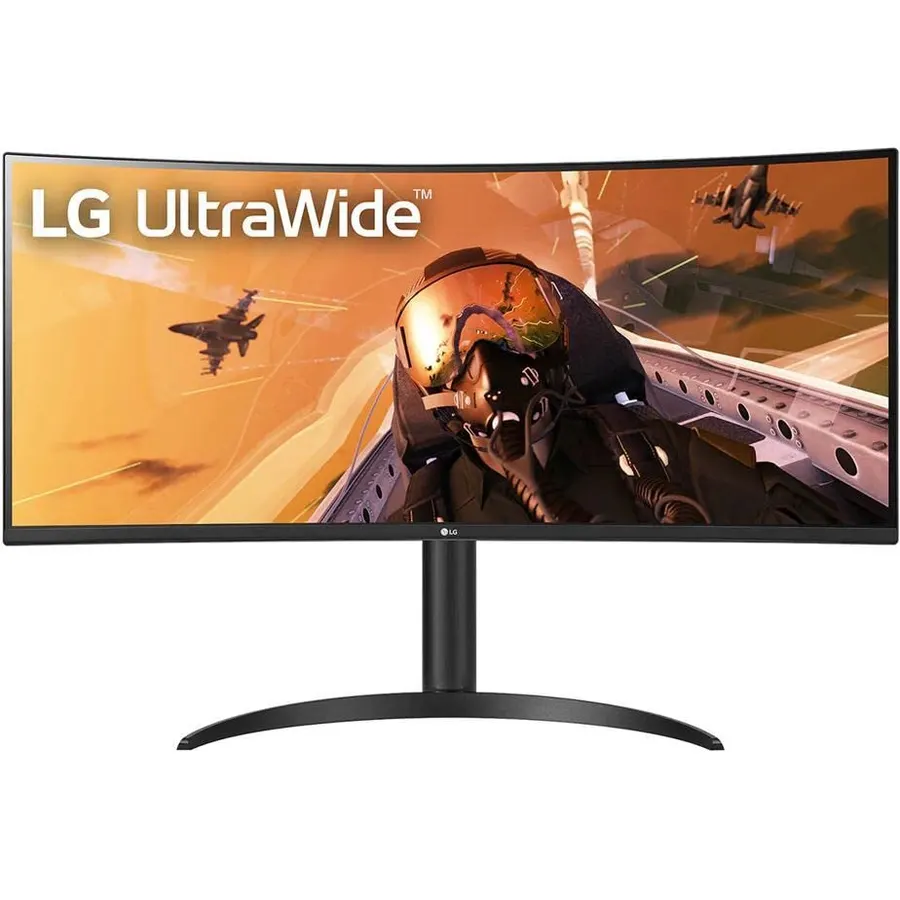
The LG 34WN80C-B is the USB-C monitor most people end up with, and more than 3,800 owners rating it 4.6 stars suggests they stay happy. It is a 34-inch 21:9 curved IPS panel at 3440 x 1440, which gives you roughly the desk space of two 24-inch 1080p screens without a bezel down the middle, and a single USB-C cable delivers the picture and 60 watts to the laptop. The panel covers 99 percent of sRGB with HDR10 compatibility, the stand tilts and lifts, and the three-side borderless bezel keeps it tidy on a shared desk. It runs at 60Hz and has no extra USB ports, so it is a work monitor rather than a gaming or docking monitor, but for a laptop-based home office it is the one to beat.
- 3,800 owner reviews at 4.6 stars, the most-trusted USB-C monitor here
- Ultrawide 3440 x 1440 replaces a two-monitor setup with one cable
- 60W charging covers most thin laptops
- Height adjustable stand and a gentle curve that suits spreadsheets
- 60Hz only, so not a gaming monitor
- 60W will not keep a big gaming laptop charged under load
- No USB hub ports on this model beyond the USB-C input
ASUS ROG XG27ACMG 27 Inch 1440p 270Hz USB-C G-SYNC HDR Gaming Monitor
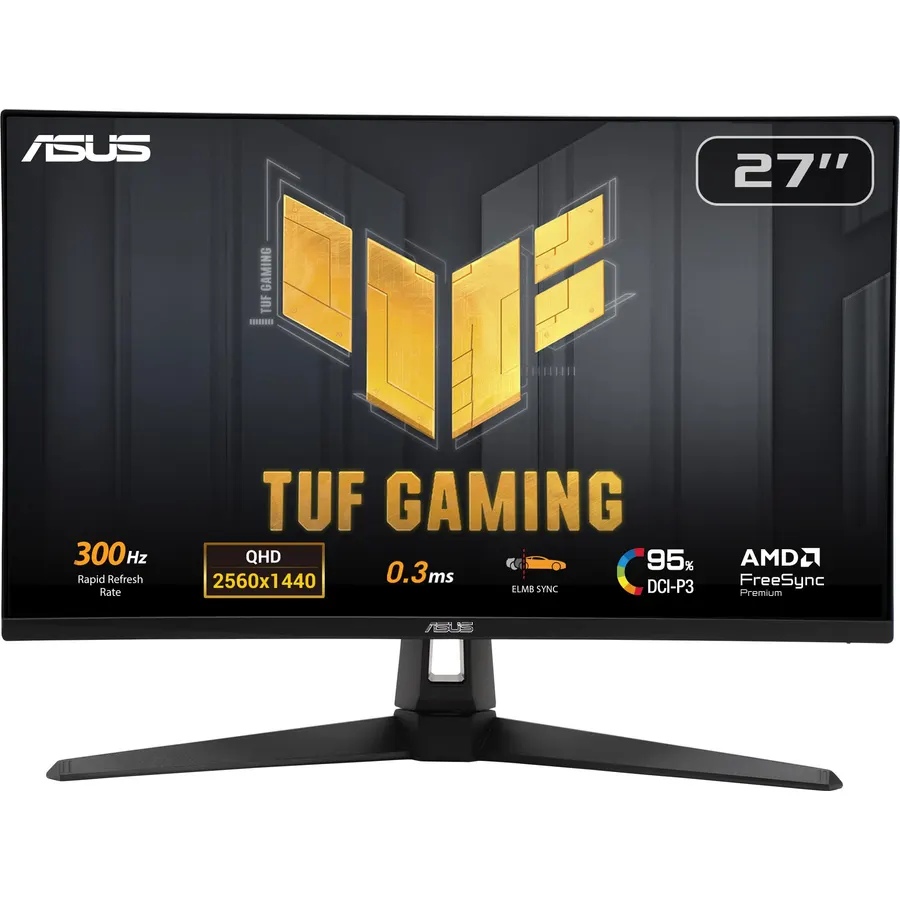
The XG27ACMG is the USB-C monitor to buy if the laptop plugged into it is a gaming laptop. It pairs a 27-inch 2560 x 1440 Fast IPS panel with a 270Hz overclocked refresh rate and a 1ms response, covers 95 percent of DCI-P3, and runs ASUS’s ELMB Sync so the backlight strobing and variable refresh work at the same time instead of forcing a choice. The USB-C port takes a DisplayPort signal, so a laptop drives it with one cable; ASUS does not quote a charging figure on the listing, so plan to keep the laptop’s own charger. Its 1,300 owners rate it 4.6 stars, and the main complaint is simply that 270Hz at 1440p needs a serious graphics card to matter.
- 1,300 owners at 4.6 stars
- 1440p at 270Hz with 1ms Fast IPS is top-tier competitive gaming
- ELMB Sync runs blur reduction and variable refresh together
- USB-C input means a gaming laptop needs one cable for video
- ASUS does not state a charging wattage for the USB-C port on the listing
- Priced above the 180Hz XG27ACS for a refresh rate most GPUs cannot feed at 1440p
- HDR is basic, not a true HDR panel
ASUS ROG XG27ACS 27 Inch 1440p 180Hz USB-C G-SYNC HDR Gaming Monitor
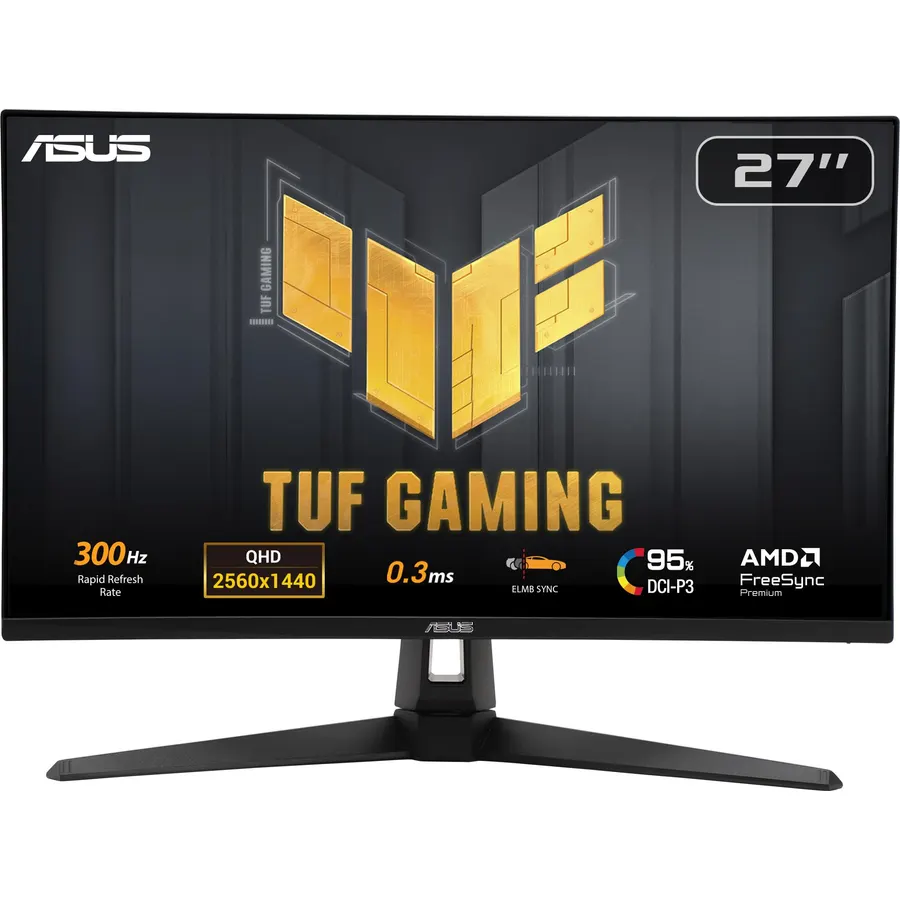
The XG27ACS is the sensible version of the XG27ACMG: the same 27-inch 1440p Fast IPS panel at 180Hz instead of 270Hz, the same ELMB Sync and G-SYNC compatibility, and a USB-C port that both takes DisplayPort video and acts as a hub, so the wired peripherals hang off the monitor rather than the laptop. For a laptop with a mid-range GPU, 180Hz is the ceiling you will actually hit at 1440p, which makes this the better-value gaming pick. As with the step-up model, ASUS does not state a USB-C charging wattage, so treat it as video and data only. More than 1,000 owners rate it 4.4 stars; the deductions are mostly for cable length and the price of the ROG badge rather than the panel.
- 1,100 owners at 4.4 stars
- 180Hz at 1440p is the sweet spot for mid-range GPUs
- USB-C doubles as a hub so the mouse and keyboard plug into the monitor
- Same Fast IPS panel family and ELMB Sync as the pricier XG27ACMG
- Charging wattage is not published, so the laptop charger stays on the desk
- Stand and OSD are the same as the step-up model, so you are paying mostly for refresh rate
- Owners mention the included cables are short
KTC 27 Inch 5K Monitor, 5120 x 2880 5K2K Monitor with 65W Type-C Port, Dual Mode Computer Monitors Compatible with Mac mini, IPS Panel, HDR 400, 217 PPI, 135% sRGB, HDMI DisplayPort, Tilt, H27P3
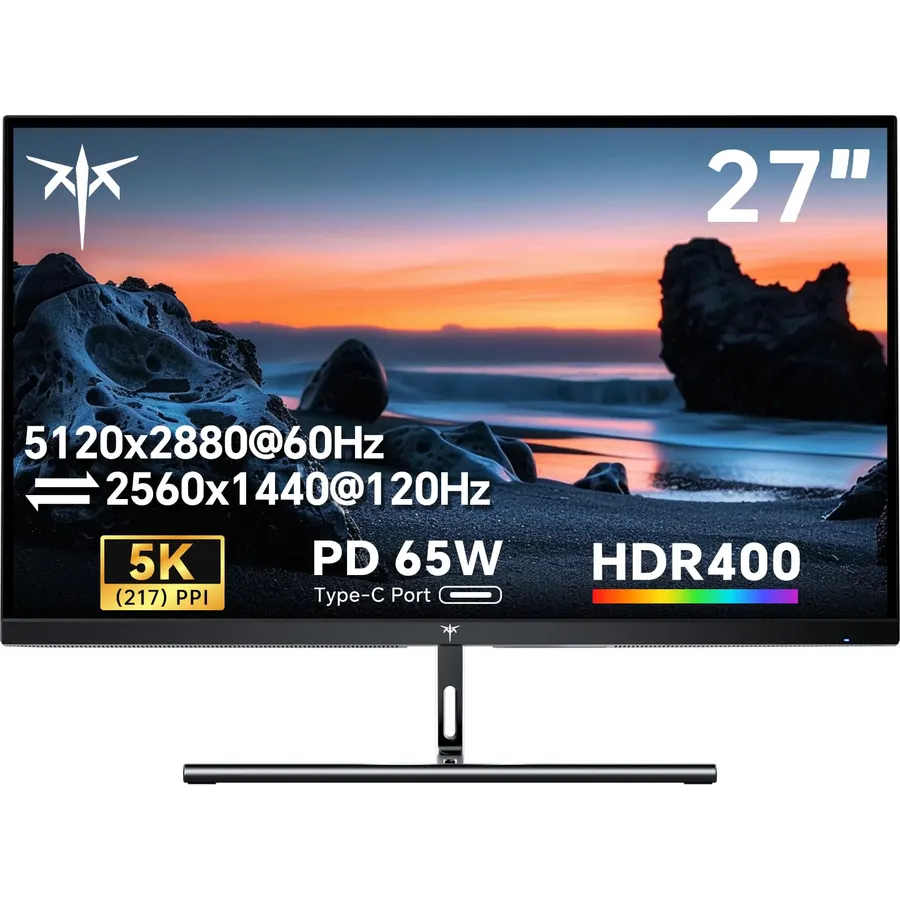
The KTC H27P3 exists for people who want the 5120 x 2880 sharpness of an Apple display without paying Apple’s price. At 217 pixels per inch, macOS renders at its native 2x scaling with perfectly crisp text, the panel is rated 500 nits with HDR400 and 100 percent sRGB coverage, and the full-function USB-C port carries video, data and 65 watts of charging, enough for a MacBook Air or a 14-inch Pro. A dual mode switches it to 2560 x 1440 at 120Hz for gaming. The stand only tilts, and its 4.3-star average from more than 2,000 owners includes a few reports of mode-switching quirks, but no other monitor on this page offers 5K at this price, and it has a three-year warranty.
- 5K at 217 PPI matches the pixel density Mac users expect
- 2,100 owners at 4.3 stars, the most-reviewed 5K here
- 65W USB-C charges a MacBook Air or 14-inch Pro
- Dual mode drops to 1440p at 120Hz for games
- Tilt-only stand, no height adjustment
- 4.3 stars: some owners report firmware quirks switching modes
- HDR400 is modest for the price
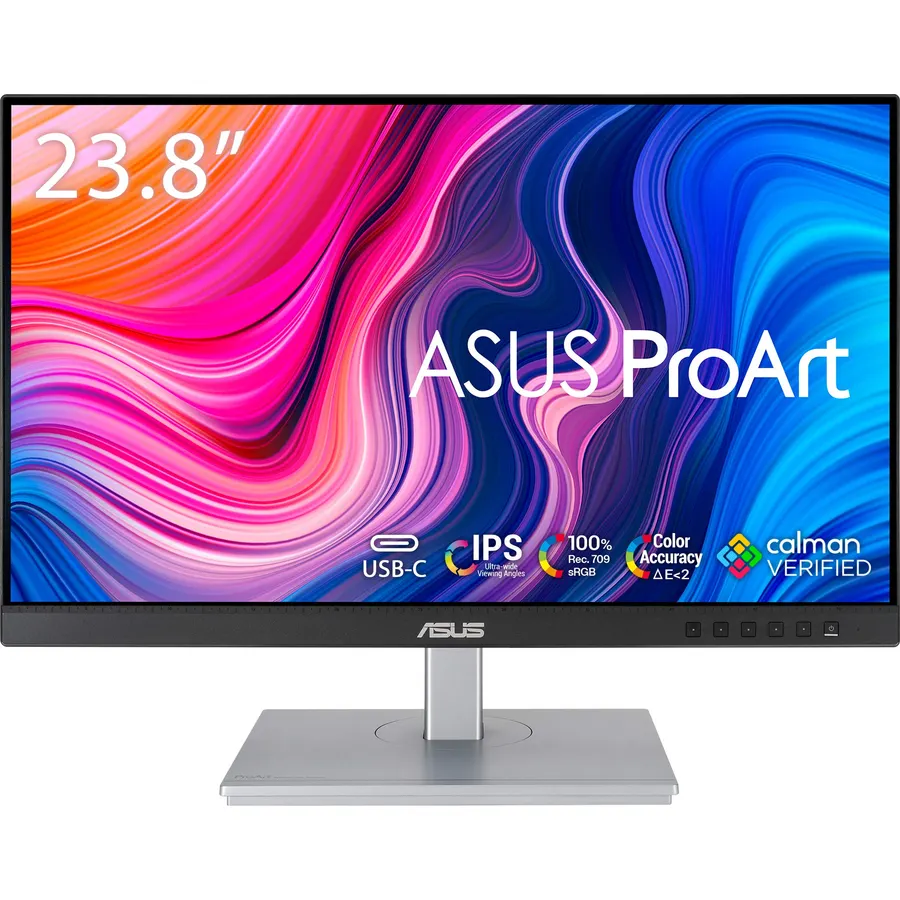
The ProArt PA247CV is the cheapest way to get a proper USB-C monitor with real charging rather than a bare video port: 65 watts of power delivery, a USB 3.1 hub for the mouse and keyboard, and a DisplayPort output that daisy chains a second screen from the same single cable. It is a 24-inch 1080p IPS panel, which is modest, but ASUS factory calibrates it to 100 percent sRGB and Rec. 709 with a Delta E below 2, so colors are right out of the box, and the five-year warranty is the longest here. Owners rate it 4.6 stars across about 580 reviews, mostly from people who wanted a tidy laptop desk or a second screen for a creative workstation. If you need more pixels, the 27-inch picks below are the step up.
- Factory calibrated to Delta E under 2, rare at this price
- 65W USB-C charging plus a USB hub
- Daisy chains a second monitor over DisplayPort
- 580 owners at 4.6 stars and a five-year warranty
- 1080p on 24 inches is fine for office work, not for photo editing detail
- 60Hz-class panel, no gaming features
- Smaller than everything else on this page
Dell S2722DC Monitor - 27-inch WQHD (2560x1440) 75Hz 4Ms Display, AMD FreeSync, Built in Speaker, USB Type-C Connectivity, Height/Pivot/Swivel/Tilt Adjust - Platinum Silver
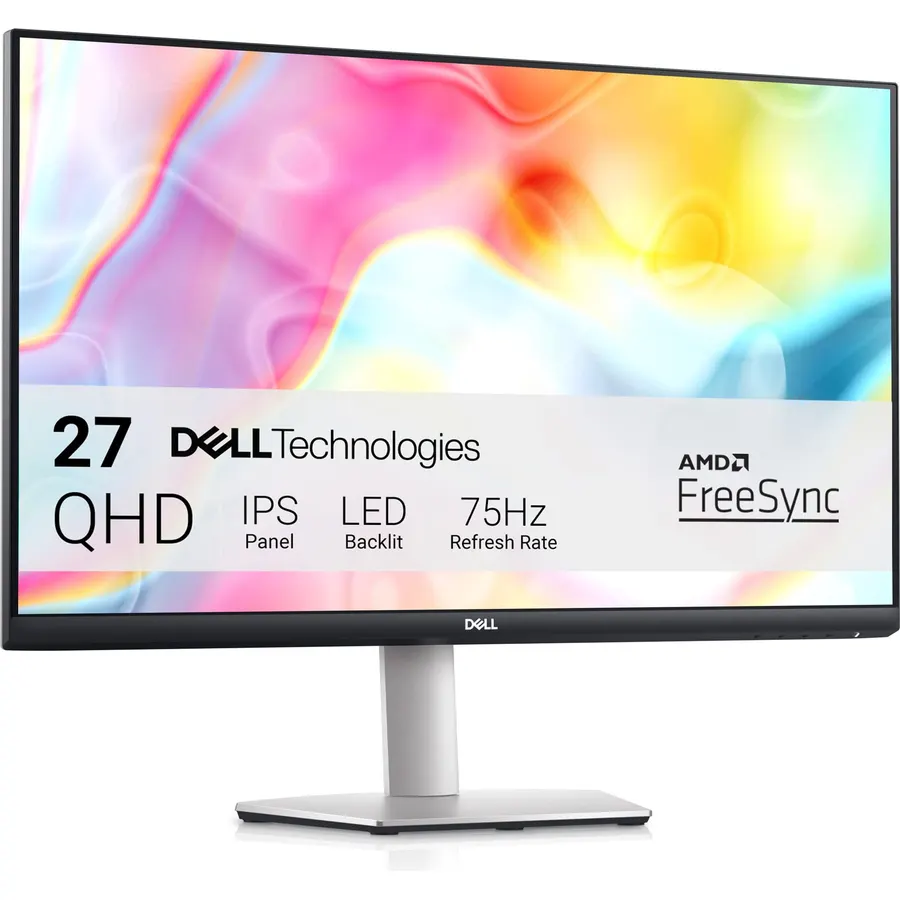
The Dell S2722DC is the home-office answer: a 27-inch 2560 x 1440 IPS panel with a stand that lifts, tilts, swivels and pivots to portrait, 65 watts of USB-C charging, a USB-A port on the side for a flash drive, built-in speakers for video calls, and a three-side thin bezel that pairs well with a second one. The 75Hz refresh with AMD FreeSync makes scrolling smoother than a 60Hz office panel without pretending to be a gaming monitor. Around 390 owners rate it 4.5 stars, and their praise is mostly for the one-cable laptop setup and the stand; the complaints are the thin speakers and the silver finish not matching a black desk. For a laptop and a long workday, it is the most comfortable pick here.
- Fully adjustable stand with pivot, the best ergonomics on this page
- 65W charging and a quick-access USB-A port
- 1440p on 27 inches is the ideal density for documents
- Built-in speakers for calls; 390 owners at 4.5 stars
- 75Hz, so casual gaming only
- Speakers are thin for music
- Fewer reviews than the LG and ASUS picks
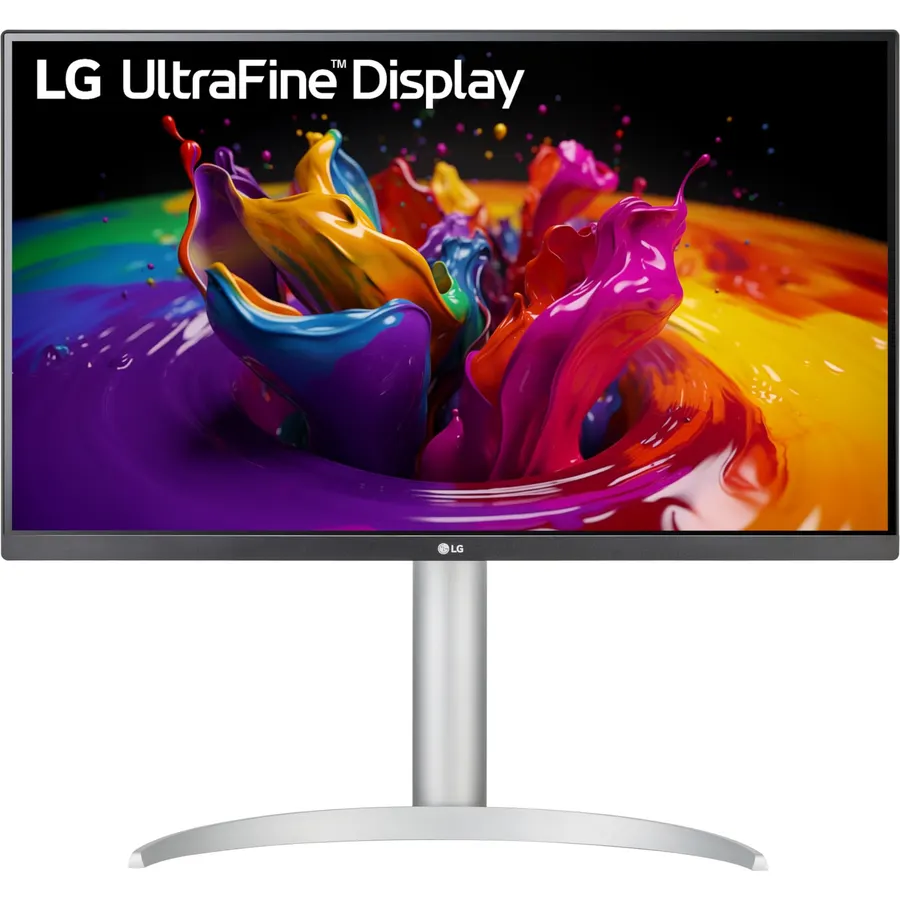
The LG 27UP850-W is the 4K pick for laptop users who want a single cable to do everything: its USB-C port delivers 96 watts, enough for a 16-inch MacBook Pro or a thin-and-light workstation, while the 27-inch 3840 x 2160 IPS panel reaches VESA DisplayHDR 400 and 95 percent of DCI-P3 at 400 nits. The stand lifts, tilts and pivots to portrait, and the three-side borderless bezel suits a pair. It is a 60Hz panel with FreeSync for the odd game. About 330 owners rate it 4.3 stars; the main gripes are the silver styling and occasional USB hub dropouts when the laptop sleeps, which a firmware update addressed for some. If you need 4K and real charging, this is the balance of the two.
- 96W charging powers a 16-inch laptop with one cable
- 4K with DisplayHDR 400 and 95% DCI-P3
- Height and pivot stand
- 330 owners at 4.3 stars
- 60Hz 4K, so not for high-refresh gaming
- Silver finish is not to every taste
- Some owners report the USB-C hub dropping out on sleep
ASUS ProArt PA279CRV 27 Inch 4K UHD USB-C HDR Professional Monitor for Mac
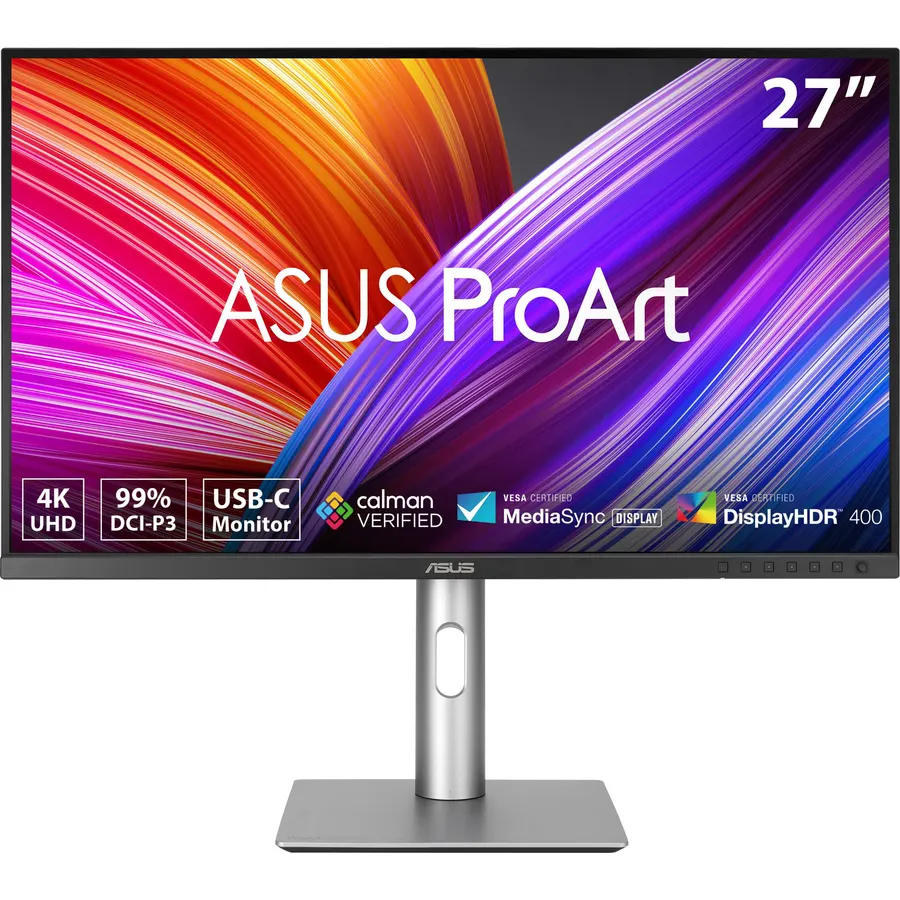
The ProArt PA279CRV is a 27-inch 4K monitor built for video and photo editors rather than for general desk work: it covers 99 percent of DCI-P3 and 99 percent of Adobe RGB, ships factory calibrated and Calman Verified to a Delta E below 2, and includes ASUS’s ProArt presets for Rec. 709, DCI-P3 and sRGB. The USB-C port delivers 96 watts and feeds a USB hub, so a MacBook Pro runs off one cable, and the five-year warranty matches the PA247CV. Its 4.2-star average from about 600 owners is the lowest here; the deductions come from a minority reporting backlight bleed or uneven panels, which is worth a careful check on arrival. For color-critical work with a laptop, nothing else in the catalog matches its gamut.
- 99% Adobe RGB is unmatched on this page for print work
- Factory calibrated and Calman Verified
- 96W charging plus a USB hub
- Five-year warranty
- 4.2 stars: a share of owners report uniformity or backlight bleed on their unit
- Overkill for office work; the LG does the laptop job cheaper
- Stand is functional rather than elegant
Compare the picks
| Product | Size / resolution | USB-C power | Refresh rate | Stand | Owner rating | Our score | |
|---|---|---|---|---|---|---|---|
| LG 34WN80C-BLG | 34-inch 3440 x 1440 curved | 60W | 60Hz | Tilt, height | 4.6 (3,800+) | 9.2 | See price |
| ASUS ROG XG27ACMGASUS | 27-inch 2560 x 1440 | Not stated | 270Hz OC | Adjustable | 4.6 (1,300+) | 9.2 | See price |
| ASUS ROG XG27ACSASUS | 27-inch 2560 x 1440 | Not stated, hub | 180Hz | Adjustable | 4.4 (1,000+) | 8.8 | See price |
| KTC H27P3 5KKTC | 27-inch 5120 x 2880 | 65W | 60Hz (120Hz at 1440p) | Tilt | 4.3 (2,000+) | 8.6 | See price |
| ASUS ProArt PA247CVASUS | 24-inch 1920 x 1080 | 65W, hub, daisy chain | 60Hz | Adjustable | 4.6 (580+) | 9.2 | See price |
| Dell S2722DCDell | 27-inch 2560 x 1440 | 65W, USB-A port | 75Hz | Height, pivot, swivel, tilt | 4.5 (390+) | 9.0 | See price |
| LG 27UP850-WLG | 27-inch 3840 x 2160 | 96W, hub | 60Hz | Height, pivot, tilt | 4.3 (330+) | 8.6 | See price |
| ASUS ProArt PA279CRVASUS | 27-inch 3840 x 2160 | 96W, hub | 60Hz | Adjustable | 4.2 (600+) | 8.4 | See price |
How many watts do you need?
Power delivery decides whether the laptop charger goes in a drawer. A 13-inch ultrabook or MacBook Air draws 30 to 45 watts, so the 60-watt LG and the 65-watt ASUS PA247CV, Dell and KTC keep it charged under any load. A 14-inch MacBook Pro or thin business laptop ships with a 65 to 70-watt charger, so 65 watts holds charge at a desk but may slip during a long video export. A 16-inch MacBook Pro, mobile workstation or gaming laptop needs 90 watts or more, and only the LG 27UP850-W and ASUS PA279CRV deliver 96. The two ROG gaming monitors do not publish a figure, so keep their laptop’s own brick. Use the cable in the box: a 60-watt cable caps a 96-watt monitor.
Resolution and scaling on a laptop monitor
Laptop screens are dense, so a soft external monitor shows. A 24-inch 1080p panel like the PA247CV is sharp enough for documents at arm’s length; a 27-inch 1080p panel is not, which is why every 27-inch pick here is 1440p or 4K. At 27 inches, 1440p (the Dell and the two ROGs) runs at 100 percent scaling in Windows and looks clean, while 4K (the two LGs and the PA279CRV) runs best at 150 percent, where text is crisper but a few older apps misbehave. macOS prefers 4K or 5K at 27 inches, which is the argument for the KTC 5K on a Mac. Our 27-inch 1440p monitors guide covers the resolution question in more depth.
Hubs, daisy chains and a second screen
A USB-C monitor with a hub lets the laptop see the keyboard, mouse, webcam and a flash drive through the single cable, which is the whole point for anyone who undocks daily. The ASUS PA247CV, PA279CRV and XG27ACS, the LG 27UP850-W and the Dell S2722DC offer hub ports; the LG 34WN80C-B and KTC do not. For two screens, the PA247CV daisy chains over DisplayPort so the laptop still uses one cable; otherwise an ultrawide like the 34WN80C-B is the simplest way to get two screens of space from one port. Check that your laptop’s USB-C port supports DisplayPort Alt mode (a DisplayPort or Thunderbolt symbol beside it); a charge-only port will not drive any of these.
Will a USB-C monitor charge my laptop?
Only up to the wattage listed. The LG 34WN80C-B gives 60W, the ASUS PA247CV, Dell S2722DC and KTC H27P3 give 65W, and the LG 27UP850-W and ASUS PA279CRV give 96W. The two ROG gaming monitors do not list a charging figure.
Does my laptop need Thunderbolt to use a USB-C monitor?
No. It needs a USB-C port with DisplayPort Alt mode, which most laptops from 2018 onward have and which Thunderbolt 3 and 4 ports always include. A USB-C port that is charge-only or data-only will not send video.
Can I use a USB-C monitor with a desktop PC that has no USB-C?
Yes. Every pick also has HDMI or DisplayPort inputs, so a desktop connects normally. The USB-C port is simply an extra input that happens to carry power and data too.
Is 60Hz fine for a work monitor?
Yes for documents, spreadsheets, coding and video. The 75Hz Dell and the 180Hz and 270Hz ROG monitors feel smoother when scrolling, and only the ROGs are meant for fast games.
Why does the monitor hub disconnect when the laptop sleeps?
Some laptops cut USB-C power on sleep, which drops the hub. Setting the laptop to keep USB powered during sleep, or updating the monitor firmware, fixes it for most owners who report it.
Prices and stock change daily. The buttons above open Amazon so you always see the current price. We may earn a commission if you buy through them, at no extra cost to you.
Do Best Deal is a participant in the Amazon Services LLC Associates Program. As an Amazon Associate we earn from qualifying purchases. If you buy through links on this site we may earn a commission, at no extra cost to you. Learn more.
