
1080p is still the resolution most gamers play at, and for a reason: a mid-range or older graphics card holds 144 frames and more at 1920 x 1080, and esports titles are built around it. A 1080p gaming monitor at 144 to 240Hz now costs what a 60Hz office screen cost a few years ago. The trade-off is sharpness, especially at 27 inches, so size matters more here than in any other category. We ranked the 1080p gaming monitors in our monitors catalog by refresh rate and response, panel type, size, stand and ports, and what thousands of owners report.
We have not run every one of these on our own desk; the verdicts rest on the spec sheets and on the owner review history. Prices are not printed because they change daily; every button opens the live Amazon page. If your GPU can do more, our budget 1440p gaming monitors guide is the next step; for a hard price cap, the gaming monitors under 200 guide.
How we picked
- 1920 x 1080 at 120Hz or faster, with 144 to 240Hz on most picks.
- 1ms response claim, with the panel type stated.
- Adaptive sync on every pick.
- 24 to 27 inches, with the sharpness trade-off at 27 explained.
- Owner ratings of 4.4 stars or better.
The picks
Sceptre 24-Inch Gaming Monitor, 99% sRGB, 1ms, Up to 180Hz, FreeSync, Eye Care, DisplayPort, HDMI, Build-in Speakers, Machine Black (E248B-FWD168T)
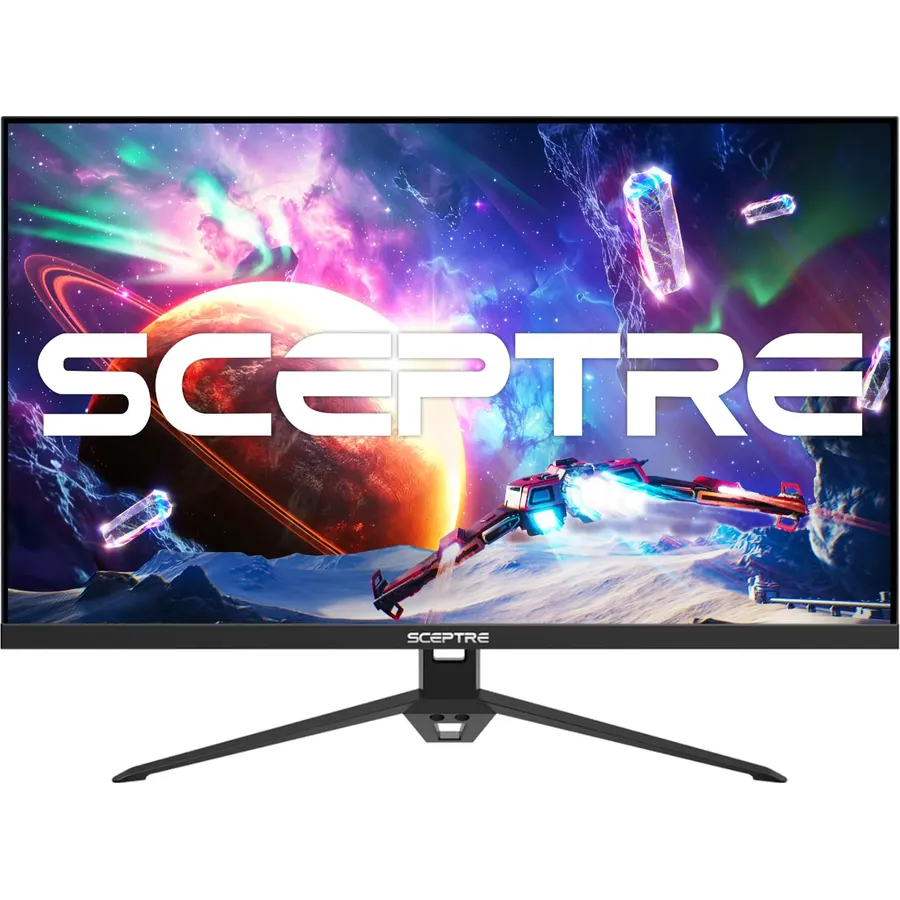
The Sceptre E248B is the 1080p gaming monitor most people should buy: 24 inches, so the pixels stay tight, up to 180Hz over DisplayPort with a 1ms response and FreeSync, 99 percent sRGB, built-in speakers and a price that undercuts most 144Hz panels. The stand only tilts and the picture is ordinary rather than vivid, but for competitive games on a budget it does the job, and 5,200 owners rate it 4.5 stars. Our 24-inch monitors guide compares it with the office options at this size.
- 180Hz with FreeSync at a budget price
- 24 inches keeps 1080p sharp
- Built-in speakers and DisplayPort
- 5,200 owners at 4.5 stars
- Tilt-only stand
- Basic color and contrast
- HDMI runs lower than 180Hz; use DisplayPort
Sceptre E255B-1658A 25 FHD 1080p 165Hz 144Hz 1ms AMD FreeSync gaming LED Monitor 2x HDMI 2.0 1x DisplayPort RTS FPS Build-in Speakers, Machine Black
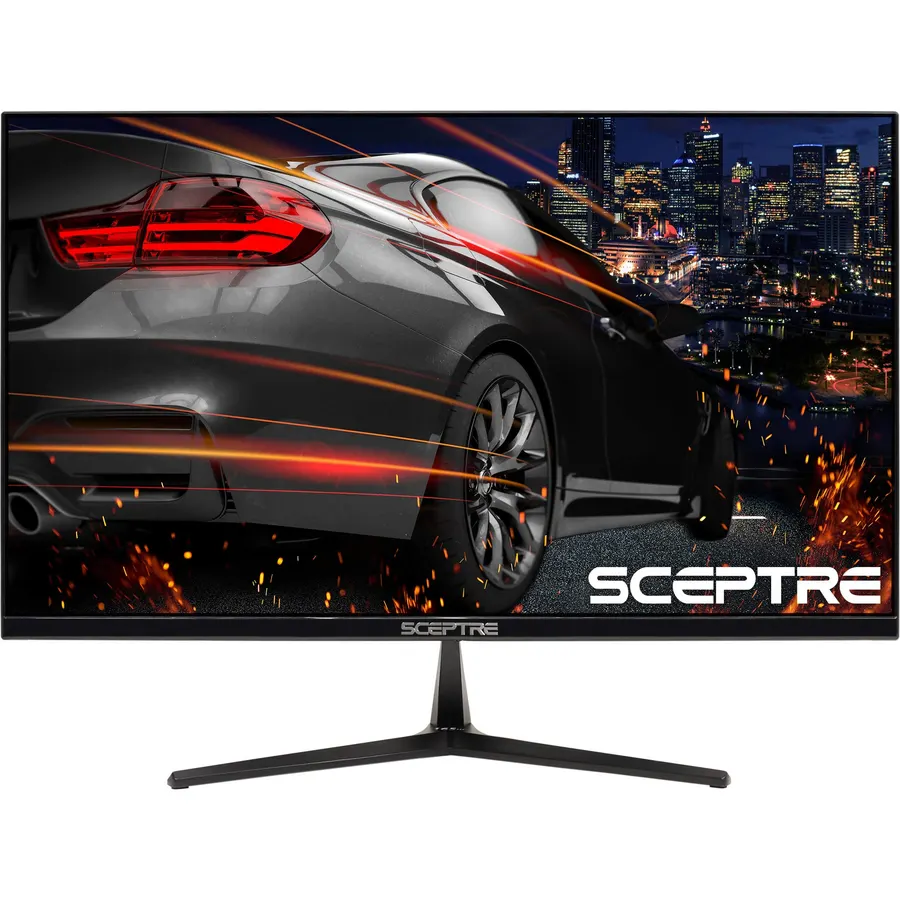
The E255B is Sceptre’s 24.5-inch 165Hz panel, the size and refresh that esports players standardised on: 1080p at 165Hz with a 1ms response, FreeSync, two HDMI 2.0 inputs plus DisplayPort, FPS and RTS presets and built-in speakers. It shares the E248B’s tilt-only stand and ordinary colors. With 6,600 reviews at 4.6 stars it is the best-rated monitor on the page, and the one to choose if the extra half inch and HDMI port matter more than 180Hz.
- 165Hz on a 24.5-inch panel, the esports size
- Two HDMI 2.0 plus DisplayPort
- 6,600 owners at 4.6 stars
- Built-in speakers
- Tilt-only stand
- Narrow viewing angles
- Flicker-free but no HDR
KOORUI 27 Inch Curved Computer Monitor, FHD 144Hz VA 1500R Office Monitor
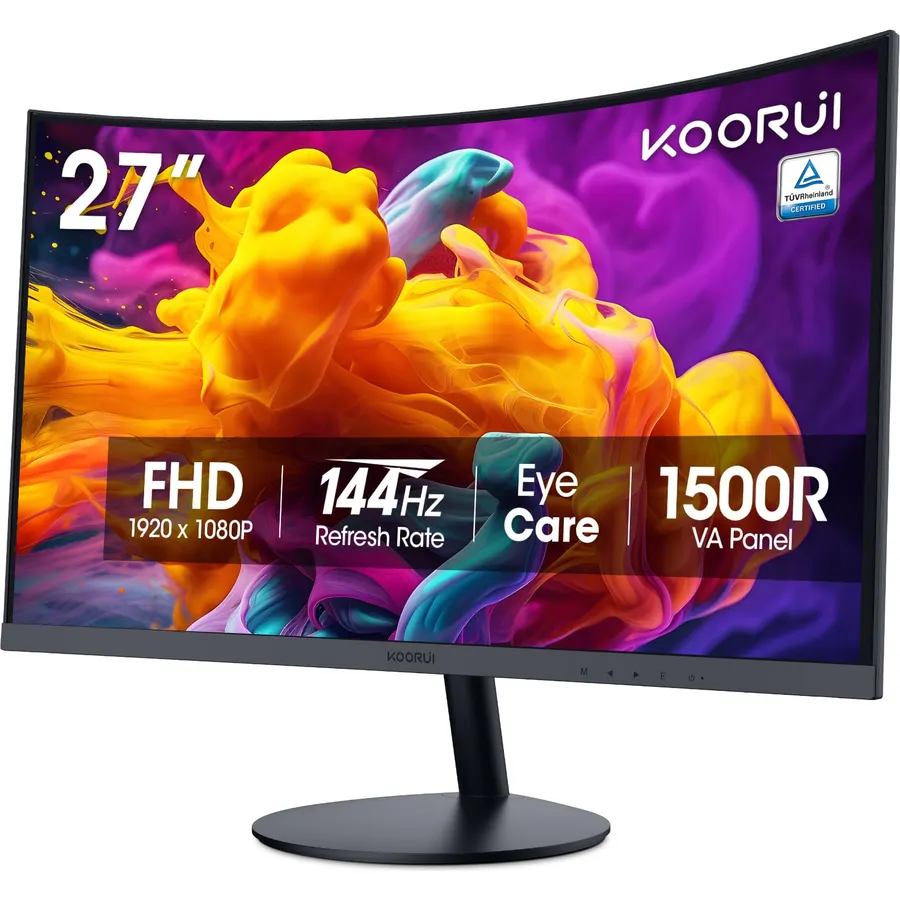
The KOORUI 27 curved is the cheapest route to a big 144Hz screen: a 1500R VA panel with 3000:1 dynamic contrast and 99 percent sRGB, 144Hz over HDMI, TUV-certified low blue light and a tilt stand. It has no DisplayPort, so check that your graphics card drives 144Hz over HDMI (most recent cards do). At 27 inches, 1080p is 82 pixels per inch, fine for games at arm’s length and soft for small text. Owners rate it 4.5 stars from 6,400 reviews.
- 27-inch curved 144Hz at a very low price
- VA contrast for dark scenes
- 6,400 owners at 4.5 stars
- TUV low blue light certification
- HDMI and VGA only, no DisplayPort
- 1080p on 27 inches is soft for text
- Tilt-only stand
Dell 27 Plus Monitor - S2725HSM - 27-inch FHD (1920x1080) 144Hz 1ms Display, 2 x 3W Speakers, HDMI Connectivity, Height/Tilt/Pivot/Swivel Adjustability, AMD FreeSync - Ash White
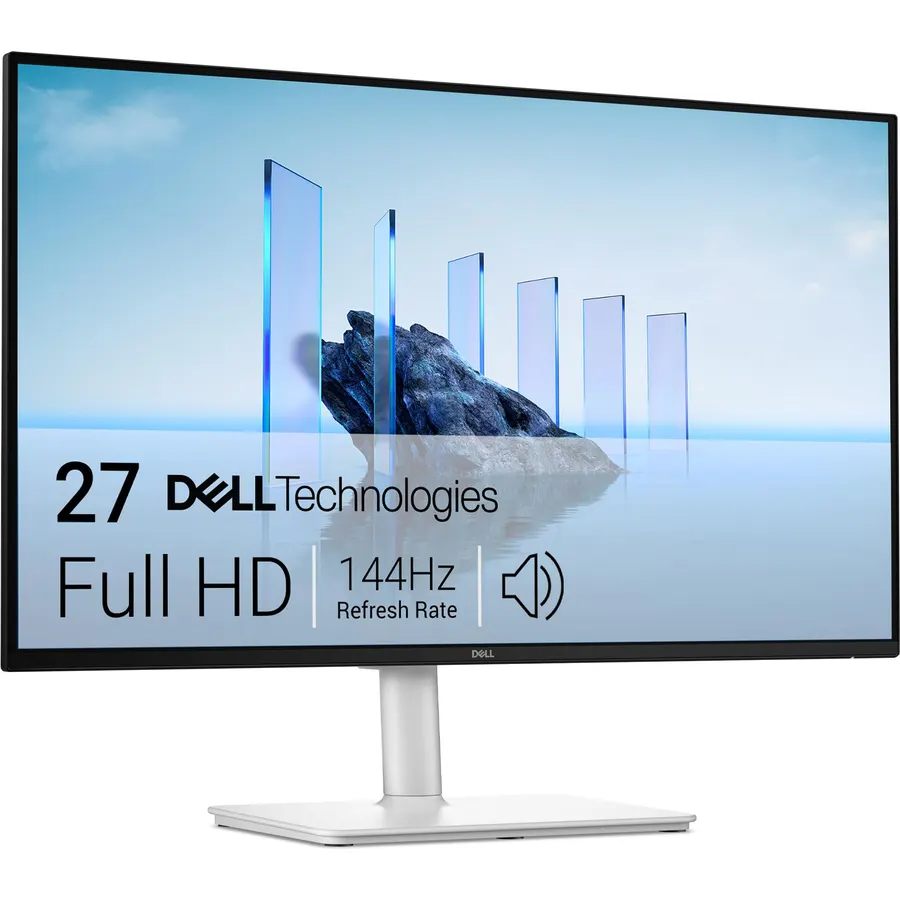
The Dell 27 Plus S2725HSM is the grown-up 27-inch 1080p gaming monitor: 144Hz with a 1ms MPRT response and FreeSync, 1500:1 contrast, 2 x 3-watt speakers and a stand that adjusts height, pivot and swivel, from a company with real support. It is HDMI-only, which is fine for 144Hz on current cards. It costs more than the KOORUI for the same resolution and refresh, and the stand and warranty are what you pay for. Owners rate it 4.6 stars from about 220 reviews.
- The only 27-inch pick with height adjustment and pivot
- 2 x 3W speakers and 1500:1 contrast
- Dell build and support
- 4.6 stars from owners
- HDMI only
- About 220 reviews so far
- Costs more than the KOORUI
KTC 24.5 Inch 240Hz Gaming Monitor, FHD Computer Monitor Fast IPS, H25T7-A
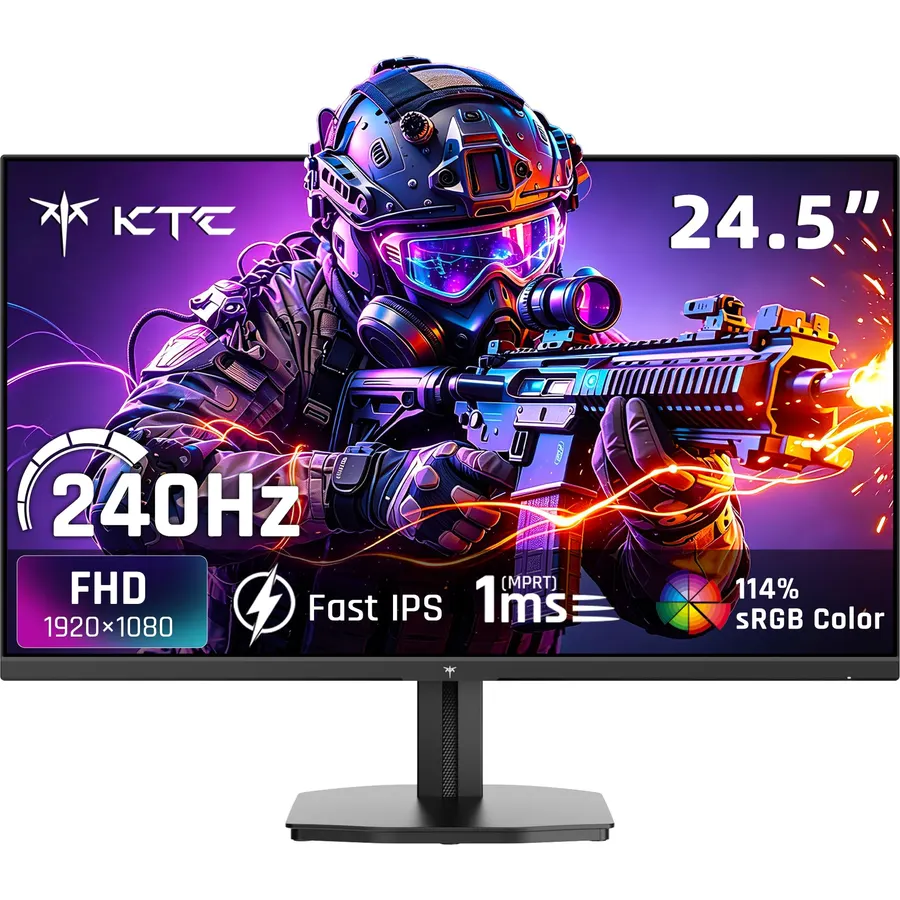
The KTC H25T7-A is the esports pick: a 24.5-inch Fast IPS at 240Hz with a 1ms response and adaptive sync, at a price that used to buy 144Hz TN panels with worse colors. 240Hz only pays off in games where your PC holds 200-plus frames, which at 1080p includes most shooters on a mid-range card. The stand is basic, but 2,400 owners rate it 4.5 stars and KTC backs it with three years. For Valorant, CS2 and Fortnite it is the monitor to buy.
- 240Hz Fast IPS at a budget price
- 24.5-inch esports size
- IPS angles and color instead of TN
- Three-year warranty
- Needs a GPU that pushes 240 frames to matter
- Basic stand
- Review base smaller than the big two Sceptres
AOC 27 Inch Computer Monitor FHD 120Hz Fast IPS HDR, 27B35H3
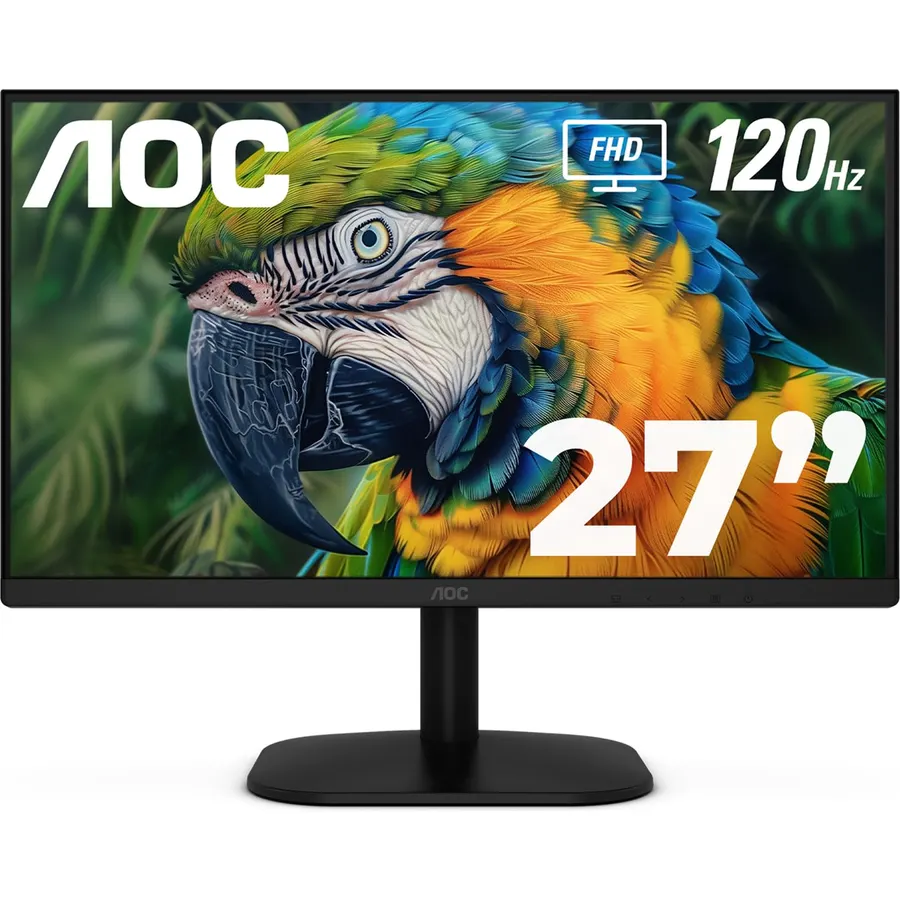
The AOC 27B35H3 is the IPS alternative to the curved KOORUI: a 27-inch Fast IPS with 100 percent sRGB and 1ms response at 120Hz over HDMI, with adaptive sync and an earphone jack. 120Hz is the lowest refresh rate on the page, but it is exactly what a PS5 or Series X outputs in 1080p performance mode, which makes this the cheapest console-plus-PC screen here. Owners rate it 4.4 stars; our monitors for PS5 and Xbox guide covers the 4K options.
- Fast IPS at 27 inches for the price of a VA
- 120Hz over HDMI suits a PS5 or Xbox at 1080p
- Earphone out
- 430 owners at 4.4 stars
- 120Hz, the slowest here
- Tilt-only stand
- HDMI only
msi PRO MP273W E14A 27-inch IPS 1920 x 1080 (FHD) Gaming Office Monitor, 144Hz, Free-Synch, HDMI, DisplayPort, VGA Port, VESA Mountable, Tilt, Speaker, 4-Side Slim Bezel 1ms, White
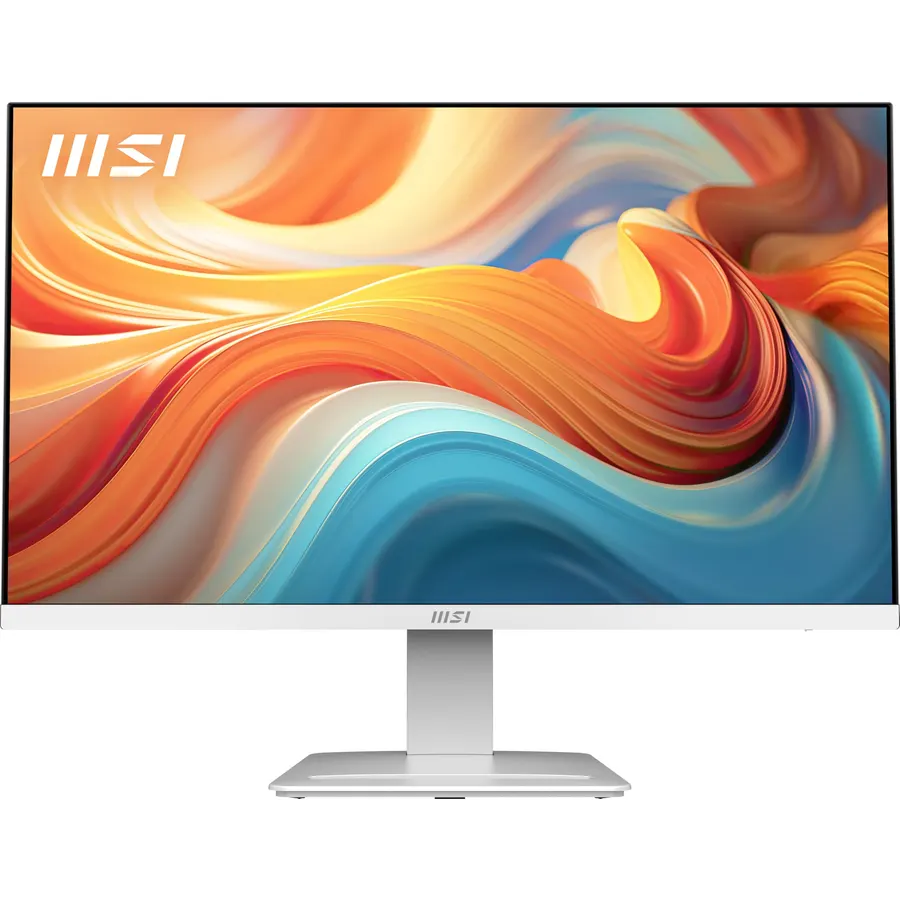
The MSI PRO MP273W is the 27-inch 1080p IPS with the fullest port set: DisplayPort, HDMI and VGA, 144Hz with a 1ms response and FreeSync, 1500:1 contrast, built-in speakers and TUV-certified flicker-free low blue light. MSI even supports firmware updates, which is rare at this price. It is new, with about 120 reviews at 4.5 stars, and the stand only tilts. For a mixed work-and-gaming desk that needs DisplayPort, it beats the AOC and KOORUI.
- IPS at 144Hz with DisplayPort, HDMI and VGA
- Built-in speakers and slim bezels
- Firmware updates supported
- 4.5 stars from owners
- About 120 reviews so far
- Tilt-only stand
- White finish
ASUS VA279HG 27 Inch 1080P 120Hz Eye Care Gaming Monitor, HDMI, VGA
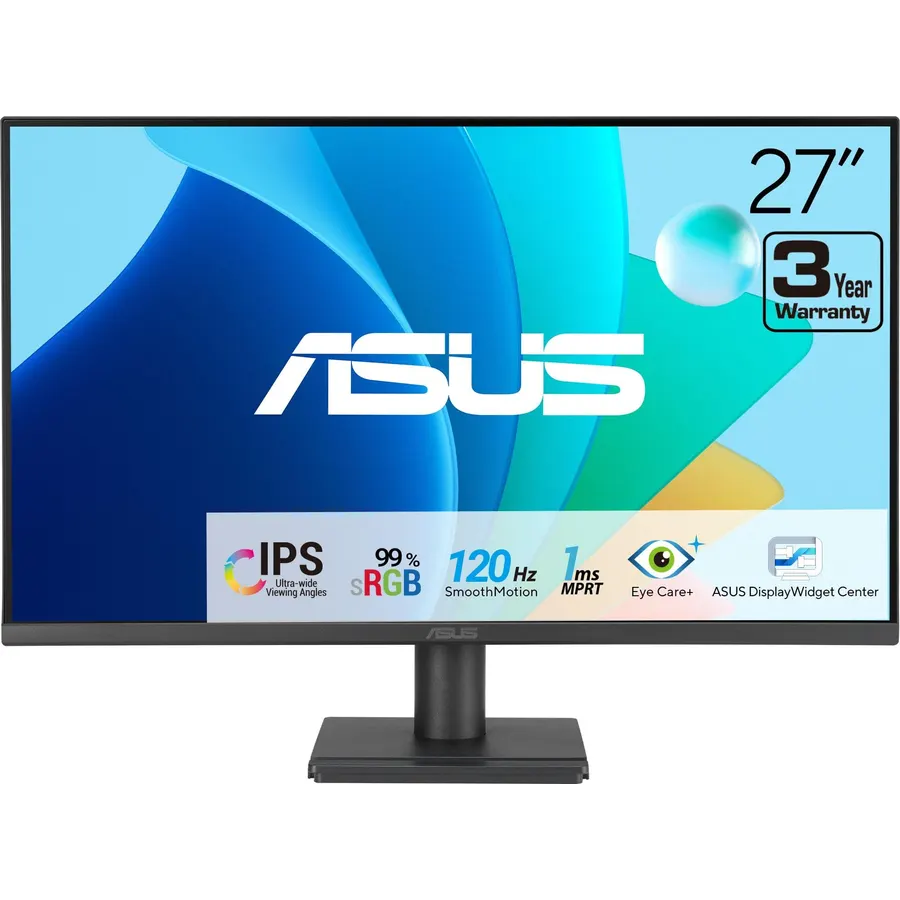
The ASUS VA279HG is the budget 27-inch IPS from a brand with a long warranty record: 1080p at 120Hz with a 1ms MPRT response, adaptive sync, TUV-certified Eye Care and a frameless design that pairs well with a second screen. It is HDMI and VGA only with no speakers, and 120Hz puts it behind the 144 and 180Hz picks for esports. For a student desk that games in the evening it is a safe choice at 4.5 stars.
- ASUS build and Eye Care at a budget price
- IPS with adaptive sync
- Frameless for dual-monitor desks
- 4.5 stars from owners
- 120Hz
- No DisplayPort or speakers
- About 150 reviews
Compare the picks
| Product | Size and panel | Refresh | DisplayPort | Speakers / stand | Owner rating | Our score | |
|---|---|---|---|---|---|---|---|
| Sceptre E248BSceptre | 24-inch | 180Hz | Yes | Yes / tilt | 4.5 (5,100+) | 9.0 | See price |
| Sceptre E255BSceptre | 24.5-inch | 165Hz | Yes | Yes / tilt | 4.6 (6,600+) | 9.2 | See price |
| KOORUI 27 curvedKOORUI | 27-inch VA, 1500R | 144Hz | No | No / tilt | 4.5 (6,400+) | 9.0 | See price |
| Dell 27 Plus S2725HSMDell | 27-inch | 144Hz | No | 2 x 3W / full | 4.6 (220+) | 9.1 | See price |
| KTC H25T7-AKTC | 24.5-inch Fast IPS | 240Hz | Yes | No / basic | 4.5 (2,300+) | 9.0 | See price |
| AOC 27B35H3AOC | 27-inch Fast IPS | 120Hz | No | No / tilt | 4.4 (420+) | 8.8 | See price |
| MSI PRO MP273Wmsi | 27-inch IPS | 144Hz | Yes | Yes / tilt | 4.5 (110+) | 8.9 | See price |
| ASUS VA279HGASUS | 27-inch IPS | 120Hz | No | No / tilt | 4.5 (140+) | 8.9 | See price |
24 or 27 inches at 1080p?
At 24 inches, 1080p is 92 pixels per inch and looks sharp from a normal desk; at 27 it is 82 and text goes soft, which is why esports players stay at 24 to 25 inches and why the 27-inch picks here are for games and video rather than reading. If you want 27 inches and sharp text, the step up is 1440p, which our budget 1440p gaming monitors guide covers at similar prices to the Dell and MSI here.
144, 180 or 240Hz?
The jump from 60 to 144Hz is the one everyone feels. 144 to 180Hz is a small gain; 240Hz matters only when the PC holds 200-plus frames, which at 1080p it will in shooters on a mid-range card. Match the refresh rate to the frame rate you actually get, and use DisplayPort where the monitor has it; HDMI 2.0 handles 1080p at 144Hz on most of these but some HDMI ports cap lower.
VA or IPS at this price?
The KOORUI’s VA panel gives deeper blacks and a curve for cheap, with slower dark transitions. The IPS picks (KTC, AOC, MSI, ASUS) have better angles and cleaner motion with less contrast. The Sceptre and Dell panels sit between. For competitive play, IPS; for single-player and films on a budget, VA.
What is the best cheap 1080p 144Hz monitor?
The Sceptre E248B (24-inch, up to 180Hz, speakers, 5,200 owners at 4.5 stars) or the Sceptre E255B (24.5-inch 165Hz, 6,600 owners at 4.6 stars). For 27 inches, the KOORUI curved 144Hz.
Is 1080p still good for gaming in 2026?
Yes for competitive games and for any PC with a mid-range or older GPU: 1080p is where those cards hold 144 frames and more. For story games on a strong GPU, 1440p looks noticeably better.
Is a 27-inch 1080p monitor too blurry?
For games and video at arm length it is fine; for text it is soft. If the monitor is also a work screen, buy 24 inches at 1080p or 27 inches at 1440p.
Do I need 240Hz?
Only if your PC holds 200-plus frames in the games you play, which at 1080p includes most esports titles on a mid-range card. Otherwise 144 to 180Hz is the better value.
Which 1080p gaming monitor works with a PS5?
Any of them at 1080p 120Hz over HDMI in the console performance modes; the AOC 27B35H3 is built around exactly that. For 4K from a console, see our monitors for PS5 and Xbox guide.
Prices and stock change daily. The buttons above open Amazon so you always see the current price. We may earn a commission if you buy through them, at no extra cost to you.
Do Best Deal is a participant in the Amazon Services LLC Associates Program. As an Amazon Associate we earn from qualifying purchases. If you buy through links on this site we may earn a commission, at no extra cost to you. Learn more.
