
A PS5 or Xbox Series X outputs up to 4K at 120Hz with variable refresh rate, and only an HDMI 2.1 input delivers all of that. Plug a console into an HDMI 2.0 monitor and you get 4K at 60Hz or 1080p at 120Hz, never both. So the first filter for a console monitor is the port, and the second is whether the panel can use it: a 4K 120Hz IPS, a 1440p 240Hz OLED that accepts the console’s 4K signal, or a budget 1080p 120Hz screen for a bedroom. We ranked the console-ready monitors in our monitors catalog by HDMI 2.1 and 120Hz support, VRR, panel type and response, speakers and headphone output, and the owner review history.
We have not plugged every one of these into our own console; the verdicts rest on the port specs, the panel specs and what owners report. Prices are not printed because they change daily; every button opens the live Amazon page. For PC-first screens, our 4K gaming monitors and OLED gaming monitors guides go deeper; for TVs, the TVs for gaming on PS5 and Xbox guide.
How we picked
- HDMI 2.1 on every pick except the budget 1080p screen, which runs 120Hz over HDMI 2.0 at 1080p.
- 120Hz or faster at the resolution the console sends.
- VRR (FreeSync, G-SYNC Compatible or HDMI VRR) to smooth frame drops.
- Speakers or a headphone jack, because consoles send audio over HDMI.
- Owner ratings of 4.2 stars or better, with the review count quoted.
The picks
LG Ultragear OLED 27GX704A-B 27 QHD (2560x1440) Gaming Monitor, 240Hz OLED, 0.03ms, HDR, G-SYNC Compatible, FreeSync Premium, HDMI and DisplayPort
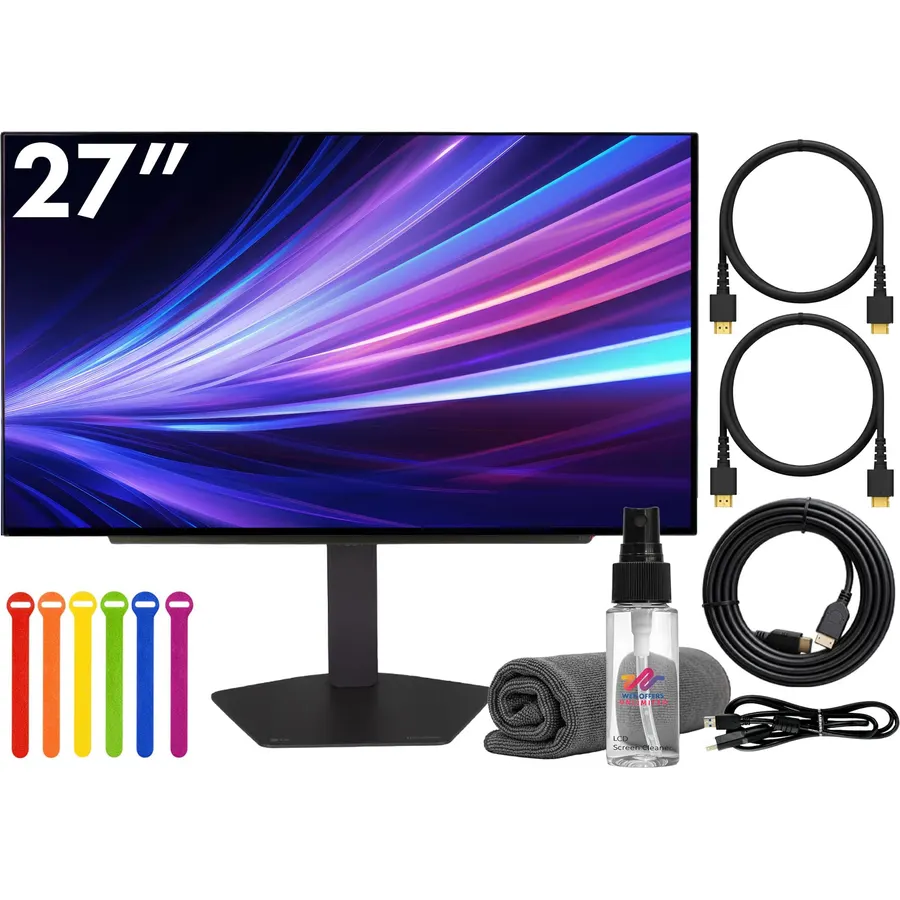
The 27GX704A-B is the console monitor for people with more than one console: two HDMI 2.1 inputs take a PS5 and a Series X at 120Hz with VRR, while a PC uses DisplayPort at 240Hz. The glossy OLED panel gives true black and 0.03ms response, which makes console games look better than on most 4K LCDs even though the panel is 1440p and the console downscales. It has no speakers, so use the headphone jack or a soundbar. Owners rate it 4.6 stars from nearly 500 reviews, the best on this page; our OLED gaming monitors guide compares it with the other OLEDs.
- Two HDMI 2.1 ports: a PS5 and an Xbox at once, plus a PC on DisplayPort
- OLED black and 0.03ms response in console games
- Full stand and USB hub
- 4.6 stars from 470 owners
- 1440p: the console downscales its 4K output
- Bundle listing with cable and cleaning kit
- No speakers, headphone jack only
LG 27GR83Q-B 27-inch Ultragear QHD (2560x1440) IPS Gaming Monitor, 240Hz, 1ms, DisplayHDR 400, G-Sync AMD FreeSync Premium, HDMI 2.1 DisplayPort, 4-Pole HP Out DTS GP:X, Tilt/Height/Pivot Stand
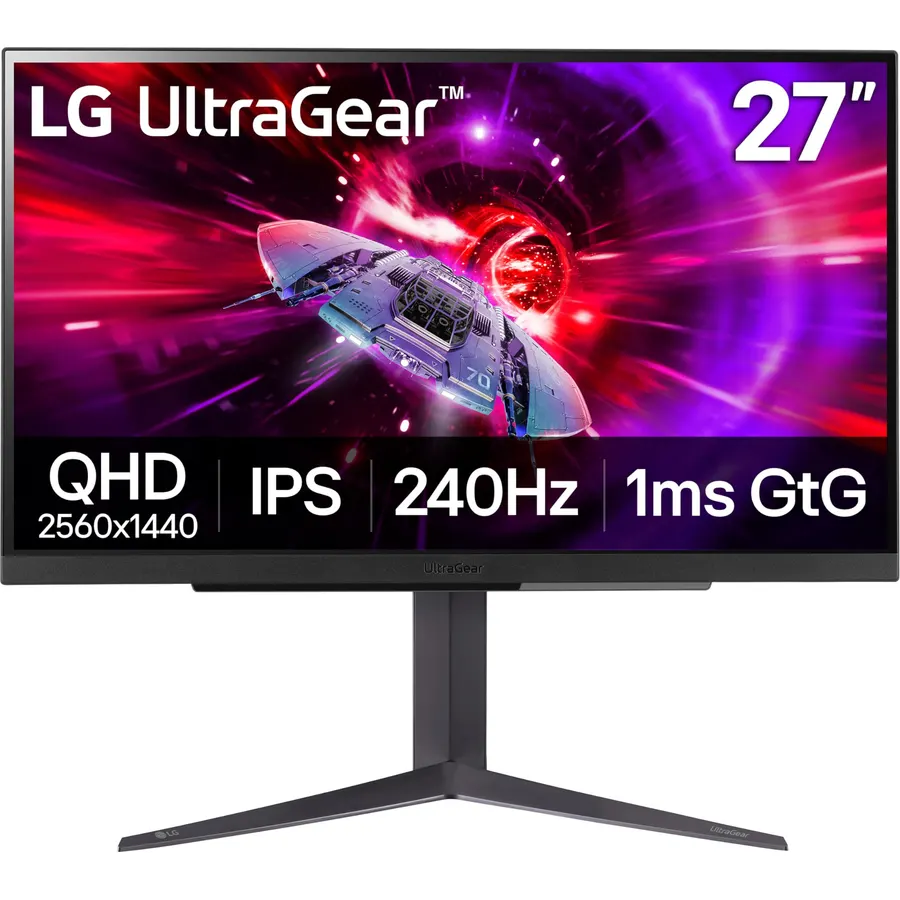
The 27GR83Q-B is the IPS version of the console answer: HDMI 2.1 with VRR, a 1440p panel that runs 240Hz on a PC and 120Hz from a console, 1ms response, DisplayHDR 400 with 95 percent DCI-P3, and a headphone output with DTS Headphone:X virtual surround, which is the best headset experience on this page. It has only one HDMI 2.1 port, so a second console shares DisplayPort via an adapter or a switch. With 790 reviews at 4.4 stars it is the proven mid-range pick, and no burn-in means it can sit in a shared room all day.
- HDMI 2.1 at 1440p 120Hz with VRR from a console
- IPS: no burn-in worries for a shared living-room screen
- DTS Headphone:X on the headphone jack
- 790 owners at 4.4 stars
- One HDMI 2.1 port
- Not 4K
- No speakers
KTC 32 Inch 4K Gaming Monitor, 165Hz UHD Monitor, Fast IPS 3000:1, H32P22P
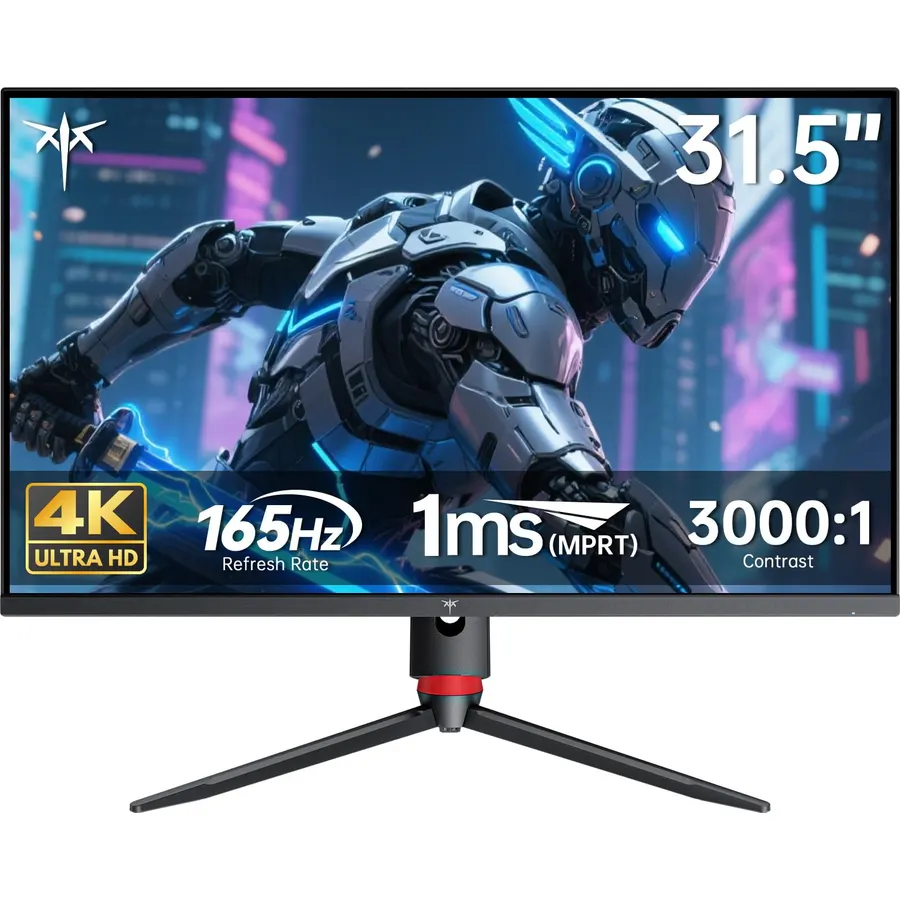
The KTC H32P22P is the pick for the console owner who wants the full 4K 120Hz signal rather than a downscale: a 32-inch Fast IPS at 3840 x 2160 with HDMI 2.1, 1ms response and adaptive sync, at a price far below the OLEDs. The 32-inch size suits a desk-and-sofa room better than a 27, and the 3000:1 contrast is high for IPS. HDR is the weak point, 300 nits means HDR games look flat, so leave HDR off on the console. Owners rate it 4.5 stars from 2,400 reviews.
- True 4K 120Hz from a PS5 or Series X over HDMI 2.1
- 32 inches at 4K suits couch distance
- 3000:1 IPS contrast
- 2,400 owners at 4.5 stars
- 300 nits: HDR games look flat
- Basic stand
- No speakers
Dell 27 Monitor S2725QS, 4K UHD IPS, 120Hz, 5ms, FreeSync Premium
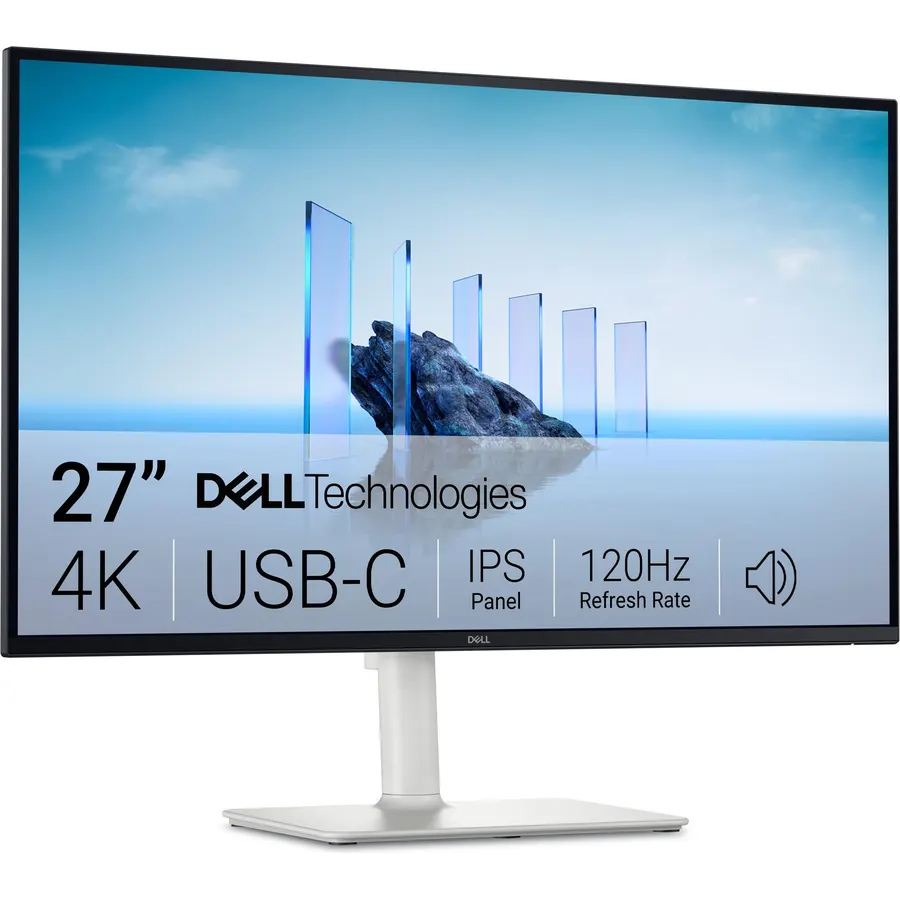
The S2725QS is the 4K 120Hz monitor that also has speakers, which for a bedroom console setup saves a soundbar. The 27-inch IPS runs 3840 x 2160 at 120Hz with FreeSync Premium, 1500:1 contrast and a low-blue-light panel, and it looks like a Dell office monitor rather than a gaming rig, which some rooms prefer. Its 5ms response is behind the 1ms esports panels but invisible in console games capped at 120 frames. Owners rate it 4.4 stars from 1,000 reviews.
- 4K 120Hz built around the console spec
- Built-in speakers, rare on 4K 120 monitors
- Clean design and Dell support
- Doubles as a sharp work monitor
- 5ms response, slower than the 1ms gaming picks
- No G-SYNC certification
- HDR is basic
Dell 32 Monitor S3225QS, 4K UHD VA, 120Hz, FreeSync Premium, Eye Comfort
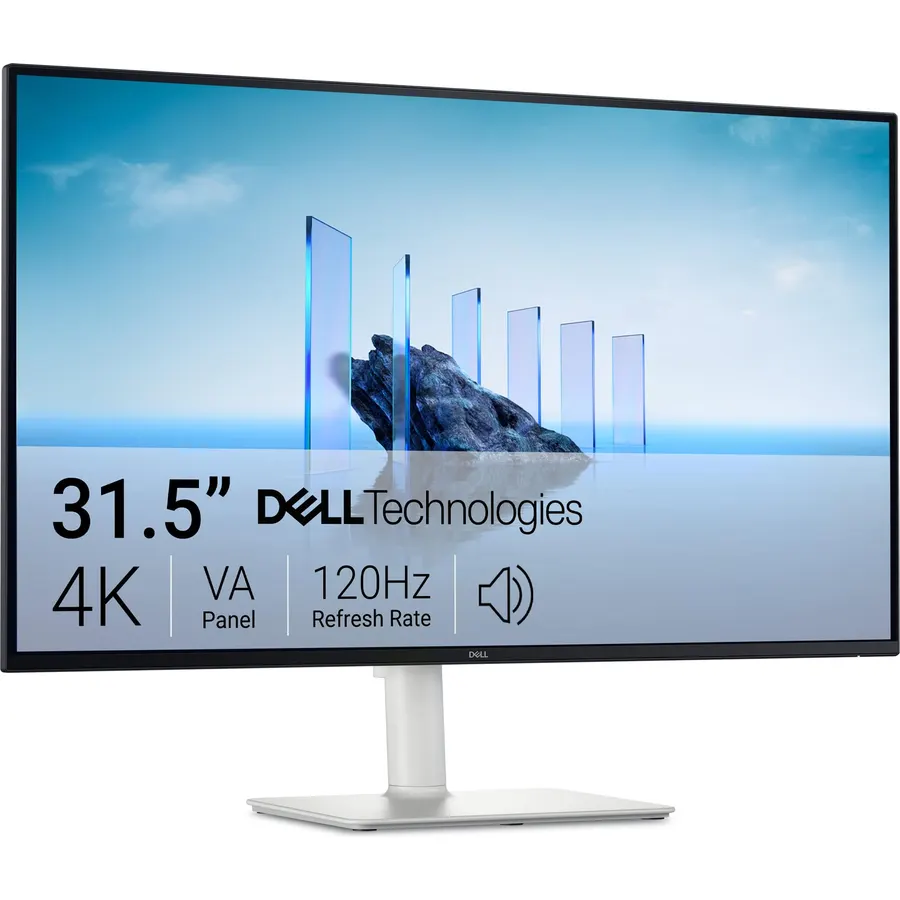
The S3225QS is the Dell above at 32 inches with a VA panel: 4K at 120Hz with FreeSync Premium, 95 percent DCI-P3 for richer color than the KTC, 1500:1 contrast and built-in speakers, so it works as a compact TV for a console in a small room. VA brings slight smearing in dark, fast scenes and a few owners report uneven backlighting, which is why it rates 4.3 stars rather than higher. For a console desk where speakers and size matter, it is the one; our 32-inch 4K monitors guide has more at this size.
- 32-inch 4K 120Hz with speakers: a small TV substitute
- 95% DCI-P3 VA panel for richer color than the KTC
- Dell support
- Low-blue-light panel for daytime work
- VA smears a little in dark fast scenes
- 4.3 stars: some backlight unevenness reports
- White finish
Samsung 27-inch Odyssey 4K UHD Gaming Monitor, 144Hz 1ms, Fast IPS, G-Sync Compatible, FreeSync Premium, HDR400, Black Equalizer, Adjustable Stand
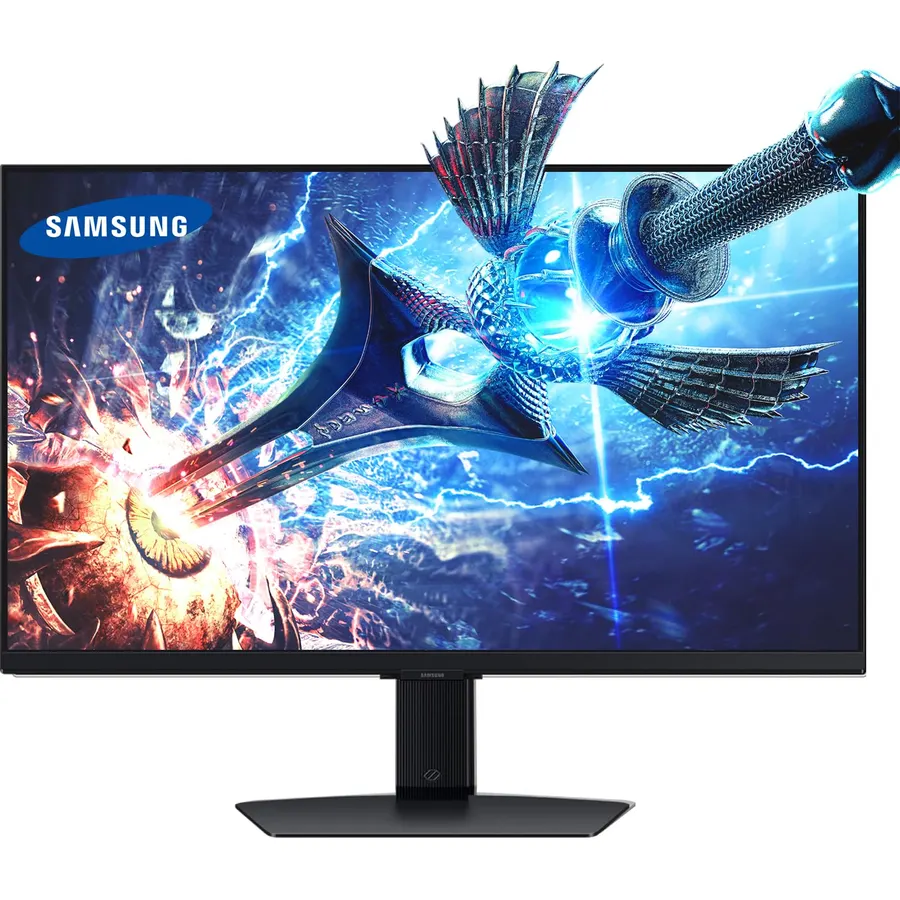
Samsung’s 27-inch Odyssey 4K is the best-reviewed 4K gaming monitor we track, with 4,000 owners at 4.6 stars, and it pairs a Fast IPS 1ms panel with G-SYNC, FreeSync Premium and a fully adjustable stand. For a desk that runs a PC and a console, it covers both. Samsung’s listing details the sync standards and refresh rate but not every port revision, so confirm the HDMI input is 2.1 on the live page before buying it specifically for 4K 120 console play; for PC use over DisplayPort there is no such question.
- 1ms Fast IPS at 4K for both a console and a PC
- Both sync standards and a full stand
- 4,000 owners at 4.6 stars
- Game Bar shows refresh rate and HDR status
- Check the HDMI version on the listing for 4K 120 console use
- No speakers
- HDR400 only
msi MPG 321URXW QD-OLED 31.5 Inch 4K UHD Gaming Monitor - 3840 x 2160 Quantum Dot OLED Panel, 240Hz / 0.03ms, 99% DCI-P3, DisplayHDR True Black 400, KVM, RGB - DP 1.4a, HDMI 2.1, USB Type-C 98W
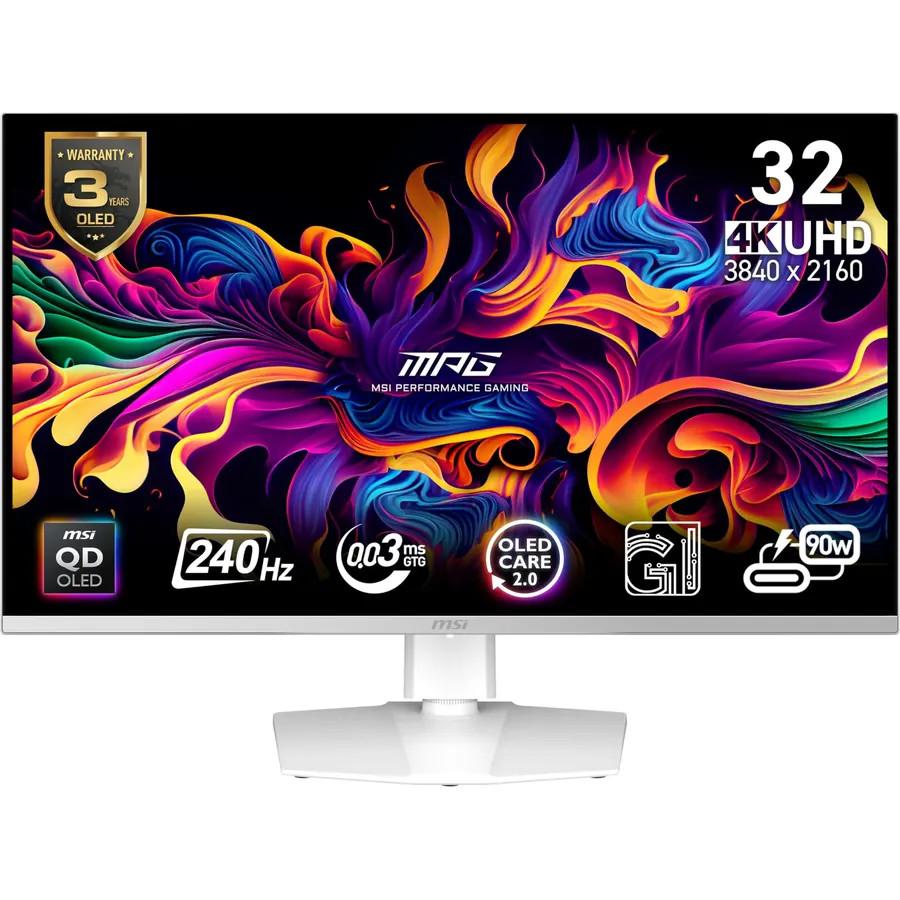
The MSI MPG 321URXW is the console-minded OLED: a 32-inch 4K QD-OLED at 240Hz with HDMI 2.1 that supports CEC (the console turns the monitor on and off), built-in console picture modes, and a KVM with USB-C so a PC and a laptop share one keyboard. True-black HDR and 0.03ms response make console games look their best. It is a flagship-priced monitor with about 75 reviews at 4.2 stars, so it ranks below the proven picks on track record. Static HUD elements in long sessions need the OLED care features left on.
- 4K QD-OLED with dedicated console modes
- HDMI 2.1 with CEC so the console wakes the monitor
- KVM and USB-C for a PC and a laptop
- Graphene heatsink, no fan
- Small review base
- Flagship price
- OLED care for static HUDs in long sessions
AOC 27 Inch Computer Monitor FHD 120Hz Fast IPS HDR, 27B35H3
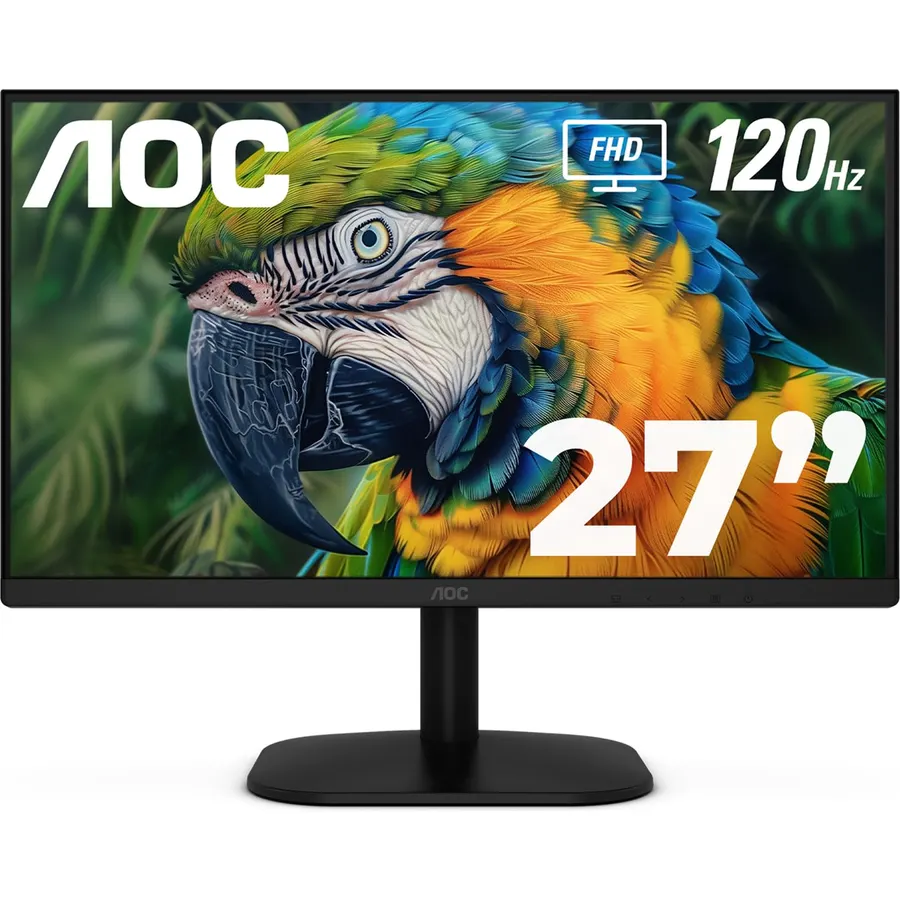
The AOC 27B35H3 is the bedroom console monitor: a 27-inch Fast IPS at 1080p that runs 120Hz over its HDMI port, which a PS5 or Series X can output in its 1080p 120Hz performance mode, with adaptive sync, 1ms response and an earphone jack for a headset. It costs a fraction of the 4K picks. You give up 4K entirely and the stand only tilts, but owners rate it 4.4 stars and for competitive shooters at 120 frames it feels faster than a 4K 60 screen.
- 1080p at 120Hz over HDMI 2.0: the cheap way to get a smooth console picture
- Fast IPS with 1ms
- Earphone out for a headset
- 430 owners at 4.4 stars
- No 4K, no HDMI 2.1
- Tilt-only stand
- No speakers
Compare the picks
| Product | Panel | Console mode | HDMI 2.1 ports | Speakers | Owner rating | Our score | |
|---|---|---|---|---|---|---|---|
| LG 27GX704A-B OLEDLG | 27-inch 1440p OLED | 1440p 120Hz VRR | 2 | No | 4.6 (470+) | 9.1 | See price |
| LG 27GR83Q-BLG | 27-inch 1440p IPS | 1440p 120Hz VRR | 1 | No | 4.4 (780+) | 8.8 | See price |
| KTC H32P22PKTC | 32-inch 4K IPS | 4K 120Hz | 1 | No | 4.5 (2,300+) | 9.0 | See price |
| Dell S2725QSDell | 27-inch 4K IPS | 4K 120Hz VRR | Yes | Yes | 4.4 (990+) | 8.8 | See price |
| Dell S3225QSDell | 32-inch 4K VA | 4K 120Hz VRR | Yes | Yes | 4.3 (550+) | 8.6 | See price |
| Samsung Odyssey 27 4KSamsung | 27-inch 4K IPS | 4K 120Hz (check port) | Check listing | No | 4.6 (3,900+) | 9.2 | See price |
| MSI MPG 321URXWmsi | 32-inch 4K QD-OLED | 4K 120Hz, CEC | 1 | No | 4.2 (70+) | 8.5 | See price |
| AOC 27B35H3AOC | 27-inch 1080p IPS | 1080p 120Hz | No (HDMI 2.0) | No | 4.4 (420+) | 8.8 | See price |
4K or 1440p for a console?
The console outputs 4K, so a 4K monitor shows it natively. A 1440p monitor (both LGs) accepts the signal and downscales it, which on an OLED still looks better than most 4K LCDs because of the contrast, and the PS5 can also output 1440p directly. 1080p (AOC) is the budget route: the console’s performance modes run 120Hz at 1080p, and on a 27-inch screen at desk distance it is sharp enough. If the monitor will also be a PC screen, match it to the PC’s GPU first.
HDMI 2.1, VRR and 120Hz settings
After plugging in, enable 120Hz output and VRR in the console’s screen settings; the PS5 lists them under Screen and Video, the Xbox under TV and display options. Then enable Performance mode in each game. On a 4K 60 monitor none of this appears. Monitors with one HDMI 2.1 port and a DisplayPort can take a second console through an inexpensive DisplayPort adapter at 4K 60, or an HDMI 2.1 switch at full speed.
Sound
Consoles send audio over HDMI. The two Dells have speakers; the rest need a headset on the headphone jack (the LG 27GR83Q-B adds DTS virtual surround there) or a soundbar on the jack. Our monitors with built-in speakers guide lists more options if sound matters.
What monitor do I need for PS5 at 120Hz?
One with HDMI 2.1 for 4K 120Hz (KTC H32P22P, Dell S2725QS, Dell S3225QS, LG 27GX704A-B, MSI 321URXW), or a 1080p monitor that runs 120Hz over HDMI 2.0 like the AOC 27B35H3 for the console 1080p performance modes.
Does a PS5 work on a 1440p monitor?
Yes. The PS5 can output 1440p directly, and both LG picks here run 1440p at 120Hz with VRR from a PS5 or Series X over HDMI 2.1.
Is OLED safe for console gaming?
Yes with the care features on. Static HUDs in long sessions are the main risk; the LG and MSI OLEDs here run pixel shift and refresh cycles, and varying games and turning the monitor off between sessions keeps the panel healthy.
Do these monitors have speakers for the console?
The Dell S2725QS and S3225QS do. The others send audio to a headphone jack; the LG 27GR83Q-B adds DTS Headphone:X virtual surround, and any of them can feed a soundbar from that jack.
Is a monitor or a TV better for PS5?
A monitor for a desk and fast response; a TV for a sofa, bigger HDR and built-in sound. Our TVs for gaming on PS5 and Xbox guide covers the HDMI 2.1 TVs.
Prices and stock change daily. The buttons above open Amazon so you always see the current price. We may earn a commission if you buy through them, at no extra cost to you.
Do Best Deal is a participant in the Amazon Services LLC Associates Program. As an Amazon Associate we earn from qualifying purchases. If you buy through links on this site we may earn a commission, at no extra cost to you. Learn more.
