A photo editing monitor has one job that a gaming or office monitor does not: show the colors that are actually in the file, so the print or the client’s screen matches what you saw. That means an IPS panel, full sRGB coverage at minimum, a factory calibration report with a Delta E below 2, and a stand that lets you work at the right height for hours. Wide-gamut panels (DCI-P3, Adobe RGB) matter for print and HDR work; for web delivery, accurate sRGB matters more than a wide gamut. We ranked the color-accurate monitors in our monitors catalog by gamut and calibration, resolution and size, ports (USB-C for laptops), ergonomics and the owner review history.
We have not calibrated every one of these ourselves; the verdicts rest on the manufacturer’s calibration claims, the spec sheets and what owners report. Prices are not printed because they change daily; every button opens the live Amazon page. For a general-purpose 27-inch screen, see our 27-inch 1440p monitors guide; for a 4K work screen, the 27-inch 4K monitors for work guide.
How we picked
- IPS panel with consistent color across the screen and from the side.
- Factory calibration with a published Delta E under 2 (Calman verified or Pantone validated), not just a “100% sRGB” claim.
- Gamut that matches the work. 100% sRGB for web; Adobe RGB and DCI-P3 for print and video.
- An adjustable stand with height and pivot, because editing sessions are long and portrait crops are common.
- Owner ratings of 4.0 stars or better.
The picks
ASUS ProArt PA278QV 27 Inch 1440p QHD Professional Monitor
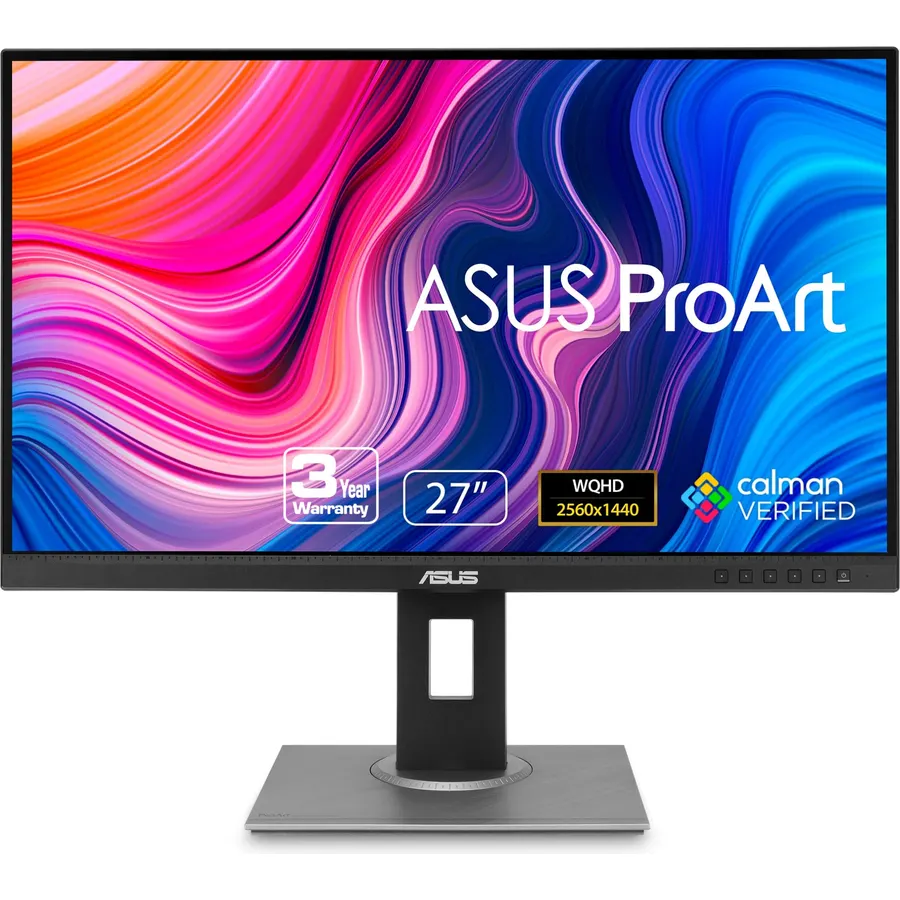
The PA278QV is the photo editing monitor most people should buy: a 27-inch 1440p IPS with 100 percent sRGB and Rec. 709 coverage, factory calibrated and Calman verified to a Delta E under 2, so what you see is what the web browser shows. It has a full stand with pivot for portrait images, four video inputs including DVI, a USB hub and ASUS’s ProArt presets for switching between color spaces. It does not reach into Adobe RGB, so print professionals should look at the PA279CRV below, and it has no USB-C. For everyone delivering to screens it is the reference pick, with 3,000 reviews at 4.6 stars.
- Calibrated out of the box with a Delta E under 2
- 1440p on 27 inches: sharp enough without scaling
- Full stand including pivot; four video inputs
- 3,000 owners at 4.6 stars
- sRGB-only gamut, not Adobe RGB
- No USB-C input
- Plain looks
ASUS ProArt PA248QV 24 Inch WUXGA 16:10 Professional Monitor
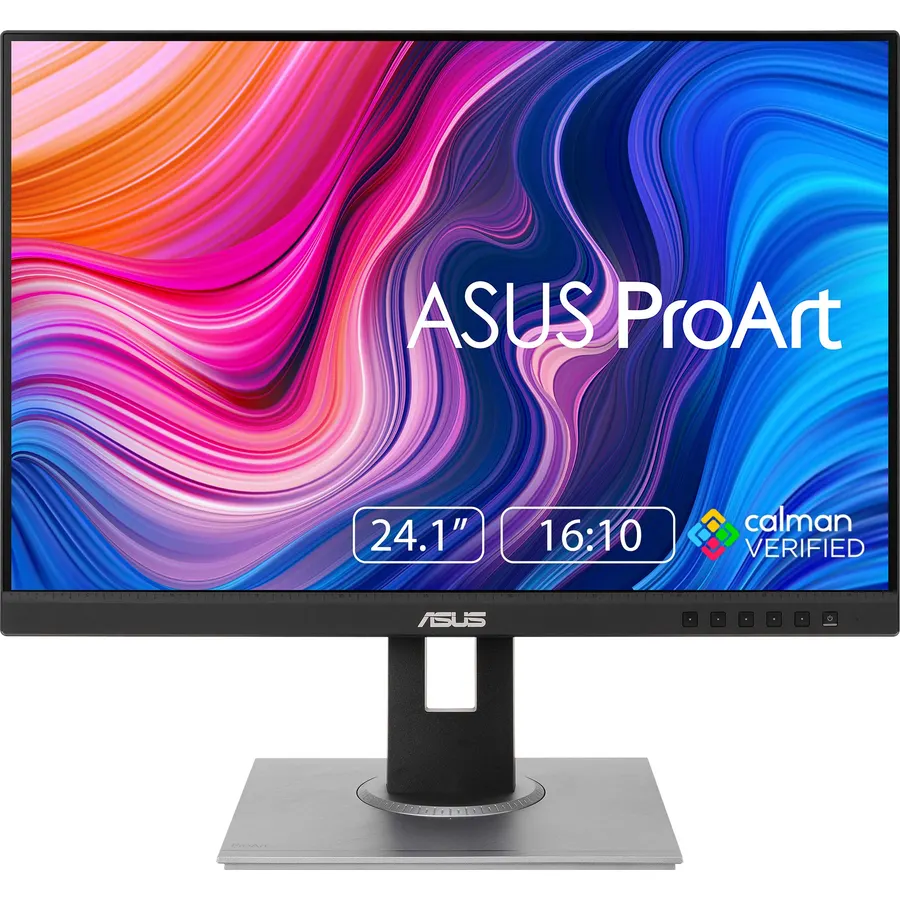
The PA248QV is the budget way into a calibrated screen. It uses the same Calman-verified, Delta E under 2 factory calibration as its 27-inch sibling, covers 100 percent of sRGB and Rec. 709, and its 16:10 panel gives 120 extra rows of pixels for Lightroom panels. The stand adjusts every way including pivot, there is a USB hub, and ASUS bundles three months of Adobe Creative Cloud. The limit is resolution: 1920 x 1200 on 24 inches is fine for culling and color work but less sharp for pixel-level retouching than the 1440p and 4K picks. Owners rate it 4.6 stars from 1,800 reviews.
- The same calibration as the 27-inch at a lower price
- 16:10 gives more height for toolbars and timelines
- Full stand with pivot
- 1,800 owners at 4.6 stars
- 1920 x 1200 is modest for retouching detail
- No USB-C
- Only 24 inches
ASUS ProArt PA279CRV 27 Inch 4K UHD USB-C HDR Professional Monitor for Mac
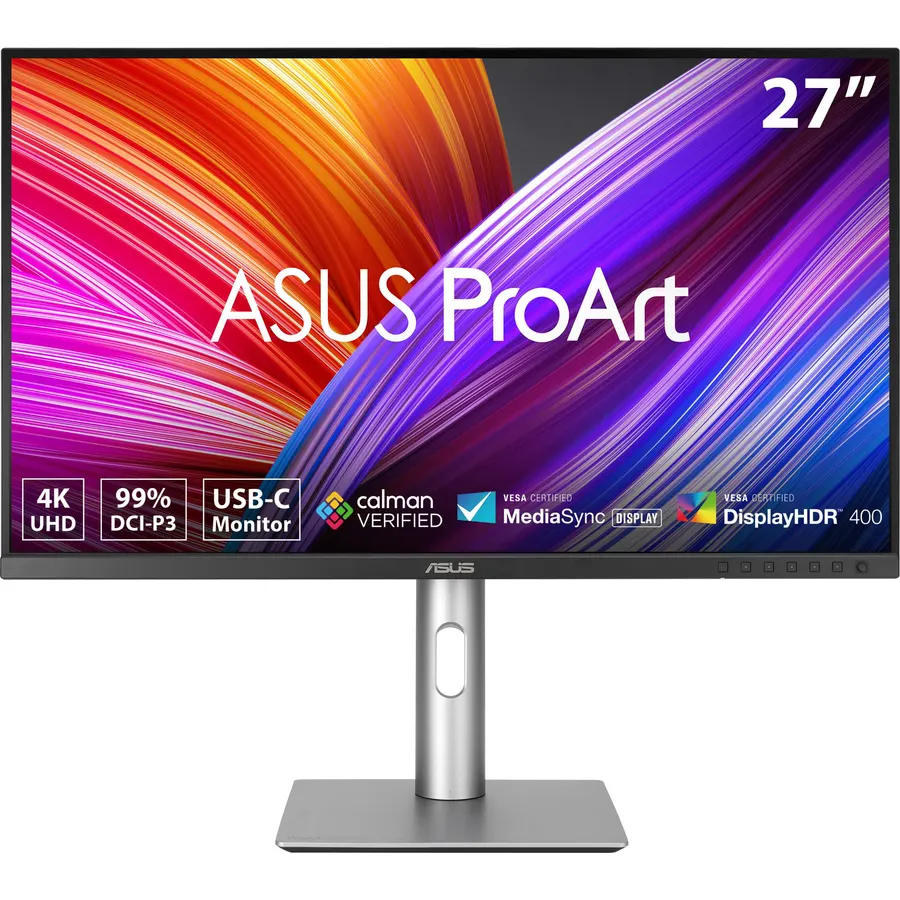
The PA279CRV is the ProArt for photographers who print or grade video: 99 percent Adobe RGB and 99 percent DCI-P3 on a 4K IPS panel, factory calibrated to a Delta E under 2, with USB-C that charges a MacBook at 96 watts and a full-adjustment stand. ASUS markets it “for Mac” because of that single-cable setup and the wide gamut matching Apple displays. Its 4.2-star rating is lower than the other ProArts; the critical reviews mention panel uniformity and backlight bleed on some units, so check yours with a grey test image in the return window. For sRGB-only work the PA278QV is cheaper and just as accurate.
- 99% Adobe RGB and DCI-P3: the widest gamut here
- 4K on 27 inches for pixel-level retouching
- USB-C with 96W charging for a MacBook
- Factory calibrated
- 4.2 stars: some owners report uniformity and backlight bleed
- Pricier than the 1440p ProArt
- HDR is modest (no local dimming)
ASUS ProArt PA247CV 24 Inch 1080p USB-C Professional Monitor
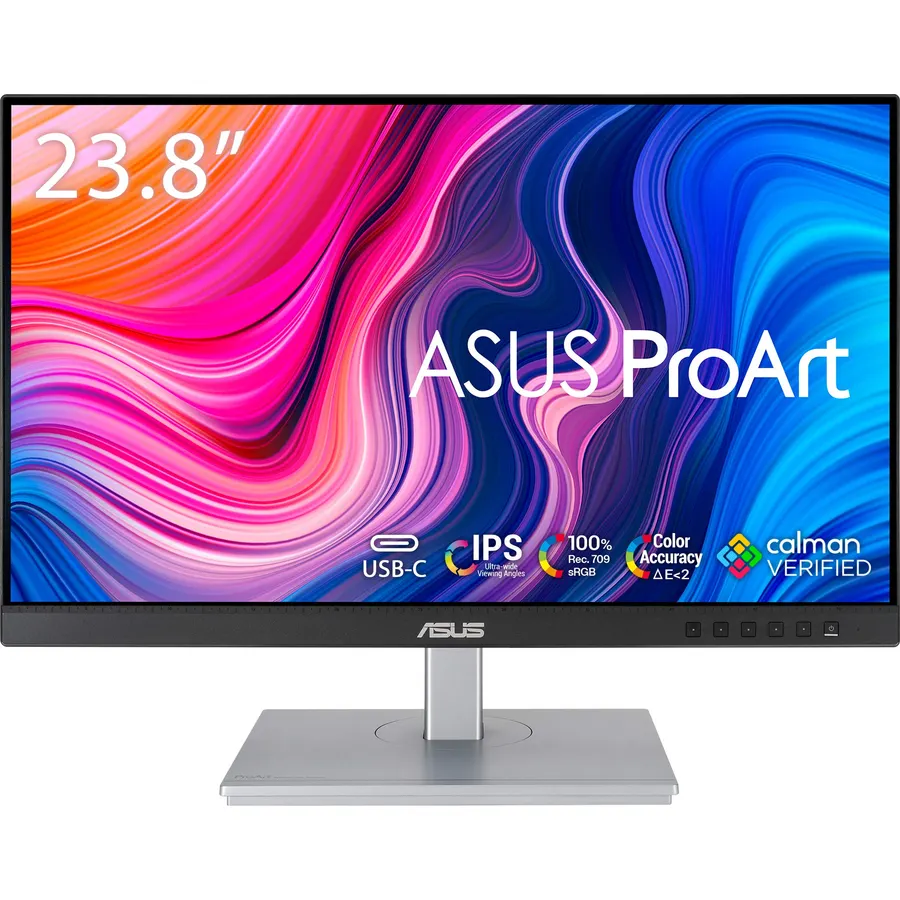
The PA247CV is for the laptop photographer: a calibrated 24-inch sRGB panel with USB-C that carries video, data and 65 watts of charging over one cable, plus a USB hub and a fully adjustable stand. It shares the Calman-verified Delta E under 2 calibration of the other ProArts. The compromise is resolution, 1920 x 1080, which is fine for editing and reviewing but shows pixels when you zoom to 100 percent on a 24-megapixel file. If you do not need USB-C, the PA248QV’s taller 16:10 panel is the better buy; if you do, this is the cheapest accurate way to get it, at 4.6 stars.
- USB-C with 65W charging at a budget price
- Calibrated to a Delta E under 2
- Full stand with pivot and a USB hub
- 4.6 stars from owners
- 1080p on 24 inches is the lowest resolution here
- 16:9, not the taller 16:10 of the PA248QV
- sRGB only
ViewSonic VP2468A 24 Inch 1080p ColorPro Monitor, IPS Display with 100% sRGB and Pantone Validated for Professional Photo Editing, Advanced Ergonomics, 65W USB-C, RJ45, HDMI, and DisplayPort
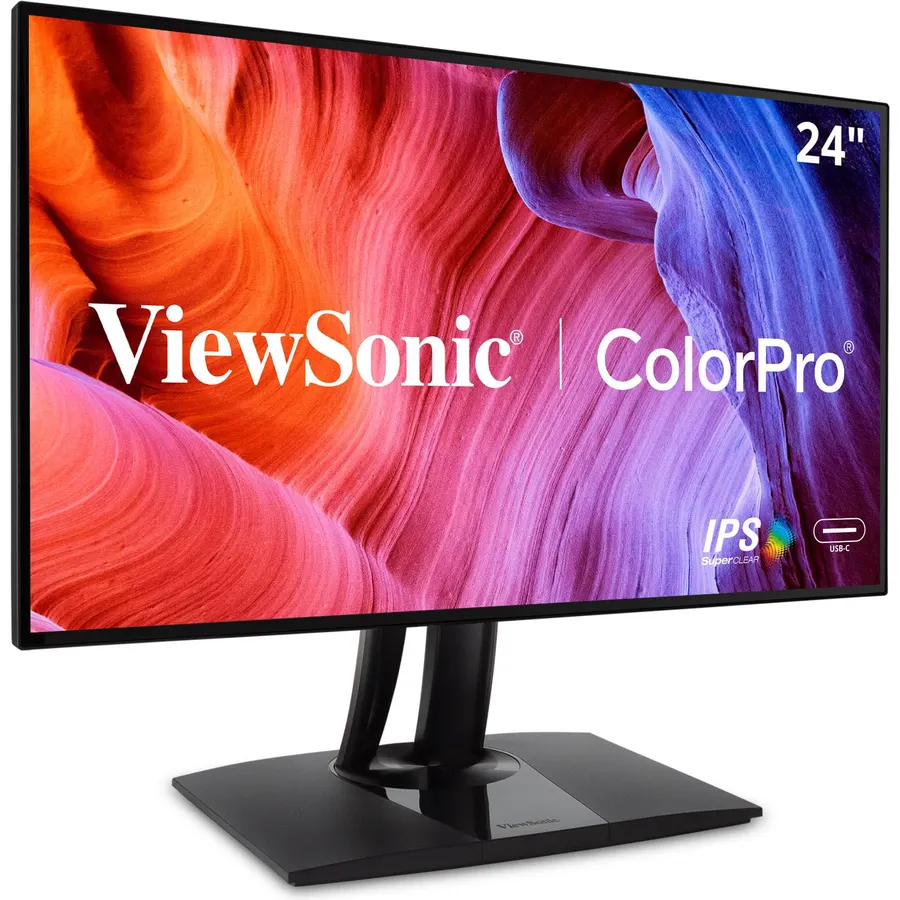
The VP2468A is the specialist pick: hardware calibration (the correction lives in the monitor, not the graphics driver), Pantone validation for brand colors, and a USB-C dock with Ethernet and DisplayPort daisy-chaining so two of them run from one laptop cable. The panel itself is a 24-inch 1080p IPS at 100 percent sRGB with a Delta E under 2. It is priced above the ASUS 24-inch models for the same resolution, and its 4.1-star rating from a small review base reflects some setup frustration with the calibration software. For a studio that calibrates with a colorimeter, it is the most capable 24-inch here.
- Hardware calibration stores the profile in the monitor
- Pantone validated for brand and print work
- USB-C dock with Ethernet and DisplayPort daisy chain
- Full ergonomic stand
- 4.1 stars from about 210 owners
- 1080p only
- Costs more than the ProArt 24s for the same resolution
LG 27UP850-W Monitor 27 UHD (3840 x 2160) IPS Display, VESA DisplayHDR 400, DCI-P3 95% Color Gamut, USB-C, 3-Side Virtually Borderless Display, Height/Pivot/Tilt Adjustable Stand - Silver
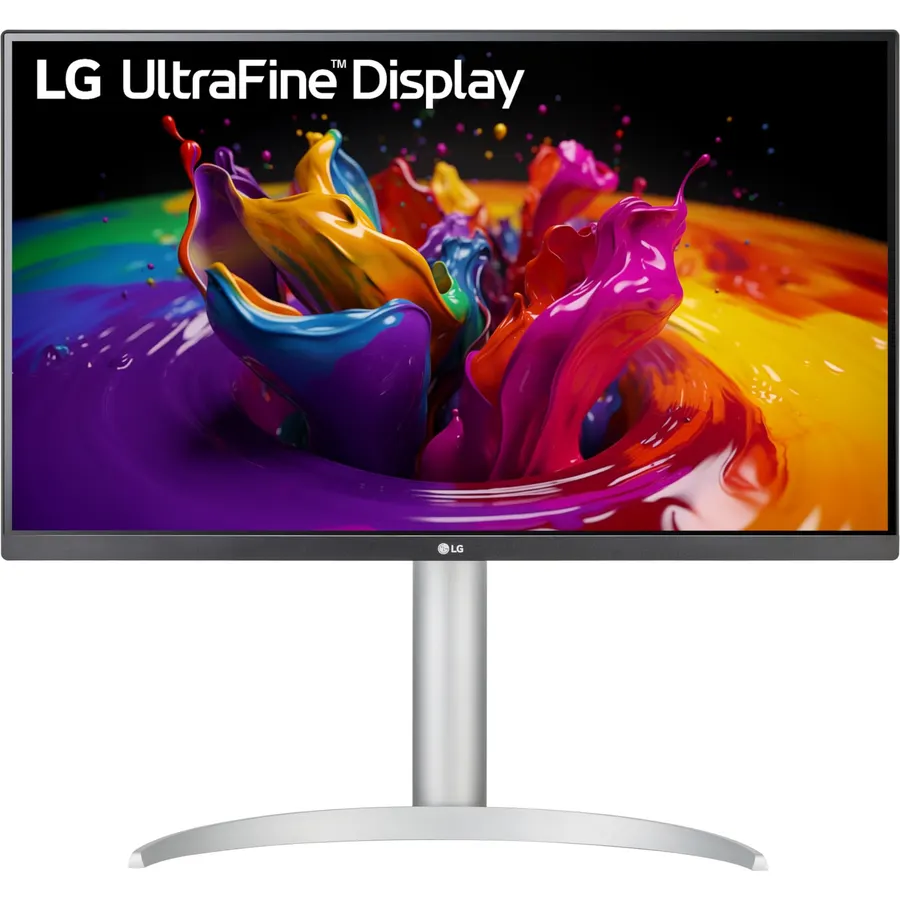
The 27UP850-W is the pick for someone who edits photos but also writes, codes and watches films on the same screen: a 27-inch 4K IPS with 95 percent DCI-P3, DisplayHDR 400, USB-C with 96 watts of charging for a laptop, and a height and pivot stand. LG does not publish a Delta E for it, so serious color work needs a colorimeter pass, but the gamut and uniformity are good enough that many owners use it exactly that way. It is the most versatile monitor on this page, and the one to buy if a dedicated ProArt feels like overkill. Owners rate it 4.3 stars.
- 4K with 95% DCI-P3 and USB-C 96W charging
- Height and pivot stand, HDR 400
- Doubles as a sharp general-purpose and light gaming screen
- 4.3 stars from owners
- Not factory calibrated to a stated Delta E
- No Adobe RGB claim
- Silver finish is not for everyone
Compare the picks
| Product | Size and resolution | Gamut | Calibration | USB-C | Owner rating | Our score | |
|---|---|---|---|---|---|---|---|
| ASUS ProArt PA278QVASUS | 27-inch 1440p | 100% sRGB / Rec. 709 | Calman, dE under 2 | No | 4.6 (3,000+) | 9.2 | See price |
| ASUS ProArt PA248QVASUS | 24-inch 1920 x 1200 | 100% sRGB / Rec. 709 | Calman, dE under 2 | No | 4.6 (1,700+) | 9.2 | See price |
| ASUS ProArt PA279CRVASUS | 27-inch 4K | 99% Adobe RGB / DCI-P3 | Calman, dE under 2 | 96W | 4.2 (600+) | 8.4 | See price |
| ASUS ProArt PA247CVASUS | 24-inch 1080p | 100% sRGB / Rec. 709 | Calman, dE under 2 | 65W | 4.6 (580+) | 9.2 | See price |
| ViewSonic VP2468AViewSonic | 24-inch 1080p | 100% sRGB / Rec. 709 | Pantone, hardware cal | 65W | 4.1 (210+) | 8.3 | See price |
| LG 27UP850-WLG | 27-inch 4K | 95% DCI-P3 | Not stated | 96W | 4.3 (330+) | 8.6 | See price |
sRGB or wide gamut?
If your photos end up on Instagram, a website or a client’s laptop, they are viewed in sRGB, and a monitor that covers sRGB accurately (PA278QV, PA248QV, PA247CV, VP2468A) shows exactly what the audience sees. A wide-gamut panel (PA279CRV, 27UP850-W) shows colors that sRGB cannot, which is what you want for prints on good paper or for HDR and video work, but it needs color-managed software to avoid oversaturated web previews. Lightroom, Photoshop and Capture One are color managed; most browsers and Windows apps are not.
Calibration: factory, software or hardware?
Factory calibration (the ProArts) means each unit ships with a report and a Delta E under 2, good enough for most working photographers without extra tools. Software calibration with a colorimeter corrects the graphics card’s output and works on any monitor, including the LG. Hardware calibration (the ViewSonic) writes the correction into the monitor’s own lookup table, which is more precise and survives switching computers. Whichever you use, recalibrate every few months; panels drift.
Size and resolution for editing
24 inches at 1080p or 1200p is enough for culling, color and web delivery, and the cheapest way to get accurate color. 27 inches at 1440p (PA278QV) is the comfortable middle: sharp at 100 percent scaling with room for panels. 27 inches at 4K (PA279CRV, 27UP850) shows a 24-megapixel file at near 1:1 and is the choice for retouching, at the cost of scaling in the operating system. For a bigger canvas, our 32-inch 4K monitors guide covers the next size up.
What is the best monitor for photo editing on a budget?
The ASUS ProArt PA248QV: 24-inch 16:10 IPS, 100% sRGB, factory calibrated to a Delta E under 2, with a full stand. The PA247CV adds USB-C for a laptop at a similar price.
Do I need 4K for photo editing?
No. 1440p on 27 inches is sharp enough for most editing and avoids scaling. 4K helps for pixel-level retouching and for judging sharpness at 100 percent on high-megapixel files.
Is a 100% sRGB monitor good enough for photographers?
For web and screen delivery, yes, and it is the safer choice because browsers assume sRGB. For fine-art printing or HDR video, a 99% Adobe RGB or DCI-P3 panel like the PA279CRV shows colors sRGB cannot.
Can I use a gaming monitor for photo editing?
A good IPS gaming monitor can be fine once calibrated, but gaming panels rarely ship with a Delta E report and often oversaturate by default. A ProArt costs the same as a mid-range gaming monitor and comes calibrated.
Do these monitors work with a MacBook?
All of them over HDMI or DisplayPort. The PA279CRV, PA247CV, VP2468A and LG 27UP850-W also take USB-C with charging, so one cable drives the display and powers the laptop.
Prices and stock change daily. The buttons above open Amazon so you always see the current price. We may earn a commission if you buy through them, at no extra cost to you.
Do Best Deal is a participant in the Amazon Services LLC Associates Program. As an Amazon Associate we earn from qualifying purchases. If you buy through links on this site we may earn a commission, at no extra cost to you. Learn more.
