
Built-in monitor speakers will never replace a pair of bookshelf speakers, but for video calls, YouTube, a bedroom console and a desk with no room for anything else, they are the difference between a usable setup and a tangle of cables. The trick is that “built-in speakers” covers everything from a tinny 1-watt pair to Dell’s 5-watt stereo with real low end. We ranked the speaker-equipped monitors in our monitors catalog by the panel first (size, resolution, refresh rate), then speaker output and owner reports on sound, then ports and stand.
We have not listened to every one of these ourselves; the verdicts rest on the spec sheets and on what owners say about the sound. Prices are not printed because they change daily; every button opens the live Amazon page. If you want better audio without a desk full of gear, our bookshelf speakers and stereo systems guide covers the compact options.
How we picked
- Speakers that owners actually use. Every pick has stereo speakers and review threads that mention them.
- A panel worth buying on its own. IPS or VA, 1080p to 4K, 75Hz to 165Hz.
- Ports and audio out. HDMI carries audio on every pick; a headphone jack is noted where present.
- Stand noted, because speakers do not fix a neck-height problem.
- Owner ratings of 4.4 stars or better, most with thousands of reviews.
The picks
HP 24mh FHD Monitor - Computer Monitor with 23.8-Inch IPS Display (1080p) - Built-In Speakers and VESA Mounting - Height/Tilt Adjustment for Ergonomic Viewing - HDMI and DisplayPort
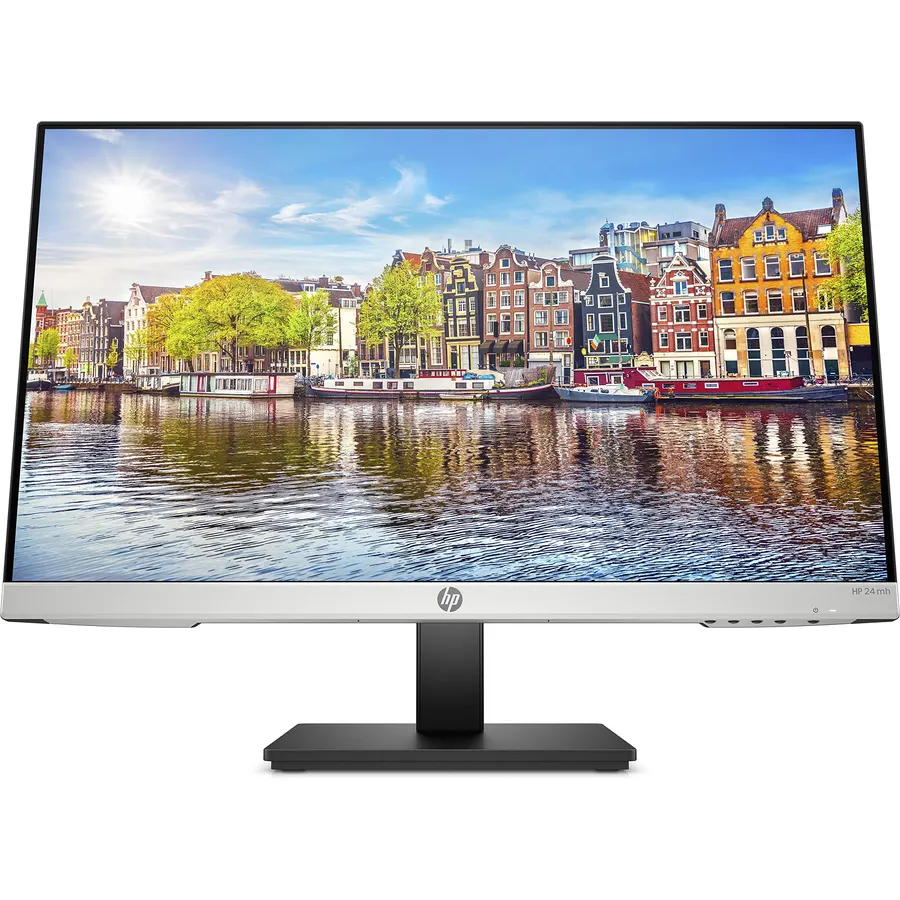
The HP 24mh is the monitor that 25,000 people bought for a home office and rated 4.7 stars: a 23.8-inch IPS at 1080p and 75Hz, a stand that adjusts height as well as tilt, three video inputs and a pair of built-in speakers that owners describe as clear for calls and video and thin for music, which is honest. It is not for gaming and it is not big, but as a work-from-home screen with sound and no extra boxes it is the default choice, and the one we would hand a relative.
- The best-rated monitor on this page by a wide margin
- Height-adjustable stand at a budget price
- IPS color and viewing angles
- HDMI, DisplayPort and VGA
- Speakers are fine for calls, thin for music
- 75Hz, not a gaming monitor
- 1080p only
Dell S2725HS 27 Inch Monitor, FHD (1920x1080) Display, 100Hz Refresh Rate, 1500:1 Contrast Ratio, TUV Rheinland Eye Comfort 4 Star, Integrated 2x5W Speaker, Height/Tilt/Swivel/Pivot- Ash White Color
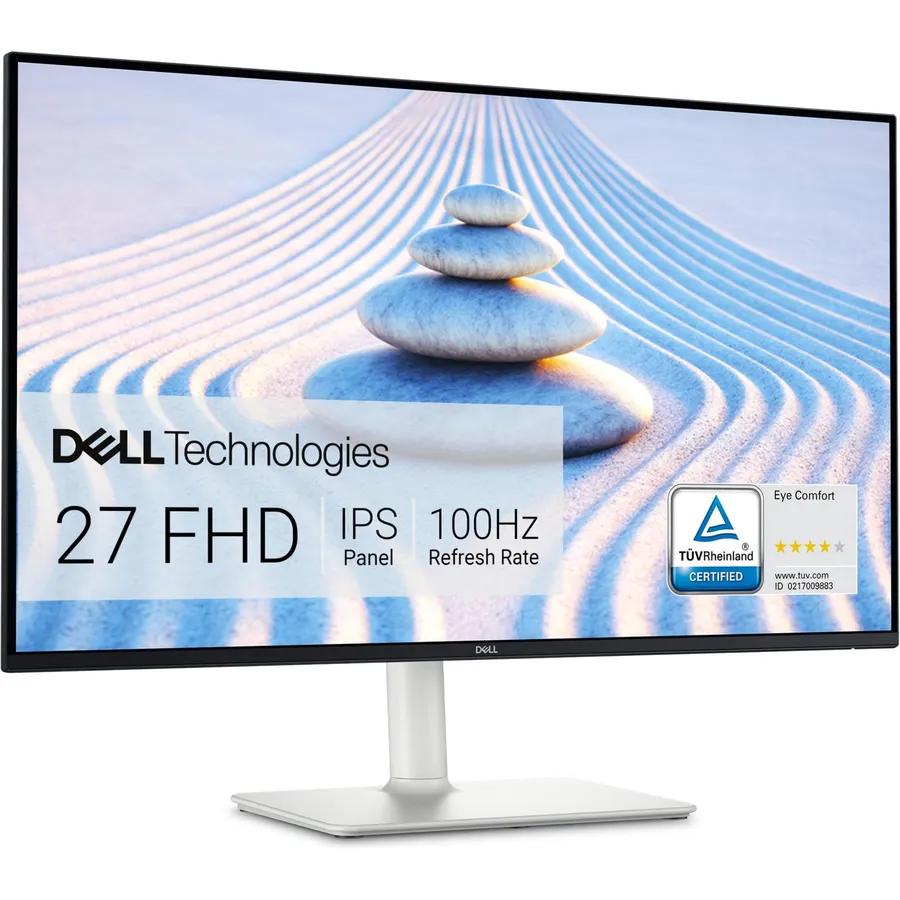
The S2725HS is the pick when the speakers matter as much as the screen: Dell’s re-engineered 2 x 5-watt pair has more output and deeper response than anything else on the page, enough for a bedroom TV substitute. The 27-inch IPS runs 1080p at 100Hz with 1500:1 contrast and a TUV-certified low-blue-light mode, and the stand adjusts every way including pivot. Two HDMI inputs cover a PC and a console, though there is no DisplayPort. 1080p on 27 inches is the one thing to know before buying for text work. Owners rate it 4.6 stars.
- 2 x 5 watts: the loudest, fullest speakers here
- Full stand including pivot
- 100Hz IPS with 1500:1 contrast
- 1,100 owners at 4.6 stars
- 1080p on 27 inches is a little soft for text
- HDMI only, no DisplayPort
- White finish
Sceptre 24-inch Prime Monitor Thin 1080p LED Monitor 99% sRGB 2x HDMI VGA Build-in Speakers, Machine Black (E248W-19203R)
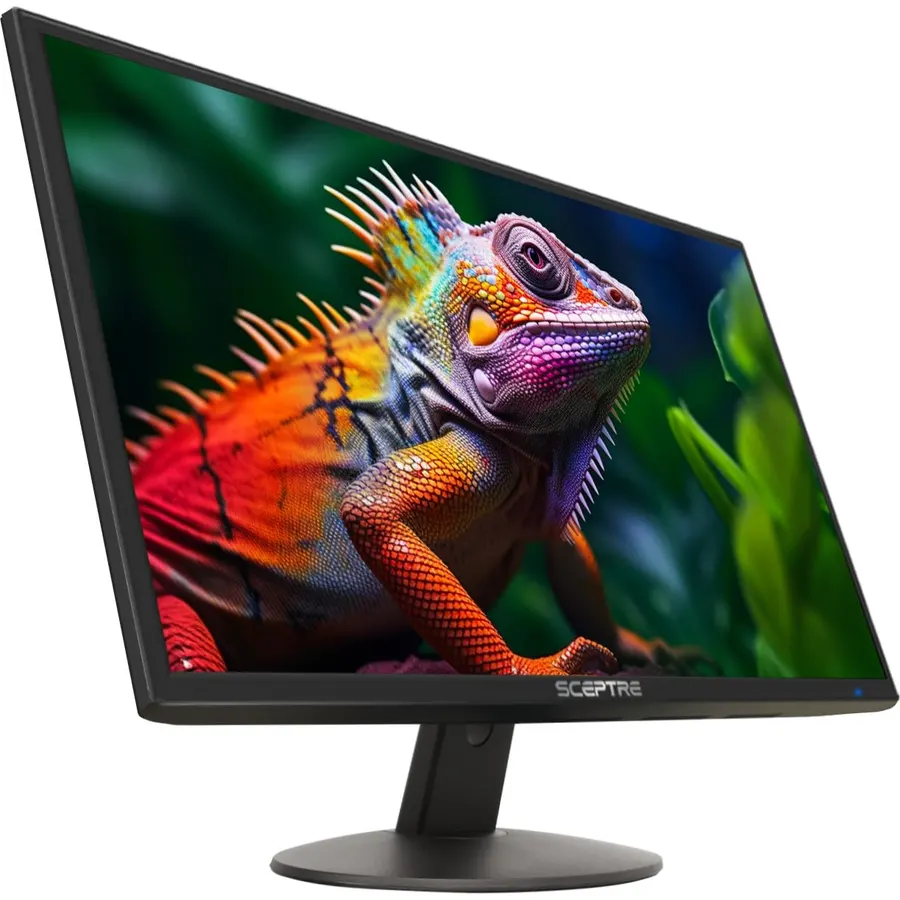
The Sceptre E248W is the budget staple: a thin-bezel 24-inch 1080p panel at 75Hz with 99 percent sRGB, two HDMI inputs, VGA and built-in speakers, at a price that is often the lowest of any monitor with sound. The stand only tilts and the speakers are for notifications and calls rather than films, but 28,000 owners rate it 4.6 stars, which for a monitor this cheap is remarkable. Our 24-inch monitors guide compares it with the HP above in more detail.
- 28,000 owners at 4.6 stars, the most-reviewed monitor here
- Two HDMI inputs and VGA
- Thin bezels, 99% sRGB
- Usually the cheapest pick on the page
- Tilt-only stand
- Speakers are basic
- 75Hz
Sceptre Curved 24-inch Gaming Monitor 1080p R1500 98% sRGB HDMI x2 VGA Build-in Speakers, VESA Wall Mount Machine Black (C248W-1920RN Series)
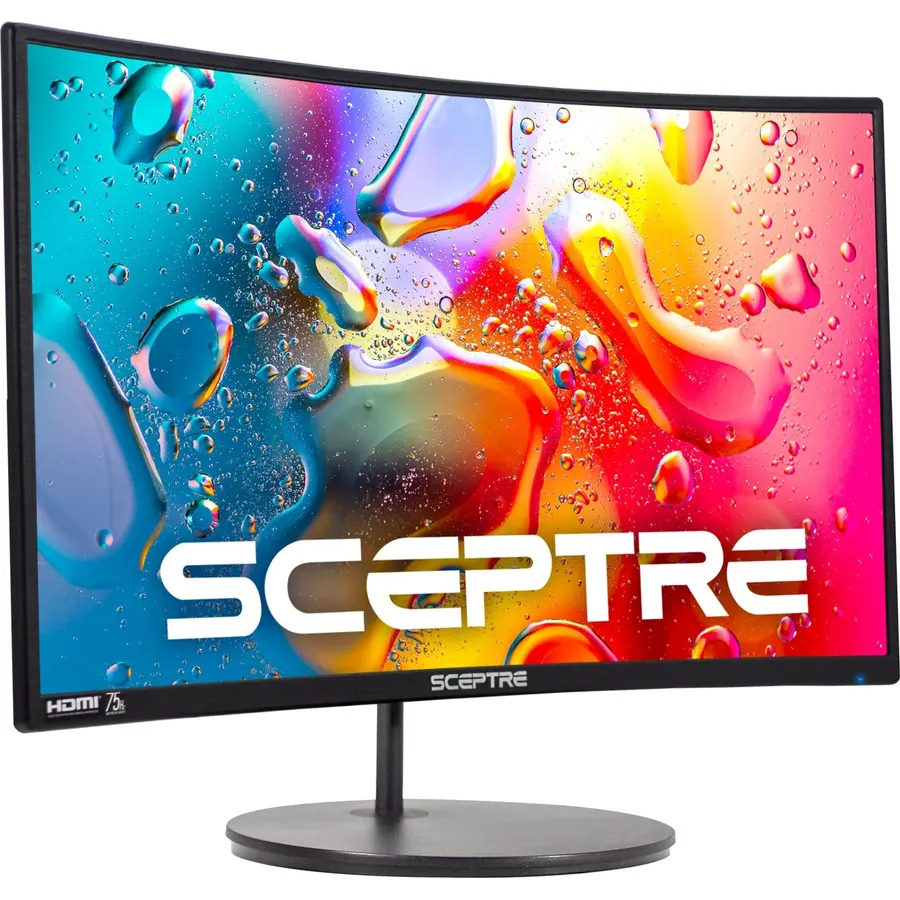
The curved Sceptre C248W adds an 1800R VA panel to the E248W recipe: deeper contrast, the same 1080p 75Hz, two HDMI inputs plus VGA, built-in speakers and a 3.5mm audio input so a PC on VGA still gets sound. The “gaming” in the name refers to the curve rather than the refresh rate, so treat it as a budget media monitor. With 23,000 reviews at 4.6 stars it is a safe cheap buy for a dorm or a second desk.
- Curved VA contrast at a budget price
- Audio-in jack as well as HDMI audio
- 23,000 owners at 4.6 stars
- Two HDMI inputs
- 75Hz despite the gaming label
- Tilt-only stand
- Curve on a 24 is mostly cosmetic
Sceptre Curved 27-inch Prime Monitor up to 100Hz 1080p, HDMI x2, VGA, 99% sRGB, Built-in Speakers, R1500, Machine Black 2025 (C275W-1920RN Series)
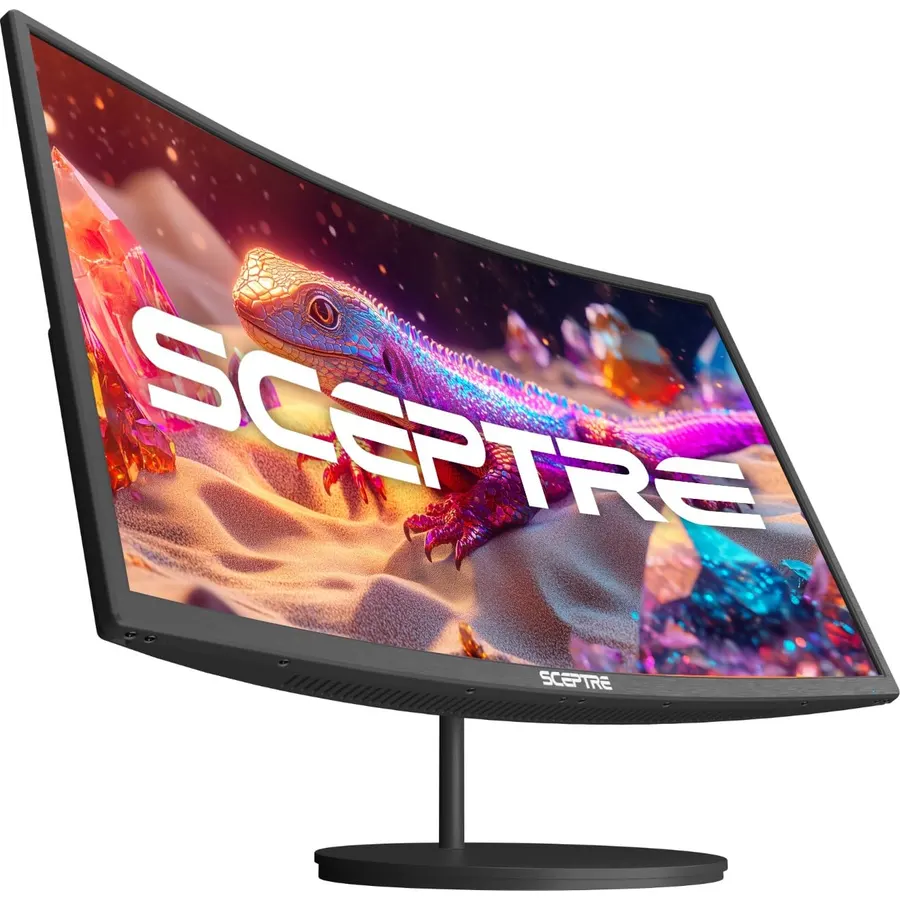
The C275W is the 27-inch version of Sceptre’s curved budget line, with the refresh rate raised to 100Hz and adaptive sync added, which makes it a usable casual gaming screen as well as a media monitor. The 1500R VA panel gives deep contrast and 99 percent sRGB, there are two HDMI inputs and VGA, and the speakers do the job for calls and video. 1080p is stretched at 27 inches for small text. Owners rate it 4.6 stars from 14,000 reviews.
- 27 inches at 100Hz with adaptive sync for very little money
- VA contrast suits films
- 14,000 owners at 4.6 stars
- Built-in speakers and two HDMI inputs
- 1080p on 27 inches
- Tilt-only stand
- Basic speakers
Sceptre E255B-1658A 25 FHD 1080p 165Hz 144Hz 1ms AMD FreeSync gaming LED Monitor 2x HDMI 2.0 1x DisplayPort RTS FPS Build-in Speakers, Machine Black
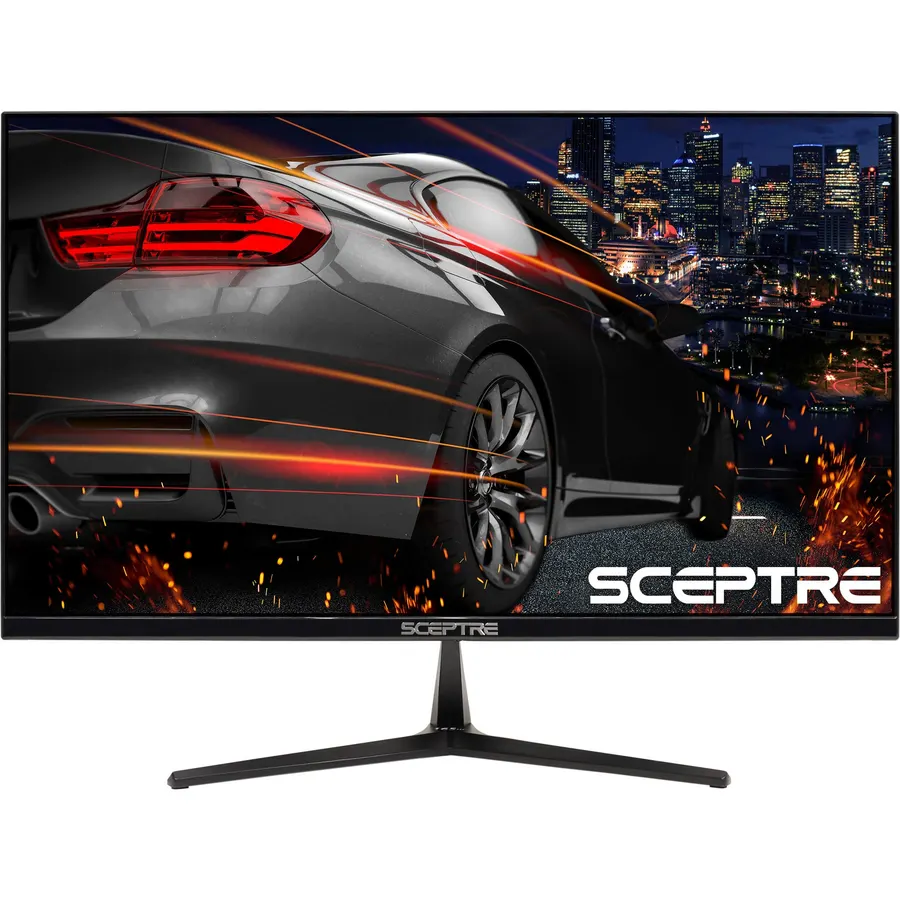
The E255B is the cheapest way to get a 165Hz 1ms gaming panel that also makes noise: a 24.5-inch 1080p screen with FreeSync, DisplayPort and two HDMI 2.0 inputs, FPS and RTS presets and built-in speakers for game audio without a headset. Colors and viewing angles are ordinary and the stand only tilts, but 6,600 owners rate it 4.6 stars. For a budget esports desk it is the pick; our 1080p gaming monitors guide compares it with the faster options.
- 165Hz and 1ms with speakers at a budget price
- DisplayPort plus two HDMI 2.0
- FreeSync
- 6,600 owners at 4.6 stars
- Tilt-only stand
- TN-style colors and angles
- Speakers are the weakest part
Dell 27 Plus Monitor - S2725HSM - 27-inch FHD (1920x1080) 144Hz 1ms Display, 2 x 3W Speakers, HDMI Connectivity, Height/Tilt/Pivot/Swivel Adjustability, AMD FreeSync - Ash White
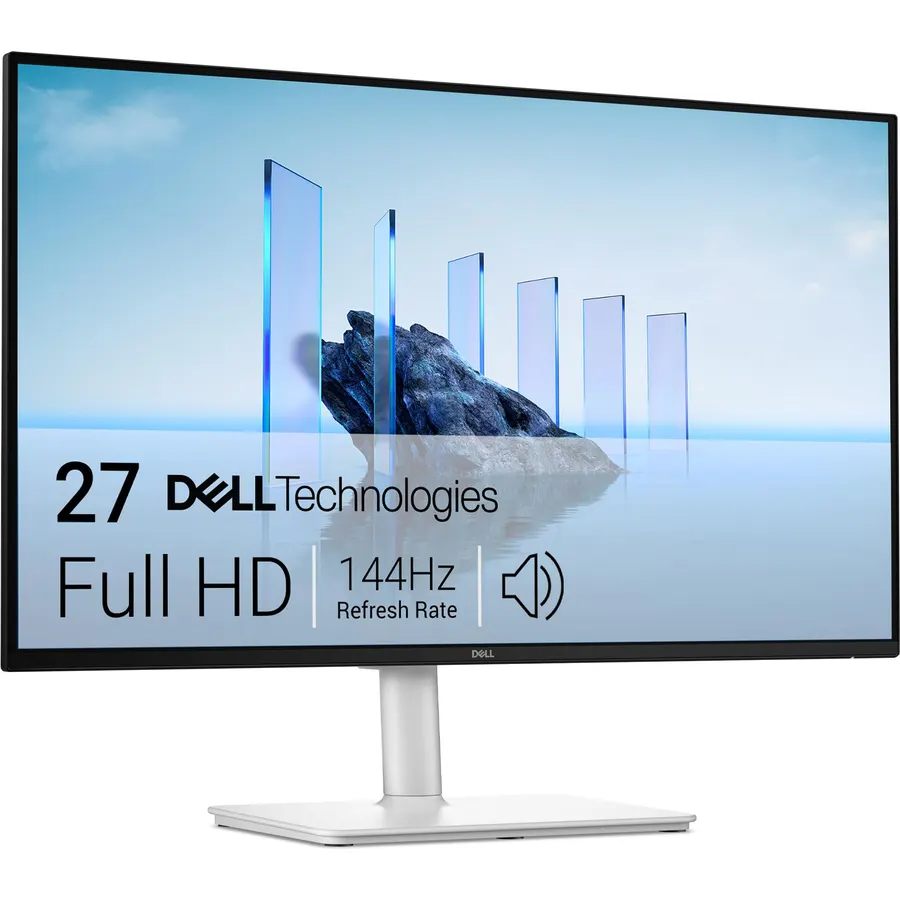
The Dell 27 Plus S2725HSM is the grown-up gaming pick: a 27-inch 1080p panel at 144Hz with a 1ms MPRT response and 1500:1 contrast, FreeSync, 2 x 3-watt speakers and a stand that adjusts height, pivot and swivel, from a brand with real support. It is HDMI-only and 1080p at 27 inches, which is why the Sceptre E255B’s 165Hz on a smaller panel can look sharper, but for a tidy desk that games and takes calls it is the better monitor. Owners rate it 4.6 stars from about 220 reviews so far.
- 144Hz, 1500:1 contrast and a full stand
- 2 x 3W speakers with more range than the budget picks
- Dell support
- 4.6 stars from owners
- Newer model with about 220 reviews
- HDMI only
- 1080p on 27 inches
LG 32UR500K-B Ultrafine 32-inch 4K UHD (3840x2160) Computer Monitor HDR10 Built-in Speaker x2 OnScreen Control Reader Mode Flicker Safe Borderless Design HDMIx2 DisplayPort Black
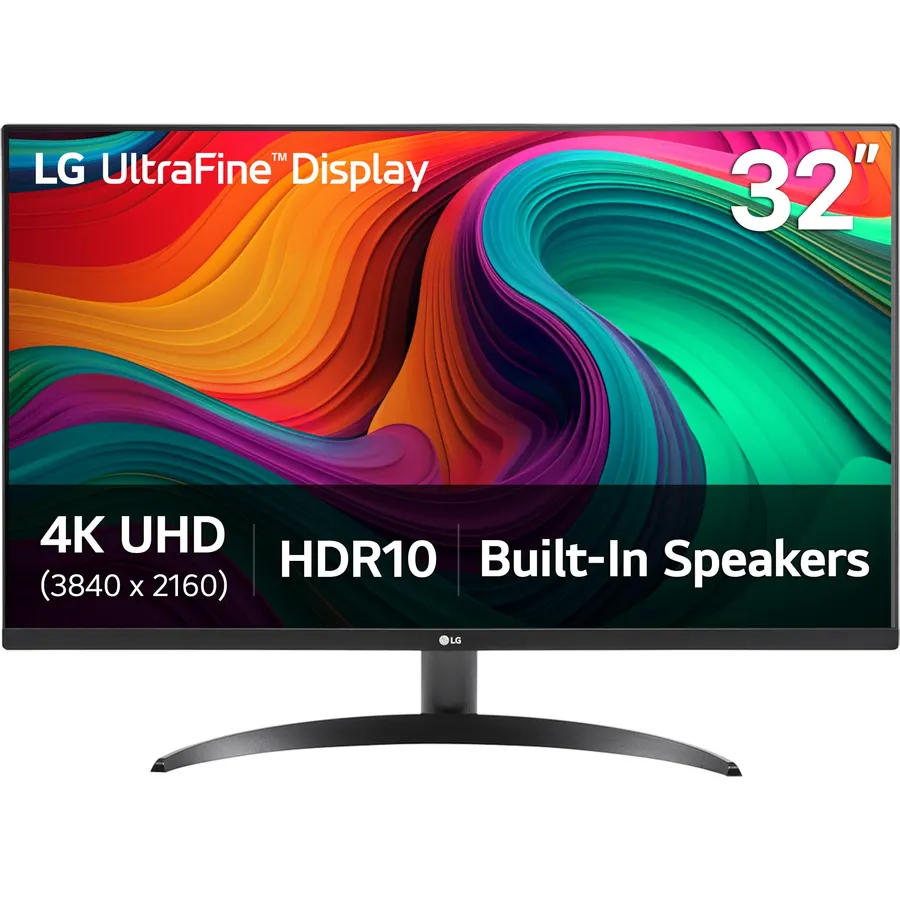
The 32UR500K-B is the one 4K pick here: a 32-inch VA panel at 3840 x 2160 with HDR10, 90 percent DCI-P3 and stereo speakers tuned with Waves MaxxAudio, which owners rate above the usual monitor fare. It runs 60Hz, so it is for work, video and consoles at 4K 60 rather than high-refresh gaming, and the stand only tilts. Two HDMI inputs and DisplayPort cover a desktop and a laptop. For a big, sharp screen with sound built in, it is the pick; our 32-inch 4K monitors guide covers the faster alternatives without speakers.
- 4K on 32 inches with HDR10 and 90% DCI-P3
- MaxxAudio speakers tuned better than most
- Two HDMI inputs and DisplayPort
- 4.4 stars from 500 owners
- 60Hz
- Tilt-only stand
- No USB-C
Compare the picks
| Product | Size and resolution | Refresh | Speakers | Stand | Owner rating | Our score | |
|---|---|---|---|---|---|---|---|
| HP 24mhHP | 23.8-inch 1080p IPS | 75Hz | Stereo | Height, tilt | 4.7 (25,000+) | 9.4 | See price |
| Dell S2725HSDell | 27-inch 1080p IPS | 100Hz | 2 x 5W | Height, pivot, swivel | 4.6 (1,000+) | 9.2 | See price |
| Sceptre E248WSceptre | 24-inch 1080p | 75Hz | Stereo | Tilt | 4.6 (28,000+) | 9.2 | See price |
| Sceptre C248W curvedSceptre | 24-inch 1080p VA | 75Hz | Stereo, audio in | Tilt | 4.6 (22,000+) | 9.2 | See price |
| Sceptre C275W curvedSceptre | 27-inch 1080p VA | 100Hz | Stereo | Tilt | 4.6 (14,000+) | 9.2 | See price |
| Sceptre E255BSceptre | 24.5-inch 1080p | 165Hz | Stereo | Tilt | 4.6 (6,600+) | 9.2 | See price |
| Dell 27 Plus S2725HSMDell | 27-inch 1080p | 144Hz | 2 x 3W | Height, pivot, swivel | 4.6 (220+) | 9.1 | See price |
| LG 32UR500K-BLG | 32-inch 4K VA | 60Hz | Stereo MaxxAudio | Tilt | 4.4 (500+) | 8.8 | See price |
How good are monitor speakers, honestly?
Most are 2 to 3 watts per channel in a thin plastic housing: clear voices, no bass, fine at desk distance for calls, podcasts and YouTube. The Dell S2725HS (2 x 5W) and the LG with MaxxAudio are a step up, enough for a bedroom film. None of them compete with a small soundbar or a pair of powered desktop speakers, so if music matters, treat the built-in pair as a backup and read our bookshelf speakers guide.
Getting sound to the speakers
HDMI and DisplayPort carry audio, so a PC or console connected that way just needs the monitor selected as the output device in the sound settings. VGA does not carry audio; the Sceptre C248W has a 3.5mm input for that case. Several picks have a headphone jack that passes the HDMI audio through, which is handy for a console. Volume is usually in the on-screen menu rather than on a knob, so set it once and use the computer’s volume control.
Which pick for which desk?
Home office: HP 24mh or Dell S2725HS. Tight budget: Sceptre E248W or C248W. Casual gaming and films: Sceptre C275W. Esports on a budget: Sceptre E255B. Gaming with a proper stand: Dell 27 Plus. Big 4K for work and video: LG 32UR500K-B. Our 27-inch monitors guide covers the same size range without the speaker requirement.
What is the best monitor with built-in speakers?
The HP 24mh for a home office: IPS, height-adjustable stand, clear speakers and 25,000 owners at 4.7 stars. For the best sound, the Dell S2725HS with 2 x 5-watt speakers.
Are monitor speakers good enough for video calls?
Yes. Every pick here is clear enough for Zoom, Teams and YouTube at desk distance. They lack bass for music and films, where a small soundbar or desktop speakers are better.
Do gaming monitors have speakers?
Some do: the Sceptre E255B (165Hz) and Dell 27 Plus S2725HSM (144Hz) here. Most high-end gaming monitors skip speakers and give you a headphone jack instead.
Can I use monitor speakers with a PS5 or Xbox?
Yes. Connect over HDMI, and the console sends audio to the monitor. The HP, Dell and Sceptre picks all take HDMI; the LG 32UR500K-B plays 4K at 60Hz from a console with sound.
Is there a 4K monitor with good speakers?
The LG 32UR500K-B is the 4K pick here, with stereo speakers tuned by Waves MaxxAudio that owners rate above average for a monitor. For higher refresh rates at 4K you give up the speakers on most models.
Prices and stock change daily. The buttons above open Amazon so you always see the current price. We may earn a commission if you buy through them, at no extra cost to you.
Do Best Deal is a participant in the Amazon Services LLC Associates Program. As an Amazon Associate we earn from qualifying purchases. If you buy through links on this site we may earn a commission, at no extra cost to you. Learn more.
