A monitor at this price used to mean a dim 60Hz panel with a wobbly stand. It does not any more: the budget screens in our monitors catalog now run at 100Hz to 200Hz, cover 99 percent of sRGB, and several have built-in speakers and DisplayPort. The differences that remain are panel type (VA for contrast, IPS for viewing angles), whether the stand does anything beyond tilt, and which ports are on the back. We ranked every monitor that sat at or under the budget cap at the time of writing by refresh rate, panel, connectivity and what tens of thousands of owners report after daily use.
We have not measured every panel ourselves; the verdicts rest on the spec sheets and the owner review history. Prices are not printed because they move daily and these monitors cross the cap in both directions; every button opens the live Amazon page. If the budget can stretch a little, our budget monitors under $150 guide adds 1440p and better stands, and for a second screen that travels, see portable monitors for laptops.
How we picked
- At or under the cap at the time of writing; these prices move, so check the live page.
- At least 75Hz, and most picks run 100Hz or faster, which makes scrolling and casual games smoother than the 60Hz office standard.
- Full HD on 22 to 27 inches. No 720p panels, and no 27-inch screens below 1080p.
- Useful ports. Every pick has at least one HDMI input; we note which add DisplayPort, VGA or speakers.
- Owner ratings of 4.5 stars or better, and most picks have thousands of reviews.
The picks
Sceptre 24-inch Prime Monitor Thin 1080p LED Monitor 99% sRGB 2x HDMI VGA Build-in Speakers, Machine Black (E248W-19203R 2025 Series)
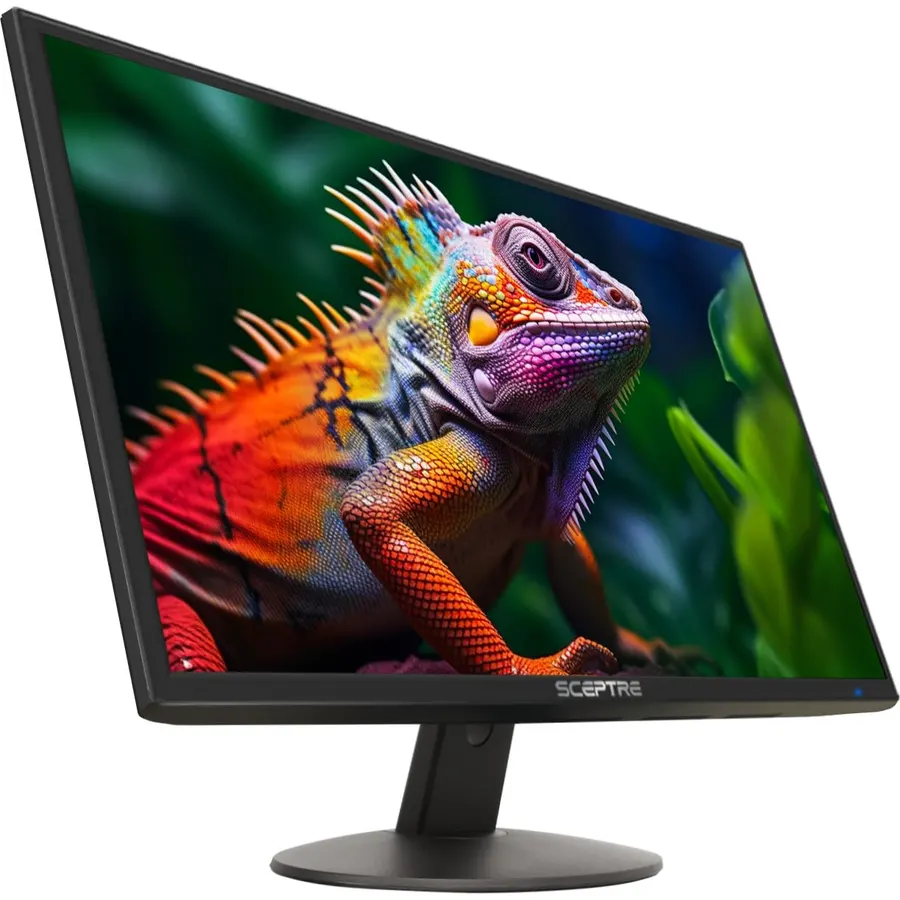
The Sceptre E248W is the budget monitor more people buy than any other, and 28,000 owners averaging 4.6 stars is the reason it ranks first. It is a 24-inch 1080p panel covering 99 percent of sRGB, refreshes at up to 100Hz over HDMI, and packs two HDMI ports, a VGA input, a headphone jack and built-in speakers into a thin frame with a VESA mount on the back. Sceptre’s Blue Light Shift and FPS and RTS presets are simple but useful. The stand only tilts, and the speakers are there for alerts rather than films, which are the two things owners mention. For a home office, a student desk or a console in a bedroom, it does everything a monitor at this price needs to do.
- 28,000 owner reviews at 4.6 stars, the most-trusted budget monitor on Amazon
- 99% sRGB and up to 100Hz over HDMI
- Two HDMI ports plus VGA for an old PC
- Built-in speakers and a thin frame
- Tilt-only stand
- Panel type is not stated; expect narrower viewing angles than IPS
- Speakers are for notifications, not music
Sceptre Curved 24-inch Gaming Monitor 1080p R1500 98% sRGB HDMI x2 VGA Build-in Speakers, VESA Wall Mount Machine Black (C248W-1920RN Series)
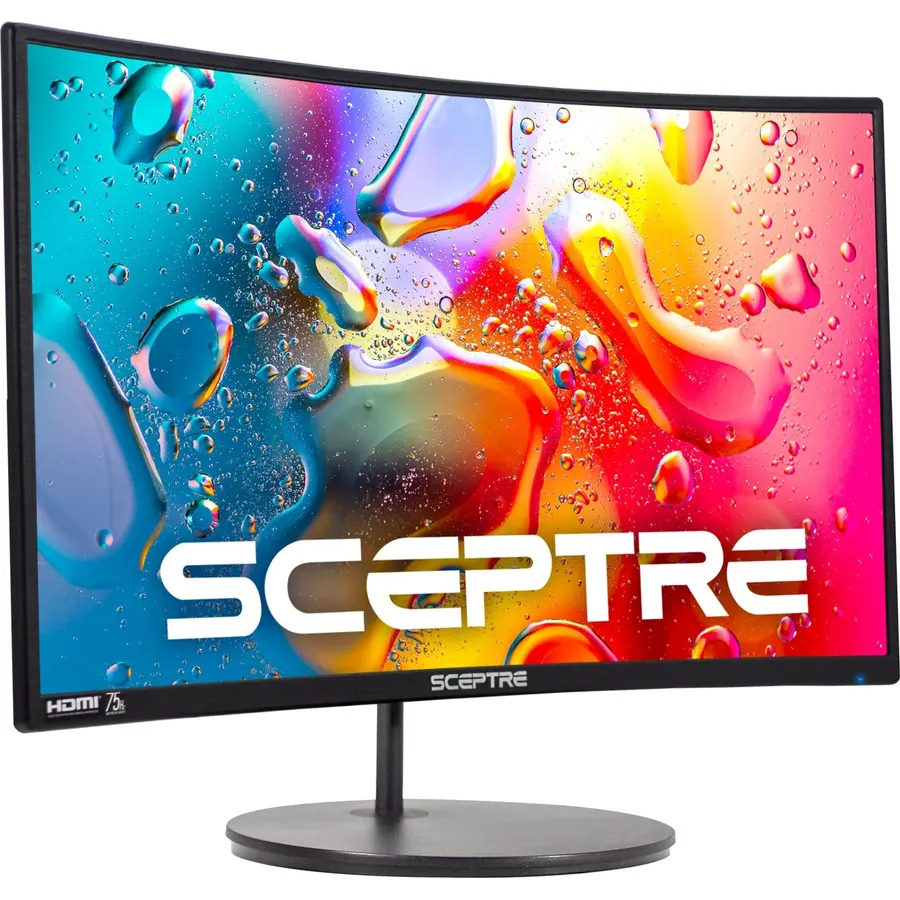
The Sceptre C248W is the curved sibling of the E248W and nearly as popular: 22,000 owners rate it 4.6 stars. The 24-inch 1080p panel wraps gently around you, which at this size is more of a styling point than a change in how games look, and it covers 98 percent of sRGB at 250 nits with the same two HDMI ports, VGA, audio input and built-in speakers. The brushed-metal pattern on the back is a nicer finish than most budget monitors manage. It refreshes at 75Hz, which is the slowest on this page and the reason the flat E248W ranks above it, but 75Hz with the curve is still a step up from a 60Hz office panel for films and casual games. The stand tilts only.
- 22,000 owners at 4.6 stars
- Curved panel at a flat-panel price
- Two HDMI ports and speakers
- Brushed metal finish looks dearer than it is
- 75Hz, the slowest refresh on this page
- Curve on a 24-inch screen is subtle
- Tilt-only stand and no DisplayPort
KOORUI 24-inch Computer Monitor FHD 100Hz VA HDMI/VGA, Audio Out
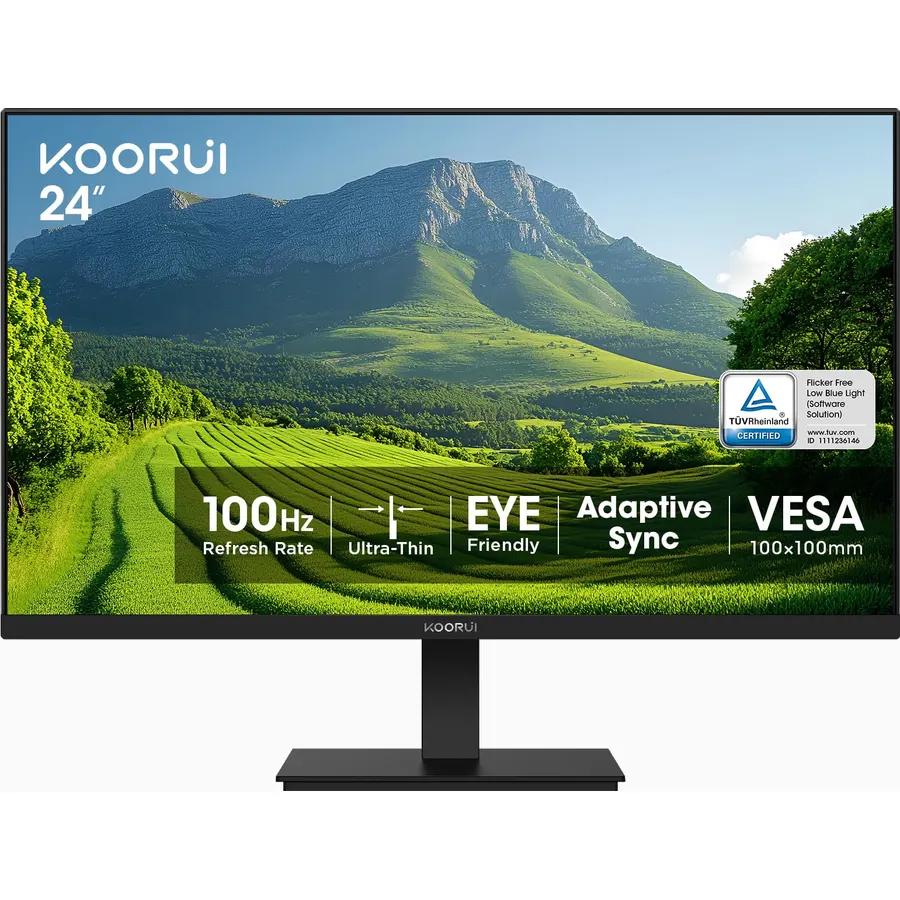
The KOORUI 24-inch is the office pick: a VA panel with a 4000:1 contrast ratio, 99 percent sRGB coverage, and a 100Hz refresh rate with Adaptive-Sync that makes scrolling long documents noticeably smoother than a 75Hz screen. It is TUV Rheinland certified for low blue light and flicker-free operation, which matters for eight-hour days, and the three-sided slim bezel pairs neatly with a second one. KOORUI is clear about the limits: HDMI and VGA inputs only, no DisplayPort, and no speakers, just a 3.5mm output for headphones or desktop speakers. The stand tilts and there is a VESA mount. About 15,000 owners rate it 4.5 stars, mostly for the contrast and the price, with the odd complaint about color shifting when viewed from the side.
- 15,000 owners at 4.5 stars
- 4000:1 VA contrast gives deep blacks for the price
- TUV-certified low blue light and flicker-free
- Slim three-sided bezel suits a dual setup
- HDMI and VGA only, no DisplayPort
- No speakers, audio out only
- VA viewing angles shift color off-axis
Acer Nitro 23.8in FHD 1920x1080 IPS 200Hz Gaming Monitor KG241Y X1biip
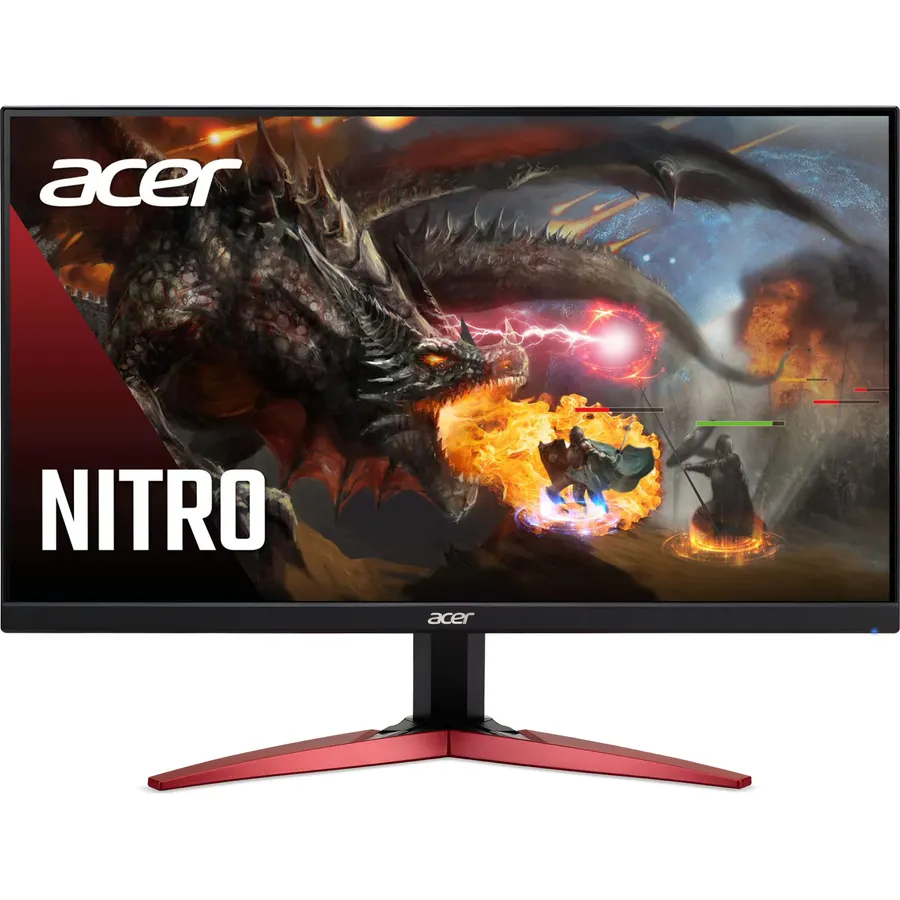
The Acer Nitro KG241Y is the gaming pick because nothing else at this price gives you a 200Hz IPS panel. It is 23.8 inches at 1080p, which is the right size for the resolution, with a response time down to 0.5ms, AMD FreeSync Premium to keep frames and refresh in step, and 99 percent sRGB coverage so it does not look washed out next to a VA monitor. The zero-frame bezel is thin on three sides. There are no speakers and the stand only tilts, which is normal at this price, and you will want a DisplayPort cable to reach the full 200Hz. About 4,100 owners rate it 4.5 stars; the praise is for smoothness in shooters on a cheap PC or a console, the gripe is the basic stand.
- 200Hz IPS at this price is unmatched on the page
- FreeSync Premium removes tearing
- 4,100 owners at 4.5 stars
- 99% sRGB with IPS viewing angles
- Tilt-only stand
- No speakers
- Needs DisplayPort for the full 200Hz; check your cable
Sceptre E255B-1658A 25 Inch FHD 1080p 165Hz 144Hz 1ms AMD FreeSync gaming LED Monitor 2x HDMI 2.0 1x DisplayPort RTS FPS Build-in Speakers, Machine Black, Metallic Black
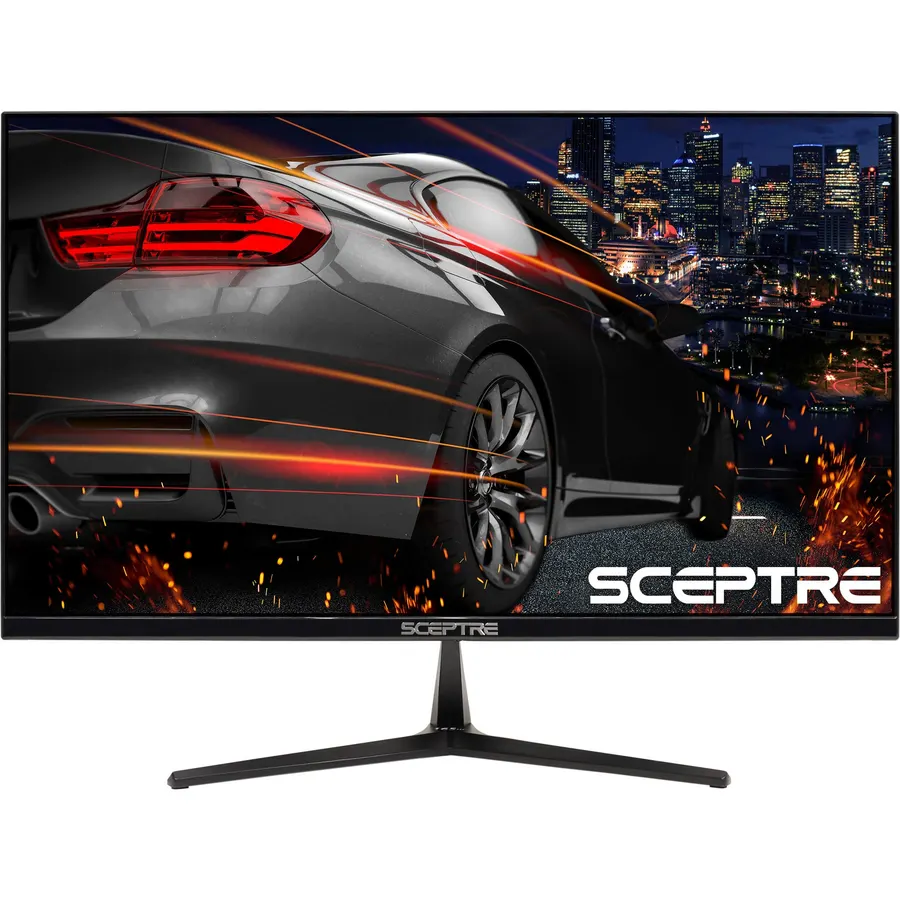
The Sceptre E255B is the budget monitor for a gamer who also wants speakers and DisplayPort. The 25-inch 1080p panel runs at 165Hz over DisplayPort or 144Hz over its two HDMI 2.0 ports with a 1ms response and AMD FreeSync, and at 300 nits it is brighter than most of the page. Sceptre adds its FPS and RTS presets and an anti-flicker backlight. More than 6,600 owners rate it 4.6 stars, which for a fast panel at this price is remarkable. The compromises are the narrow viewing angles of a fast panel, a tilt-only stand, and a price that hovers at the cap, so check the live page. If the Acer’s 200Hz IPS is sold out or over budget, this is the alternative.
- 165Hz and 1ms with 6,600 owners at 4.6 stars
- DisplayPort plus two HDMI 2.0
- Built-in speakers, rare on a gaming monitor this cheap
- 300 nits, brighter than most budget panels
- Sits right at the budget cap and crosses it on some days
- Tilt-only stand
- Fast-panel viewing angles are narrower than the IPS picks
Sceptre 27-inch Prime Gaming Monitor 100Hz 1ms DisplayPort HDMI x2 100% sRGB AMD FreeSync Build-in Speakers, Eye Care Frameless Machine Black 2025 (E275W-FW100T Series)
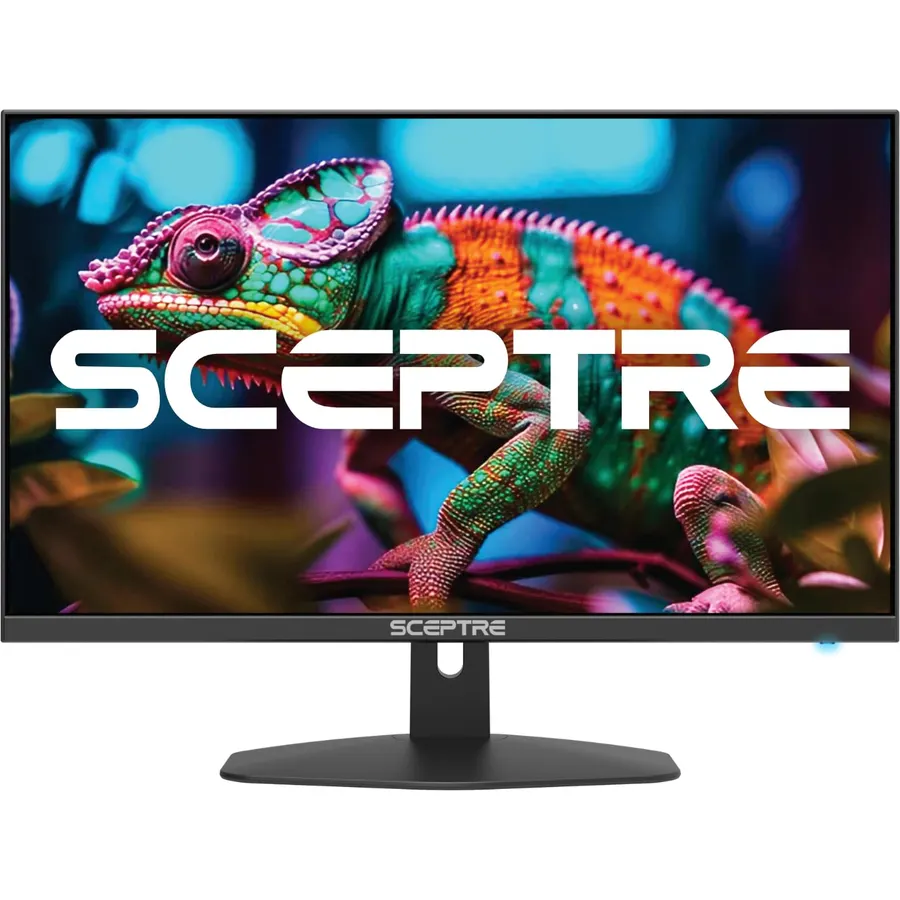
The Sceptre E275W is the 27-inch pick, and the only 27-inch monitor at this price we found with DisplayPort, two HDMI ports and speakers together. The panel covers 100 percent of sRGB, runs at 100Hz with a 1ms response and AMD FreeSync, and sits in a frameless bezel that lines up neatly beside a second screen. It has Sceptre’s Blue Light Shift and FPS and RTS modes and a VESA mount. The honest caveat about any 27-inch 1080p monitor applies: at normal desk distance you can make out pixels in small text, so it suits video, games and larger fonts better than dense spreadsheets. About 3,000 owners rate it 4.5 stars, and the complaints are the tilt-only stand and thin speakers rather than the picture.
- 27 inches with DisplayPort and speakers at this price
- 100% sRGB and 100Hz with FreeSync
- 3,000 owners at 4.5 stars
- Frameless design for a dual setup
- 1080p on 27 inches shows pixels up close
- Tilt-only stand
- Hovers around the cap
LG 24U411A-B 24-inch Full HD (1920 x 1080) IPS Computer Monitor, 120Hz, HDR10, Reader Mode, Flicker Safe, HDMI, Slim Stand Base, Black
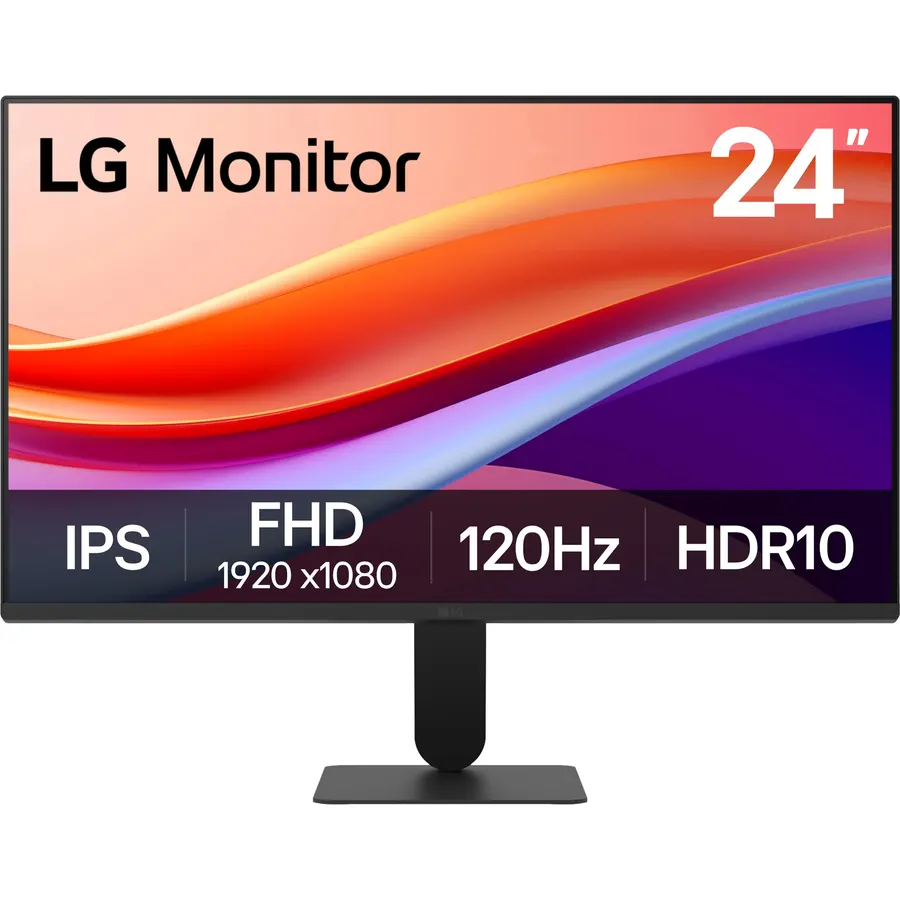
The LG 24U411A-B is the pick for anyone who wants an IPS panel and a brand with a service network at this price. The 23.8-inch 1080p screen refreshes at 120Hz with LG’s 1ms Motion Blur Reduction, covers up to 99 percent of sRGB with HDR10 support, and has Reader Mode and Flicker Safe for long sessions. The three-side borderless bezel and slim stand base look more expensive than the price, and LG’s Switch app splits the screen into layouts for multitasking. Connectivity is the trade: a single HDMI input, no DisplayPort, no VGA and no speakers. About 940 owners rate it 4.6 stars, praising the colors and the smooth 120Hz desktop, with the lone HDMI port the only common complaint.
- IPS at 120Hz from a major brand on this budget
- 940 owners at 4.6 stars
- Reader Mode and Flicker Safe for long days
- Ultra-slim bezels and a clean stand
- HDMI only, no DisplayPort or VGA
- No speakers
- Fewer reviews than the Sceptre and KOORUI picks
Philips 27 Inch Computer Monitor FHD 100Hz VA VESA Eye Care, 271V8LB
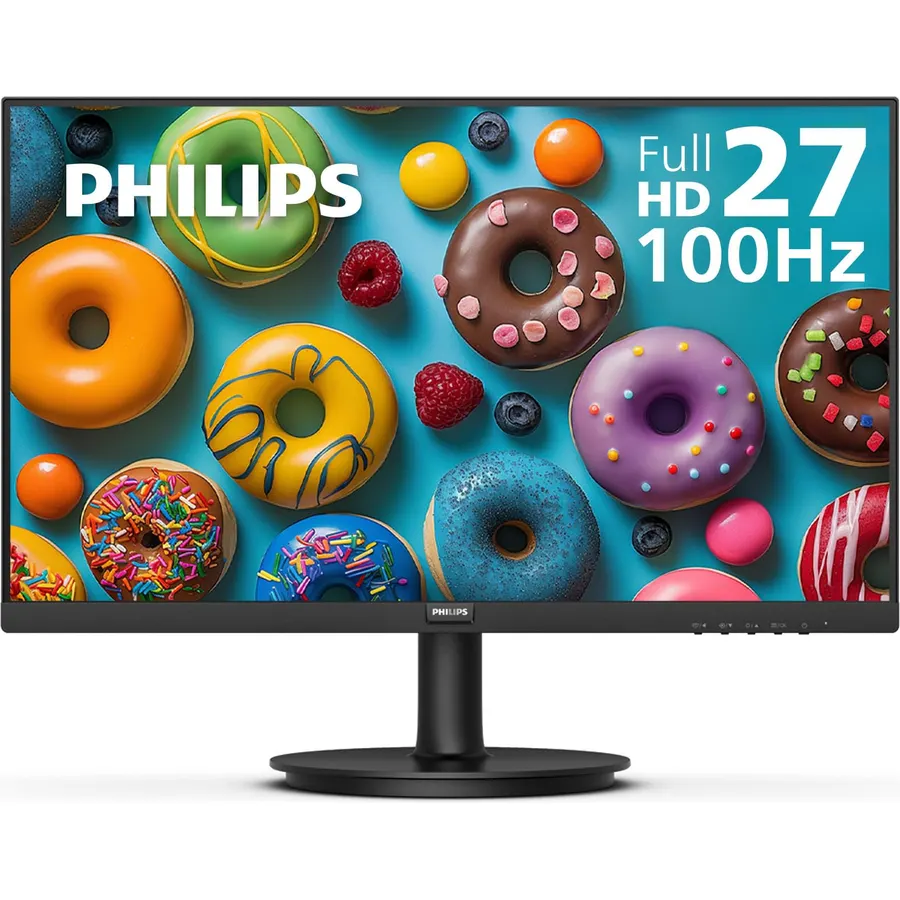
The Philips 271V8LB is the office alternative to the Sceptre 27-inch: a 27-inch 1080p VA panel at 100Hz with Adaptive-Sync, wide 178-degree viewing angles, and an EasyRead mode that gives documents a paper-like, low-contrast look for long reading sessions. The bezel is virtually gone on three sides, which Philips pitches for multi-monitor desks, and the stand tilts with a VESA mount for an arm. It has no speakers, and like every 27-inch 1080p monitor it is better for video and larger text than for dense spreadsheets. It sits right at the budget cap, so check the live price. About 1,200 owners rate it 4.6 stars, the joint-highest rating here, mostly for a clean, bright picture from a familiar brand.
- 1,200 owners at 4.6 stars
- VA contrast with wide 178-degree viewing angles
- EasyRead mode for long documents
- Bezel-free on three sides for dual setups
- Right at the cap on most days
- No speakers
- 1080p on 27 inches is soft for small text
Compare the picks
| Product | Size / panel | Refresh rate | Ports | Speakers | Owner rating | Our score | |
|---|---|---|---|---|---|---|---|
| Sceptre E248W 24-inchSceptre | 24-inch 1080p | Up to 100Hz | 2x HDMI, VGA | Yes | 4.6 (28,000+) | 9.2 | See price |
| Sceptre C248W curvedSceptre | 24-inch 1080p curved | 75Hz | 2x HDMI, VGA | Yes | 4.6 (22,000+) | 9.2 | See price |
| KOORUI 24-inchKOORUI | 24-inch 1080p VA | 100Hz | HDMI, VGA | No, audio out | 4.5 (15,000+) | 9.0 | See price |
| Acer Nitro KG241YAcer | 23.8-inch 1080p IPS | 200Hz | HDMI, DisplayPort | No | 4.5 (4,100+) | 9.0 | See price |
| Sceptre E255B 25-inchSceptre | 25-inch 1080p | 165Hz | 2x HDMI 2.0, DisplayPort | Yes | 4.6 (6,600+) | 9.2 | See price |
| Sceptre E275W 27-inchSceptre | 27-inch 1080p | 100Hz | DisplayPort, 2x HDMI | Yes | 4.5 (3,000+) | 9.0 | See price |
| LG 24U411A-BLG | 23.8-inch 1080p IPS | 120Hz | HDMI | No | 4.6 (940+) | 9.2 | See price |
| Philips 271V8LBPhilips Computer Monitors | 27-inch 1080p VA | 100Hz | HDMI, VGA | No | 4.6 (1,200+) | 9.2 | See price |
VA or IPS on a budget?
The KOORUI and the Philips are VA panels, and Sceptre does not state the panel type for its Prime models. VA gives a contrast ratio of 3000:1 or more, so blacks look black and films look rich, but colors shift when you look from the side and the response is slower in fast games. The Acer Nitro and the LG are IPS: colors stay consistent from any angle and motion is cleaner, with the trade of lower contrast and a greyer black in a dark room. For a desk where you sit square to one screen, VA is fine and often looks better; for a dual setup where the second screen sits at an angle, or for a shared screen that people watch from the sofa, IPS is the safer buy.
Size and resolution at this price
Every pick is 1080p, so the size decides how sharp it looks. At 24 inches (the Sceptres, KOORUI, Acer and LG), 1080p is about 92 pixels per inch, which is crisp at arm’s length for text and spreadsheets. At 27 inches (the Sceptre E275W and Philips) the same pixels are spread over more glass, about 82 per inch, so small text softens and the screen suits video, games and larger fonts better. If you want 27 inches for documents, the honest advice is to spend a little more on a 1440p panel; our 27-inch monitors guide has those. A 25-inch screen like the Sceptre E255B is the comfortable middle.
Ports, stands and speakers
Check the back of the monitor against the computer before buying. A modern laptop or desktop uses HDMI or DisplayPort; the Acer, Sceptre E255B and Sceptre E275W include DisplayPort, which is needed for their highest refresh rates. An old office PC may need VGA, which the Sceptre 24-inch models, KOORUI and Philips still carry and the LG and Acer do not. Every pick here has a tilt-only stand, which is the budget norm; all of them take a 100 x 100 VESA mount, so an inexpensive monitor arm adds height and swivel for less than the step up to a monitor with a better stand. Built-in speakers (the three Sceptres) are handy for calls and video; for music you will still want external speakers through the headphone jack.
Can a monitor under 100 dollars be good for gaming?
Yes for 1080p gaming. The Acer Nitro KG241Y runs at 200Hz with FreeSync Premium and the Sceptre E255B at 165Hz with 1ms response, which is more than a budget graphics card or a console can feed.
Do these monitors work with a PS5 or Xbox?
Yes, all of them connect over HDMI and show 1080p. Consoles run at 60Hz or 120Hz, so the 100Hz and faster picks give the smoothest result; none of them support 4K or HDMI 2.1 features.
Which budget monitor is best for a MacBook?
Any of them over HDMI with a USB-C to HDMI adapter, since none have USB-C inputs. The IPS picks, the Acer and the LG, look closest to a Mac screen for color and viewing angles.
Is 100Hz noticeably better than 60Hz for office work?
Yes. Scrolling, dragging windows and moving the cursor look smoother, and many people find it easier on the eyes. It does not change how sharp text is; that depends on size and resolution.
Why do some of these monitors have no DisplayPort?
Cost. The Sceptre 24-inch models, KOORUI, LG and Philips use HDMI and in some cases VGA, which covers most computers. Only buy a DisplayPort model if your graphics card needs it for a high refresh rate.
Prices and stock change daily. The buttons above open Amazon so you always see the current price. We may earn a commission if you buy through them, at no extra cost to you.
Do Best Deal is a participant in the Amazon Services LLC Associates Program. As an Amazon Associate we earn from qualifying purchases. If you buy through links on this site we may earn a commission, at no extra cost to you. Learn more.

