You do not need a gaming panel to write essays, run spreadsheets or sit on video calls all day. You need a screen that is sharp enough at arm’s length, easy on the eyes for eight hours, and plugs into whatever laptop or desktop you already own. We went through our monitor catalog, kept the flat 22 to 32-inch models that cost less than $150 at the time of writing, and ranked the five with the strongest owner reviews.
We have not used every panel on this page ourselves, so where we rely on owner feedback we say so and quote the rating and review count. Prices are not printed because they change daily; every button opens the live Amazon page. If you want more screen for coding, our monitor guide for programmers explains when 1440p is worth the jump.
How we picked
- Under $150 at the time of writing. All five sat below that line when we checked; the buttons show today’s price.
- Owner ratings of 4.6 stars or higher, each with hundreds to thousands of reviews, and no pattern of dead-on-arrival complaints.
- Made for desk work. IPS panels for accurate color and wide viewing angles where possible, matte anti-glare coatings, flicker-free backlights and a low blue light mode.
- Ports you already have. Every pick has HDMI; four of the five also keep a VGA input for older office PCs.
- VESA 100 x 100 mounting on every pick, because the included stands are tilt-only and a $25 arm fixes that.
The picks
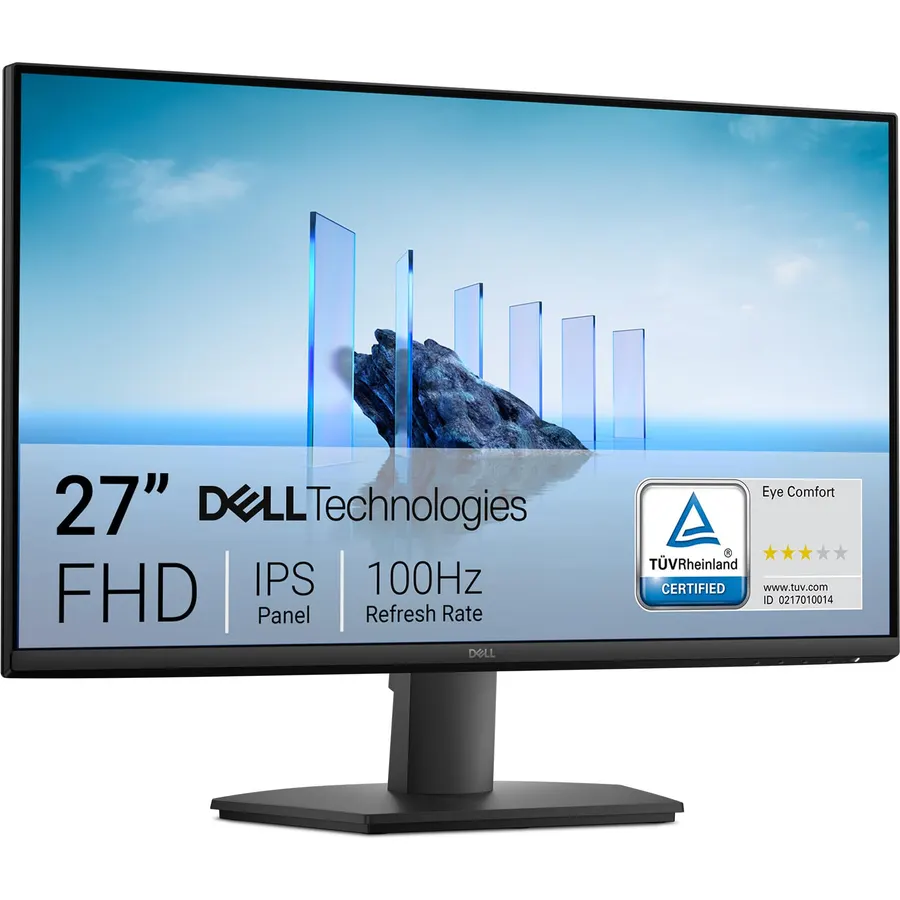
The SE2725HM is Dell’s basic 27-inch office monitor with a newer 100 Hz IPS panel, and owners like it more than anything else in this price range. The picture is bright enough at 250 nits, the matte coating kills window glare, and the TÜV-certified ComfortView Plus filter cuts blue light at the hardware level so colors stay natural. The stand only tilts, which is normal at this price, but the VESA 100 pattern means a cheap arm fixes that. If you sit close and read a lot of dense text, a 24-inch 1080p screen looks sharper; if you want space for two documents side by side, buy this.
- Highest owner rating on this page: 4.8 stars from 860+ reviews
- 100 Hz makes scrolling and cursor movement noticeably smoother than 60 Hz
- ComfortView Plus low blue light is always on, no orange tint
- Built-in power supply and cable holder, no brick on the floor
- 1080p on 27 inches is a little soft for small text
- Tilt-only stand with no height adjustment
- HDMI 1.4 and VGA only, no DisplayPort or USB-C
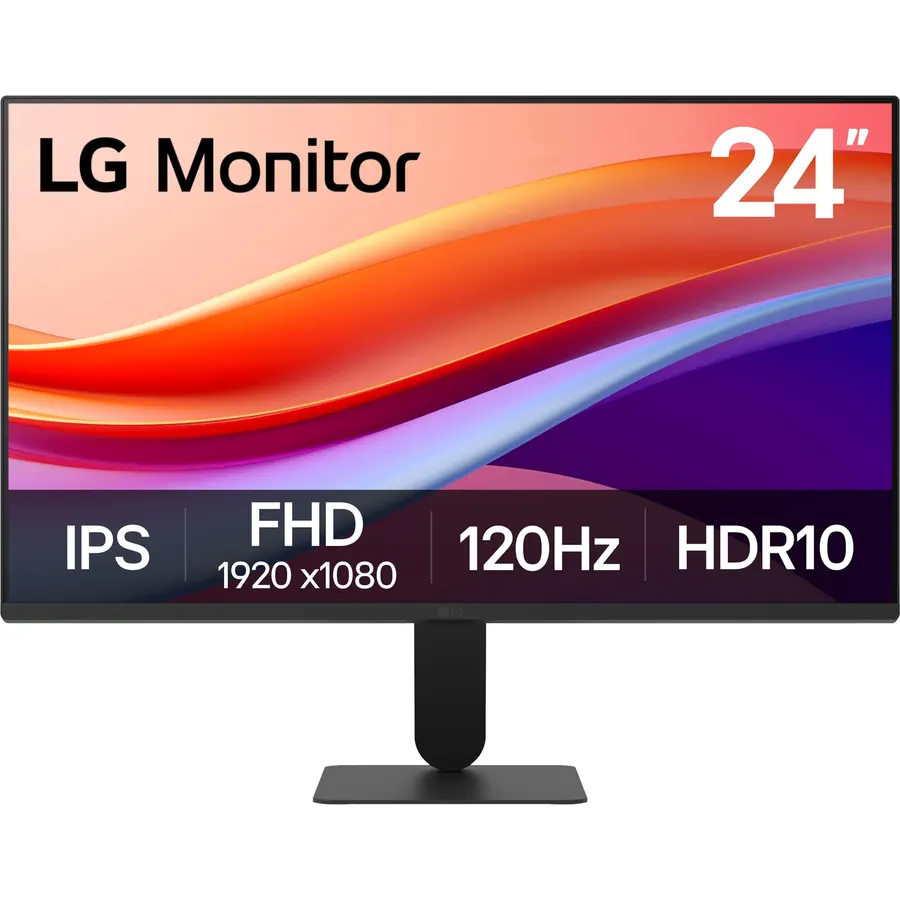
Students and anyone with a small desk should start here. The 24U411A-B pairs an IPS panel with a 120 Hz refresh rate and 1 ms motion blur reduction, which is unusual in an office monitor at this price, and the three-side borderless design suits a two-monitor setup. LG’s Reader Mode warms the picture for late-night reading and the backlight is flicker-free. It only has one HDMI port plus VGA, so plan on a laptop dock if you switch between two machines often. Owners rate it 4.6 stars and mostly praise the sharpness for the money.
- Sharpest text of the group: 1080p on 24 inches
- 120 Hz and FreeSync, so it doubles as a casual gaming screen
- Reader Mode and Flicker Safe for long study sessions
- 4.6 stars from 930+ owners
- Single HDMI input, so you swap cables between two devices
- No DisplayPort and no built-in speakers
- 250 nits is fine indoors but not next to a sunny window
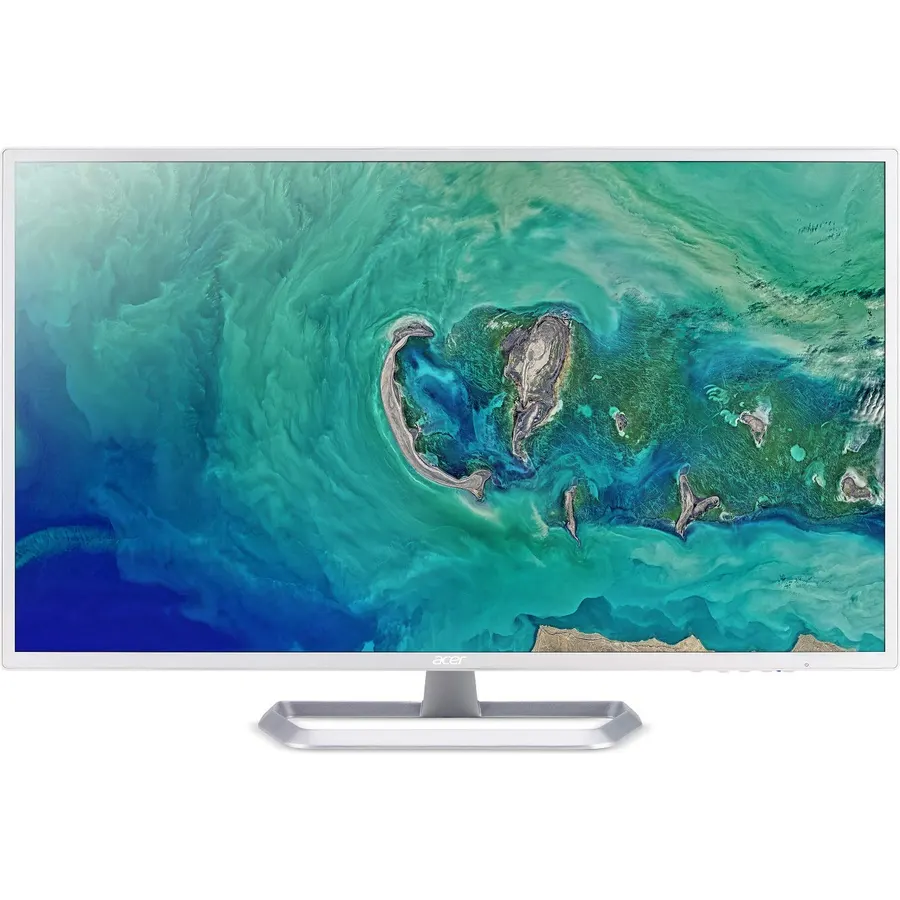
The EZ321Q is the monitor to buy when you want a big, bright screen for spreadsheets, video calls and Netflix, and you are not going to sit twelve inches from it. At 31.5 inches the 1080p panel has low pixel density, so text is easy to read from a distance but not crisp up close. What owners like is the size for the money, the IPS viewing angles and the white finish. One caution from the data: the Amazon title says 75 Hz while Acer’s listing says 60 Hz, so treat it as a 60 Hz monitor and be pleasantly surprised if it overclocks.
- 31.5 inches of IPS for less than most 27-inch screens
- Brightest panel here at 300 nits
- White and silver finish that suits a home office
- 4.6 stars from 2,900+ reviews, the most on this page
- 1080p is stretched thin at this size; text is large but soft
- Amazon lists 75 Hz while Acer's own spec sheet says 60 Hz
- Only one HDMI input
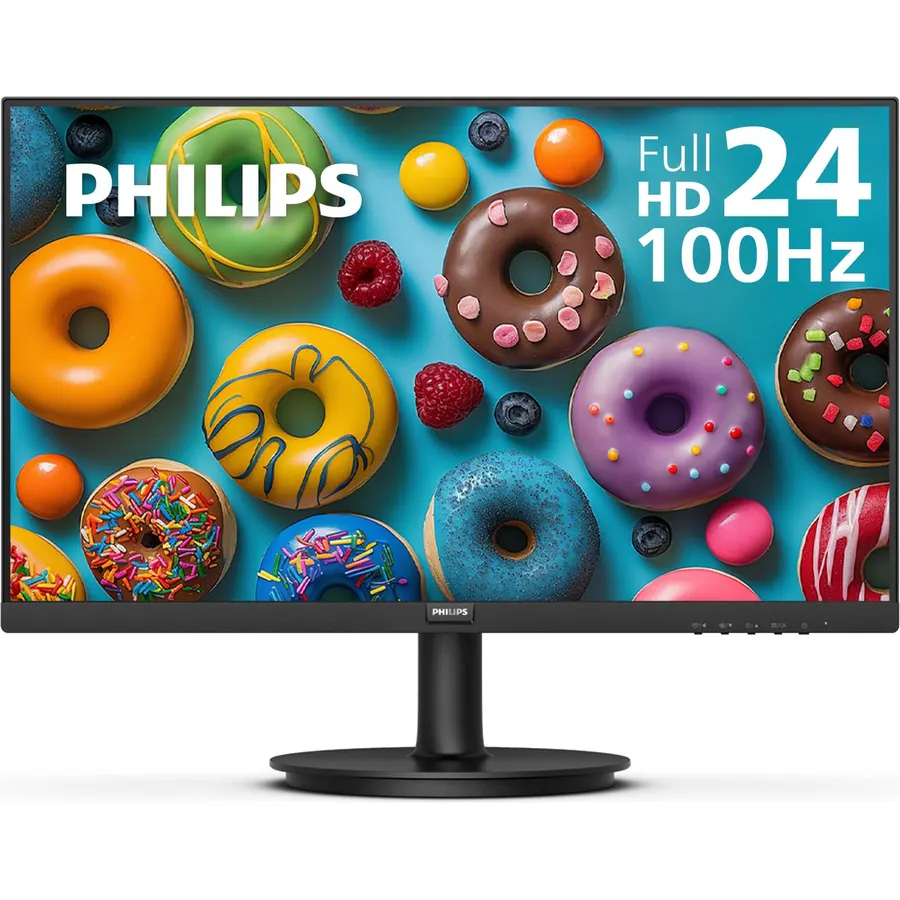
The 221V8LB costs about half of our top pick and gives up less than you would expect. The VA panel’s 3000:1 contrast makes movies and dark-mode editors look richer than the IPS screens above, and the 100 Hz refresh rate keeps scrolling smooth. Philips backs it with a four-year advance replacement warranty, which is rare at any price. It is the right size for a dorm desk, a second screen beside a laptop or a kitchen PC. Owners knock the stand and the small size, not the picture.
- Cheapest monitor on this page by a wide margin
- VA panel with 3000:1 contrast gives deeper blacks than the IPS picks
- 100 Hz and Adaptive-Sync
- Four-year advance replacement warranty, 4.6 stars from 2,100+ owners
- 21.5 inches is small as a primary screen
- VA viewing angles shift color at the edges when you sit off-center
- Flimsy-feeling stand, so a VESA arm is a good idea
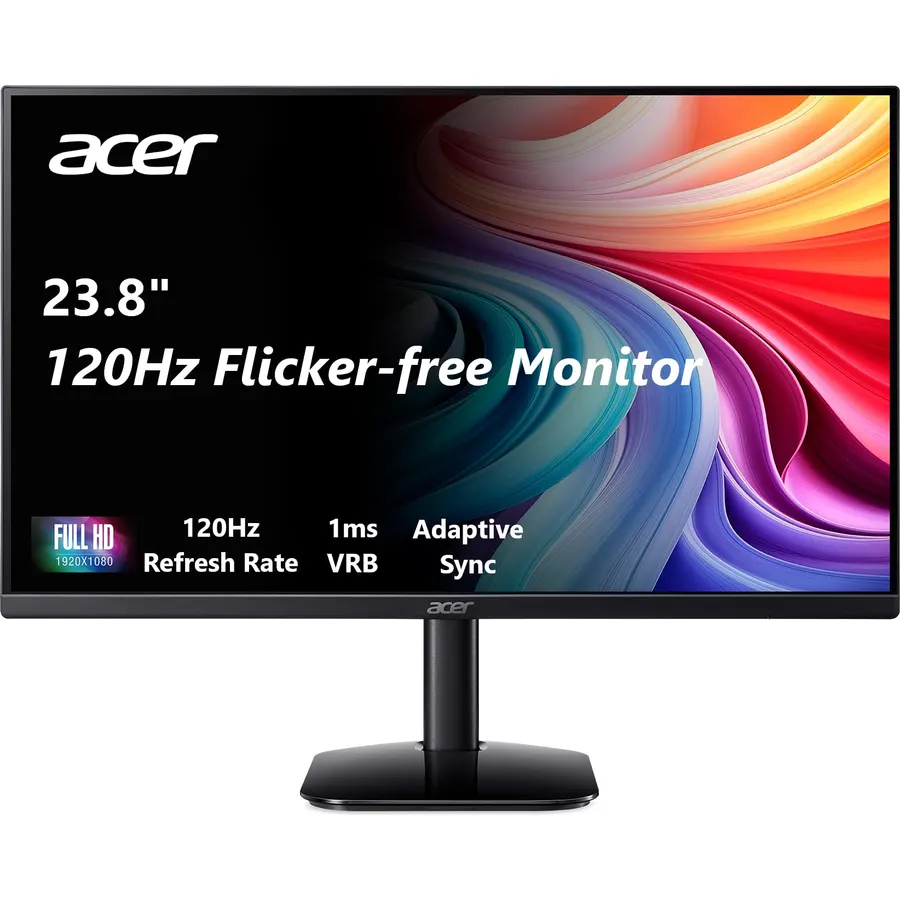
If the Dell is out of stock or over budget, the SB273 G0bi is the same recipe from Acer: a 27-inch IPS panel, a 120 Hz refresh rate with FreeSync and a slim, almost frameless design. It hits 99% sRGB, which the Dell does not claim. We rank it below the Dell because owner reviews are a step less enthusiastic about build quality and backlight evenness, but at 4.6 stars across more than two thousand reviews it is a safe buy.
- 27-inch IPS with 120 Hz for less than the Dell
- 99% sRGB coverage, good enough for photo edits
- Ultra-thin zero-frame bezel
- 4.6 stars from 2,100+ reviews
- 1080p at 27 inches, same softness as the Dell
- No speakers, no DisplayPort
- Brightness and uniformity get mixed comments from owners
Compare the picks
| Product | Size and panel | Refresh | Ports | Owner rating | Our score | |
|---|---|---|---|---|---|---|
| Dell SE2725HMDell | 27-inch IPS | 100 Hz | HDMI, VGA | 4.8 / 860+ | 9.6 | See price |
| LG 24U411A-BLG | 23.8-inch IPS | 120 Hz | HDMI, VGA | 4.6 / 930+ | 9.2 | See price |
| Acer EZ321Q wiAcer | 31.5-inch IPS | 60-75 Hz | HDMI, VGA | 4.6 / 2.9k+ | 9.2 | See price |
| Philips 221V8LBPhilips Computer Monitors | 21.5-inch VA | 100 Hz | HDMI, VGA | 4.6 / 2.1k+ | 9.2 | See price |
| Acer SB273 G0biAcer | 27-inch IPS | 120 Hz | HDMI, VGA | 4.6 / 2.1k+ | 9.4 | See price |
24 or 27 inches at 1080p?
All five screens are 1920 x 1080. On a 24-inch panel that works out to about 92 pixels per inch, which is sharp at normal desk distance. On 27 inches it drops to 82 and on 31.5 inches to 70, so text gets softer as the screen grows. If you read code or small spreadsheet cells all day, the 24-inch LG is the sharpest choice; if you mostly juggle windows, watch video and take calls, the bigger Dell or Acer panels are more comfortable. Windows scaling at 100 to 125 percent tidies up the difference.
What you give up under $150
Every stand here is tilt-only, with no height, swivel or pivot adjustment. Every pick supports a 100 x 100 VESA mount, so a $20 to $30 desk arm gets you full adjustability and a cleaner desk. None of them have USB-C, so a laptop with only USB-C ports needs a USB-C to HDMI cable or a dock. Built-in speakers are absent on all five. For more options browse the full monitor catalog.
Will these work with a MacBook or a USB-C-only laptop?
Yes, with a USB-C to HDMI cable or adapter. None of these five have a USB-C input. macOS will run them at 1080p; the LG and Acer SB273 can reach 120 Hz over HDMI if the laptop supports it.
Do I need DisplayPort for 100 or 120 Hz?
No. All five reach their full refresh rate over HDMI at 1080p. Enable it in Windows under Display settings, Advanced display, because it often defaults to 60 Hz.
Can I wall mount or use a monitor arm?
Yes. Every pick has a 100 x 100 mm VESA pattern. The Acer EZ321Q is the heaviest, so check the arm is rated for a 32-inch panel.
What if the monitor arrives with dead pixels?
Amazon accepts returns within 30 days in the US. Dell, LG and Acer offer manufacturer warranties on top; Philips includes a four-year advance replacement plan with the 221V8LB, so they ship a replacement before you send the old one back.
Prices and stock change daily. The buttons above open Amazon so you always see the current price. We may earn a commission if you buy through them, at no extra cost to you.
Do Best Deal is a participant in the Amazon Services LLC Associates Program. As an Amazon Associate we earn from qualifying purchases. If you buy through links on this site we may earn a commission, at no extra cost to you. Learn more.