Two monitors are the cheapest productivity upgrade there is, and the thing that makes a pair work is the gap between them: a monitor with a thick frame leaves a black bar down the middle of your desk, while a three-side borderless panel puts the two images almost edge to edge. The other details matter too: a stand that lifts so both screens sit at the same height, a VESA mount for a dual arm, matching panels so colors agree, and inputs that leave the graphics card with one cable per screen. We ranked the thin-bezel 24 and 27-inch monitors in our monitors catalog on exactly those points, plus what tens of thousands of owners report after running them in pairs.
We have not set every pair up ourselves; the verdicts rest on the spec sheets and on the owner review history. Prices are not printed because they change daily; every button opens the live Amazon page. Buy two of the same model for a matched pair; for the arm that holds them, see our monitor arms and mounts guide, and if you would rather have one wide screen than two, the ultrawide monitors guide is the alternative.
How we picked
- Thin bezels on at least three sides, stated by the maker as borderless, micro-edge, zero-frame or edgeless.
- 24 to 27 inches at 1080p, the sizes that fit two side by side on a normal desk; we note which pair would exceed a 120-centimetre desk.
- A stand that helps alignment, or a VESA mount so a dual arm can do it; height-adjustable picks are flagged.
- One digital input per screen at minimum, HDMI or DisplayPort, so a laptop or desktop can drive both.
- Owner ratings of 4.5 stars or better, and most picks have hundreds or thousands of reviews.
The picks
HP 24mh FHD Monitor - Computer Monitor with 23.8-Inch IPS Display (1080p) - Built-in Speakers and VESA Mounting - Height/Tilt Adjustment for Ergonomic Viewing - HDMI and DisplayPort - (1D0J9AA#ABA)
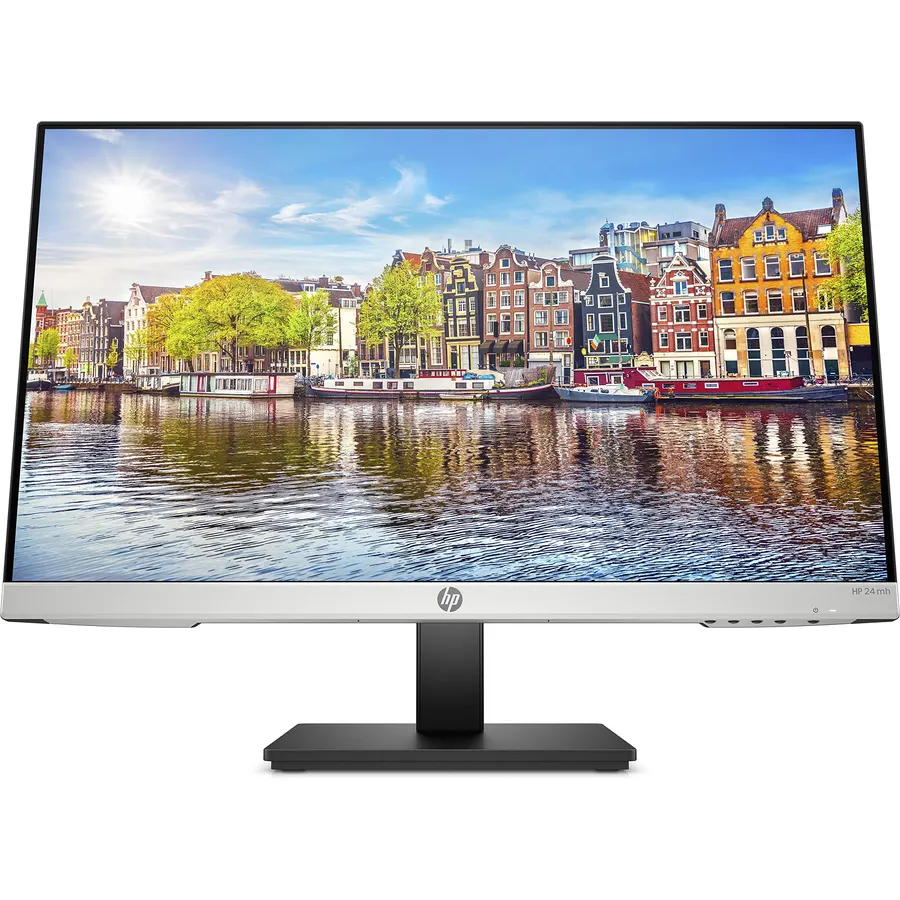
The HP 24mh is the monitor people buy in pairs, and 25,000 owners rating it 4.7 stars makes it the best-rated screen on this page by a clear margin. It is a 23.8-inch 1080p IPS panel at 75Hz with a micro-edge bezel on three sides, so two of them sit almost seamlessly, and, crucially for a pair, a stand that adjusts for height as well as tilt, which means the two screens line up without a stack of books under one. HDMI, DisplayPort and VGA inputs let two share almost any desktop or laptop, there are two 2W speakers for calls, and it is VESA mountable for a dual arm. It is 75Hz, so it is a work monitor, and two of them cost more than two of the budget Acers below. For a home office pair, it is the default.
- 25,000 owners at 4.7 stars, the best-rated monitor on this page
- Height-adjustable stand makes aligning two screens easy
- HDMI, DisplayPort and VGA so two can share almost any PC
- Micro-edge bezel and built-in speakers
- 75Hz, so not for gaming
- Speakers are 2W, enough for calls only
- Two of them cost more than two budget Acers
Dell SE2422HX Monitor - 24 inch FHD (1920 x 1080) 16:9 Ratio with Comfortview (TUV-Certified), 75Hz Refresh Rate, 16.7 Million Colors, Anti-Glare Screen with 3H Hardness, AMD FreeSync- Black
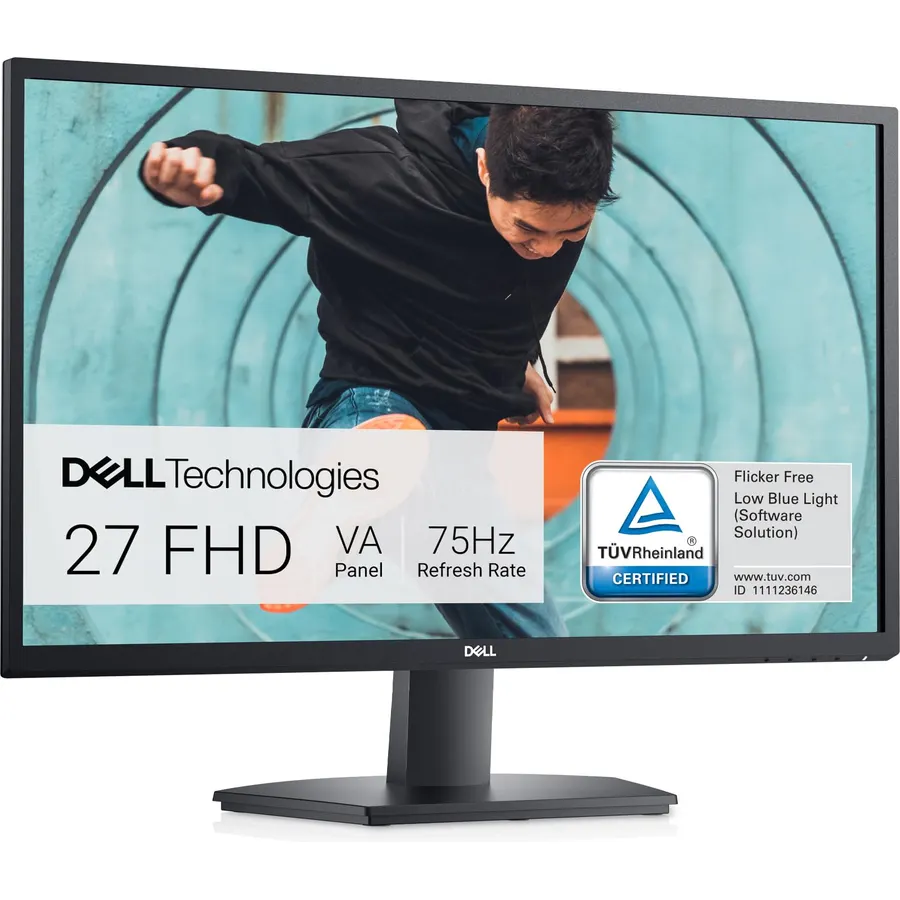
The Dell SE2422HX is the compact pair: Dell designed it with a small footprint and a three-sided slim bezel specifically for second-monitor and dual use, and two of them fit on a 100-centimetre desk with room to spare. The power supply is inside the monitor, so a pair means two fewer bricks on the floor, and a cable holder on each stand tidies the leads. The 23.8-inch 1080p panel runs at 75Hz with AMD FreeSync, has TUV-certified ComfortView blue light reduction and a 3H anti-glare coating. The limits are a single HDMI input per screen, so your PC needs two HDMI outputs or a DisplayPort-to-HDMI adapter, and a tilt-only stand. Its 2,200 owners rate it 4.6 stars, many of them having bought two.
- 2,200 owners at 4.6 stars
- Compact footprint: two fit on a 100-centimetre desk
- Built-in power supply means two fewer bricks under the desk
- TUV ComfortView for long days
- HDMI only, so a two-screen PC needs two HDMI outputs or an adapter
- Tilt-only stand
- 75Hz
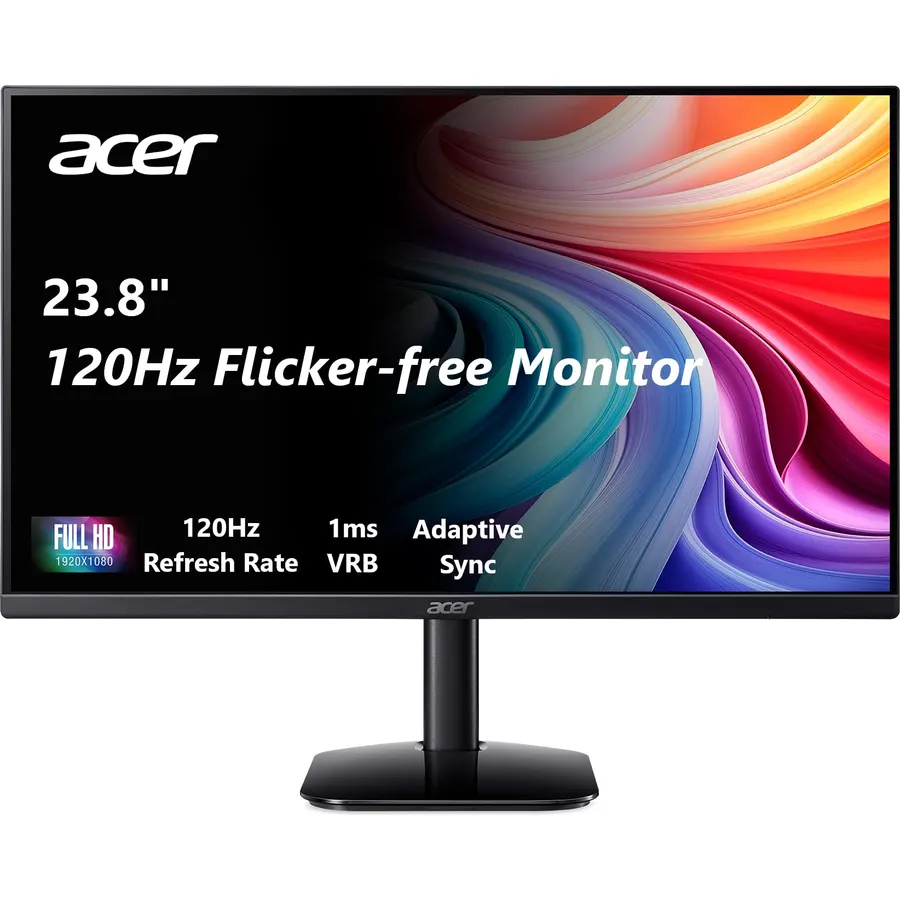
The Acer SB273 is the way to get two 27-inch IPS screens for the price of one mid-range monitor. The 1080p panel runs at up to 120Hz with a 1ms VRB response and Adaptive-Sync, so scrolling is smooth and casual games work, in a thin enclosure with a zero-frame bezel that lines up neatly with its twin. It is 250 nits, bright enough for a normal room. The honest caveats are that 1080p on 27 inches is soft for small text, so set Windows scaling to 125 percent, that the stand only tilts, and that two 27-inch monitors need about 130 centimetres of desk. Its 2,100 owners rate it 4.6 stars, with the price and the smooth 120Hz desktop the common praise.
- 2,100 owners at 4.6 stars
- 120Hz IPS at a budget price makes a pair affordable
- Zero-frame bezel
- Adaptive-Sync for the odd game
- 1080p on 27 inches is soft for small text
- Tilt-only stand
- Two 27-inch screens need a 130-centimetre desk
Sceptre 27-inch Prime Gaming Monitor 100Hz 1ms DisplayPort HDMI x2 100% sRGB AMD FreeSync Build-in Speakers, Eye Care Frameless Machine Black 2025 (E275W-FW100T Series)
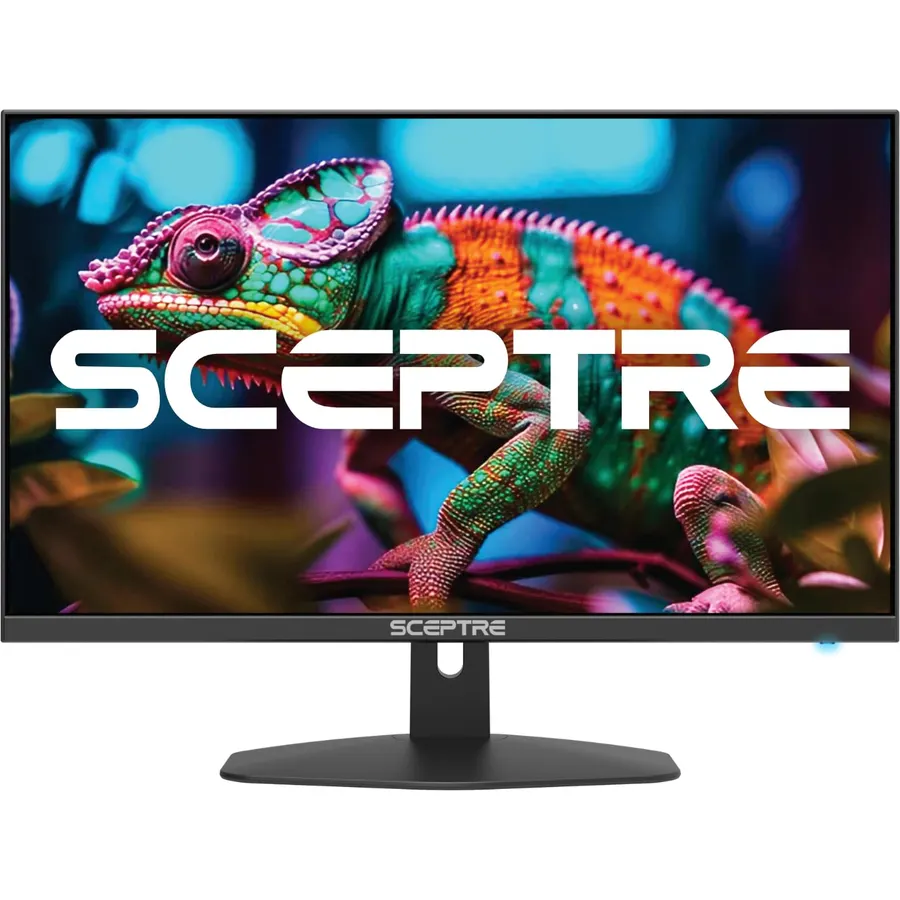
The Sceptre E275W is the 27-inch pair for a desk that also runs a console or a second computer: each screen has a DisplayPort and two HDMI inputs, so a pair offers six inputs between them, plus built-in speakers and a headphone jack. The 1080p panel covers 100 percent of sRGB, runs at 100Hz with a 1ms response and AMD FreeSync, and sits in a frameless bezel. Sceptre’s Blue Light Shift and FPS and RTS presets are included, and there is a VESA mount for a dual arm. The 27-inch 1080p caveat applies, the stand tilts only, and the speakers are for alerts rather than music. About 3,000 owners rate it 4.5 stars, a large share of them running two or three.
- Three inputs per screen: DisplayPort and two HDMI
- Built-in speakers and 100% sRGB
- 3,000 owners at 4.5 stars
- Frameless design for a seamless pair
- 1080p on 27 inches
- Tilt-only stand
- Speakers are thin
LG FHD (1920 x 1080) 27 Inch Computer Monitor, IPS, AMD FreeSync, 3-Side Borderless Design, Tilt/Height Adjustable Stand, 75Hz, 5ms, OnScreen Control, HDMI, DisplayPort, D-Sub, 27MP450-B, Black
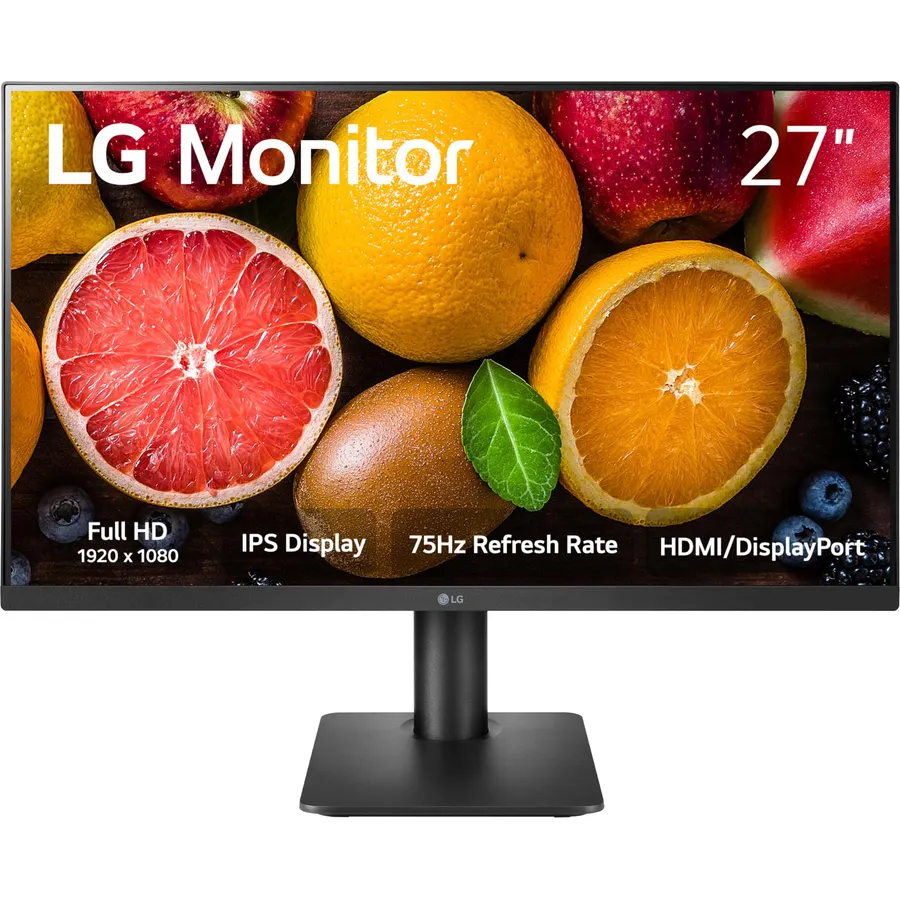
The LG 27MP450-B is the 27-inch pick for anyone who wants both screens level without an arm: its stand adjusts for height as well as tilt, which at this size and price is rare. The 27-inch 1080p IPS panel runs at 75Hz with AMD FreeSync, has LG’s Reader Mode and Flicker Safe for long days, and three inputs per screen (HDMI, DisplayPort and D-Sub) so a pair connects to almost anything. OnScreen Control splits each display into zones, which with two monitors gives four or six fixed windows. Note the 75 x 75 VESA pattern, smaller than the usual 100 x 100, so check an arm’s plate. It is 75Hz and 1080p, so a work pair rather than a gaming one. Its 580 owners rate it 4.5 stars.
- Height-adjustable stand, rare at 27 inches on this budget
- HDMI, DisplayPort and D-Sub per screen
- 580 owners at 4.5 stars
- OnScreen Control splits each screen into zones
- 75Hz
- 1080p on 27 inches
- 75 x 75 VESA pattern needs an adapter on some arms
LG 27GS50F-B 27-inch FHD (1920 x 1080) Ultragear Gaming Monitor with 180Hz, 1ms MBR, HDR10, AMD FreeSync, HDMI, DisplayPort, 3-Side Virtually Borderless Design, Black
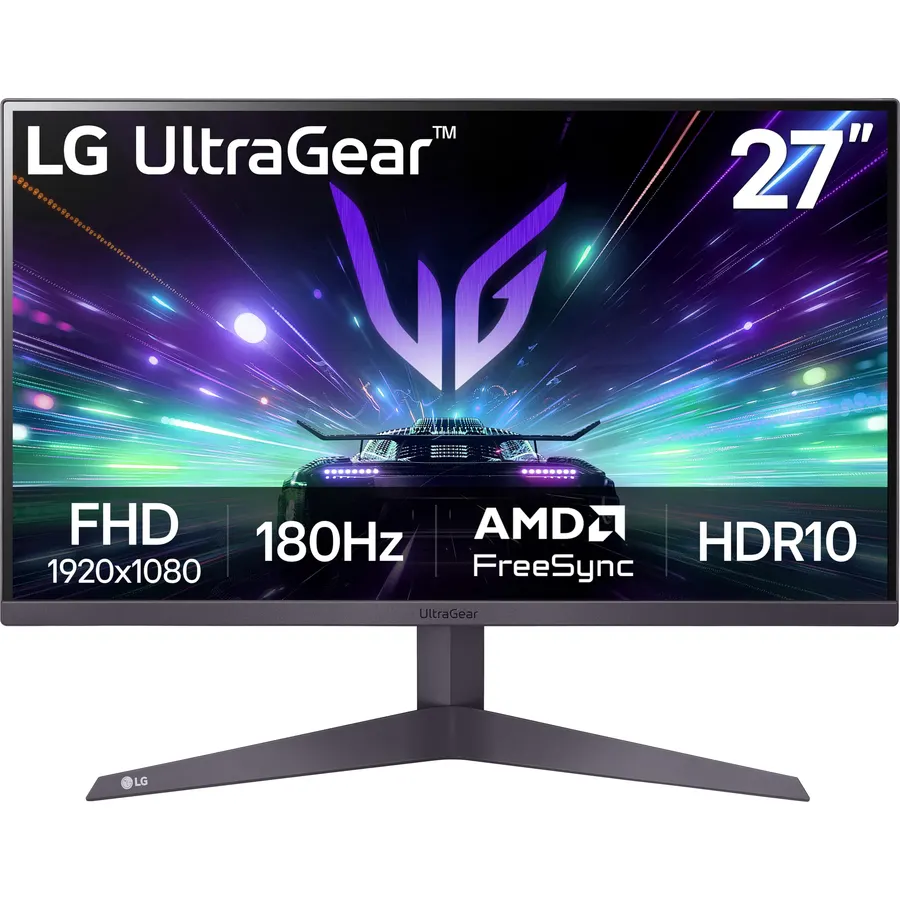
The LG 27GS50F-B is the pair to buy if one screen is for the game and the other for Discord, a stream or a guide: a 27-inch 1080p panel at 180Hz with 1ms Motion Blur Reduction, AMD FreeSync and HDR10, in a three-side virtually borderless ultra-thin frame that lines up with its twin. Each screen has two HDMI ports and a DisplayPort, so a PC and a console share them. LG’s Ultragear menu offers Gamer, FPS and RTS presets. The stand only tilts, so a dual arm is the way to align two, and 1080p on 27 inches is soft for the desktop side of the pair. Its 410 owners rate it 4.6 stars, the joint-highest of the 27-inch picks, with speed and value the praise.
- 180Hz with 1ms MBR for a gaming pair
- Two HDMI ports and DisplayPort per screen
- 410 owners at 4.6 stars
- Ultragear GUI with Gamer, FPS and RTS modes
- Tilt-only stand
- 1080p on 27 inches
- Fewer reviews than the office picks
acer SB240Y G0bi 23.8 Inch IPS Full HD Ultra-Slim Edge-to-Edge Gaming Office Monitor | Adaptive-Sync Support (FreeSync Compatible) | Up to 120Hz Refresh | 1ms (VRB) | Tilt | HDMI & VGA Ports | Black
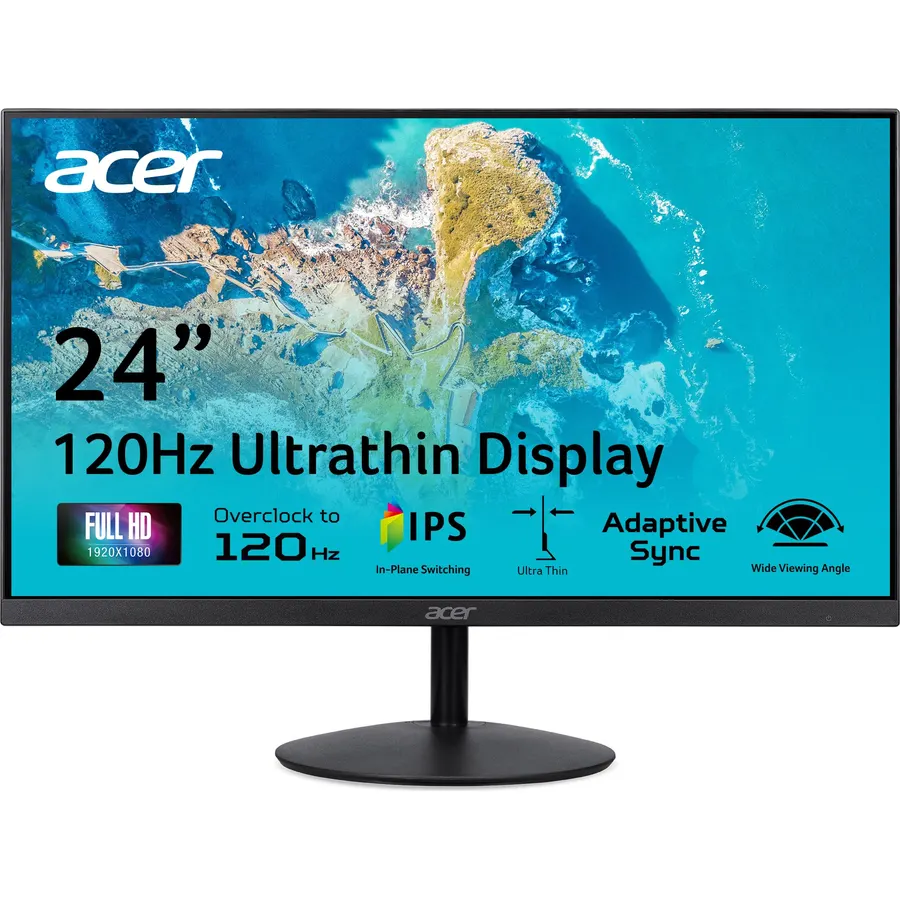
The Acer SB240Y is the 24-inch version of the SB273 and the cheapest way to a matched pair on this page: a 23.8-inch 1080p IPS panel at up to 120Hz with a 1ms VRB response and Adaptive-Sync, 250 nits, and an ultra-slim edge-to-edge bezel in a thin enclosure. Each screen has an HDMI and a VGA input, so a pair on a modern PC needs two HDMI outputs or an adapter, and there are no speakers. The stand tilts from -5 to 15 degrees. At 24 inches, 1080p is sharp at 100 percent scaling, which is the argument for this pair over the 27-inch Acers on a desk where you read a lot. Its 510 owners rate it 4.6 stars, with the smooth 120Hz desktop and the price the reasons.
- Two 120Hz IPS screens for very little money
- 510 owners at 4.6 stars
- Edge-to-edge bezel
- Adaptive-Sync for casual games
- HDMI and VGA only, no DisplayPort
- Tilt-only stand
- No speakers
Samsung 27 Inch (S40GD) Borderless Business Monitor with IPS Panel
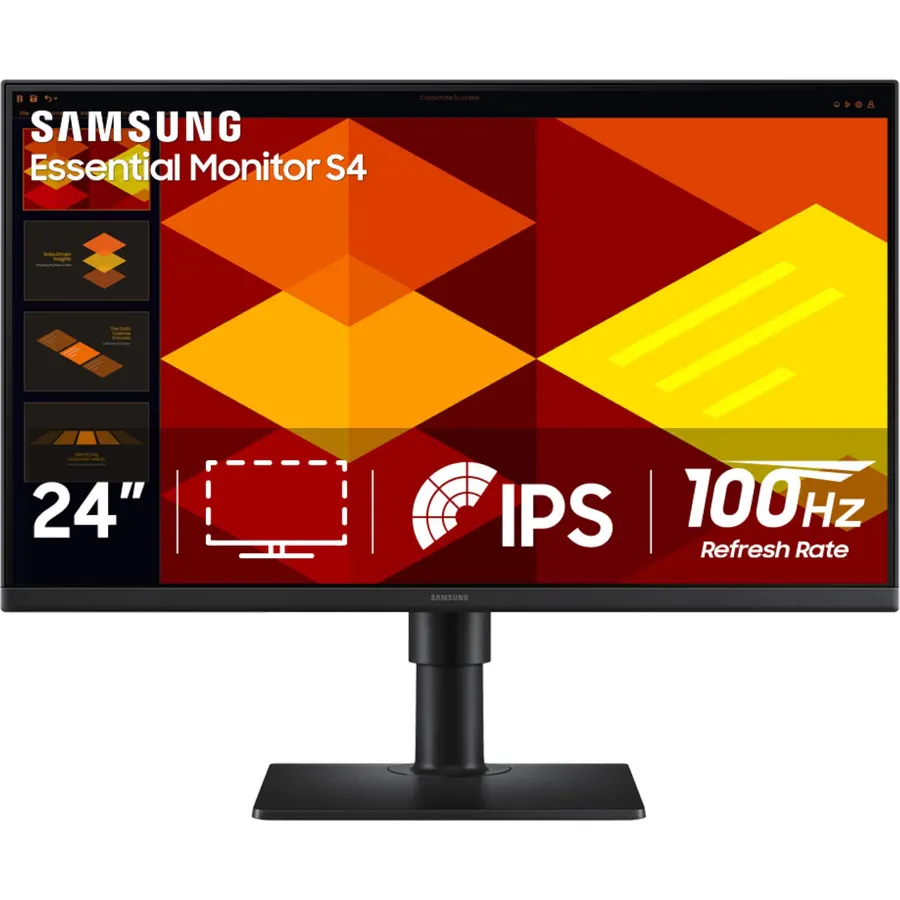
The Samsung S40GD is the pair for a landscape-plus-portrait layout: its stand adjusts for height and pivots, so one 27-inch screen can stand upright for code, chat or a long document while the other stays wide. The 1080p IPS panel runs at 100Hz, which Samsung pitches for smooth scrolling and casual games with a Game Picture Mode, and it has reduced blue light and flicker for long sessions. The borderless bezel is ultra thin on the sides. Samsung lists multiple inputs without itemising them, so check the live page for your cable. It is the least-reviewed pick here at about 220 owners, who rate it 4.5 stars and single out the stand. For a business desk that wants Samsung and a portrait screen, it is the one.
- Height adjustment plus pivot, so one screen can turn portrait
- 100Hz IPS from Samsung
- 220 owners at 4.5 stars
- Ultra-thin borderless design
- Fewest reviews on the page
- Inputs are not itemised on the listing
- 1080p on 27 inches
Compare the picks
| Product | Size / panel | Refresh rate | Stand | Ports per screen | Owner rating | Our score | |
|---|---|---|---|---|---|---|---|
| HP 24mhHP | 23.8-inch 1080p IPS | 75Hz | Height, tilt, VESA | HDMI, DP, VGA | 4.7 (25,000+) | 9.4 | See price |
| Dell SE2422HXDell | 23.8-inch 1080p | 75Hz | Tilt | HDMI | 4.6 (2,200+) | 9.2 | See price |
| Acer SB273Acer | 27-inch 1080p IPS | 120Hz | Tilt | See listing | 4.6 (2,100+) | 9.2 | See price |
| Sceptre E275WSceptre | 27-inch 1080p | 100Hz | Tilt, VESA | DP, 2x HDMI | 4.5 (3,000+) | 9.0 | See price |
| LG 27MP450-BLG | 27-inch 1080p IPS | 75Hz | Height, tilt, 75 x 75 VESA | HDMI, DP, D-Sub | 4.5 (580+) | 9.0 | See price |
| LG 27GS50F-BLG | 27-inch 1080p | 180Hz | Tilt | 2x HDMI, DP | 4.6 (410+) | 9.1 | See price |
| Acer SB240YAcer | 23.8-inch 1080p IPS | 120Hz | Tilt | HDMI, VGA | 4.6 (510+) | 9.1 | See price |
| Samsung S40GDSamsung | 27-inch 1080p IPS | 100Hz | Height, pivot | Multiple, see listing | 4.5 (220+) | 8.9 | See price |
Two 24-inch or two 27-inch screens?
Two 24-inch monitors span about 108 centimetres with their stands and fit a standard 120-centimetre desk with room for a lamp; two 27-inch monitors span about 124 centimetres and want 130 to 140. Resolution decides the rest: every pick here is 1080p, which is crisp at 24 inches at 100 percent scaling and soft at 27 inches unless you set Windows to 125 percent. If your work is text, code and spreadsheets, two 24-inch screens (HP, Dell, Acer SB240Y) give you the same number of pixels in less space and sharper. If your work is video, design canvases or you sit further back, two 27-inch screens feel more generous. For 1440p pairs, which fix the sharpness problem at 27 inches, our 27-inch 1440p monitors guide covers thin-bezel options at a higher price.
Aligning the pair: stands, arms and VESA
Nothing spoils a dual setup like two screens at different heights, and only the HP, LG 27MP450-B and Samsung adjust for height on their own stands. For the tilt-only picks, a dual monitor arm is the fix: it holds both screens off the desk, aligns them to the millimetre and frees the space underneath. Check the VESA pattern before you order: most picks use 100 x 100, the LG 27MP450-B uses 75 x 75, and most arms ship plates for both. Weight matters less than you think, since every 24 or 27-inch 1080p monitor here is light. Angle the two screens slightly inward so the join sits in front of you, or put the main screen dead centre and the second at 30 degrees to the side; the second layout is the one most ergonomists recommend.
Connecting two screens to one computer
Count the outputs on the computer first. A desktop graphics card usually has several HDMI and DisplayPort outputs, so any pair works. A laptop is the trap: most have one HDMI port and one or two USB-C ports, so the second monitor needs a USB-C to HDMI or DisplayPort cable, or a USB-C dock that adds two outputs. Picks with DisplayPort (HP, Sceptre, both LGs) give you the most flexibility; the Dell and Acer SB240Y are HDMI-only screens, which is fine with the right cables. Match the pair: two identical models share color, brightness and bezel thickness, and set both to the same picture mode on day one. Finally, in Windows or macOS display settings drag the two screens into the physical order they sit in, or the mouse will exit one side and appear on the wrong screen forever.
Should both monitors in a dual setup be the same model?
Ideally yes. Matching models share bezel thickness, color and brightness, so the pair looks like one surface. If you mix, keep the same size and resolution and choose two three-side borderless panels.
Can a laptop run two external monitors?
Most Windows laptops can, using the HDMI port plus a USB-C port with DisplayPort Alt mode, or a dock. Base-model Apple M1 and M2 MacBook Air laptops support only one external display natively.
Do I need a dual monitor arm?
Not with height-adjustable stands like the HP 24mh or LG 27MP450-B. With tilt-only stands, an arm is the easiest way to get both screens level and free the desk underneath.
Is 1080p fine for a dual monitor setup?
At 24 inches, yes, at 100 percent scaling. At 27 inches set Windows to 125 percent, or choose 1440p panels if small text is your work.
Which pair is best for a work-from-home desk?
Two HP 24mh monitors: height adjustment, three inputs, speakers for calls and the highest owner rating here. Two Dell SE2422HX screens are the compact alternative for a small desk.
Prices and stock change daily. The buttons above open Amazon so you always see the current price. We may earn a commission if you buy through them, at no extra cost to you.
Do Best Deal is a participant in the Amazon Services LLC Associates Program. As an Amazon Associate we earn from qualifying purchases. If you buy through links on this site we may earn a commission, at no extra cost to you. Learn more.

