Sore, dry eyes at the end of a workday are rarely about the screen’s resolution. They come from a backlight that flickers to dim itself, from glare bouncing off a glossy panel, from blue-heavy white that keeps you alert at 9pm, and from a screen set too high or too bright for the room. The eye-care monitors in our monitors catalog tackle those directly: flicker-free DC-dimmed backlights, TUV Rheinland certification for low blue light, anti-glare coatings, reader modes that warm the white point, and, on the better ones, hardware blue light reduction that does not turn everything yellow. We ranked them by those features, panel quality, refresh rate and stand, and by what thousands of owners say after long days in front of them.
We have not measured flicker or blue light ourselves; the verdicts rest on the spec sheets, the certifications the makers quote, and the owner review history. Prices are not printed because they change daily; every button opens the live Amazon page. If you work on a laptop, pairing one of these with the right height is half the fix; our monitor arms and mounts guide covers that, and the 24-inch monitors guide ranks the general-purpose panels.
How we picked
- Flicker-free backlight, stated by the maker or covered by a TUV certification, on every pick; flicker is the single biggest cause of end-of-day fatigue.
- Low blue light via a TUV certification or a hardware mode, and we note which is which; hardware modes keep colors accurate, software modes turn the screen yellow.
- Anti-glare coating on every pick, since reflections make you squint.
- At least 75Hz, and most picks run 100Hz or 120Hz, which many people find easier on the eyes when scrolling.
- Owner ratings of 4.4 stars or better, and most picks have more than 800 reviews.
The picks
Dell SE2422HX Monitor - 24 inch FHD (1920 x 1080) 16:9 Ratio with Comfortview (TUV-Certified), 75Hz Refresh Rate, 16.7 Million Colors, Anti-Glare Screen with 3H Hardness, AMD FreeSync- Black
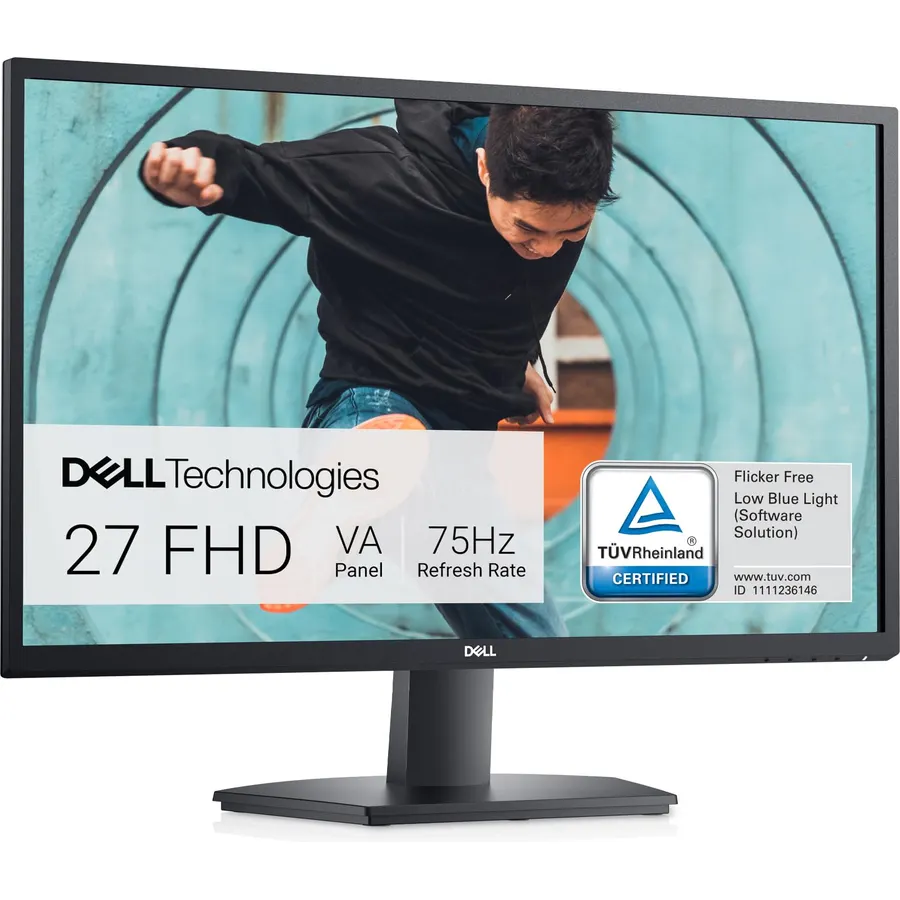
The Dell SE2422HX is the eye-care monitor for the average desk: a 23.8-inch 1080p panel with Dell’s TUV-certified ComfortView blue light reduction and an anti-glare coating with a 3H hardness rating that resists both reflections and scratches. The power supply is inside the monitor, so there is no brick under the desk, and a cable holder on the stand keeps the HDMI and power leads tidy. It runs at 75Hz with AMD FreeSync, which is enough for office work and casual video. The stand only tilts and the single HDMI input is the only connector, which is the budget norm. Its 2,200 owners rate it 4.6 stars, with many of the reviews written by people who bought it specifically for long work-from-home days.
- 2,200 owners at 4.6 stars
- TUV-certified ComfortView and a hard anti-glare coating
- Built-in power supply means no brick on the floor
- Compact footprint for a small desk
- 75Hz, the slowest refresh here
- Tilt-only stand
- HDMI input only
KOORUI 22 Inch Computer Monitor FHD 120Hz VA VESA Low Blue Light, E2212H
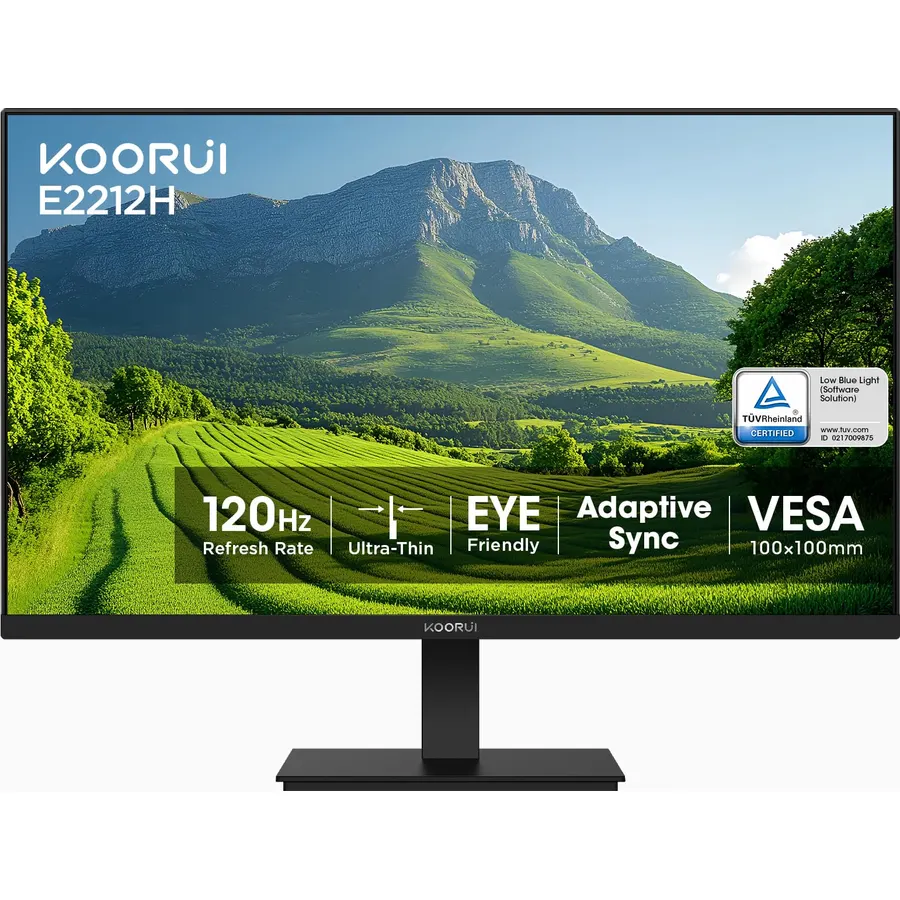
The KOORUI E2212H is the budget pick and the most-reviewed monitor on the page: more than 15,000 owners rate it 4.5 stars. It is a 21.5-inch viewable 1080p VA panel with TUV Rheinland certification for low blue light and flicker-free operation, an anti-glare coating, a 4000:1 contrast ratio and 99 percent sRGB, and a 120Hz refresh rate with Adaptive-Sync that keeps document scrolling smooth. KOORUI is explicit that it takes HDMI and VGA only, with no DisplayPort. The size is the limit: at 21.5 inches it suits a student desk, a second screen or a small home office rather than eight hours of spreadsheets, and the VA panel shifts color when viewed from the side. For the money it is hard to find a certified panel that does more.
- 15,000 owners at 4.5 stars, the most-reviewed pick here
- TUV Rheinland certified at a very low price
- 120Hz makes scrolling smooth and easy on the eyes
- Slim bezel and VESA mount
- 21.5-inch viewable is small for all-day work
- VA viewing angles shift color off-axis
- HDMI and VGA only
Dell S2725HS 27 Inch Monitor, FHD (1920x1080) Display, 100Hz Refresh Rate, 1500:1 Contrast Ratio, TUV Rheinland Eye Comfort 4 Star, Integrated 2x5W Speaker, Height/Tilt/Swivel/Pivot- Ash White Color
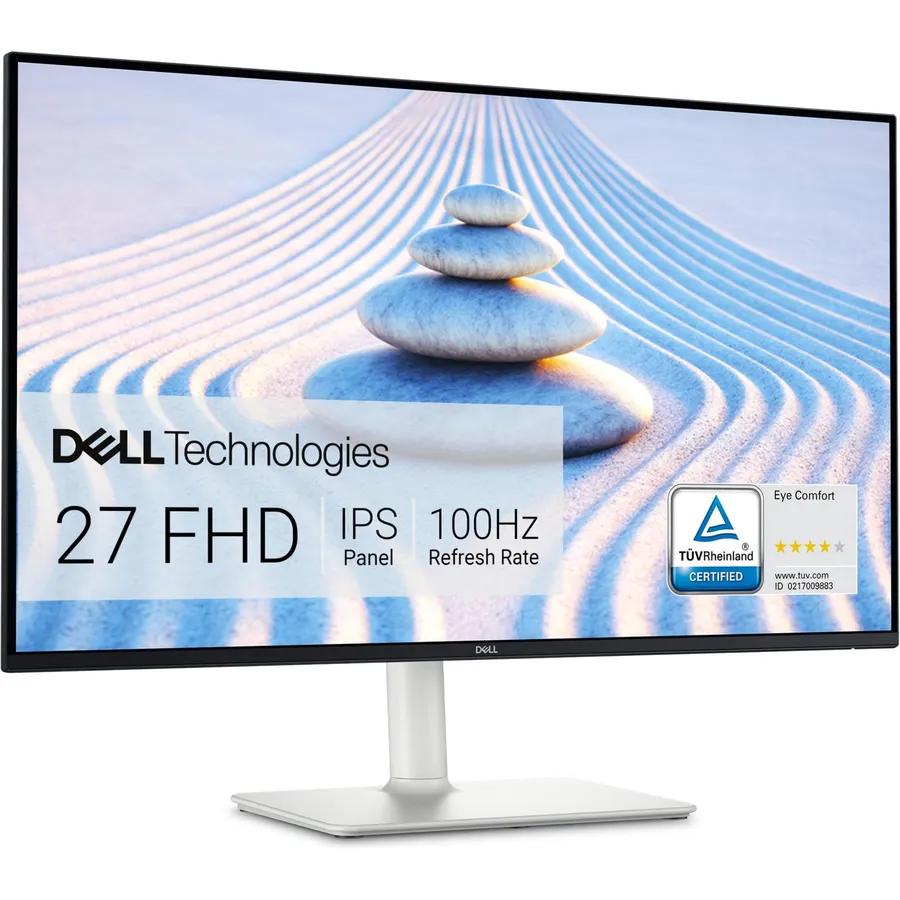
The Dell S2725HS is the pick for a 27-inch desk where comfort is the priority. It carries TUV Rheinland’s Eye Comfort 4-star certification, the highest on this page, and Dell’s ComfortView Plus, which reduces blue light in the backlight hardware so the picture stays accurate rather than going yellow, with 99 percent sRGB and a 1500:1 contrast ratio. The 100Hz refresh rate smooths scrolling, the stand lifts, tilts, swivels and pivots so the screen sits at the right height, and two 5W speakers handle calls. The 1080p resolution on 27 inches is the compromise: fine at larger font sizes, soft for dense spreadsheets. Its 1,100 owners rate it 4.6 stars, praising the stand and the gentle picture; the ash white finish is the one styling complaint.
- TUV Eye Comfort 4-star, the highest certification here
- ComfortView Plus cuts blue light in hardware without yellowing
- Fully adjustable stand, including pivot
- 1,100 owners at 4.6 stars and 5W speakers
- 1080p on 27 inches is soft for small text
- Ash white finish is not for every desk
- Costs about double the SE2422HX
Philips 27 Inch Computer Monitor FHD 100Hz VA VESA Eye Care, 271V8LB
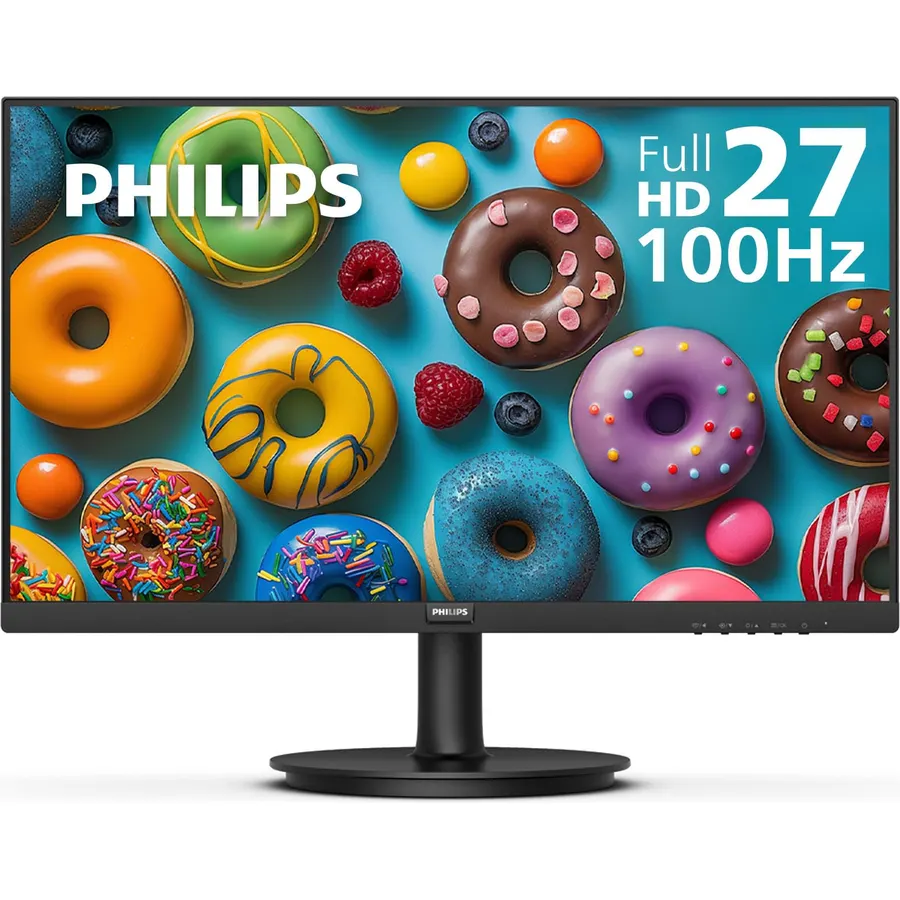
The Philips 271V8LB is the budget 27-inch option, and its EasyRead mode is the feature that earns the place: it drops the screen to a paper-like, low-contrast greyscale for reading long documents, which some owners say does more for their eyes than any blue light filter. The 27-inch 1080p VA panel runs at 100Hz with Adaptive-Sync, has 178-degree viewing angles and Philips Eye Care features, and is virtually bezel-free on three sides. It has no speakers, the stand tilts only, and 1080p on 27 inches is soft for small text, the same caveat as the Dell S2725HS at a much lower price. About 1,200 owners rate it 4.6 stars, with the picture and the price the common reasons.
- 1,200 owners at 4.6 stars
- EasyRead mode gives documents a paper-like look
- 100Hz VA with wide viewing angles
- Bezel-free sides for a dual setup
- No speakers
- Tilt-only stand
- 1080p on 27 inches
Dell 27 Monitor SE2725HM, FHD, IPS, 100Hz, Eye Comfort, Anti-Glare
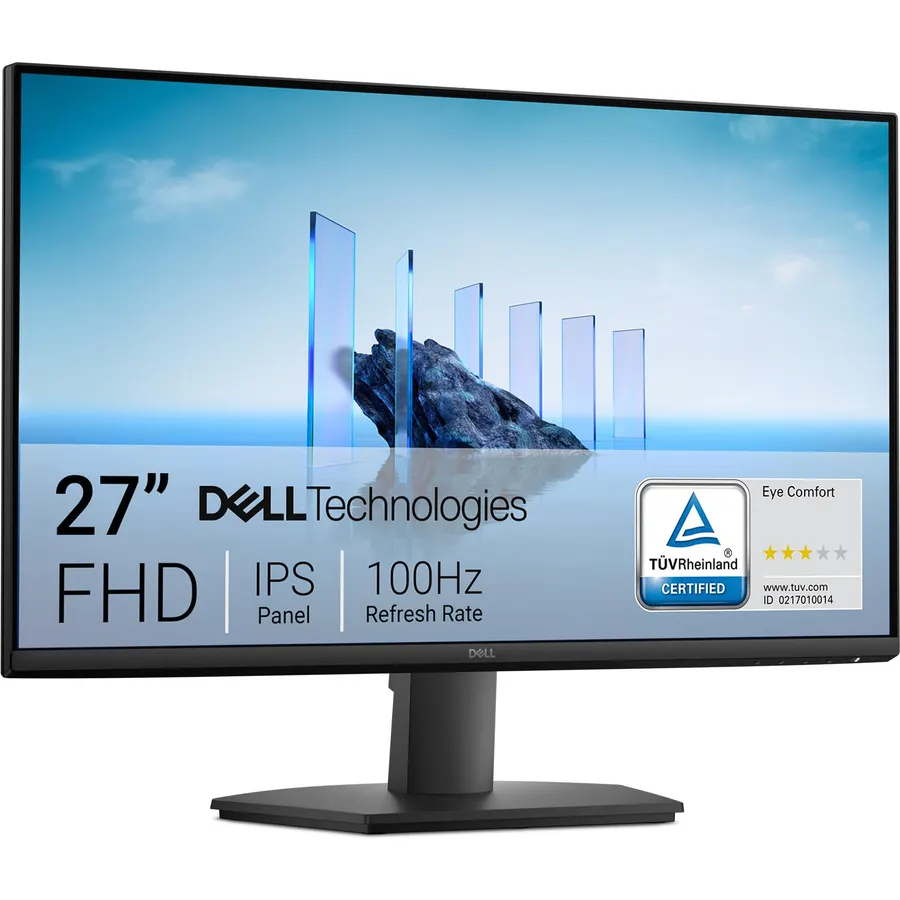
The Dell SE2725HM is the newer, simpler sibling of the S2725HS: the same 27-inch 1080p size and 100Hz refresh, but an IPS panel, a TUV Rheinland 3-star certification, and ComfortView Plus built into the backlight and always on, so you never have to toggle a yellow mode. The anti-glare coating, built-in power supply and cable holder carry over from the SE2422HX. It drops the adjustable stand and speakers of the S2725HS in exchange for a lower price. It is the best-rated monitor on this page at 4.8 stars from about 860 owners, who describe it as the screen that stopped their headaches; that is a small sample compared with the SE2422HX but a striking average.
- 860 owners at 4.8 stars, the highest rating on this page
- IPS panel with always-on hardware blue light reduction
- TUV Rheinland 3-star certified
- Built-in power supply and tidy cable holder
- Tilt-only stand
- No speakers
- Newer model with fewer reviews than the S2725HS
LG 27U411A-B 27-inch Full HD (1920 x 1080) IPS Computer Monitor, 120Hz, HDR10, Reader Mode, Flicker Safe, HDMI, Slim Stand Base, Black
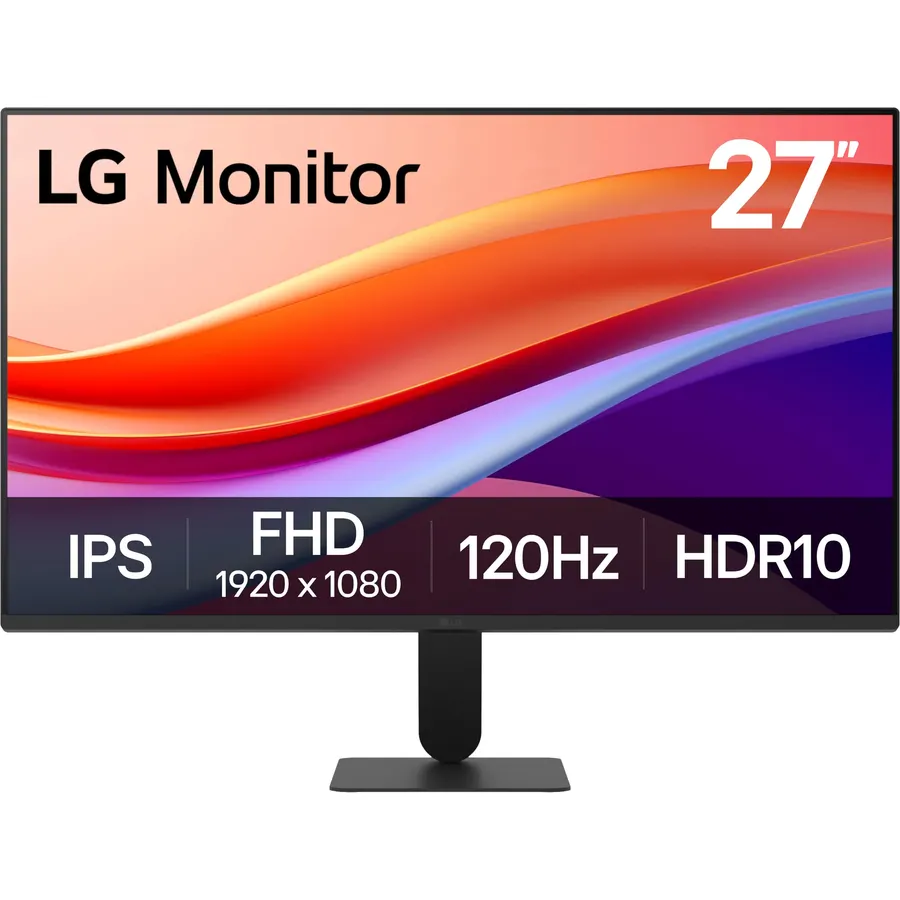
The LG 27U411A-B is for people who find a faster refresh rate easier on the eyes: its 27-inch 1080p IPS panel runs at 120Hz, the fastest here, which makes scrolling and cursor movement smoother than 75Hz or 100Hz screens. LG’s Flicker Safe backlight and Reader Mode, which warms the white point to cut blue light, handle the comfort side, the panel covers up to 99 percent of sRGB with HDR10, and the Switch app lays out up to six windows in fixed zones so you spend less time dragging. The three-side borderless frame looks neat beside a second screen. It has a single HDMI input, no speakers and a tilt-only stand. About 940 owners rate it 4.6 stars, praising the smoothness and the price from a major brand.
- 120Hz IPS makes scrolling very smooth
- 940 owners at 4.6 stars
- Reader Mode and Flicker Safe
- Switch app splits the screen into up to six zones
- HDMI input only
- No speakers
- Tilt-only stand
Philips 22 Inch Computer Monitor FHD 100Hz VA VESA Flicker-Free, 221V8LB
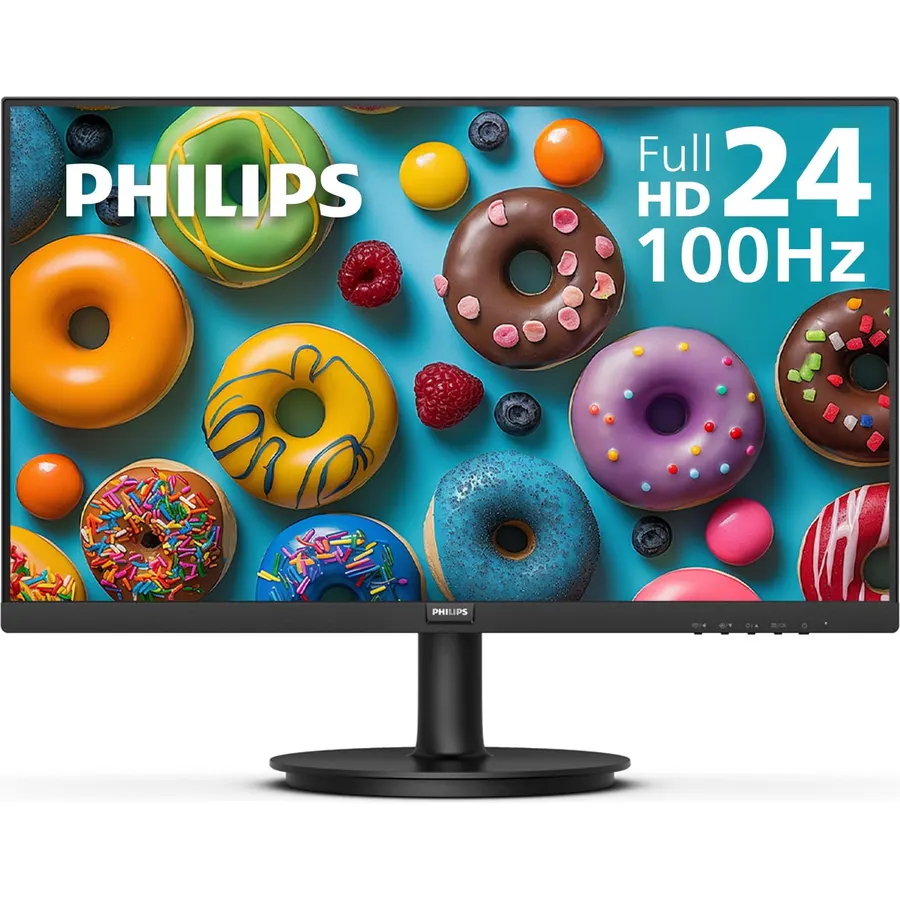
The Philips 221V8LB is the small-desk pick: a 21.5-inch viewable 1080p VA panel with a flicker-free backlight, 178-degree viewing angles and a 100Hz refresh rate with Adaptive-Sync, for about the price of a keyboard, with a VESA mount for an arm. The size suits a student desk, a reception counter or a portrait second screen beside a laptop better than eight hours as a main display, which is why it sits below the KOORUI with its 120Hz. It has no speakers and the stand tilts only. Its 2,200 owners rate it 4.6 stars, and the reviews are mostly from people who needed a comfortable, cheap screen for a specific small space and got exactly that.
- 2,200 owners at 4.6 stars
- Flicker-free at 100Hz on a very small budget
- 178-degree viewing angles are wide for VA
- Fits a small desk or a second-screen spot
- 21.5 inches is small for a main monitor
- No speakers
- Tilt-only stand
SAMSUNG 34 Inch ViewFinity S50GC Series Ultra-WQHD Monitor, 100Hz, 5ms, HDR10, AMD FreeSync, Eye Care, Borderless Design, PIP, PBP, LS34C502GANXZA, 2023, Black
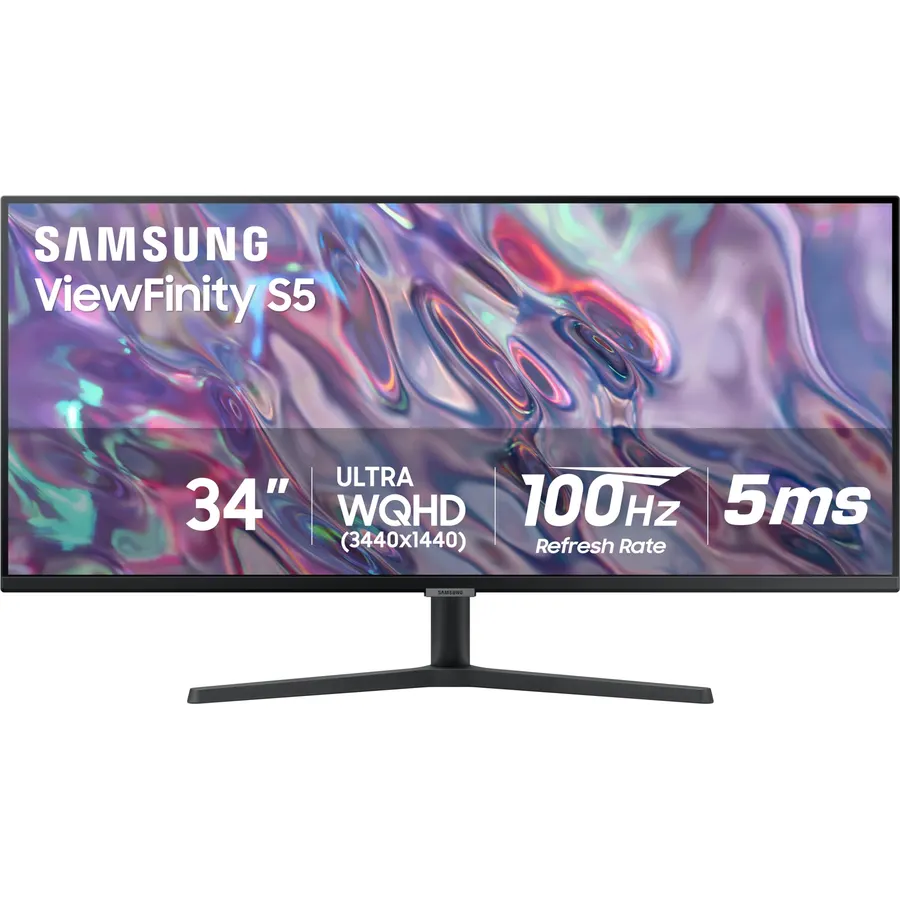
The Samsung ViewFinity S50GC is the pick for people whose eye strain comes from a screen that is too bright in the evening and too dim by day: an ambient light sensor measures the room and adjusts brightness on its own, alongside Samsung’s Eye Saver Mode and Flicker Free backlight under a TUV certification. The 34-inch 3440 x 1440 ultrawide panel gives you two monitors’ worth of space with no bezel in the middle, runs at 100Hz with AMD FreeSync, supports HDR10, and shows two inputs at once with picture-by-picture. Its 1,100 owners rate it 4.4 stars, a little below the Dells, with a minority noting uneven backlighting on their unit. For a single wide workspace that manages its own brightness, nothing else here does the job.
- Ambient light sensor adjusts brightness automatically
- Ultrawide 3440 x 1440 replaces two monitors with one bezel-free panel
- 1,100 owners at 4.4 stars
- PIP and PBP for two sources at once
- 4.4 stars: some owners mention backlight uniformity
- Larger desk footprint
- Costs about three times the 24-inch picks
Compare the picks
| Product | Size / panel | Eye-care certification | Refresh rate | Stand | Owner rating | Our score | |
|---|---|---|---|---|---|---|---|
| Dell SE2422HXDell | 23.8-inch 1080p | TUV ComfortView, 3H anti-glare | 75Hz | Tilt | 4.6 (2,200+) | 9.2 | See price |
| KOORUI E2212HKOORUI | 21.5-inch 1080p VA | TUV Rheinland low blue light, flicker-free | 120Hz | Tilt | 4.5 (15,000+) | 9.0 | See price |
| Dell S2725HSDell | 27-inch 1080p | TUV Eye Comfort 4-star, ComfortView Plus | 100Hz | Height, tilt, swivel, pivot | 4.6 (1,100+) | 9.2 | See price |
| Philips 271V8LBPhilips Computer Monitors | 27-inch 1080p VA | Eye Care, EasyRead mode | 100Hz | Tilt | 4.6 (1,200+) | 9.2 | See price |
| Dell SE2725HMDell | 27-inch 1080p IPS | TUV 3-star, ComfortView Plus always on | 100Hz | Tilt | 4.8 (860+) | 9.5 | See price |
| LG 27U411A-BLG | 27-inch 1080p IPS | Reader Mode, Flicker Safe | 120Hz | Tilt | 4.6 (940+) | 9.2 | See price |
| Philips 221V8LBPhilips Computer Monitors | 21.5-inch 1080p VA | Flicker-free | 100Hz | Tilt | 4.6 (2,200+) | 9.2 | See price |
| Samsung ViewFinity S50GCSamsung | 34-inch 3440 x 1440 | TUV Intelligent Eye Care, light sensor | 100Hz | Tilt | 4.4 (1,100+) | 8.8 | See price |
Flicker, blue light and glare: what actually helps
Flicker is the big one. Many monitors dim by switching the backlight on and off hundreds of times a second (PWM), which you cannot see but your eyes track; a flicker-free backlight dims by lowering current instead, and every pick here either states it or carries a TUV certification that covers it. Blue light reduction is second: a software mode shifts the white point yellow, which works but spoils color, while hardware solutions such as Dell’s ComfortView Plus filter at the backlight so the picture stays neutral. TUV Rheinland certifies both, and the star rating on the Dells (3-star on the SE2725HM, 4-star on the S2725HS) reflects how far they go. Glare is third: every pick has a matte anti-glare coating, and the Dell SE2422HX adds a 3H hardness rating. None of this replaces the 20-20-20 habit: every 20 minutes, look 20 feet away for 20 seconds.
Size, resolution and distance
A monitor that is too big for the desk forces your eyes to sweep, and one with too few pixels makes you lean in. At the usual 60 to 70 centimetres, a 24-inch 1080p panel like the Dell SE2422HX is sharp and sits within comfortable view. The 27-inch 1080p picks (both Dells, Philips, LG) show more at the same sharpness per character if you raise the Windows scaling to 125 percent, which is what we would do for comfort. The 21.5-inch KOORUI and Philips suit short sessions or a second screen. The Samsung ultrawide is the exception: at 3440 x 1440 across 34 inches, the pixel density matches a 27-inch 1440p monitor and text stays crisp at 100 percent, but you will turn your head to reach the far edges, which some people find tiring and others prefer to switching between two screens.
Refresh rate, brightness and setup
Refresh rate matters more for comfort than most eye-care marketing admits: at 100Hz or 120Hz, scrolling text stays readable instead of smearing, and the LG and KOORUI at 120Hz are the smoothest here. Brightness should match the room, not the maximum on the box; most people run office monitors at 30 to 50 percent, and the Samsung S50GC does this automatically with its light sensor. Place the top of the screen at or just below eye level and about an arm’s length away. Every pick here except the Dell S2725HS has a tilt-only stand, so if the screen sits too low on a stack of books, a monitor arm or a riser is the cheapest eye-strain fix of all. Finally, set the operating system’s night mode to kick in after sunset; it stacks with the hardware modes.
Do blue light monitors really reduce eye strain?
The evidence is stronger for flicker-free backlights and correct brightness than for blue light alone. Blue light modes help with evening comfort and sleep; flicker-free, anti-glare and the right distance do more during the day.
What does TUV Rheinland certification mean?
An independent lab tested the monitor for low blue light output, flicker-free dimming and, for the Eye Comfort star ratings, extra criteria such as reflection and uniformity. More stars means more criteria met.
Is a higher refresh rate better for my eyes?
Many people find 100Hz or 120Hz easier because scrolling text stays sharp instead of smearing. It is not a substitute for flicker-free dimming, which all of these monitors have.
Is IPS or VA better for eye strain?
Neither panel type causes strain by itself. IPS keeps color consistent across the screen; VA gives deeper contrast. Matte coatings and flicker-free backlights matter more than the panel type.
Should I use the monitor low blue light mode all day?
Hardware modes like ComfortView Plus can stay on all day since they keep color accurate. Software modes that turn the screen yellow are best used in the evening or when reading long documents.
Prices and stock change daily. The buttons above open Amazon so you always see the current price. We may earn a commission if you buy through them, at no extra cost to you.
Do Best Deal is a participant in the Amazon Services LLC Associates Program. As an Amazon Associate we earn from qualifying purchases. If you buy through links on this site we may earn a commission, at no extra cost to you. Learn more.

