
A 49-inch super ultrawide is two 27-inch monitors fused into one curved panel: 5120x1440 pixels, a 32:9 shape, no bezel in the middle. In a racing or flight sim it fills your peripheral vision; on a trading or coding desk it holds three full windows side by side. It is also 47 inches wide, weighs as much as a small TV and asks a lot of the graphics card, so the choice of panel and resolution matters more than at any other size.
We ranked the 49-inch models in our monitor catalog by panel type, refresh rate, HDR, ports, stand and what owners report after months of use, and kept six that cover gaming on a budget, gaming with no compromises and pure productivity. We have not run every one on our own desk; the verdicts rest on spec sheets and review history. Prices are not printed because they change daily; every button opens the live Amazon page. For 34-inch screens, which suit most desks better, see our ultrawide monitors guide and the 34-inch monitors for office work picks.
How we picked
- True 32:9 at 49 inches. Five of the six are 5120x1440 (DQHD), the resolution that makes a 49-inch screen as sharp as a 27-inch 1440p monitor. One 3840x1080 model is included because it is the cheapest way in, with the sharpness trade-off explained.
- A panel that suits the job. QD-OLED for motion and contrast, VA for value and brightness, IPS Black for office work.
- The right ports. DisplayPort 1.4 with DSC for 240Hz at full resolution, HDMI 2.1 for consoles, USB-C and a KVM for a work desk.
- A stand that can hold it. Every pick adjusts in height; a 49-inch panel on a tilt-only stand is a mistake nobody makes twice.
- Owner ratings with real review counts, including the critical ones, which at this price are worth reading.
The picks
Samsung 49-inch Odyssey OLED G9 (G93SC) Series QD-OLED Curved Gaming Monitor
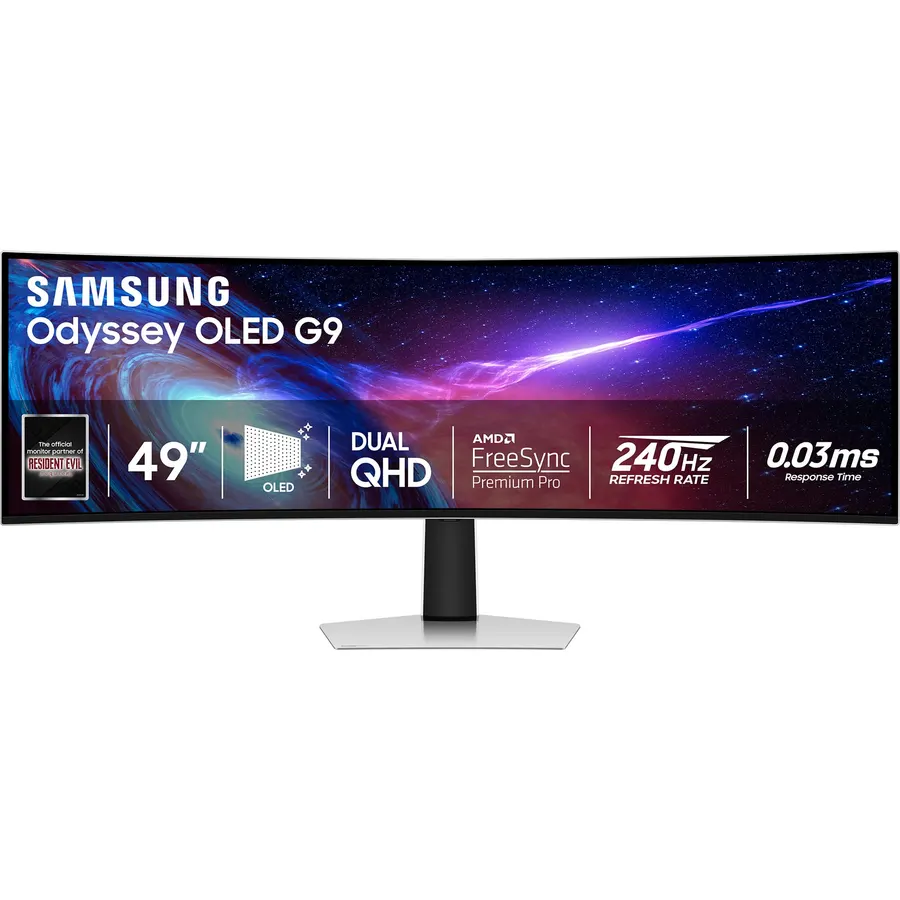
The OLED G9 is the 49-inch monitor every other one gets compared to. Quantum-dot OLED pixels switch off completely, so the contrast is effectively infinite and dark scenes in games and films look like nothing a VA panel can show; the 0.03ms response at 240Hz removes the smearing that ultrawide VA panels are known for. HDMI 2.1 lets a console share the screen, the stand adjusts every way, and the 1800R curve is gentler than the 1000R on the older G9. The trade-offs are OLED ones: full-screen brightness that suits a dim room better than a sunny one, and a burn-in risk if a taskbar sits in the same place all day. Owners rate it 4.1 stars; the critical reviews concern early firmware and what it costs, not the picture. If the monitor is mainly for games, this is the pick.
- QD-OLED: perfect blacks and motion clarity no LCD here matches
- 240Hz with a 0.03ms response across the full 5120x1440
- HDMI 2.1 for a PS5 or Xbox beside the PC
- Slimmer, lighter and better looking than the VA G9
- Full-screen brightness is modest; a bright room shows it
- Static toolbars for eight hours a day are a burn-in risk despite the safeguards
- Rating is 4.1 stars: owners mention firmware updates and the price
SAMSUNG 49-inch Odyssey G9 (G91F) DQHD, 144Hz, Curved Gaming Monitor, Ultra-Wide 32:9 Screen
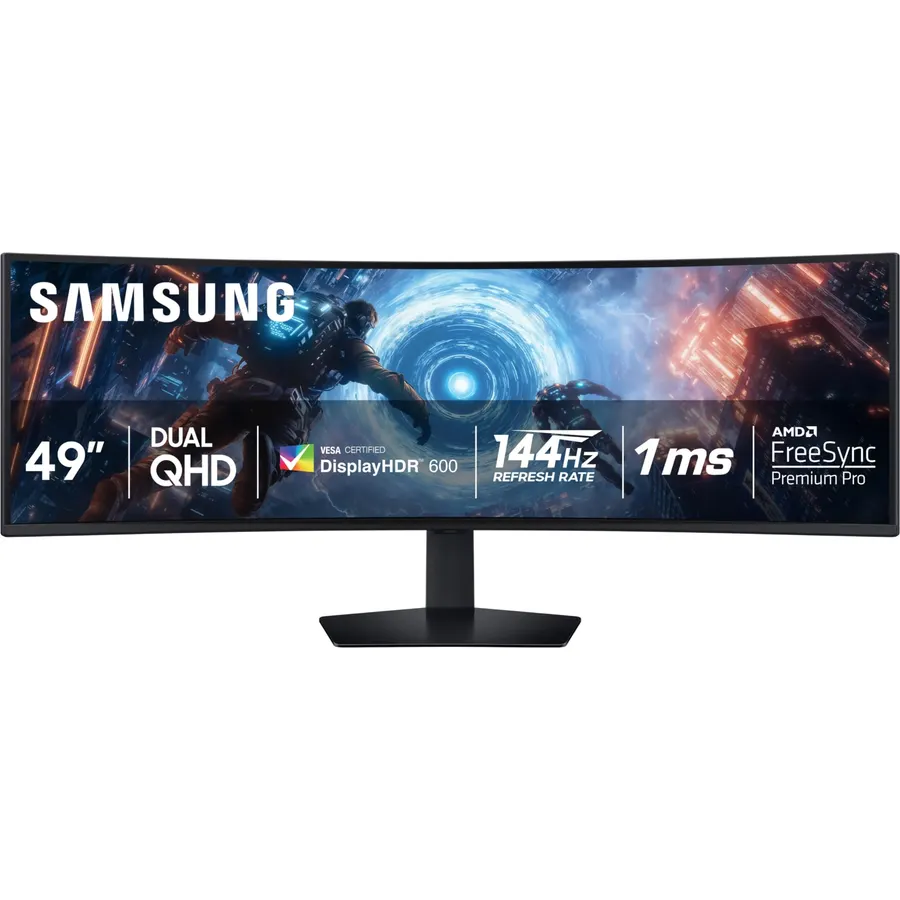
The G91F is the Odyssey G9 for people who want the size and the resolution without the OLED bill. It is a 5120x1440 VA panel at 144Hz with quantum-dot colour and DisplayHDR 600, so it gets properly bright, and it has the same height-adjustable stand and adaptive sync for both AMD and NVIDIA cards. Because it is an LCD there is no burn-in to think about, which makes it the better choice for a desk that shows a code editor by day and a game by night. The costs are the deep 1000R curve, which makes long spreadsheet rows bow slightly, and the VA panel’s dark-scene smearing. Owners rate it 4.4 stars, the highest Samsung on this page.
- The cheapest route to a 5120x1440 panel from a major brand
- VA contrast and 600-nit HDR peaks, bright enough for any room
- 144Hz is plenty for sims and single-player games
- No burn-in worries for a work-and-play desk
- 1000R curve is deep: spreadsheets bow at the edges
- VA smearing in dark scenes, visible next to the OLED
- HDMI 2.0 ports cap consoles at 60Hz
ASUS ROG XG49VQ 49 Inch 1080p 144Hz Ultrawide Curved Gaming Monitor
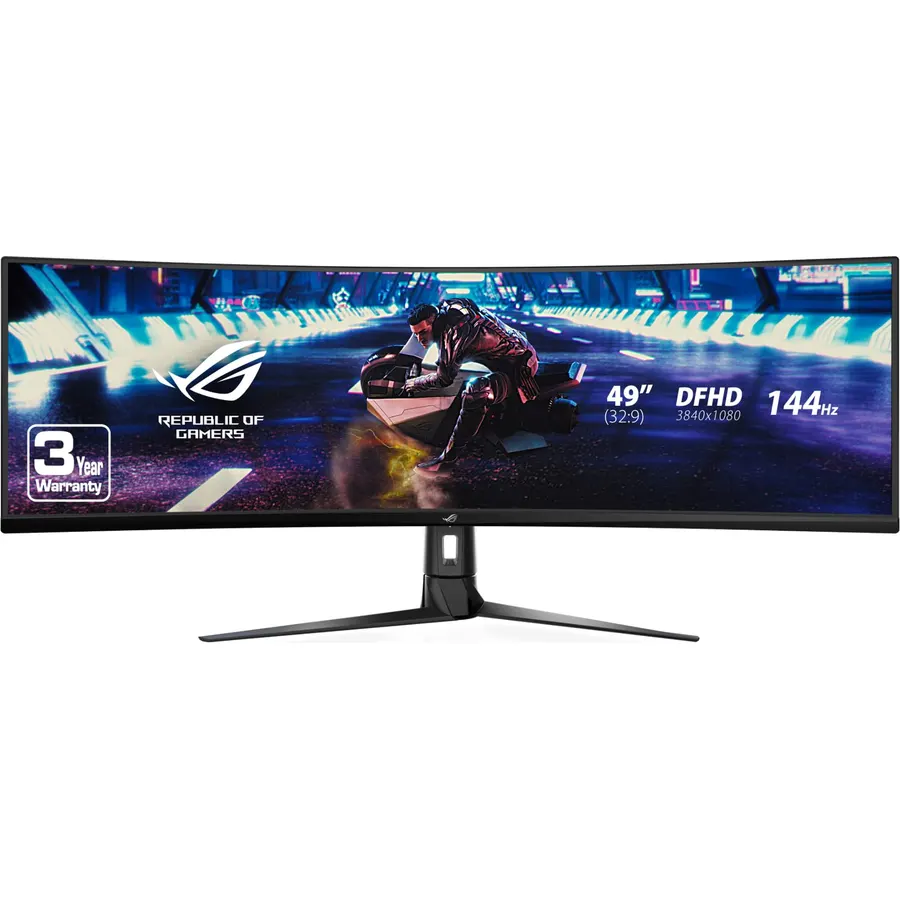
The XG49VQ is the super ultrawide for a sensible budget and a sensible graphics card. Its 3840x1080 resolution is two 1080p monitors side by side, which means a mid-range GPU drives it at 144Hz in most games where a 5120x1440 panel would need a flagship. The VA panel covers 90% of DCI-P3 with FreeSync 2 HDR, the 1800R curve is gentle, and the stand adjusts every way. The compromise is sharpness: 81 pixels per inch is fine for games at desk distance but soft for small text, so this is not the one for a spreadsheet desk. Nearly 900 owners rate it 4.4 stars, and the common theme is how much screen they got for the money.
- Lowest price for a 49-inch 144Hz panel here
- 3840x1080 runs on a mid-range graphics card at full refresh rate
- Gentle 1800R curve and a fully adjustable stand
- Nearly 900 owners at 4.4 stars
- 1080 pixels tall: text is noticeably softer than the 1440p models
- Two 1080p screens in one, not two 1440p
- HDR 400 is HDR in name only
LG 49-inch Ultragear DQHD (5120x1440) Curved Gaming Monitor 49GR85DC, 240Hz, 1ms, DisplayHDR 1000, HDMI 2.1
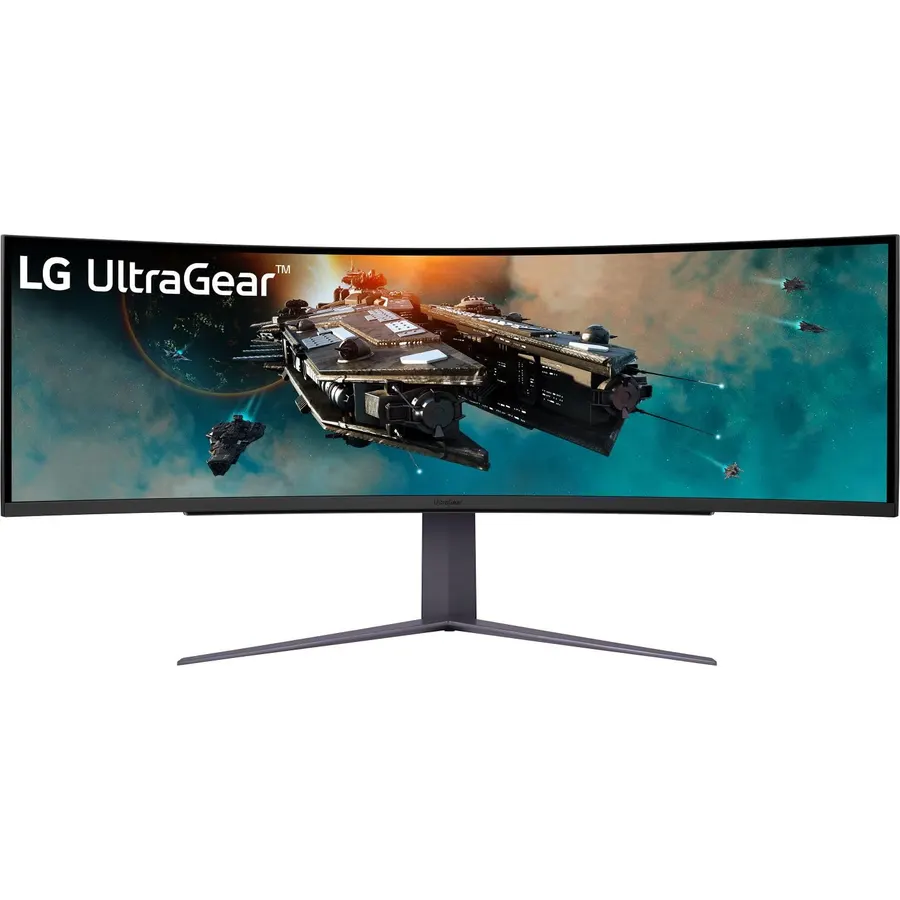
The 49GR85DC is LG’s answer to the VA G9 with two upgrades: a 240Hz refresh rate and DisplayHDR 1000, which gives it the brightest HDR highlights on this page, plus HDMI 2.1 and a DTS Headphone:X spatial audio jack. On paper it beats the G91F in every row of the spec sheet. The reason it sits fourth is the owner record: 3.8 stars, with a recurring complaint about brightness flicker when variable refresh rate is active and firmware that took time to settle. Buy it from a seller with an easy return window, test it with VRR on in the first week, and if your unit is clean it is a very fast, very bright screen. For the one it competes with, see our 240Hz gaming monitors guide.
- DisplayHDR 1000: the brightest HDR highlights of any pick
- 240Hz on a VA panel with HDMI 2.1 for consoles
- DTS Headphone:X spatial audio over the headphone jack
- Three-side borderless with hexagon rear lighting
- 3.8-star rating: owners report flicker with VRR and firmware issues on some units
- Deep 1000R curve
- VA dark-scene smearing at 240Hz
Dell UltraSharp U4924DW 49-inch Dual Quad HD (DQHD) Curved Monitor, IPS Black, USB-C, KVM
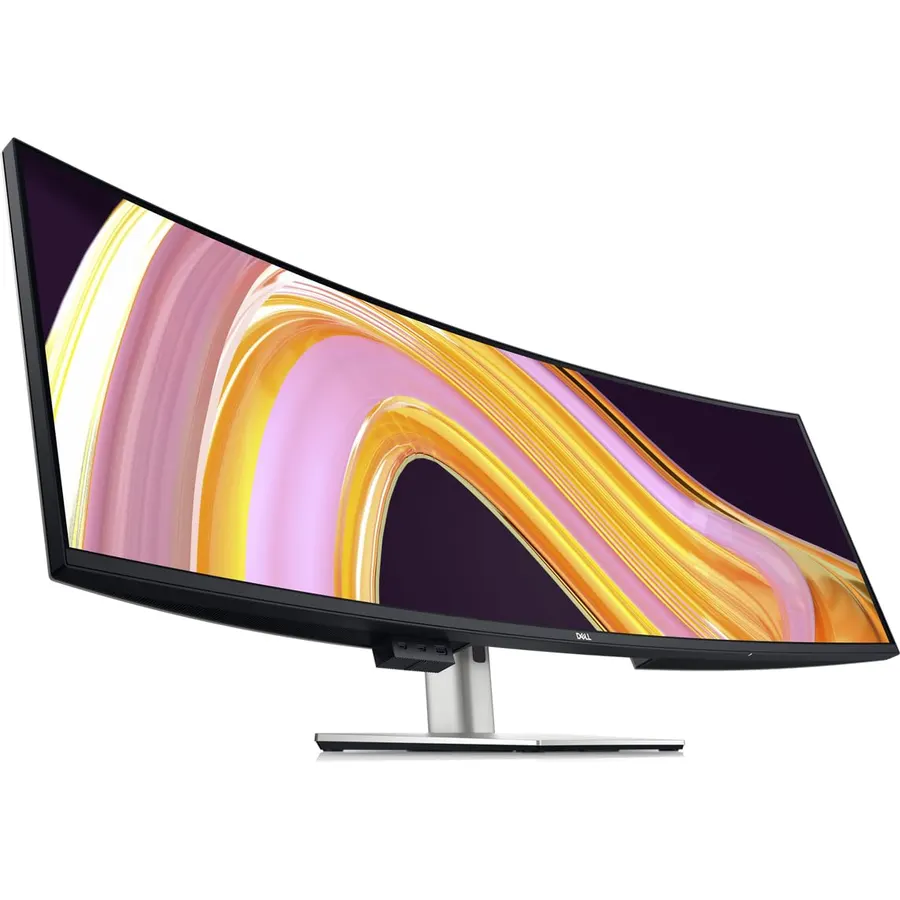
The U4924DW is the 49-inch monitor built for a desk with two computers on it. Its IPS Black panel doubles the contrast of ordinary IPS while keeping the colour accuracy and viewing angles VA cannot match, the 3800R curve is so gentle that spreadsheet rows stay straight, and the built-in KVM switches the keyboard, mouse and the 90W USB-C charging between a work laptop and a home desktop with one button. Dell Display Manager tiles windows, and the warranty runs three years. It is 60Hz, so games are not the point. The listing has only 94 reviews, but they sit at 4.2 stars and read like people who replaced two 27-inch UltraSharps with one.
- IPS Black panel: twice the contrast of normal IPS with IPS colour and viewing angles
- KVM switch runs two computers from one keyboard and mouse
- 90W USB-C charging, Ethernet, a 3-year Dell warranty
- Very gentle 3800R curve keeps spreadsheet rows straight
- 60Hz: not a gaming monitor
- Expensive, and only 94 reviews on this listing
- 350 nits SDR, no real HDR
Samsung Odyssey G9 OLED 49-inch Curved 240Hz Gaming Screen DQHD, LS49DG954SUXEN
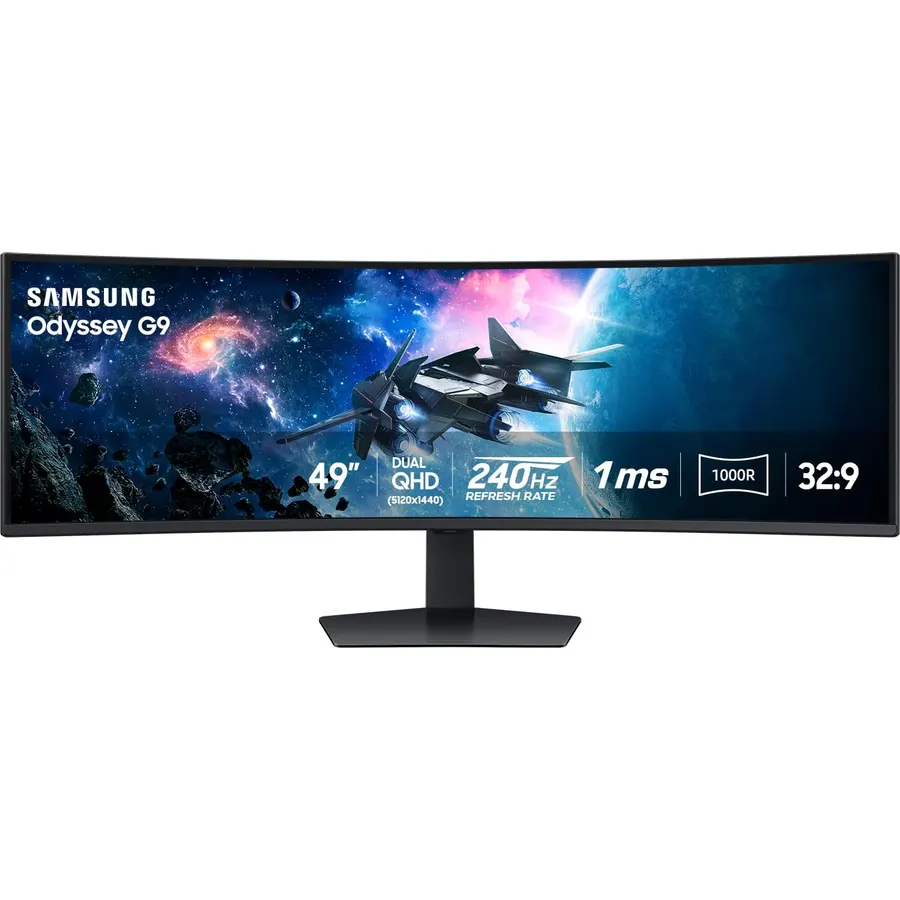
The 2024 G9 OLED keeps the QD-OLED panel, 240Hz and 0.03ms of the G93SC and adds the things owners asked for: a matte, glare-free coating that tames reflections in a bright room, OLED Safeguard+ with a cooling heat pipe and pixel refresh routines to push burn-in further away, and Samsung’s Tizen platform so the screen streams Netflix or Xbox Cloud Gaming with the PC switched off. It is the better monitor; it is also dearer, and this particular listing is the international model, so confirm the warranty terms before buying. For most buyers the G93SC above delivers the same picture for less.
- Same QD-OLED speed as the G93SC with a matte, glare-free coating
- OLED Safeguard+ adds a heat pipe and pixel care for burn-in
- Streams and cloud-games without a PC via Tizen
- The newest G9 design
- Costs more than the G93SC for the same resolution and refresh rate
- This listing is the international (SUXEN) version: check the warranty
- Smart TV layer adds setup steps a plain monitor does not have
Compare the picks
| Product | Panel | Resolution / refresh | HDR | Curve | Owner rating | Our score | |
|---|---|---|---|---|---|---|---|
| Samsung Odyssey OLED G9 G93SCSamsung | QD-OLED | 5120x1440, 240Hz | True Black 400 | 1800R | 4.1 (1,200+) | 8.2 | See price |
| Samsung Odyssey G9 G91FSamsung | VA, QLED | 5120x1440, 144Hz | HDR 600 | 1000R | 4.4 (180+) | 8.8 | See price |
| ASUS ROG XG49VQASUS | VA | 3840x1080, 144Hz | HDR 400 | 1800R | 4.4 (880+) | 8.8 | See price |
| LG UltraGear 49GR85DCLG | VA | 5120x1440, 240Hz | HDR 1000 | 1000R | 3.8 (280+) | 7.6 | See price |
| Dell UltraSharp U4924DWDell | IPS Black | 5120x1440, 60Hz | None | 3800R | 4.2 (90+) | 8.4 | See price |
| Samsung G9 OLED 2024Samsung | QD-OLED, matte | 5120x1440, 240Hz | True Black 400 | 1800R | 4.1 (540+) | 8.8 | See price |
5120x1440 or 3840x1080: which 49-inch resolution?
Both are 32:9, but they are not the same screen. 5120x1440 (DQHD) is two 27-inch 1440p monitors side by side: about 109 pixels per inch, sharp for text and the resolution to buy for any desk that also does work. 3840x1080 (DFHD) is two 1080p monitors: 81 pixels per inch, visibly soft for small text at desk distance, but with 44% fewer pixels to render, so a mid-range graphics card reaches 144Hz where the DQHD panels need a flagship. If the monitor is only for games and the budget is tight, the ASUS XG49VQ makes sense. For everything else, pay for 1440 pixels of height.
What you need to run a 49-inch monitor
- Graphics card: 5120x1440 is 7.4 million pixels, almost 4K. For 100-plus frames in new games at high settings, plan on an upper mid-range or flagship card, or lean on DLSS and FSR upscaling. Older or esports titles are much easier. Our budget graphics cards guide explains where the cut-off sits.
- The right cable and port: 5120x1440 at 240Hz needs DisplayPort 1.4 with Display Stream Compression (DSC), which every 240Hz pick here supports; HDMI 2.0 caps the DQHD panels at 60Hz, and only HDMI 2.1 (G9 OLED, 49GR85DC) runs a PS5 or Xbox properly. Use the cable in the box; cheap long DisplayPort cables are the most common cause of black-screen flicker on these monitors.
- Desk and mount: the panel is about 47 inches (120 cm) wide and the box is bigger. A desk at least 55 inches wide and 28 to 30 inches deep is comfortable, and a VESA arm has to be rated for 30 pounds or more; see monitor arms and mounts for the ones that are.
- Windows and macOS: Windows handles 32:9 natively and Snap or FancyZones tiles it into thirds. macOS supports it too, but a base M-series MacBook drives only one external display, and Apple Silicon handles 5120x1440 at 60Hz over USB-C with no trouble; high refresh needs a DisplayPort connection and a Pro or Max chip.
OLED or VA at 49 inches?
QD-OLED (the two Samsung G9 OLEDs) has perfect blacks, a 0.03ms response that ends ultrawide smearing, and the best picture at this size; its limits are full-screen brightness and burn-in risk with static content, which Samsung’s pixel refresh and the 2024 model’s heat pipe reduce but do not remove. VA (G91F, XG49VQ, 49GR85DC) gets brighter, costs less, never burns in and carries HDR 600 to 1000 peaks, but shows smearing in dark transitions and has deeper curves. IPS Black (Dell) sits between them for contrast with the best colour accuracy and the flattest curve, at 60Hz. Gaming first: OLED. Work and play with a taskbar on screen all day: VA. Two computers and spreadsheets: Dell. Deeper curves, by the way, are a gaming preference; for office use the gentlest curve you can get is the right answer, as our 34-inch monitors for office work guide explains.
Is a 49-inch monitor too big for a desk?
It is 47 inches wide and you should sit about 28 to 32 inches from it, so a desk at least 55 inches wide and 28 inches deep is comfortable. On a smaller desk a 34-inch ultrawide is the better buy.
What graphics card do I need for a 49-inch 5120x1440 monitor?
Enough for almost 4K: an upper mid-range card for 100 frames per second in current games at high settings, or a mid-range card with DLSS or FSR. The 3840x1080 ASUS XG49VQ needs far less because it renders 44% fewer pixels.
Can a 49-inch monitor replace two 27-inch monitors?
A 5120x1440 model is exactly two 27-inch 1440p monitors in pixel terms, with no bezel in the middle. What you lose is two independent inputs unless the monitor has picture-by-picture, which the Dell U4924DW and the Samsung G9 models do.
Is the Samsung Odyssey G9 OLED worth it over the G9 G91F?
For gaming, yes: the OLED has perfect blacks, no smearing and 240Hz against 144Hz. For a desk that shows a code editor or spreadsheet most of the day, the VA G91F is brighter, cheaper and immune to burn-in.
Do PS5 and Xbox support 32:9?
No. Consoles output 16:9, so on a 49-inch monitor the picture sits in the middle with black bars at the sides, or stretched. A console shares the screen fine as a second input (HDMI 2.1 on the G9 OLED and 49GR85DC), but the 32:9 shape is a PC feature.
Which 49-inch monitor is best for work and spreadsheets?
The Dell UltraSharp U4924DW: IPS Black contrast, a very gentle 3800R curve, 90W USB-C and a KVM switch for two computers. The VA G9 G91F also works for a mixed desk, but its 1000R curve bows long rows.
Prices and stock change daily. The buttons above open Amazon so you always see the current price. We may earn a commission if you buy through them, at no extra cost to you.
Do Best Deal is a participant in the Amazon Services LLC Associates Program. As an Amazon Associate we earn from qualifying purchases. If you buy through links on this site we may earn a commission, at no extra cost to you. Learn more.
