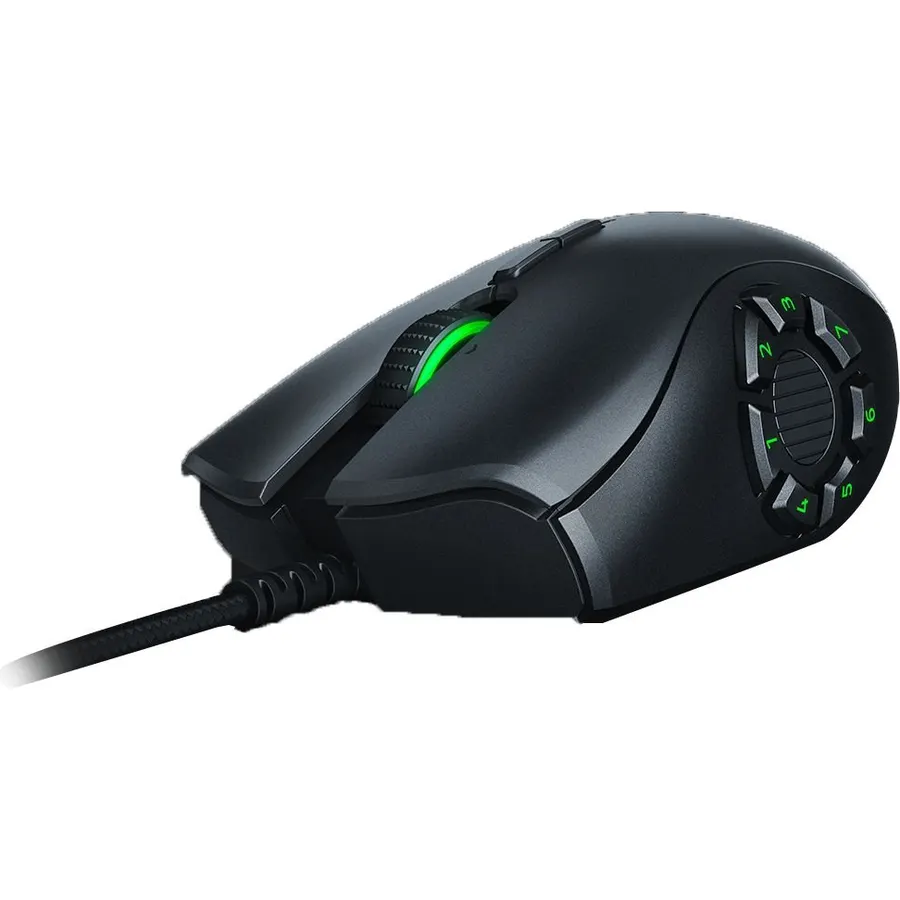
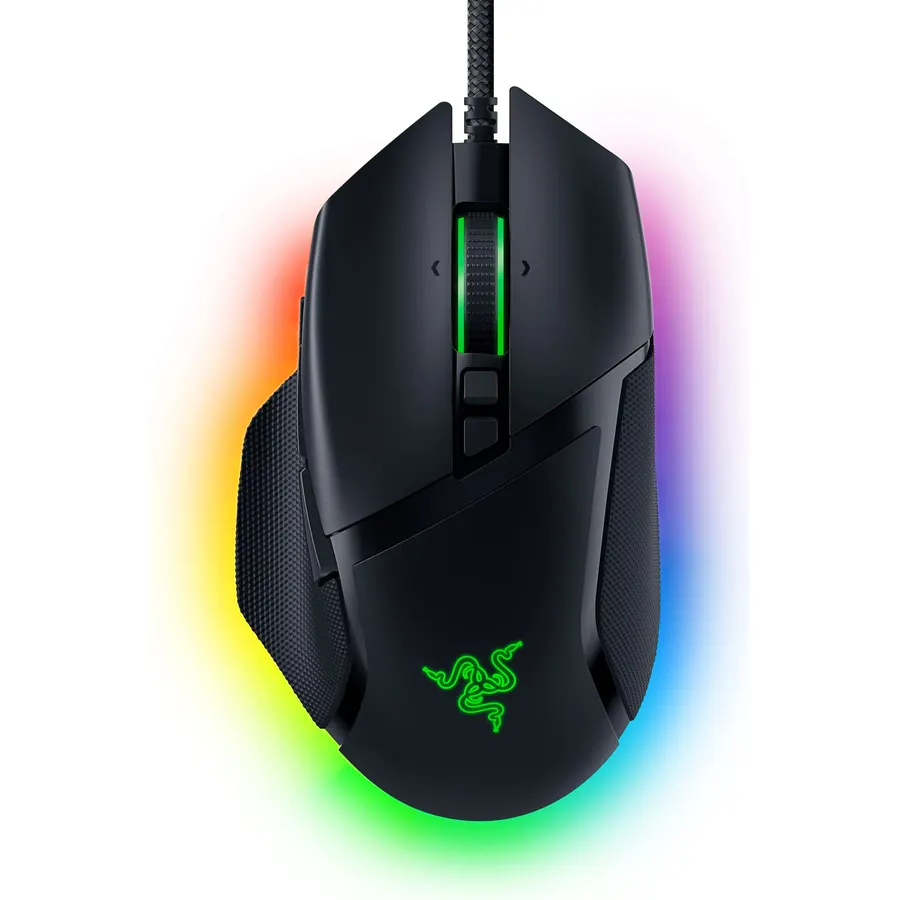
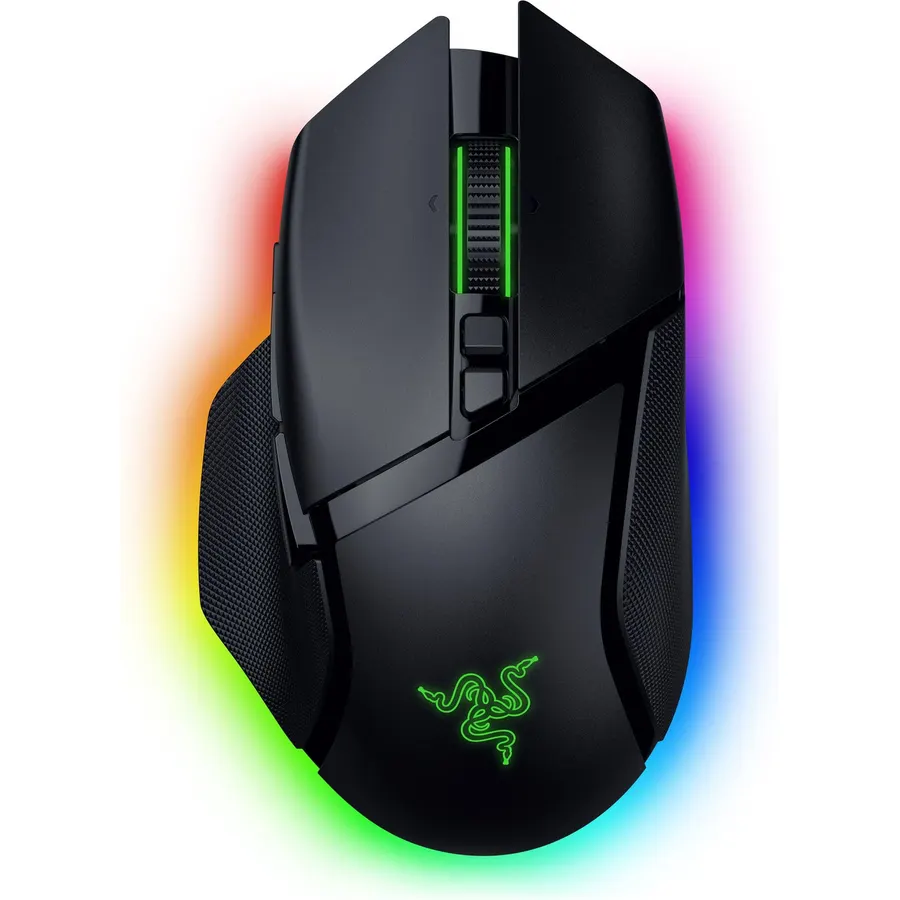
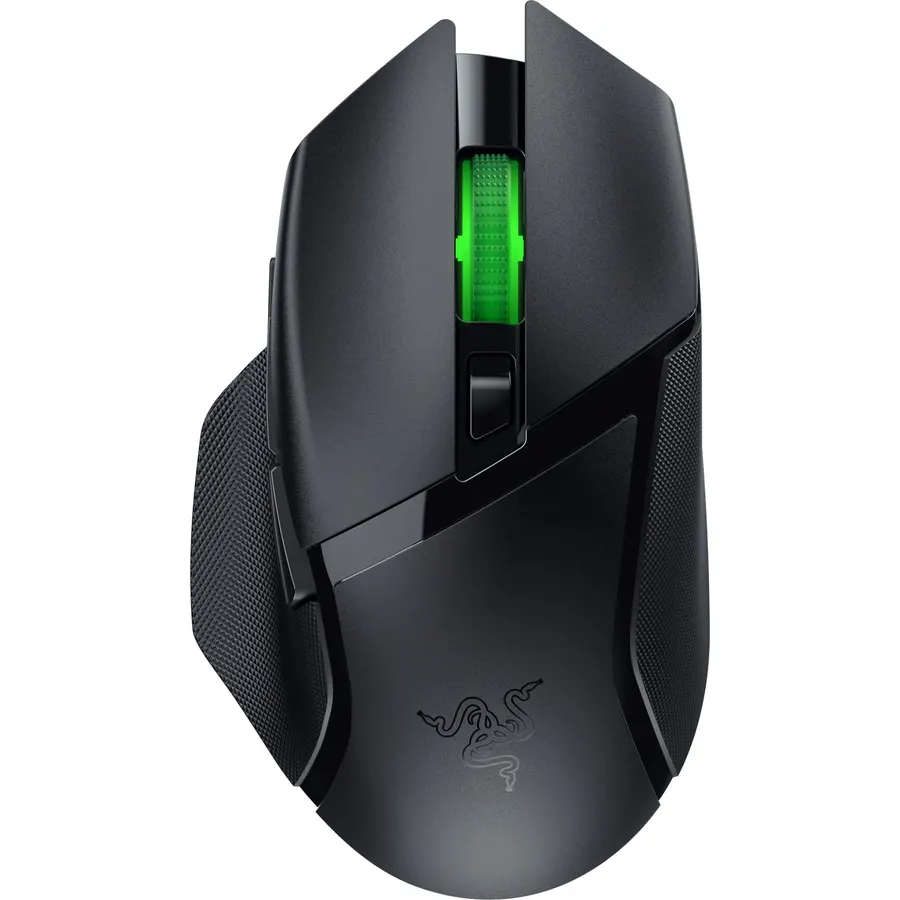
High-Precision 16,000 DPI Optical Sensor: Offers on-the-fly sensitivity adjustment through dedicated DPI buttons (reprogrammable) for gaming
Connectivity TechnologyUSBOperating SystemWindows
About this item
High-Precision 16,000 DPI Optical Sensor: Offers on-the-fly sensitivity adjustment through dedicated DPI buttons (reprogrammable) for gaming
Full Modular Customizability: 3 interchangeable side plates with 2, 7 and 12-button configurations
Up to 19 Programmable Buttons: Allows for button remapping and assignment of complex macro functions through Razer Synapse
Customizable Chroma RGB Color Profiles: Supports 16.8 million color combinations w/ included preset profiles
Ridged, Rubberized Scroll Wheel for Maximum Accuracy: Small, tactile bumps increases grip and allows for more controlled scrolling in high-stakes gaming situations
Durable Mechanical Switches: Supports up to 50 million clicks, backed by a 2 year warranty
High-Precision 16,000 DPI Optical Sensor: Offers on-the-fly sensitivity adjustment through dedicated DPI buttons (reprogrammable) for gaming
Ranked #99 in Mice · 4 things we like
Quick answer The Razer Naga Trinity Gaming Mouse: 16 scores 9.0/10 with us. Amazon owners rate it 4.5 out of 5 across 15,639 reviews, in line with the 4.4 average of the 46 gaming mice we track. Key facts: connectivity technology USB, operating system Windows.
Experience the power of total control in your hand, no matter what game you play. Designed to provide you that Edge you need in MOBA/mmO gameplay, the Razer Naga Trinity lets you configure your mouse for everything from Weapons to build customizations so you'll always be ahead of the competition. 1000 Hz Ultrapolling,Razer Synapse 3 (Beta) enabled, Ergonomic right-handed design with enhanced rubber side grips,Compatible with Xbox One for basic input, Gaming-grade tactile scroll wheel.
Do Best Deal is a participant in the Amazon Services LLC Associates Program. As an Amazon Associate we earn from qualifying purchases. If you buy through links on this site we may earn a commission, at no extra cost to you. Learn more.
Product information
24 specifications
Additional Features
Programmable Buttons
Antenna Location
Gaming
Brand
Razer
Button Quantity
19
Color
Black
Compatible Devices
Personal Computer
Connectivity Technology
USB
EU Spare Part Availability Duration
2 years
Embellishment Feature
LED
Enclosure Material
Rubber
Global Trade Identification Number
00814855026340
Hand Orientation
Right
Hardware Platform
PC, Universal
Included Components
mouse
Model Name
Naga Trinity
Model Number
RZ01-02410100-R3U1
Mouse Maximum Sensitivity
16000 dots_per_inch
Movement Detection
Optical
Number of Batteries
2 AA batteries required.
Operating System
Windows
Pattern
Mouse
Power Source
Corded Electric
Range
10.0 meters
Style Name
Naga Trinity
Pros & cons
What we like
High-Precision 16,000 DPI Optical Sensor: Offers on-the-fly sensitivity adjustment through dedicated DPI buttons (reprogrammable) for gaming
Full Modular Customizability: 3 interchangeable side plates with 2, 7 and 12-button configurations
Up to 19 Programmable Buttons: Allows for button remapping and assignment of complex macro functions through Razer Synapse
Customizable Chroma RGB Color Profiles: Supports 16.8 million color combinations w/ included preset profiles
Is the Razer Naga Trinity Gaming Mouse: 16 worth buying?
Yes, it is one of the stronger picks in its group. We score the Razer Naga Trinity Gaming Mouse: 16 9.0 out of 10. Amazon owners rate it 4.5 out of 5 across 15,639 reviews, in line with the 4.4 average of the 46 gaming mice we track.
What are good alternatives to the Razer Naga Trinity Gaming Mouse: 16?
Similar, well-rated gaming mice in our catalog: Razer Naga Pro Wireless Gaming Mouse (8.6/10, 4.3 stars from 4,126 owners); Razer Lancehead Tournament Edition Ambidextrous (9.2/10, 4.6 stars from 1,313 owners); Razer Basilisk Essential Gaming Mouse: 6400 DPI (8.8/10, 4.4 stars from 194 owners).
Breakdown from the 10 most helpful reviews we imported.
S
Steven Giles
Verified purchaseAugust 17, 2022
Horrible Lifetime.
I'll start by saying that this review pains me to make, because I *loved* this mouse while it worked properly, but here we are...Here's the good — it feels great. I used this paired with a Firefly v2 hard mat, and it glides perfectly smooth across it. It has a great weight to it, but some may not like it as much, depending on the mat you use, and the ergonomics are simple, yet very nice. The interchangeable side panels' buttons are well-placed and are not too clicky or too stiff, and switching the plates is a breeze while also registering the new plate settings instantly.And the bad — As cool
C
Cipher 8
Verified purchaseMarch 3, 2020
Top mouse for any MMO/MOBA/Gaming enthusiast
A little background as a purchaser/reviewer of products:Having owned a RΛZΞR mouse since the original Naga was introduced until it got worn out from usage and then I had to get a Hex v2 to replace it because you couldn't buy the old naga anymore. Now I got the Naga Trinity. A quick wiki search tells me there have been nine iterations in the Naga series, not counting the redesigned versions and I must say I have never not liked one of my MMO/MOBA mice from RΛZΞR. And I'm not one of them gamer lifestyle junkies or uber Razer fanboys that goes out and buys everything chroma and wears their clothi
A
Adam
Verified purchaseMay 5, 2021
Great for productivity (Not Wireless)
I use this mouse for shortcuts in various programs. It's one thing to have a couple extra buttons for navigation or general purpose in Windows or Chrome, but having a few extra buttons to cut, copy, paste, and undo are helpful. Where this thing really shines is when you've got those obnoxious "quick keys" where you really need two hands on the keyboard, or where you could frequently use a regular series of shortcuts. This mouse is spectacular in Adobe Illustrator, InDesign, Outlook, Adobe Premiere. The Razer Synapse software detects the program you're using and switches your mouse to the appro
L
Luke P.
Verified purchaseOctober 10, 2023
Great mouse for the variable gamer
I have only been using this mouse in my entire career of playing video games as it is heavy, durable, and extremely customizable. I usually play with the simple fwd bck button setup for most games but have employed the other sides for games with too many button shortcuts, think Elite Dangerous and Monster Hunter World. Really enjoy the lighting customization with a Razor keyboard as well as the ability to customize the adjustable DPI on the mouse.Only issue myself and others have consistently ran into is that every once in a while the mouse will either fail to recognize the side button presses
C
CodeView
Verified purchaseMay 13, 2020
So far so good, but I need to give it some time...
I've had this mouse for a few days now, and not sure how I should review it; but here are the pros and cons so far. I'll revise this review if anything changes as I get used to the device.Pros:* The construction of the mouse is great; solid feel, good materials* The three removable side button panels are super cool (they light up, too!)* The Razer Synapse program coordinates a color scheme across my Razer Blackwidow Chroma and this mouse, which looks awesome. Now I just need to update my Razer Nostromo Gaming keypad to one of the Orbweaver, Tartarus V2 or Tartarus Pro, each of which has a desp
A
Amazon Customer
Verified purchaseMay 24, 2024
It's good!
I came here to complain about the mouse because it's starting to fail. The swappable side panels are a dumb idea and I hate them-- everyone who bought this mouse knew which panel they were going to use and has never switched it. Sure enough, the side panel is starting to fail for me and the middle 5 button stops working. If I take off the panel and it put it back on it starts working again. So I was shopping for a new mouse and I see people praising a 2 year lifespan mouse. Out of curiosity I checked when I bought this mouse. It was about 4 years ago. So I guess this is a pretty damn good mous
N
Neven
Verified purchaseDecember 14, 2025
Nice for Gaming
Excellent mouse, though I only ever used the 12-button configuration. I was a little sad that only after a few months the left-click began to give out... it was doing this thing where when I would click, it would rapidly click twice and such. Other than that, great mouse.
C
Count D'Zvir
Verified purchaseMarch 27, 2021
My Favorite Mouse -- Great Shape For A Large Hand
I have three Razor mice and I use them all with my home and work PCs. The Naga is my favorite because of its shape. I have rather large hands and long fingers, and the way this mouse sits in my palm is pretty much perfect. Very ergonomic and solid grip. Sure, DeathAdder as well as Mamba are also very comfortable, but there's something special about having this heavy & big mouse, with the arching bulge, under my palm. I feel very much in control of its movement and, actually, appreciate its weight. It's precise and customizable enough for my needs. The three RGB zones may be lacking to some, bu
Customer reviews are shown as published on Amazon and are not written by Do Best Deal.
More mice we compared
Alternatives to the Razer Naga Trinity Gaming Mouse: 16