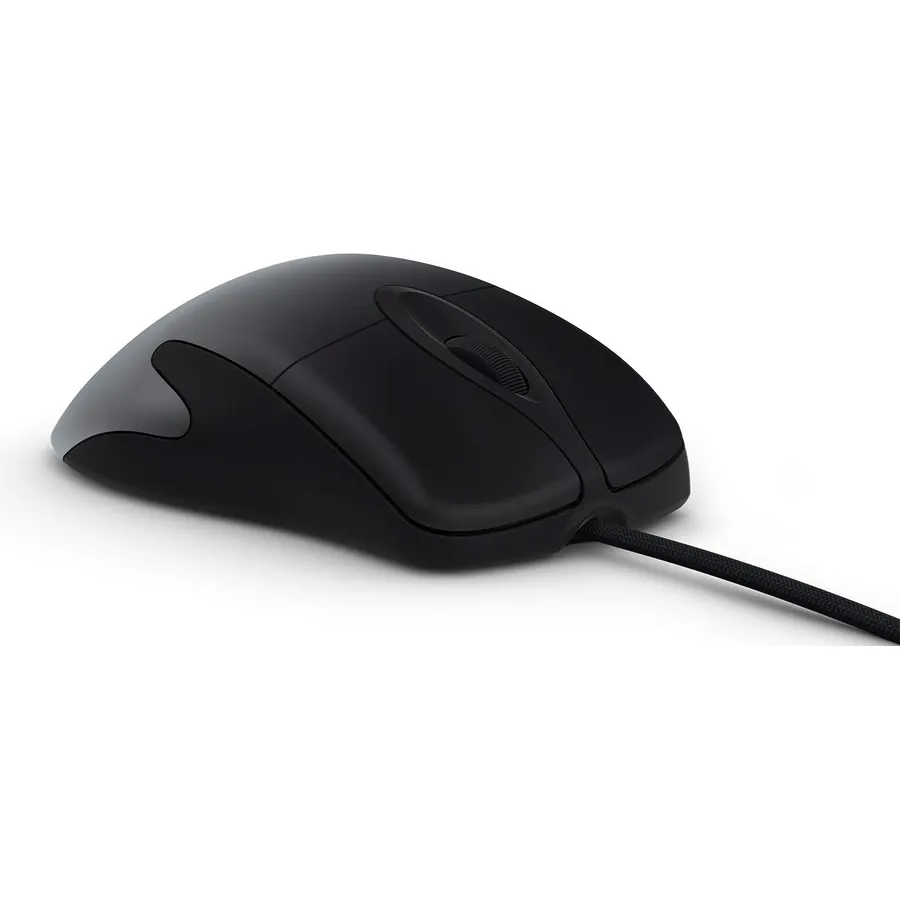
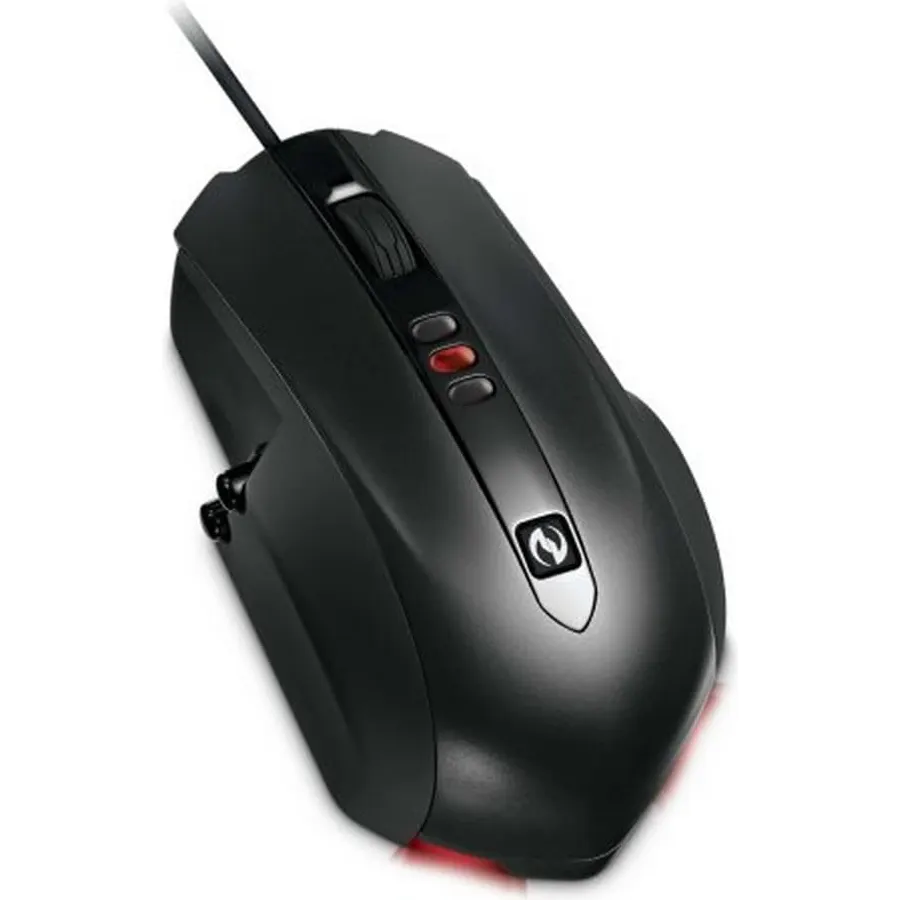
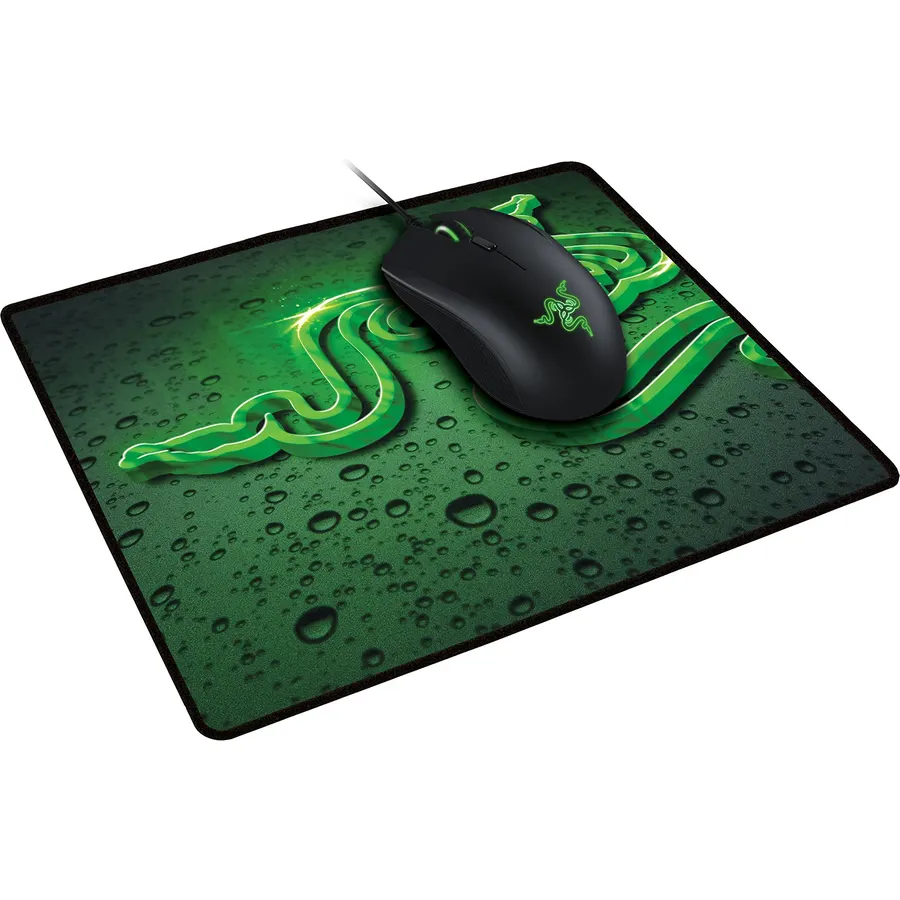
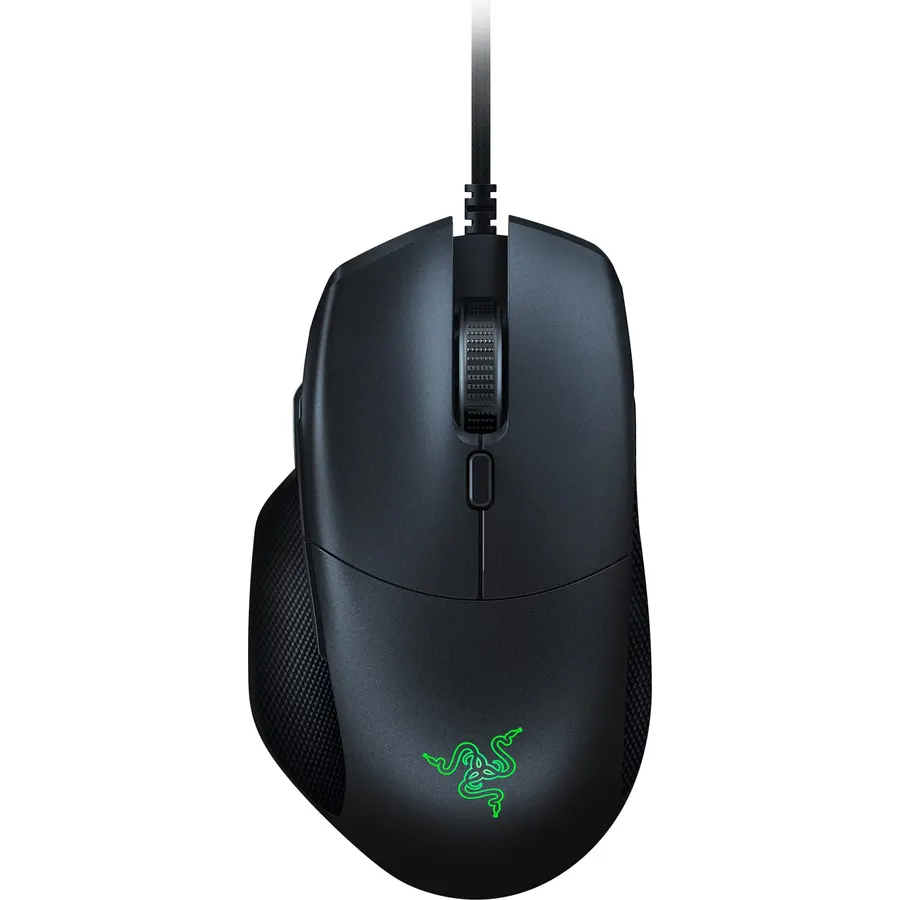
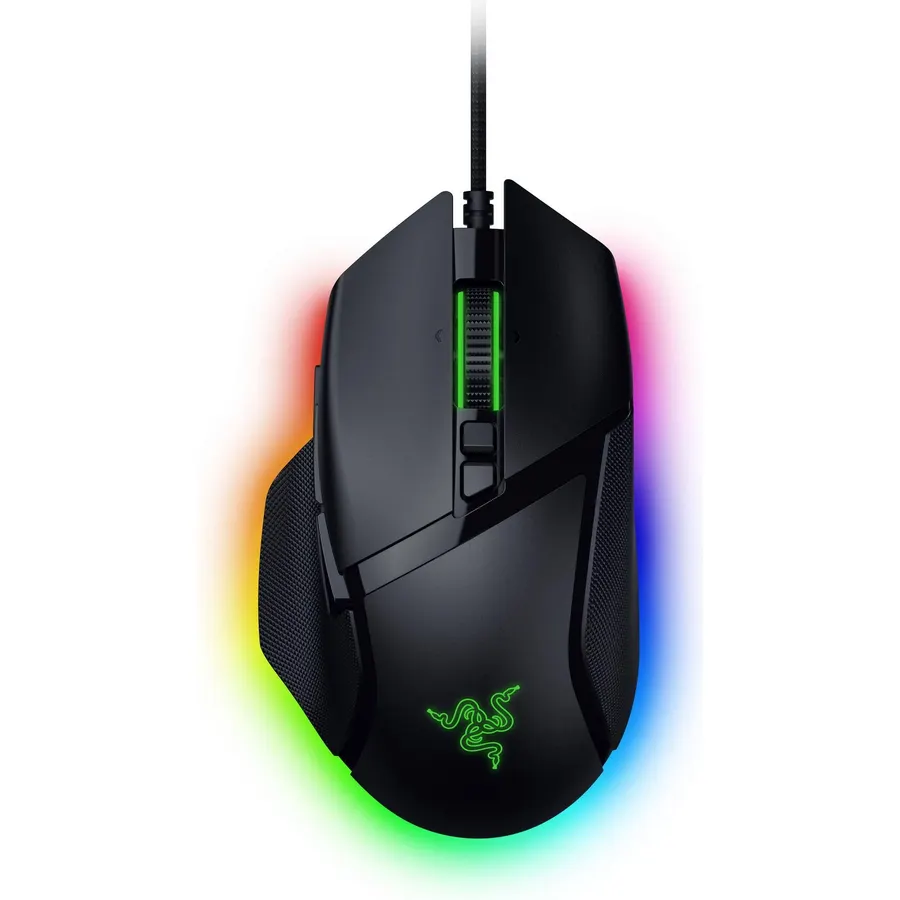
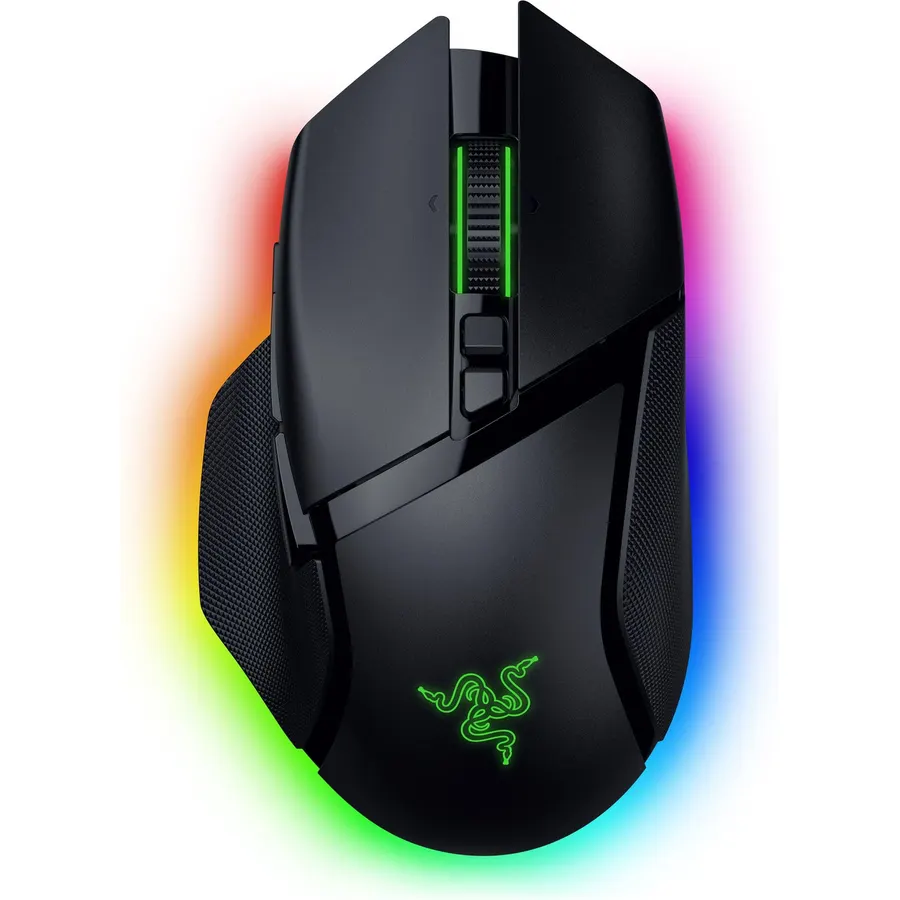
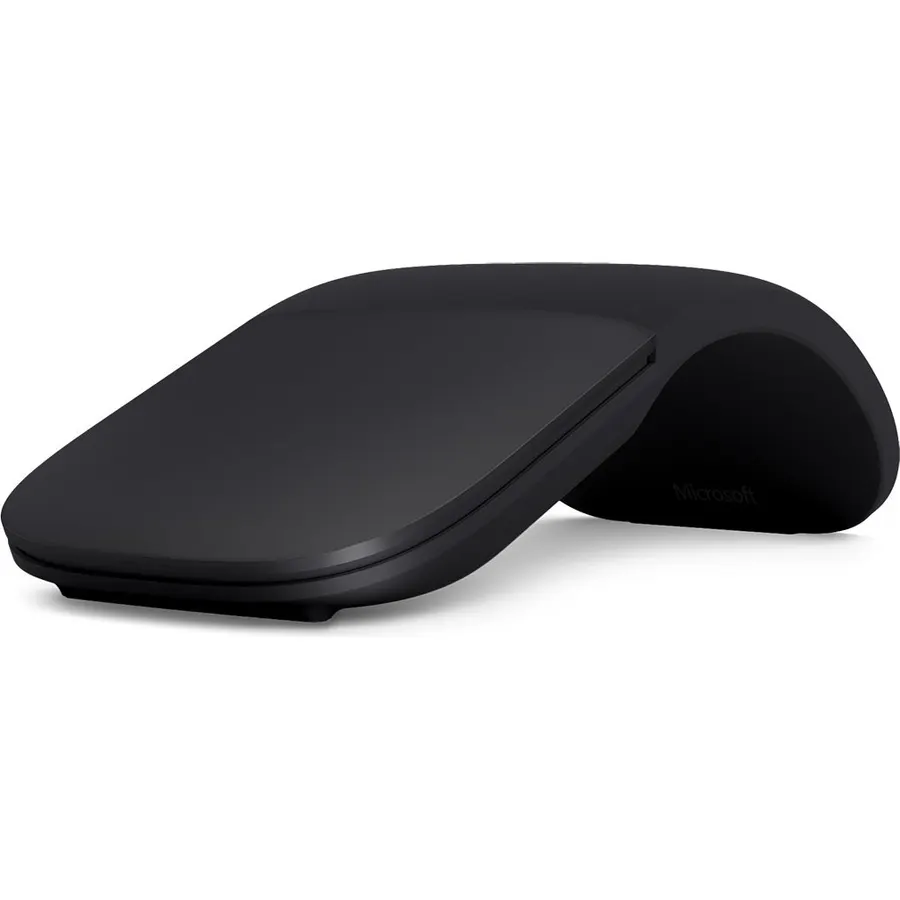
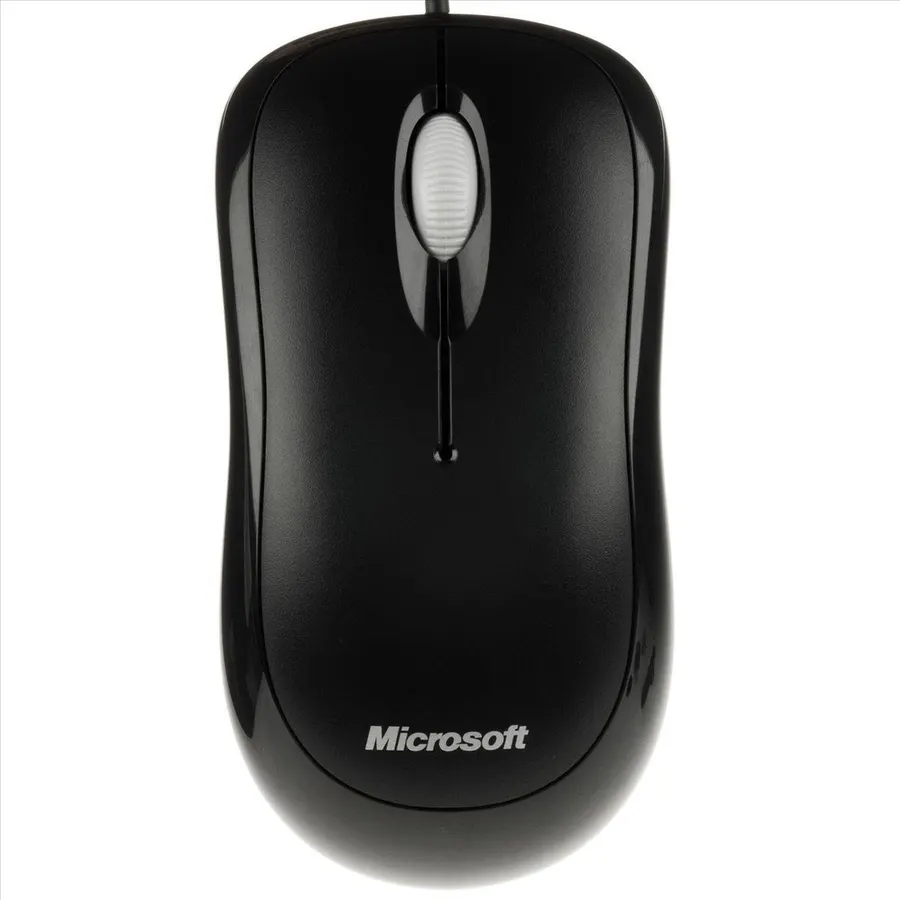
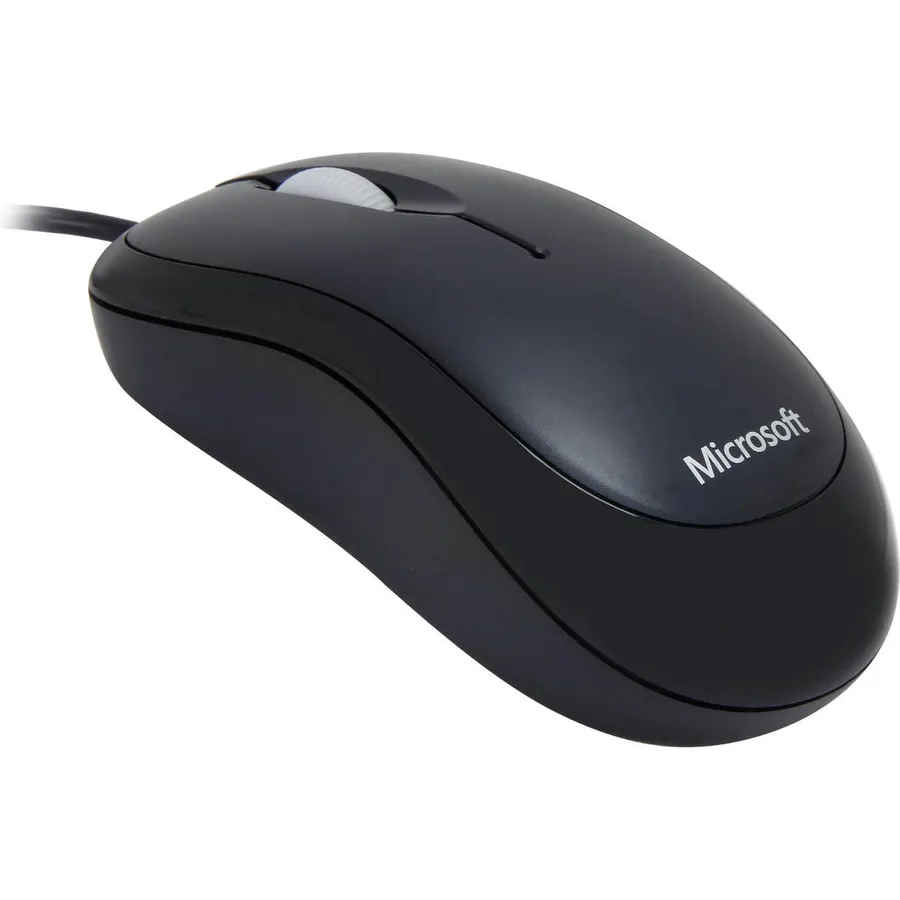
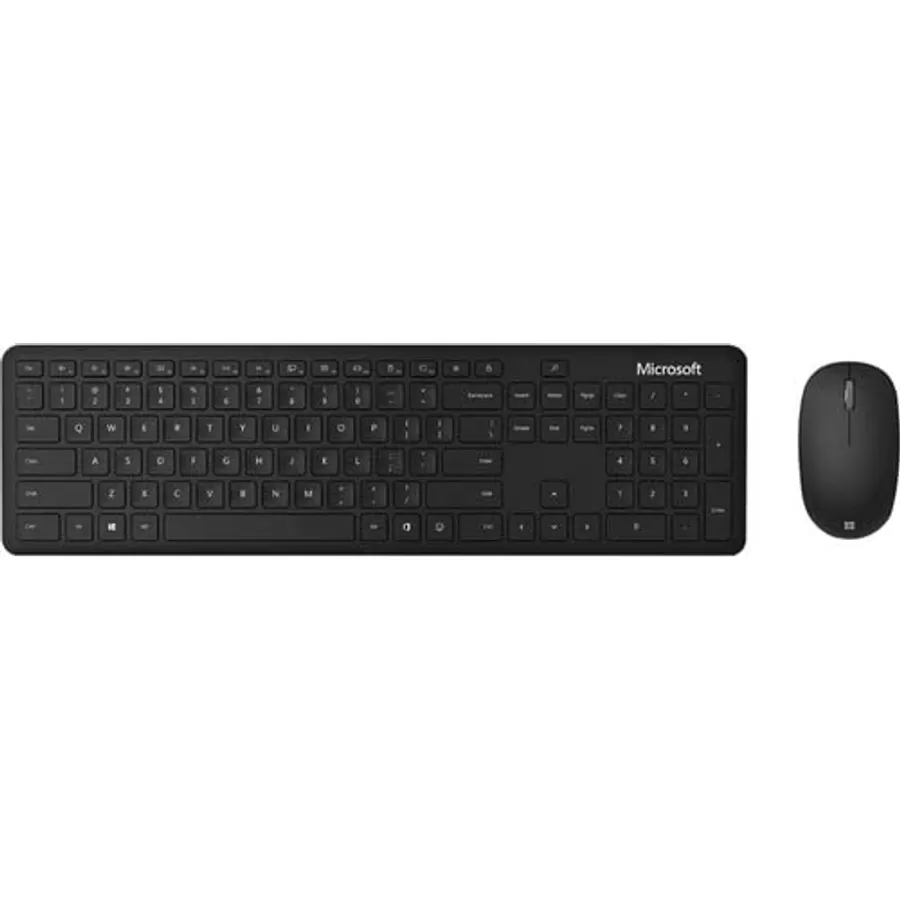
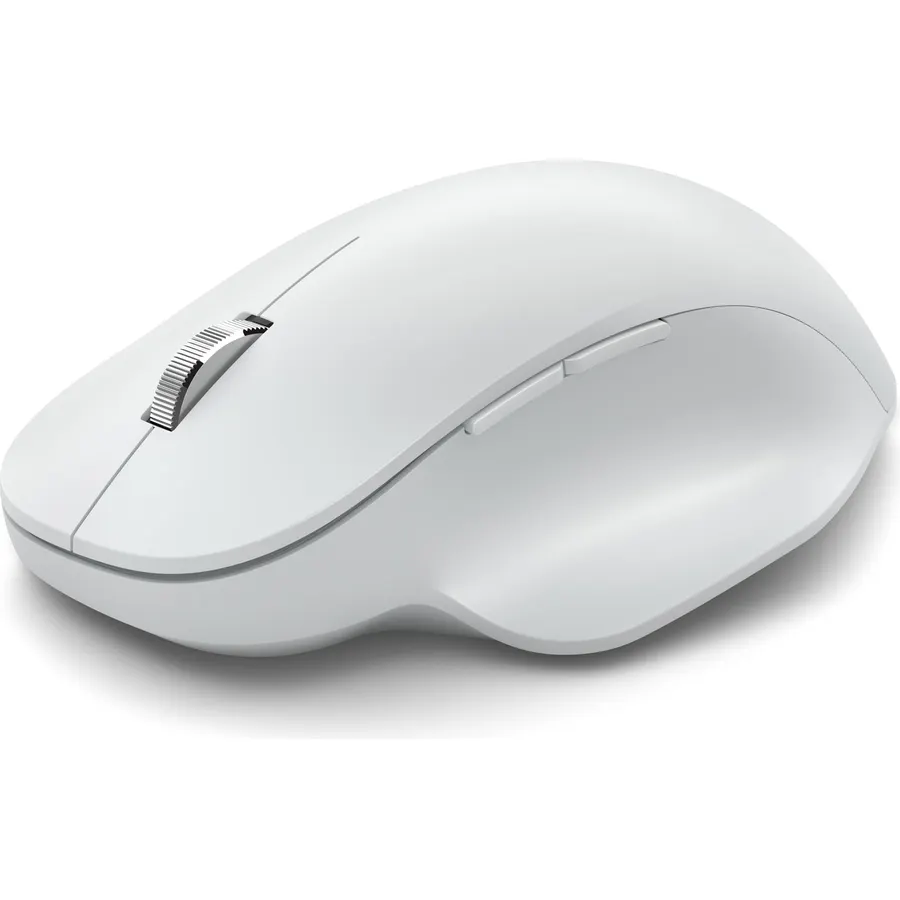
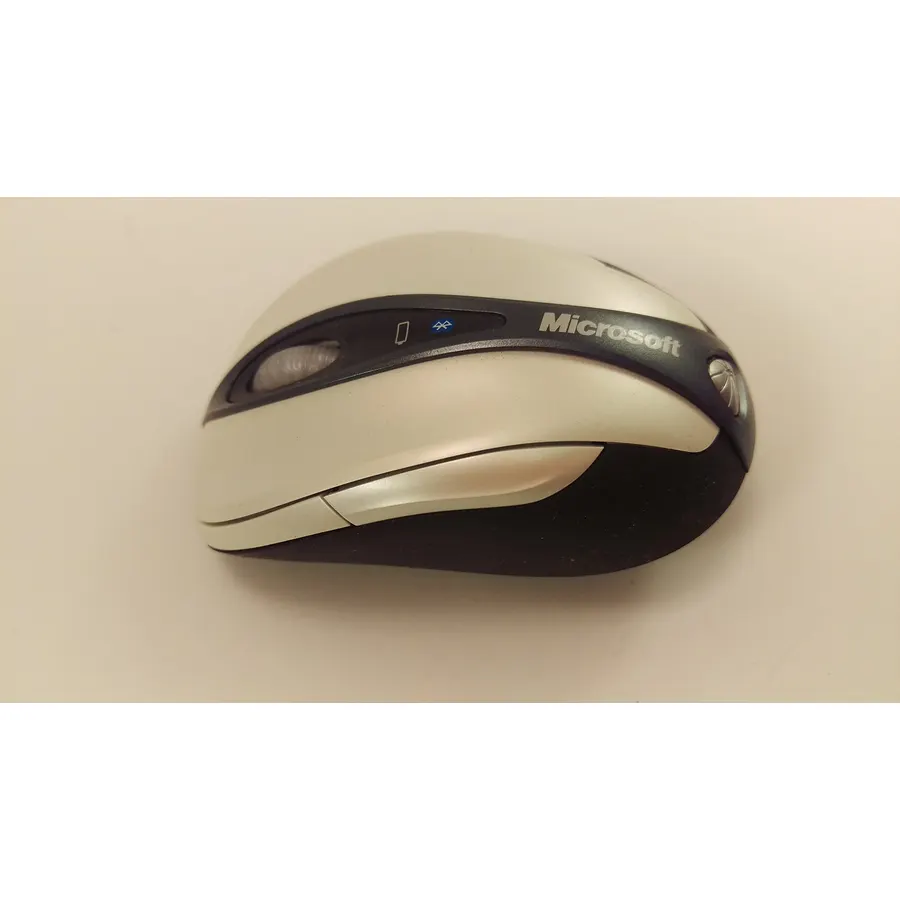
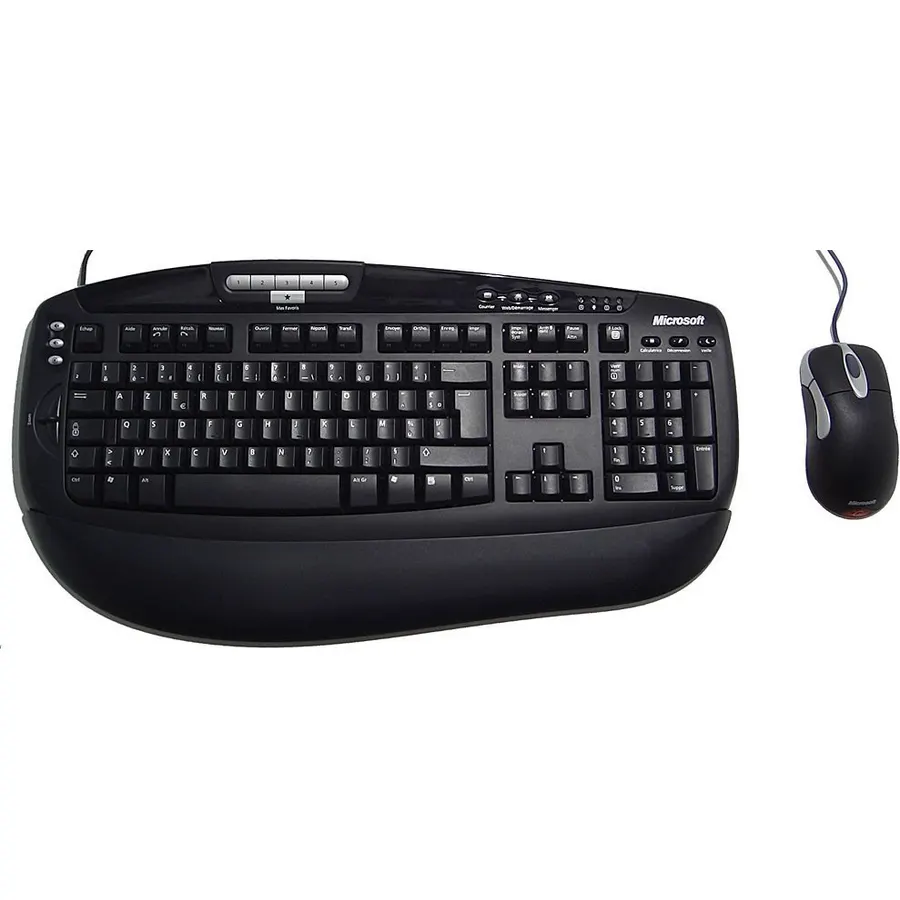
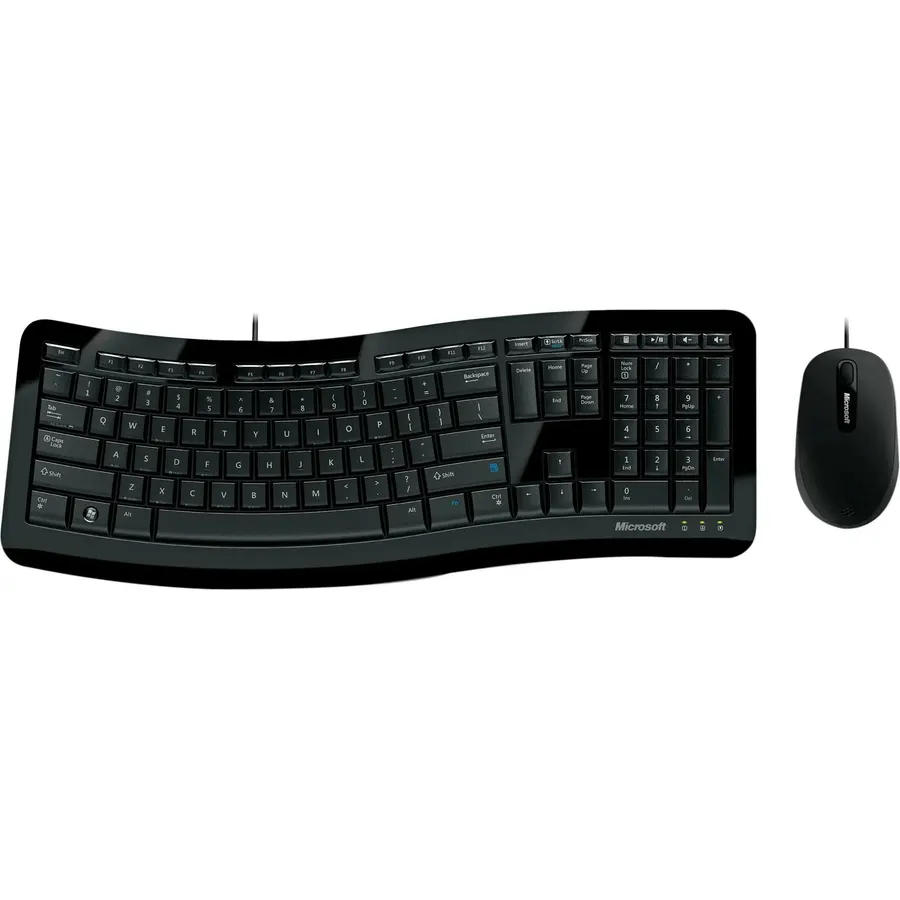
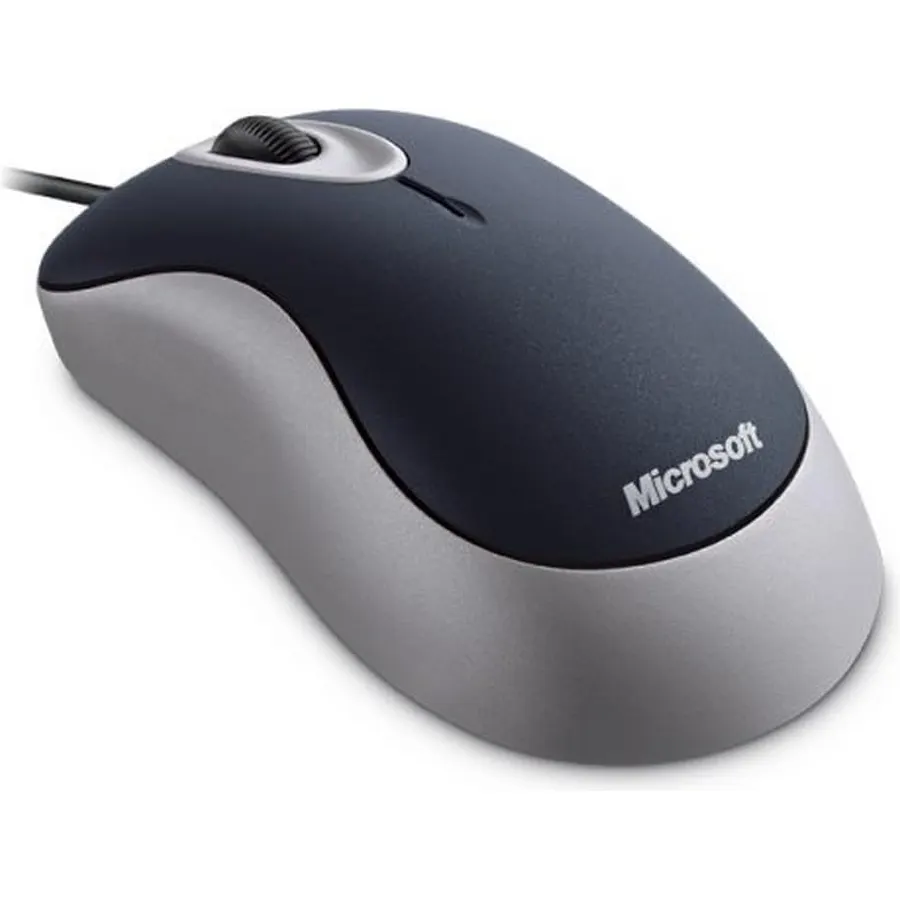
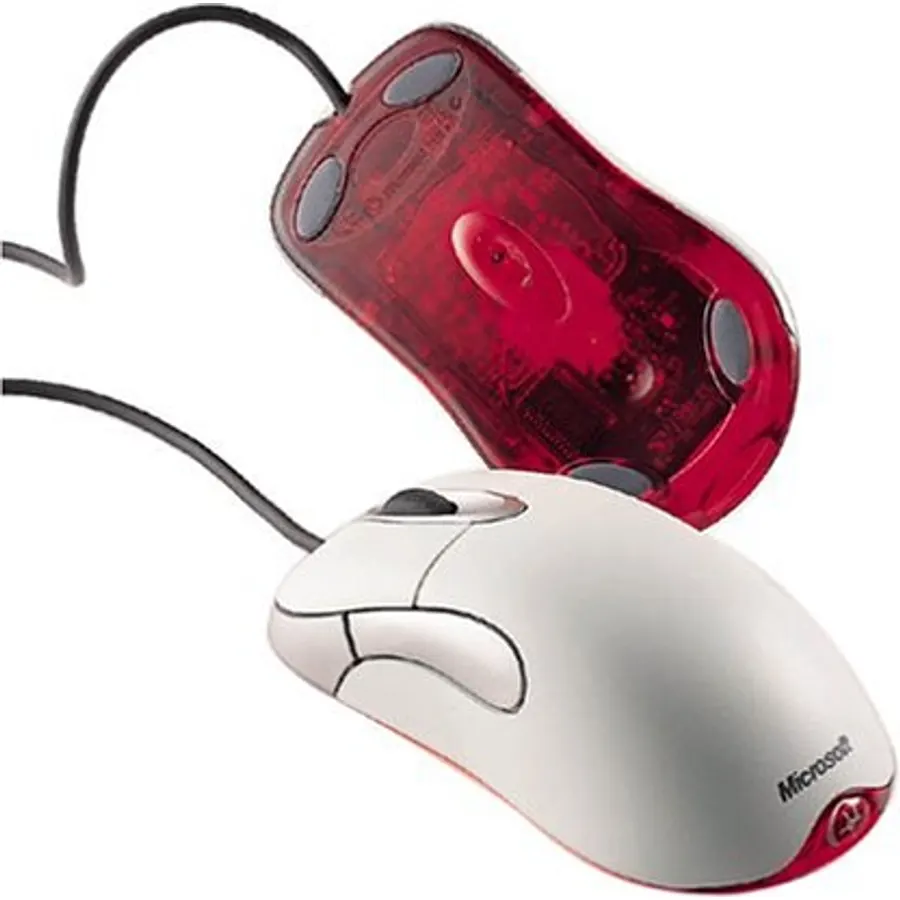
A modern work and gaming-ready wired mouse design, with an upgraded PixArt tracking sensor, responsive buttons, and distinctive details.
Connectivity TechnologyUSBOperating SystemWindows
About this item
A modern work and gaming-ready wired mouse design, with an upgraded PixArt tracking sensor, responsive buttons, and distinctive details.
Quickly and efficiently complete demanding tasks with two customizable* thumb buttons and a middle click.
Next-level durability thanks to improved top key actuation lifecycle for intense, repeated use — Plus improved skirt abrasion performance for ultra-smooth, low-friction response.
Ergonomic design for hours of work and gaming comfort, Plus an upgraded braided cable for tangle-free performance, and side key texture for improved tactility.
No waiting. Plug in the fast, wired USB connector without waiting for Bluetooth to pair or searching for a dongle.
A modern work and gaming-ready wired mouse design, with an upgraded PixArt tracking sensor, responsive buttons, and distinctive details.
Ranked #99 in Mice · 4 things we like
Quick answer The Microsoft Pro Intellimouse scores 9.0/10 with us. Amazon owners rate it 4.5 out of 5 across 699 reviews, in line with the 4.4 average of the 46 gaming mice we track. Key facts: connectivity technology USB, operating system Windows.
The Microsoft Pro intellimouse gives you a high-performance work and gaming-ready mouse with speed, responsiveness, precision, and durability. It features customizable buttons,* a sleek look and feel, and a tracking sensor for the smallest flicks and largest gestures. Complete your experience by choosing a custom tail Light color.*
Do Best Deal is a participant in the Amazon Services LLC Associates Program. As an Amazon Associate we earn from qualifying purchases. If you buy through links on this site we may earn a commission, at no extra cost to you. Learn more.
Product information
23 specifications
Additional Features
Wireless
Antenna Location
Laptop
Brand
Microsoft
Button Quantity
5
Color
Dark Shadow
Compatible Devices
Laptop
Connectivity Technology
USB
Enclosure Material
Plastic
Global Trade Identification Number
00889842435597
Hand Orientation
Ambidextrous
Hardware Platform
Laptop, PC
Item Dimensions L x W
2.9"L x 5.2"W
Item Weight
8.2 ounces
Mfr Part Number
NGX-00011
Model Number
NGX-00011
Movement Detection
Laser
Operating System
Windows
Power Source
Corded Electric
Range
10.0 meters
Style Name
Modern
Theme
Gaming
Unit Count
1 Count
Warranty Description
3 years
Pros & cons
What we like
A modern work and gaming-ready wired mouse design, with an upgraded PixArt tracking sensor, responsive buttons, and distinctive details.
Quickly and efficiently complete demanding tasks with two customizable* thumb buttons and a middle click.
Next-level durability thanks to improved top key actuation lifecycle for intense, repeated use — Plus improved skirt abrasion performance for ultra-smooth, low-friction response.
Ergonomic design for hours of work and gaming comfort, Plus an upgraded braided cable for tangle-free performance, and side key texture for improved tactility.
What could be better
Microsoft Pro Intellimouse: questions & answers
Is the Microsoft Pro Intellimouse worth buying?
Yes, it is one of the stronger picks in its group. We score the Microsoft Pro Intellimouse 9.0 out of 10. Amazon owners rate it 4.5 out of 5 across 699 reviews, in line with the 4.4 average of the 46 gaming mice we track.
What are good alternatives to the Microsoft Pro Intellimouse?
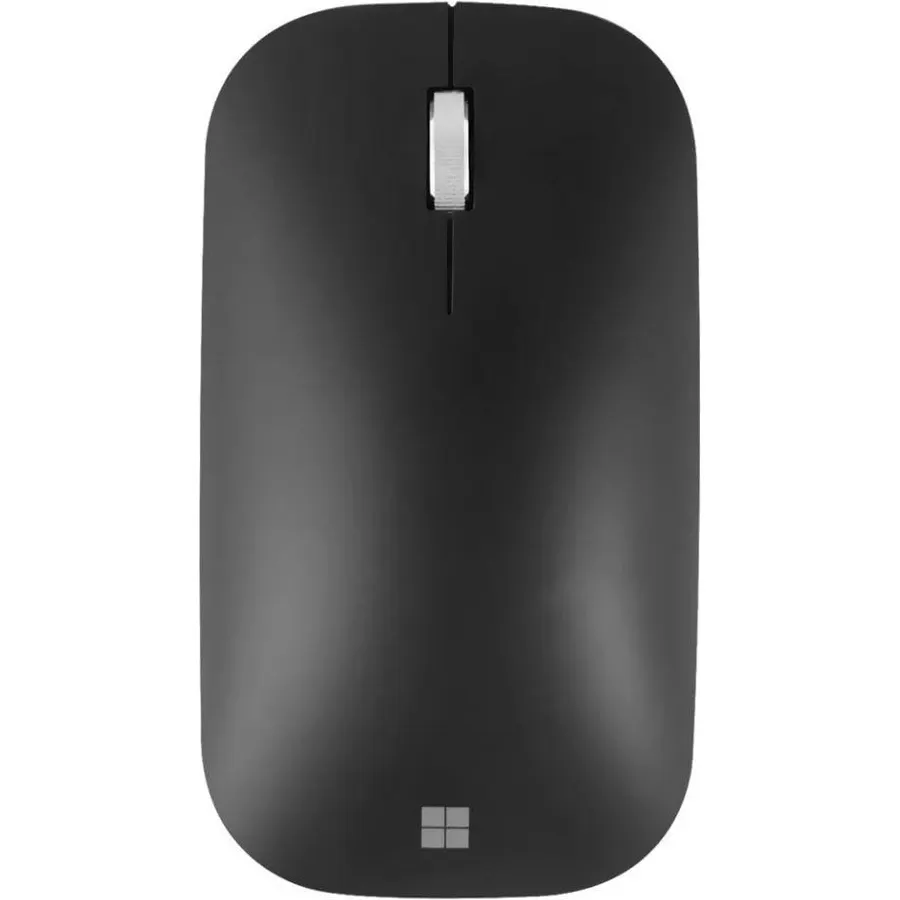
Similar, well-rated gaming mice in our catalog: Microsoft Modern Mouse (8.8/10, 4.4 stars from 418 owners); Razer Basilisk V3 Customizable Ergonomic Gaming (9.8/10, 4.6 stars from 9,821 owners); Razer DeathAdder Chroma (8.8/10, 4.4 stars from 4,239 owners).
Breakdown from the 10 most helpful reviews we imported.
P
PJ
Verified purchaseOctober 18, 2019
A perfect mouse, but still prefer my original IE3.0
---INTRO---I purchased my original IE3.0 in October of 2006 for $29.99. It's usage includes heavy FPS gaming, photo editing and office work. It is now 13 years old and I still use it daily. Recently, the left button starting sticking when held down for longer clicks; such as when dragging icons. I fixed it, which I'll explain on the bottom, but prior to that I decided to give the new "Pro" version a go.---MAIN REVIEW & COMPARISON---The Pro is certainly high quality and in many ways superior to the original. It has everything the original has-- same shape, same tactile feel of the switches, sam
P
Paladin246
Verified purchaseJanuary 12, 2020
Very Solid and Accurate Mouse that is Super Comfortable
I have been an Intellimouse user for 10 years. After my second one started having scrolling issues, I decided it was time to hunt a new mouse. Did my research and check with my gaming sons and their choices, then it was pretty much a sure decision. I am plain dirt old and don't game but have been a computer techie since the TRS-80 model 1. This is a great mouse for me. It is solid in construction like they used to feel. The scroll wheel is detented nicely and smooth to move. The buttons have been relocated from the old intellimouse so you don't accidentally hit the page back button when reachi
A
Amazon Customer
Verified purchaseJuly 23, 2019
Worth every penny.
Instead of collecting coins, or baseball cards I like collecting and trying new mice. If it's been made within the past 15 years, good chance I own or at-least tried it at lans or friend's houses. So when I heard about Microsoft listening to the community and remaking the intellimouse I was highly intrigued yet skeptical.But, due to the legendary pedigree of the original, I decided to bite the bullet and drop what I feel is a premium amount for a mouse. Hefty expectations were waiting for this product and oh boy, did it not disappoint. Here is why,A) Shape & comfort: Read this carefully, if yo
G
Greg P
Verified purchaseJuly 27, 2019
Seems nice
I have owned a lot of mouses over the years. It's been hard to find a good one the last few years. It seems like they're either cheaply made or they're made for gamers and have 1000 buttons and weird stuff I don't need. My second Logitech 705 in a year died this week so I decided to go another route.I saw MS had released this Intellimouse Pro and thought it looked like it was worth a try. It's been a while since I've owned one made by Microsoft. On that note, I don't think I've owned a corded mouse since the late 90's or early 2000's either.It feels good. It seems quite a bit larger than the L
H
H Bradley
Verified purchaseApril 2, 2020
Glides better than a hot knife through butter!
Let me preface with this mouse is a great mouse. It is not, however, for everyone. I will note my observations below in no order nor in any organization of positive or negative.1. This is a BIG mouse. Be conscious of this.2. This mouse WILL dictate you grip. Don't try to establish your own preferred choice of grip.3. The lighting is tastefully done and looks great.4. The scrollwheel recedes a little bit and is not super tactile.5. The mouse looks and feels very premium.6. The mouse pinches the skin at the base of my thumb when quickly trying to swipe to the left. (Very uncomfortable for CS).7.
B
Bob423
Verified purchaseAugust 12, 2020
I finally found a worthy replacement for my (very) old IntelliMouse
When I upgraded a new computer, I could not find a driver for my old IntelliMouse even though it worked fine in Win10 with the middle wheel being programmable - which I use for going back to the previous page. I then started searching for a replacement, none were any good. Then I saw the pro model of Microsoft's new IntelliMouse which arrived a few days ago. I have found my new mouse.I use just three buttons but the middle wheel must be programmable for going back in a browser. This mouse has three programmable buttons, the wheel and two on the side which I use for zoom in and zoom out but the
A
A
Verified purchaseNovember 4, 2020
Good quality, hefty
Coming from a 8 year old Logitech MX518 that was working fine. Thought it was time to try replacing but didn't trust the newer one. A few points:1. Longer (fits into bottom of palm more)2. Heavier, cannot imagine lifting this thing if you lift while playing FPS games3. Requires more force for clicking (louder)4. Smaller mouse button 4-5.5. Lots of friction on a cloth mousepad. Not a fan of this, but is okay on tabletop.6. The right side of the mouse is significantly more slanted, pinky kind of sits on a hump, which I find more comfortable for palm grip. Might be uncomfortable if you claw even
J
Jay M
Verified purchaseFebruary 12, 2022
Almost great hardware with buggy firmware!
So this is an other Microsoft built device which has Microsoft direct support in case of a need. The problem with this almost well designed mouse is a buggy firmware as it was expected from Microsoft! I liked the mouse physically because I have bigger than average hands so it helps me while using it for longer time periods. You should almost forget about setting up the mouse base on your desired configurations because each time your windows operating system boots up, it automatically reads the mouse configurations as it was originally built in factory and ignores all manual configurations you
Customer reviews are shown as published on Amazon and are not written by Do Best Deal.