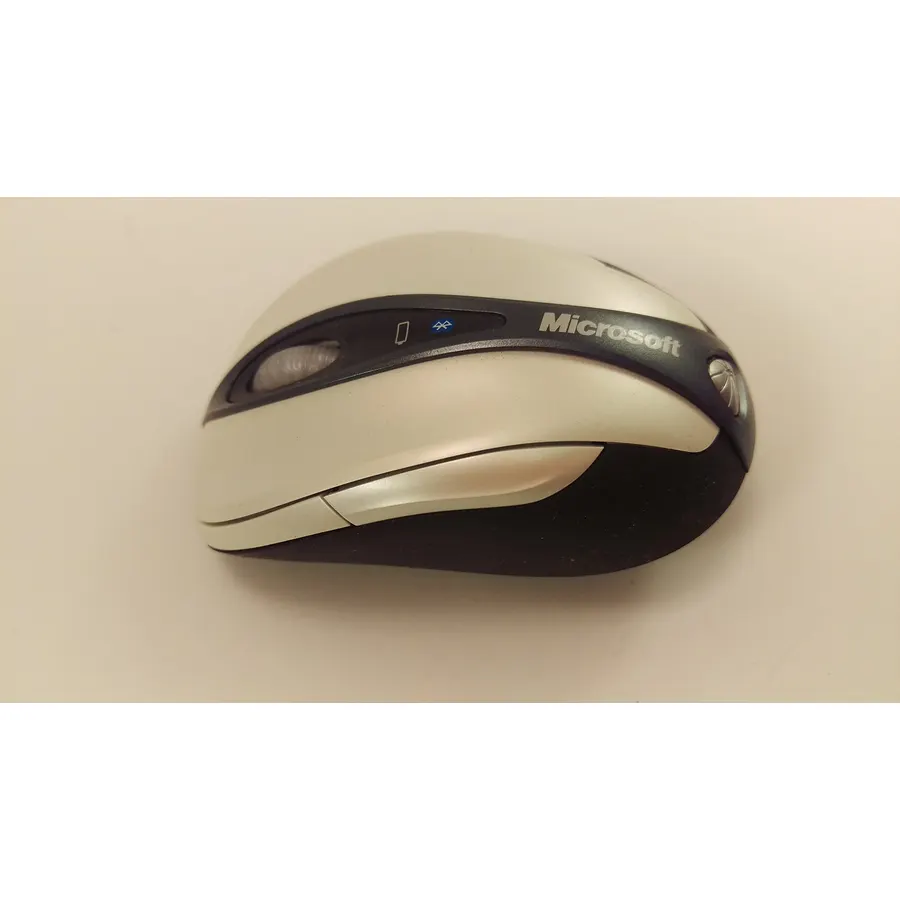
Quick answer The Microsoft Bluetooth Notebook Mouse 5000 scores 8.0/10 with us. Amazon owners rate it 4.0 out of 5 across 895 reviews, below the 4.4 average of the 166 products we track in Mice. Key facts: connectivity technology bluetooth/laser, minimum required operating system version Windows XP.
Transceiver Free Convenience High Definition Laser Technology Battery Life Indicator Ergonomic Design Has Back Button, and Scroll Wheel
Do Best Deal is a participant in the Amazon Services LLC Associates Program. As an Amazon Associate we earn from qualifying purchases. If you buy through links on this site we may earn a commission, at no extra cost to you. Learn more.
Product information
24 specifications
Additional Features
Wireless
Antenna Location
Office, General Computing
Brand
Microsoft
Button Quantity
4
Color
Gray, Silver
Compatible Devices
Personal Computer
Connectivity Technology
bluetooth/laser
Enclosure Material
Plastic
Global Trade Identification Number
00882224134804, 00999992931167
Hand Orientation
Ambidextrous
Included Components
Mouse
Item Weight
16 ounces
Mfr Part Number
69R-00001
Minimum Required Operating System Version
Windows XP
Model Name
5000
Model Number
69R-00001
Mouse Maximum Sensitivity
1600 dots_per_inch
Movement Detection
Laser
Number of Batteries
2 AA batteries required.
Operating System
Windows Vista, Windows XP
Power Source
Battery Powered
Range
30.0 feet
Style Name
Retail
Theme
Microsoft
Pros & cons
What we like
Transceiver Free Convenience
High Definition Laser Technology
Battery Life Indicator
Ergonomic Design
What could be better
Microsoft Bluetooth Notebook Mouse 5000: questions & answers
Is the Microsoft Bluetooth Notebook Mouse 5000 worth buying?
Owners are lukewarm on it, so compare the alternatives before buying. We score the Microsoft Bluetooth Notebook Mouse 5000 8.0 out of 10. Amazon owners rate it 4.0 out of 5 across 895 reviews, below the 4.4 average of the 166 products we track in Mice.
What are good alternatives to the Microsoft Bluetooth Notebook Mouse 5000?
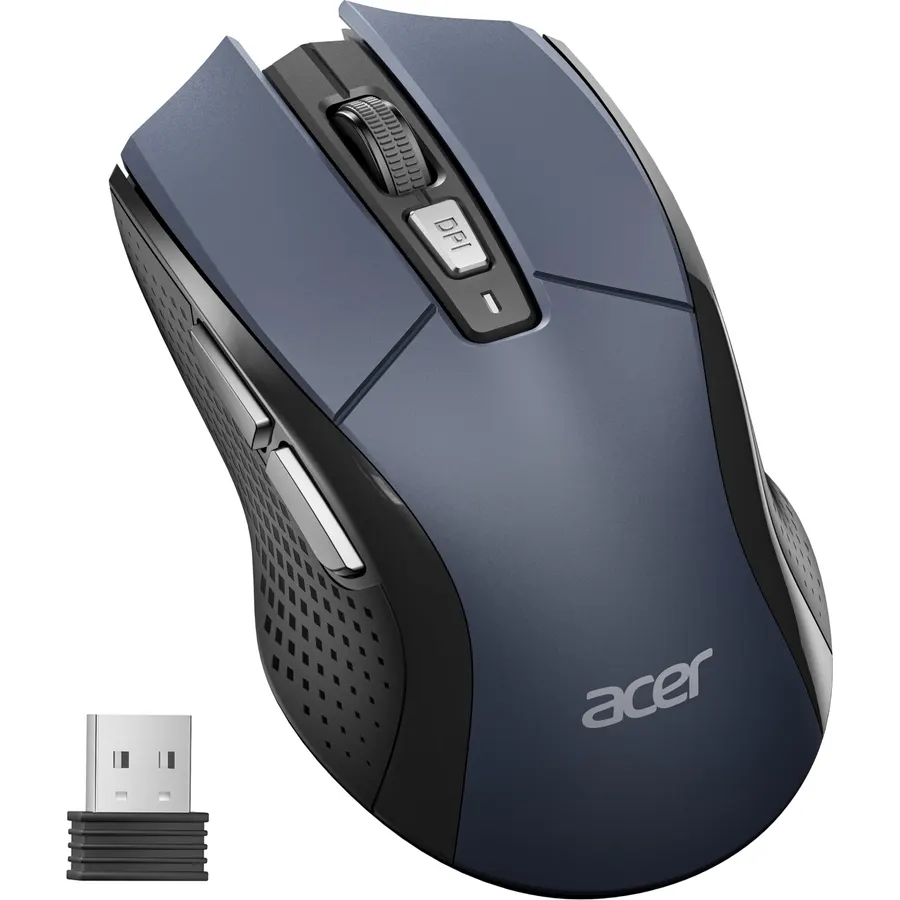
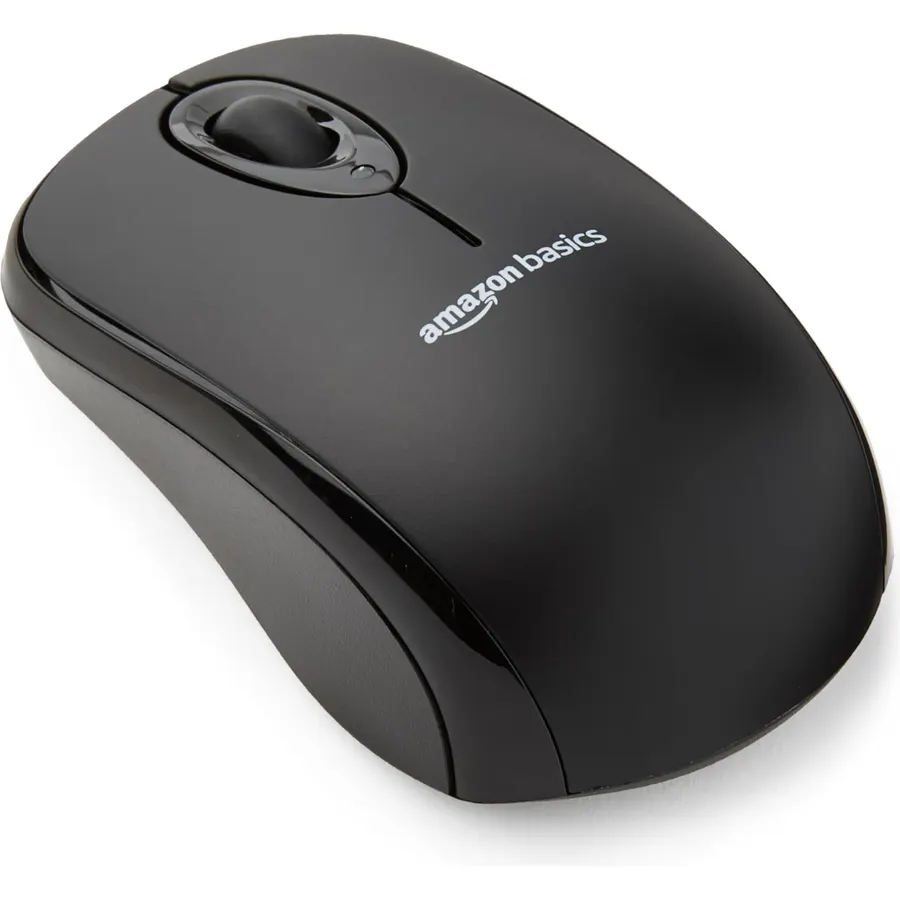
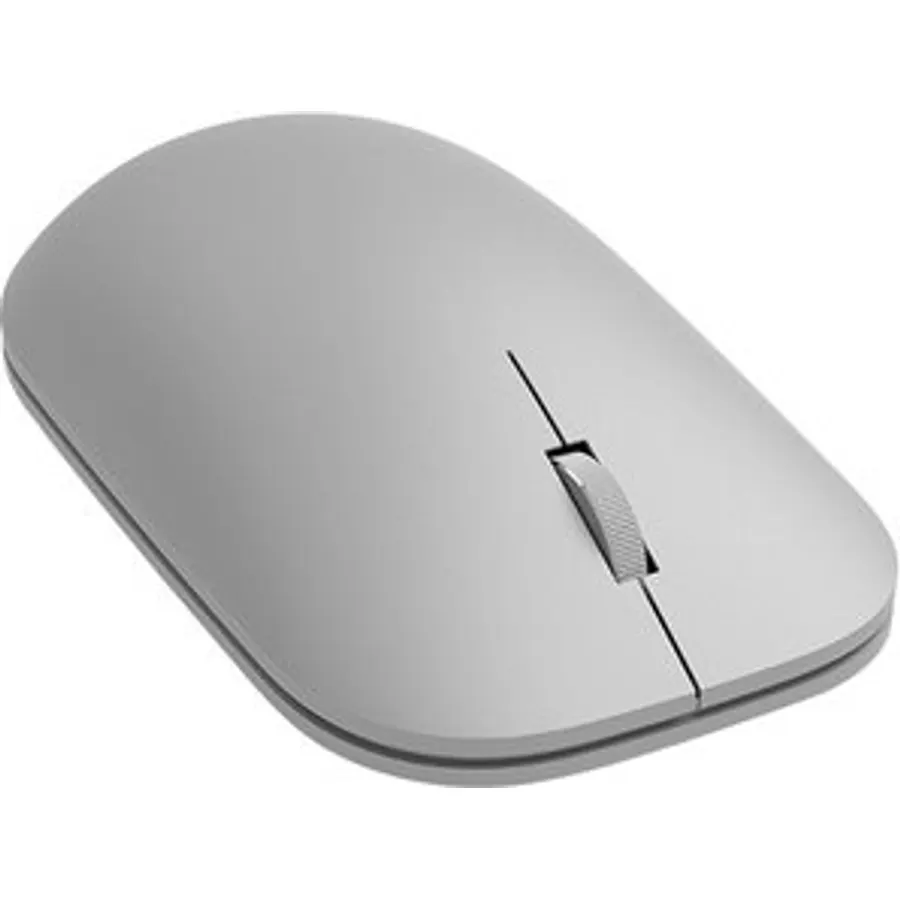
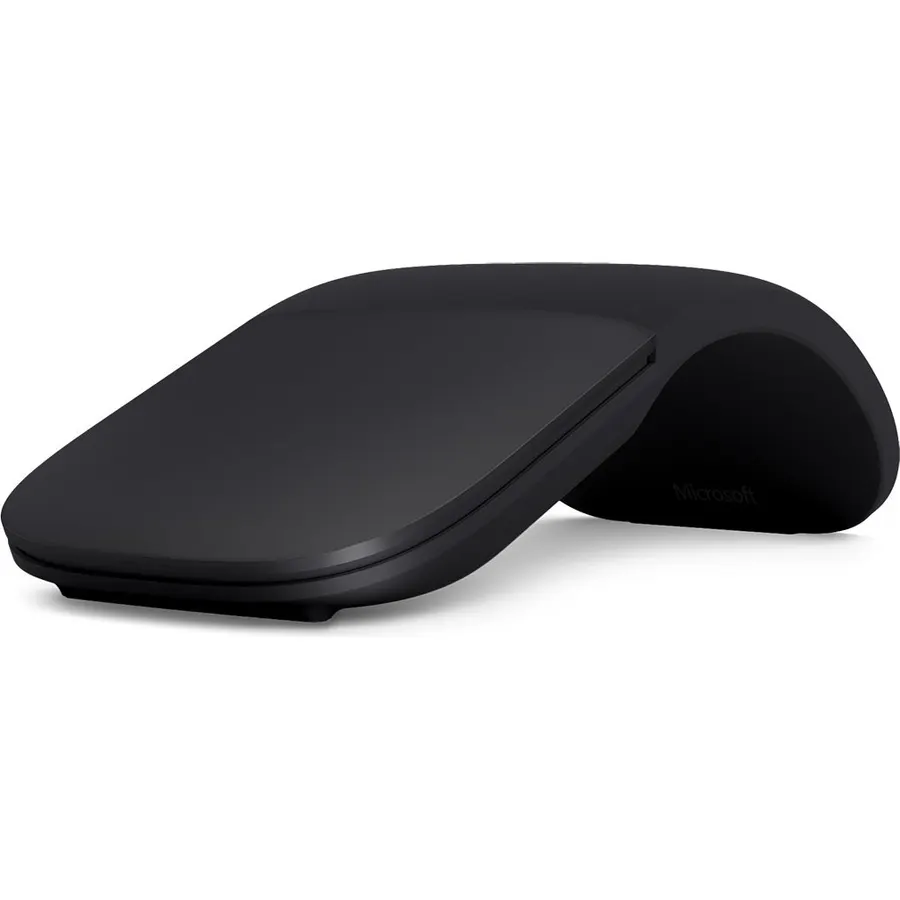
Similar, well-rated products in our catalog: Microsoft Arc Mouse (9.0/10, 4.5 stars from 18,846 owners); Microsoft Surface Grey Bluetooth Mouse (8.8/10, 4.5 stars from 906 owners); Microsoft Modern Mouse (8.8/10, 4.4 stars from 418 owners).
Breakdown from the 8 most helpful reviews we imported.
M
Michael Perez
Verified purchaseJuly 9, 2011
The Little Mouse That Could
I bought this mouse for my Asus N53JQ - XV1 laptop. It has Bluetooth 2.1+EDR built into it, on Windows 7 Professional x64.This mouse works right out of the gate with Windows 7. You just go to Start>Devices and Printers>Add a Device, and on the mouse, you turn it on and press the (B) icon (Bluetooth icon on the bottom). When it shows up in the 'add a device window', you click it, press next, and wait for about a minute while drivers are fetched, and you are good to go.Just leave Bluetooth on, and next time you switch it on, it'll automatically connect. That's all there is to setting up this mou
M
M. LA. Tron
Verified purchaseOctober 10, 2011
Great Product
Had this mouse for about almost 2 weeks now. It had been great. It is small and portable, perfect for my uses. I could see how some people with larger hands or those who like to "palm" their mouse might find it to be a little small but it's great for me.I do a lot of graphic design work in Adobe Illustrator, Photoshop, and Premiere Pro (as well as the rest of the Adobe software) and I have found that many of the optical pointing devices I've tried are not sensitive enough when doing very fine selections or pixel-level work. This mouse does NOT have that problem... it was so sensitive when I fi
P
P. Kang
Verified purchaseAugust 16, 2010
Great travel mouse but not as a desktop mouse
Understanding that this is a notebook mouse and that its purpose is for portability and ease of use above functionality and ergonomics, this is a great mouse. I have used many mice (Microsofts & Logitechs) and I would rate this one as one of the better mice for notebooks. A great feature is the bluetooth. For some reason it is difficult to find a bluetooth mice on the market. Even though the dongles for most mice have shrunken to micro proportions, I would prefer not to have one at all. Especially for a notebook that gets used frequently with a bag. I wouldn't want the dongle to be in a positi
M
MG
Verified purchaseJuly 9, 2010
Decent value for a BT mouse, but otherwise eh...
I purchased this mouse to be paired up with my Mac Mini which is running as my HTPC. Despite the Mac vs. PC rivalry, the mouse and mini paired up nicely and quick.Overall, as a $30ish mouse, it performed as I expected especially after reading all of the reviews. However, I'm not a fan of the scroll wheel and its loud clicking when scrolling. That part of the mouse felt cheap and poorly designed. Yes it functioned fine, but really annoyed me to the point of clicking and dragging the side bar to scroll down instead of using the scroll wheel.Pros:Excellent range. Operated at 15+ feet away from my
T
The Dynamic Duo
Verified purchaseFebruary 15, 2009
A wireless mouse that actually works
I have a wired (thumb) trackball mouse that I have had for years. I started to have problems with either arthritis or carpal tunnel making it difficult to use that mouse, so I started shopping for a new mouse. I had a wireless (non-blue tooth) mouse in the past. I hated it. I would move the mouse and there would be an obvious delay before the cursor on the screen moved. I wound up throwing it away. This mouse has excellent, immediate response - just like my wired mouse. It is slightly smaller than a standard mouse so it will probably be popular for use with notebooks. I have a wired notebook m
F
Fixer of things
Verified purchaseJanuary 13, 2011
Completely useless under Windows 7 64-bit
I really had high hopes for this mouse. I really wish this would have been different. Bluetooth is not a new technology so I guess I was expecting too much for Microsoft, the company who wrote the Windows 7 to build a mouse that works with their own operating system. I did not even bother to call tech support because I know they would have blamed my laptop for this, but I use Bluetooth devices all the time and never had such a problem.In case you're wondering, the mouse paired up with a laptop right away so I thought" great" but in about a minute, the mouse lost contact with the laptop. I turn
J
John C. Howes
Verified purchaseMay 16, 2010
Great!
I purchased a Lenovo S-12 through Amazon. A GREAT little computer, by the way! I'm not a fan of the touch pad "mouse" on netbook and laptop keyboards so, at the same time I ordered a wireless mouse which included a small USB reciever. I use my netbook on a small lap-desk so surface area is at a premium. Anything plugged into one of the 3 USB slots takes up room for the mouse to move.The S-12 has Bluetooth capability. I ordered the MS Bluetooth Notebook Mouse 5000. When it arrived it was immediately detected by the computer. I've had it several weeks now and it works flawlessly, freeing up a US
G
GodPraguer
Verified purchaseAugust 14, 2009
Functional, portable, inexpensive = great value
Microsoft does make very good peripherals, and this mouse is no exception. It functions perfectly on both the Mac and Windows systems that I am using. I was using the first I bought for over a year and it is so good, I bought a second for another system. Some general observations:1) The mouse is very responsive on almost every surface - a plus when you are traveling and can't be sure what surface you will be working on.2) It is solid, has good weight, but it isn't too heavy for the mobile crowd. I carry it in my bag every day with no problem.3) The batteries seem to last forever. I use this mo
Customer reviews are shown as published on Amazon and are not written by Do Best Deal.
More mice we compared
Alternatives to the Microsoft Bluetooth Notebook Mouse 5000