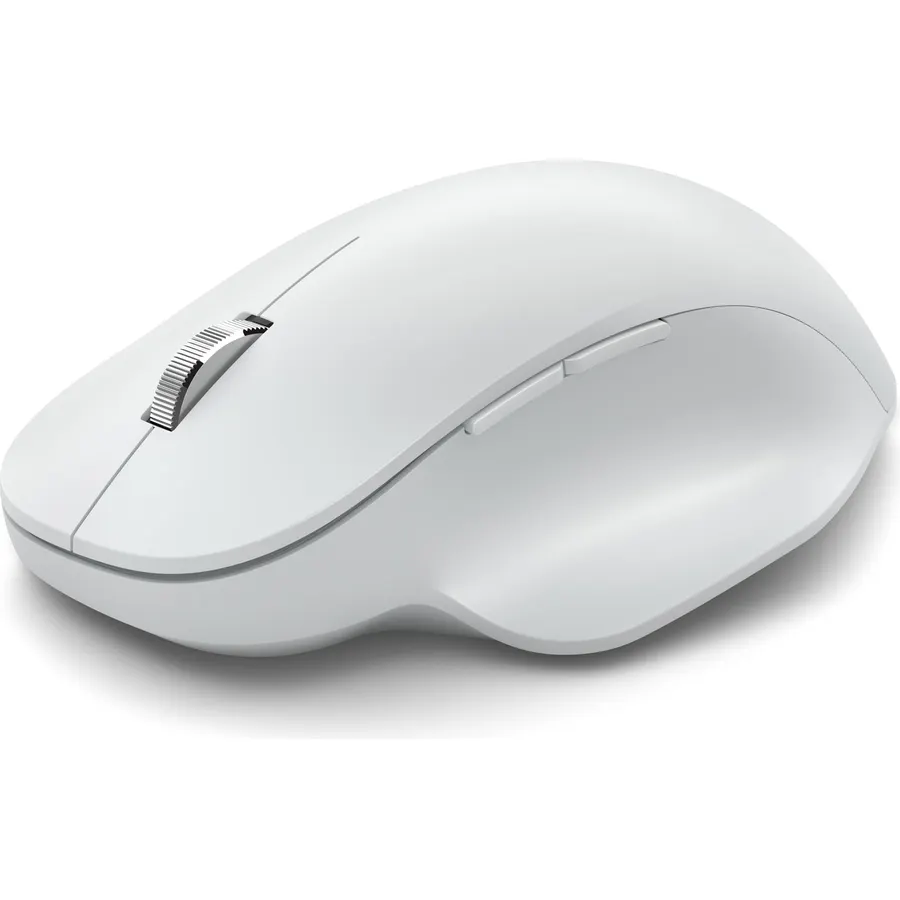
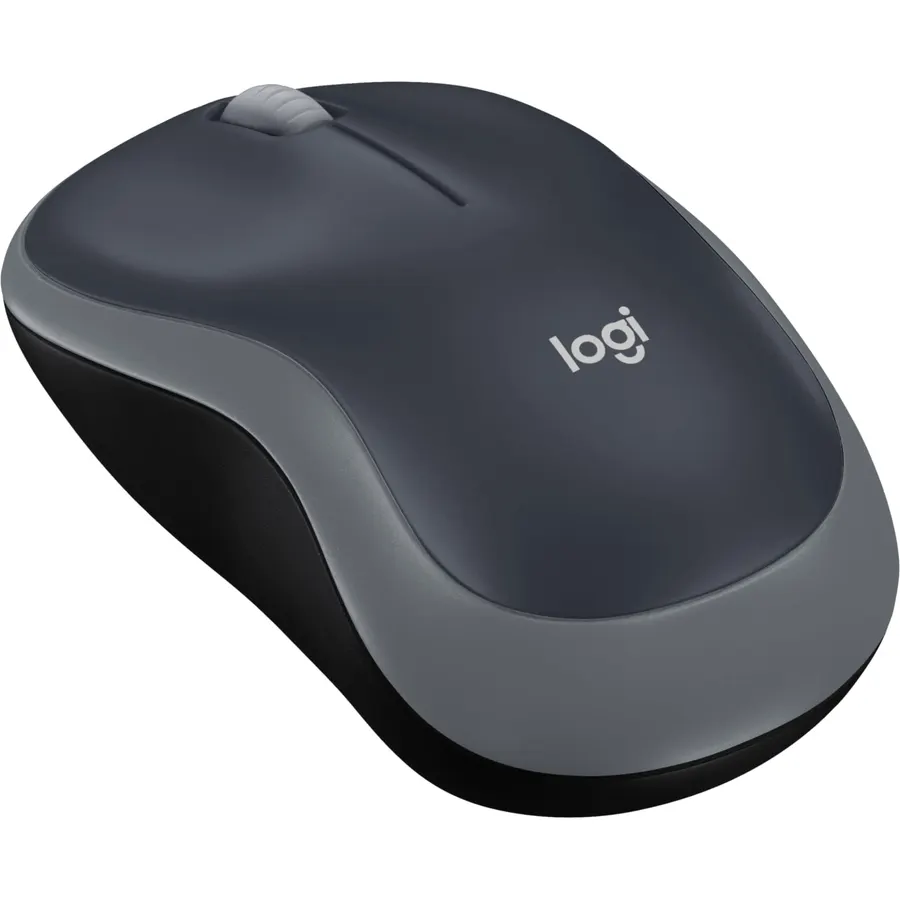
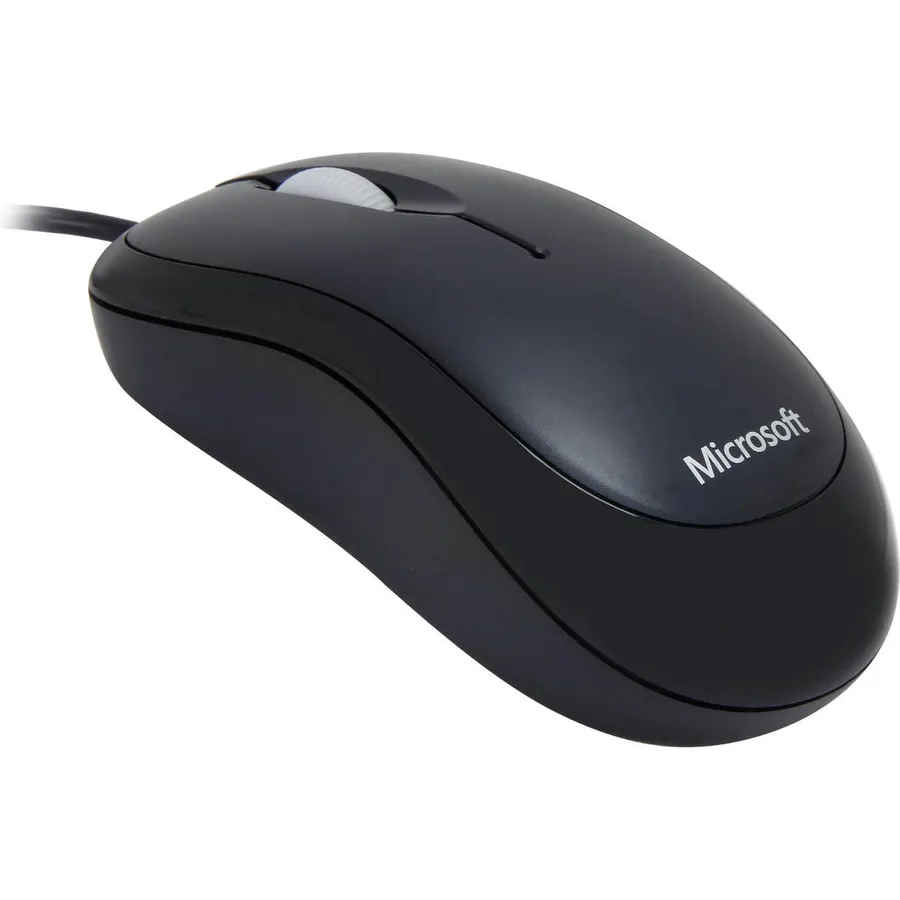
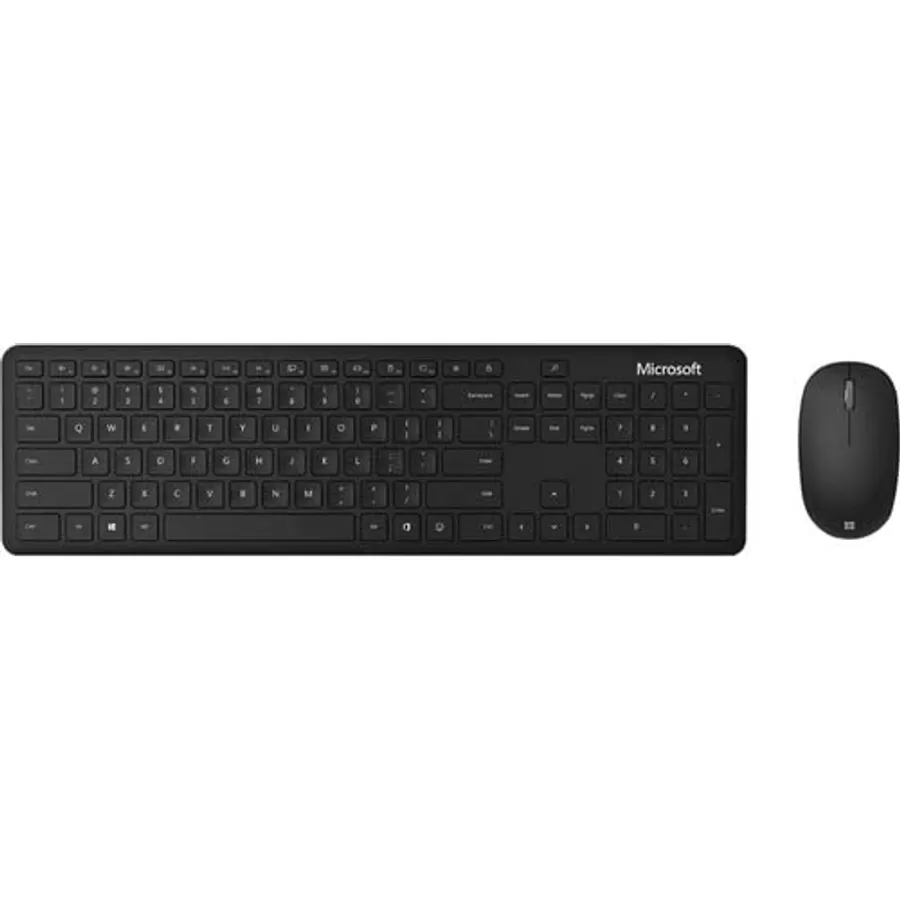
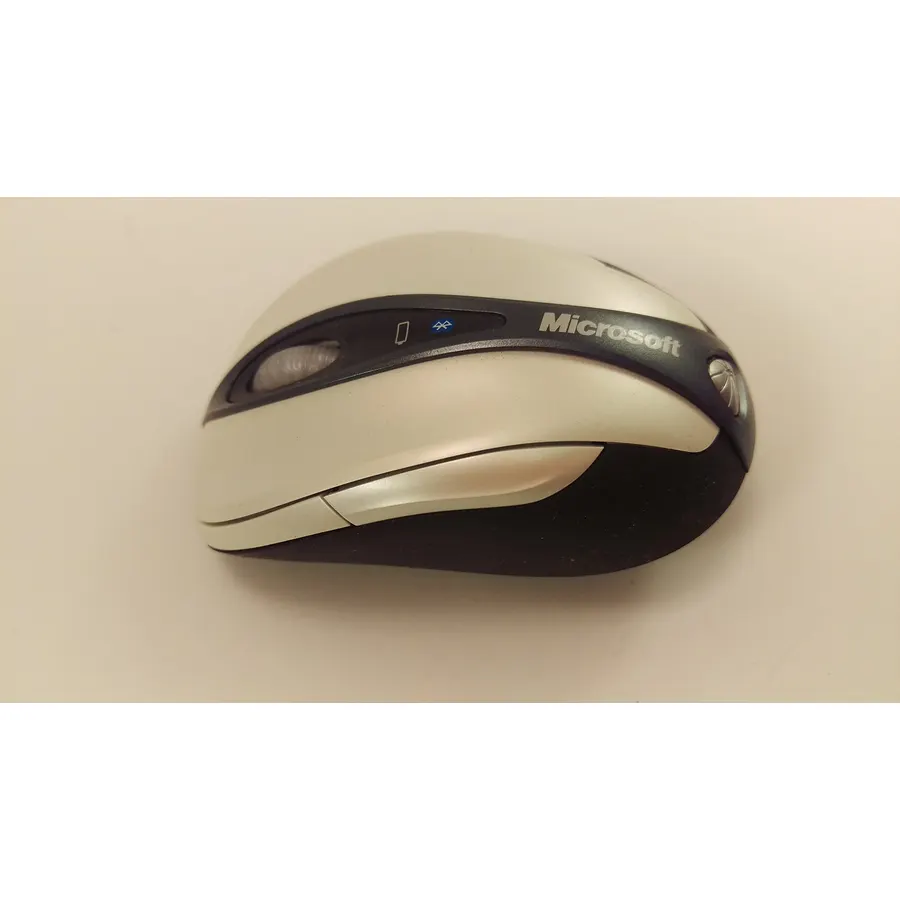
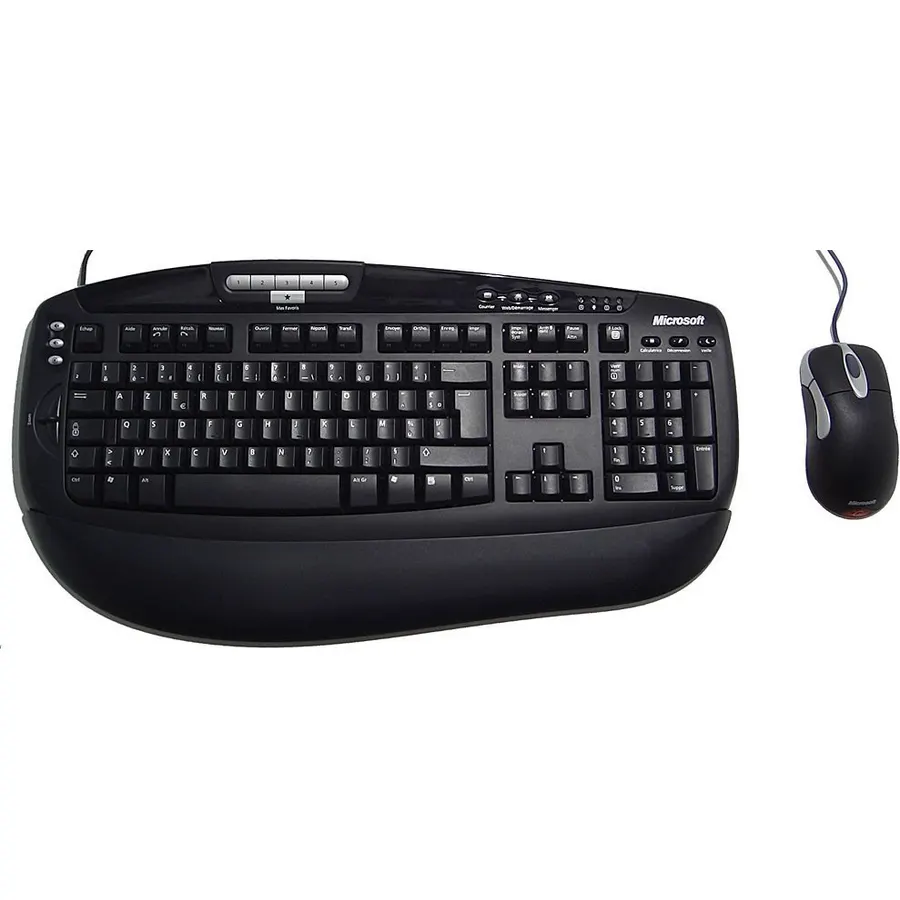
Microsoft Bluetooth Ergonomic Mouse - Glacier with comfortable thumb rest, up to 15months battery life. Works with Bluetooth enabled PCs/Laptops Windows/Mac/Chrome computers, 3.91" x 5.46" x 1.85"
Comfortable ergonomic design, with soft easy-to-grip thumb rest, promotes natural hand and wrist position.
Ranked #99 in Mice · 4 things we like
Quick answer The Microsoft Bluetooth Ergonomic Mouse scores 8.6/10 with us. Amazon owners rate it 4.3 out of 5 across 2,534 reviews, in line with the 4.4 average of the 166 products we track in Mice. Key facts: battery average life 15 months, connectivity technology Bluetooth, minimum required operating system version Windows 10.
Work in comfort all day with our premium wireless ergonomic mouse. Navigate precisely and access your most-used features with 3 programmable buttons. [1] Battery life may vary based on user and computing conditions.
[2] Smart Switching not available on devices running Windows 10 S. [3] Customization requires download of the Mouse and Keyboard Center and is not available on devices running Windows 10 S or Mac OSX. [4] Does not work on clear glass or mirrored surfaces.
[5] Available colors may vary by market. [6] Battery life may vary based on user and computer conditions. [7] Microsoft’s Limited Warranty is in addition to your consumer law rights.
Do Best Deal is a participant in the Amazon Services LLC Associates Program. As an Amazon Associate we earn from qualifying purchases. If you buy through links on this site we may earn a commission, at no extra cost to you. Learn more.
Product information
24 specifications
Additional Features
Durable, Ergonomic Design, Lightweight, Wireless
Antenna Location
Office
Battery Average Life
15 months
Brand
Microsoft
Button Quantity
5
Compatible Devices
Personal Computer
Connectivity Technology
Bluetooth
Embellishment Feature
LED
Hand Orientation
Right
Hardware Platform
Laptop
Included Components
Batteries
Item Dimensions L x W
3.91"L x 5.46"W
Item Weight
91 g
Mfr Part Number
222-00017
Minimum Required Operating System Version
Windows 10
Model Number
222-00017
Mouse Maximum Sensitivity
2400 dots_per_inch
Movement Detection
Optical
Number of Batteries
2 AA batteries required. (included)
Operating System
Windows 10
Power Source
Battery Powered
Range
15
Unit Count
1 Count
Warranty Description
3 year manufacturer
Pros & cons
What we like
Comfortable ergonomic design, with soft easy-to-grip thumb rest, promotes natural hand and wrist position.
Teflon base with precise tracking sensor glides smoothly over a variety of surfaces[4].
Machined aluminum scroll wheel for precise navigation.
Light, durable design with seamless finishes, in premium materials.
Microsoft Bluetooth Ergonomic Mouse: questions & answers
Is the Microsoft Bluetooth Ergonomic Mouse worth buying?
Yes, it is one of the stronger picks in its group. We score the Microsoft Bluetooth Ergonomic Mouse 8.6 out of 10. Amazon owners rate it 4.3 out of 5 across 2,534 reviews, in line with the 4.4 average of the 166 products we track in Mice.
What are the key specs of the Microsoft Bluetooth Ergonomic Mouse?
Battery Average Life: 15 months; Connectivity Technology: Bluetooth; Minimum Required Operating System Version: Windows 10. All 24 specifications are in the product information table on this page.
What are good alternatives to the Microsoft Bluetooth Ergonomic Mouse?
Similar, well-rated products in our catalog: Microsoft Arc Mouse (9.0/10, 4.5 stars from 18,846 owners); Microsoft Wireless Mobile Mouse 4000 (9.0/10, 4.5 stars from 8,748 owners); Microsoft Modern Mouse (8.8/10, 4.4 stars from 418 owners).
Breakdown from the 10 most helpful reviews we imported.
A
Ann
Verified purchaseJuly 28, 2023
Love these so much I just bought number five.
This is the best mouse I have ever had. Bluetooth is so much better than USB. All of the buttons are fully user programmable and can work on up to three different computers, with the click of a button. The wheel is silent, and it is ergonomic, it is the perfect hand size with a thumb rest. I am still using the first three that I bought in 2021, one for home, one for work and one for my husband's laptop. I like them so much that I bought two more as back-ups. I haven't needed them yet, but I want to make sure that if they are discontinued, I have replacements.The batteries last about 6 months f
D
DaddyPisicut
Verified purchaseAugust 25, 2026
Excellent Bluetooth Mouse in any color!
All f the Microsoft Bluetooth mice I have had work exceptionally well and reliably. This one too.
A
A Guy
Verified purchaseJune 9, 2023
Very comfortable, should be reliable. Don't bother with cheaper mice.
I've had a Microsoft Surface ergonomic mouse on my desk for years now. I love it. It's my favorite mouse.After trying to go cheap on the bluetooth mouse I keep in my laptop bag and having it fail before the first set of batteries needed replaced (less than a year), I decided to go back to a recognizable brand and was surprised to see a non-Surface Microsoft bluetooth mouse that looked almost identical to the mouse on my desk, and for a good price. I bought it, and I'm glad I found it. It costs about twice what my previous cheap Chinese mouse cost, but this one is far more comfortable and shoul
B
brooklynarchitect
Verified purchaseJanuary 5, 2024
Great Logitech MX alternative at a more budget friendly price + PEACH!
Microsoft makes solid products for productivity/office. I have a Logitech MX Master and this isn't quite as premium feeling and missing some additional buttons but it's a great 2nd or budget mouse particularly if you don't need all the extra buttons and 2nd scroll wheel. For example, the main scroll wheel is less solid feeling than the MX Master at 2x to 3x the price. A big plus is the Peach color which is Pantone's 2024 Color of the Year so you can keep being a slave to fashion. Highly recommended for value if you don't need top of the line accessories and the functionality of multiple progra
Z
Z. Tippett
Verified purchaseApril 12, 2021
Great mouse as long as you're fine with the thumb rest.
Updated: So I gave this mouse another try, seems to work well. I don't believe the mouse was causing the pain. So I changed the review back to 5 stars, would recommend this mouse as it's very easy to use, comfortable and very easy to connect.Build quality feel really nice, no unusual noise when using. The feel of the plastic is quite nice. The metal scroll wheel feel nice and premium.Ease of use is really easy on a Windows 10 machine with bluetooth. Basically turn it on, Windows detects it and your off. The software works well, isn't intrusive and is we'll laid out. There is an option to chang
B
Brian
Verified purchaseJanuary 18, 2023
Fantastic Blue Tooth Mouse
I used to be a die-hard fan of Logitech Mouses. I bought a new computer and it has Bluetooth. I got tired of my wired mouse cord always catching on something on my desk so I decided to get a Bluetooth mouse for it. I took my Logitech mouse from my laptop, which worked perfectly on the laptop, and unplugged my corded mouse, and plugged in the dongle for the Logitech mouse. At first it worked good, then it started to be very jumpy. I don't know if the Bluetooth from the computer was causing this. I can't turn off the Bluetooth in the computer because my wireless speakers are using it. I started
T
TYL
Verified purchaseApril 8, 2025
Always has problem when changing batteries!
I have two of this. I like the feel of the mouse. Having the ability to connect to multiple devices is a plus. The first time changing the batteries of the first one was a struggle. It took multiple attempts to make it work again. Today, I'm changing the batteries of the second one. Same problem. After multiple attempts, no luck to make it work again. Damn, it is an expensive mouse. I expect better than this!Follow up: I left the new batteries in the mouse. After couple hours, I could turn it on for a few seconds. But could not get the bluetooth light on again. Damn, it is a expensive mouse an
A
anonymouse
Verified purchaseJuly 21, 2024
Scroll Wheel Also Erratic (same as other users, fixed it)
The mouse does have discoloration within the first year. I also am experiencing the scroller wheel now acting erratic; it scrolls poorly, or not at all. At times it reverses directions while scrolling and jumps around. Even not using the scroller, it will often just begin doing things to the page; I've had the cursor sitting on the page while watching a video, and the page will begin scrolling around. At first I thought it was items loading off screen, causing the page length to change ... Then I saw it happening on other sites. I then thought my browser needed updated. I literally never use t
Customer reviews are shown as published on Amazon and are not written by Do Best Deal.
More mice we compared
Alternatives to the Microsoft Bluetooth Ergonomic Mouse