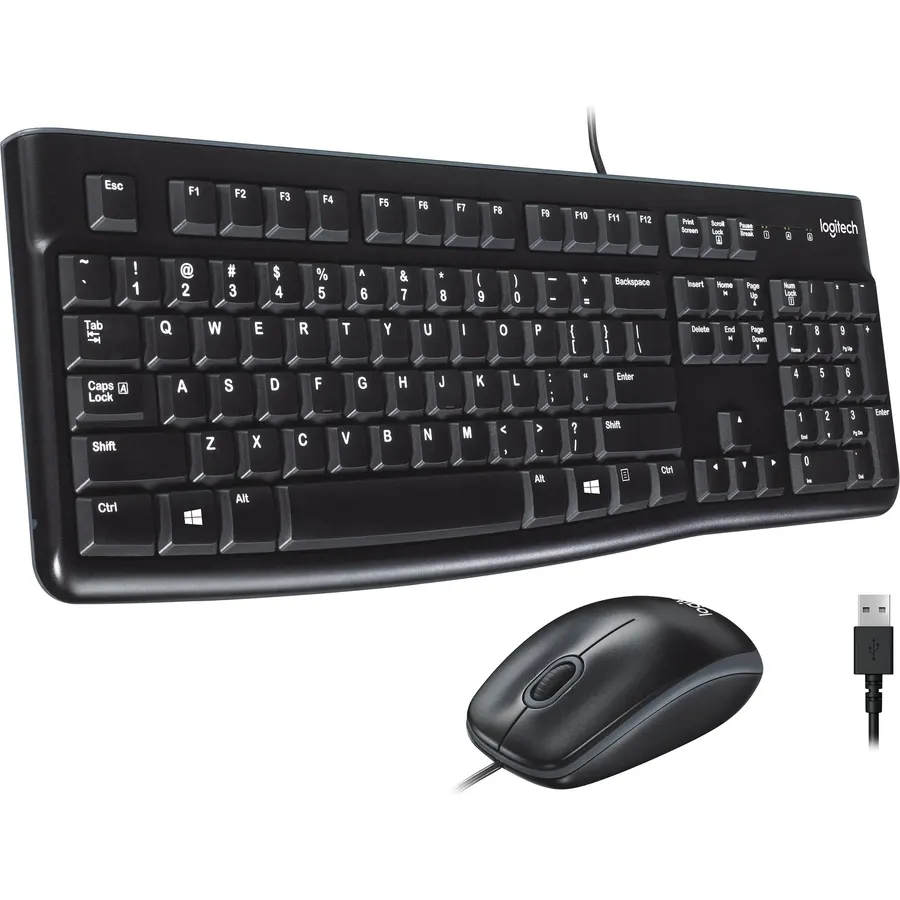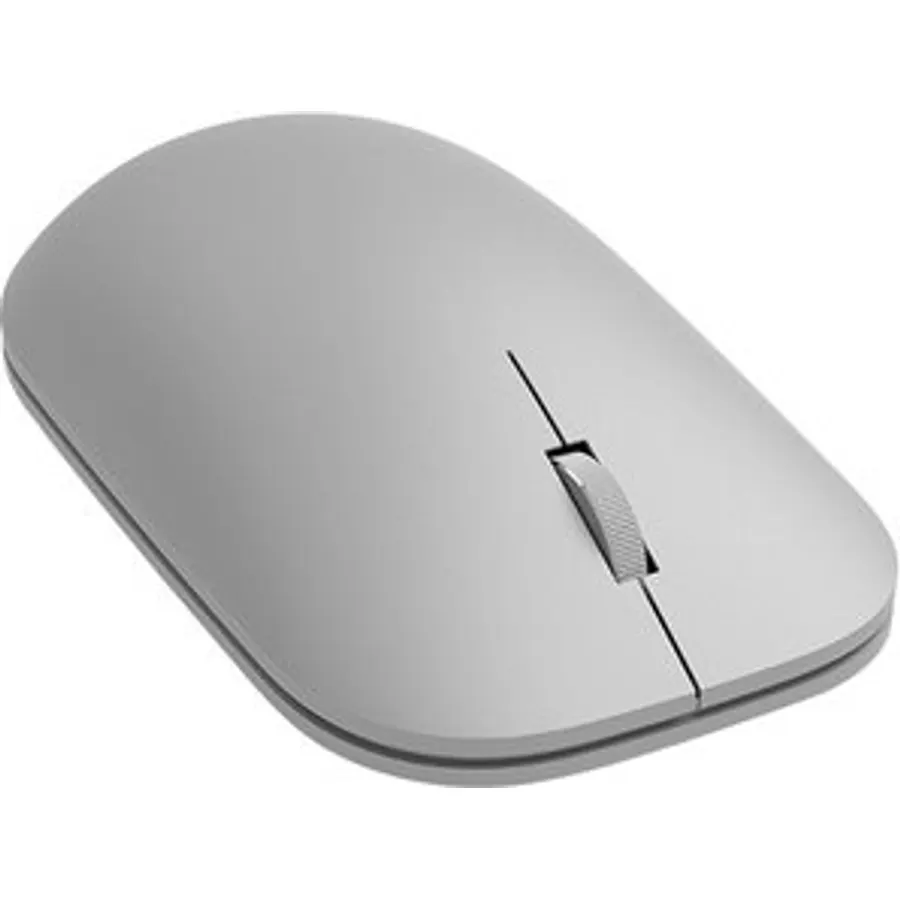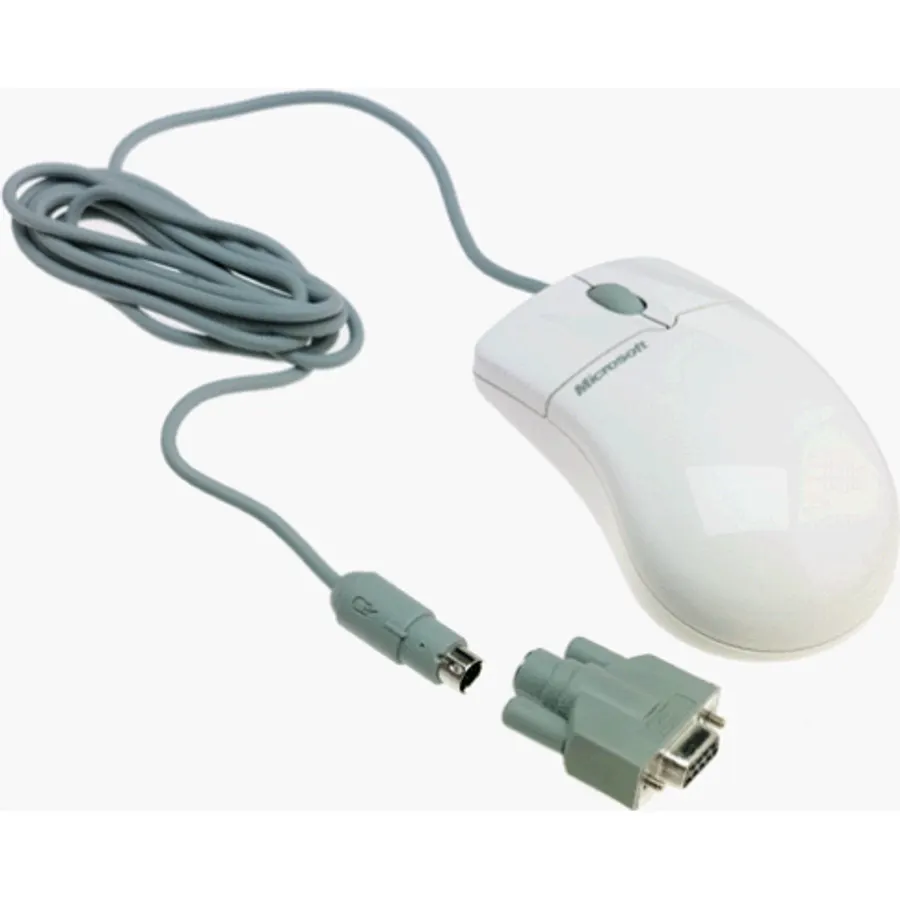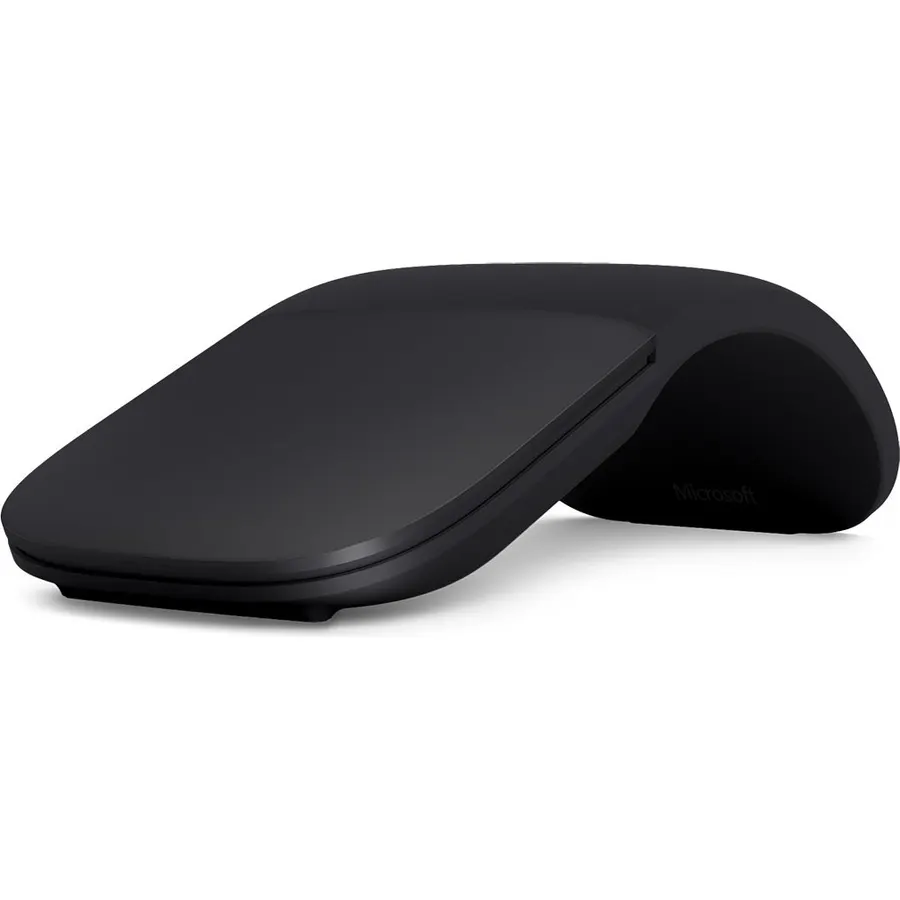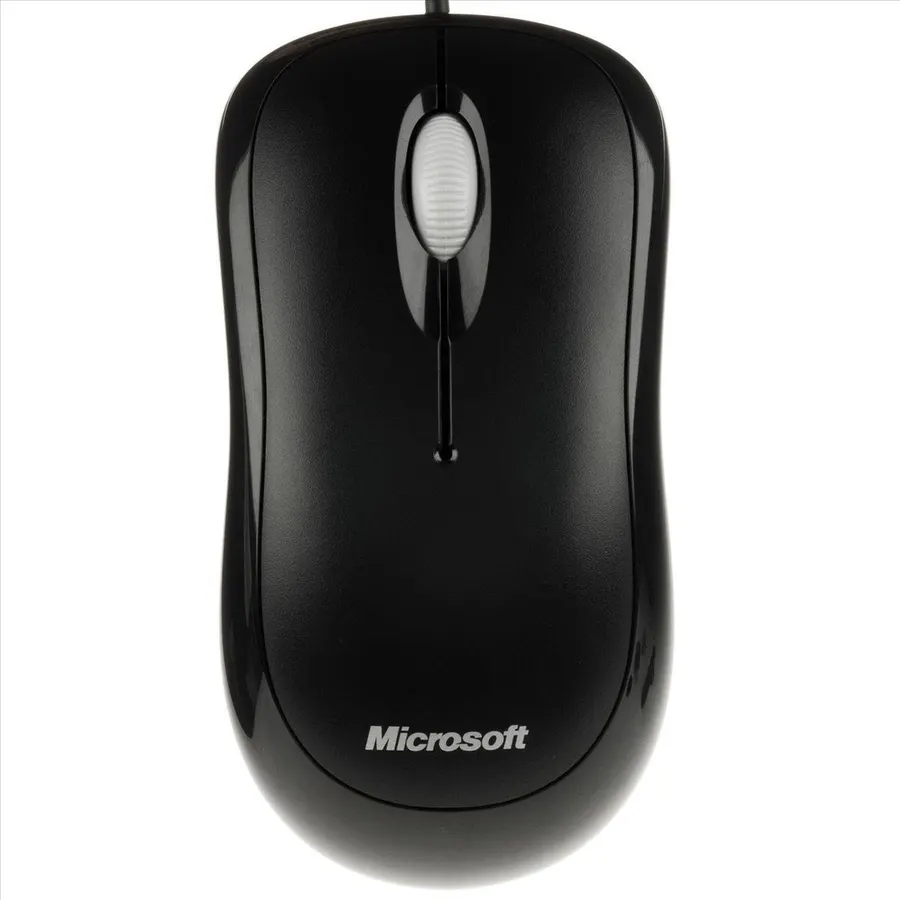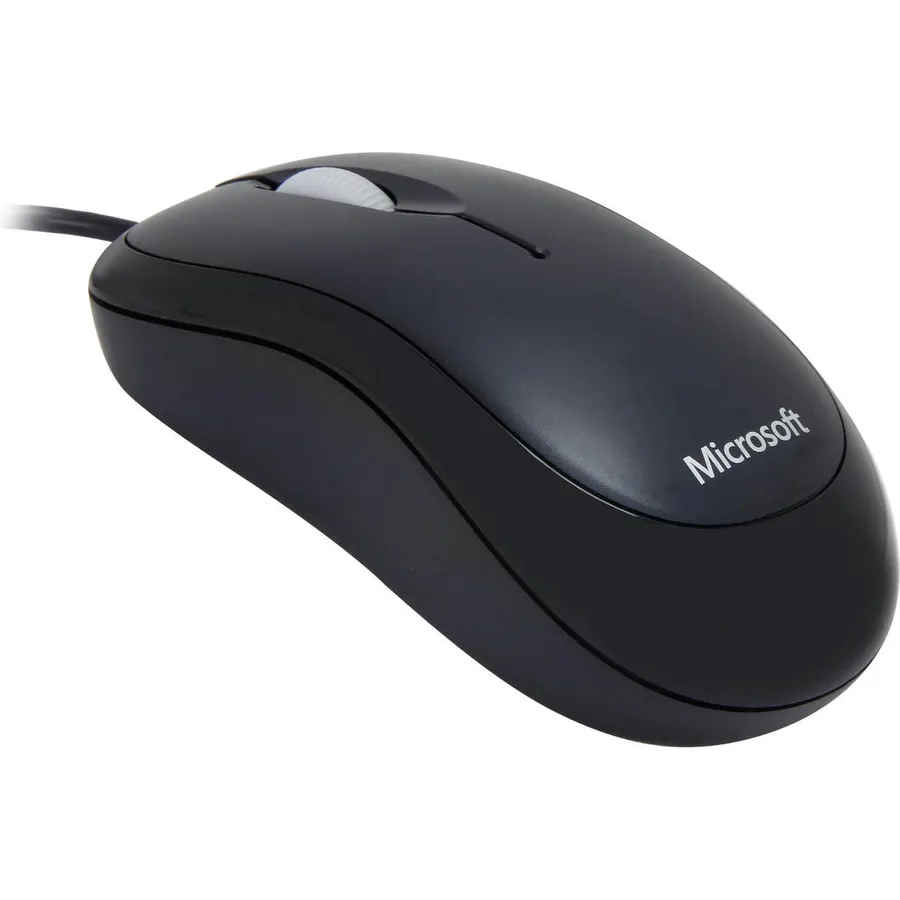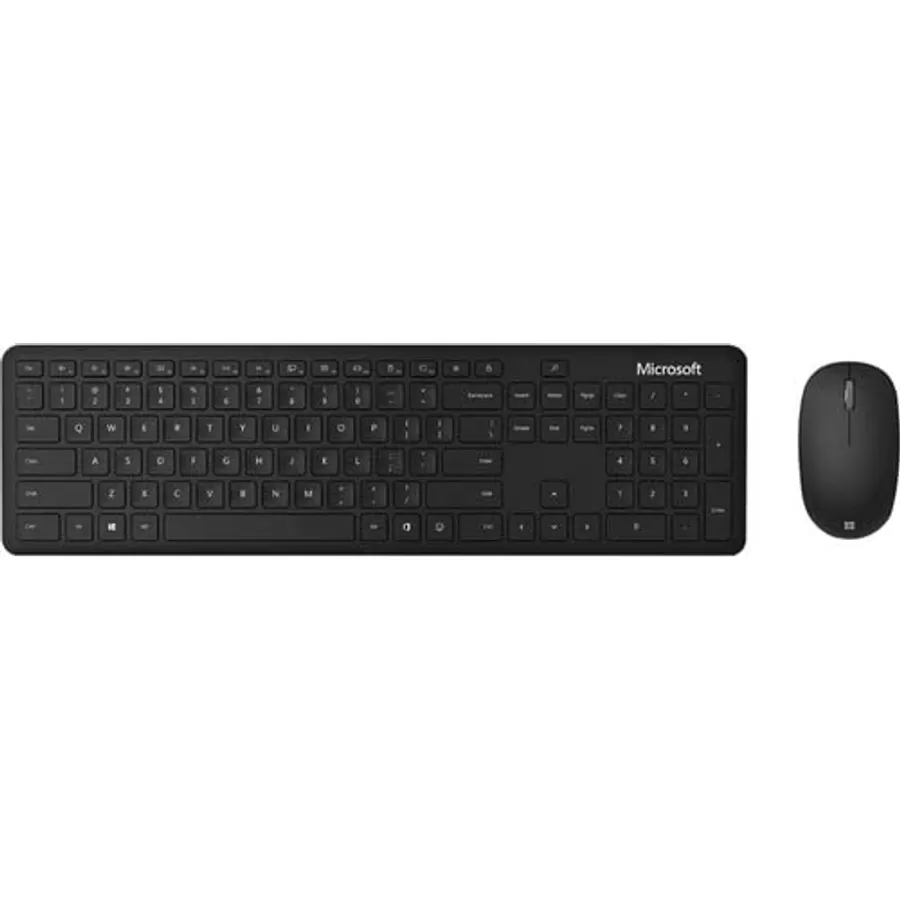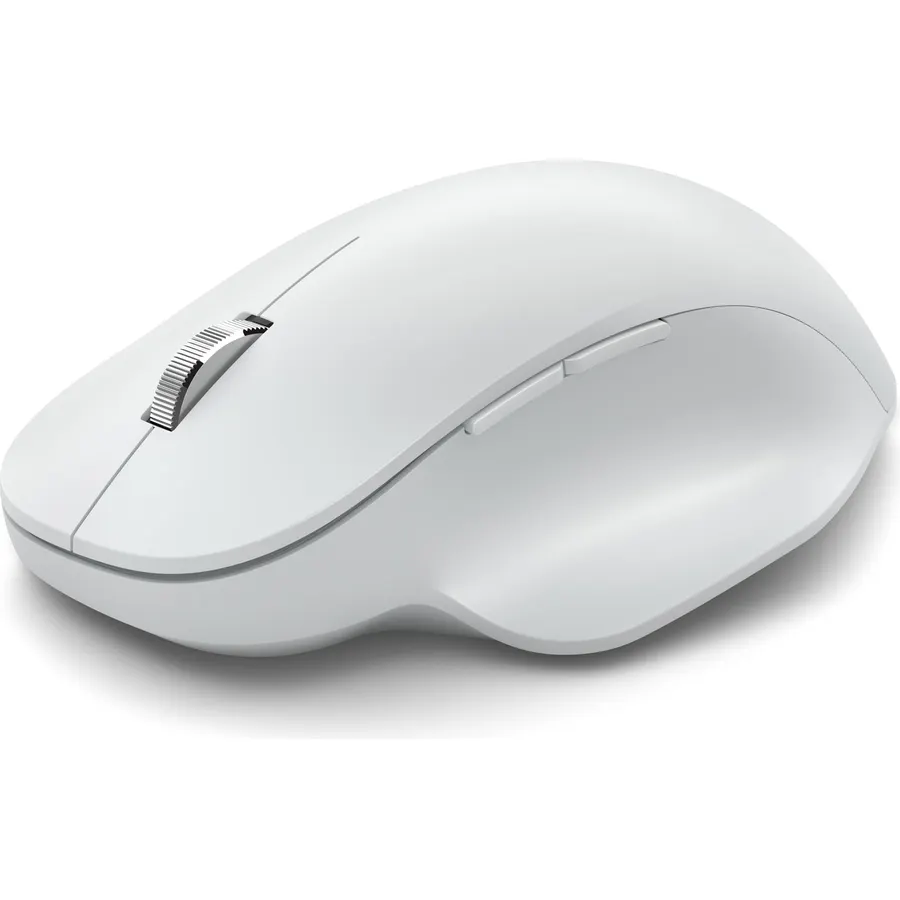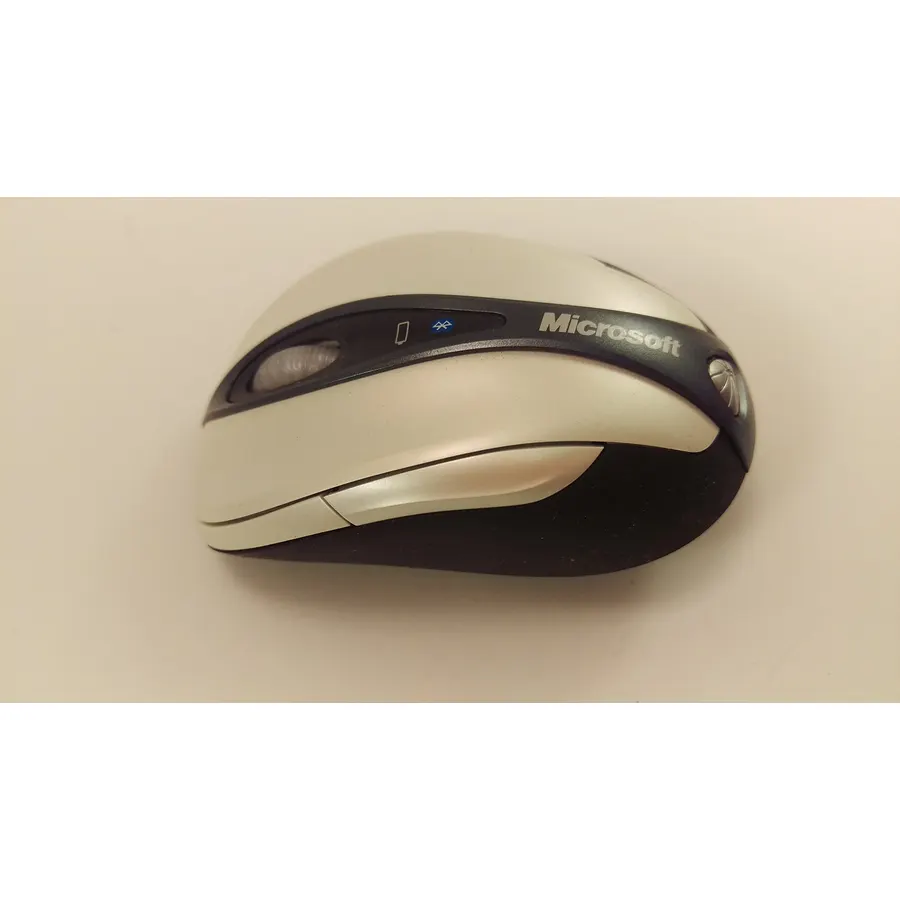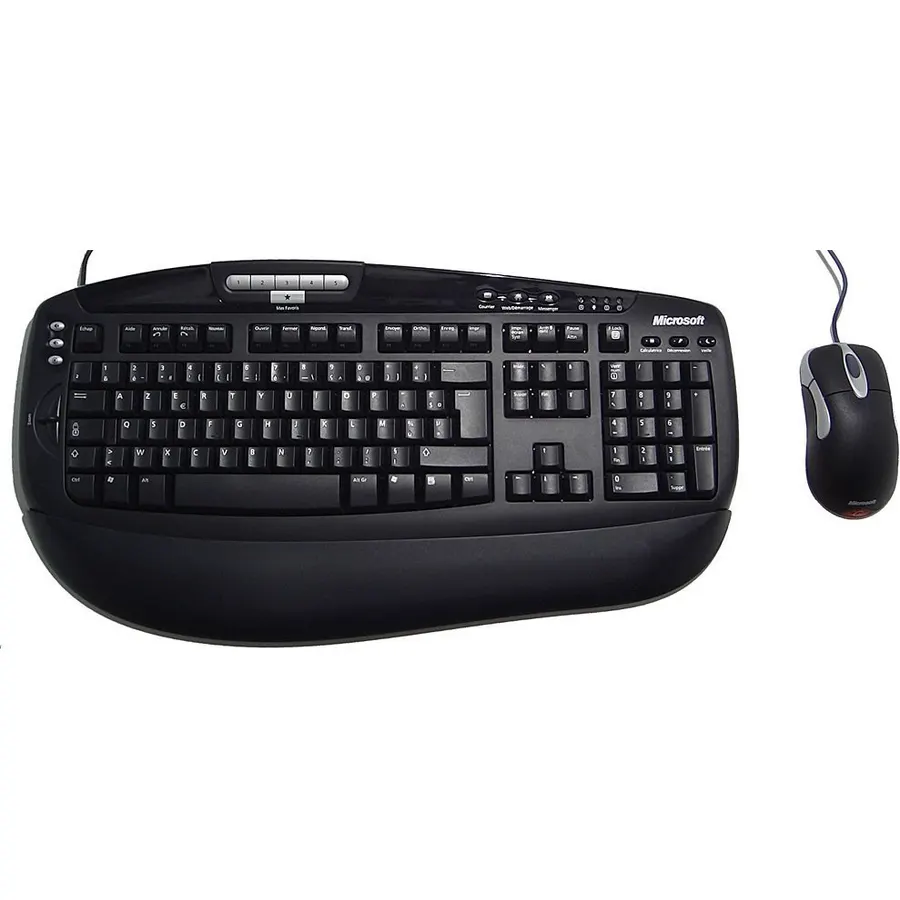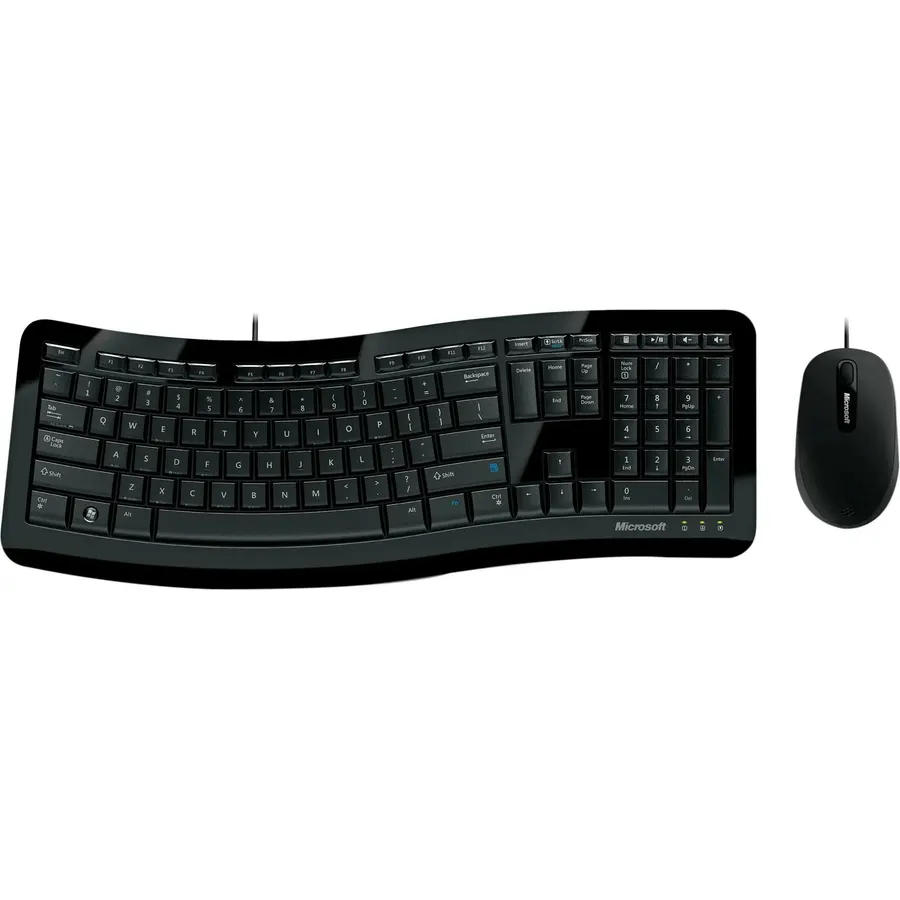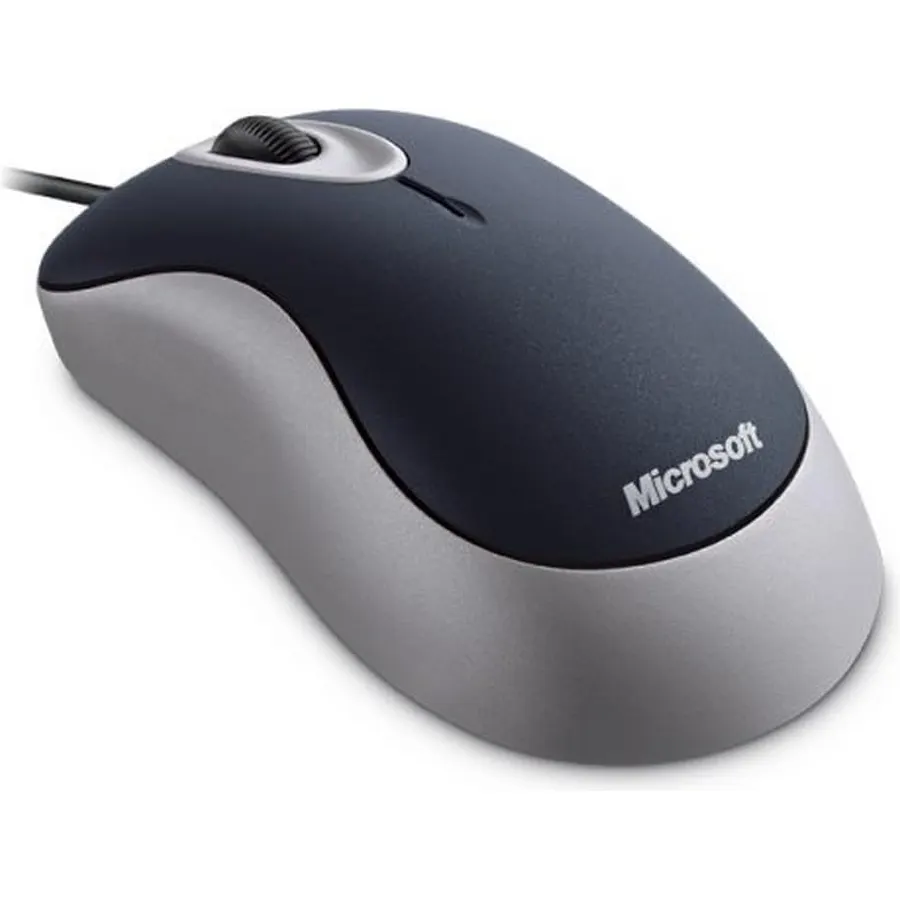
I have been looking for comfortable keyboards that doesn't lag, and have easy sqitches to reduce my typos and be comfortable for long periods of typing. I have also been picky over the size of the mouse, given that prolonged use of a smaller mouse have caused some wrist discomfort!This bundle had both problems, a small mouse (yet smooth), and ok keyboard, not what im looking for !
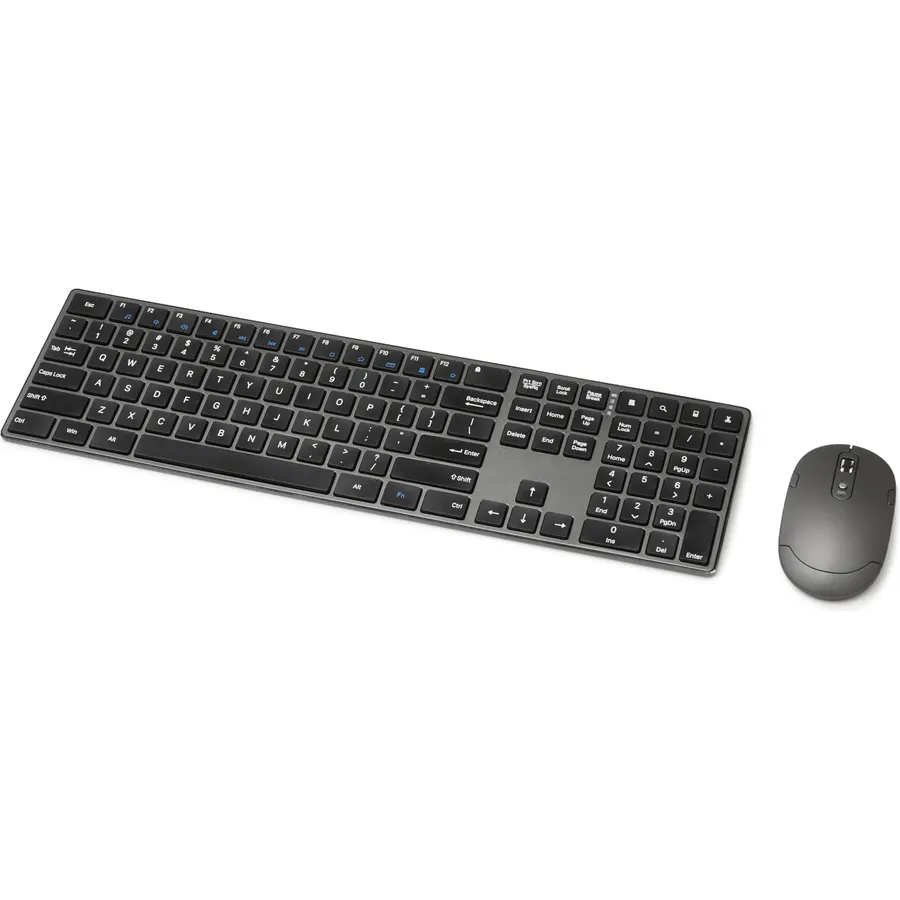
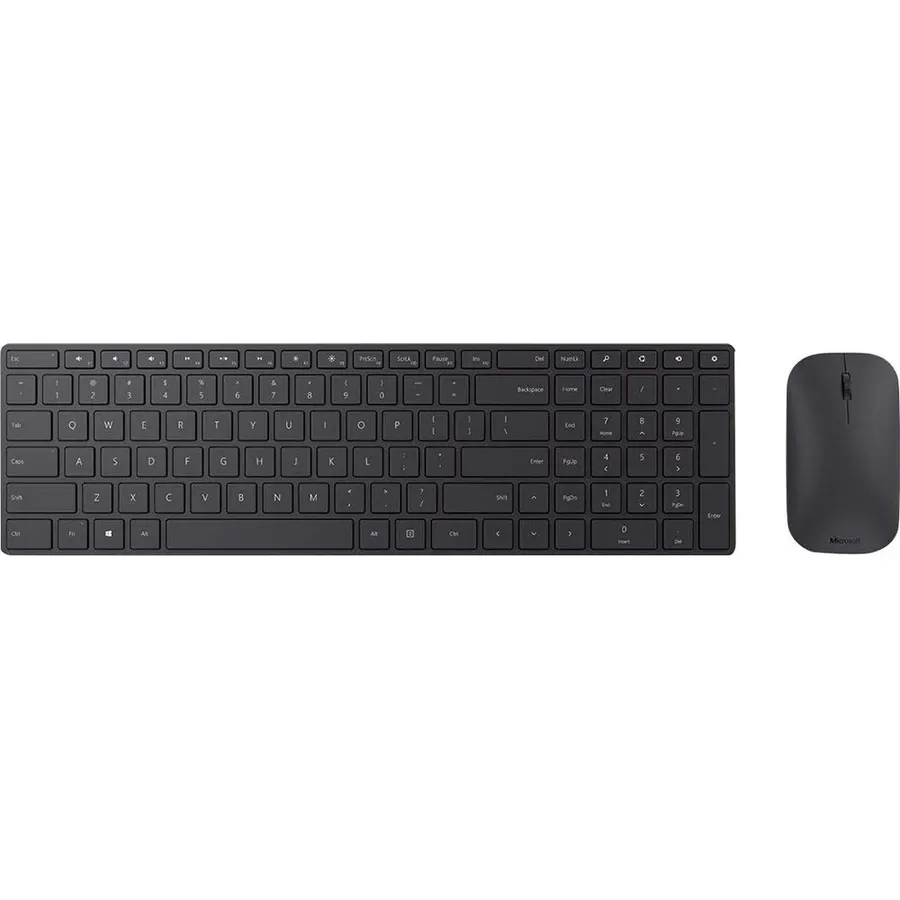
6.4Our score 4 photosMicrosoft - Bluetooth Keyboard and Mouse Bundle - Glacier
Enjoy the solid feel of our sleek, modern keyboard and mouse as you work in Windows and Microsoft 365.* The wireless design pairs seamlessly
Ranked #99 in Keyboards
Quick answer The Microsoft scores 6.4/10 with us. Amazon owners rate it 3.2 out of 5 across 11 reviews, below the 4.3 average of the 37 keyboard & mouse combos we track. Key facts: connectivity technology Wireless, keyboard layout QWERTY, operating system Windows.
Enjoy the solid feel of our sleek, modern keyboard and mouse as you work in Windows and Microsoft 365.* The wireless design pairs seamlessly with your laptop via Bluetooth. Save time with built-in keyboard shortcuts, including dedicated Microsoft 365* and emoji keys—plus a snipping key for fast screen captures. The comfortable, compact mouse design is perfect for precise scrolling and navigation across documents and websites.* Some software and accessories sold separately.
Do Best Deal is a participant in the Amazon Services LLC Associates Program. As an Amazon Associate we earn from qualifying purchases. If you buy through links on this site we may earn a commission, at no extra cost to you. Learn more.
Product information
18 specifications| Antenna Location | Office |
|---|---|
| Brand | Microsoft |
| Color | Glacier |
| Compatible Devices | Laptop |
| Compatible Operating System Family | Windows |
| Connectivity Technology | Wireless |
| Hand Orientation | Ambidextrous |
| Keyboard Description | Indoor |
| Keyboard Layout | QWERTY |
| Mfr Part Number | QHG-00031 |
|---|---|
| Model Number | QHG-00031 |
| Movement Detection | Optical |
| Number of Batteries | 2 AA batteries required. (included) |
| Number of Packs | 1 |
| Operating System | Windows |
| Other Special Features of the Product | Bluetooth Connectivity |
| Power Source | Battery Powered |
| Unit Count | 1 Count |
Microsoft: questions & answers
Is the Microsoft worth buying?
Owners are lukewarm on it, so compare the alternatives before buying. We score the Microsoft 6.4 out of 10. Amazon owners rate it 3.2 out of 5 across 11 reviews, below the 4.3 average of the 37 keyboard & mouse combos we track. The review count is still small, so treat the rating as an early signal.
What are the key specs of the Microsoft?
Connectivity Technology: Wireless; Keyboard Layout: QWERTY; Operating System: Windows. All 18 specifications are in the product information table on this page.
What are good alternatives to the Microsoft?
Similar, well-rated keyboard & mouse combos in our catalog: Microsoft Keyboard/Mouse 3J2-00022 Desktop 600 (9.2/10, 4.6 stars from 33 owners); Microsoft Wireless Comfort Desktop 5050 (9.0/10, 4.5 stars from 437 owners); Microsoft Business Hardware Pack A4B-00007 USB (9.0/10, 4.5 stars from 22 owners).
Microsoft Keyboard/Mouse 3J2-00022 Desktop 600Microsoft Wireless Comfort Desktop 5050Microsoft Business Hardware Pack A4B-00007 USB
Customer reviews
All reviews on AmazonBreakdown from the 4 most helpful reviews we imported.
The batteries in my keyboard were damaged during manufacturing or shipping and were leaking when I received it. Now Amazon won’t accept return until Microsoft weighs in . . . . what a hassle 😩😩
I notice a lag while moving the Bluetooth mouse. I want a non defective piece. Please send me a new defect-free mouse.2/17/2022: The mouse wheel is not good. It doesn't scroll the page as expected. It moves the page up and down with no proper calibration
Before I get into my review, we have to cover two things:1. A bluetooth keyboard typically can't wake a PC from sleep since the device that needs to make the connection with the keyboard is, itself, asleep. This is not a fault in the keyboard. It's not a fault in the mouse. While I assume there could be some devices out there maintaining bluetooth connectivity during sleep, none of my machines do that. Don't expect this to wake your computer. Make yourself familiar with the button again. As for BIOS setup, you will need to keep a wired keyboard handy in the typically rare case you need to ente
Customer reviews are shown as published on Amazon and are not written by Do Best Deal.