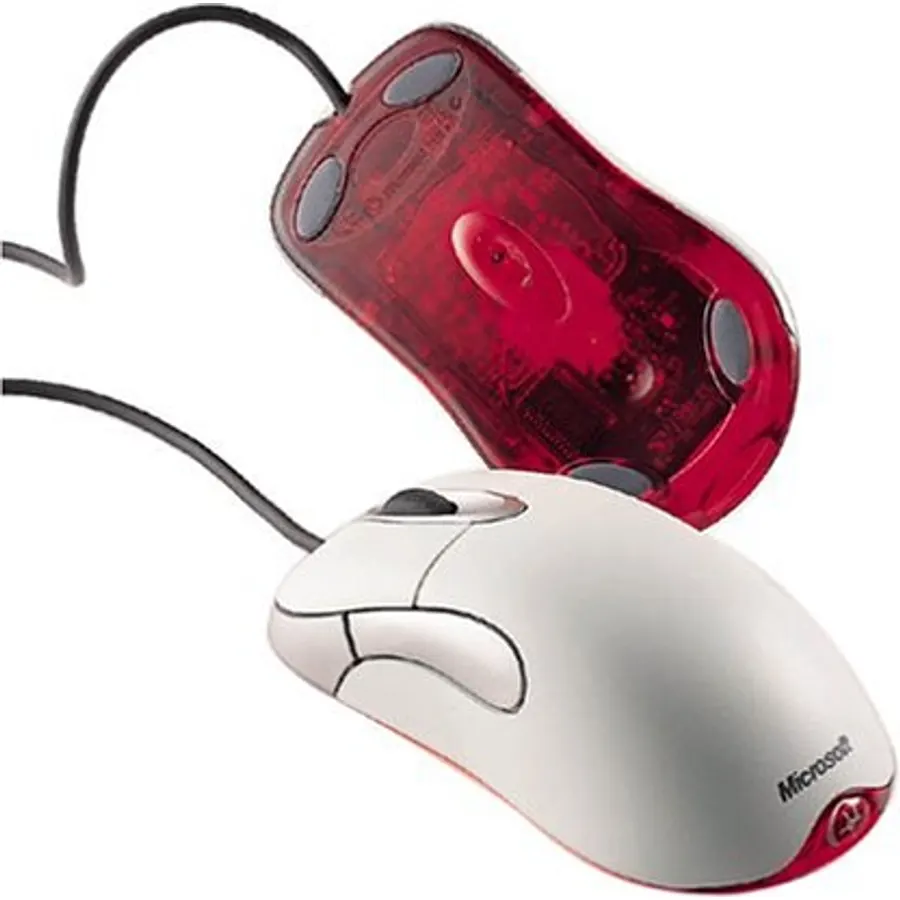
Quick answer The Microsoft SideWinder X5 Mouse scores 8.0/10 with us. Amazon owners rate it 4.0 out of 5 across 140 reviews, below the 4.4 average of the 46 gaming mice we track. Key facts: connectivity technology USB, minimum required operating system version Windows 11.
Fast. Durable. Gaming Mouse.
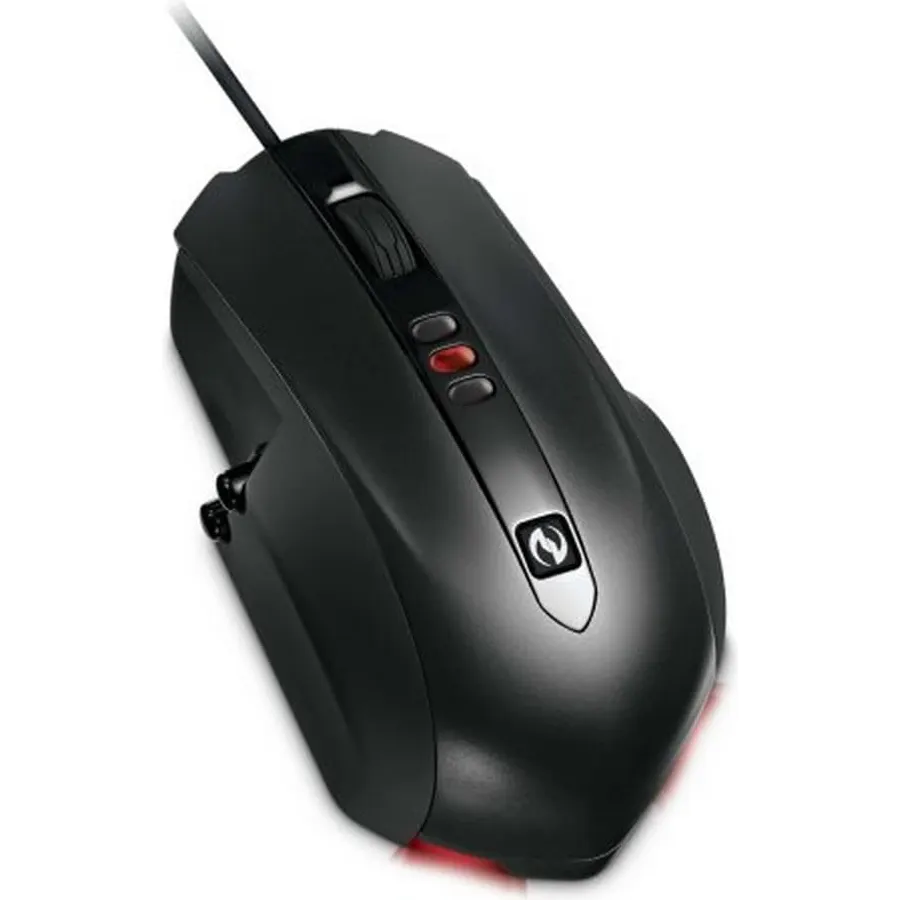
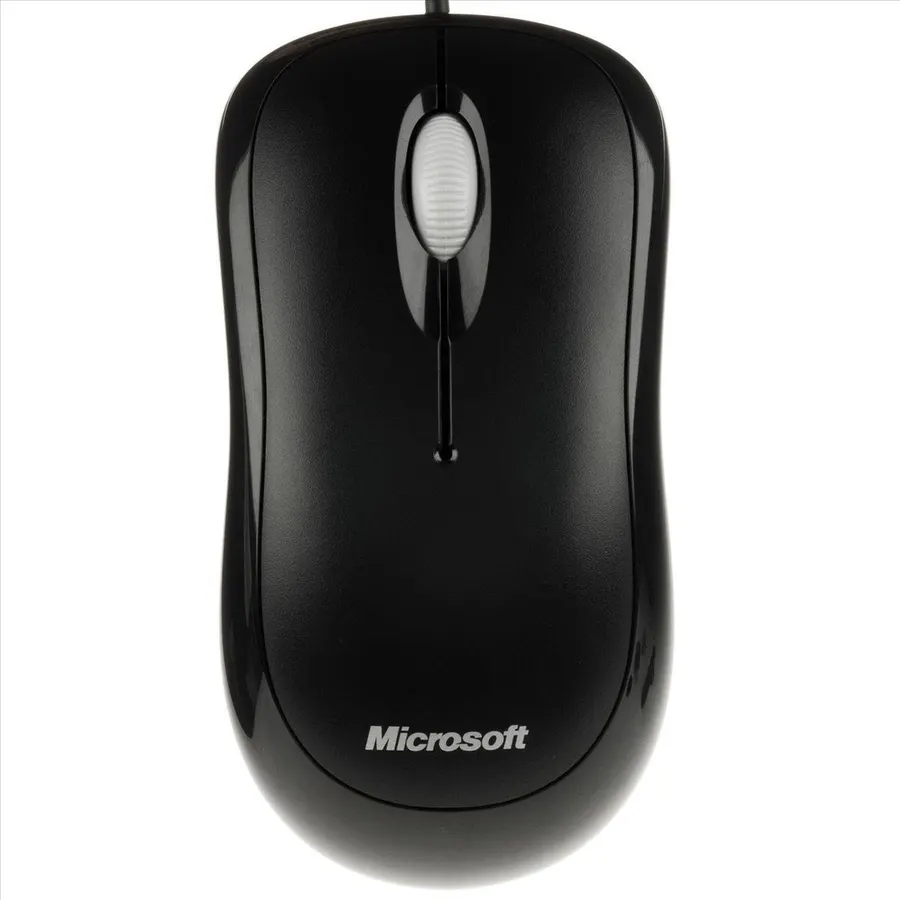
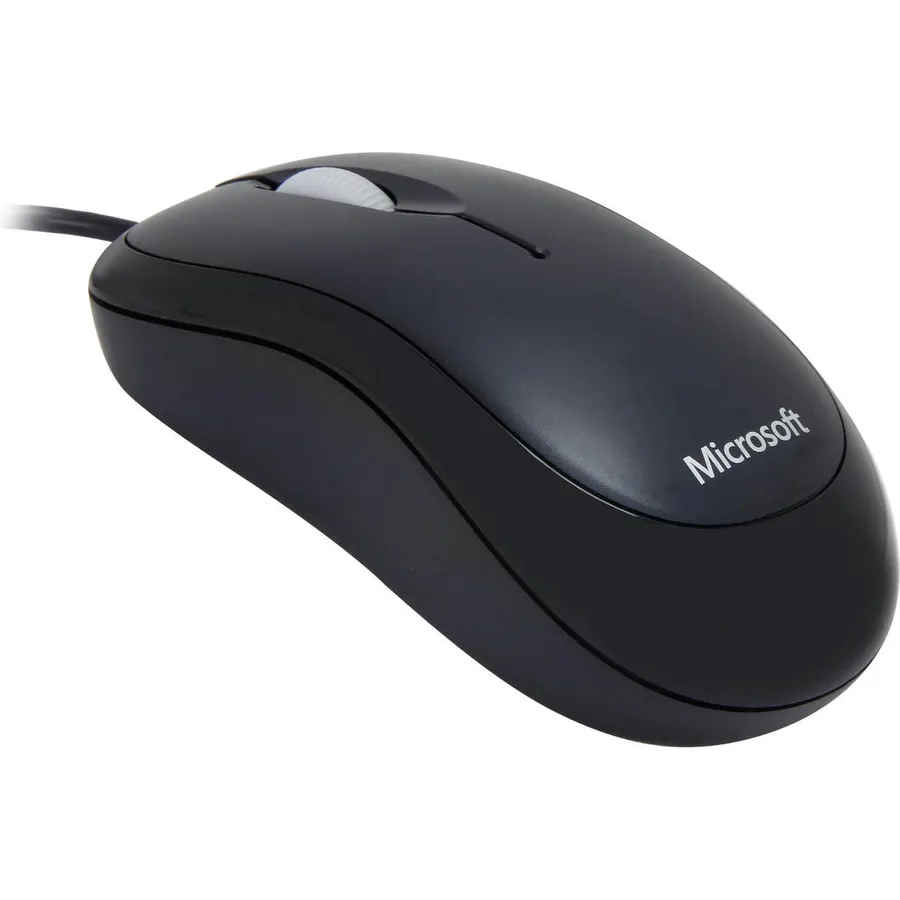
Cut right to the chase with the Microsoft SideWinderTM X5 Mouse another addition to Microsoft¿s award-winning line of SideWinder gaming products. This fast, durable mouse delivers super-precise action with advanced features like vertical side buttons, 200 to 2000 dpi on-the-fl y laser tracking, macros, 5 assignable buttons, and more.
Do Best Deal is a participant in the Amazon Services LLC Associates Program. As an Amazon Associate we earn from qualifying purchases. If you buy through links on this site we may earn a commission, at no extra cost to you. Learn more.
Product information
24 specifications
Additional Features
Customizable Performance
Antenna Location
Gaming
Brand
Microsoft
Button Quantity
8
Color
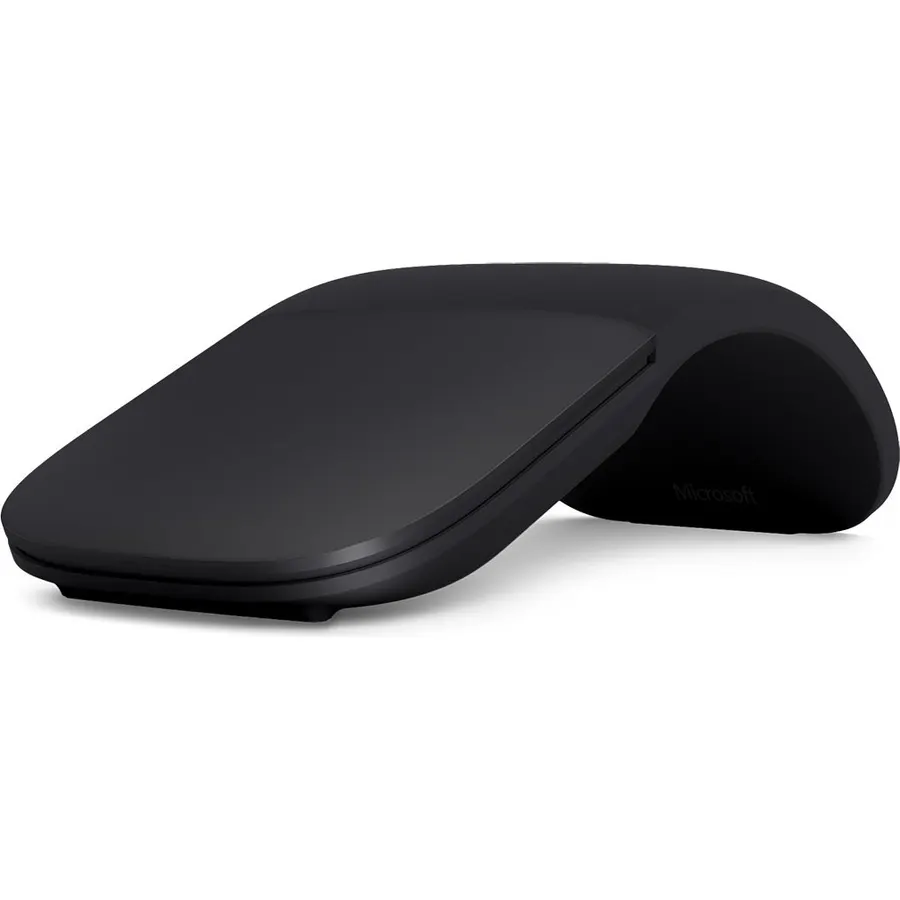
Black
Compatible Devices
Personal Computer
Connectivity Technology
USB
Enclosure Material
Metal, Plastic
Finish
Matte
Global Trade Identification Number
00882224709354
Hand Orientation
Right
Hardware Platform
PC
Included Components
Mouse
Mfr Part Number
ARB-00001
Minimum Required Operating System Version
Windows 11
Model Name
ARB-00001
Model Number
ARB-00001
Mouse Maximum Sensitivity
2000 dots_per_inch
Movement Detection
Laser
Operating System
Windows Vista, Windows XP
Power Source
Battery Powered
Range
10.0 meters
Style Name
Modern
Theme
Gaming
Pros & cons
What we like
2000 DPI Laser Tracking Engine - For fast action
Built to Last - Main button life: Rated to 10,000,000 clicks
On-the-Fly DPI Switching - Instantly switch sensitivity between high (2000), medium (800), and low (400) with one click.
Five Programmable Main Buttons - Customize your main gaming buttons to your preference.
What could be better
Microsoft SideWinder X5 Mouse: questions & answers
Is the Microsoft SideWinder X5 Mouse worth buying?
Owners are lukewarm on it, so compare the alternatives before buying. We score the Microsoft SideWinder X5 Mouse 8.0 out of 10. Amazon owners rate it 4.0 out of 5 across 140 reviews, below the 4.4 average of the 46 gaming mice we track.
What are good alternatives to the Microsoft SideWinder X5 Mouse?
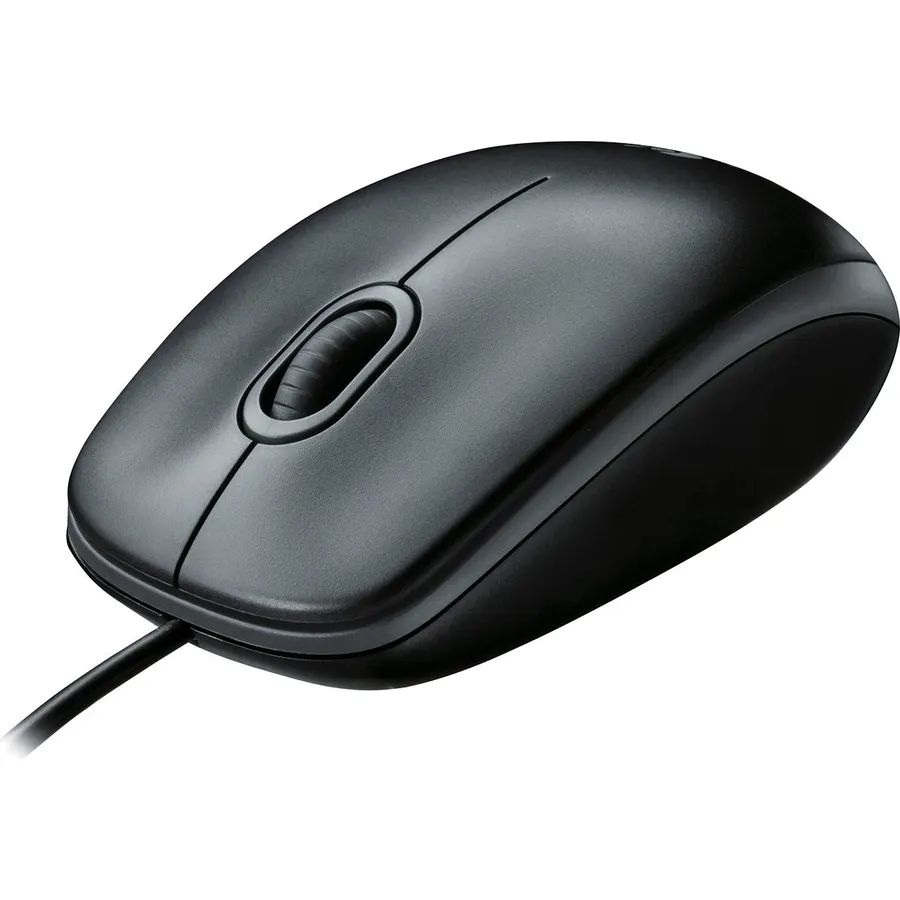
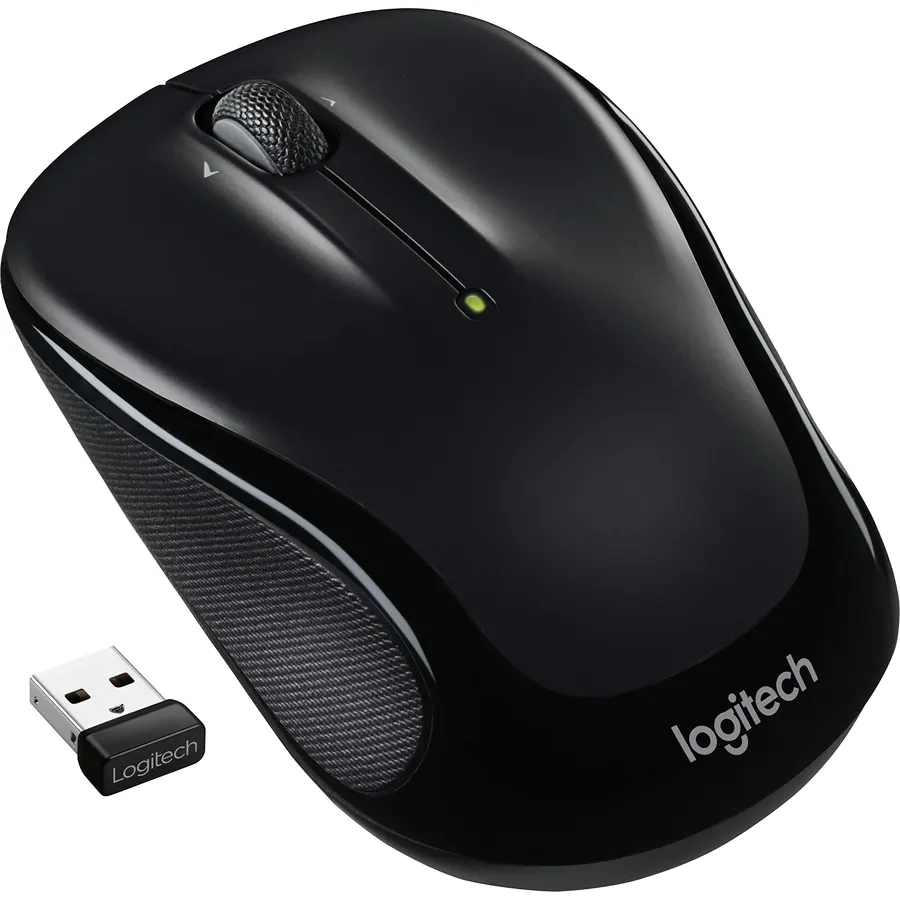
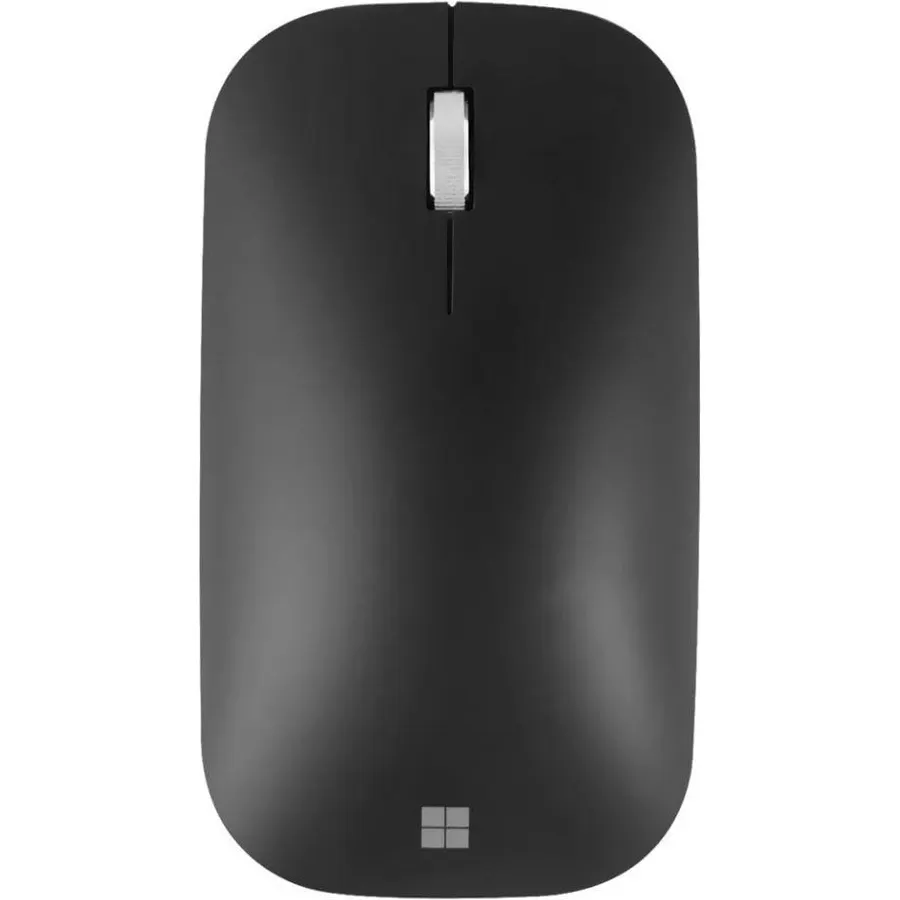
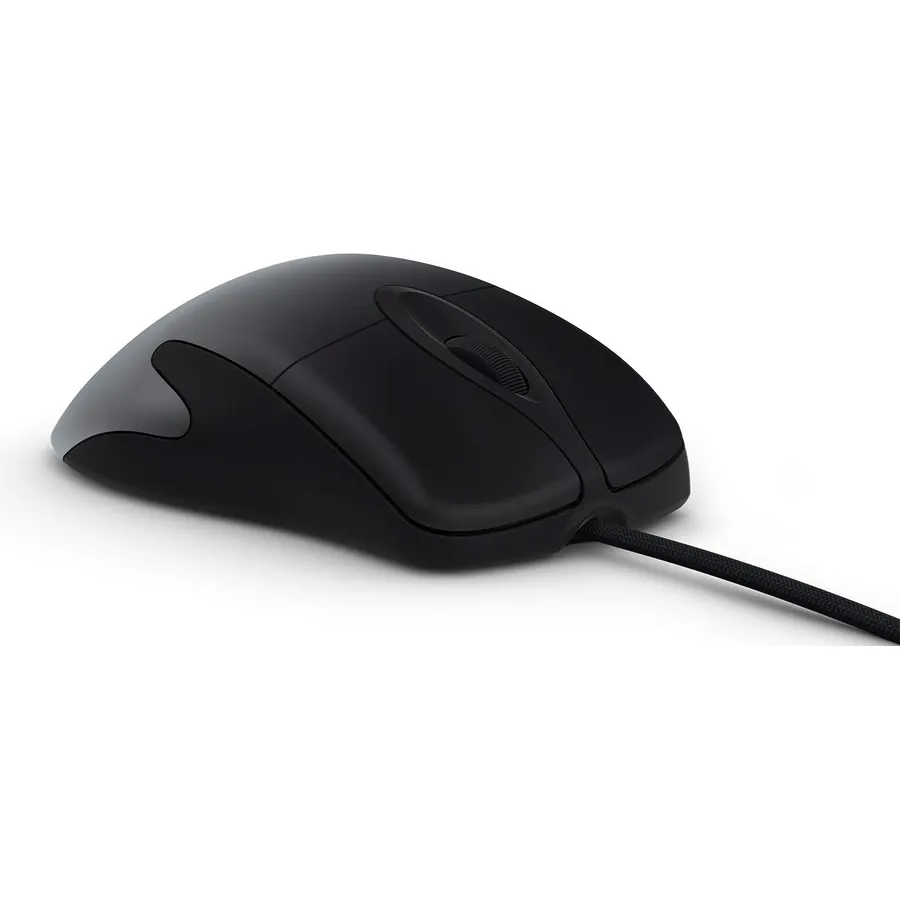
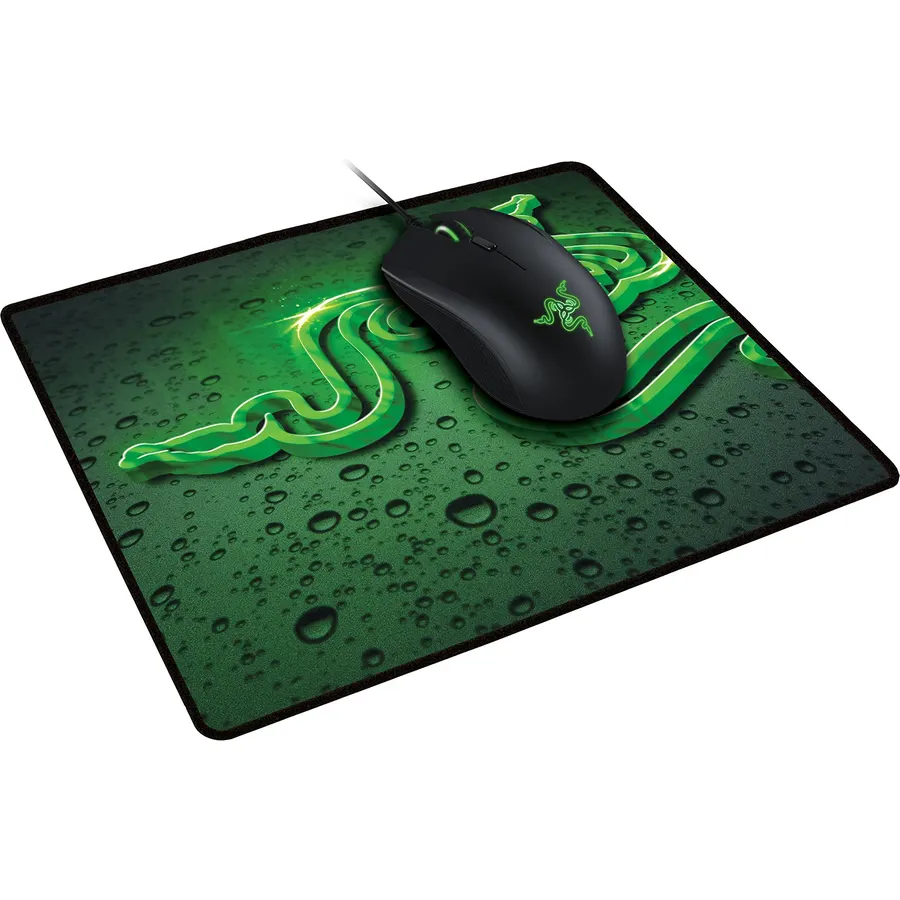
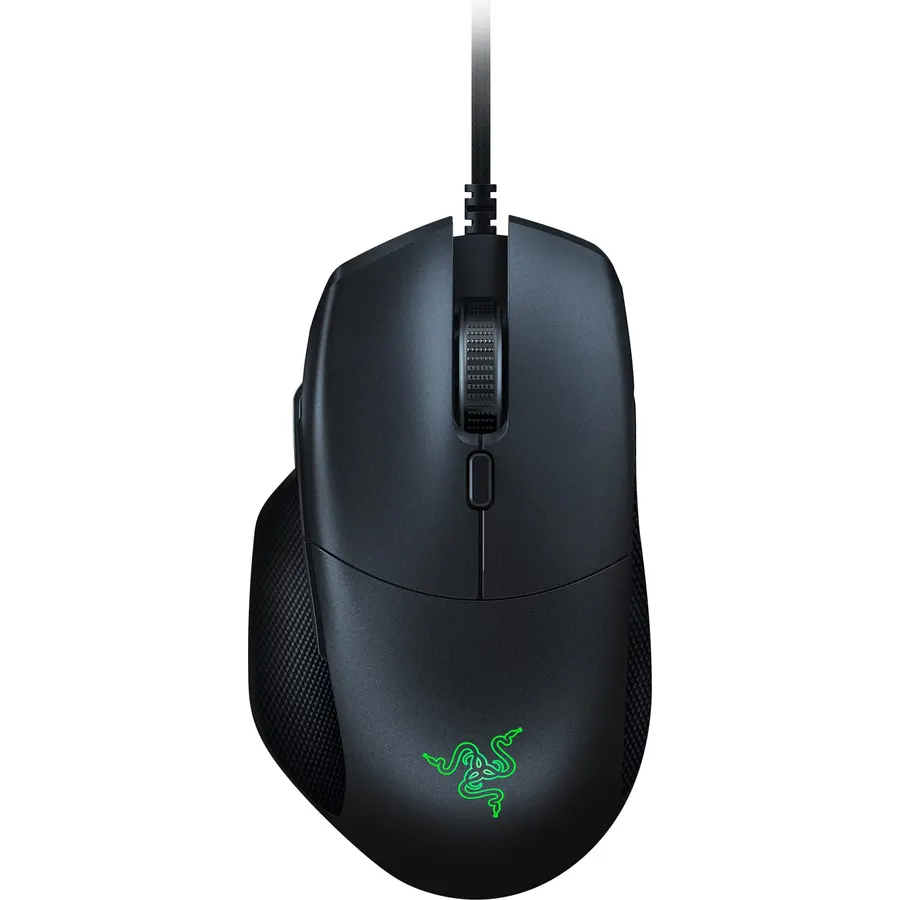
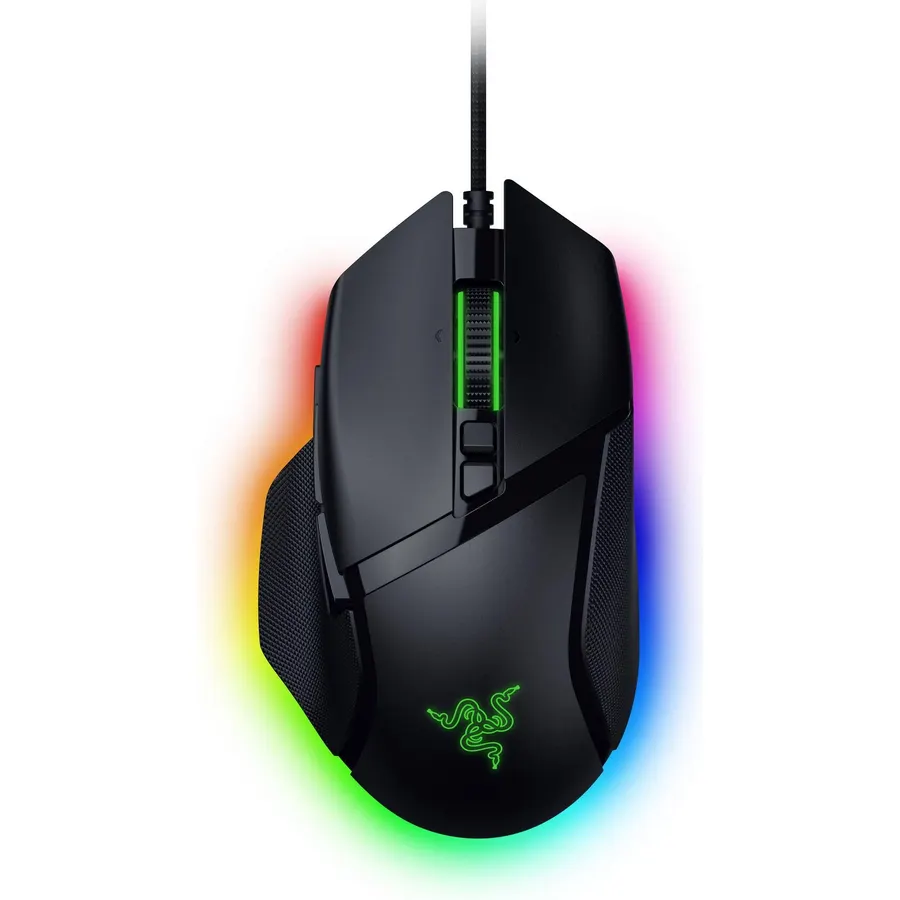
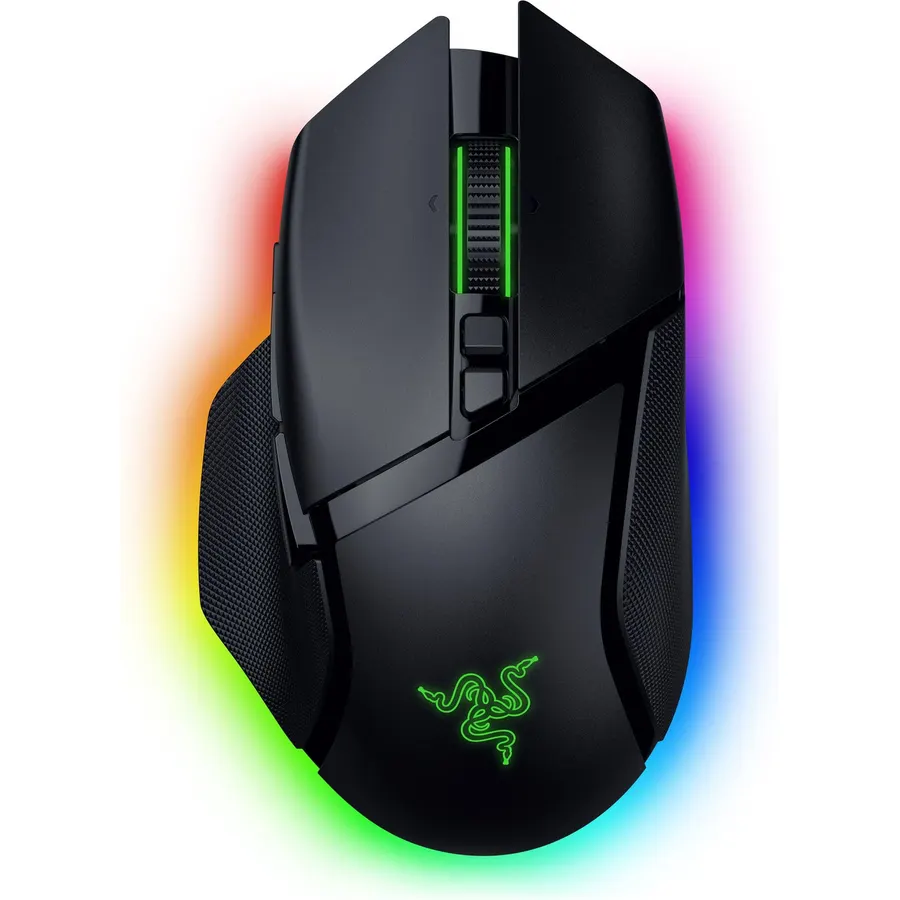
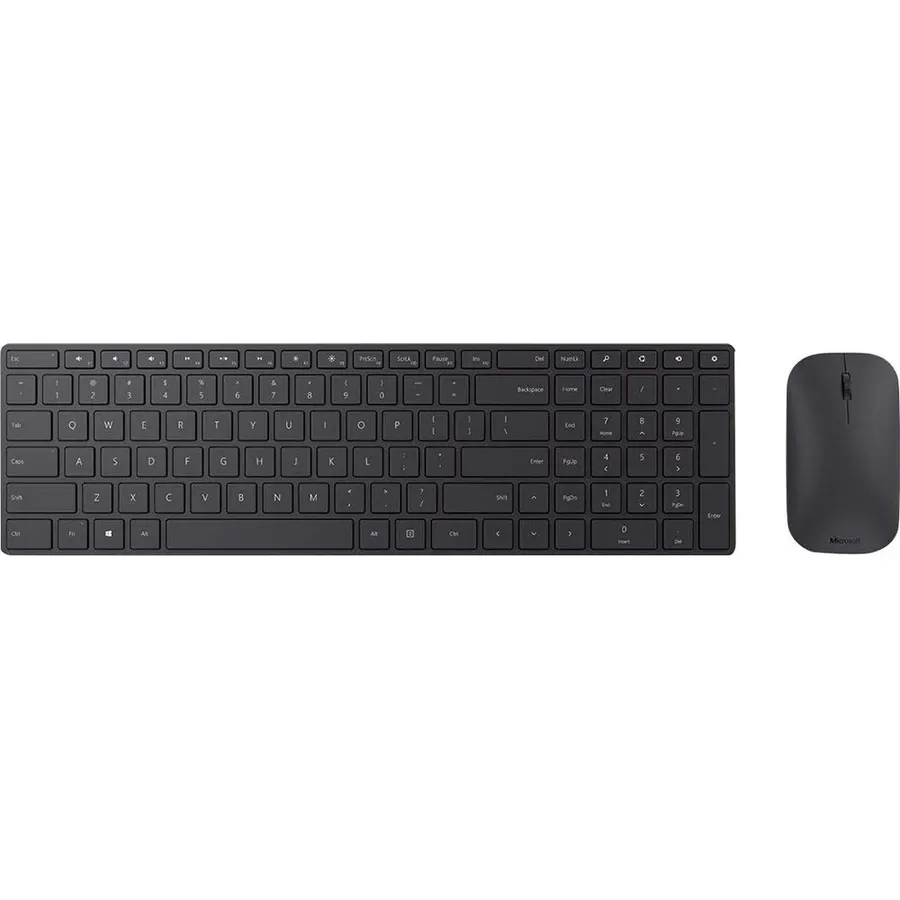
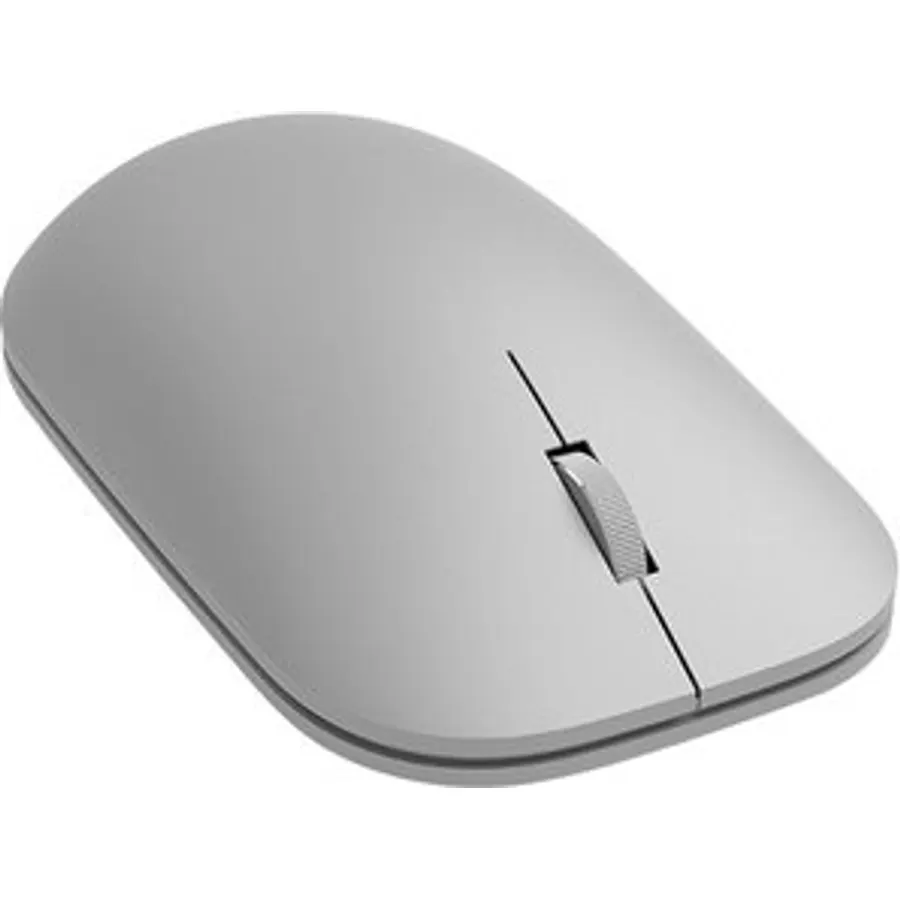
Similar, well-rated gaming mice in our catalog: Microsoft Pro Intellimouse (9.0/10, 4.5 stars from 699 owners); Microsoft Modern Mouse (8.8/10, 4.4 stars from 418 owners); Razer Basilisk V3 X HyperSpeed Customizable (9.8/10, 4.3 stars from 12,492 owners).
Breakdown from the 8 most helpful reviews we imported.
J
J. Sterling
Verified purchaseJune 6, 2010
Great Budget Gaming Mouse
My old mouse was the Microsoft Wireless Laser Mouse 5000, and I just couldn't take it anymore with wireless mice and gaming. So I set out to look for a nice gaming mouse within $20-$50 that looked nice, and was laser. I stumbled upon the Sidewinder X3, but then I saw that Amazon had a deal on the X5 for the same price as an X3. So I figured why the hell not? Man am I glad I got this mouse.The first test run I used it in was Bad Company 2. In most FPS's, I was fine with the wireless mouse, but when it can to situations where the reaction mattered, I would lose. With the X5, when you click the b
S
Stuck
Verified purchaseAugust 27, 2010
It's a great mouse
I ordered this mouse to use with my laptop for gaming, the trackpad just didn't work out so well! :)I had always heard that Sidewinder was a good quality mouse, so I decided to order this because it was such a great price and matched everything I was looking for (Mainly on-the-fly DPI adjustment, and 2 side buttons) When I first opened the packaging I noticed how sleek and attractive the mouse looked, and found the cord to be of very good quality. The on-the-fly DPI adjustment worked right out of the box, and the two side buttons are easy to use and are in a perfect position for my hands. The
K
K. Klemple
Verified purchaseMay 4, 2010
Takes some getting used to
This (and all other Sidewinder mice) is a very large mouse. I have fairly large hands, and I still have to reach a bit for the side buttons. At first when gaming with it I had a hard time finding the side buttons. But after just a day or two, I had memorized the layout. It works great for me now, and I really like the layout. The "pinky rest" also takes some getting used to, as most mice let your pinky drag on the mouse pad.The adjustable sensitivity buttons are great, although I don't use this feature too much. The clicks are firm, without being too loud. The scroll wheel is very tactile, wit
L
loufah jones
Verified purchaseDecember 15, 2010
WHAT A PIECE OF SHIRT !!!
What garbage!This mouse has all the bells but no whistle!There is almost no weight to the unit making hard to get any sort of solid grip to it.The pointer (due to the lightness of the unit) flies around the desktop making it hard to control even at 800dpi!You find yourself having to re-program each button just to play a single game. And forget about your other applications: Standard macros in Word or Photoshop won't work and can't be re-programmed!AS FOR DURABILITY, HAH!My unit broke after two weeks of playing DOOM3! Imagine what will happen with a REAL Mouse-heavy game!PASS IT BY, PASS IT BY,
V
V.S.
Verified purchaseSeptember 18, 2012
Only if you can't afford better.
I was particularly fond of the Logitech MX518 gaming mouse, but after going through three of them in about 18-24 months of use, I thought it might be best to say goodbye to Logitech and see if I could find a more durable product. I didn't have a lot of money, so the Sidewinder X5 seemed like a cheap alternative to the MX518, with basically all the same features. But the X5 was not an adequate replacement.The greatest problem I have with the mouse is also its most basic feature: moving the pointer across the screen. If you want to move the mouse up or to the left, you'll do just fine. But if yo
G
Gordon Freeman
Verified purchaseNovember 27, 2011
A Solid Gaming Mouse
This is my first wired gaming mouse and I have to say that it far exceeds my expectation compared to the wireless ones that I have had. When I first ordered this mouse I didn't think that it would be as large as it is. I have rather small hands, but after a month of using the sidewinder the size, at least for me, has not really been a problem. This mouse is very responsive when gaming and the high dpi makes it better for looking and strafing during most first person shooter games such as Battlefield 3. This mouse is also very ergonomic like most Microsoft mice that I have used previously and i
G
gcampaj
Verified purchaseApril 14, 2012
Excellent, affordable gaming mouse.
I wanted a gaming mouse to complement my new gaming laptop, but I didn't want to have to spend $50 on a Razer or something similar. Found this after some searching around (managed to get it for less than $30 on sale) and I love it. It looks awesome, has multiple DPI settings, the mouse wheel is nice and sturdy, and the thumb buttons are well placed. It is a fairly large mouse, but I have big hands, so it works. Very comfortable to hold, and very sturdy/durable. The only downside is that it does tend to trap heat from your hand, so after 20-30 minutes of gaming it feels very warm to the touch.
K
KE Reviews
Verified purchaseMay 29, 2010
Fantastic for the price
The X5 mouse is incredible for the price. If you are looking for a mouse and only looking at the dpi then just stop. 2000 is sufficient, and on the fly switching is fantastic on this mouse. the 2000 dpi setting is very quick and responsive in any FPS. I ordinarily still use the mid setting, and the low setting is fantastic for a scope shot in an FPS or any other very sensitive area. The side buttons are sensitive, but I have no issues with them. The red LED's are a nice touch, and not too bright to annoy. The included intellipoint software was version 6.3 and was not compatible with Windows 7,
Customer reviews are shown as published on Amazon and are not written by Do Best Deal.